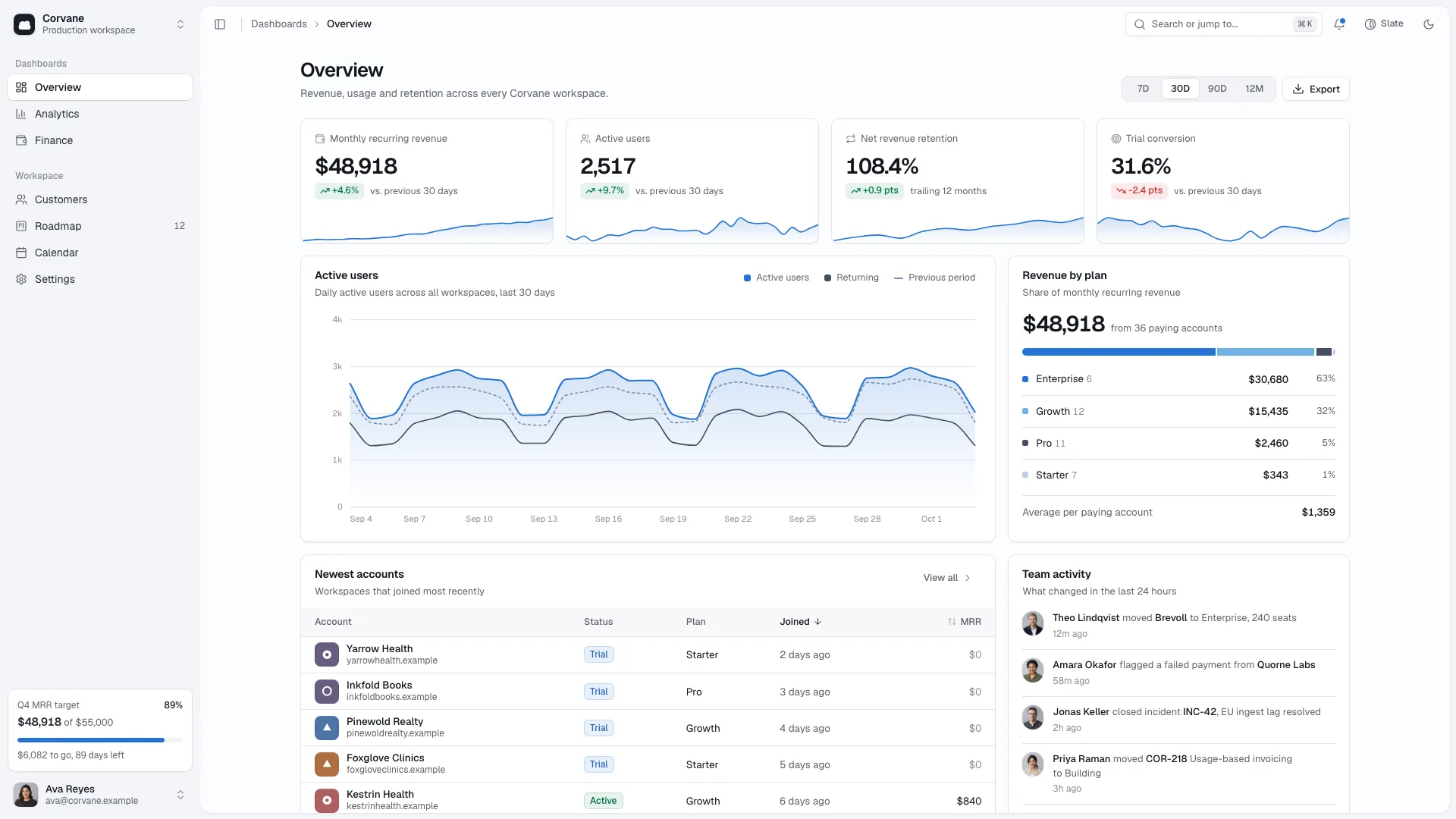
Slate Admin Console


 +7
Use this Skill to build website page.
HOWAI / A LIBRARY OF POSSIBILITIES
Discover AI-made work and the reusable Skills behind it. Find a method. Make it yours.
A FEW GOOD PLACES TO BEGIN
Landing pages, portfolios and websites with a method behind the design.
Explore websites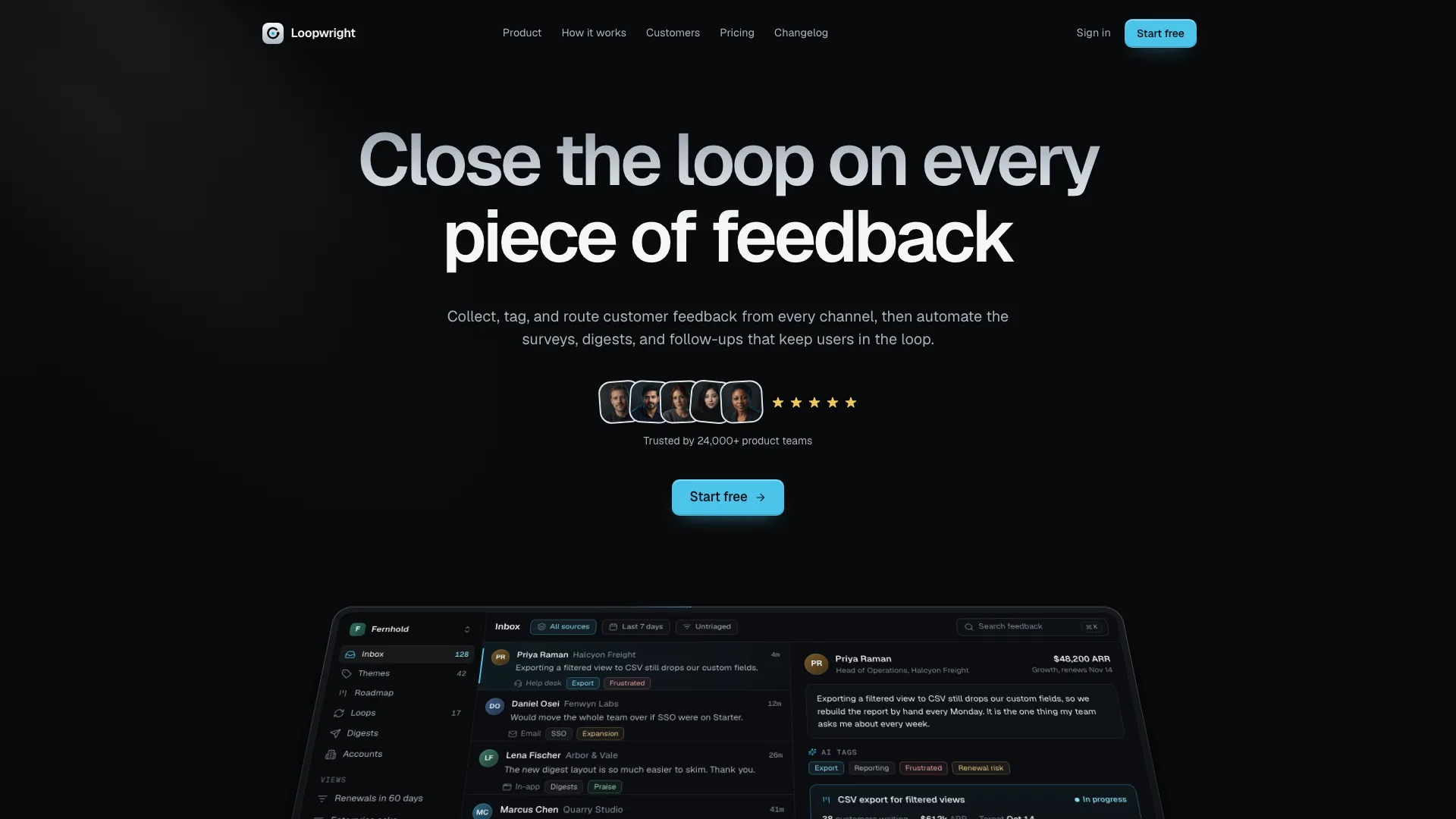
Follow one product request from capture to a useful result instead of presenting a sequence of unrelated dashboard mockups. Cadence Marketing Landing uses charcoal surfaces, cyan actions, silver-gradient headlines and product UI that stands upright as visitors scroll. Its fictional Loopwright feedback workspace links the hero, feature demonstrations, workflow, customer story and closing laptop screen; adapt that same continuity to your software.

Build a five-page marketing site for a software or AI product, with graphite backgrounds, soft off-white text, fine borders and one mint accent. Mint Noir uses a large italic-serif word inside bold headlines and a code-drawn product window to carry the opening. Product, Pricing, Resources, Events and Changelog share one navigation system and footer, so the offer and its supporting content can be reviewed together.
Turn ideas and evidence into a presentation with a clear point of view.
Explore slides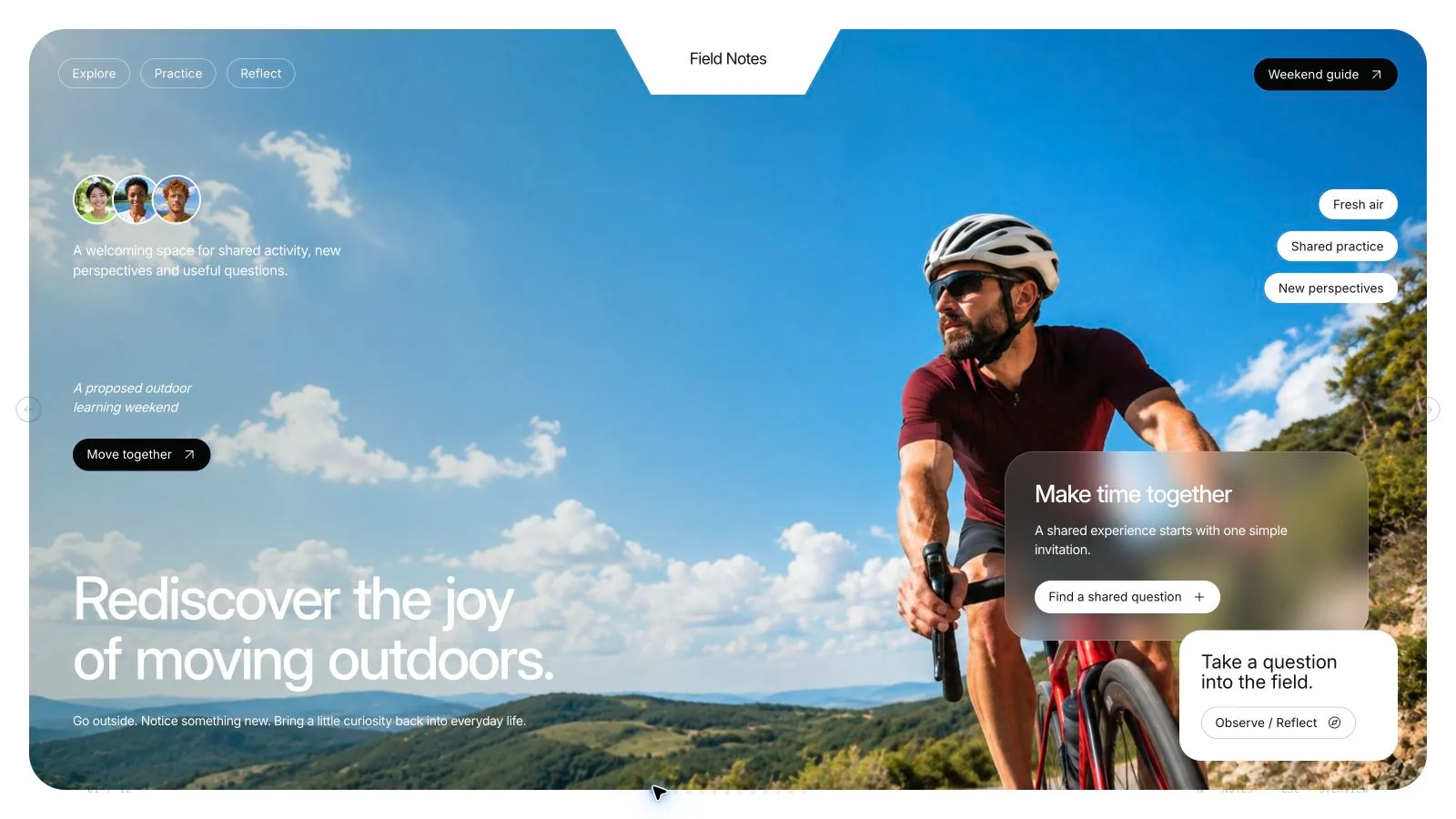
Introduce an outdoor-learning program through movement, observation, shared practice and reflection. Field Notes Deck adapts sports-editorial photography into a presentation with white pages, sage cards, rounded image windows and frosted captions. Its example weekend is a fictional program concept; the actual sequence, count and practical details come from your approved brief.
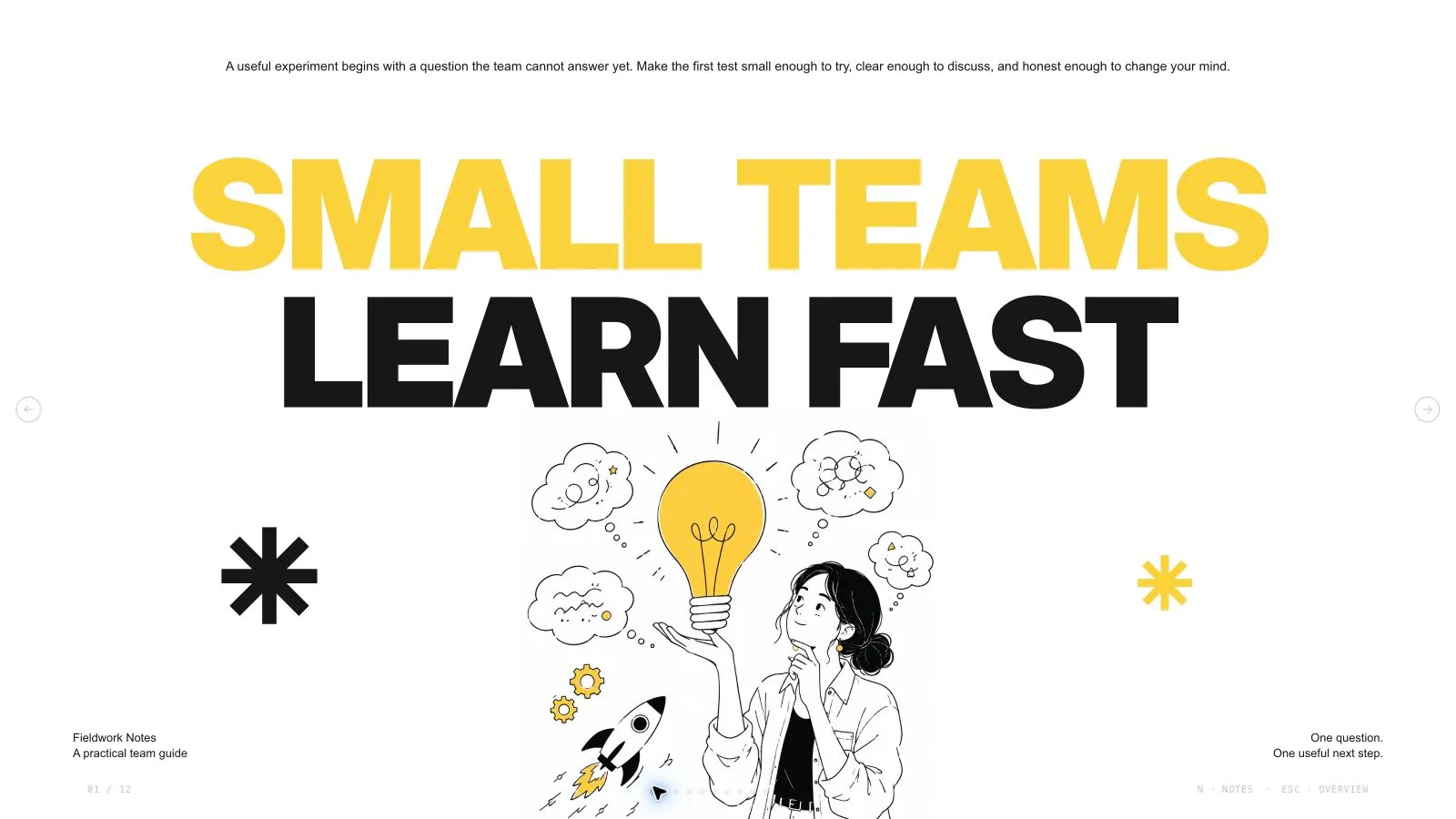
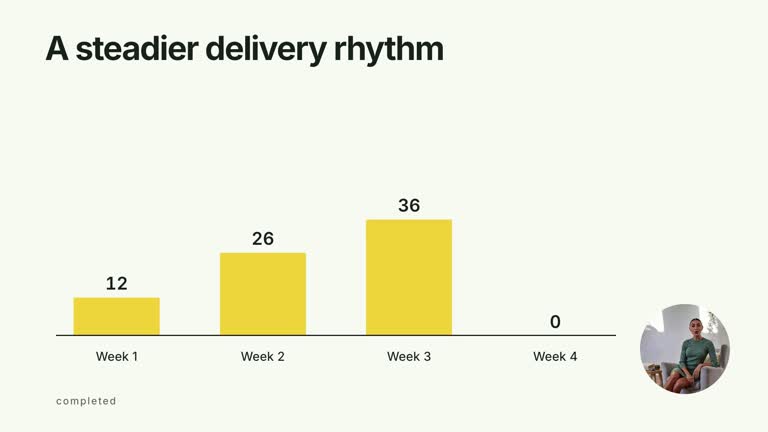
Explain how a small team can turn a question into a concrete test and a useful decision. Yellow Sketchnote Deck pairs oversized black/yellow headings with asymmetric copy islands and fine ink figures, giving experiment planning, feedback and comparison their own visual roles. The example is a guide structure, not evidence that an experiment has succeeded.
Characters, illustrations and visual systems to make your next project yours.
Explore images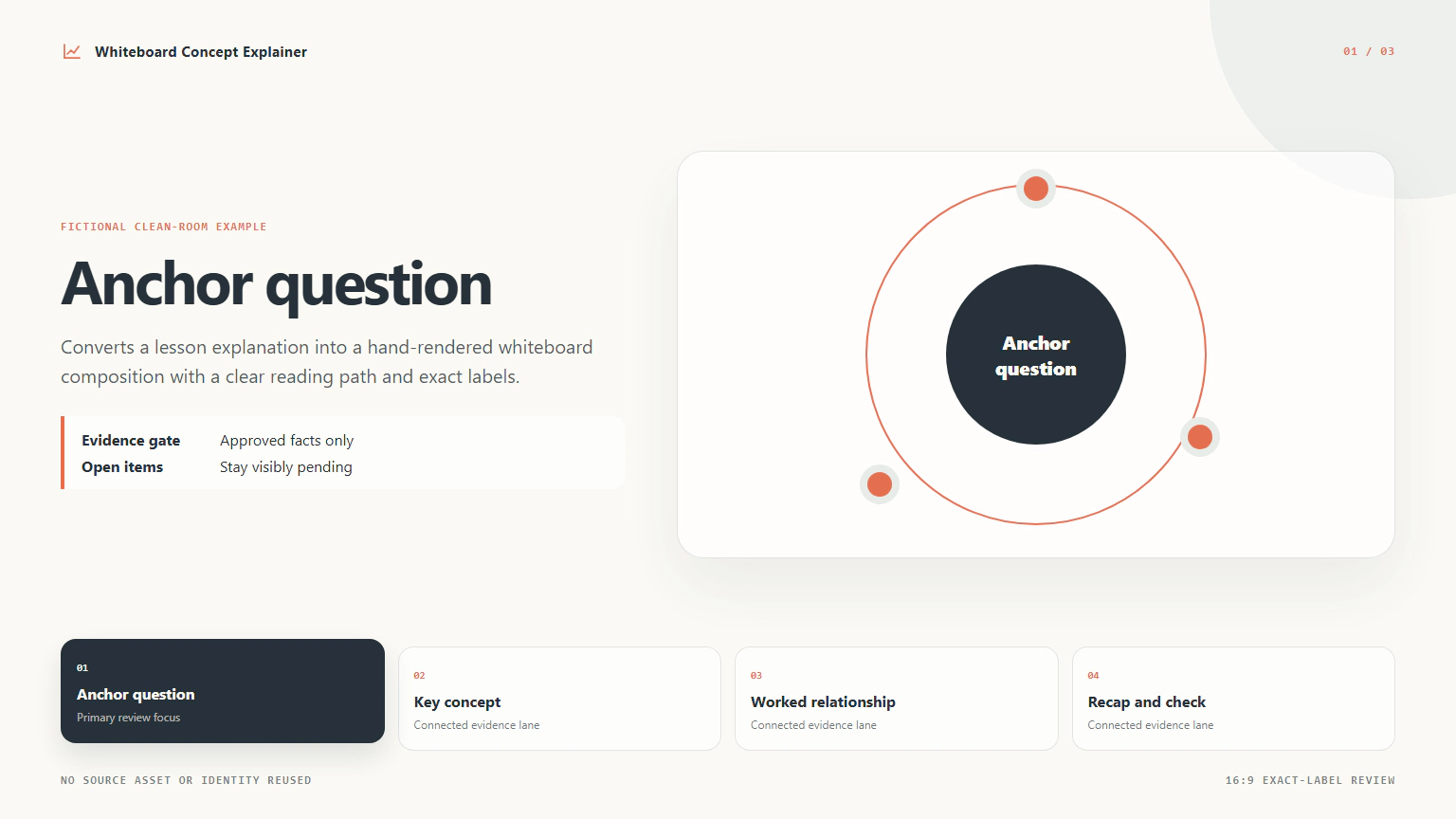
Build three HTML review views that explain one approved lesson through exact text, nodes, connectors and source notes. Whiteboard Concept Explainer uses deterministic layout rather than model-rendered lettering, with a ledger distinguishing facts, assumptions and open questions. Its supplied template is a starting structure to adapt, not a finished lesson or an automatically generated hand-drawn illustration.
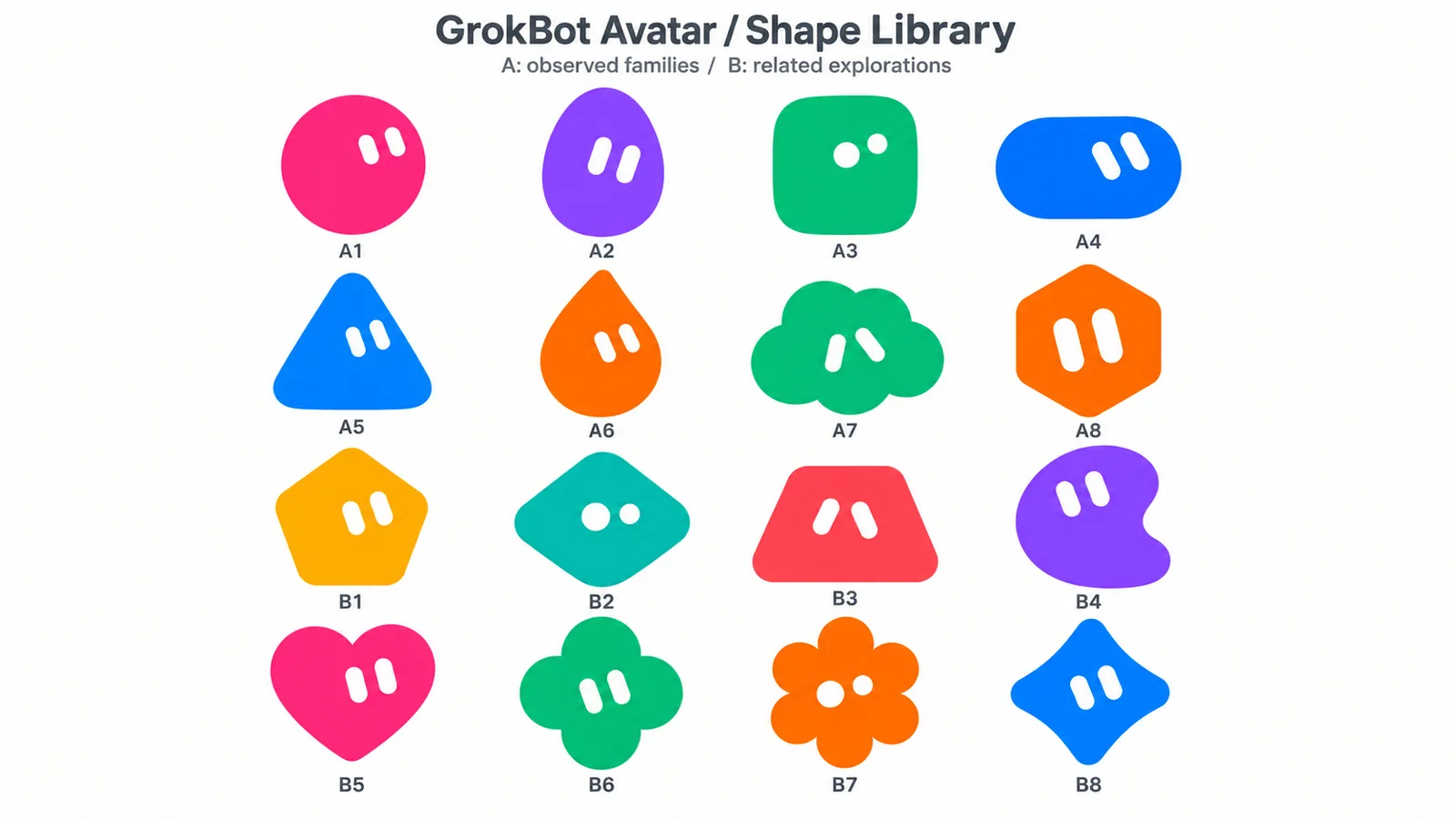
Create either a flat geometric mascot or a small soft-vinyl character portrait, keeping the brief ahead of defaults. GrokBot Avatar defaults to one Original shape with exactly two simple eyes; a requested humanized/Anime direction uses a large rounded toy head, molded hair and matte material. It produces raster images through the available built-in image tool, not an official character system, rig or animation.
Launch videos, explainers and motion effects. Start with the result you want.
Explore video
Build a product announcement with room for several supported capabilities and one final reveal. Manus 2.0 Style Launch Video combines a bright porcelain stage, large moving words, black “New” chapter dividers and close views of your actual interface. Landscape imagery and frosted cards provide contrast, while the soundtrack gives the longer keynote-style story its pace.
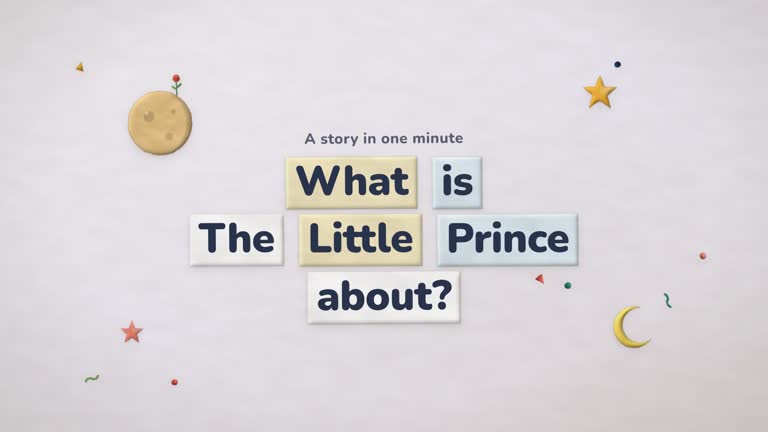
Explain a simple idea through a small world of animated paper pieces. Paper Cutout Story Video turns your topic, notes or message into a short story with soft clay-and-felt shapes, hand-cut edges, layered hills and a warm sun. Props and words enter one idea at a time, so the explanation can work visually without narration.
RECOMMENDED SKILLS
Recommended Skills from across the library.
+7Use this Skill to build website page.
 +7
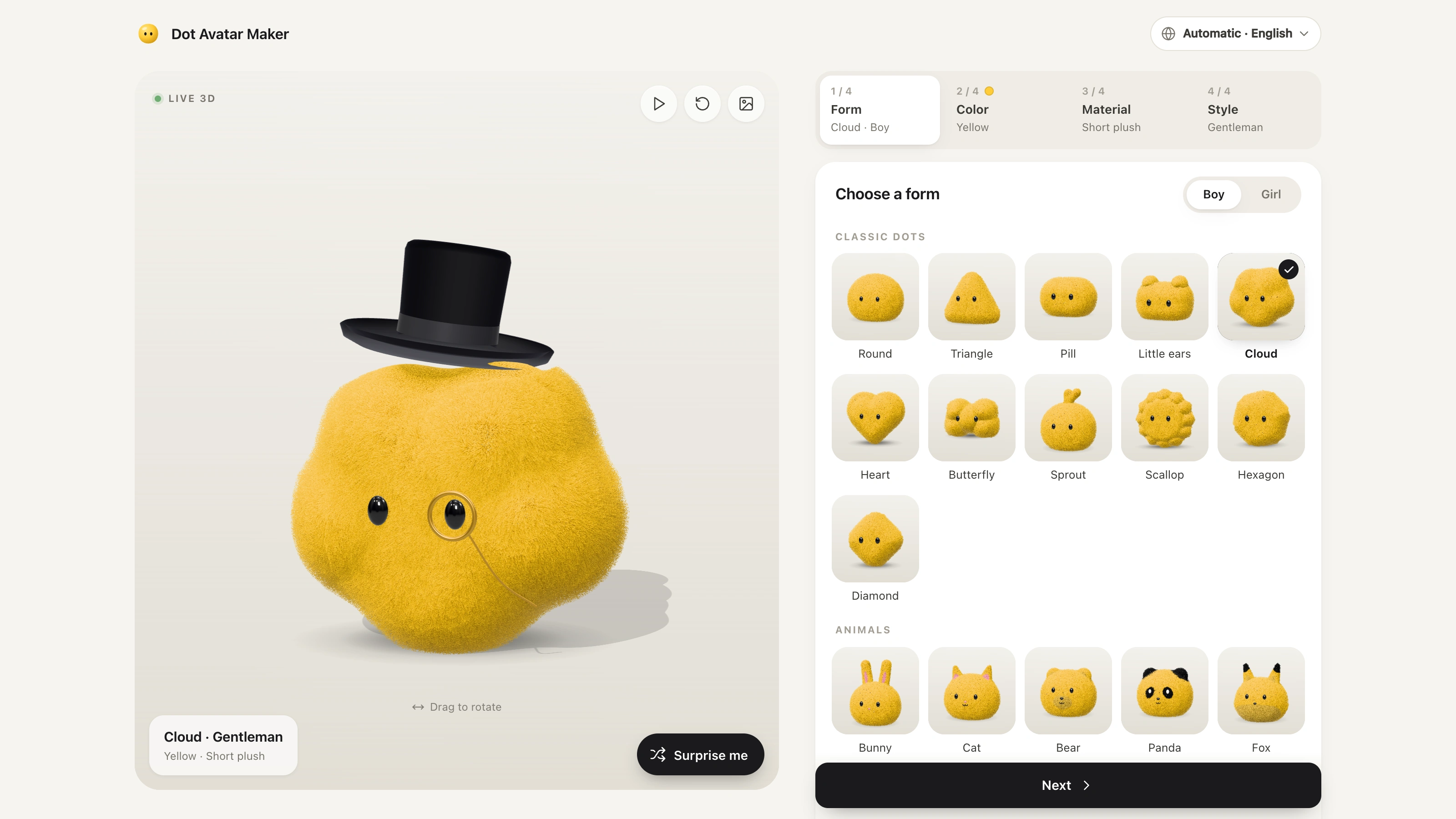
Use this Skill to create character & styled art.
 +7

Use this Skill to create broll animation.
 +7
Use this Skill to create product launch animation.
ROOM TO EXPERIMENT
A small project is a good place to learn a new method.
 +7
Use this Skill to create product launch animation.
 +7
Use this Skill to build website page.
 +7
Use this Skill to create product launch animation.
 +7
Use this Skill to create product launch animation.
WATCH. THEN MAKE.
AI video work and the instructions behind it.
THE HOWAI FIELD GUIDE
Choose a method, set up your agent and try your first task. We’ll walk you through it.
Open the field guideA Skill is a reusable set of instructions and supporting files that helps an AI agent do a specific task. Start with a result you like, then use its Skill with your own content.
Open a Skill and choose Install Skill for setup instructions, or download the ZIP. The Learn guides cover installation through HowAI CLI and supported agents. Preview only means an installation package is not yet available on HowAI.
Check the Runs in section on each Skill for compatible agents, such as Claude Code, Codex and Cursor. Setup and any additional tools depend on the Skill; see its installation guide and requirements.
Some available packages are free; others require a HowAI Pro membership. Check the access options on each Skill before installing. AI model usage, external tools and other provider charges are separate from HowAI membership.
Previews show examples of what a Skill can make. Your result will depend on your inputs, agent, model and available tools. Follow the Skill’s requirements and review the output before using it.
Yes. Sign in and use Submit to request a Skill. Tell us what you want to make, what inputs you have and which agent you use. Requests are reviewed, and submitting one does not guarantee publication.


