LaunchMotion · Presenter Shift

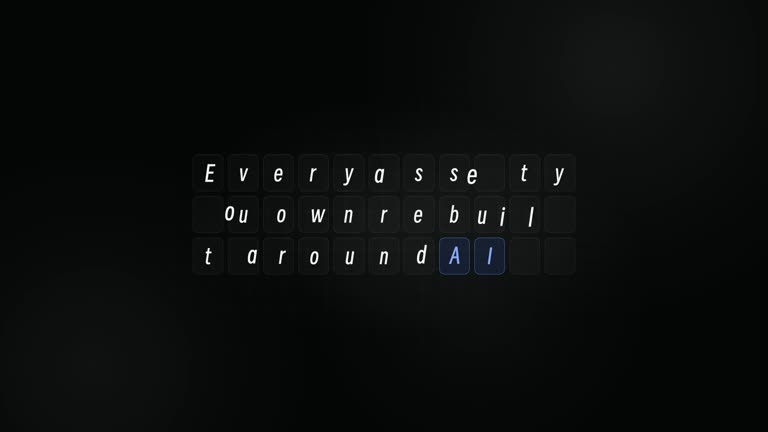
A talking presenter fills the frame against a black grid while huge words build in sync with his speech and pass behind his head, the old way gets slashed out, the new way lands on a color band, and he slides aside as a circled brand name collects its features.

A talking presenter fills the frame against a black grid while huge words build in sync with his speech and pass behind his head, the old way gets slashed out, the new way lands on a color band, and he slides aside as a circled brand name collects its features. Rewrite every line, drop in your own logo and pictures, pick a blue, black-and-white, orange or brand-color theme, and render a 12.8-second MP4 in 1080p or 4K on your own machine.

What it shows

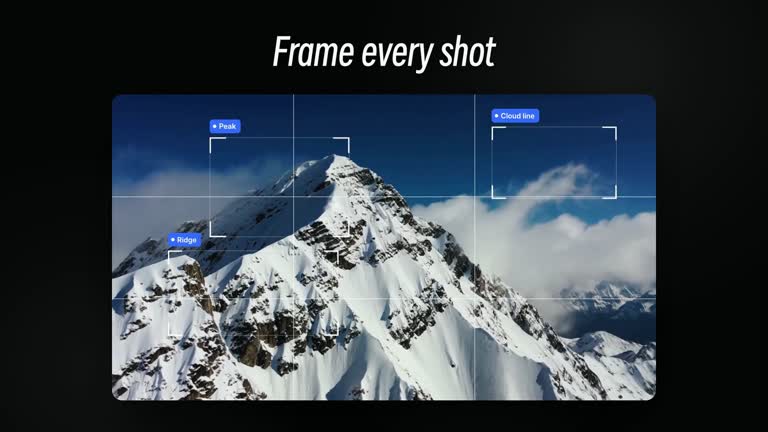
A talking presenter fills the frame against a black grid while huge words build in sync with his speech and pass behind his head, the old way gets slashed out, the new way lands on a color band, and he slides aside as a circled brand name collects its features. The scene runs 12.8 seconds at 1920×1080 on a black background with a fine grid. Headlines use Smiley Sans, cards are frosted glass, and the accent color follows the look you pick.

Pick a look

  • Blue (default), black-and-white, orange, or your own brand color.
  • Backgrounds stay white or clear glass in every
What you get

  • An editable 12.8-second motion scene in 1080p or 4K: Presenter Shift.
  • 14 text slots and 1 picture slot for your logo and screenshots, all with working defaults.
  • Blue, black-and-white, orange or your own brand color from one command, with Smiley Sans headlines and frosted-glass cards.

Good fit

  • Product launch videos, release notes and feature announcements.
  • Social clips and landing-page hero loops that need one clear motion beat.
  • Teams who want premium, consistent scenes in their own brand color.

Not for

  • Editing long-form footage or full launch films end to end.
  • Full-screen saturated color backgrounds; this style keeps backgrounds white.
  • Generating voiceover, music or new AI footage.

How to use

You say/launchmotion-flow-presenter-slashes-out Make this scene for my product launch with my own headline and logo.
  1. Choose Install Skill above and follow the installation instructions for your agent, or download the ZIP and add it to your agent’s Skills folder.

  2. Open your project in the agent and use the example above, replacing its product name and requirements with your own.

  3. Check the generated output in your own project and ask the agent to adjust it to your requirements.

Requirements and costs

You bring
Your product name or website link; every slot has a working default.
Dependencies
HyperFrames CLI 0.8.30 or compatible — required · Node.js 22 or newer — required · FFmpeg — required
Outside costs
Not collected yet
Tools used
HyperFrames
Publisher testing
v1.0.2 — Claude Code / Claude Desktop / Cowork / Codex / ChatGPT

FAQ

User reviews

—0 reviews

Select a star to share your experience.

No reviews yet. Ratings appear once readers share real experiences.

Similar Skills

View all skills