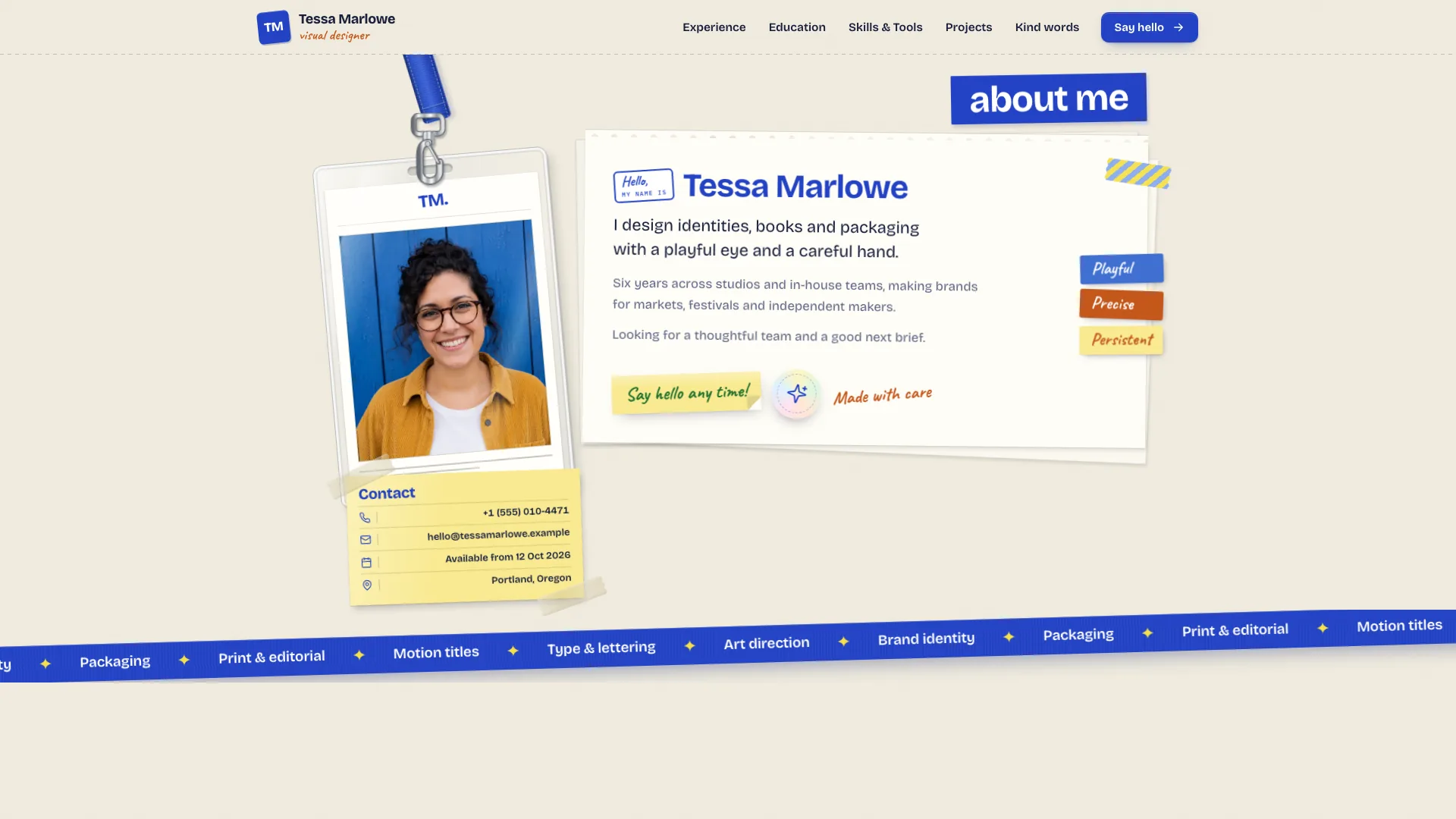
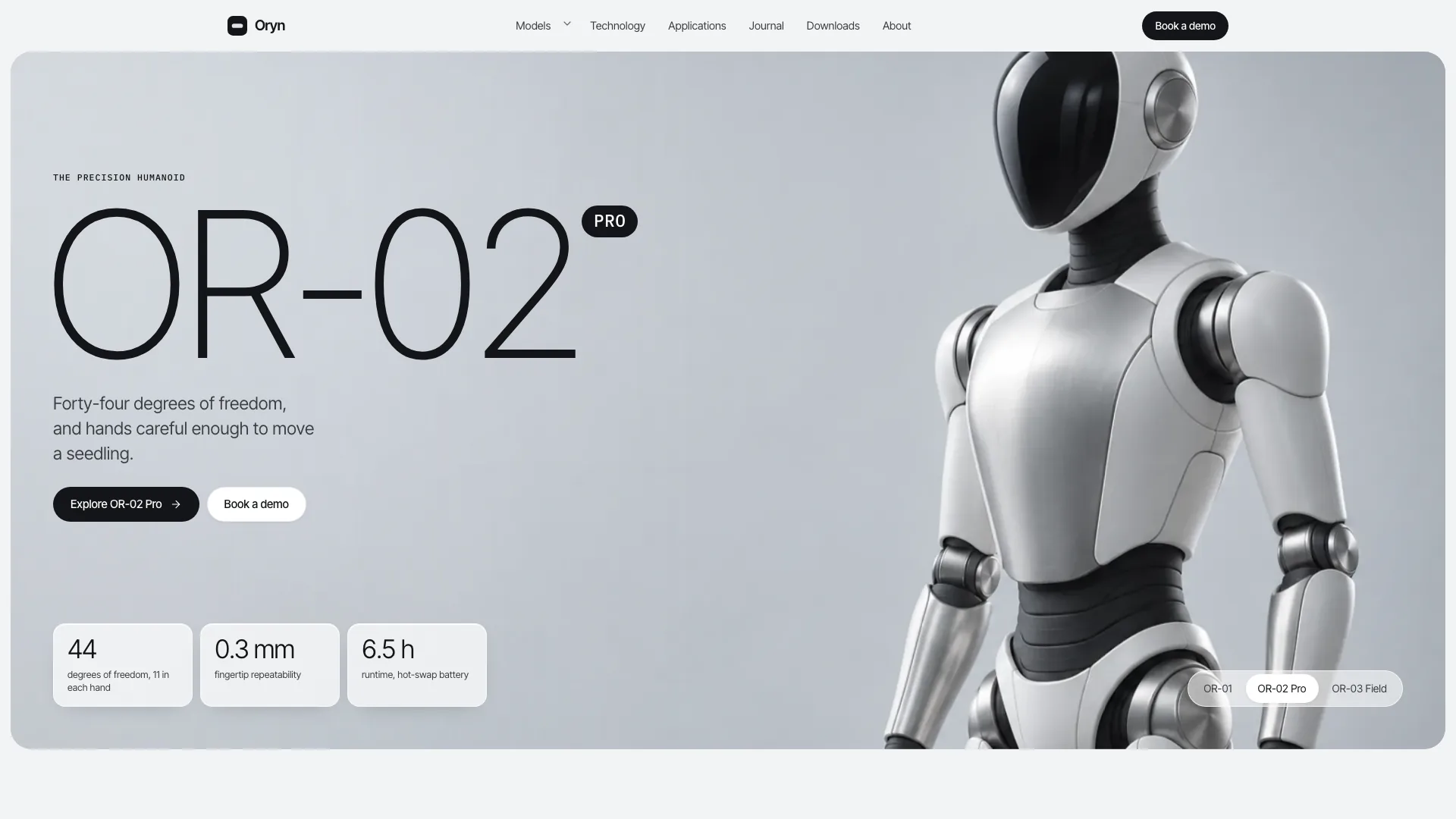
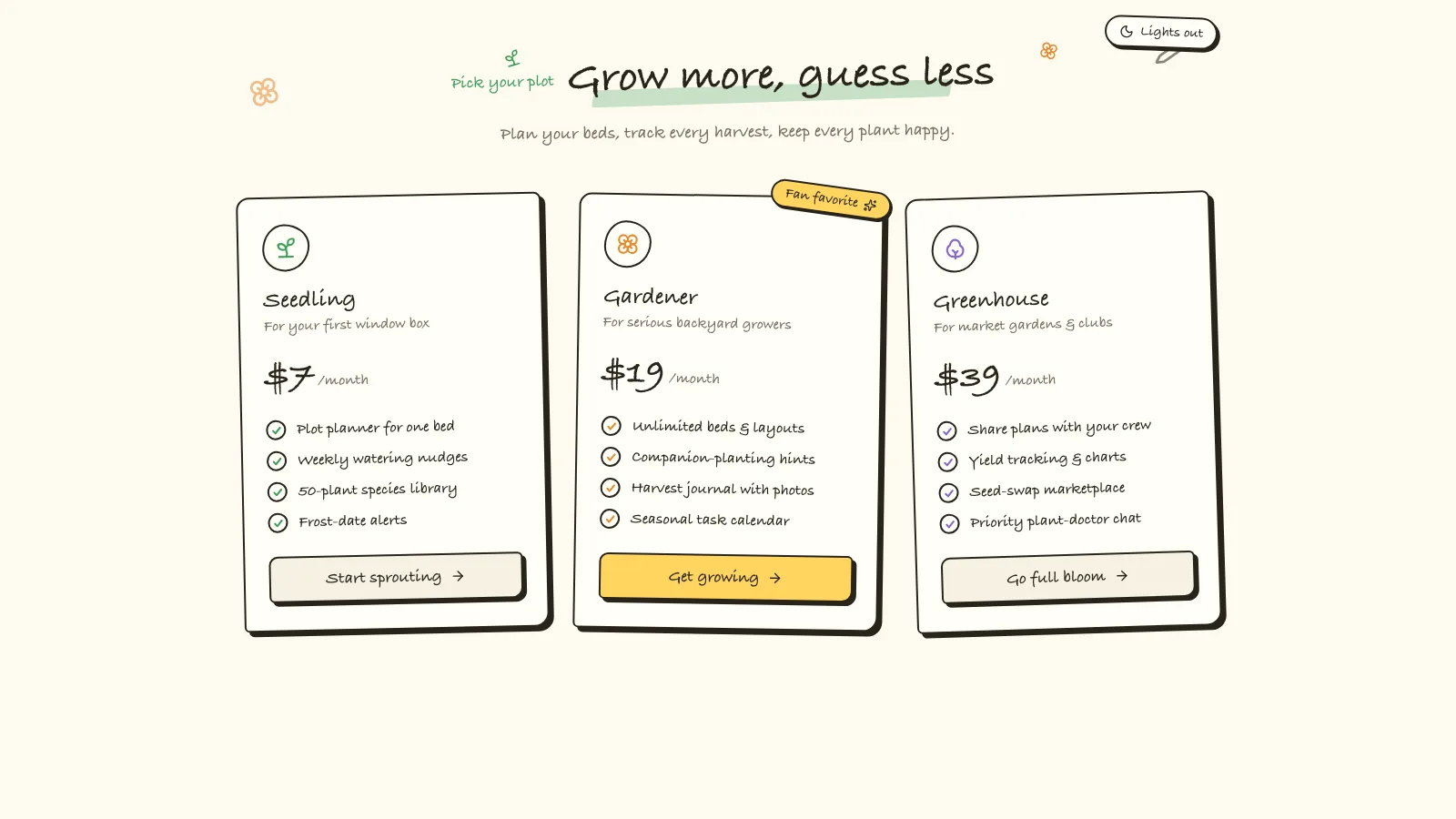
Give a small footwear range a campaign-led storefront without losing the practical buying tools. Sage Sneaker Store combines oversized white headlines and a full-length model on sage paper with consistent studio product photography. Collection advice, size/width choices, a bag and a clearly disabled payment step turn the design into an explorable retail front end.
What you get
A sage campaign home with Archivo display lettering, Geist text and Geist Mono labels: editorial model hero, pill search and activity links, one small service card, popular products, collection bento, product spotlight/hotspots, promise cards, store visit, reviews, FAQ and newsletter. The fictional example has eight products, four collections and 27 connected routes.
Catalogue filters for activity, in-stock size, price, color and width, with sorting, active chips/counts and an empty state. Product cards support saving and quick-add size selection. Detail pages include gallery/zoom, width-dependent prices, sold-out/low-stock size states, specs, reviews/fit notes, related products and a mobile buy bar.
A mini-cart drawer and bag with quantities, remove controls, free-delivery progress and promo validation. Delivery choice changes checkout totals; address/contact fields validate before a reviewed demo order with a reference and delivery estimate. Payment is disabled, nothing is charged or sent, and inventory is not reserved.
A foot-length size finder with model-fit adjustment and US/UK/EU readouts, measurement steps and a highlighted conversion chart. Collections include comparison/buying guidance. Saved pairs, delivery/returns, contact/fitting enquiry, about, product lines, newsletter, legal and 404 views provide a complete page family.
An image plan for the example’s 15-photo composition, prioritizing a campaign hero and one distinct photograph per product, followed by collection scenes, shop and craft imagery. Counts should follow your actual catalogue and image budget.
One offline HTML file by default, embedding Archivo, Geist, Geist Mono and chosen images. Source template, visual/page/route/motion/image/framework references, builder and static validator are supplied. In an existing or requested framework project, the store becomes native components, content modules and routes.
Before you choose
Keep the campaign photograph connected to products the store actually sells, then review one pair through sizing, bag and checkout. Treat the size finder as a configurable suggestion based on supplied measurements, not guaranteed fit. Publish only stock, service and delivery promises your real systems can support.
Good fit
Independent footwear, sneaker or apparel labels with a small range and a consistent visual identity.
Direct-to-consumer brands wanting a campaign hero alongside useful product detail, sizing and bag interactions.
Stores with a physical location that can offer pickup and fitting enquiries, with the actual booking/order services integrated separately.
Not for
Real orders or payment processing from the template alone. Checkout ends in a local reviewed-order demonstration.
A catalogue without product photographs: each product needs its own supplied or generated image.
A dark theme or loud multicolor identity; the supplied design is sage, white and restrained.
How to use
You say/sage-sneaker-store Build the Stride Common store: eight everyday sneakers across running, basketball, training and lifestyle, priced in USD.
Provide the brand, market/currency/tax and delivery terms, products with price/size/color/specification data and collection groupings. Add accurate opening hours, contact details, policies and reviews. The agent fills missing copy as explicitly identified placeholders to confirm, not fabricated endorsements or materials claims.
Plan the minimum photo set before generation: campaign hero first, then one consistent studio photo per product. Add context scenes, shop interior and craft imagery as needed. Supply your own assets or use the agent’s image tool, which may charge. Product/context/resole images depict the example range and need replacement; generic model/shop scenes can be disclosed placeholders. Never crop the model’s head or shoes to force the hero layout.
Set locale, currency, tax mode/rate, postcode validation, delivery fees, free-delivery threshold, size labels and promo rules together. Update hard-coded policy/price text alongside those settings. Replace size charts and fit adjustments with your actual product measurements; for apparel, adapt to body measurements or retain only a suitable chart.
Populate product and collection pages with distinct content and one image per product. Check width prices, stock-size states, fit notes and quick add. Retain physical-store/pickup/fitting and resole claims only where the business actually offers them; otherwise remove or recast those sections and links.
Use Node.js 18 or newer and build-time internet to embed the three font files and local photographs into the default standalone HTML file. The finished file opens offline without remote assets. An existing or requested framework gets a native port; the guide specifies Next.js App Router/TypeScript when React is requested without a named framework and maps React controls to ReUI.
Run static checks, then walk every route on desktop/tablet/phone. Try search/filter/sort/empty state, quick add, size/width changes, saved pairs, bag quantities/promo, all delivery methods and demo checkout. Test the finder with valid/invalid foot lengths, contact topic/fitting fields, menu/drawer keys and reduced motion. Verify arithmetic and replace all demo stock/delivery assumptions before connecting real payments, fulfilment and appointment services.
Requirements and costs
You bring
Brand name, market, currency and delivery terms · Products with prices, sizes, colours and specs, grouped into collections · Your product photos, or permission for your agent to generate them
Dependencies
Node.js 18 or newer on your agent's machine, to run the bundled script that builds the single offline file · Internet access while the file is built, so the fonts can be downloaded once and embedded · An image generation tool in your agent, or your own product photos (every product needs one)
Outside costs
Campaign, product and collection photos are generated with your agent's own image tool, which may incur that tool's usage charges. Supplying your own product photos reduces or avoids this.
Publisher testing
v1.0.2 — Claude Code / Claude Desktop / Cowork / Codex / ChatGPT
FAQ
With no existing project, one self-contained HTML file with fonts and photos embedded. It opens from disk after the supplied builder embeds the source assets. In an existing or requested framework, sections, shared state and routes are implemented natively; the guide chooses Next.js App Router with TypeScript for an otherwise unspecified React framework request.
Every product needs its own photo, plus the campaign hero. The example is planned around 15 photographs; the image plan prioritizes hero and product shots first, then collection, store and craft scenes according to budget. Generating new assets may cost the agent image tool’s credits; supplying suitable photos reduces or avoids those charges.
No. Bag, promos, delivery choice and checkout validation work locally, but payment is explicitly disabled. Confirmation describes a reviewed demo order and states nothing was charged or sent. Real payment/order services require a separate integration and end-to-end verification.
User reviews
—0 reviews
Select a star to share your experience.
No reviews yet. Ratings appear once readers share real experiences.