Turn Family Recipes into a Searchable Cookbook with AI
Give a handwritten recipe, a saved link, or pasted instructions a permanent home. See how the Batchelder family cookbook uses Claude to organize recipes for a website the family can browse and cook from.
Case study by HowAI · Reviewed
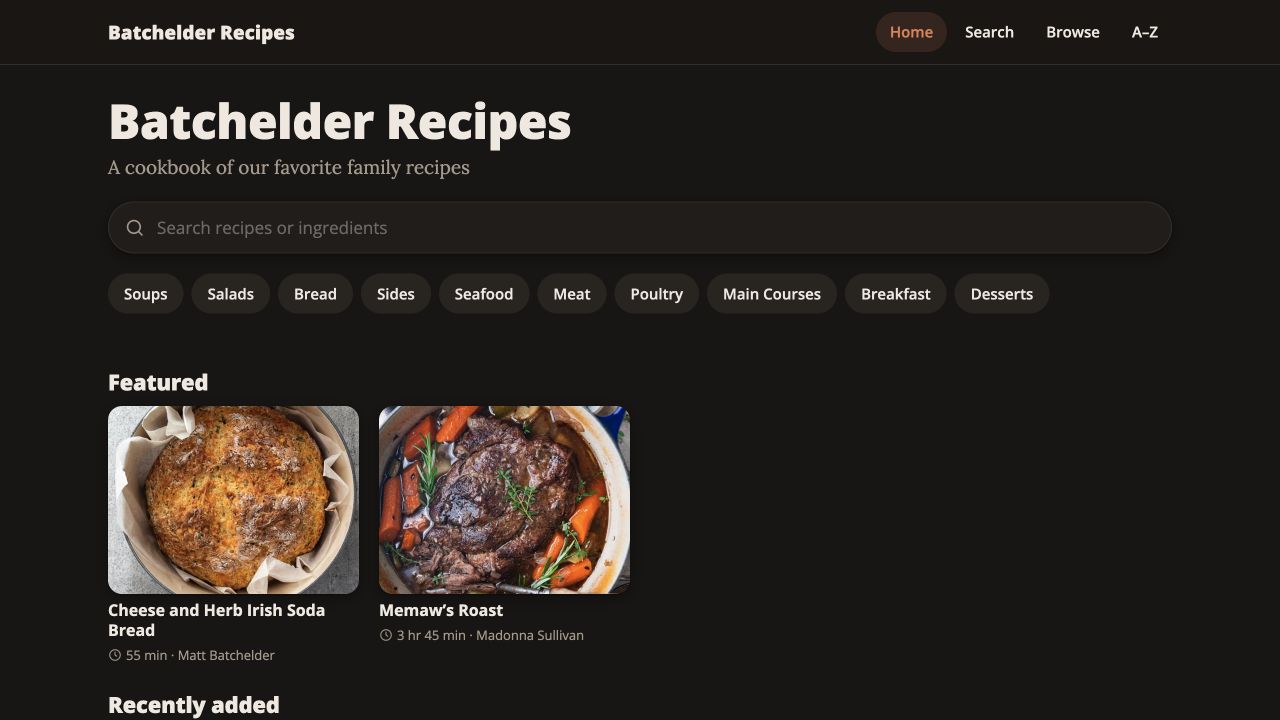
The published family cookbook: browse by category or search for a recipe or ingredient.
The problem & the result
From scattered recipes to a shared family collection.
A family’s recipes can live in several places: a handwritten card, a bookmarked page, or a message from a relative. The Batchelder cookbook gives them a shared destination. Its Claude workflow takes care of much of the transcription and formatting needed to add the next recipe.
What the project adds
This is an existing family recipe website with an AI-assisted import workflow. The recipes remain ordinary Markdown files, while the website makes them searchable and readable on a phone. The case is about adding recipes with AI; it does not claim that AI built the entire cookbook or authored its recipes.
One place to find the family favorites
The live site offers search, categories, and an alphabetical collection. Each recipe can keep the cook’s name and its original source.
A consistent format for cooking
Separate ingredients and numbered instructions make the collection easier to use. The site also provides serving controls and cooking tools.
A human check before publication
The assistant prepares a proposed update, including details it inferred. The owner can correct it before merging and publishing.
From Recipe Source to Reviewed Entry
The repository documents the import process below. The screenshots show the existing cookbook, not a recipe we imported with AI.
| Stage | What to inspect |
|---|---|
| Original recipe | Provide a readable card photo, website link, or pasted text. Keep the cook’s name and source alongside the recipe. |
| AI-prepared entry | The documented output is a Markdown file with servings, ingredients, numbered steps, and tags. A photo of the card is not treated as a photo of the dish. |
| Human corrections | Compare quantities, temperatures, and instructions with the source. The workflow asks the assistant to flag unclear handwriting and estimated details for review. |
| Published result | The assistant proposes a pull request; the owner reviews and merges it. Publishing must be configured for a personal copy. We have inspected the live cookbook, but have not run an import. |
Is This Project for You?
Check these three things before you start.
Recipes you can read and share
Start with a clear photo, pasted text, or an accessible recipe link. Include the family cook’s name and any missing information you already know.
Check unclear amounts yourself. A photo of a recipe card is not automatically used as a dish photo.
Your own copy of the cookbook
To add your own recipes, fork or copy the repository and configure its publishing workflow. The README documents local setup with Node.js 22 or newer.
The public demo belongs to the author. Your collection should have its own repository and website.
Claude Code and a review step
Use Claude Code in the repository, or a web Code session with access to your copy. Be comfortable checking the proposed changes before publishing.
AI access and hosting have their own terms. Reading the published website does not use model calls.
What AI Does, Step by Step
Here AI helps with adding content to an existing website. The useful workflow is source → structured recipe → checked change → human approval.
Step 01
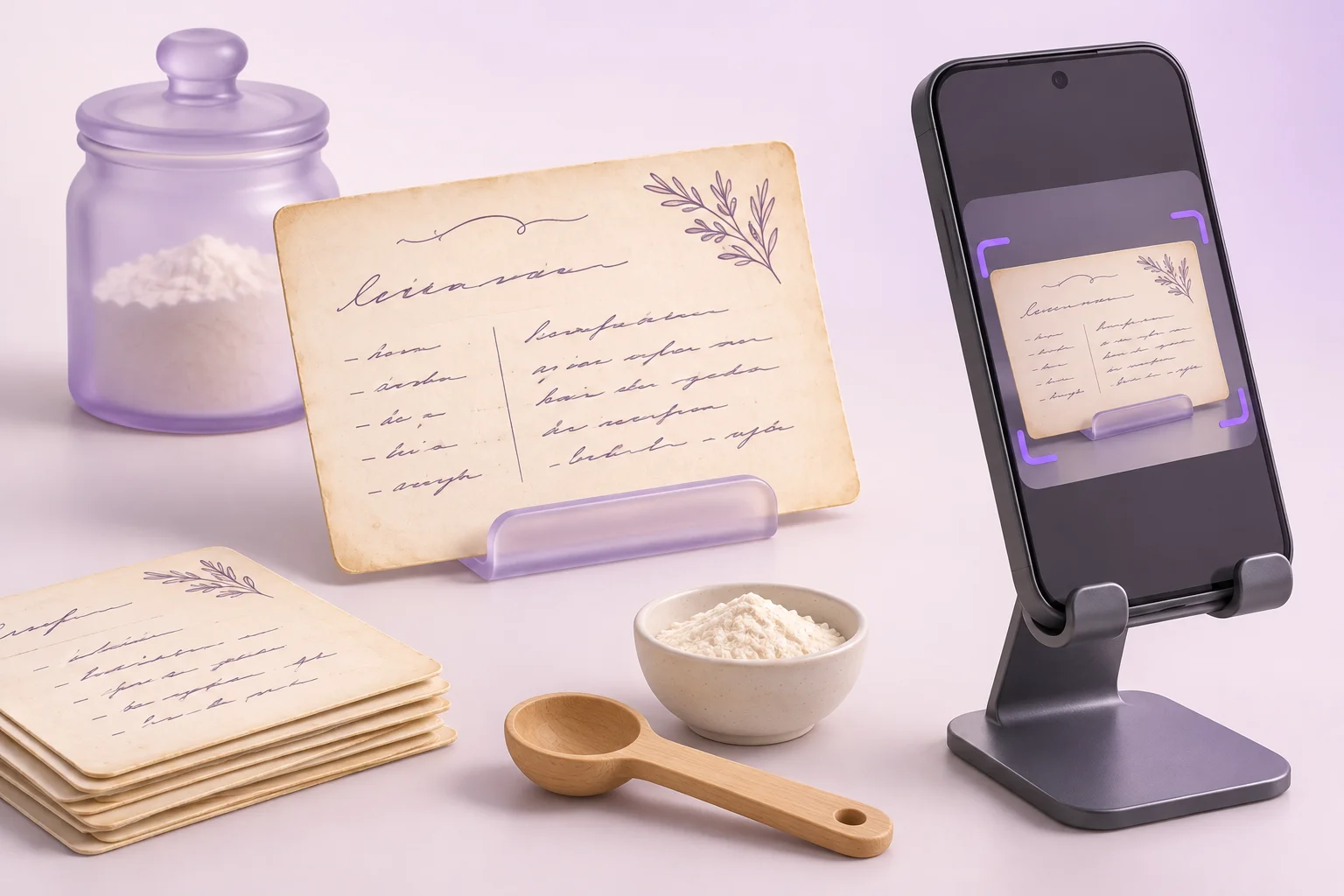
Read the recipe you already have
The add-recipe workflow accepts a photograph, a website link, or pasted text. Claude extracts the ingredients and method, keeps the family attribution, and flags unclear details for you to check.
Your part Provide a legible source and the cook’s name. Check any uncertain handwriting, quantities, or missing details.
Step 02
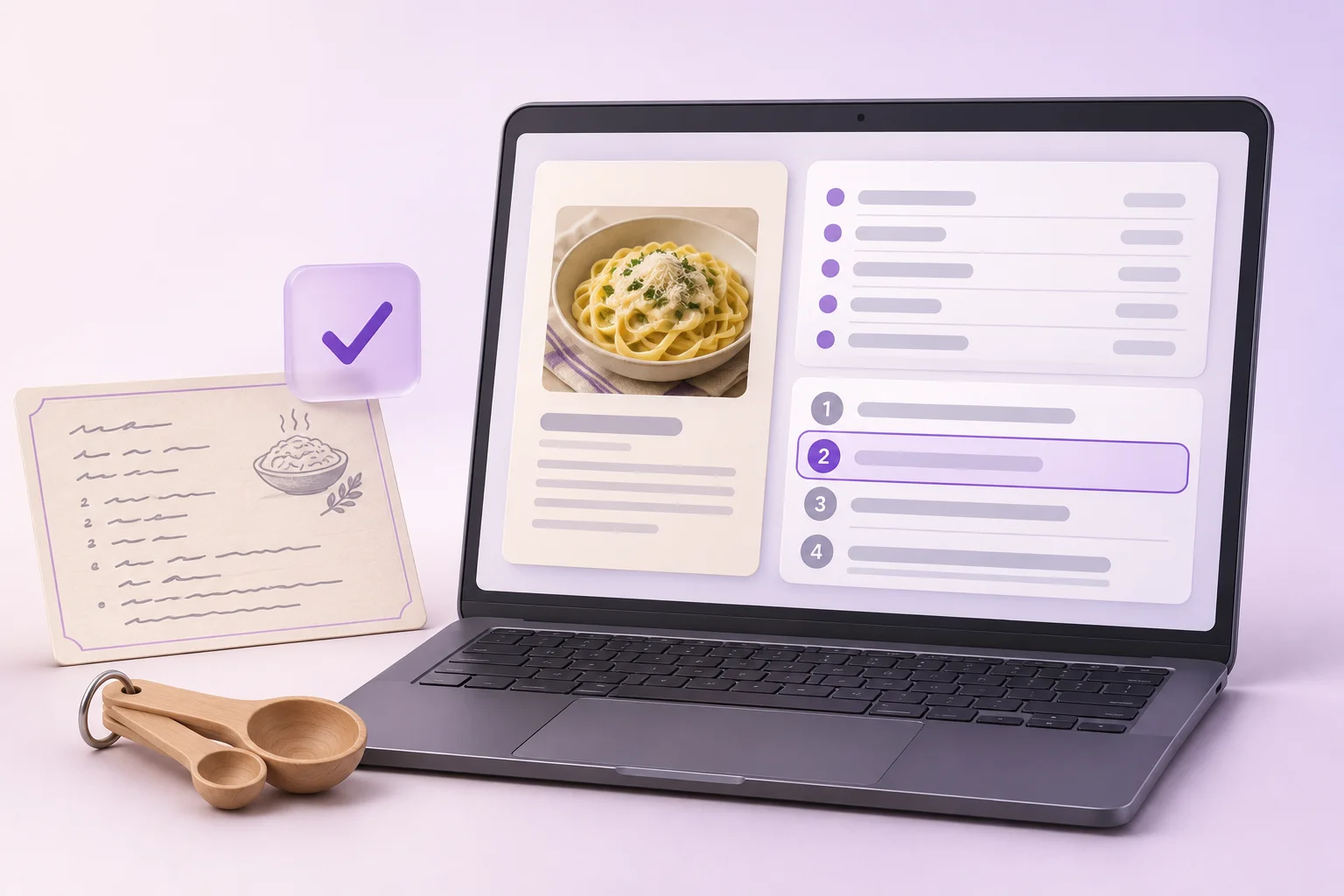
Give every recipe a consistent home
Claude creates a Markdown recipe in the site’s format, including servings, ingredients, steps, and tags. It handles the image and runs the repository’s recipe checks. Estimated details are surfaced for correction.
Your part Review the amounts, temperatures, and any guessed timings. Use your own food photo or keep the placeholder.
Step 03
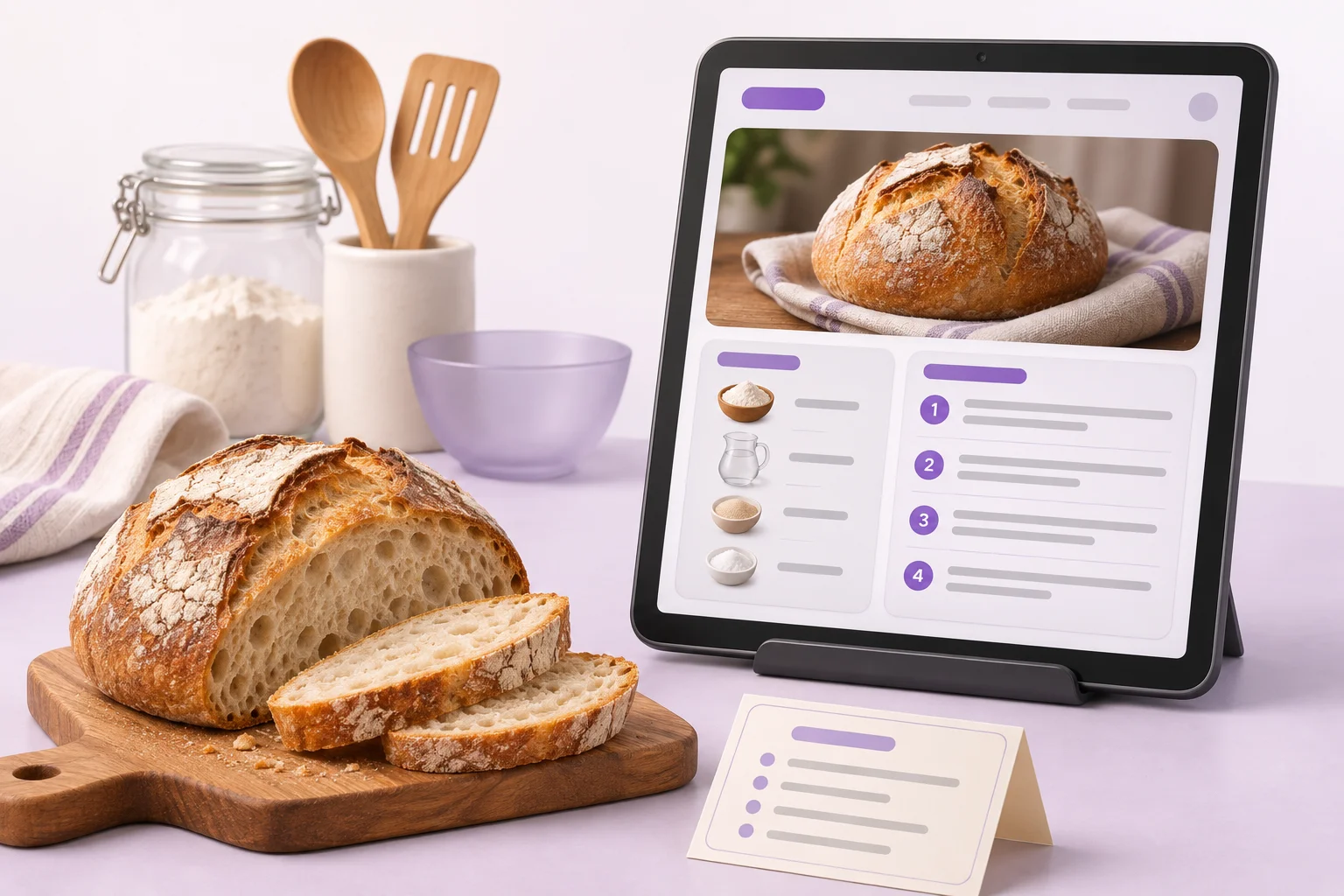
Prepare the update for your review
The documented workflow opens a pull request with the new recipe. The site’s publishing process builds and tests the update after approval. Reading the published cookbook does not require an AI account.
Your part Review the proposed change and merge it when it is correct. For your own copy, set up publishing before expecting the site to update.
Make It Your Own
Try the public cookbook to understand the result, then use your own repository for family recipes. The README covers both local development and publishing.
- 1
Explore the cookbook, then make your own copy
Browse the live site and a recipe page. Fork or copy the repository, follow the README’s setup, and update the site identity and publishing settings for your own family.
Read setup and publishing instructions - 2
Give Claude one recipe and its source
Open your copy in Claude Code and ask it to add a recipe. Attach a clear photo, paste the text, or provide a link. Name the cook and include a food photo if you have one.
Read the add-recipe workflow - 3
Check the recipe and the assistant’s guesses
Compare the extracted ingredients and steps with your source. Confirm quantities, temperatures, serving counts, and estimated timings, then review the recipe checks.
See the required recipe format - 4
Approve the change and check the published page
Review the pull request and merge it in your repository. Once your publishing workflow is configured and passes, verify the new recipe on your site, including its source, photo, and mobile layout.
See how publishing works
Explore the Cookbook and Its Workflow
See the published result, follow the repository setup, and read exactly what the recipe-import assistant is asked to do.
Frequently Asked Questions
Compatibility, costs, and what to expect before you start.
About this case
Explore the Original Project
Project by Matt Batchelder · Case study by HowAI
Compiled by HowAI from Matt Batchelder’s repository, README, add-recipe instructions, and live website. The screenshots show the published cookbook and an existing recipe; they are not evidence of a particular AI import. We have inspected the public site but have not run the import or publishing workflow ourselves.