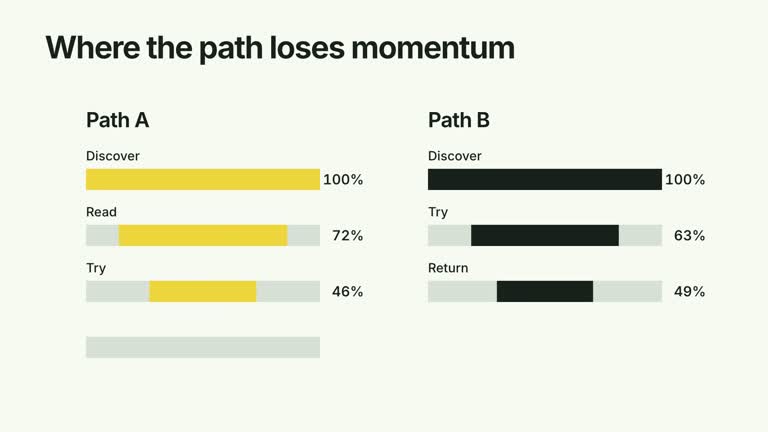
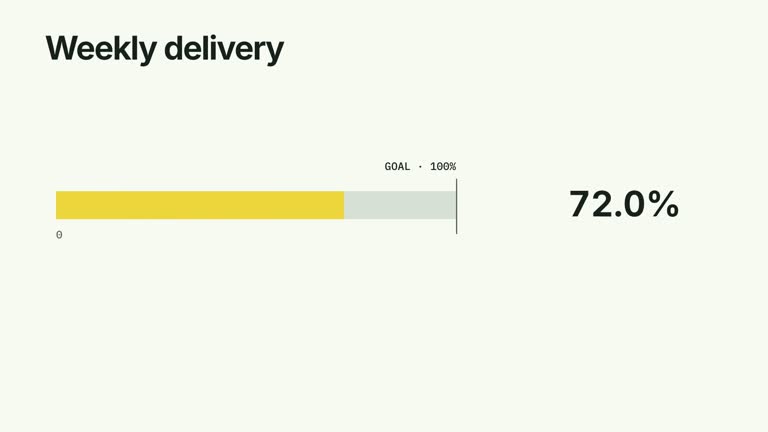
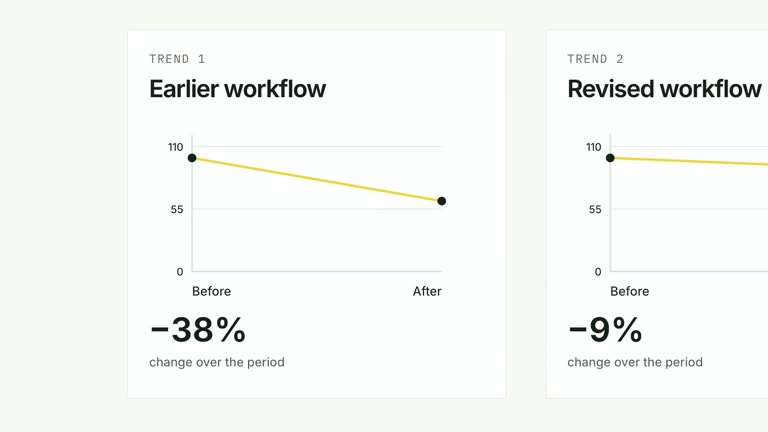
Build a comparison one value at a time while keeping every completed column on screen. Each bar rises from a common baseline with a count that travels to its endpoint; the full chart then holds or slides away. This nine-second scene is useful when viewers need an ordered explanation of a short numeric series, with optional supplied presenter footage beside the plot.
What you get
A local generator, editable HyperFrames bar-chart scene and motion/review instructions. Generate the project from your numeric content and render the segment separately.
Matching categories and values arrays, an editable title, unit and exitMode. Nonnegative quantities share a scale based on 1.12 times the largest value, leaving headroom above the highest column.
Column reveals in input order, synchronized numeric endpoints and previously completed bars retained at full visibility. hold keeps the chart; slide starts moving the plot away at eight seconds. A supplied local presenter clip reserves a corner alongside a narrower plot.
Four styles keep the same data and choreography: White & Yellow (white-yellow), Charcoal & Lime (charcoal-lime), Paper & Orange (paper-orange), and Black & White (midnight-ice). Semantic style overrides are supported; check contrast after changing them. Dark canvases use a fine grid. Local fonts include Inter, IBM Plex Mono for measurements and ordinals, Smiley Sans and Noto Sans SC. Chinese text selects Smiley Sans automatically, including accompanying Latin text; --zh-font noto-sans-sc selects Noto Sans SC, while --font takes precedence for a supplied font.
Before you choose
Use category order to support the spoken explanation, and state the unit before interpreting the heights. The animation preserves a comparison; it does not establish that successive categories form a continuous trend or that one caused the next.
Good fit
A creator explaining a short sequence of measured quantities in a deliberate category order.
A teaching passage where the audience should compare the current number with all values already introduced.
A recurring numeric report needing repeatable chart behavior, typography and optional on-camera accompaniment.
Not for
Negative data, an all-zero series, mixed units or automatic conversion of fractions into percentages.
Collecting or validating data, producing a full analytical dashboard, or treating the column sequence as evidence of a causal trend.
Automatic long-form editing, generation of a missing presenter or music, or copying another creator’s footage and identity.
How to use
You say/creatormotion-comparison-sequential-bars Turn my supplied explanation into a white-yellow B-roll scene using the Sequential Bars effect. Use the text, data and media I provide, and ask for any required input that is missing.
Supply equally sized categories and values arrays, title, unit and exitMode set to hold or slide. Use nonnegative numbers with at least one positive value. Keep the category order intentional; the scene presents the array rather than sorting it.
For percentage labels, use the exact unit string % and pass numbers on the percentage scale: 57 displays as 57.0%, whereas 0.57 displays as 0.6%. Other units use whole-number counters, so decimal measurements require a formatting review. Keep comparisons within one unit and explain what each category represents.
Choose a compact number of categories and short labels. Optional --media RECORDING.mp4 uses your supplied presenter clip, reserves plot space and fades the presenter from 6.40 to 6.80 seconds. Check the actual footage length and framing; do not loop a short recording to imply a continuous performance.
From the extracted package, prepare Node.js 22+, FFmpeg and HyperFrames CLI 0.8.30. Run node scripts/create.mjs --out PROJECT --data CONTENT.json --style white-yellow, substituting another documented palette if wanted. Read the motion specification and image policy before adapting the scene; use semantic --overrides for deliberate style changes.
Inspect the editable project at entry, each motion handoff and final hold, then render with the command printed by the generator. Check the resulting frames for text collisions, correct numbers and readable contrast. Keep at least 1.2 seconds for the final reading when editing, and compare all four palettes with identical content after structural changes. Narration, music and assembly into a longer film remain separate work. Inspect baseline alignment, label wrapping and whether each count settles at its matching height. Bar starts are spread over a fixed 4.3-second window, so many categories can overlap their entrances rather than reading as isolated beats. Confirm that slide exit leaves enough time to compare the completed values.
Requirements and costs
You bring
categories: provide your own content or retain the illustrative default. · values: provide your own content or retain the illustrative default. · title: provide your own content or retain the illustrative default. · unit: provide your own content or retain the illustrative default. · exitMode: provide your own content or retain the illustrative default.
Dependencies
HyperFrames CLI 0.8.30 or compatible — required · Node.js 22 or newer — required · FFmpeg — required
Outside costs
Not collected yet
Tools used
HyperFrames
Publisher testing
v1.0.1 — Claude Code / Claude Desktop / Cowork / Codex / ChatGPT
FAQ
Yes. Categories, title, values, unit and exitMode are supplied through JSON. Four palettes and semantic overrides change the look while preserving the scale relationship.
No. The chart works without it. To include a presenter, supply a suitable local video through --media and inspect the reserved corner and short on-screen interval. Raster chart images and an alpha matte are not required by this implementation.
Yes. Keep one shared baseline, synchronized growth/counters and earlier bars visible. Choose hold or slide for the ending, then verify the reading hold after any timing or density changes.
No. It changes suffix and decimal formatting only. Convert your data before supplying it if the source values are fractions.
Each settled bar remains fully visible while the next builds. It does not dim noncurrent values or later restore them, so the viewer can retain the growing comparison throughout.
User reviews
—0 reviews
Select a star to share your experience.
No reviews yet. Ratings appear once readers share real experiences.