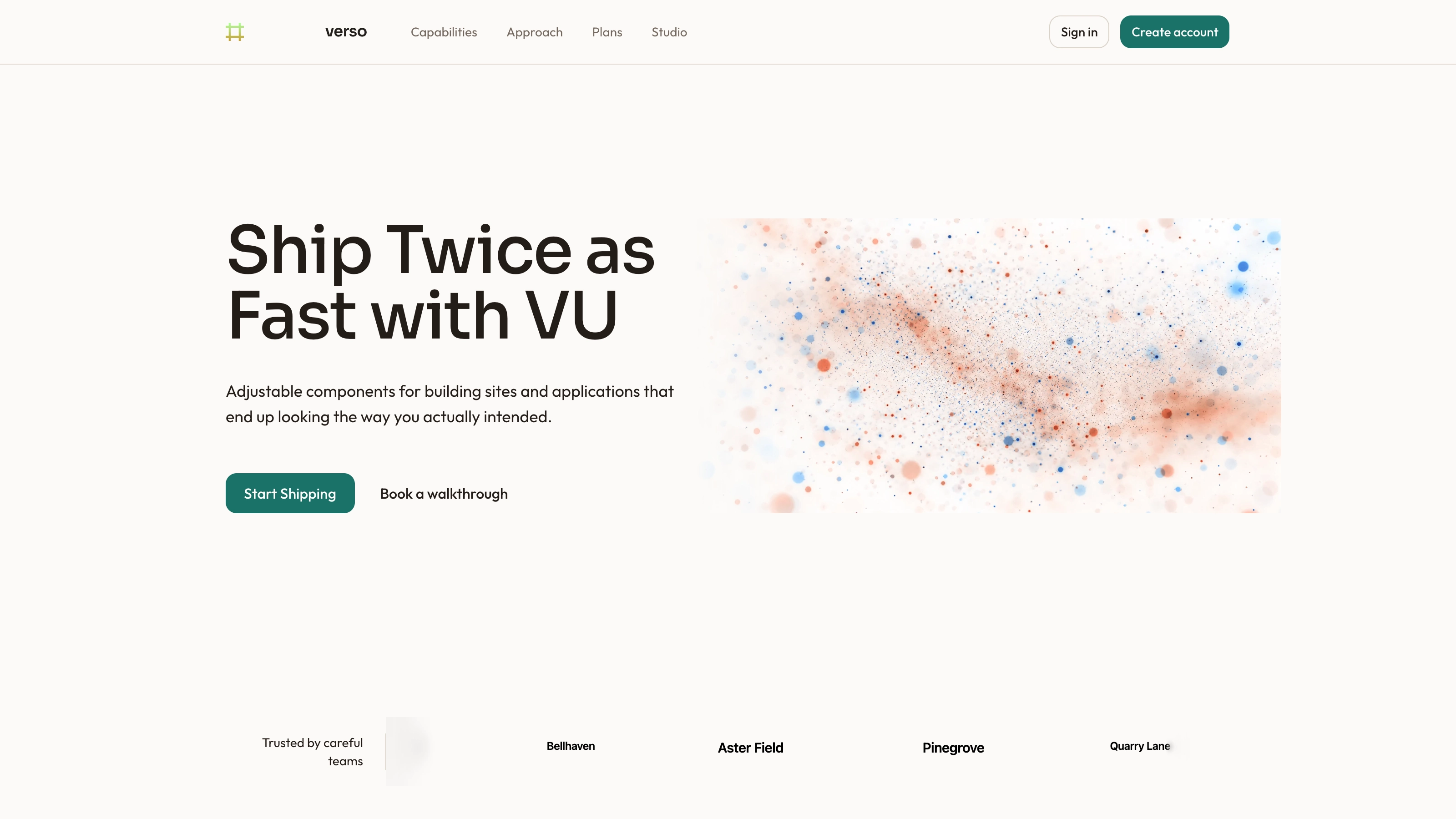
Introduce a service or organization with a clear headline, one prominent text link and contact details kept in the same opening section. A photographic panel reveals along an angled edge beside the copy, while the website, phone and address form a compact bottom row. The package supplies editable React source and a prop-based example rather than a working contact system.
What you get
A React/TypeScript HeroSection component and usage example. Props cover an optional logo and slogan, React-node title, subtitle, primary link, background image and website/phone/address values. Copy and maintain the source within your own project.
A stacked small-screen layout that becomes a copy/image split at medium width and a wider copy column on large screens. Contact values use one column initially and three from the small breakpoint. Staggered text entrances accompany a 1.2-second angled image reveal.
Written references define warm paper/teal light tokens, dark roles, Outfit body type, Sora headings, a 0.875rem base radius and short settling entrances. They also specify inline SVG icons with 1.5 px square-cap strokes, and visible labels beside real vendor marks. Apply the contract during integration: the supplied examples contain hardcoded styling that is not fully reconciled with those references.
Local-asset, icon and third-party instructions plus a source-check script. The demo names local logo/background image paths, but this ZIP contains no image or font binaries; you must supply those assets and the surrounding application styling.
Before you choose
Decide the single action the hero should encourage, then make the contact details support it. Test actual destinations and the angled photo crop; a complete-looking contact row is useful only when its content is accurate and its intended actions are connected.
Good fit
A service business, studio or organization that wants contact information visible in its first section.
A page needing a defined headline/image composition with editable content rather than a blank starting point.
A team that wants component source it can adapt and maintain without a versioned block-package contract.
Not for
A complete contact form, click-to-call system, map integration, booking flow, authentication or checkout.
A mature design system expecting the example’s theme, dimensions and icons to match automatically.
A dependency-free static file or a guarantee that every framework and image crop works without integration.
How to use
You say/hero-contact-bar Add the Contact Bar Hero section to the top of the landing page for [product name]. Use my supplied copy and assets, and follow the existing page framework and styling.
Read the target project and copy the component/demo into its conventions, adjusting the nested source path and import alias. Resolve React, framer-motion, cn and Tailwind/theme styles. Place animation code at the appropriate client boundary in your framework; a different stack requires porting, while standalone HTML is suitable only when requested.
Set the actual title, subtitle, logo and optional slogan. The slogan is rendered inside the logo block, so supplying slogan without logo does not display it. Keep the title and support concise and review wrapping with your real copy rather than relying on the example’s line lengths.
Provide a local background photograph and suitable local logo asset; the supplied paths are references, not bundled media. Follow slot rules: portraits for people, abstract plates in blend/invert/contain slots and photographs elsewhere, with appropriate WebP sizing and local fonts. Keep any named person paired with the right portrait.
Connect callToAction.href to a real target and replace the sample contact values. The three details currently render as text spans, not website, tel or map links. Add deliberate links and verify them if those actions are needed; #explore also needs a matching section.
Apply the written token/icon contract, including normalizing the component’s 2 px round-stroke icons to the documented 1.5 px square treatment when following that contract. Run node scripts/check-blocks.mjs TARGET, build the host project and check phone layout, image cropping, keyboard link operation and reduced-motion behavior. The scanner alone does not validate these interactions or file existence.
Requirements and costs
You bring
Not collected yet
Dependencies
Not collected yet
Outside costs
Not collected yet
Publisher testing
v1.0.1 — Claude Code / Claude Desktop / Cowork / Codex / ChatGPT
FAQ
The source is React/TypeScript with framer-motion, a cn utility and Tailwind-style classes. The workflow asks for adaptation to your existing repository, not a claim that ports to other frameworks are already included.
The inspected source uses local image URLs and no explicit service API. The ZIP does not include those image/font files or an app runtime. Supply local assets and verify the completed page in its host environment.
Yes. Set backgroundImage and logo.url to suitable local files and follow the imagery guide’s slot rules. Check the angled crop at every breakpoint; a different photograph may place important content outside the visible shape.
The example displays website, phone and address as plain text. Interactive links need to be added and tested; no form submission or map service is included.
The component nests the slogan inside its optional logo block. Supply logo data or change that structure deliberately if the slogan should stand alone.
User reviews
—0 reviews
Select a star to share your experience.
No reviews yet. Ratings appear once readers share real experiences.