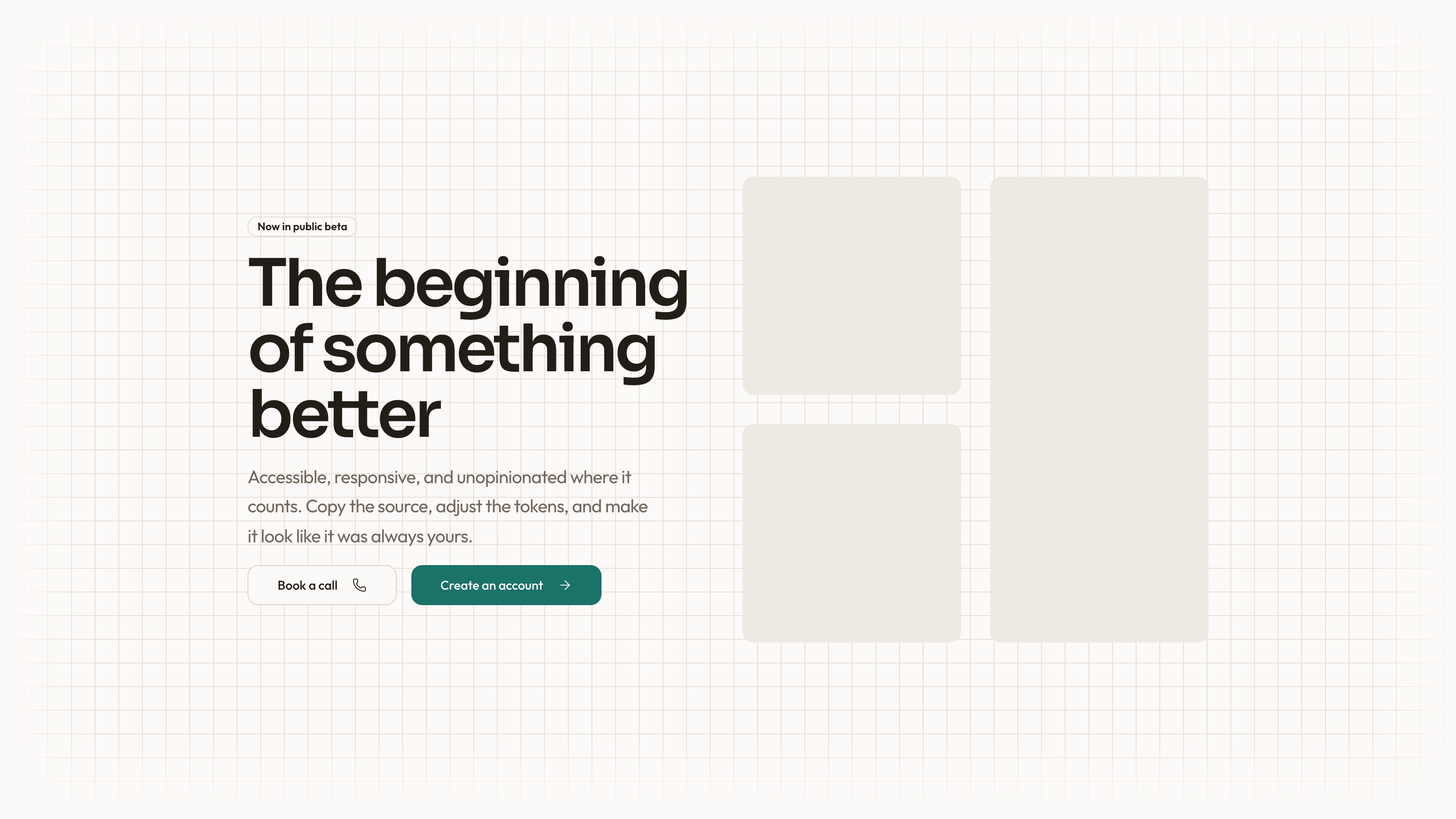
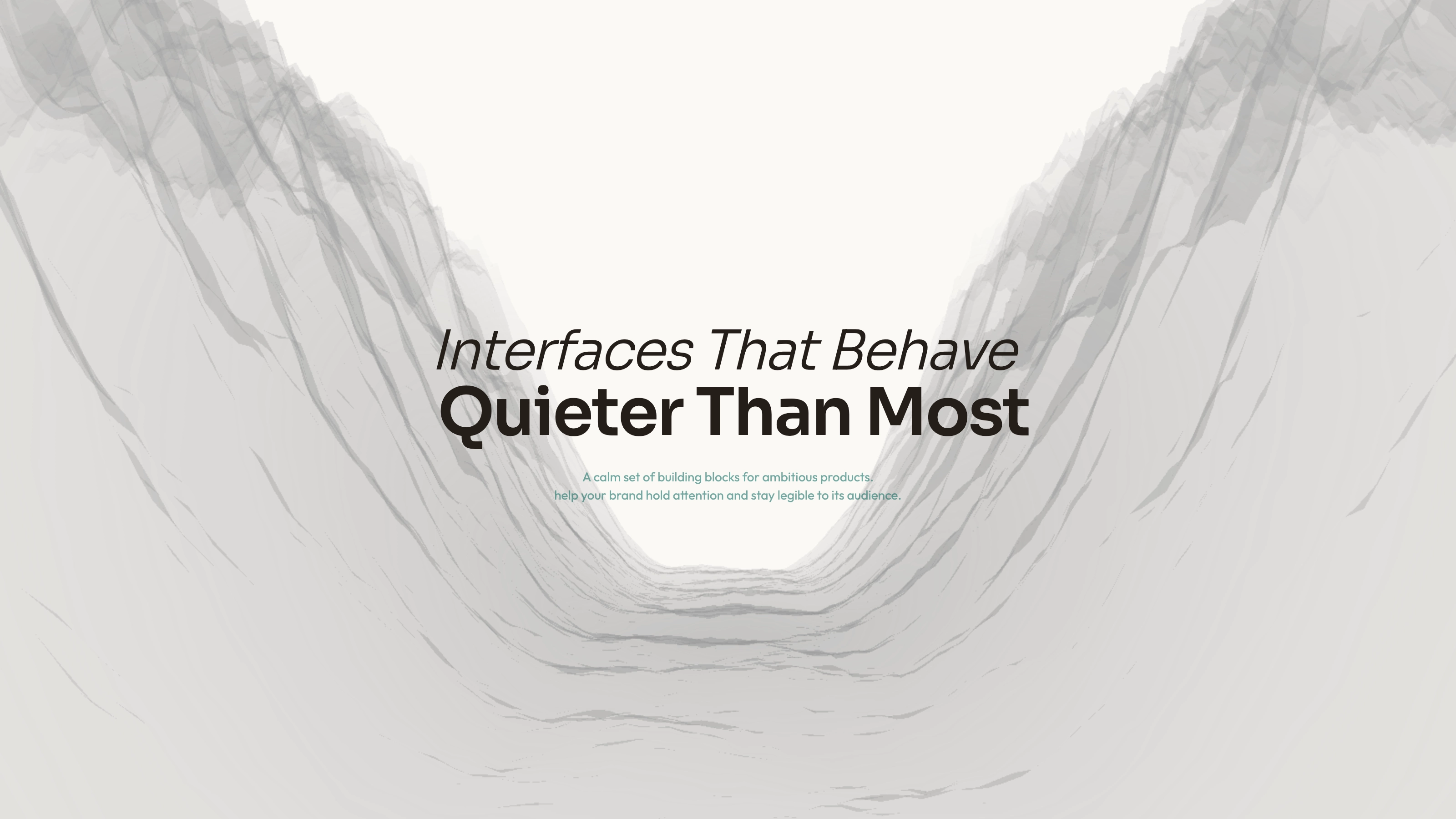
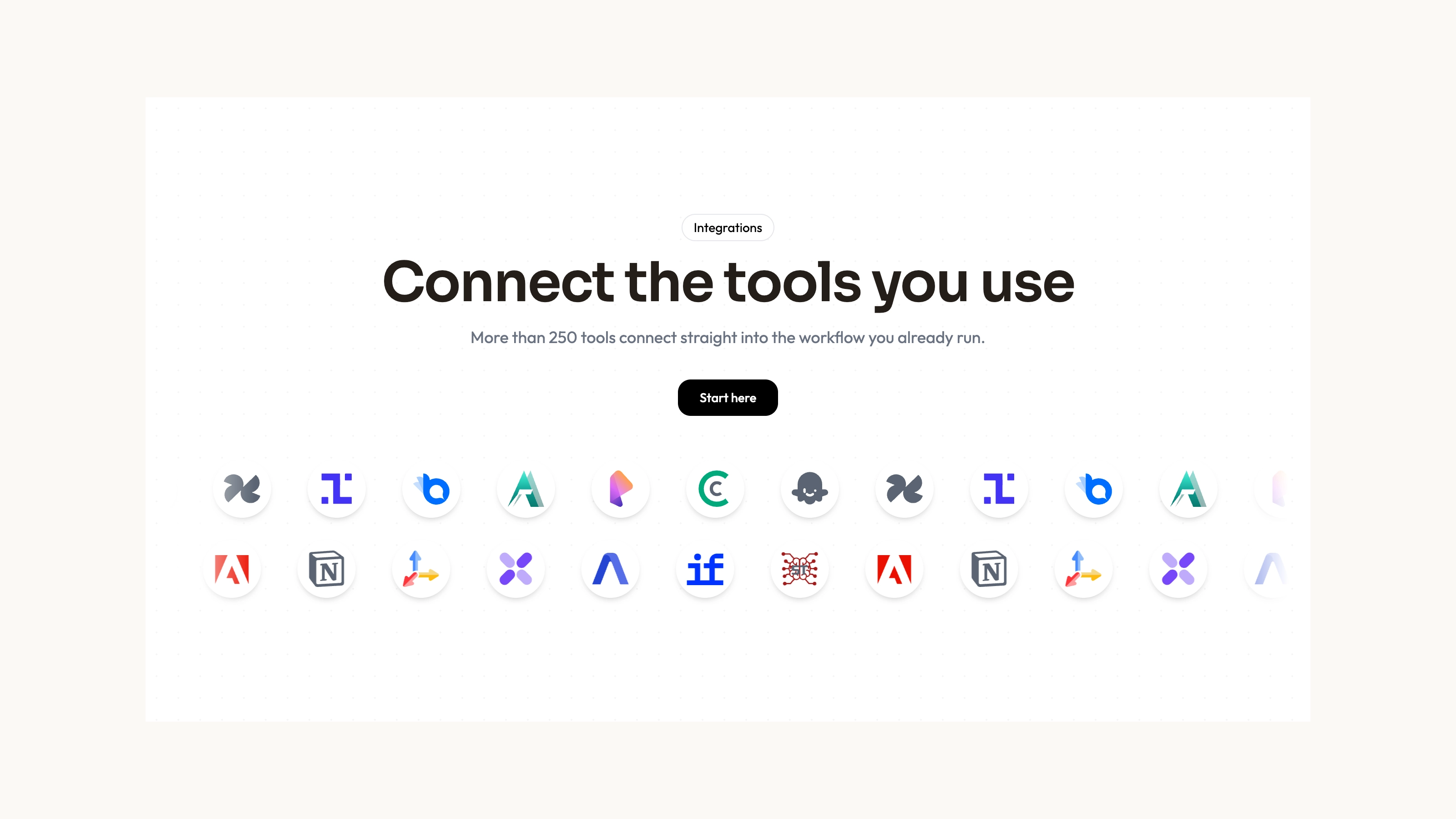
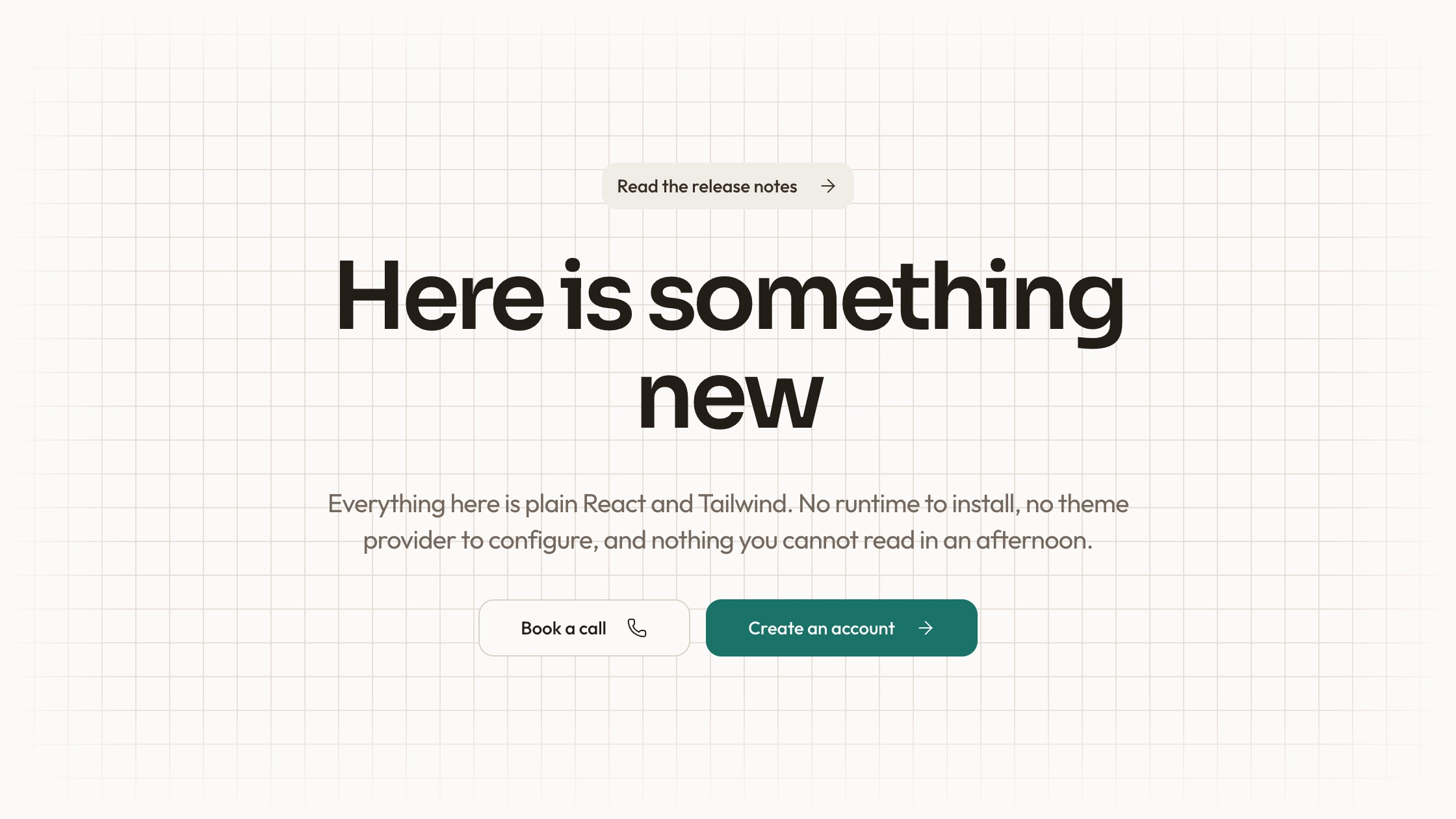
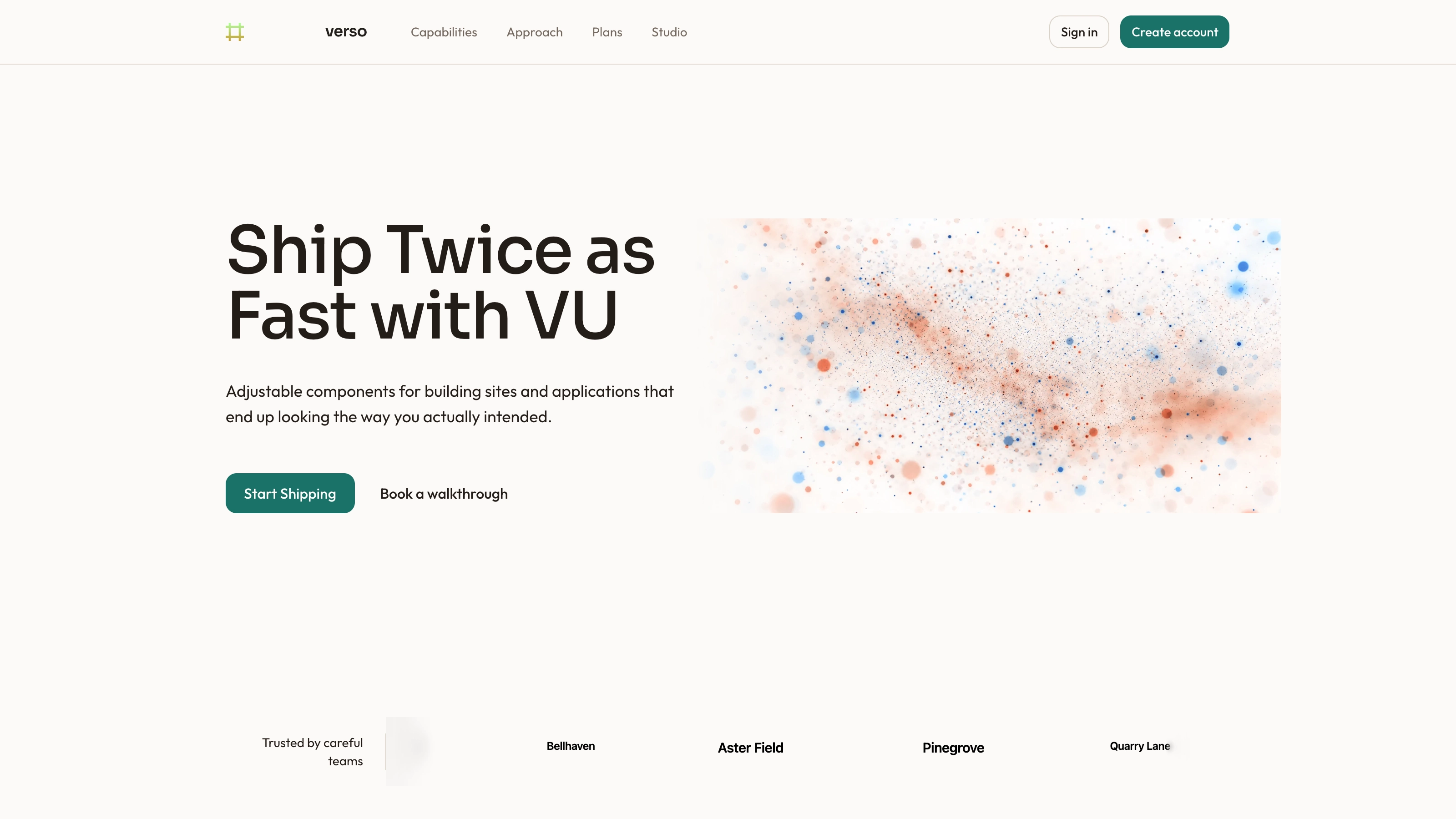
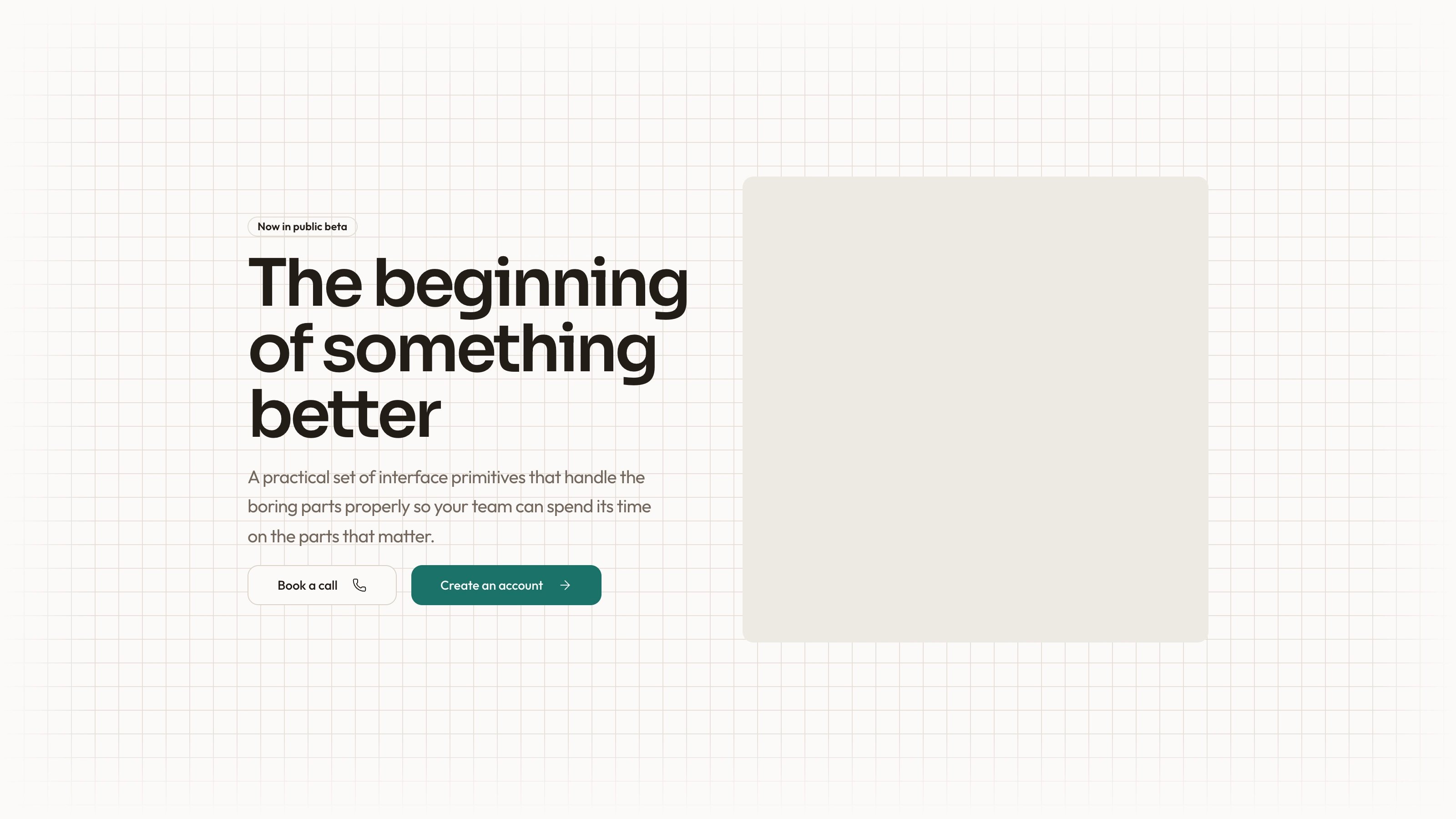
Place a concise message in the middle of a field of floating SVG marks. The marks enter in sequence, drift continuously and move away when a desktop pointer gets close, then return toward their original positions. The package supplies editable React source and a sixteen-mark usage example. The marks suggest a visual ecosystem; they do not connect the page to the services they resemble.
What you get
A React/TypeScript FloatingIconsHero component and demo. Props supply title, subtitle, CTA text/destination and icon entries with IDs, SVG components and positioning classes. Copy the source into your project and maintain it there rather than treating it as a versioned npm block.
Staggered 0.6-second entrances, spring-smoothed pointer repulsion within 150 px and an inner looping drift. The demo places sixteen marks around the center; the hero uses viewport height with a 700 px minimum and smaller icon cards below the medium breakpoint.
The written visual contract defines warm paper/teal light tokens, dark roles, Outfit body type, Sora headings, a 0.875rem base radius and restrained entrances. Icons are specified as inline SVG with 1.5 px square-cap strokes, with real vendor marks monochrome and beside visible names. Reconcile the copied example with those references rather than assuming every hardcoded value already follows them.
Local-asset, imagery and third-party guidance plus a source checker. SVG marks are inline in the demo, but no local WOFF 2 fonts or raster library is included in this archive. React, framer-motion, cn, a project Button and utility-class styling still need resolution.
Before you choose
Keep the central message readable even when no one interacts. Choose marks for a clear reason, verify their meaning, and treat pointer motion as decoration rather than the only way to understand or use the page.
Good fit
A product or studio introduction whose message benefits from a surrounding field of related visual marks.
A page needing an existing hero composition with a playful desktop pointer response and editable source.
A team ready to adapt the positions, assets and theme and maintain the copied code within its own application.
Not for
A functional integration directory, authenticated service connections or proof of vendor partnerships.
A dependency-free/versioned component or automatic compatibility with a mature design system.
A complete site with connected navigation, forms, authentication or checkout, or a touch-equivalent repulsion interaction already implemented.
How to use
You say/hero-drifting-marks Add the Drifting Marks Hero section to the top of the landing page for [product name]. Use my supplied copy and assets, and follow the existing page framework and styling.
Inspect the target repository, then copy the component and demo into its framework conventions. Resolve React, framer-motion, cn and Button imports and the required client boundary. A different framework needs a real port; use standalone HTML only for an intentionally standalone deliverable.
Replace title, subtitle and CTA values and give ctaHref a real destination rather than the demo’s #. Choose meaningful marks and stable IDs/positions. The demo’s vendor-named SVG components should not be treated as verified authentic logos or evidence of integration; use approved labeled marks or clearly generic decorative shapes.
Apply the written theme and icon contract, including reconciling colored unlabeled demo marks with the monochrome/labeled vendor rule. Most layout uses tokens, but some positioning and motion are inline values. Fonts are named in the references but not bundled; supply local font files. If adding raster content, use portraits for people, abstract plates in special blend/invert/contain slots and photos elsewhere.
Check all icon positions and the 700 px minimum height on phones, including overlap behind the headline. Pointer repulsion listens to mouse movement; no touch or keyboard repulsion is provided. There is no top-level motion-off constant or reduced-motion branch despite the old FAQ’s simplification: disable entrances, repeated drift and spring/pointer updates deliberately while preserving the static layout.
Run node scripts/check-blocks.mjs TARGET over the integrated files, then build and test the actual page. Check CTA focus and destination, motion preferences, pointer response and small-screen reading. Randomized drift durations and per-icon listeners deserve review if increasing the number of marks. The scanner cannot prove responsive quality, performance or network isolation.
Requirements and costs
You bring
Not collected yet
Dependencies
Not collected yet
Outside costs
Not collected yet
Publisher testing
v1.0.1 — Claude Code / Claude Desktop / Cowork / Codex / ChatGPT
FAQ
The supplied code uses React/TypeScript, framer-motion, a project cn helper and Button with Tailwind-style classes. The workflow calls for adapting to the host project; other framework implementations are not already bundled.
The inspected source contains inline SVG marks and no service API calls. Those marks do not provide integrations. Local font files still need supplying, and actual network behavior must be checked in the integrated application.
Yes, by editing the source, but there is no single supplied off switch. The entrance, repeated inner drift, pointer listener and spring values are separate parts; replace them with a static treatment and test the result.
The current proximity effect is based on mouse movement. Icon sizes change at a breakpoint, but equivalent touch or keyboard interaction is not included.
No. They are demonstration SVG components. Choose accurate visual material and label real integrations explicitly instead of using decoration as a compatibility claim.
User reviews
—0 reviews
Select a star to share your experience.
No reviews yet. Ratings appear once readers share real experiences.