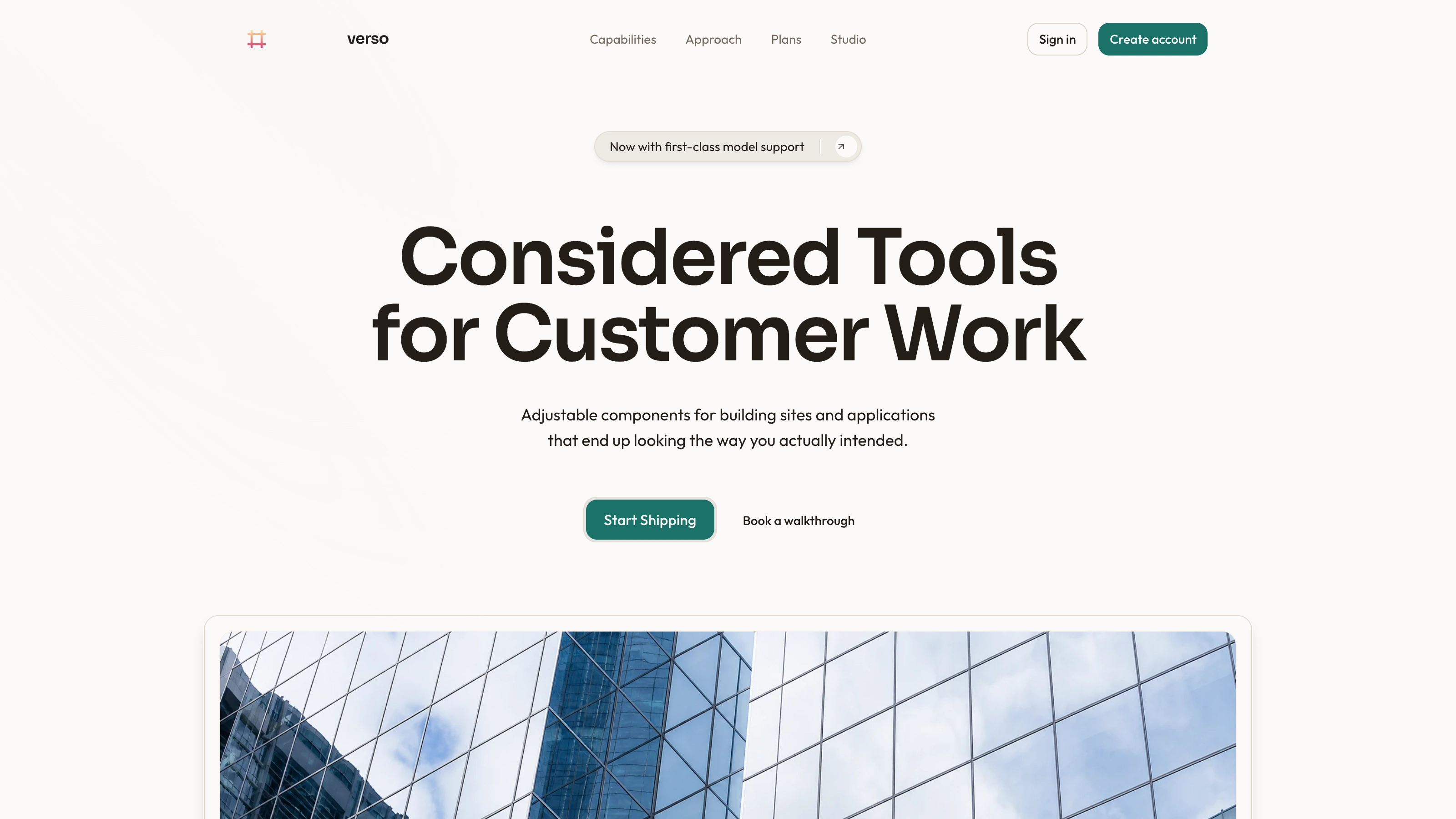
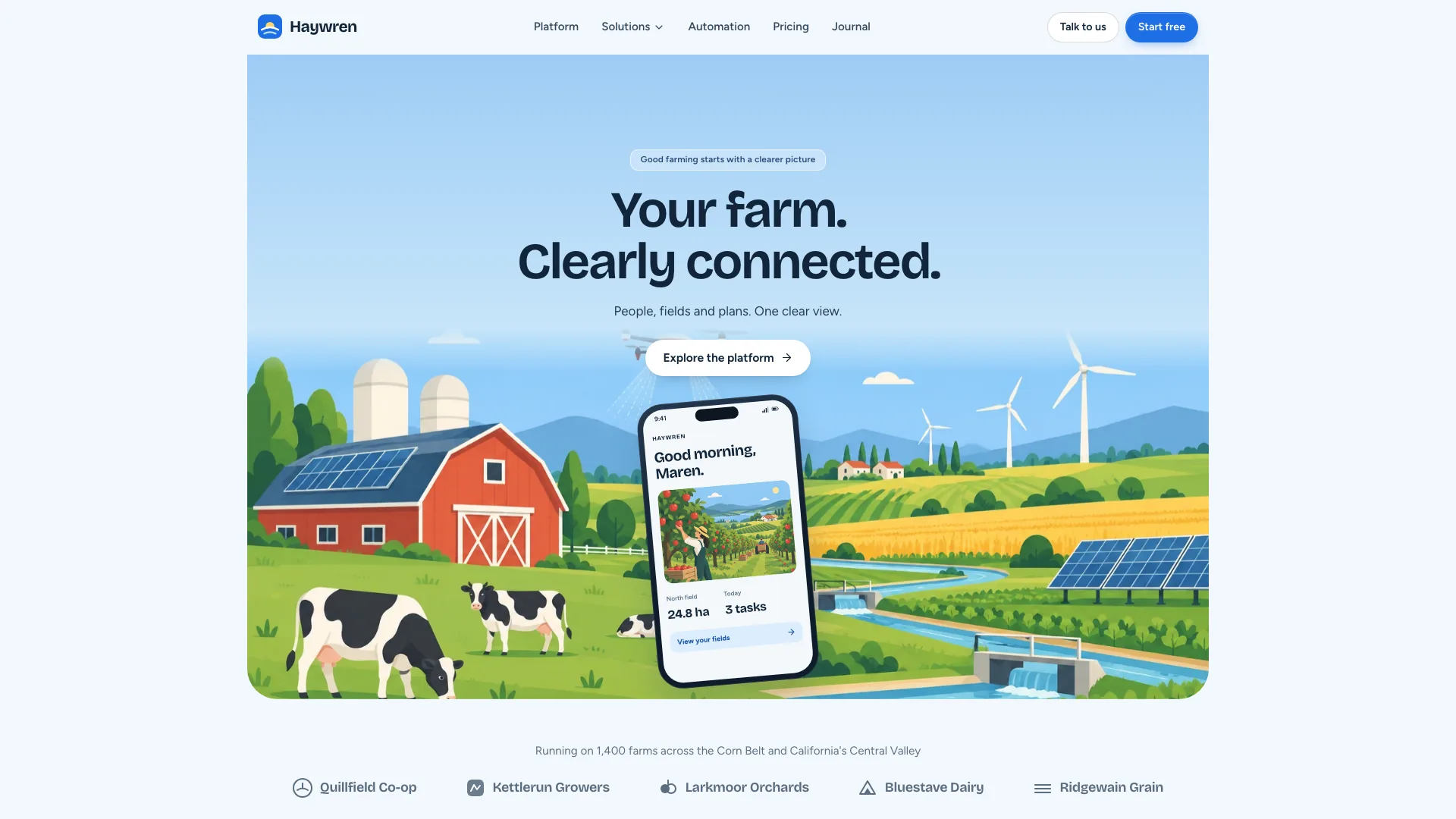
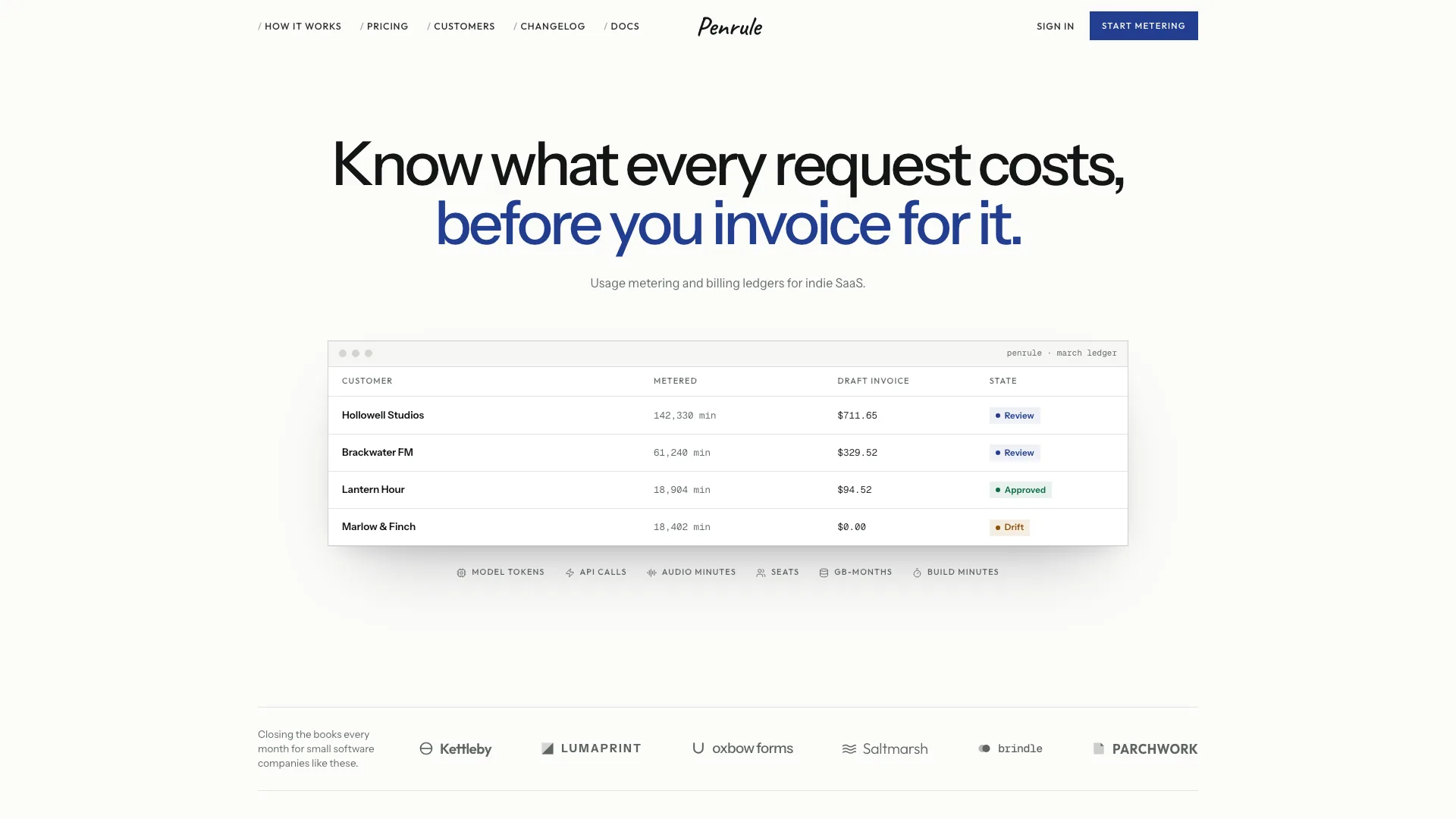
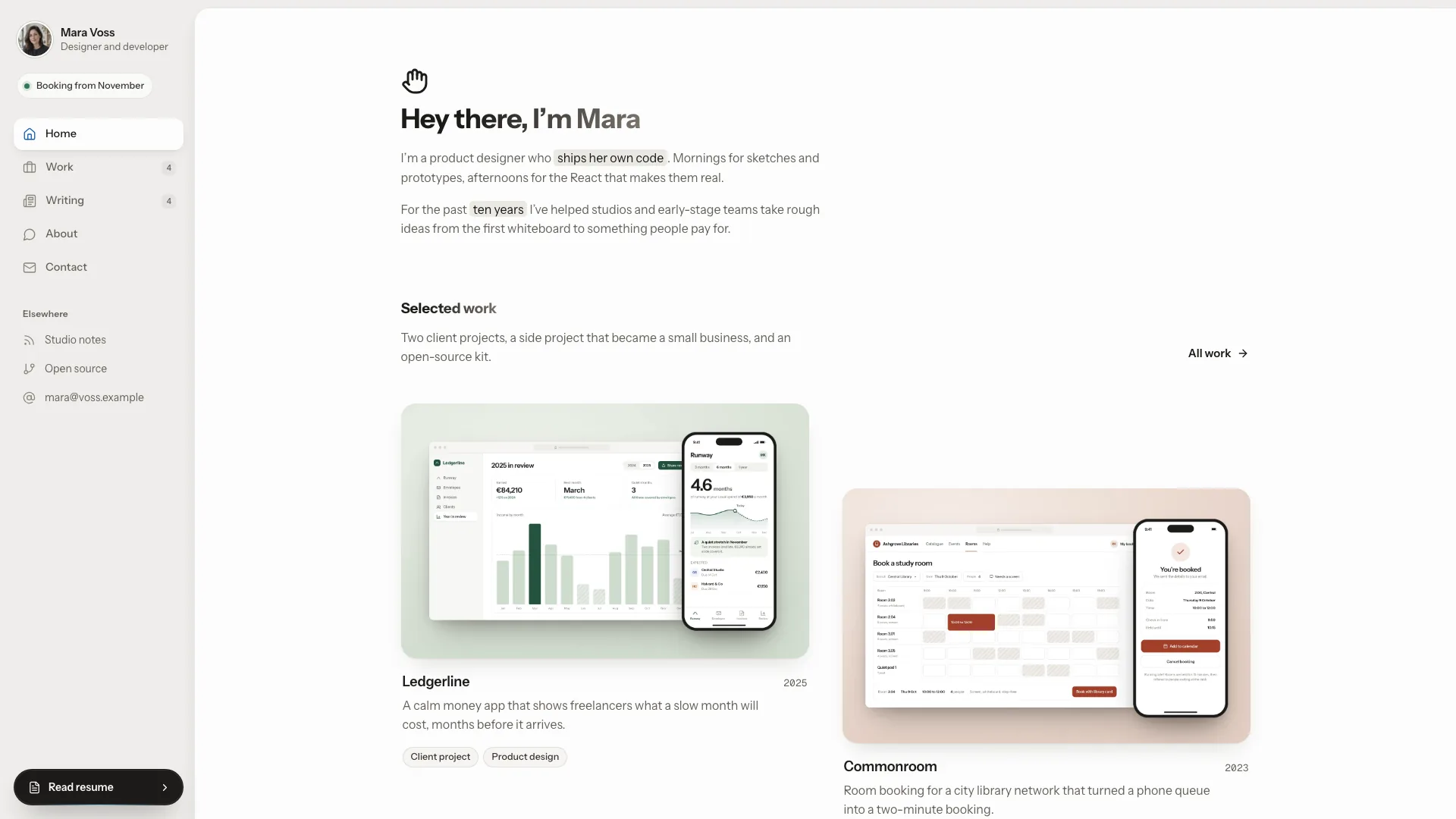
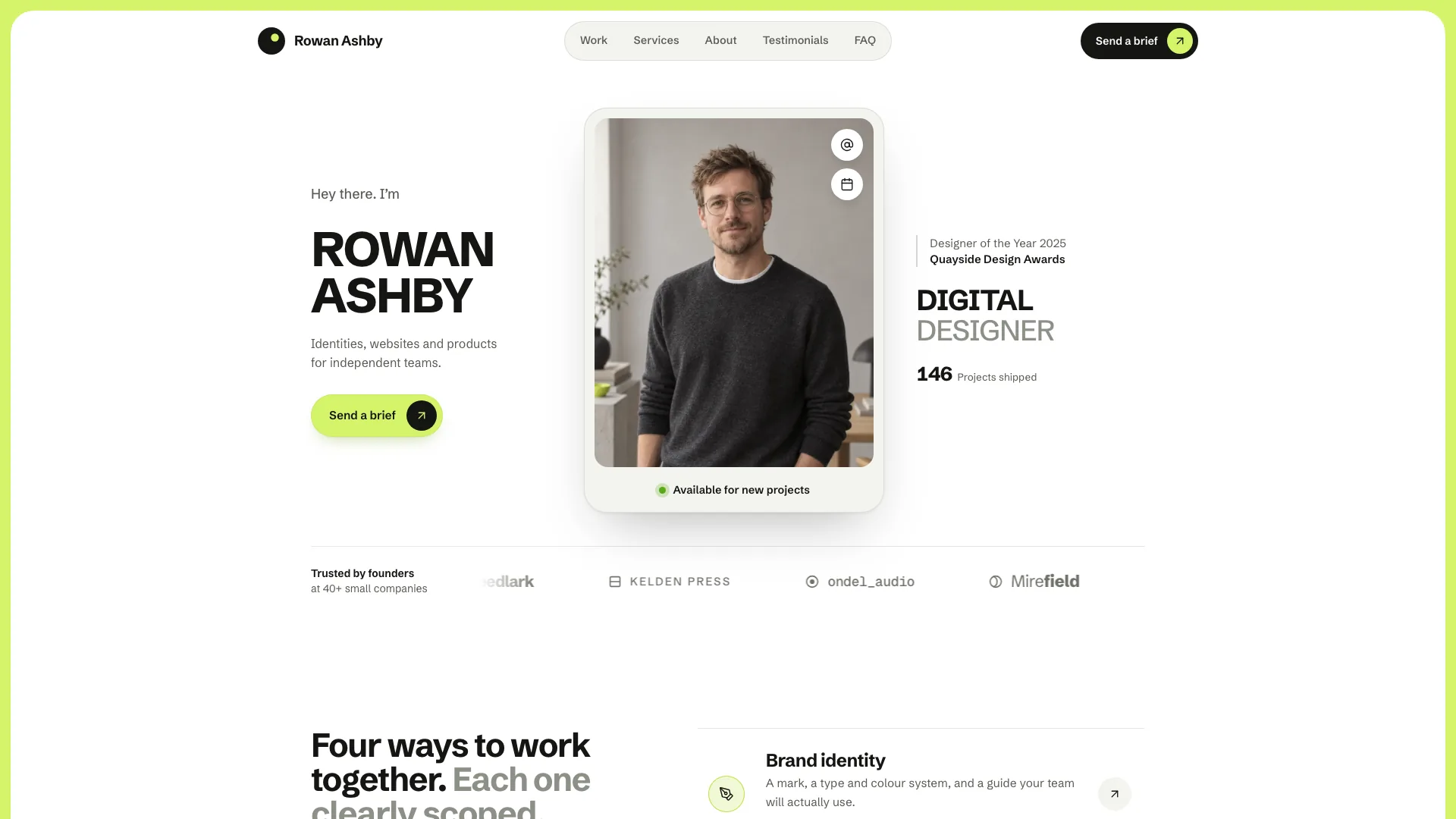
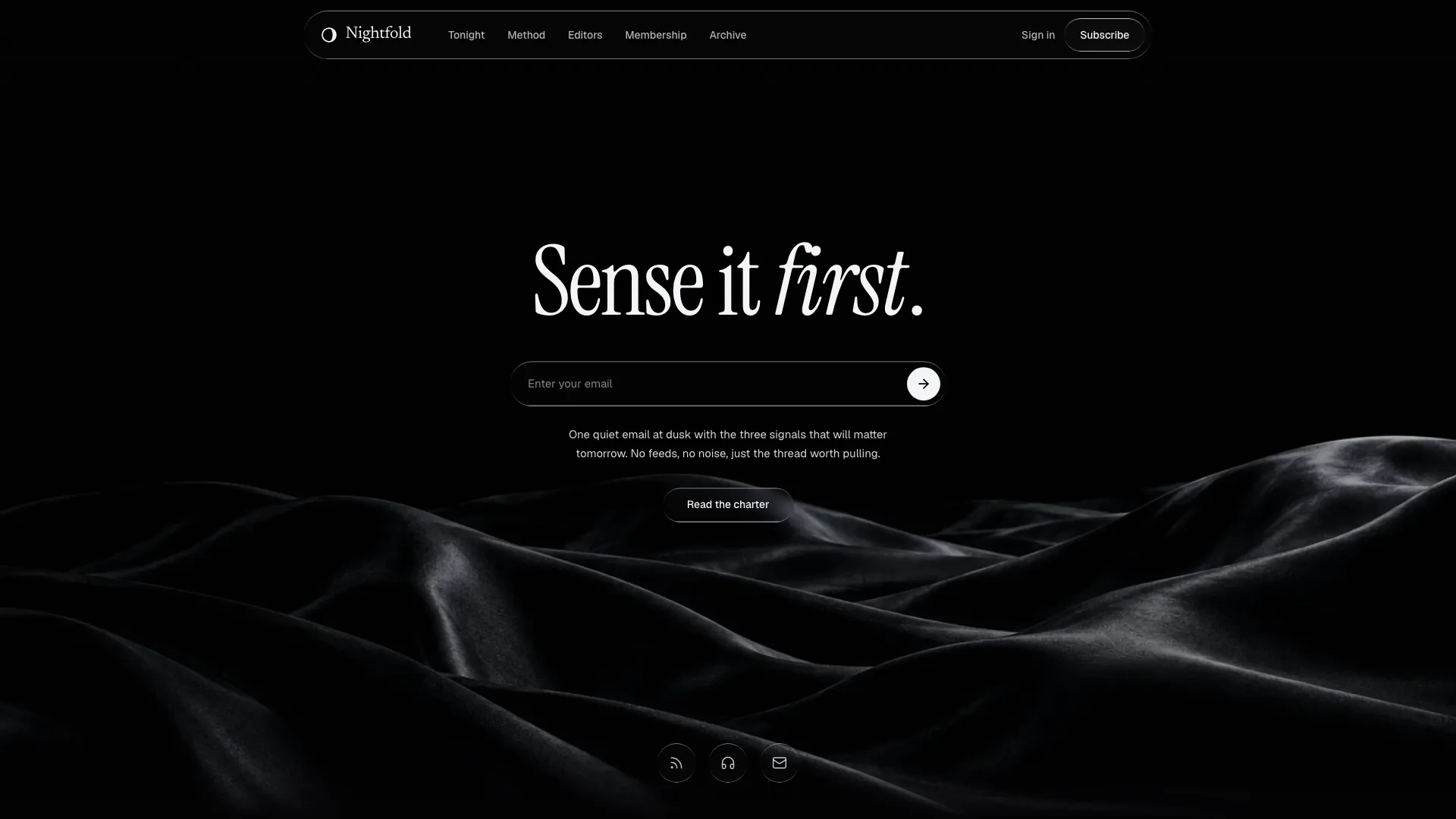
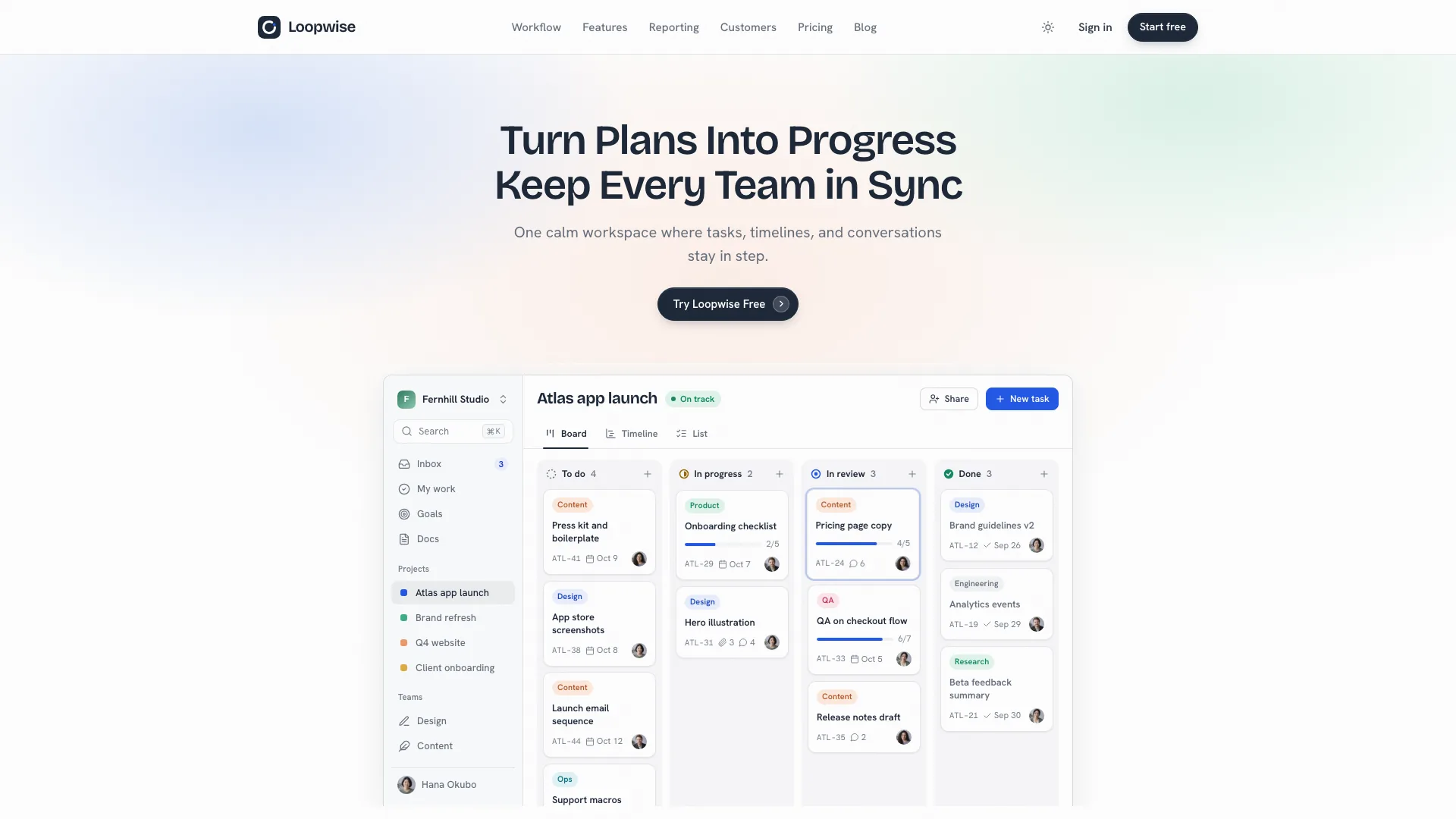
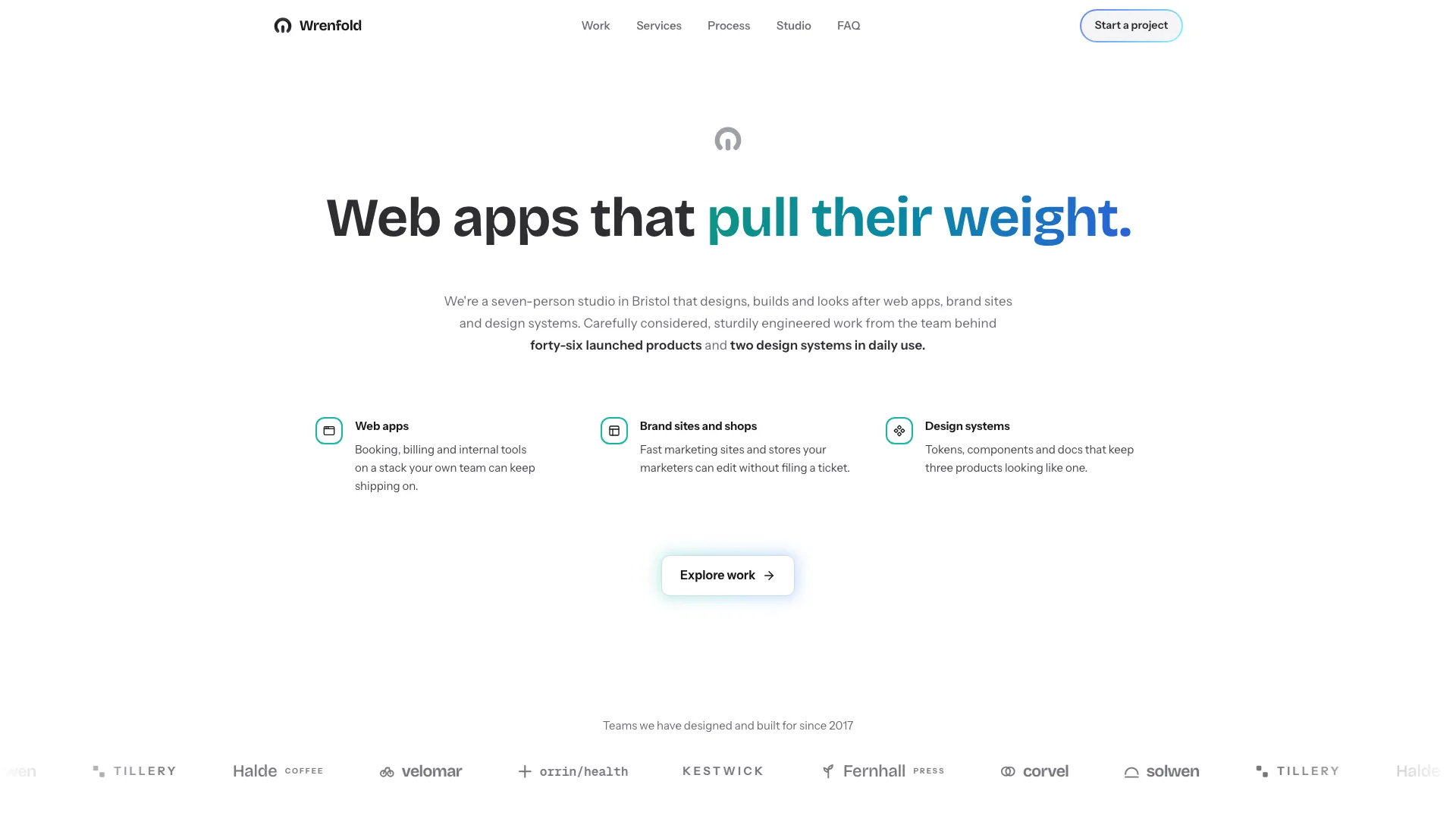
Put a product message and two actions beside one large visual area. The supplied React layout stacks on small screens and becomes a balanced two-column composition at the large breakpoint, with a beta badge, headline and supporting copy on the left. Its right-hand frame is currently an empty muted square, ready for your own visual and cropping treatment.
What you get
Hero source, a minimal usage example and local Button/Badge components. Copy and maintain the React/TypeScript files in your project rather than installing a separately versioned block.
A responsive one-column base that becomes two columns on large screens, plus an outlined status badge, large heading, paragraph and primary/secondary buttons. The square visual region is layout geometry, not a bundled photograph or interactive media viewer.
The written contract defines warm paper/teal light tokens, dark roles, Outfit body type, Sora headings and a 0.875rem base radius. It calls for restrained motion and inline SVG interface icons with 1.5 px square-cap strokes; real vendor marks should be monochrome and visibly named. Reconcile these references with fixed classes and demonstration assets during integration.
Imagery/icon guidance, third-party notes and a source-check script. This archive includes no image or WOFF2 font files. Supporting dependencies include React, Lucide, Radix Slot, class-variance-authority, cn and the host’s utility/theme styling.
Before you choose
Choose the image before treating this as a finished hero. One clear product visual, accurate copy and two connected actions are more valuable than filling the square merely to remove empty space.
Good fit
A product or service with one strong image or screenshot that can carry the visual half of the introduction.
A page needing a simple existing copy/action/frame composition to adapt rather than an empty layout.
A team willing to populate the visual, connect actions and maintain source within its own project.
Not for
A finished image-complete hero, media gallery, animated first screen or prebuilt product screenshot.
A dependency-free/versioned package or an automatic fit within a mature design system.
Working booking, account creation, navigation, forms, authentication or checkout supplied by button labels alone.
How to use
You say/hero-single-frame Add the Single Frame Hero section to the top of the landing page for [product name]. Use my supplied copy and assets, and follow the existing page framework and styling.
Inspect the target framework and styling conventions, then copy Hero, demo and the included Button/Badge source as appropriate. Resolve React, Lucide, Radix Slot, class-variance-authority and cn aliases. A non-React project needs an actual port; standalone HTML is appropriate only for an intentionally standalone deliverable.
Edit the beta status, heading and paragraph directly in the component, or add a content-prop API. Use accurate product language and inspect the longest lines at phone width; the sample copy is illustrative and does not guarantee fit for arbitrary replacements.
Populate the empty square div with a meaningful local image or screenshot and deliberate alternative text/cropping. No img element or image asset is already present to replace. Follow slot rules: portraits for people, abstract plates in special invert/blend/contain treatments and photographs elsewhere; preserve accurate name/image pairing and use local delivery-sized WebP/fonts.
Connect Book a call and Create an account to real destinations or handlers. Apply the written token/icon contract and review fixed type/radius utilities and all Button states. The component uses theme roles, but a token change alone is not a substitute for checking the whole composition against an existing system.
Run node scripts/check-blocks.mjs TARGET, build the integrated page and test keyboard focus, actual destinations, image clarity and narrow-screen width. The two buttons occupy a non-wrapping row, so check longer labels. The checker detects selected glyph/color/remote-reference patterns; it does not prove assets are present or the responsive result is usable.
Requirements and costs
You bring
Not collected yet
Dependencies
Not collected yet
Outside costs
Not collected yet
Publisher testing
v1.0.1 — Claude Code / Claude Desktop / Cowork / Codex / ChatGPT
FAQ
React/TypeScript with Tailwind-style classes. Button and Badge source is supplied, while their supporting libraries/utilities and theme must be resolved in the host project. Other-framework ports require implementation.
The inspected source has no service requests or media fetches; the image frame is an empty div. Supply local assets when populating it and check actual host-page network behavior.
Yes. Use the documented tokens and component variants, then reconcile fixed typography, spacing and radius utilities with your system. Review both action states and the finished visual after changes.
No. The current example provides a square placeholder and no media files. Add your own meaningful image or screenshot as part of integration.
No handlers or destinations are supplied. Connect those actions to real flows and test them before publishing.
User reviews
—0 reviews
Select a star to share your experience.
No reviews yet. Ratings appear once readers share real experiences.