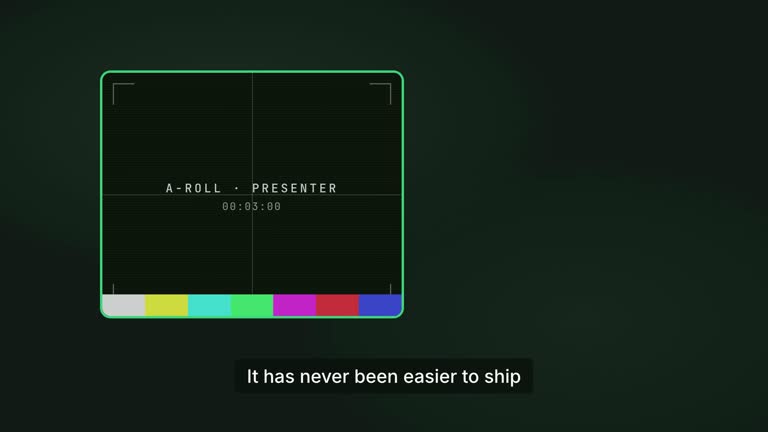
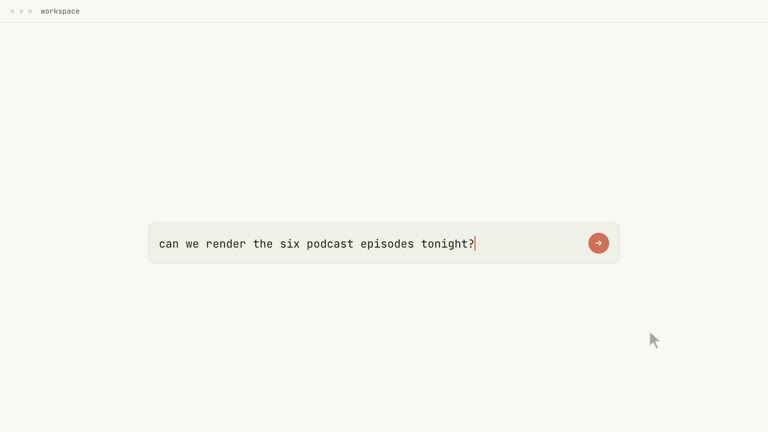
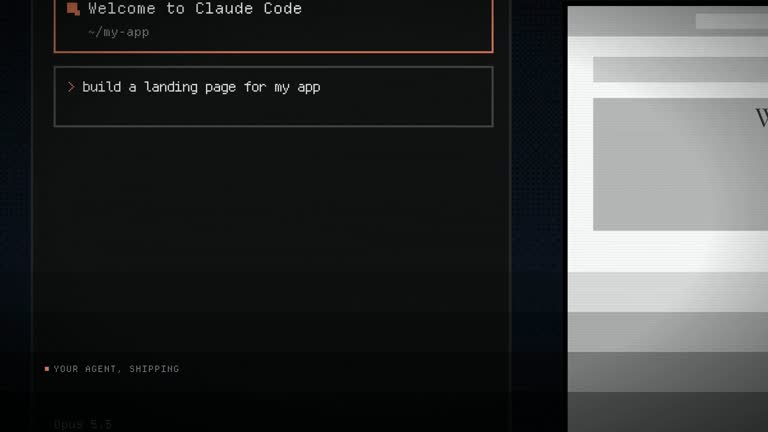
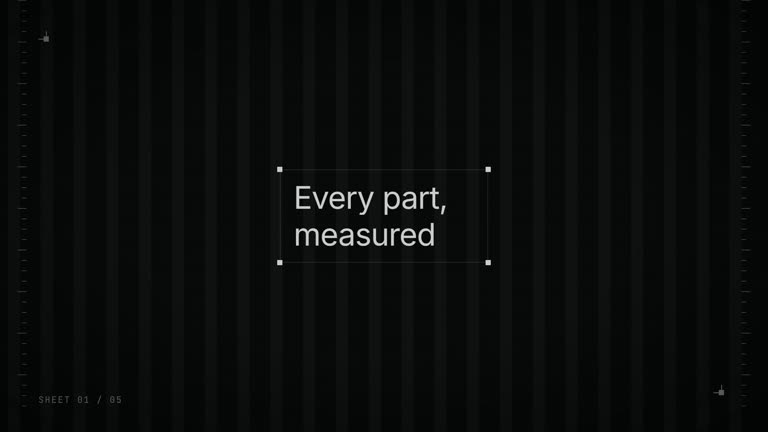
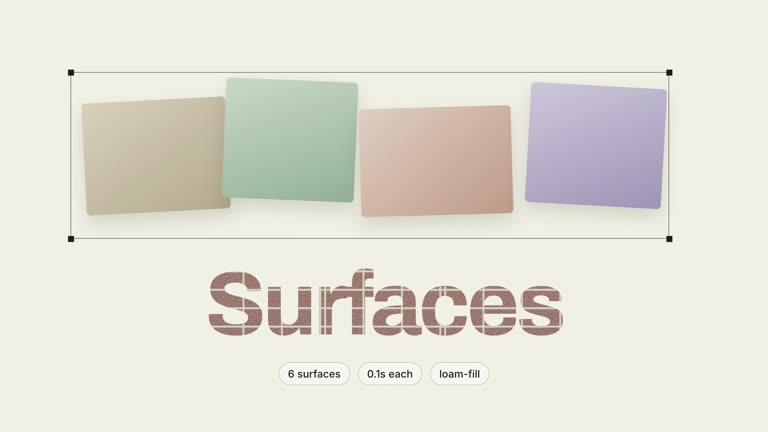
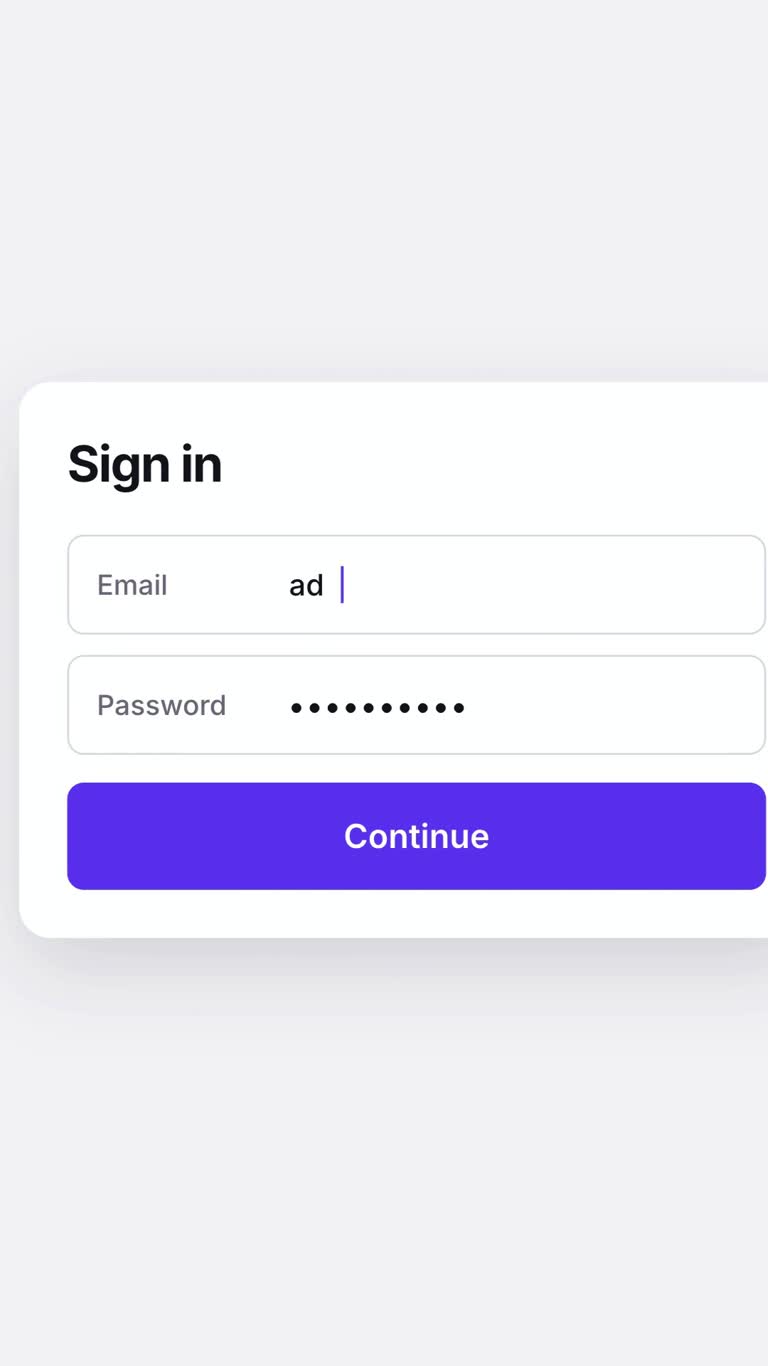
Make a familiar workaround feel briefly absurd, then show the actual fix. Pain-Gag begins with one visibly wrong reaction, builds a spiral of small requests and uses a single accent shape to carry the reveal into the product interface. It is a self-aware launch for an audience that already recognizes the annoyance, not a general introduction.
What you get
A blueprint for a twenty-eight-to-forty-second, 1920×1080, 60 fps H.264/AAC film with narration, music and effects. Warm-white ground, poster-scale type and one accent shape frame six acts.
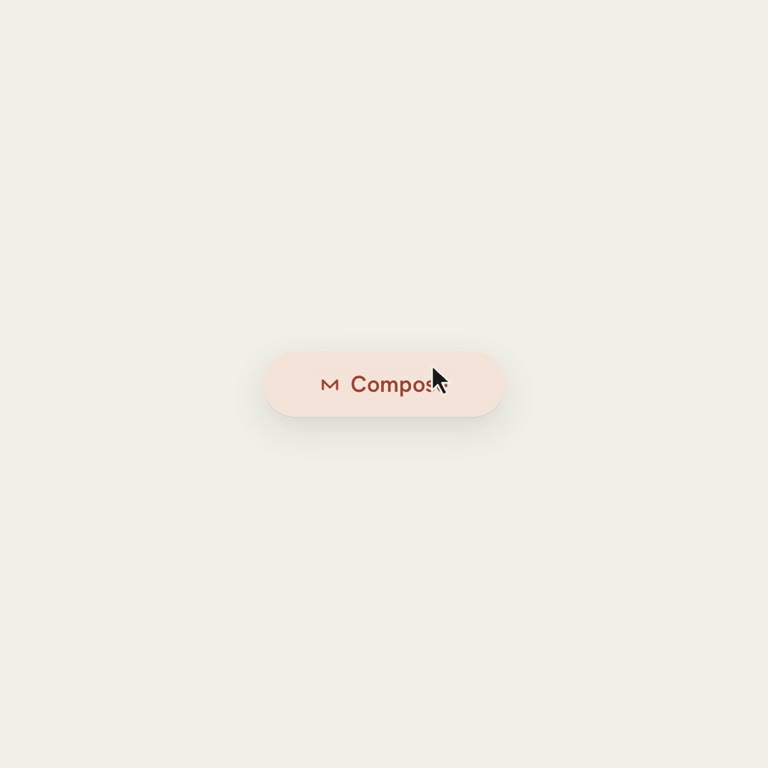
A gag and micro-adjustment playbook, plus a continuous pill-morph chain: word highlight, expanding shape, interface bar and interaction leading into actual feature footage.
Instructions for the editable project: storyboard with the gag sentence and two hit timecodes, per-act compositions, transcript, cut ledger and shared design stylesheet. Voice word onsets control the opening timing.
A real-footage payoff and three-row closing card after the turn. The guide-only archive supplies production references; the user-specific project, voice alignment and rendered MP4 still need to be created.
Before you choose
Choose this when the audience will recognize the workaround before the product names it. Secure the actual fix footage and resolve the opening gag first. If either is weak, shorten or change the story rather than trying to rescue it with a longer prompt spiral.
Good fit
A feature replacing a fiddly workaround that existing users can recognize immediately.
A team with actual support material showing retries, nudges and small adjustments in the user’s own language.
A release with real captured footage of the fix working and a brand comfortable admitting the earlier annoyance.
Not for
A serious or abstract problem that cannot be represented as one small visible mishap.
An unfamiliar audience that has never experienced the workaround and would need the joke explained.
A brand unable to use self-deprecation, or a launch whose payoff can only be an invented mockup.
How to use
You say/hyperframes-pain-gag-reveal-launch People nudge our export timing by hand and it never lands. We shipped a slider — make the launch film.
Write the gag in one sentence: one object does one recognizably wrong thing in under a second. Identify the actual workaround, new feature and invocation, and test whether the gag is understandable without a caption explaining it.
Gather real micro-adjustment messages and a capture of the feature working at the intended video size with a visible cursor. If support material is absent, use the guide’s shorter three-prompt setup rather than invent a long history of complaints.
Prepare the script or recording and lock the narration before timing. Transcribe to word onsets, setting the two gag hits and opening word groups from the audio. Choose warm ground, ink and one accent, and prepare HyperFrames CLI, Node.js 22+ and FFmpeg with the referenced motion/audio guidance.
Build the opening gag, composer and spiral as a continuous scene. Carry the same accent element through the fix highlight and expanding-pill morph into the interface, without replacing it with a crossfade between unrelated objects.
Review the gag alone and the real payoff at playback speed. Check narration alignment, readability, continuous morph and captured result, then run documented checks and render verification. Re-time from the transcript if the voice changes and inspect final dimensions, frame rate, duration and mixed audio before delivery.
Requirements and costs
You bring
The feature being launched and the workaround it replaces · One concrete on-screen gag whose wrongness reads in under a second · Real micro-adjustments users make when fighting the workaround · Real footage or a capture of the feature working · A voiceover script, or a recorded voiceover file
v1.0.0 — Claude Code / Claude Desktop / Cowork / Codex / ChatGPT
FAQ
One object makes one clearly wrong reaction: late, off by one, almost complete or quietly undone. Write it as one sentence before building. If it needs an explanatory caption or makes the user look foolish rather than exposing the tool’s friction, it is not the right opening.
Yes. The long version depends on actual support material, including the small imperfections that make requests believable. Without that evidence, shorten the setup to three prompts instead of padding it with invented micro-adjustments.
The guide requires real captured footage of the feature working. The setup promises a real fix, so an invented payoff would change the meaning of the film. Obtain the capture before committing to the reveal.
It carries recognition from the fix line into the interface: the highlight expands, compacts into a bar and becomes interactive. Cutting or replacing it breaks that continuity and makes the reveal feel like another slide.
Production, blueprint, visual-system and retarget documents. The agent must still author the film, align the narration and footage and render the MP4 with HyperFrames; no finished gag video is bundled.
User reviews
—0 reviews
Select a star to share your experience.
No reviews yet. Ratings appear once readers share real experiences.