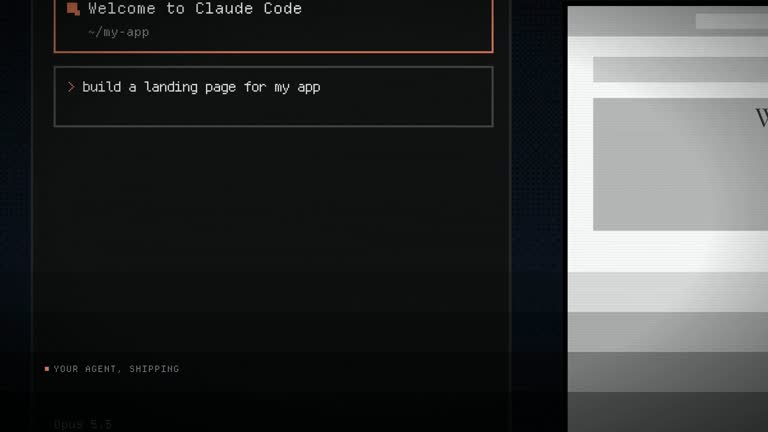
Explain a removed wait or constraint through one accumulating conversation. Persistent-Chat establishes the measured problem, asks for the fix in the same thread and reveals the actual pipeline behind the payoff. The same window persists across the story, with a brief outside-the-window turn, so the viewer can follow one session rather than reconnect several unrelated screens.
What you get
A blueprint for a 1920×1080, 30 fps H.264/AAC film, normally twenty-eight to thirty-eight seconds, with music and interaction effects but no voiceover.
A six-state story: first question, measured pain, turn line, request for the fix, pipeline/fleet and finished-work payoff. One window component changes size and position while its conversation accumulates; old messages scroll under a soft mask instead of being cleared.
A real-stage pipeline visualization with honest division of work and parallel lanes finishing at differing times. If the system cannot be described accurately, the workflow removes the diagram rather than inventing architecture or progress percentages.
A two-accent visual system distinguishing the host conversation from the product being launched, plus storyboard, cut-ledger and retarget references. An agent uses the guide-only package to create the editable project, stylesheet and final MP4.
Before you choose
Choose this for a credible before-and-after story about time or capacity. Confirm the measured starting point before writing the fix, then verify that the pipeline actually explains the improvement. The persistent conversation helps viewers retain context; it cannot substitute for evidence about performance.
Good fit
A product removing a wait or resource constraint, such as managed builds, hosted rendering or offloaded compute.
A team with a measured before-number in the same units the user experiences and willing to publish its context.
A product whose real stages and work division can be explained clearly to a technical audience.
Not for
A product whose main value is the appearance of its visual output rather than throughput or a removed constraint.
A launch needing several independent workflows. The persistent thread is built to carry one before-and-after argument.
A story dependent on an invented pipeline or unsupported benchmark. Omit unsupported diagram elements rather than filling them with decorative progress.
How to use
You say/hyperframes-persistent-chat-launch Renders used to pin your machine for an hour. We host them now — make the launch film.
Provide the constraint, a measured before-number with units and conditions, the actual pipeline stages and how work divides. Write the first question that surfaces the pain and the follow-up that asks for the fix, using an approved surface or a neutral original.
Prepare HyperFrames CLI, Node.js 22 or newer and FFmpeg and locate the referenced audio/motion guidance. Write every message in order before composing scenes so the full thread’s length and scrolling can be planned.
Separate host and product accent families. The host accent stays inside the window; the product accent first arrives on the outside turn line and belongs to the pipeline and payoff. Build the window, composer and mask as one reusable persistent object.
Author the opening move from full-bleed conversation to floating card and the remaining states without deleting prior messages. Model the actual stage order and work division, showing real concurrency instead of invented percentages. Keep the window visible at the edge during the pipeline payoff; the short turn deliberately moves it off-screen before returning to the intact thread.
Snapshot every state and compare message counts to catch resets. Review the two-color separation, measured figure and diagram meaning at playback speed, then run documented lint/check and render checks. Probe the final MP4 for dimensions, duration, frame rate and audio and record the benchmark source and architecture basis in the handoff.
Requirements and costs
You bring
The product and the constraint it removes · The real before-number, in the units a user sees · The real pipeline stages and how work divides across them · The two prompts: the one that surfaces the pain and the one that asks for the fix · An interface you own, or approval to build a neutral original
v1.0.0 — Claude Code / Claude Desktop / Cowork / Codex / ChatGPT
FAQ
One window object survives the film and the thread only grows. Messages that leave the visible area scroll under a mask; they are not discarded and recreated as a fresh card. The brief turn can move the window out of frame, but returning to it must preserve the conversation so far.
The host surface and the launched product are different identities. One accent belongs inside the chat and the other to the turn, pipeline and payoff. If those roles blend, the viewer may not understand which product is responsible for the change.
To include the diagram, yes: provide the real stages and work division. If that cannot be described accurately, remove the diagram and end on the actual finished-work payoff. Do not fabricate a plausible-looking architecture.
It needs a measurement, units and the conditions under which a user experienced the wait or limit. Keep its source in the handoff and avoid replacing it with a rounded marketing claim. The package does not measure the product for you.
The package contains the production blueprint, visual-system rules and retarget checklist. The persistent component, timeline, ledger and MP4 must still be authored with HyperFrames. There is no live benchmark or rendered product demonstration already supplied.
User reviews
—0 reviews
Select a star to share your experience.
No reviews yet. Ratings appear once readers share real experiences.