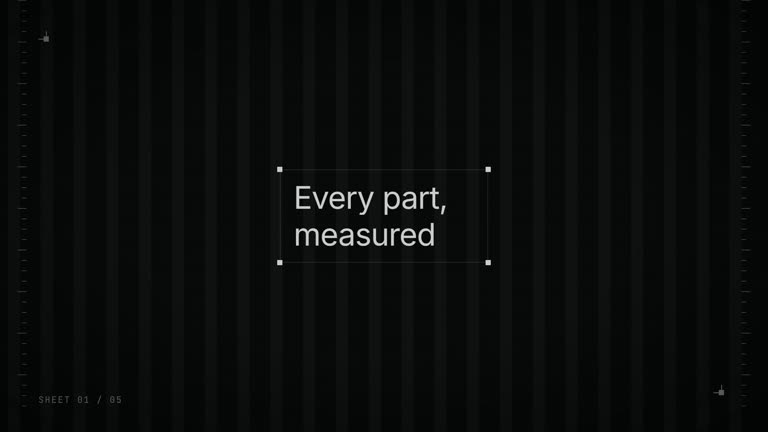
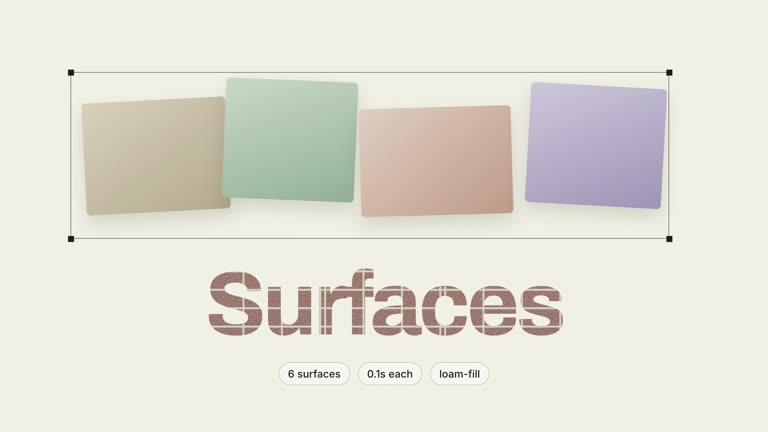
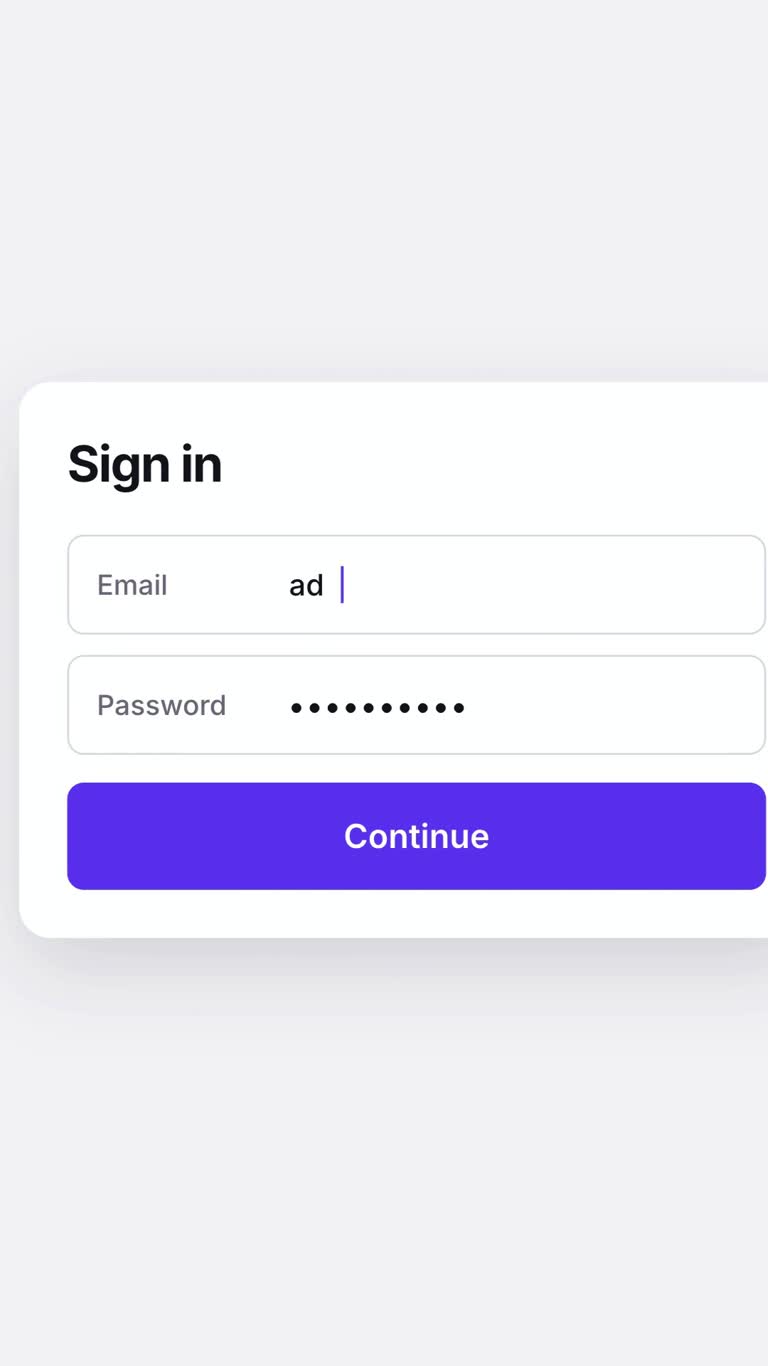
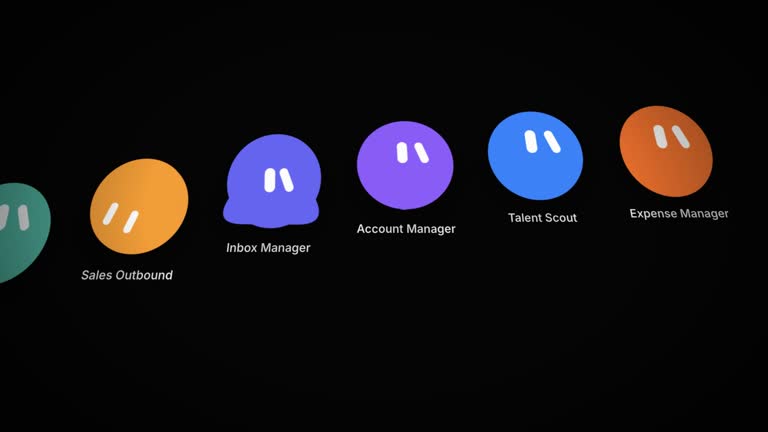
Show a handoff between two tools as one continuous gesture. Square Morph-Chain Launch Film follows a button as it becomes a prompt, grows options and resolves into a response, then pulls back to a wall of sessions and repeats the action more quickly. A single word changes the surrounding world, tying the visual reaction to what the user actually typed.
What you get
A production blueprint for a square 1080×1080, 24 fps H.264/AAC launch film, normally thirty to fifty seconds, designed for a feed rather than a cropped wide-screen hero.
A four-state shared-element morph plan written before animation: button, prompt card, expanded options and dissolved response. The opening four beats contain no scene cuts; the same element changes geometry while its contents transition within it.
An eight-beat story moving from the first handoff to a pull-back, a session wall, a compressed second example, a parallel description of the tools and what the receiving tool adds. Warm ivory, dark ink, coral and restrained serif copy define the cut-paper presentation.
Rules for one slow, persistent world reaction at the frame its trigger word completes, plus square-layout and camera-continuity guidance. The intended handoff includes a HyperFrames project, storyboard, cut ledger and stylesheet; the archive provides instructions and references for creating those outputs.
Before you choose
Choose this only when you can say what leaves the first tool, what arrives in the second and why the handoff matters. Prototype the four-state element alone and ask a viewer what changed. If they see several unrelated screens instead of one gesture, repair that continuity before adding scenery or audio.
Good fit
A real export, import, send-to or other integration whose value is that work moves between two tools with little friction.
A launch planned for a genuinely square presentation without wide-screen letterboxing.
A short prompt containing one concrete color, mood, number or direction that can motivate the film’s world reaction.
Not for
A 16:9 landing-page hero or wide-screen placement. Authoring square and cropping later changes the intended composition.
A story whose two ends cannot be represented clearly. Use owned or explicitly permitted interfaces or neutral original representations identified as such.
A narrated launch or long feature explanation. The argument is visual continuity; music supports it rather than replacing it.
How to use
You say/hyperframes-square-morph-launch You can now send a design straight into our editor. Make the square film for the feed.
Define the two tools, exact connecting action, prompt and value added by the receiver. Confirm square placement first. Supply permitted interface material or plan neutral original surfaces, and choose the warm ground, dark ink, coral accent and serif treatment.
Choose one reacting word and fill the six copy-slot types: button, prompt, options, response, parallel tool statements and receiver benefits. Keep the response brief and make the wall’s session names real or clearly fictional, not empty placeholder text.
Prepare HyperFrames CLI, Node.js 22 or newer and FFmpeg and locate the external motion-stack guidance referenced by the package. Author the four geometries on one element before adding other scenes; a crossfade between different elements does not meet the morph plan.
Build the storyboard, square compositions and cut ledger. Start the world reaction exactly when its word completes, make it slow and partly persistent, then keep the original session identifiable during the pull-back and fly into the second example.
Inspect all four morph states and play the chain without cuts. Check square framing, real handoff meaning and session-wall readability, then run the documented lint/check and render verification. If adding audio, keep a continuous bed low under the chain and lift it at the pull-back without making sound necessary to understand the film.
Requirements and costs
You bring
The two tools and the exact action that connects them · The prompt a user types, containing one word the world can react to · What the receiving tool adds · Interfaces you own, or approval to build neutral originals for both · A warm ivory ground, a warm near-black ink, one coral accent, and a serif display face
v1.0.0 — Claude Code / Claude Desktop / Cowork / Codex / ChatGPT
FAQ
One node changes width, height, radius, fill and position through four planned states. Its contents crossfade inside it while the container stays identifiable. If a viewer describes four separate screens replacing each other, the intended shared-object continuity has not landed.
One word in the prompt triggers a large, slow change such as the ground moving toward a color or a numeral appearing. It starts when that word completes and partly remains until the pull-back. The guide calls for one reaction, not a separate effect for every word.
The workflow expects explicit permission for a third-party surface rather than assuming an integration or partnership is enough. Otherwise build neutral original chrome and icons without that tool’s mark or signature layout, and state which scenes are representative in the handoff.
The download contains a film blueprint, visual system and retarget guidance. The agent still has to create the project, shared-element animation and MP4 for your specific handoff. It is not a finished film ready for a logo swap.
The card dimensions, session wall, camera moves and copy budgets are designed around 1080×1080. Cropping a wide film afterward can remove the continuity that explains the handoff. Confirm the actual posting surface before authoring the chain.
User reviews
—0 reviews
Select a star to share your experience.
No reviews yet. Ratings appear once readers share real experiences.