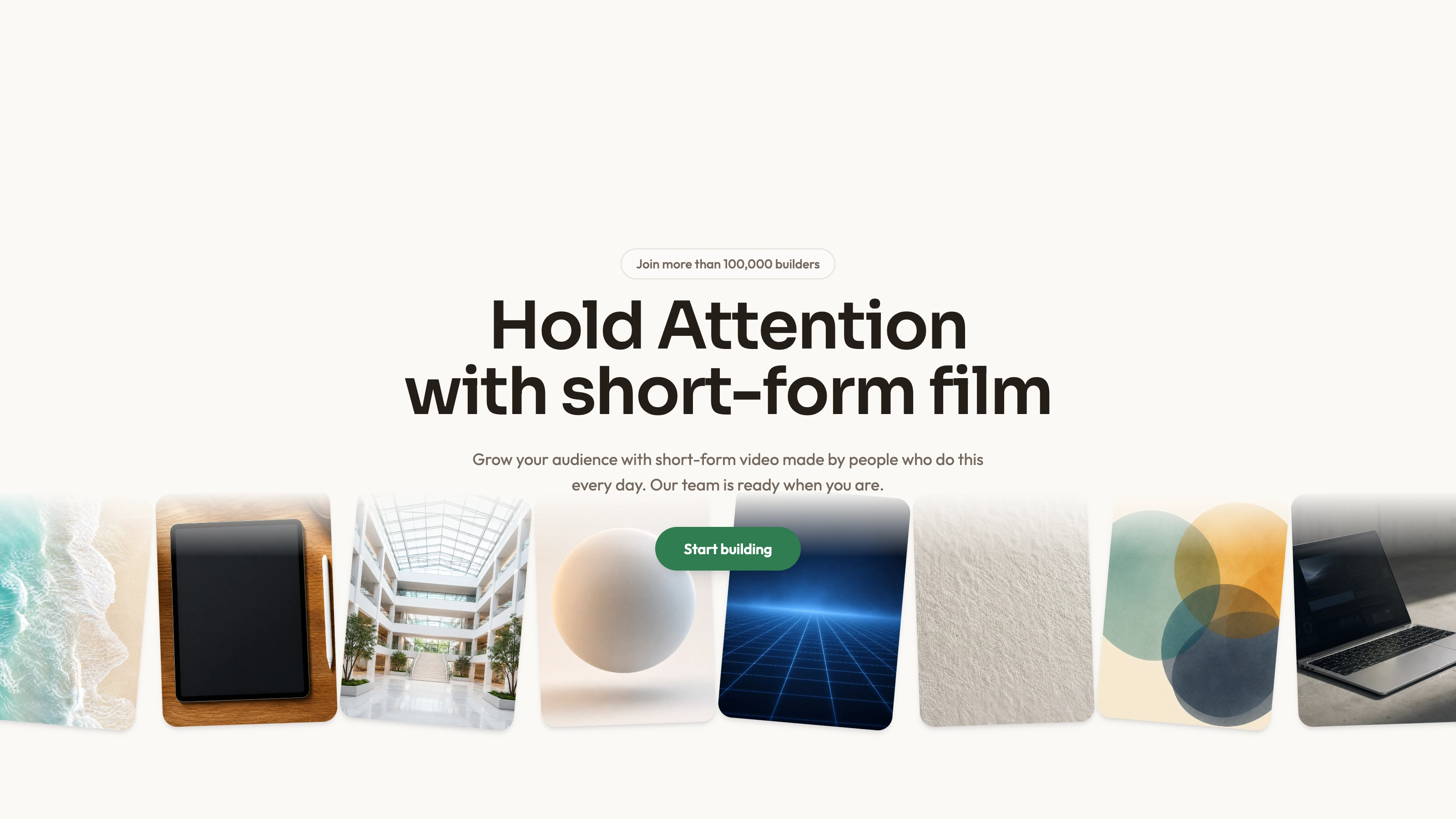
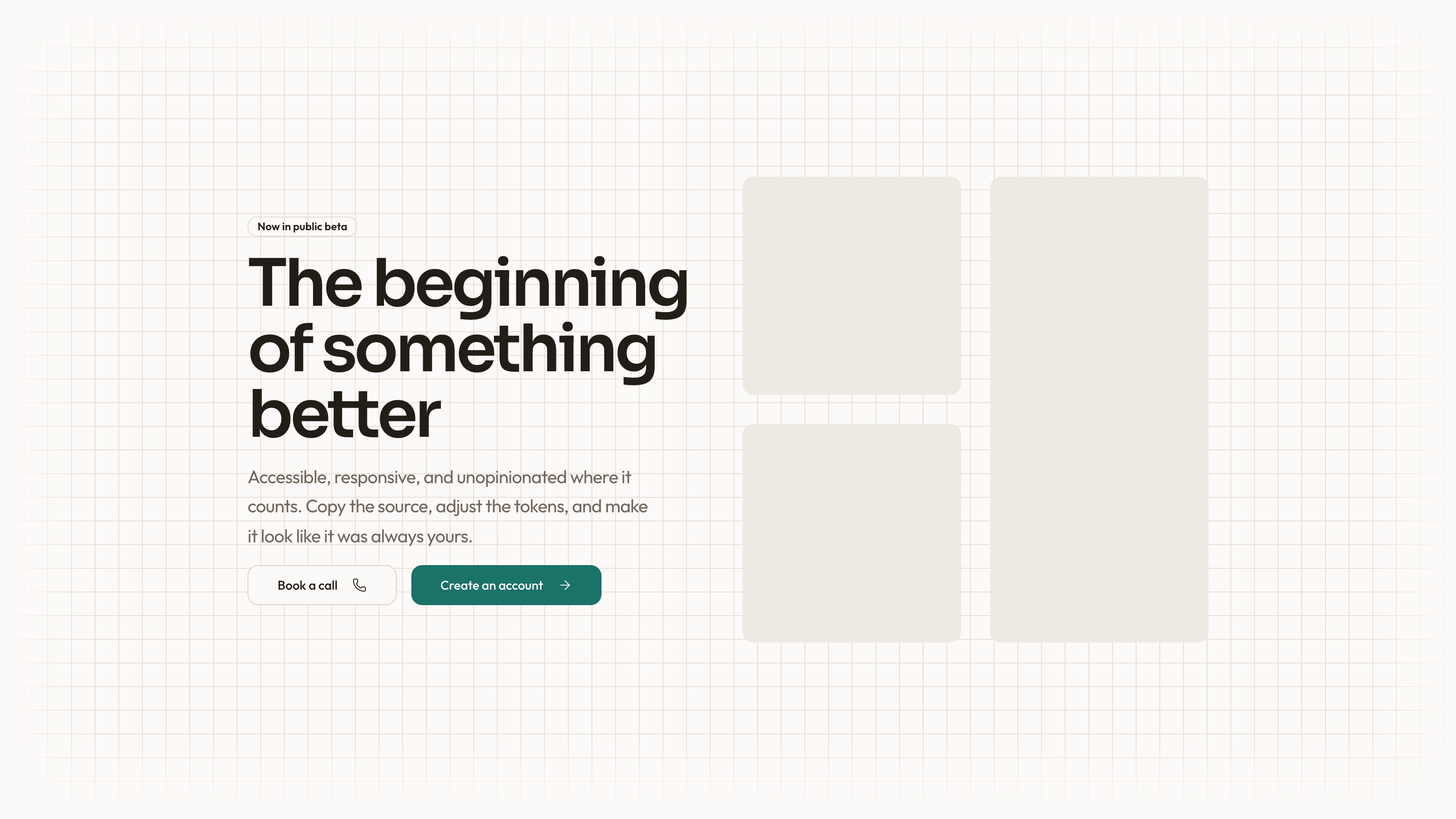
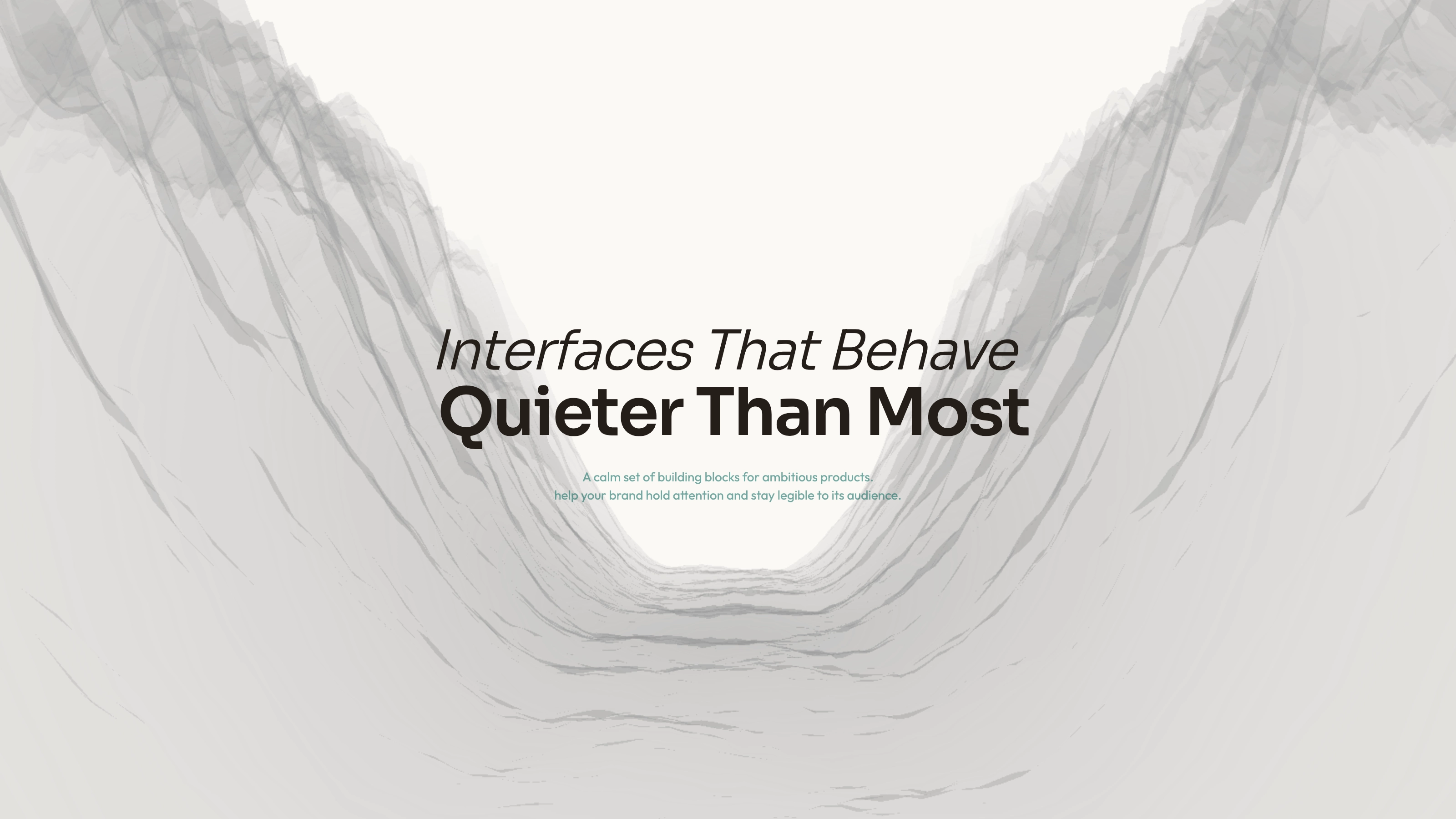
Open a visual portfolio or studio page with a headline above a gallery that changes perspective as visitors scroll. Three image columns tilt toward the viewer, settle flatter and move at different rates inside a sticky viewport. The package provides editable React source and a usage example; you integrate its dependencies, supply the referenced local assets and connect the actions.
What you get
React/TypeScript source for the scroll context, sticky container, gallery, columns and staggered entrance helpers, plus a demo showing how they compose. This is copied source to maintain in your project, not a separately versioned npm block.
A three-column, twelve-slot image example with heading, supporting text and two buttons. Its demo reserves 350 viewport-heights for the scroll sequence; the gallery rotates from 75 degrees toward flat and then settles from 1.2 scale toward 1 as columns translate.
Written references define warm paper/teal light tokens, dark roles, Outfit body type, Sora headings, a 0.875rem base radius and short settling entrances. They also specify inline SVG icons with 1.5 px square-cap strokes, and visible labels beside real vendor marks. Apply the contract during integration: the supplied examples contain hardcoded styling that is not fully reconciled with those references.
Imagery, icon and third-party guidance plus a source-check script. Images are referenced through local /assets/covers paths, but the inspected ZIP contains no cover images or WOFF 2 fonts. The supplied file paths establish slots rather than a complete asset bundle.
Before you choose
Use the gallery only when the images deserve the scrolling space it consumes. Test whether people can reach the page content comfortably on a phone, and finish the asset and action wiring before treating the first screen as complete.
Good fit
A portfolio or studio introduction whose work can sustain a large, scroll-driven image presentation.
A page needing an existing hero composition and editable behavior instead of a layout built from scratch.
A team willing to integrate and maintain source, local assets and motion within its own React project.
Not for
A one-line drop-in for a mature design system without reconciling the block’s typography, palette and layout.
A dependency-free or versioned component package; the React implementation imports Motion and project utilities and the demo uses a project Button and Lucide icon.
A complete site with working navigation, booking, forms, authentication or checkout already connected.
How to use
You say/hero-angled-gallery Add the Angled Gallery Hero section to the top of the landing page for [product name]. Use my supplied copy and assets, and follow the existing page framework and styling.
Inspect the target repository’s framework, component structure and styling before copying the demo and animated-gallery source. Resolve motion/react, React, the cn utility, Button and lucide-react against that project. Use a self-contained HTML adaptation only for a specifically standalone deliverable; other stacks require an actual port.
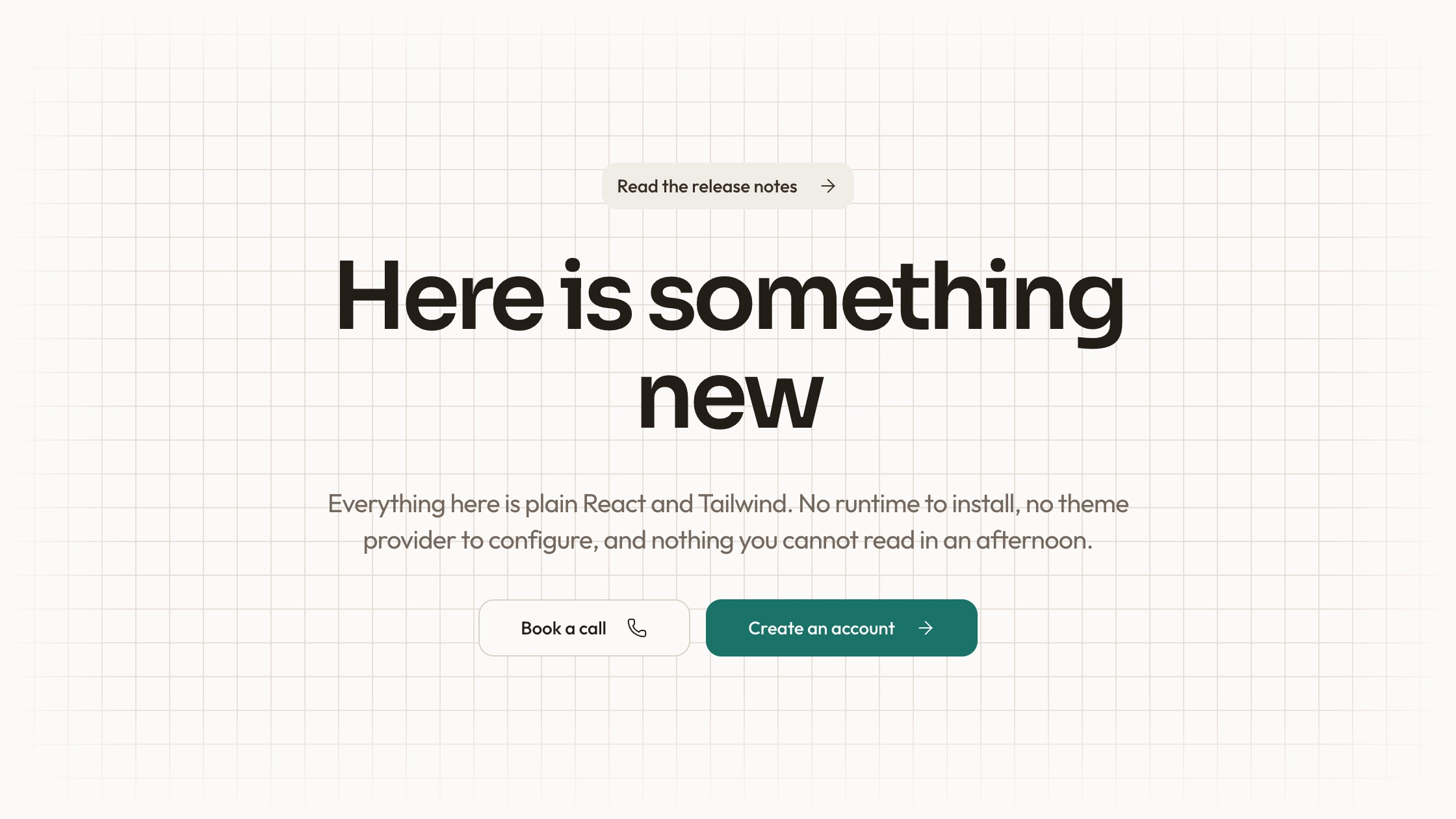
Replace the heading, description and action text and connect both buttons to real destinations or handlers. The supplied buttons do not book a call or open a studio page. Establish one page-level heading when adapting the example’s two separate h 1 elements.
Supply the local images and fonts referenced by your finished page. Choose portraits for person slots, abstract plates for invert/blend/object-contain treatments and photos for ordinary image slots. Preserve meaningful person/name pairings, use distinct images rather than the demo’s repeated city-night reference, and size local WebP files for the largest display at 2× DPR.
Apply the documented tokens and icon contract across the copied source. The demo’s hardcoded indigo/blue treatments need reconciliation with the warm/teal contract. Check the long sticky scroll section, image crops and text hierarchy on an actual narrow viewport; the current gallery remains three columns rather than automatically becoming a single-column mobile gallery.
Run node scripts/check-blocks.mjs TARGET over the integrated files, then build and interact with the page. The script detects certain glyph, color and remote-reference patterns; it does not prove asset existence, working buttons, mobile usability or all network behavior. Review keyboard actions and reduced-motion handling explicitly, which the inspected gallery does not provide as a dedicated alternative.
Requirements and costs
You bring
Not collected yet
Dependencies
Not collected yet
Outside costs
Not collected yet
Publisher testing
v1.0.0 — Claude Code / Claude Desktop / Cowork / Codex / ChatGPT
FAQ
The supplied code uses React/TypeScript, Motion from motion/react, Tailwind-style classes and project aliases. The Skill instructs adapting to the repository; it is not a prebuilt implementation for every framework. Standalone HTML is an optional adaptation.
The inspected source references local asset URLs and has no explicit service request. Those assets are not bundled in this ZIP. Install dependencies and supply local files; a finished page’s actual network behavior still needs checking in its host project.
Yes. Replace the three image arrays with local files suited to their slots. The imagery guide distinguishes portraits, abstract plates for special blending/contain treatments and photographs elsewhere; it also recommends no repeats, WebP and 2× display sizing.
Yes. Scroll progress drives perspective, scale and column offsets within a sticky section. There is no separate next-step controller or click-to-open lightbox in the inspected example.
The composition and usage example are supplied, but project imports, assets, destinations, theme consistency and responsive/accessibility checks remain integration work.
User reviews
—0 reviews
Select a star to share your experience.
No reviews yet. Ratings appear once readers share real experiences.