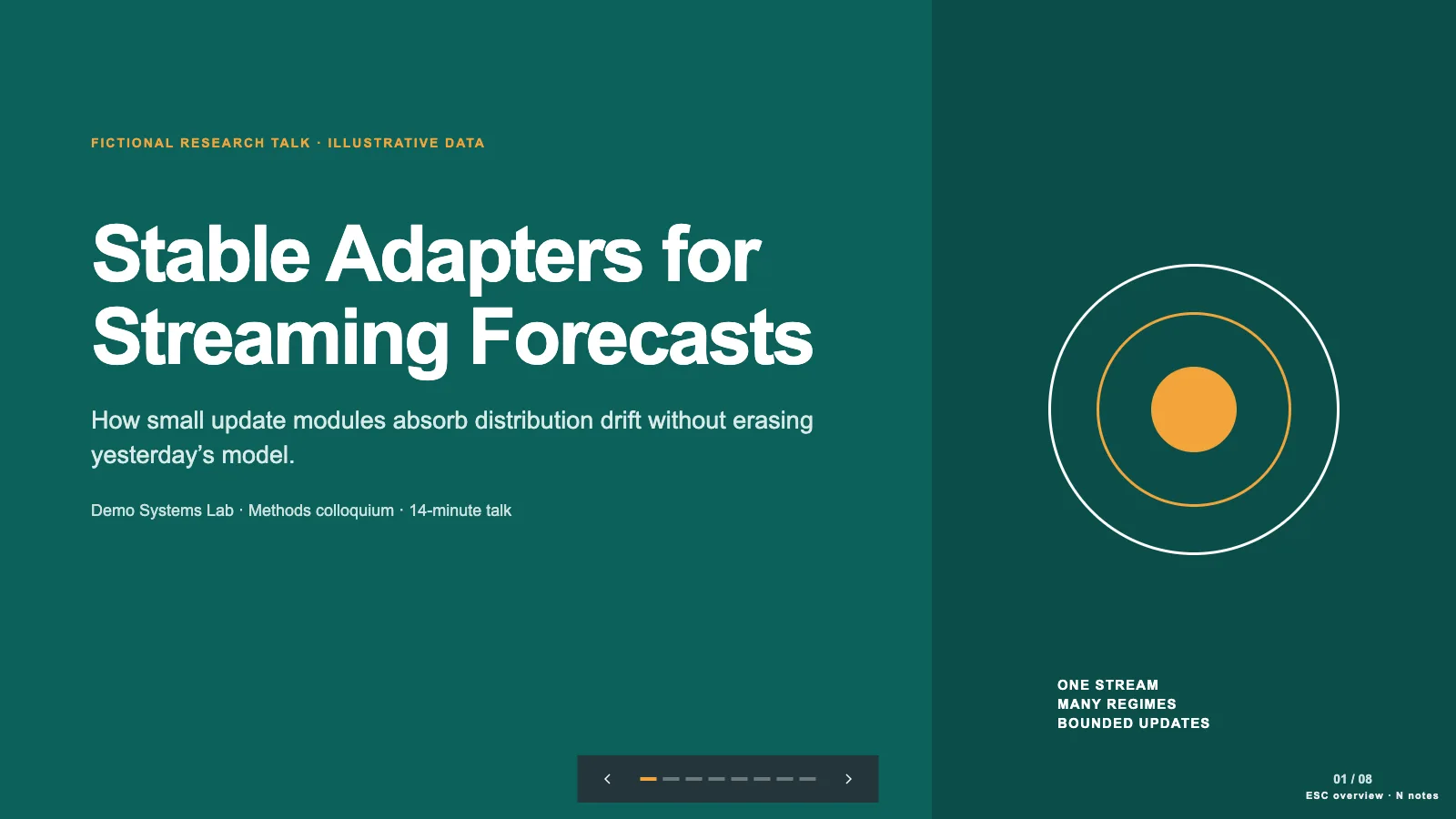
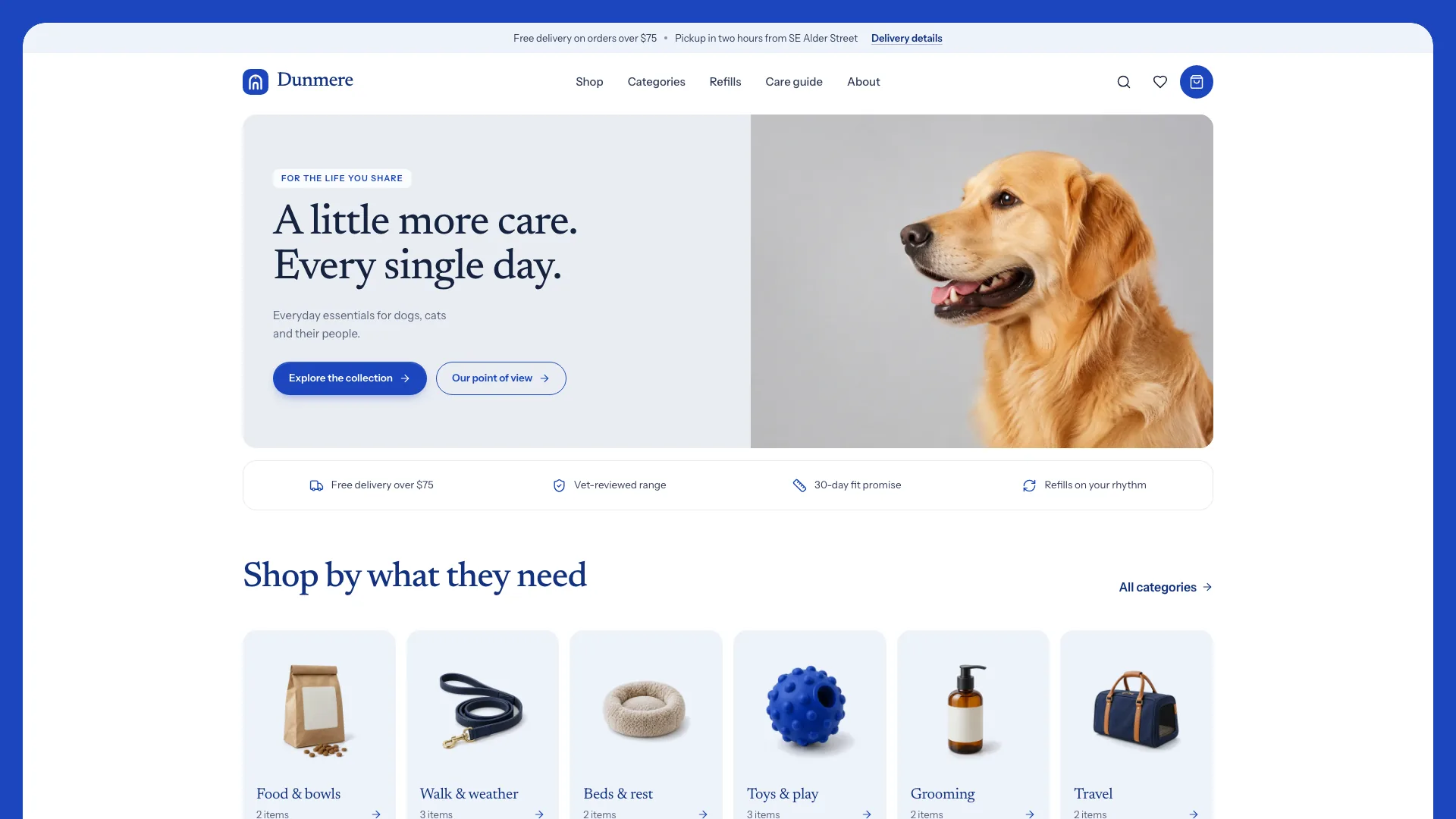
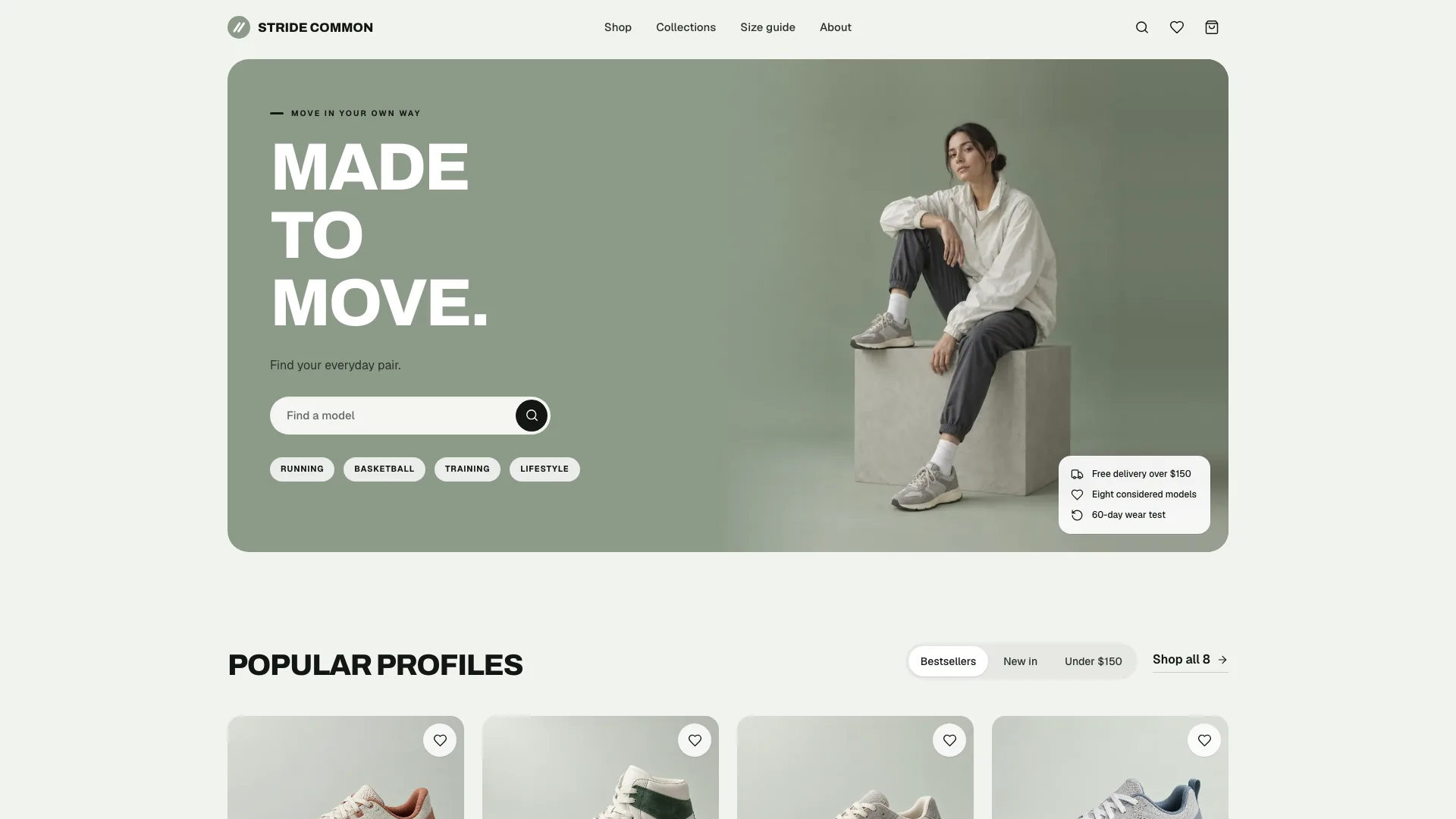
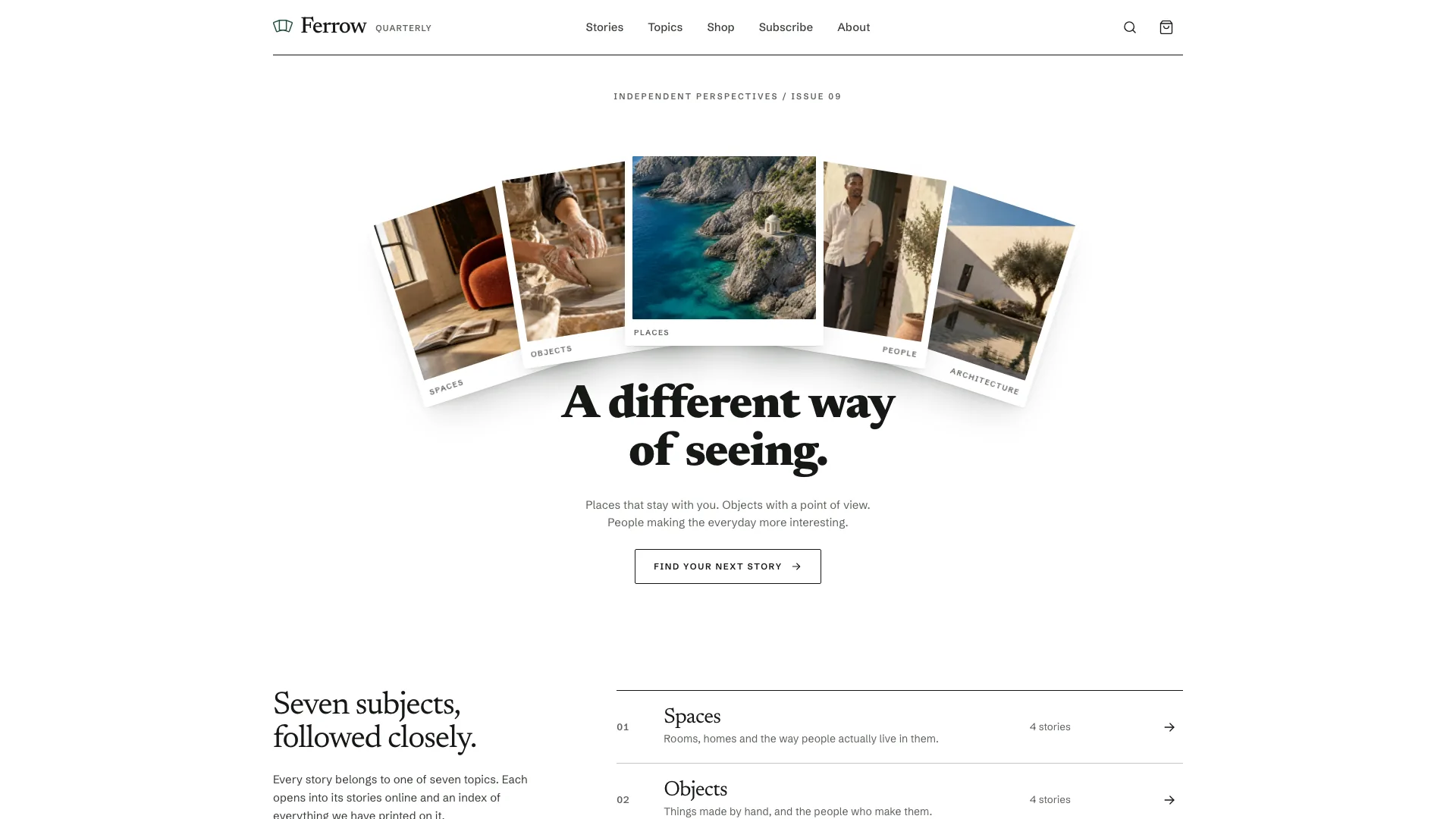
Turn a complete paper into a project site that lets readers inspect its central claim, method and evidence without losing the limitations. Research Project Homepage pairs an editorial masthead with an interactive lead figure, then connects the abstract, results, resources and citation to supporting paper/code/data views. Its workflow starts from author-supplied facts, not invented research content.
What you get
A publication-style home with a full-title masthead and Figure 1 near the first screen, abstract, headline measurements, method diagram, study/deployment context, results, limitations, resources, citation, questions and contact. Newsreader supplies editorial display/reading type, with Instrument Sans for UI and IBM Plex Mono for data/code.
Data-driven figure patterns: a teaser time series with condition/policy toggle and hover readout, method-stage highlighting, a trade-off scatter with parameter slider, heatmap and switchable result/ablation tables. Charts and prose should use the same numerical ledger, preserving the paper’s units, figure numbers and captions. The sample’s simulated series must be replaced with author data or removed.
Supporting views for an HTML paper with contents/cross-references, code with commands/releases, and a released dataset with variables/files/checksums/citation and access-request interface, plus a designed 404. Keep only resources and factual metadata the authors can actually supply; presenting these pages does not itself host repositories, datasets or access approvals.
Copyable citation formats and BibTeX, figure/photo inspection, questions and contact links, and an audit note identifying sources, authored summaries, omitted items and checks. Limitations receive their own prominent section rather than being hidden behind the findings.
One HTML deliverable with fonts and approved local assets embedded for offline viewing by default. The package includes the template, page/style/image/motion guides, builder and static validator. An existing lab site or requested framework project can receive native figure/section components, typed content modules and real inner routes.
Before you choose
Start from what the paper can support, then make that evidence easier to inspect. A missing result, release or approved image is an omission to record, not an invitation to fabricate one. Review the final site as a publication with its authors, including limitations and captions as carefully as the central claim.
Good fit
Researchers explaining one completed paper to reviewers, collaborators and a broader audience.
Labs with a complete manuscript, rights-cleared figures, author/citation details and released resources where those are to be linked.
Authors needing a portable project page now or a consistent presentation within their existing lab website.
Not for
Filling gaps with invented findings, authors, affiliations, acceptance status, DOI, links or numerical results. Missing facts must be omitted and recorded.
Publishing figures with uncertain rights or presenting generated illustrations as observations or field evidence.
Hosting, domain configuration, analytics or a multi-project lab portal; these are outside the supplied project-page workflow.
How to use
You say/research-project-homepage Build the project site for Tidal Memory, our coastal sensing paper, from the attached manuscript and figures.
Provide the full manuscript, citation/version details, authors/affiliations, approved figures and captions, disclosures, resource links and intended readers. Interactive figures also need the underlying numbers. Required materials or attribution that are missing, untraceable claims or uncertain figure rights must be resolved before building that content.
Extract a fact sheet and numerical ledger first. Record supported findings, method stages, units, limitations, figures and resources. Recalculate ratios, percentages and other derived claims before using them, and reconcile page text, charts, tables and paper appendix. Missing metadata is omitted and listed; draft connective prose or a plain-language abstract remains subject to author approval.
Choose the figure that carries the claim and preserve the publication hierarchy rather than adding decorative product panels. Adapt study context to the discipline: benchmarks can use a task browser, user studies a conditions panel, and theory a result/proof sequence. Keep limitations and citation; omit unsupported dataset, deployment or photo sections.
Build interactive charts from supplied values or embed approved raster figures without stretching. Supply authors’ evidence photos where needed; all four bundled study photographs depict a fictional project and must not appear as evidence on a real paper page. Without approved photographs, use a drawn schematic/table or remove those slots. No image generator or paid image service is required.
With no project, use Node.js 18 or newer and build-time internet to embed the five font files and approved images into the default offline HTML file. The final file needs no runtime requests. Within a lab framework project, use its own components/routes and typed data, preserving unrelated work. Code instructions are published resources; do not execute an untrusted source repository as part of making the page.
Validate the file and review every figure/caption on desktop and phone, including wide-content scrolling, sliders, toggles, table variables, citation copying, routes and reduced motion. Check keyboard/readability and complete a second visual pass. Access-request and dataset-notice forms in the reference only show local feedback; connect and test actual delivery before claiming requests were received. Deliver an audit note with sources, drafted prose, omissions, illustrative content and actual verification evidence.
Requirements and costs
You bring
The complete manuscript with citation details (venue, pages, DOI, version) · Rights-cleared figures, captions, author details, affiliations and resource links · The underlying numbers for any interactive figure, and the intended audience
Dependencies
Node.js 18 or newer on your agent's machine, to run the bundled script that builds the single offline file · Internet access while the file is built, so the fonts can be downloaded once and embedded
Outside costs
Not collected yet
Publisher testing
v1.0.1 — Claude Code / Claude Desktop / Cowork / Codex / ChatGPT
FAQ
Use a single ledger for the authors’ supplied values and render related charts, tables and prose from it. Recompute derived claims and verify units and conditions against the manuscript. The fictional example includes generated teaser/heatmap values; those must be replaced with author data or the figures removed. A static validator cannot establish scientific correctness.
They cannot stand in for research evidence. Use approved author photographs or remove the slots and use a schematic/table where appropriate. The four bundled estuary/station/hardware/probe images belong to a fictional study. A clearly labeled illustration is distinct from an observation, and no image-generation tool or paid service is needed for this workflow.
By default, one self-contained HTML file with fonts and approved assets embedded for offline opening. The source template must first be built into that file. In an existing lab site or requested framework, sections/figures become native components, data becomes typed modules and the supported inner pages use real routes.
User reviews
—0 reviews
Select a star to share your experience.
No reviews yet. Ratings appear once readers share real experiences.