Turn verified research material into a talk designed to be spoken. Research Talk Deck uses a Beamer/metropolis-inspired 16:9 layout with one message per frame, visible section progress and notes for transitions and caveats. Equations receive an accompanying verbal explanation, while methods, results and limits form a paced technical story. The output is an editable browser presentation with PowerPoint and PDF export paths.
What you get
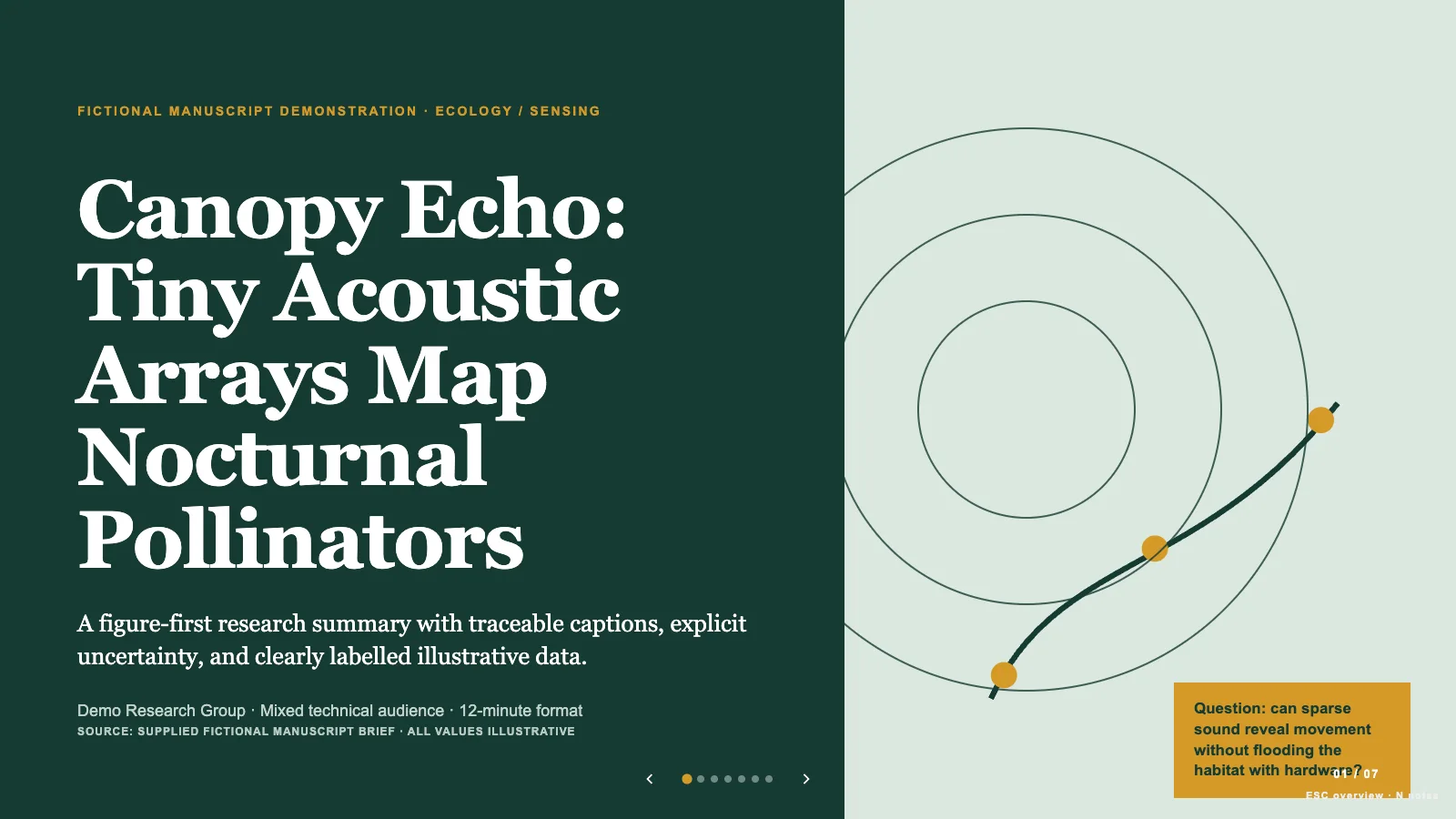
A research sequence running from motivation and formulation through method, analysis, evidence and limitations to takeaways. Each content frame has a title, section label, page number and advancing progress rail; the final frame closes on substantive conclusions and a question that invites discussion.
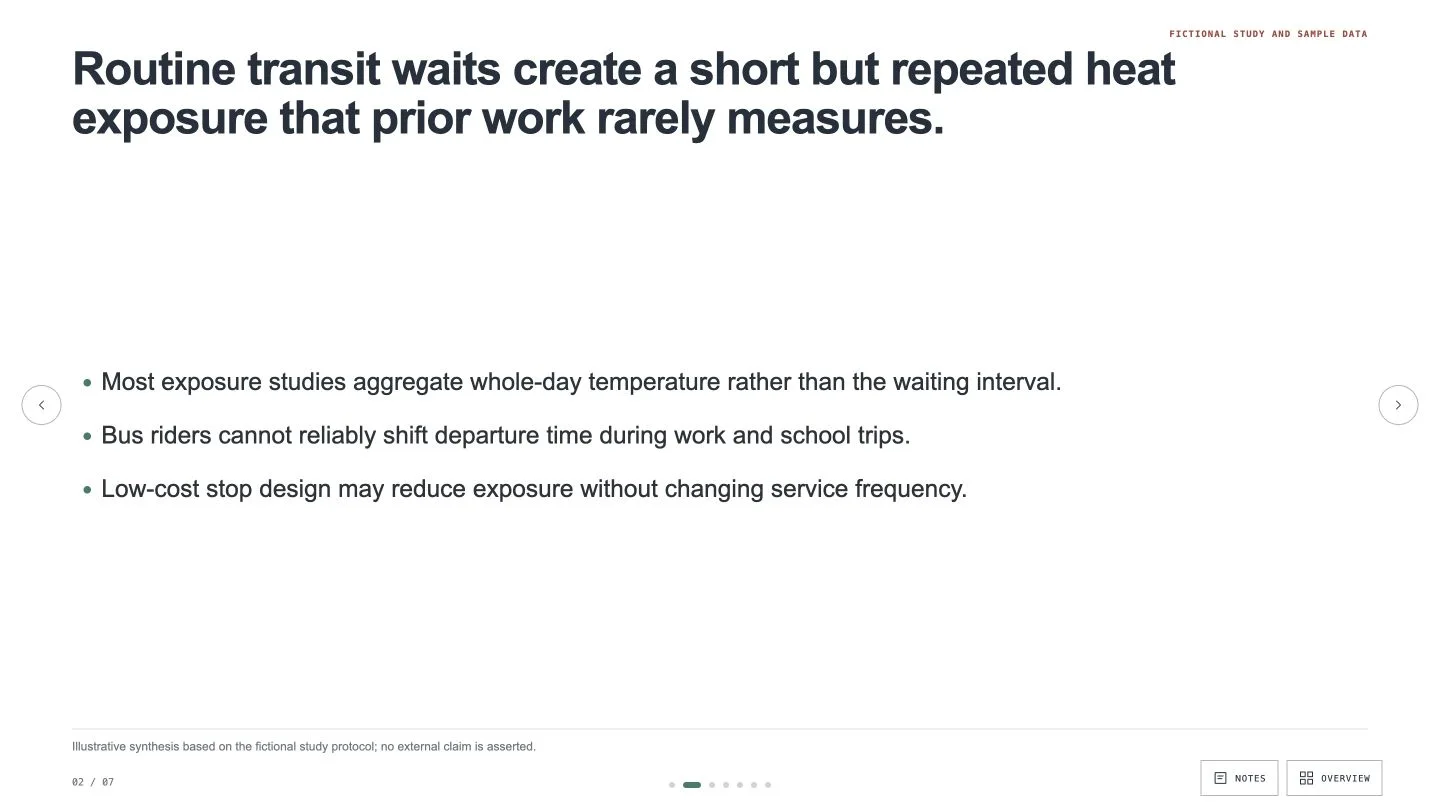
Equation and method frames built for live explanation. A key equation can stand alone beside a plain-language reading, with simple expressions kept as selectable text. Method pipelines and proof-intuition layouts use labeled diagrams; result frames pair a large plot or trimmed comparison table with the most important interpretation measures.
Speaker notes for every frame, including transitions, caveats and the explanation omitted from the visible slide. Extra derivation and technical detail belong in notes or an appendix, while a simplified display must preserve the meaning of the source expression.
A browser-editable standalone HTML deck using the bundled shared runtime. Edit or E opens editing for wording, pictures, notes, object arrangement and slide order. Four content palettes—Metropolis Teal, Graphite Berry, Lecture Navy and Forest Chalk—are generation choices, not an in-editor theme menu. Primary color carries frame titles/progress, with accent reserved for one emphasis per frame.
PowerPoint export with editable text and speaker notes, separate picture objects and rendered backgrounds/SVG/artwork; PDF prints one 16:9 frame per page. The installation supplies eight reusable slide recipes, references and Python build/check tools, not a verified research study. The sample streaming-forecast talk, equations and benchmark values illustrate structure and must be replaced with your approved material.
Before you choose
Rehearse the equation slide aloud before polishing its typography. If its plain-language reading omits a constraint, or the result frame combines incompatible comparisons, correct the argument first. After the final reorder, check the progress rail against the real sequence and make sure notes still connect one frame to the next.
Good fit
A researcher is preparing a colloquium, technical conference talk or group meeting and needs a clear transition from the problem to the contribution and its limits.
A graduate student wants a defense deck with notes for the spoken explanation, including caveats and links between frames rather than paragraphs pasted onto slides.
The talk contains figures, equations or result tables that need to remain readable on a projector and understandable from the back of the room.
Not for
A talk without verifiable sources. Research facts, authorship, equations, citations and reported results must come from approved notes, a paper or other verified material.
A self-explanatory handout containing every qualification and derivation on the page. This format separates one visible message from the supporting spoken explanation.
Projecting full result tables or complete derivations without selection. Trim to the relevant comparison and explain a simplified equation, preserving its conditions and original technical meaning.
A LaTeX/Beamer source-file generator merely because the appearance is Beamer-inspired, or a guarantee of native editable PowerPoint charts and every decorative shape.
How to use
You say/research-talk-deck Shape this fictional streaming-forecast study into a fourteen-minute methods talk.
Supply the paper, research notes or verified source material, audience expertise, venue, talk duration and desired question time. Include approved figures, equations, tables and full citation details. Resolve a missing timing, audience or evidence requirement before drafting; do not accept fabricated results to fill the presentation.
Extract the core question, contribution, key equation, method, experiment, principal result, limitation and future direction. Arrange the spoken arc from motivation to formulation, method, analysis, evidence, limits and takeaways. Split or merge frames according to complexity and the available speaking time, with one key message per frame.
Choose one of the four projection-oriented palettes and plan figures at a scale the room can read. Give a key equation its own frame with a plain-language reading; keep simple mathematics as real text, verify any simplification and preserve necessary qualifications in notes. Trim tables to the comparison being discussed. Functional plots, method paths and arrows use accessible inline SVG; other figures must be locally supplied and approved.
Populate style-kit recipes through plan.json, replacing sample claims, equation text, chart labels, data-like styles and picture descriptions. The eight recipe names cover title, problem, objective, method, intuition, evaluation, limits and takeaways; reuse them where useful instead of forcing an eight-frame talk. The bundled adapter/streaming-forecast example is fictional, including its benchmark improvements and proof intuition.
Compose, build and check with the packaged Python 3 tools and the agreed slide count/style kit. Resolve example leftovers and image slots, optimize oversized embedded images if warned, then check again. Keep the shared editor unchanged and all final media/fonts local or embedded. Set UI language independently of slide language; use English slide copy by default unless another language is requested.
Open the output over local HTTP and review each frame for projection readability, equation meaning, labels, crops, notes and page bounds. Edit through Edit or E; test image replacement, object movement, slide order, colors, undo/redo and notes. After adding, removing or reordering slides, explicitly update and inspect section labels, page counts and progress rails: these are slide content, not a guaranteed live progress calculation.
Save (Cmd/Ctrl+S), reopen the saved HTML and rehearse with the planned discussion time. Export from the standalone file, run check-pptx.py and inspect PPTX in PowerPoint, Keynote or WPS; check PDF pagination separately. Confirm notes, expression readability, font substitution and image layers in the actual export. Browser-local recovery and a sandboxed preview are not substitutes for a saved portable deck.
Requirements and costs
You bring
Research notes, paper, or verified source material · Talk duration, venue, and audience expertise · Approved figures, equations, tables, and citation details
Dependencies
Modern browser — required · Node.js 20 or newer — required for local validation · Chrome, Chromium or Edge plus Node.js 20 or newer — required only for PowerPoint export
Outside costs
Not collected yet
Publisher testing
v1.0.4 — Claude Code / Claude Desktop / Cowork / Codex / ChatGPT
FAQ
Open the standalone HTML and choose Edit or press E. Change text, replace pictures, reorder pages and revise notes; use Save to write those changes into the file. The named palettes are selected during generation, while individual colors remain editable. PPTX exports native text and notes with separate picture/rendered artwork layers; PDF gives one page per frame. Verify the result in the application you will present from.
Provide both the speaking time and time reserved for questions. Frames can be split or merged around the complexity of the argument, closing on key takeaways and an opening discussion question. Timing remains a rehearsal check, not a guarantee based on the number of pages.
An important equation receives space beside a plain-language reading so the audience can follow its role in the argument. Simple expressions stay selectable text. Simplification must retain the source meaning and conditions; keep fuller reasoning and caveats in notes or an appendix instead of showing an unreadable derivation.
The authored section labels, page numbers and progress rail belong to slide content. Composition can renumber recognized NN / TT counters, but that does not prove every label or rail is correct after edits. Update and review them whenever the final sequence changes.
The packaged composition, build and static-check path uses Python 3 and bundled assets. The finished HTML needs a modern browser and no Node packages or saving server. Export depends on browser capabilities, so test the actual PPTX path rather than relying on the older catalog prerequisite wording.
User reviews
—0 reviews
Select a star to share your experience.
No reviews yet. Ratings appear once readers share real experiences.