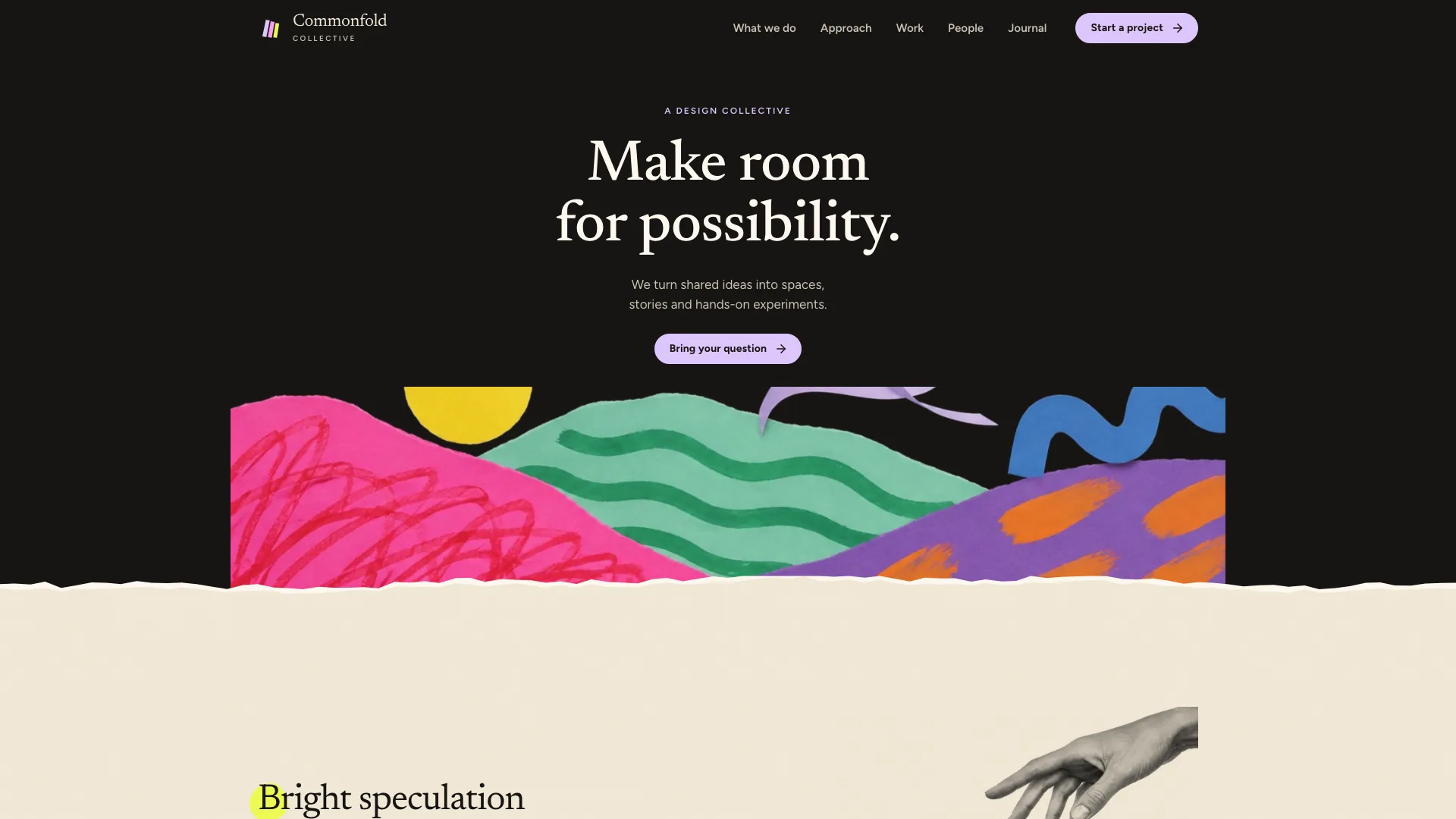
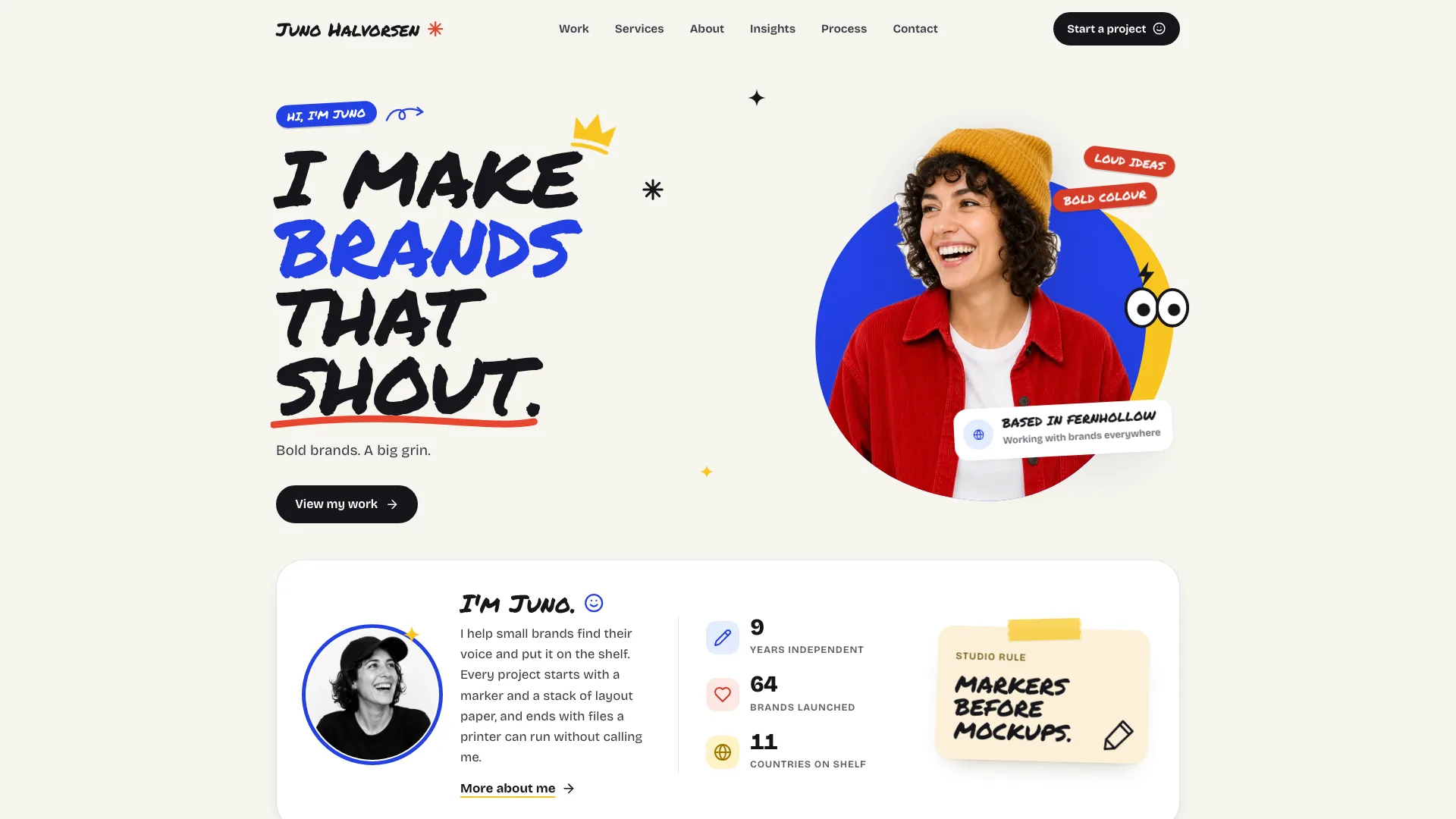
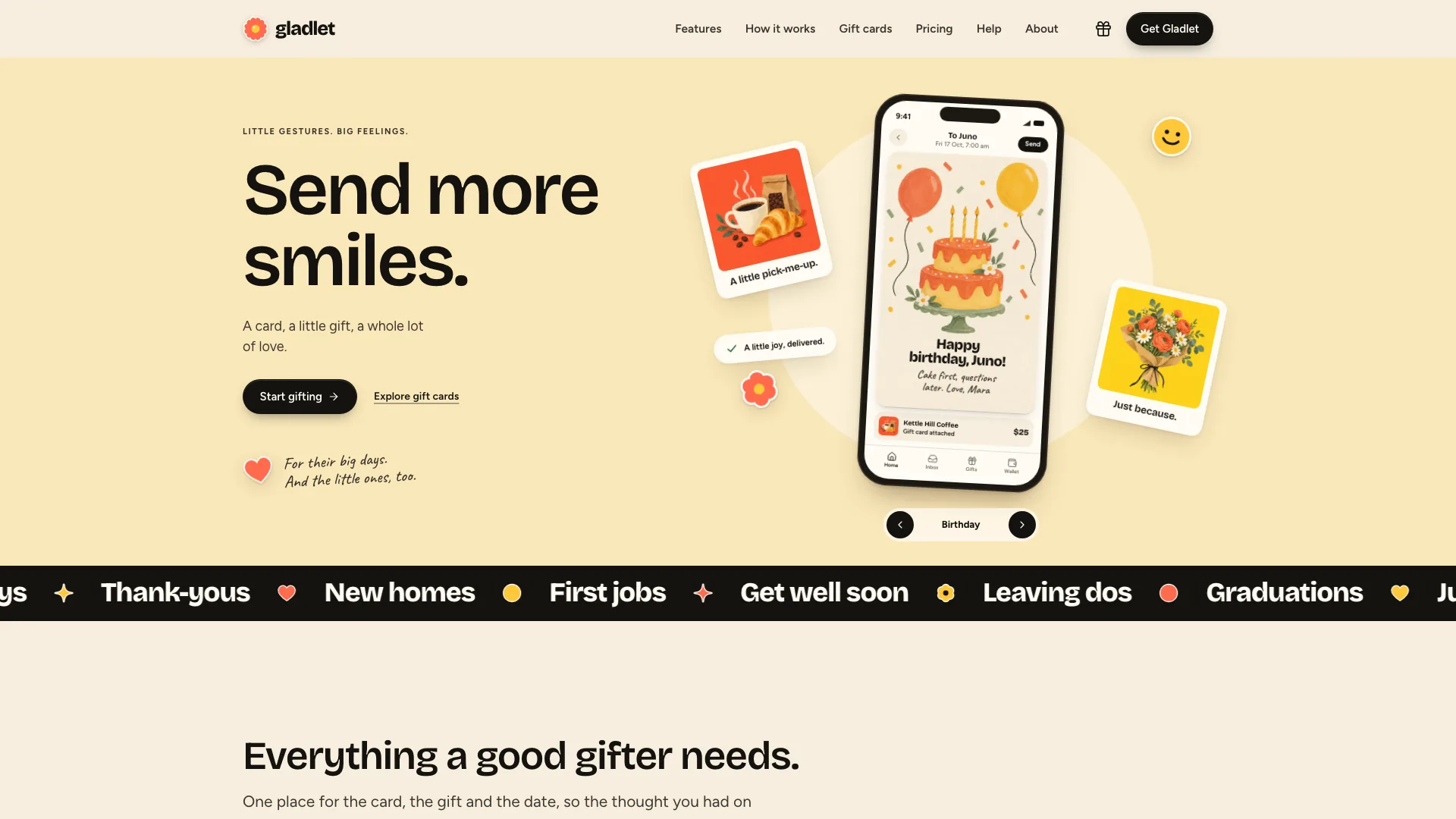
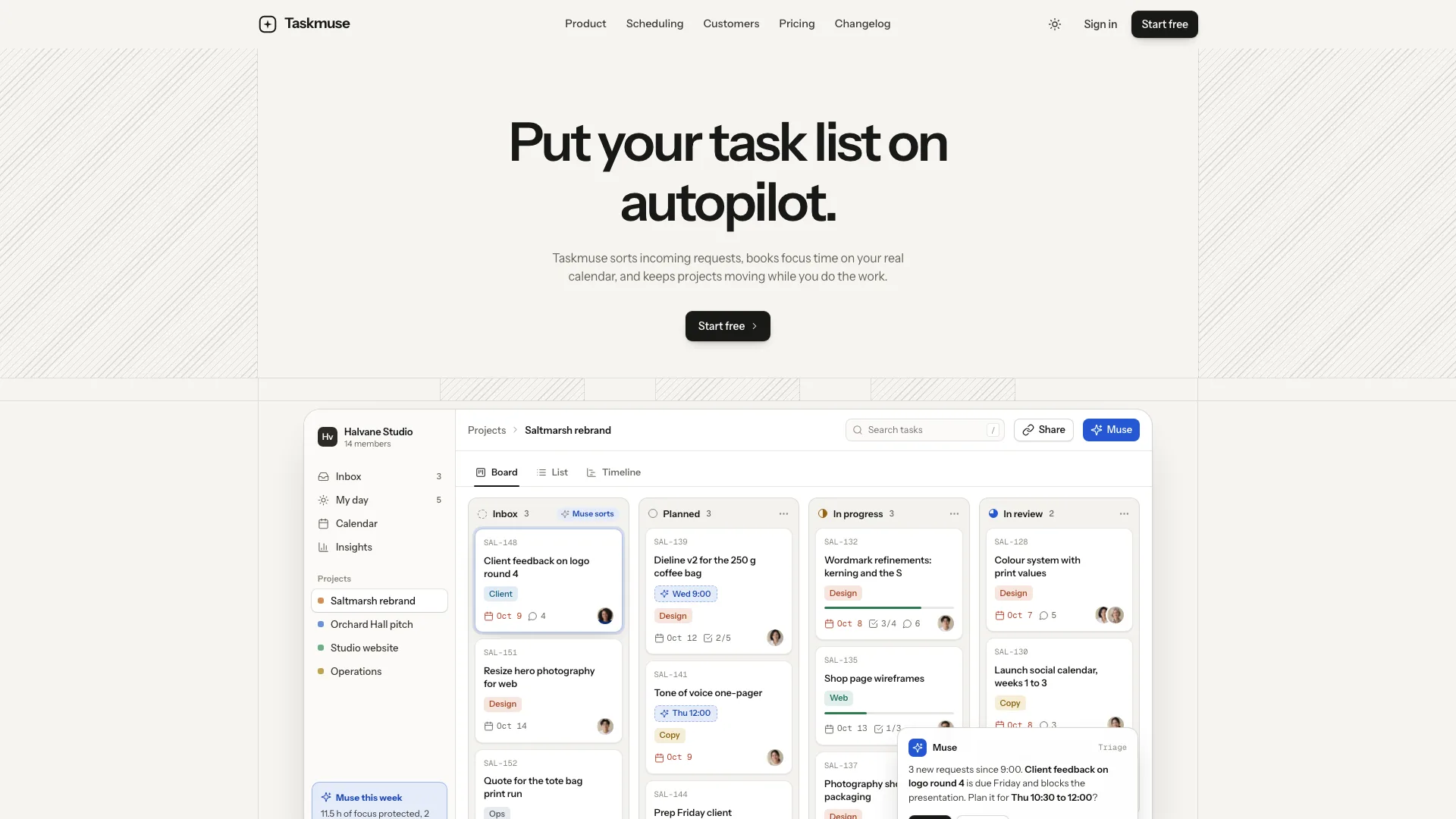
Give a small studio room to explain its work, prices and way of working without losing its personality. Sticker Agency Landing pairs centered uppercase headlines with a cream canvas, layered pink and green pills, an orange circle and a yellow square. Visitors can move from illustrated projects to relevant services, build an indicative estimate and carry it into an enquiry. The same visual language continues across the supporting pages.
What you get
A connected studio site whose example includes 31 routes: six project stories, five sector pages, four services, process, pricing, studio, three journal articles, FAQ, contact and a designed missing-page view. These counts describe the fictional Loudish example, not a requirement to invent that much content for your practice.
A home page that introduces the studio through the sticker pile, client wordmarks, an about statement, a tinted services bento and a staggered work grid. Process tabs, a quote carousel, practical questions, journal links and a green closing panel give visitors several ways to understand the offer before making contact.
Case pages with a brief, the response, deliverables, palette and type choices, a second image showing the work in use, credits and a next-project link. Include client quotations only when you have permission and a real quote. Service pages explain inclusions, process, suitability, price and duration; sector pages connect those services to relevant work.
Interactive browsing and enquiry preparation: draggable hero stickers, project search, sector filters and sorting, process tabs, quote navigation, project/monthly pricing and a configurable estimate. The estimate combines chosen services and options into a range and rough duration, then adds its summary to the contact form. It is not a binding quote or a booking.
A standalone HTML deliverable with embedded Bricolage Grotesque and Instrument Sans fonts and images, plus the supplied illustration plan, style references and sample-content checks. An existing framework project can receive components and real routes instead of the single-file version. The two outputs need their own verification.
Before you choose
Begin with two strong case studies and prices you can explain. A visitor should be able to connect the work they like to a service, an indicative budget and a useful enquiry. Extra routes and illustrations should deepen that decision rather than make a small studio look artificially large.
Good fit
A brand or web studio wants visitors to see substantive projects, understand service boundaries and judge likely cost before getting in touch.
A freelance designer or small practice has enough real work and clear offers to support more than a portfolio grid.
A yoga, pottery or other class-based studio can map services to classes and pricing to packs while keeping the friendly illustration and sticker identity.
Not for
A corporate identity that needs restrained, sober presentation. The cream, pink, green, orange and yellow vocabulary is an essential part of this design; a dark or purple reskin would change its character.
A live enquiry, appointment or payment system without further integration. Forms validate and show a local result; they do not deliver messages or take payment.
A portfolio padded with invented clients, results, testimonials or team biographies. Reduce the content and route count when the real material is smaller.
How to use
You say/sticker-agency-landing Build the Loudish site for our four-person Bristol brand and web studio, with six case studies and a pricing estimator.
Supply the studio name, short descriptor and hero headline; services with prices and timelines; project briefs, decisions, deliverables and credits; team facts; address, email, phone and hours; and artwork you own. Identify which quotes or client marks you are allowed to publish. Missing facts need confirmation rather than confident invention.
Choose the pages that serve your practice. Four selected projects suit the home layout, while two also work; services and pricing can be reduced with matching grid changes. If you offer only one billing model, remove the project/monthly switch. Removing sectors, a journal or newsletter also means removing their navigation and supporting interactions.
Set one flat editorial art direction for project leads, project details, service vignettes, team portraits and journal art. Replace every sample case image because it depicts a fictional client's work. Service, journal, newsletter and 404 illustrations may be reused when appropriate. Real team portraits must represent your team; generated stand-ins need explicit review.
Keep the centered headline, single sticker pile and primary action together, rather than adding more hero badges or buttons. Carry the same illustration family into inner pages. On phones the pile uses a tighter arrangement, project grids lose their stagger and page actions gain usable width; verify that stickers never hide words or create horizontal scrolling.
Enter your actual service prices, options and likely delivery periods before checking the estimator. Its range and schedule are planning aids derived from the configured values, not capacity-aware promises. Follow an estimate into contact and confirm the resulting summary and selected needs; connect a backend before treating the local confirmation as a received enquiry.
For the default offline file, the agent needs Node.js 18 or newer and internet during the build to fetch and embed fonts. Viewing the finished file requires a browser, not continued network access. New artwork can use your agent's image tool and incur its charges; suitable owned art or reusable included illustrations avoid that generation cost.
Review each route and recovery link on desktop and phone. Try search with no results, filters, sort, pricing changes, quote navigation, estimator options and invalid/valid forms. Check that sample studio names and claims have been replaced and that any drafted placeholders are listed for you to approve before publication.
Requirements and costs
You bring
Studio name, a one-line descriptor and the hero headline you want · Services with prices, projects with what each case page needs, and your team · Address, email, phone, hours and any artwork you own
Dependencies
Node.js 18 or newer on your agent's machine, to run the bundled script that builds the single offline file · Internet access while the file is built, so the fonts can be downloaded once and embedded · An image generation tool in your agent, or artwork you own, for new illustrations
Outside costs
Generating illustrations with your agent's image tool may incur that tool's usage charges. Artwork you own and the reusable service and journal illustrations cost nothing extra.
Publisher testing
v1.0.2 — Claude Code / Claude Desktop / Cowork / Codex / ChatGPT
FAQ
With no existing project or requested stack, the intended output is one HTML file with fonts and images embedded for offline viewing. In an existing framework project, the agent should adapt the design into native components and routes. When a framework is requested without a name, the package specifies Next.js App Router with TypeScript; it does not mean silently replacing your current stack.
The package supplies a slot-by-slot art plan. Your agent can use owned artwork or generate a consistent flat illustration family with its own image tool. Generation may cost extra. Every example case image needs replacement; service and journal illustrations and utility artwork can be reused when they fit. Team portraits require particular care so fictional people do not become your claimed staff.
Configure it with your services and options, then use the displayed range and rough duration to start a conversation. The selected estimate is carried into contact, where the visitor can add context. Confirm scope, availability and commercial terms separately. The example's form result is local and sends nothing until you connect a service.
User reviews
—0 reviews
Select a star to share your experience.
No reviews yet. Ratings appear once readers share real experiences.