Let visitors try the gestures behind a gifting app before asking them to download it. Sticker Gifting App Landing uses a cream-and-black foundation, a phone surrounded by coral and yellow paper stickers, and broad colored bands for card editing, gift cards and cash gifts. A live card preview and browsable gift catalog make the idea tangible, while pricing, help and company pages give the product a complete marketing site.
What you get
A split phone hero whose occasion control changes the greeting, recipient, date and attached gift. Bricolage Grotesque provides the strong display type, Figtree handles reading, and Caveat adds handwritten card messages. The cream ground, coral and sun-yellow accents, ink sections and die-cut stickers stay consistent throughout the site.
A five-tile feature mosaic and three product demonstrations: choose a card design, write a message and add up to four stickers; explore a fan of gift cards; or change a cash-gift amount. Features also receive their own page with a tabbed card studio, scheduling and reminder examples, a group-gift panel, wallet and inbox layouts.
A catalog with category counts, search, sorting, results and an empty state. The example has eight shops with individual detail pages; four to twelve items can be substituted. Each detail combines artwork, amount controls, delivery choices, specifications and related items. A gift basket supports adding, removing, totaling and local confirmation.
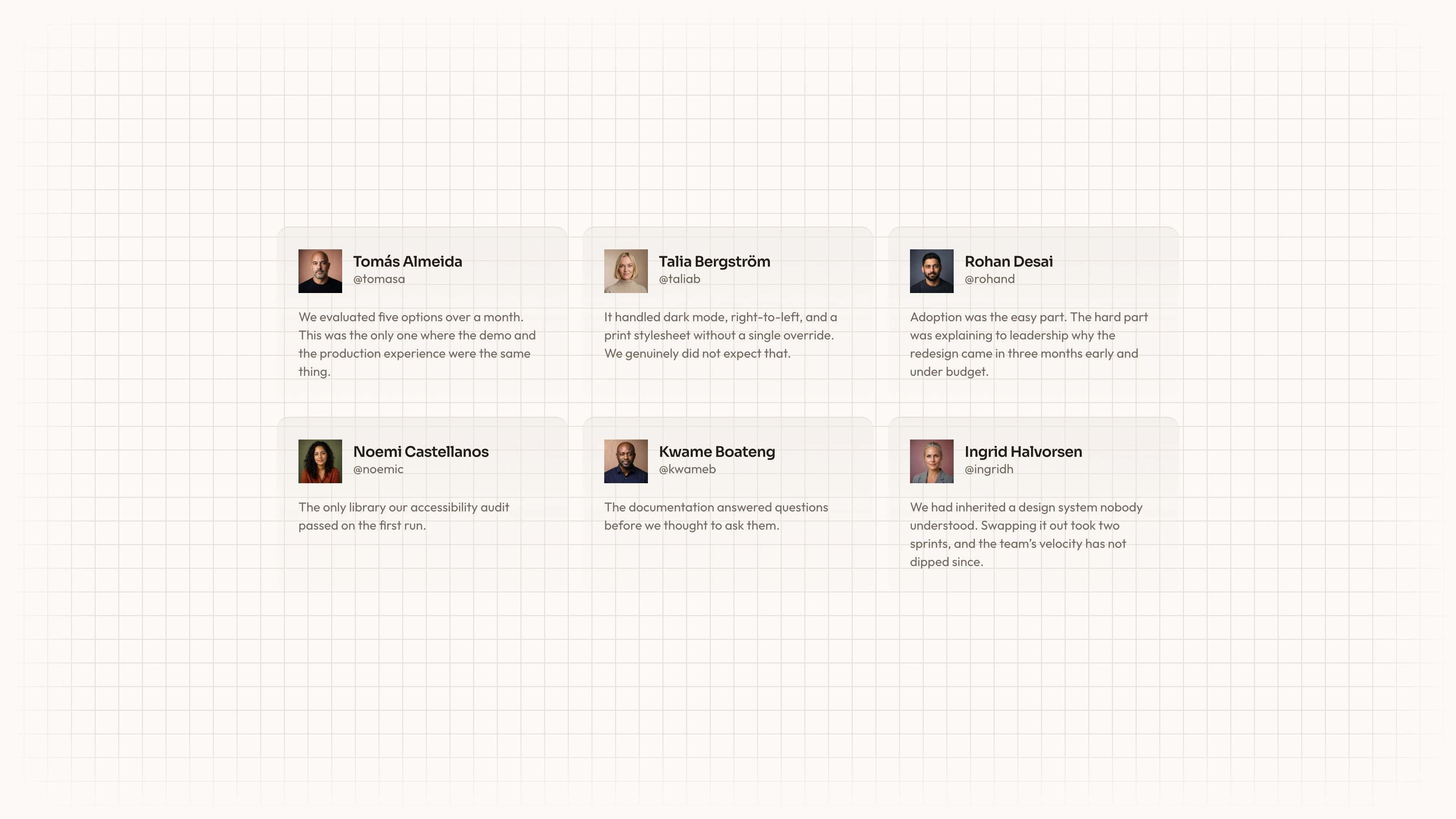
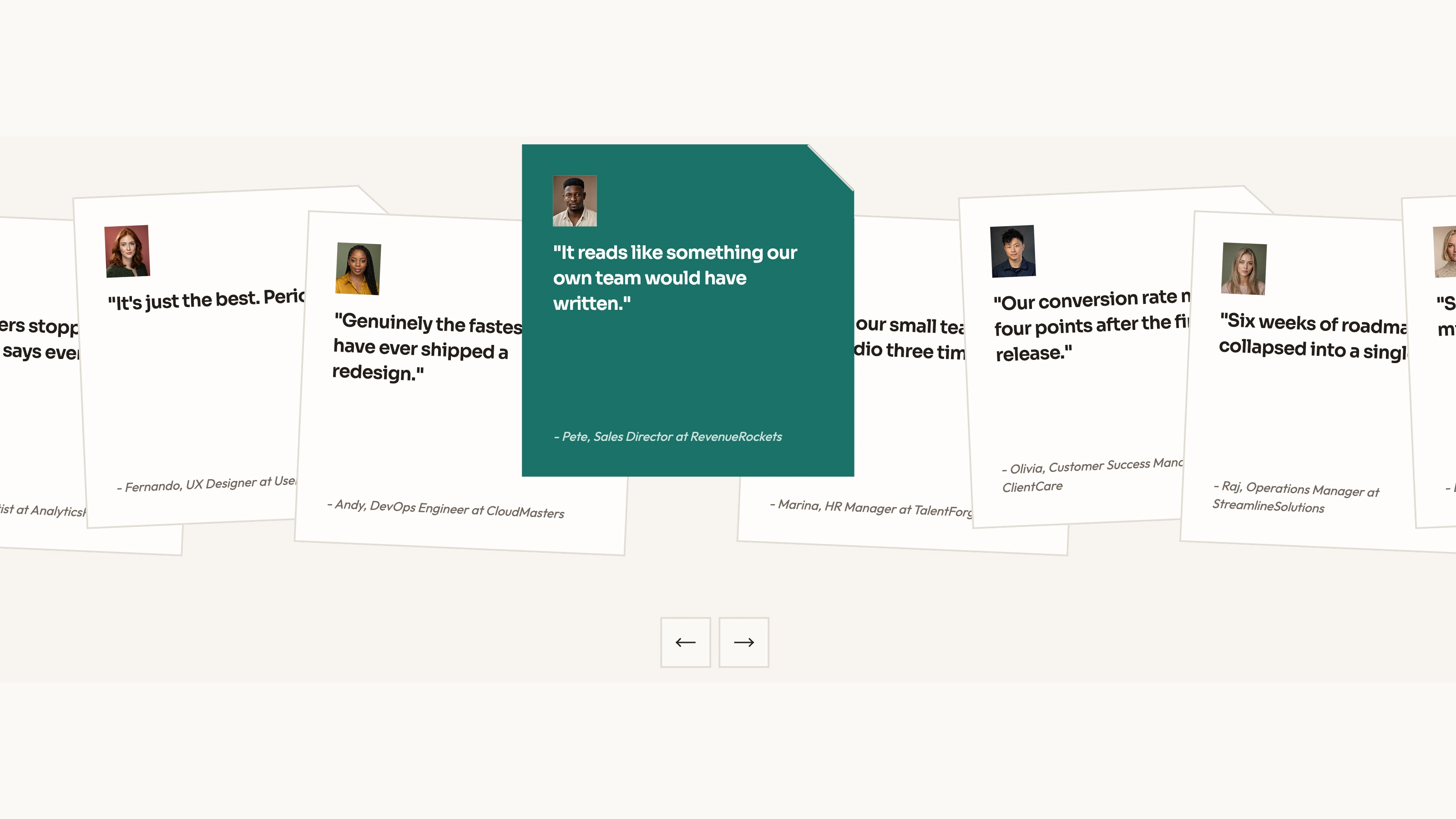
Supporting pages for how the product works, pricing, help, about, download, terms/privacy and missing-page recovery. The example adds a handwritten thank-you wall, monthly/yearly prices and comparison, searchable help with topic filters, company milestones, roles and press contact. These are content structures to populate with verified information, not supplied facts about your business.
A single HTML file with embedded fonts and images for offline review, or an adaptation into an existing project's components and real routes. The package includes gouache-style card art, warm lifestyle photography, image guidance and checks for leftover sample branding. Phone screens and wallet interfaces are drawn in code.
Before you choose
Have someone personalize a card, choose a gift and explain what happens next. If they believe the preview has already sent a gift or taken money, the handoff needs clearer wording. Preserve the playful experience while making the actual app and delivery boundary unmistakable.
Good fit
A greeting-card, group-gift or consumer gifting app needs a lively marketing site that demonstrates the act of personalizing and choosing a gift.
A florist, bakery or registry app can turn the catalog into bouquets, boxes or registry items, while the editor becomes the accompanying note.
A founder has product facts, plans and real support policies ready, and wants the download journey supported by more than a single promotional screen.
Not for
A working gifting backend, payment processor, stored-value wallet or delivery service. The basket and forms are local previews; the page does not issue gift cards, move cash or send gifts.
A muted business or finance identity. Stickers, handwritten messages and large coral/yellow bands deliberately create a consumer tone.
Publishing the sample's no-fee, expiry, swap, delivery, security or store-availability claims as your own without checking that your product supports them.
How to use
You say/sticker-gifting-app-landing Build a site for Gladlet, an app for cards, gift cards and group gifts, with a gift-card catalog and pricing.
Provide the app name, audience and occasions; what customers actually send; four to twelve catalog items with categories, descriptions, amount choices and artwork; plans and prices; and the pages you need. Add confirmed team facts, photographs, testimonials, support hours, store links and commercial policies. Review any drafted copy before it becomes a public claim.
Map the demonstrations to your real offer. A florist can use sizes instead of gift-card denominations; a registry can use the group-gift area for a shared fund; a stationery shop can make the editor its main product. Remove unsupported cash, scheduling or wallet features and their links rather than leaving a demonstration that implies they exist.
Use a consistent gouache family for card artwork and natural-light photography for people. Six neutral card/lifestyle images are reusable. The eight shop artworks suit category placeholders only when you sell that kind of item; the fictional team and people scenes are stand-ins to replace or explicitly identify. New image generation may use your agent's paid tool, while supplied artwork and suitable included images avoid those charges.
Set catalog categories, amounts, related items and pricing together so counts and destination pages agree. Two or three plans fit the pricing layout with appropriate grid changes. Replace the fictional brand, shops, people, cities and domain throughout, including phone screens, help answers, metadata and footer; the legal page needs your confirmed terms.
Prepare the delivery format. The default single-file build requires Node.js 18 or newer and internet once to download and embed fonts; the finished file then opens offline. An existing stack gets native routes and components instead. Treat download buttons, the displayed QR and external social links as integration points: the template's store links are disabled in preview and its QR graphic is illustrative.
Try the occasion switcher, card designs, message counter, sticker limit, amount controls and the entire catalog-to-basket path. Test removal and empty-basket states as well as totals. A local basket confirmation explicitly says it neither charges nor sends; connect real purchase, gift issuance and delivery services before replacing that message.
Review every page on desktop and phone, including help searches with no matches, monthly/yearly pricing, invalid form entries, menu keyboard behavior and missing-page recovery. Confirm readable card messages, complete phone framing and no text covered by stickers. Forms, newsletters and text-me-a-link actions need real services before they can deliver anything.
Requirements and costs
You bring
App name, audience and the occasions it serves · What people send (cards, gift cards, credit), four to twelve catalog items and your plans · Optional: team facts, real photos and testimonials you can confirm
Dependencies
Node.js 18 or newer on your agent's machine, to run the bundled script that builds the single offline file · Internet access while the file is built, so the fonts can be downloaded once and embedded · An image tool in your agent for catalog art, card designs and people photos; optional if you supply your own
Outside costs
Images you do not supply are generated with your agent's own image tool, which may incur that tool's usage charges. Six neutral images ship with the Skill, and the finished page makes no network requests. Viewing the example costs nothing.
Publisher testing
v1.0.2 — Claude Code / Claude Desktop / Cowork / Codex / ChatGPT
FAQ
The default is a standalone HTML site with fonts and images embedded for offline viewing. If you already have a framework project or request a stack, the agent should adapt the pages, catalog and components into that project. Publishing a marketing site is separate from connecting payments, downloads and gift delivery.
Three neutral greeting-card illustrations and three lifestyle images can be reused. Eight sample-shop artworks can serve matching catalog categories; three people/team scenes are stand-ins. Other artwork can come from you or your agent's image tool, which may charge for generation. Card art uses gouache; people scenes use warm photography. The coded phone and wallet do not need generated UI images.
Yes. The catalog supports four to twelve entries with categories and corresponding detail pages. Replace shops with bouquets, gift boxes, registry items or card designs, and translate amounts and specifications into choices that make sense for them. Update related items, the four-card fan and purchase wording together; this changes the storefront presentation, not its backend capabilities.
User reviews
—0 reviews
Select a star to share your experience.
No reviews yet. Ratings appear once readers share real experiences.