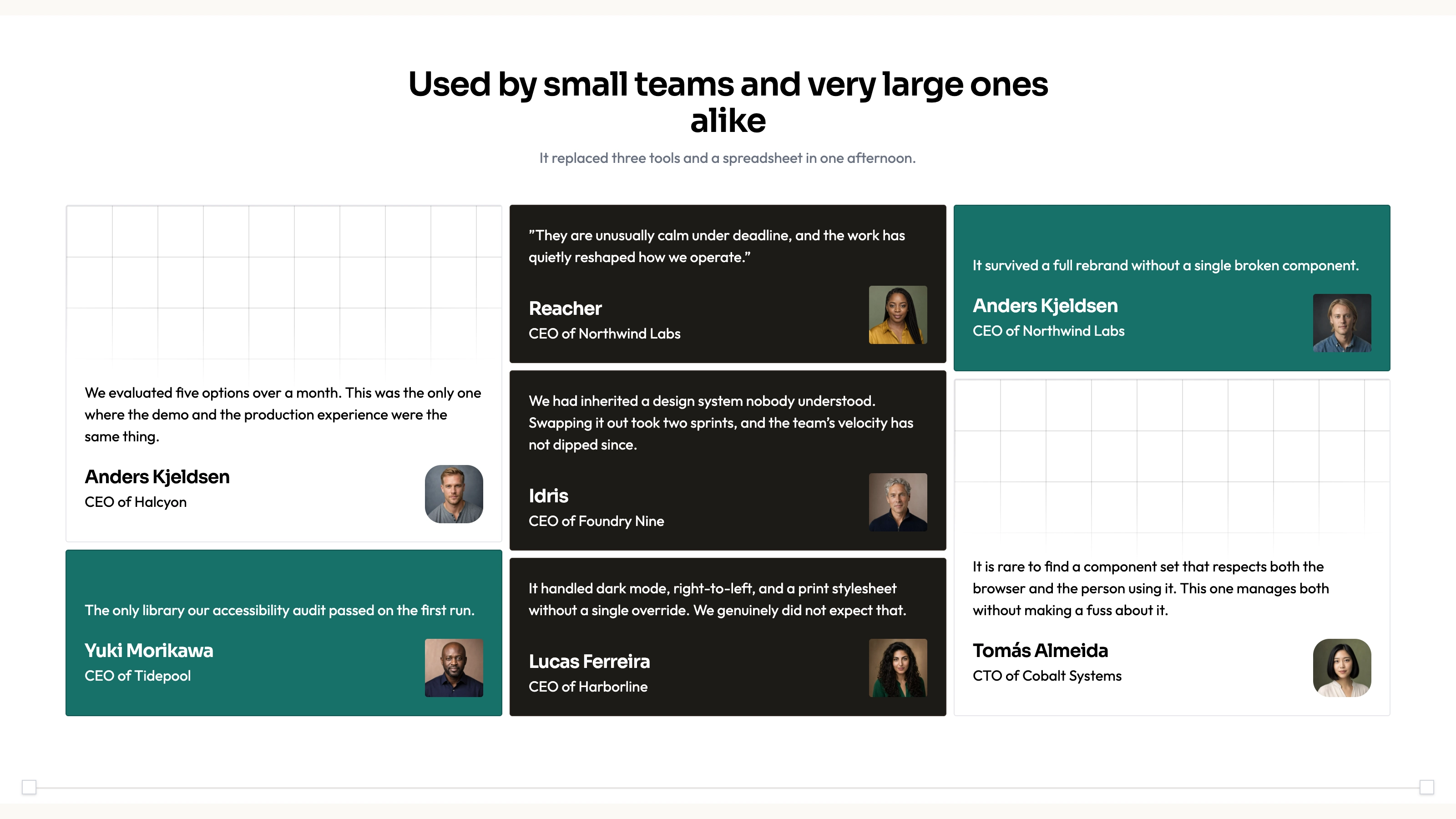
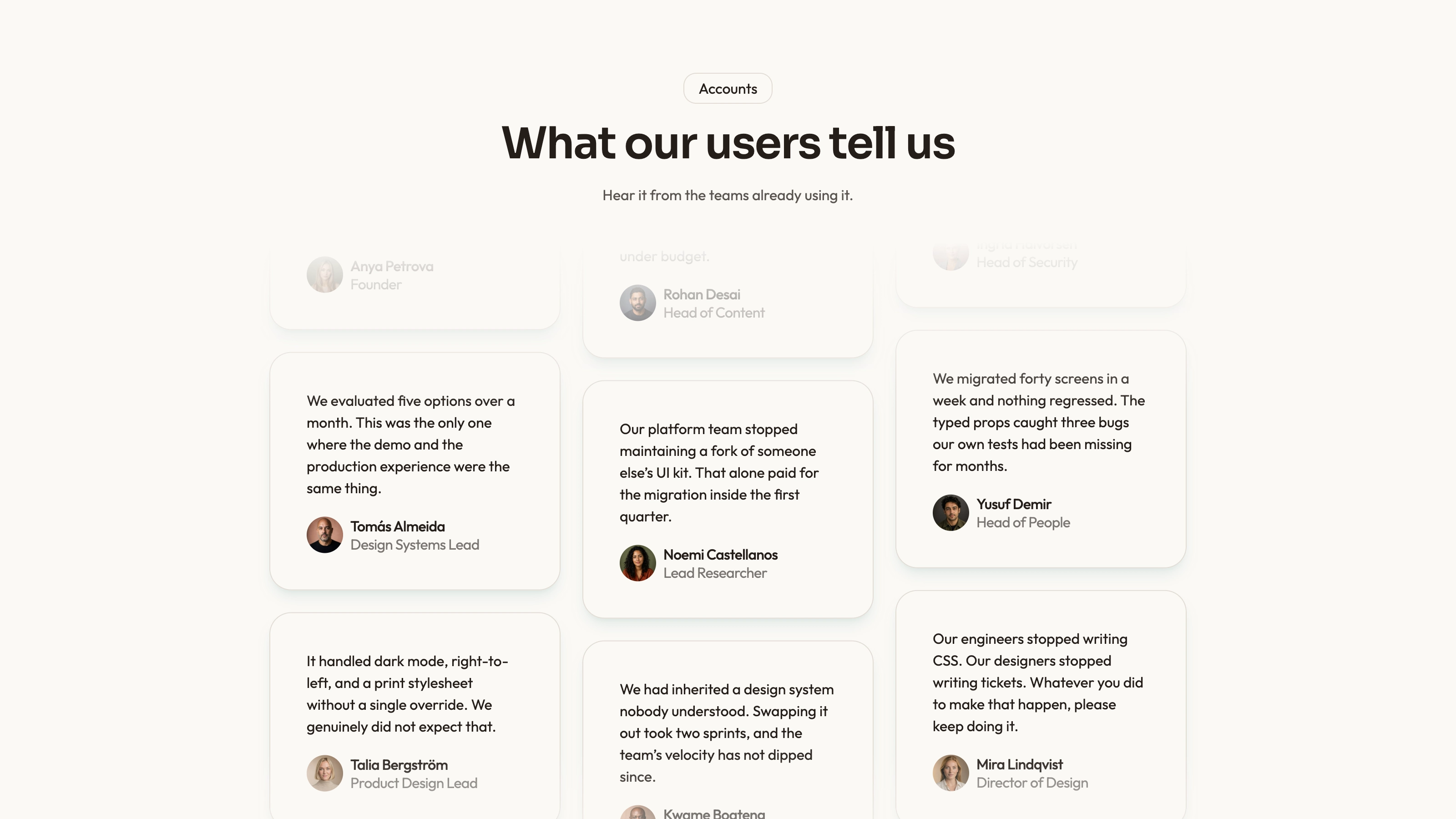
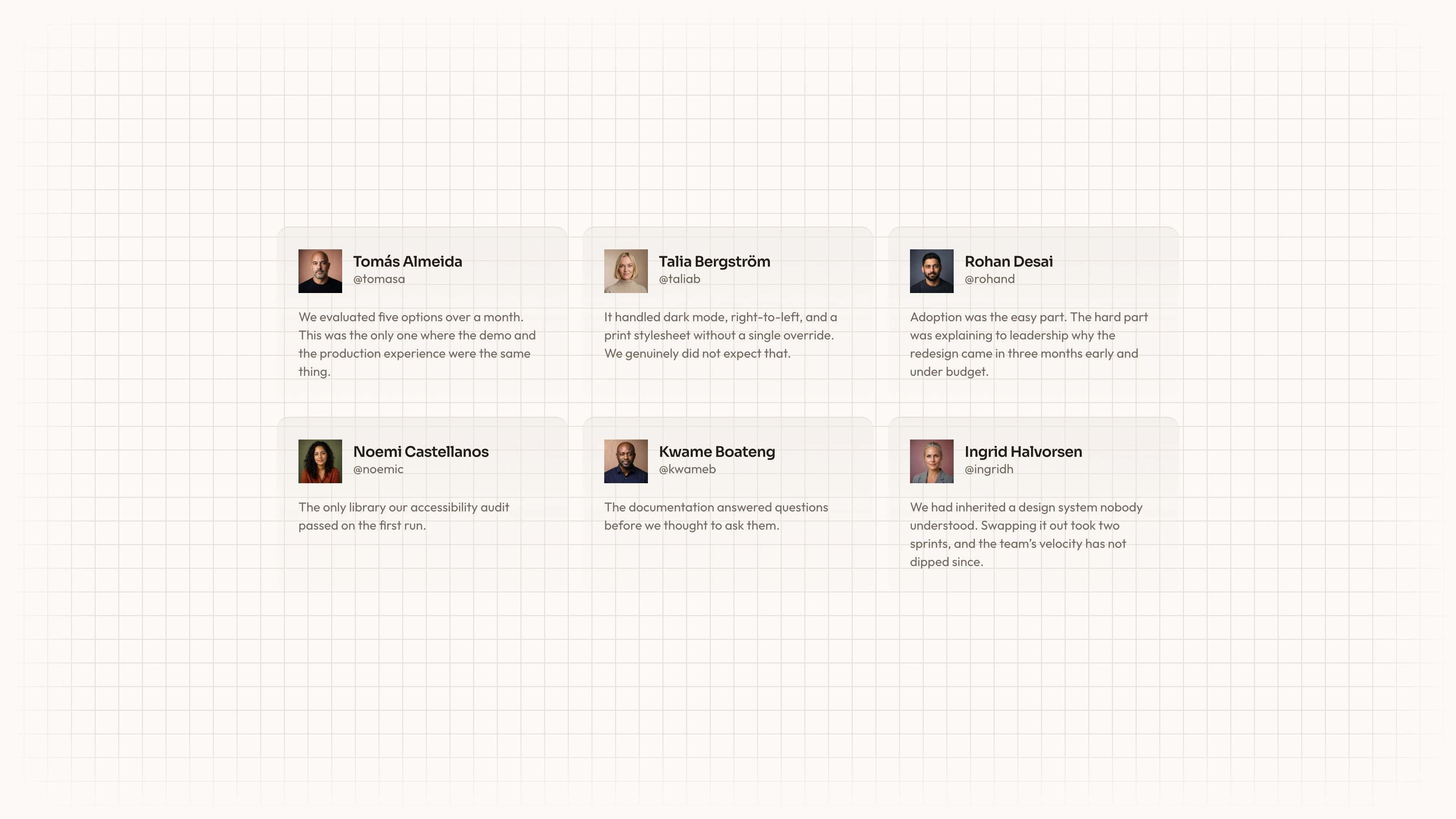
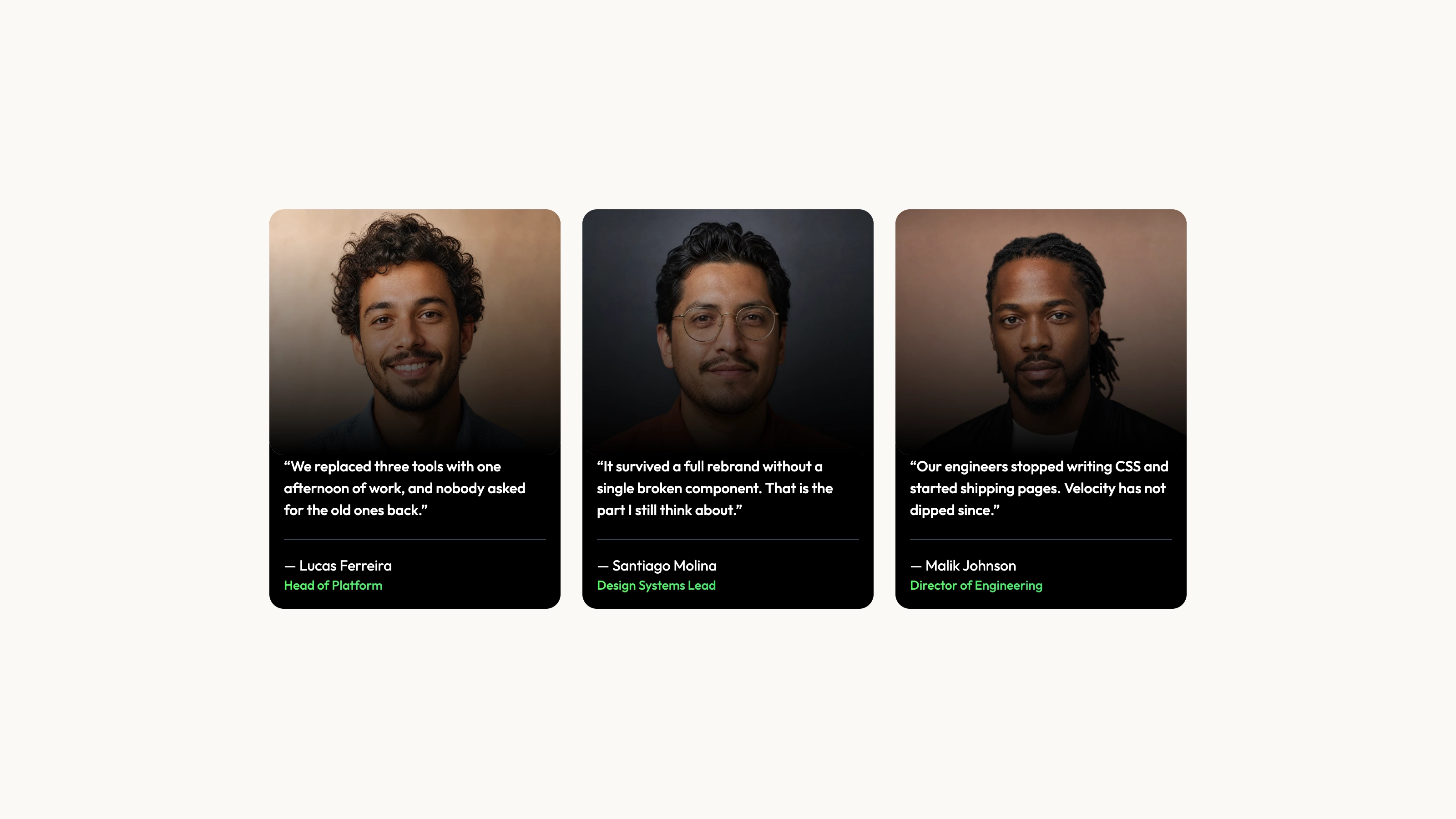
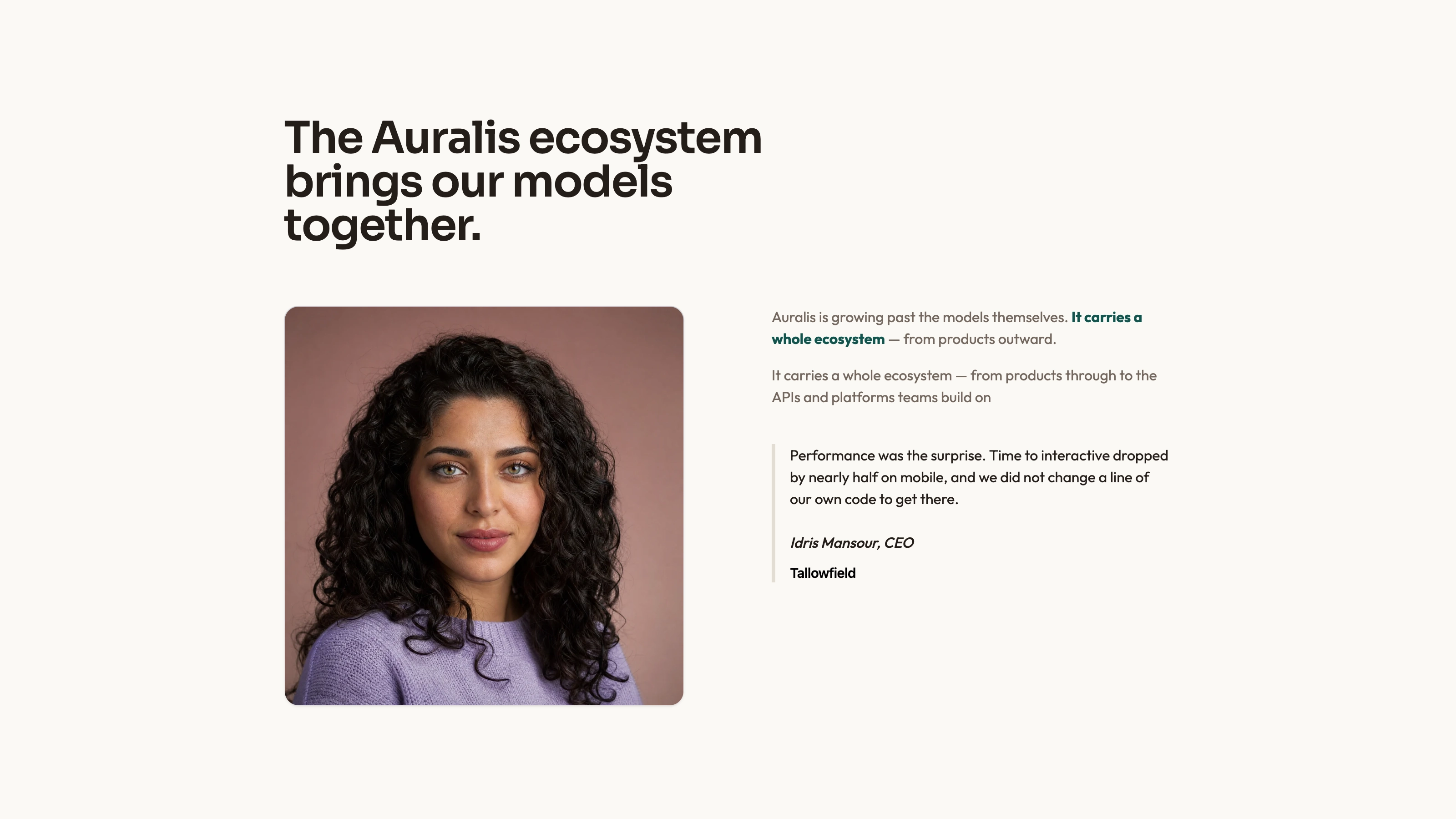
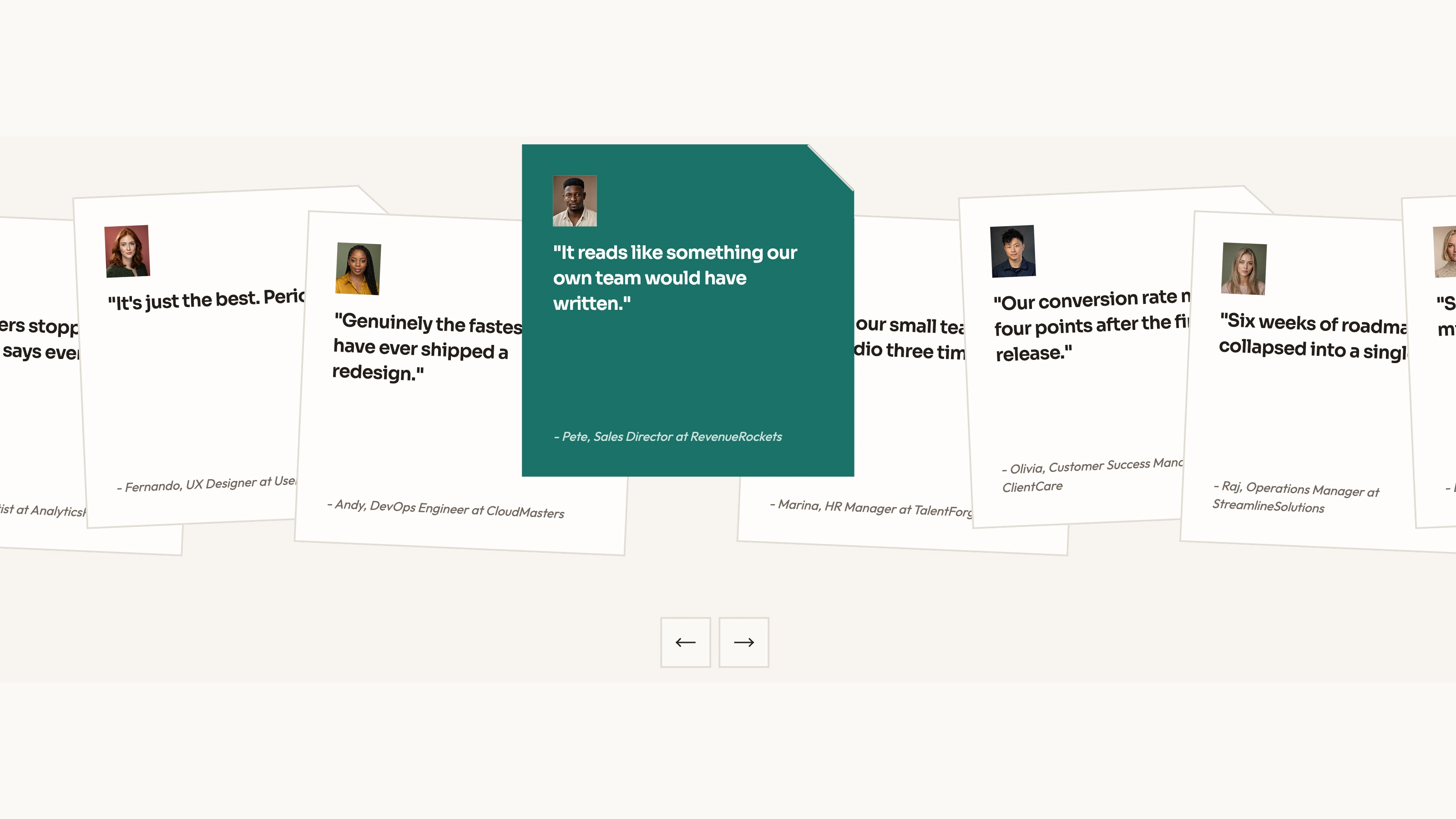
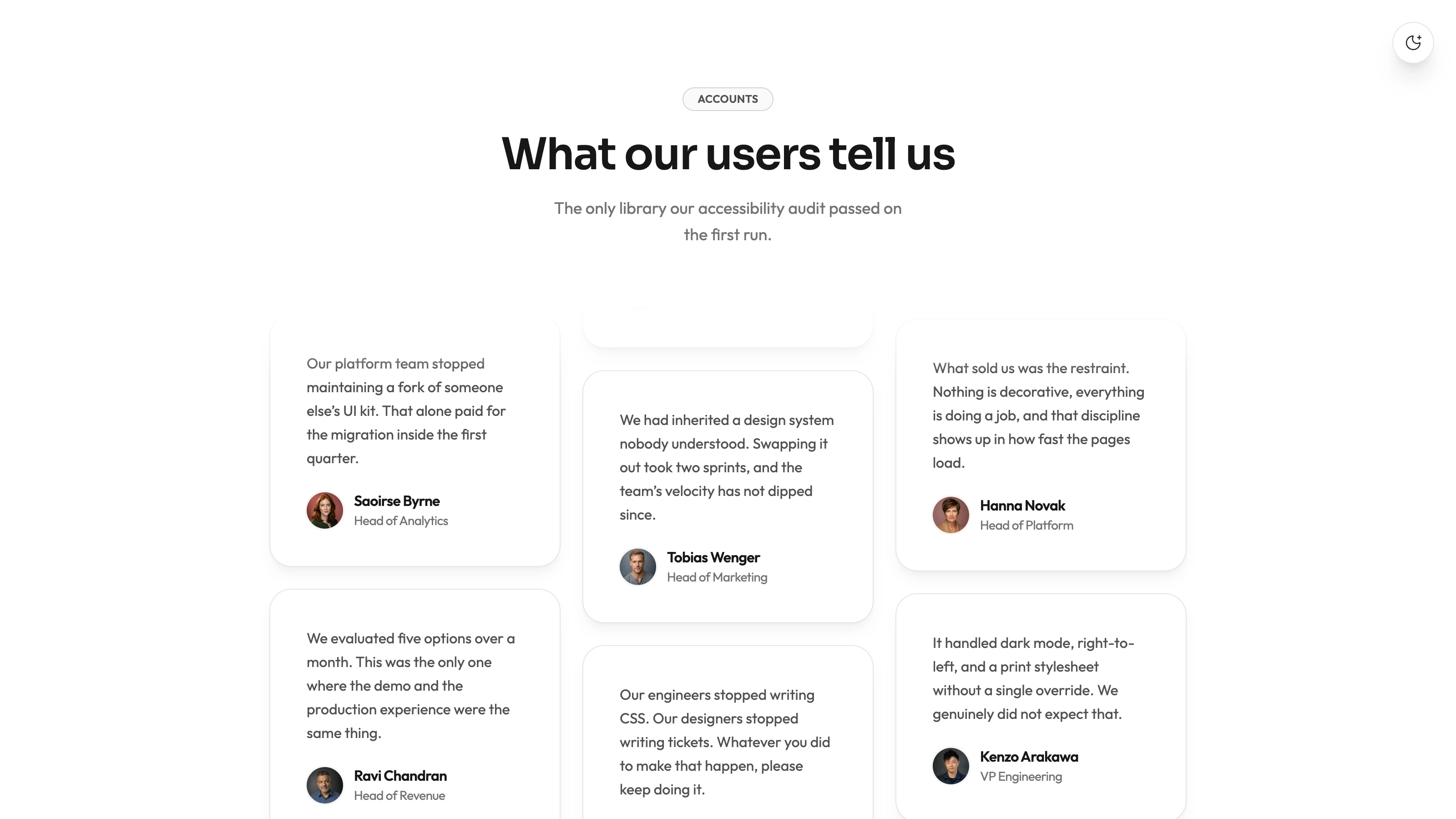
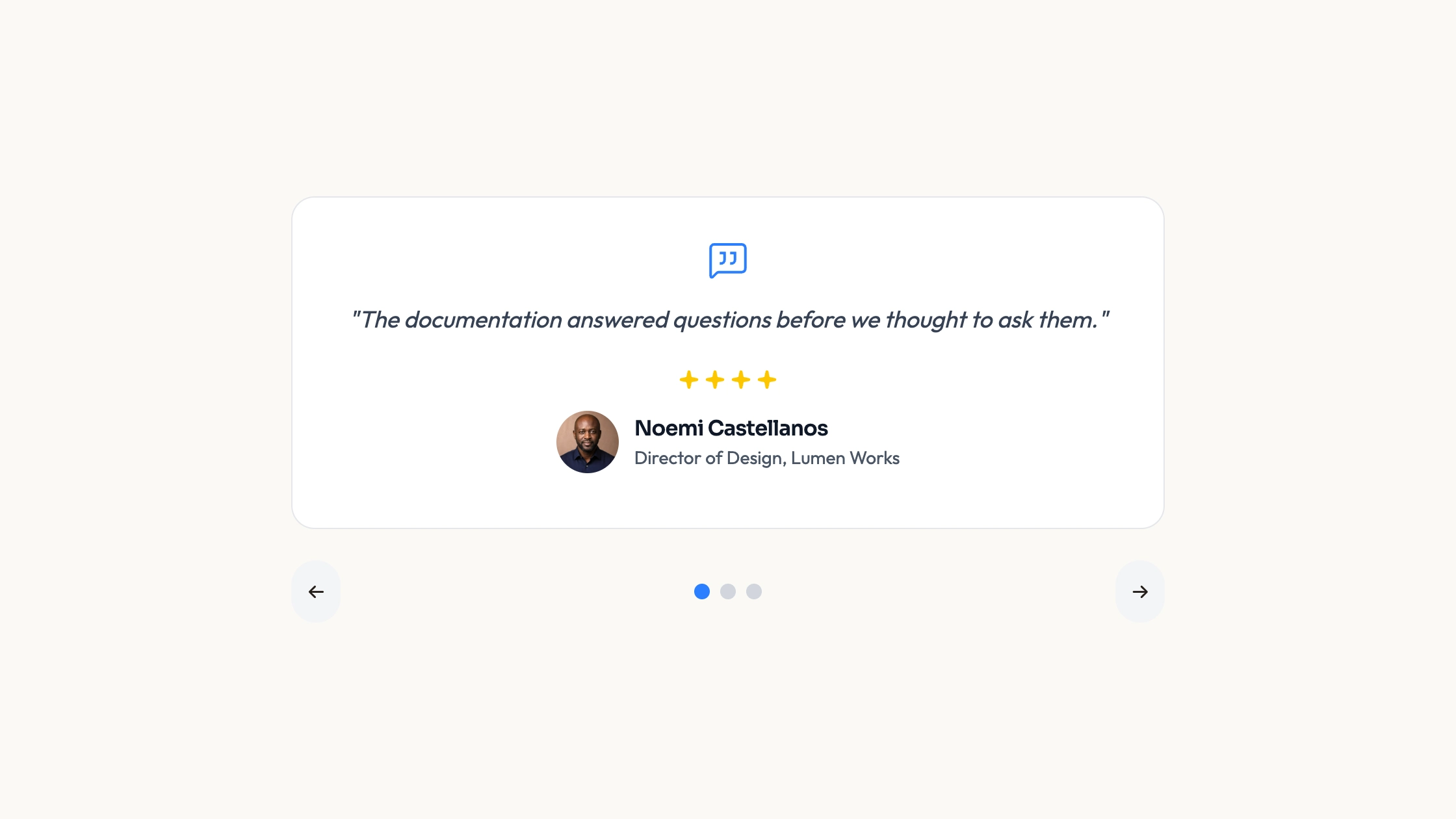
Give each customer story room for both a quotation and supporting measurements. Three example case rows pair a portrait and attribution with two metrics, alternating their desktop arrangement. Numbers count up as they enter view, with a reduced-motion reading that shows the final values. The source provides the presentation; you supply authentic quotes and defensible results.
What you get
A React/TypeScript Casestudies component and usage example. The source includes a caseStudies array for quote, name, role, portrait and metrics, plus metric parsing/display code. Copy and maintain it within your project rather than treating it as a versioned npm block.
A stacked base layout that uses a three-column desktop grid, with story content spanning two columns and metrics on the other side. The middle case reverses the desktop order. CountUp is loaded client-side, runs once on scroll and defaults to a 1.6-second duration; reduced-motion preference selects static values.
The written visual contract defines warm paper/teal light tokens, dark roles, Outfit body type, Sora headings and a 0.875rem base radius. It specifies restrained entrances and inline SVG icons with 1.5 px square-cap strokes; real vendor marks should be monochrome and visibly named. Reconcile the source’s fixed styles with those references rather than assuming every color or dimension already follows one token.
Imagery/icon guidance, third-party notes and a source-check script. Portraits are referenced by local paths but no image or WOFF2 font files ship in the ZIP. React, Next Image/dynamic, react-countup, Lucide and host utility/theme styling are integration requirements.
Before you choose
Choose two measurements that make the quoted experience more concrete, and explain what they measure. Keep evidence and attribution accurate before polishing count-up motion; the layout should help readers assess a story rather than manufacture credibility.
Good fit
A product or service with real customer stories and a small set of meaningful measurements to explain alongside each quote.
A page needing an existing portrait/attribution/metric relationship rather than designing case rows from scratch.
A team willing to maintain readable source and review evidence, assets and responsive behavior in its host application.
Not for
Collecting reviews, validating survey results, deriving ROI or proving that the sample efficiency/satisfaction numbers apply to your product.
A dependency-free/versioned package or an automatic match with an established design system.
Navigation, forms, authentication, checkout or a complete case-study CMS; the source array is the content store in this example.
How to use
You say/testimonial-case-notes Add the Case Note Testimonials section to the landing page for [product name]. Use the quotes, names and portraits I provide; do not invent testimonials. Follow the existing page framework and styling.
Read the target repository’s framework, styling and client boundaries, then copy the component/demo into those conventions. Resolve React, Next Image/dynamic, react-countup and Lucide. A different stack needs an actual port; standalone HTML is an explicit optional adaptation rather than the default output for an app.
Replace all three example quotations, people/roles, metrics, subtitles and product claims with approved content. Each row currently repeats the same hardcoded story heading, so make that heading appropriate per case if needed. The numbers animate supplied strings; they do not substantiate the quote or calculate a result.
Supply local portrait files and keep each person, role, quote and image correctly paired. Follow the imagery guide: portraits for people, abstract plates for special blend/invert/contain treatments and photos elsewhere; use distinct local WebP images sized for delivery and provide local fonts. File paths alone do not supply the actual assets.
Check metric formats before animating. The parser separates a prefix, number and suffix and preserves decimal precision; test your actual currency, comma grouping, negative values or abbreviated units. Unrecognized strings take a fallback path and should not be assumed to display correctly. Apply the written visual contract to fixed gray/text/radius values as well as theme roles.
Run node scripts/check-blocks.mjs TARGET, build the host page and review each case on phones, the reversed desktop row, metric accuracy and reduced-motion display. Verify portraits load and full quotes remain readable. The source checker cannot verify claims, assets, network behavior or layout quality; scroll-triggered counting is not an interactive case browser.
Requirements and costs
You bring
Not collected yet
Dependencies
Not collected yet
Outside costs
Not collected yet
Publisher testing
v1.0.0 — Claude Code / Claude Desktop / Cowork / Codex / ChatGPT
FAQ
React/TypeScript with Next Image/dynamic and react-countup. The source uses a client component and utility styling. Other-framework ports need to be implemented according to the host repository.
The inspected source reads a local data array and local portrait paths, with no review-service API. The ZIP contains no portrait/font binaries. Supply local assets and verify requests in the completed host page.
Yes. Replace portraits with accurate local images for the named people, preserving attribution. Use the guide’s abstract/photo rules only for other appropriate slots, and review the portrait crop at small widths.
No. They are source values displayed with count-up animation. Replace the examples with sourced figures and explain their basis in the labels or surrounding case material.
The component checks prefers-reduced-motion and renders final formatted values for that preference. Review both paths with your actual metric formats; the count animation is not necessary to understand the results.
User reviews
—0 reviews
Select a star to share your experience.
No reviews yet. Ratings appear once readers share real experiences.