Show how a planning product handles a working day, rather than describing it beside a dashboard screenshot. Taskmuse AI Landing puts a searchable board, list and timeline inside a warm sand interface framed by hairlines and diagonal hatching. A cobalt-accented assistant demonstrates request triage and scheduling, with follow-on sections for calendars, progress, integrations and commercial decisions. It is a marketing site with interactive product demonstrations, not the planning service itself.
What you get
A light-first product identity with a complete dark theme: Instrument Sans for display and reading, Geist Mono for task IDs and figures, white surfaces on sand neutrals and restrained cobalt reserved for assistant actions and focus. The centered two-line hero leads into an interface window; hatched seams and thin rails connect the rest of the page.
Three product views, board, list and timeline, built from sample task data rather than flat images. Visitors can search, sort the list and see an assistant move an inbox request into a planned slot, undo that move or place the remaining sample requests. The sequence is scripted to explain the product promise; it does not invoke an AI model or a real calendar.
Feature demonstrations for ranked requests with reasons, a day planner with auto-plan/reset, weekly review ranges, a calendar with visibility and protected-focus controls, progress/burndown ranges and integration switches with an activity feed. One coherent example workspace makes it easier to connect these demonstrations, although they are separate local panels rather than a synchronized production app.
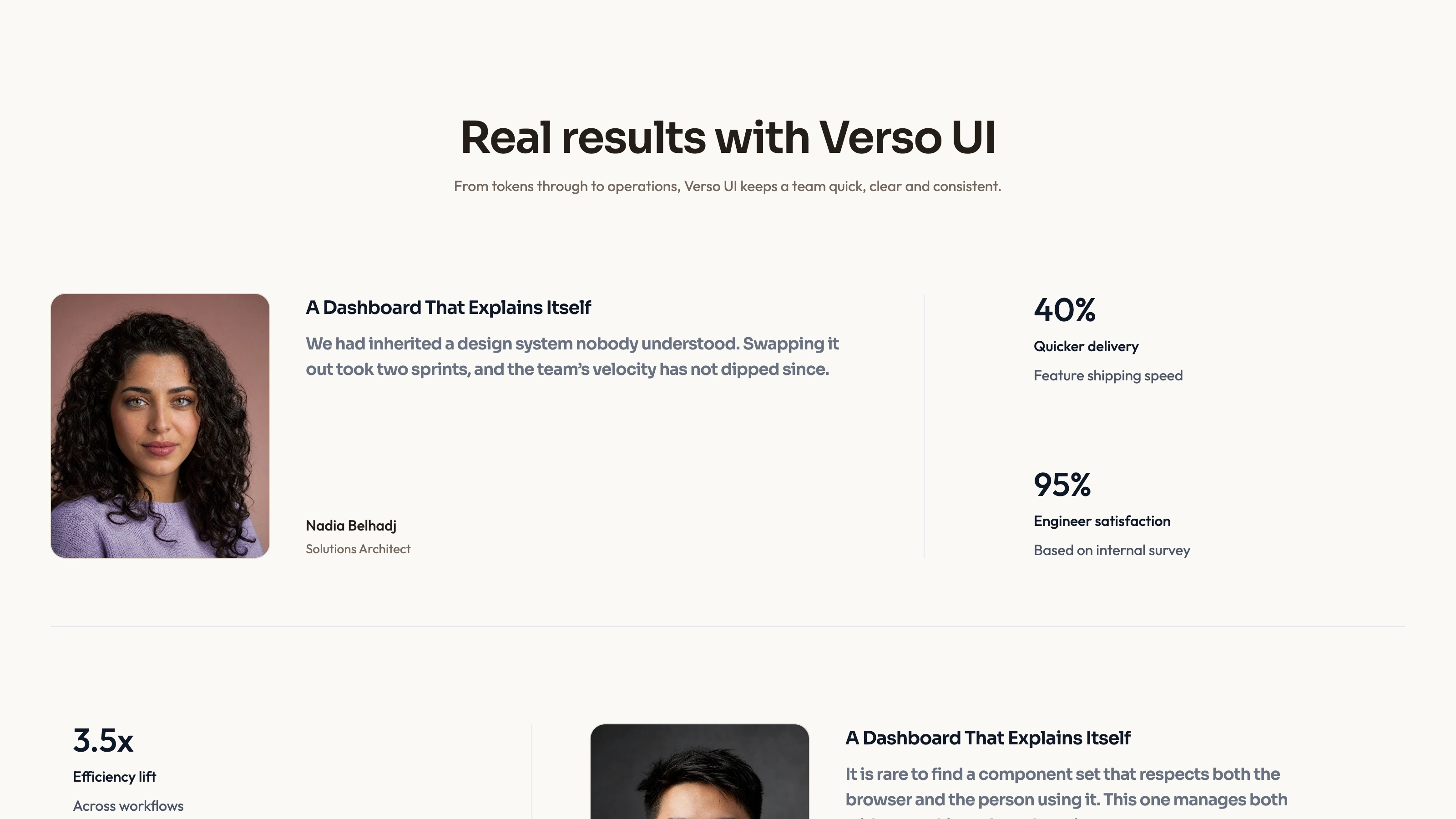
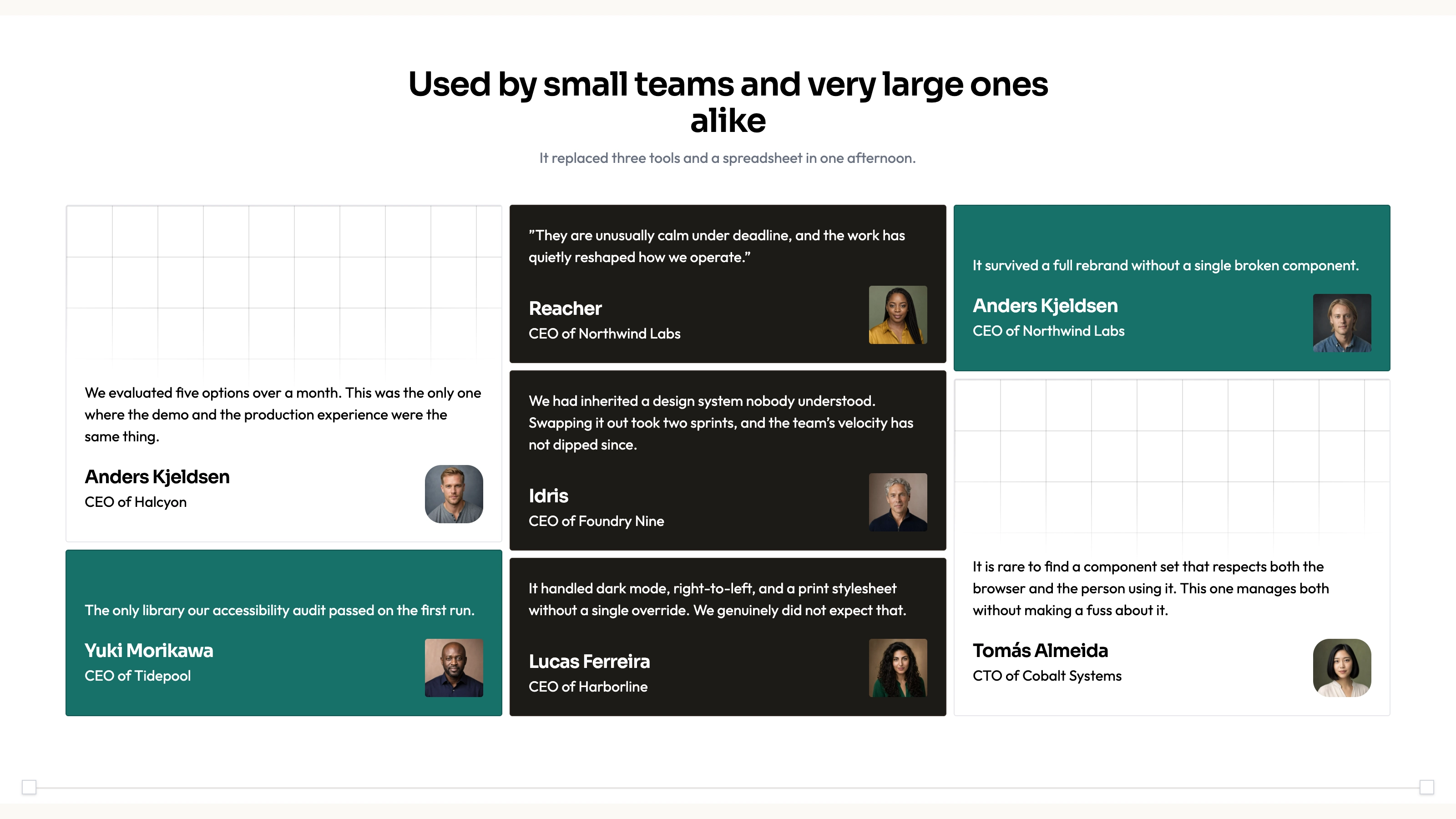
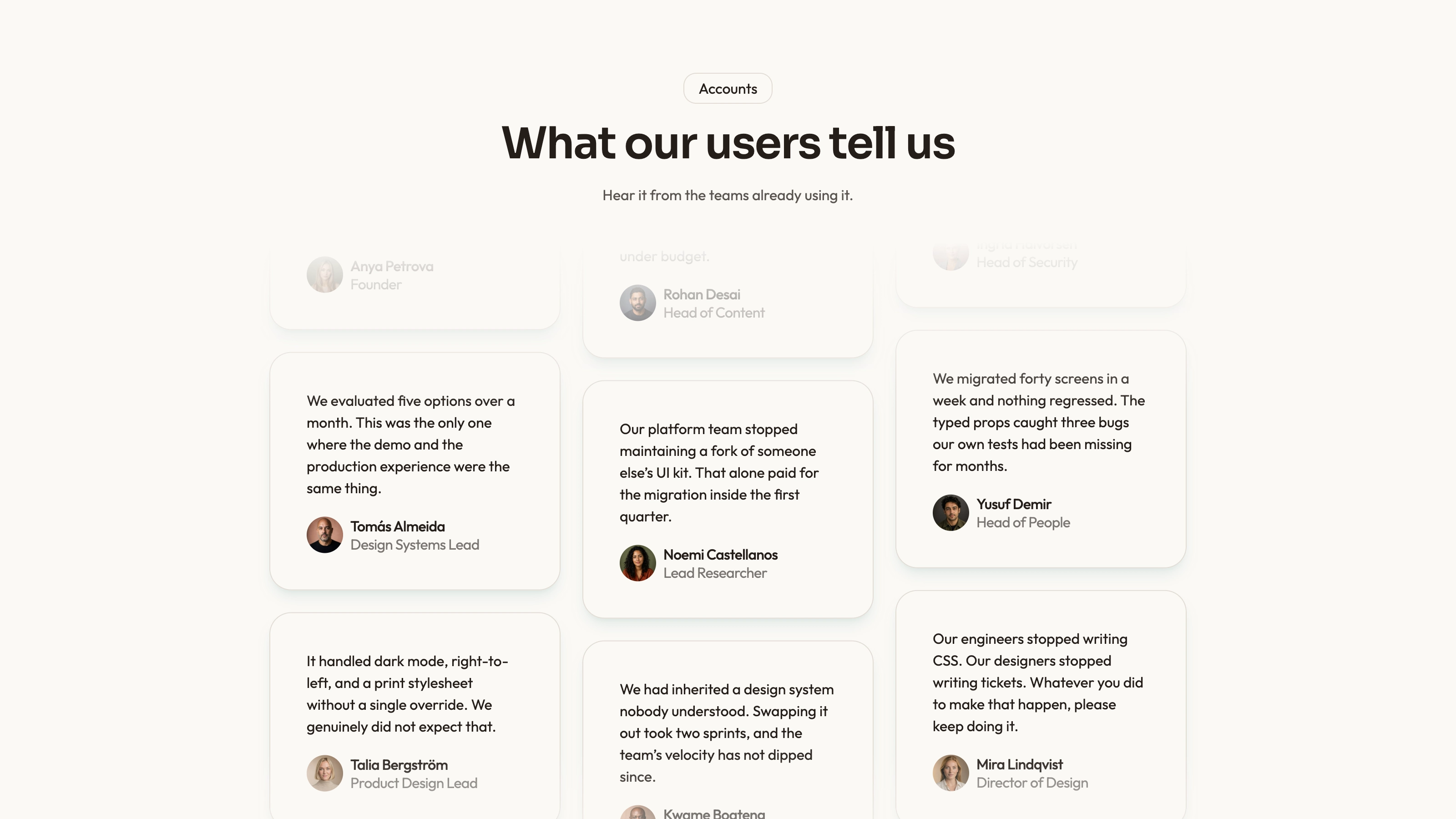
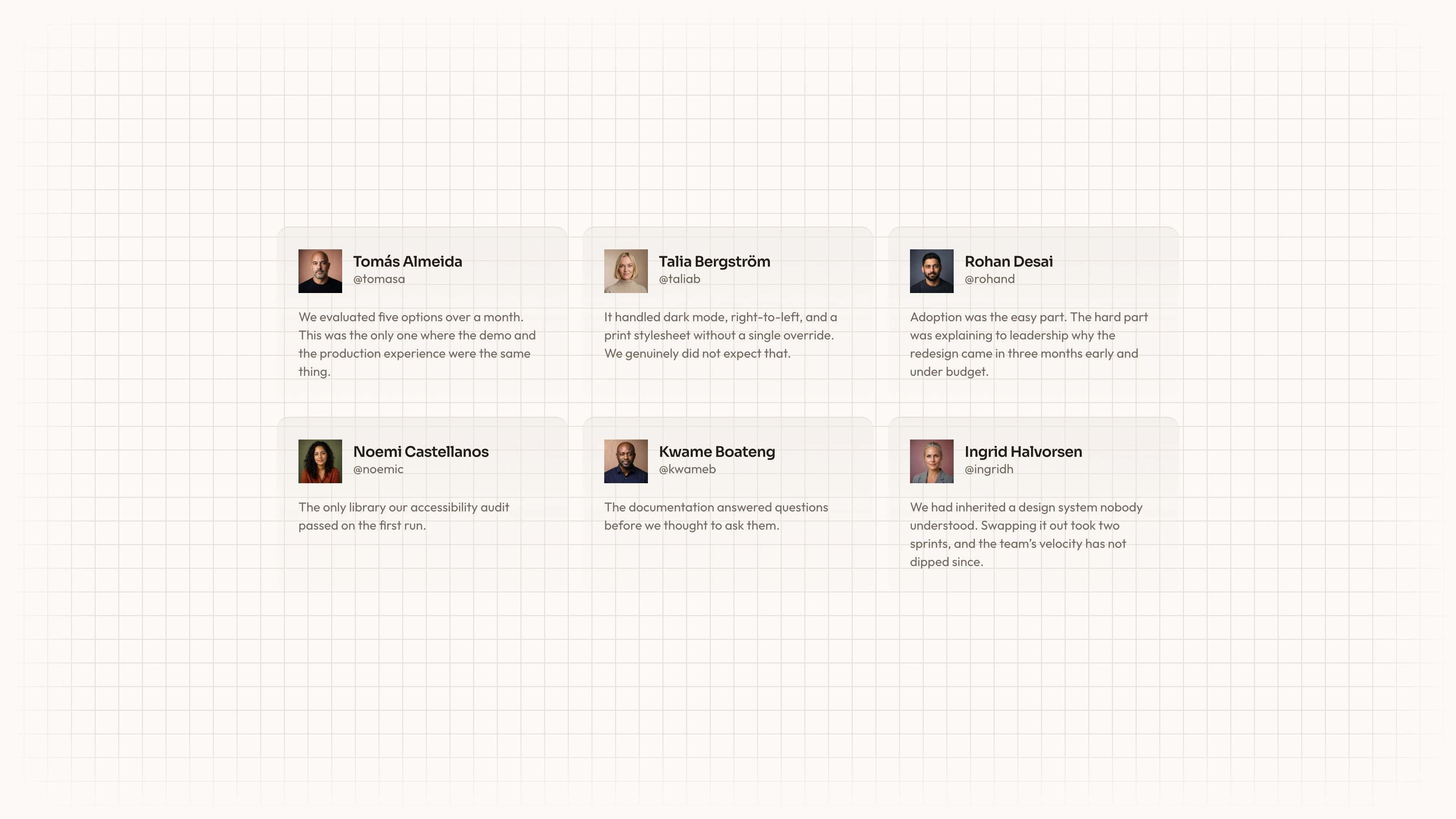
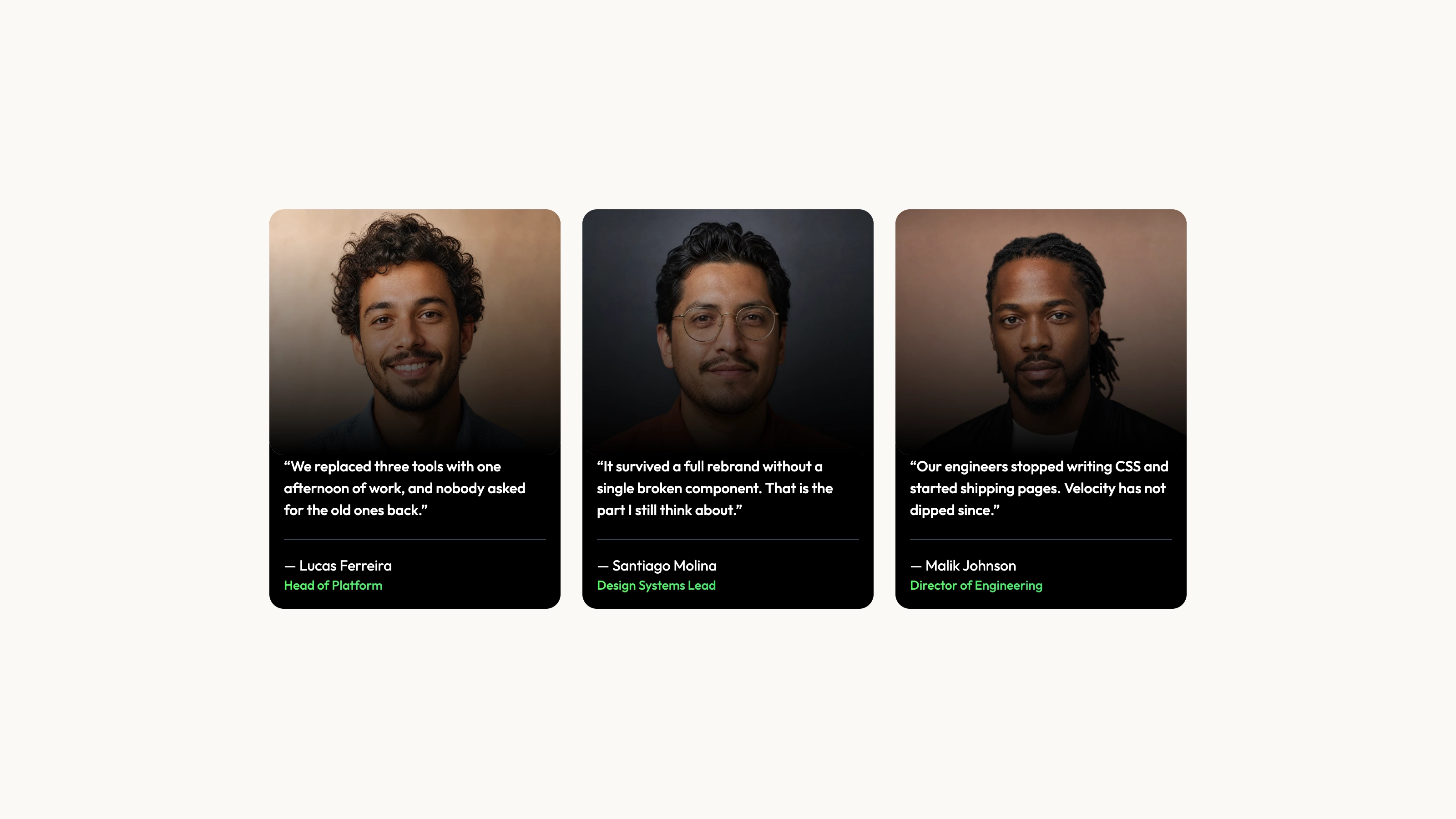
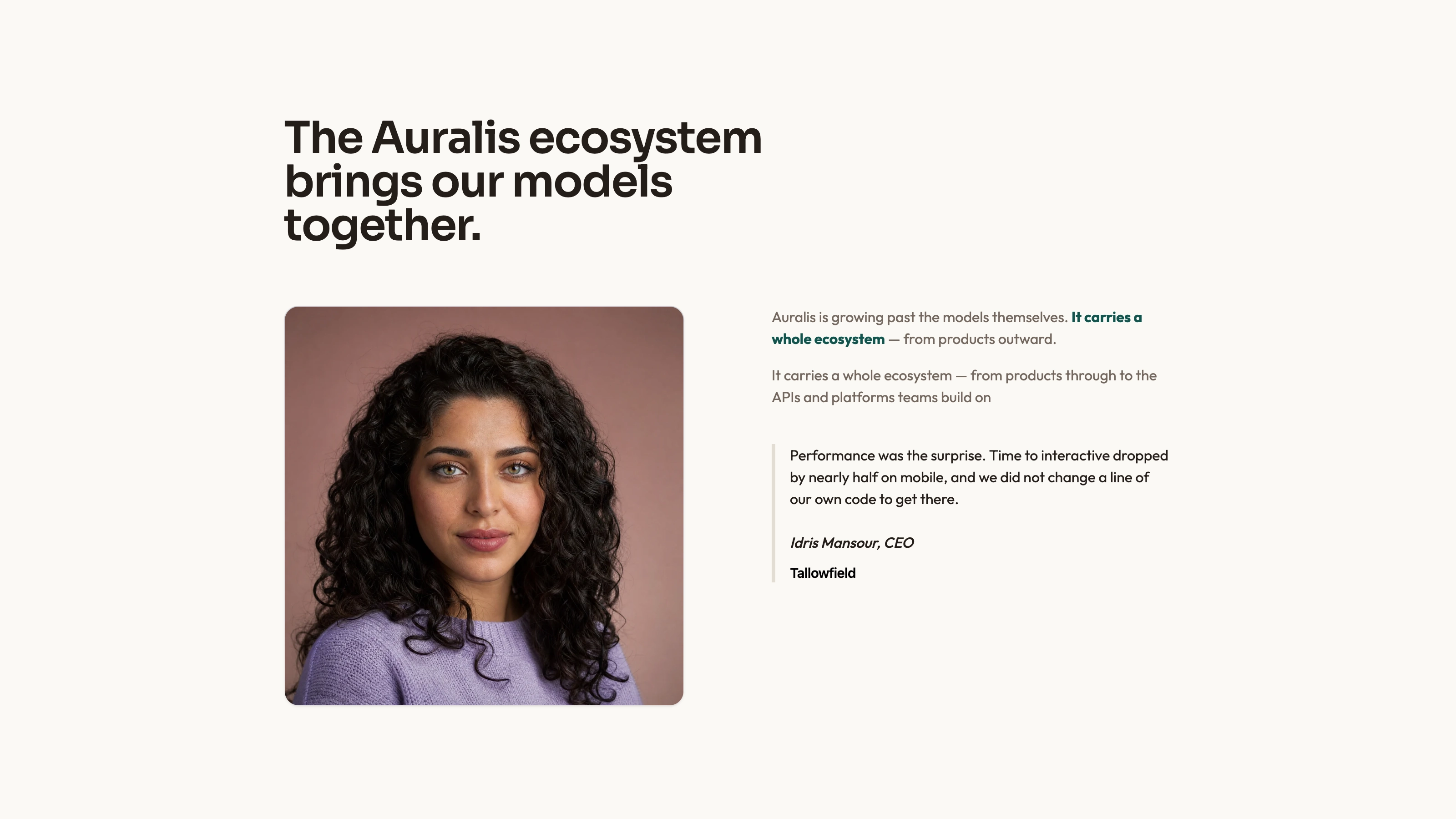
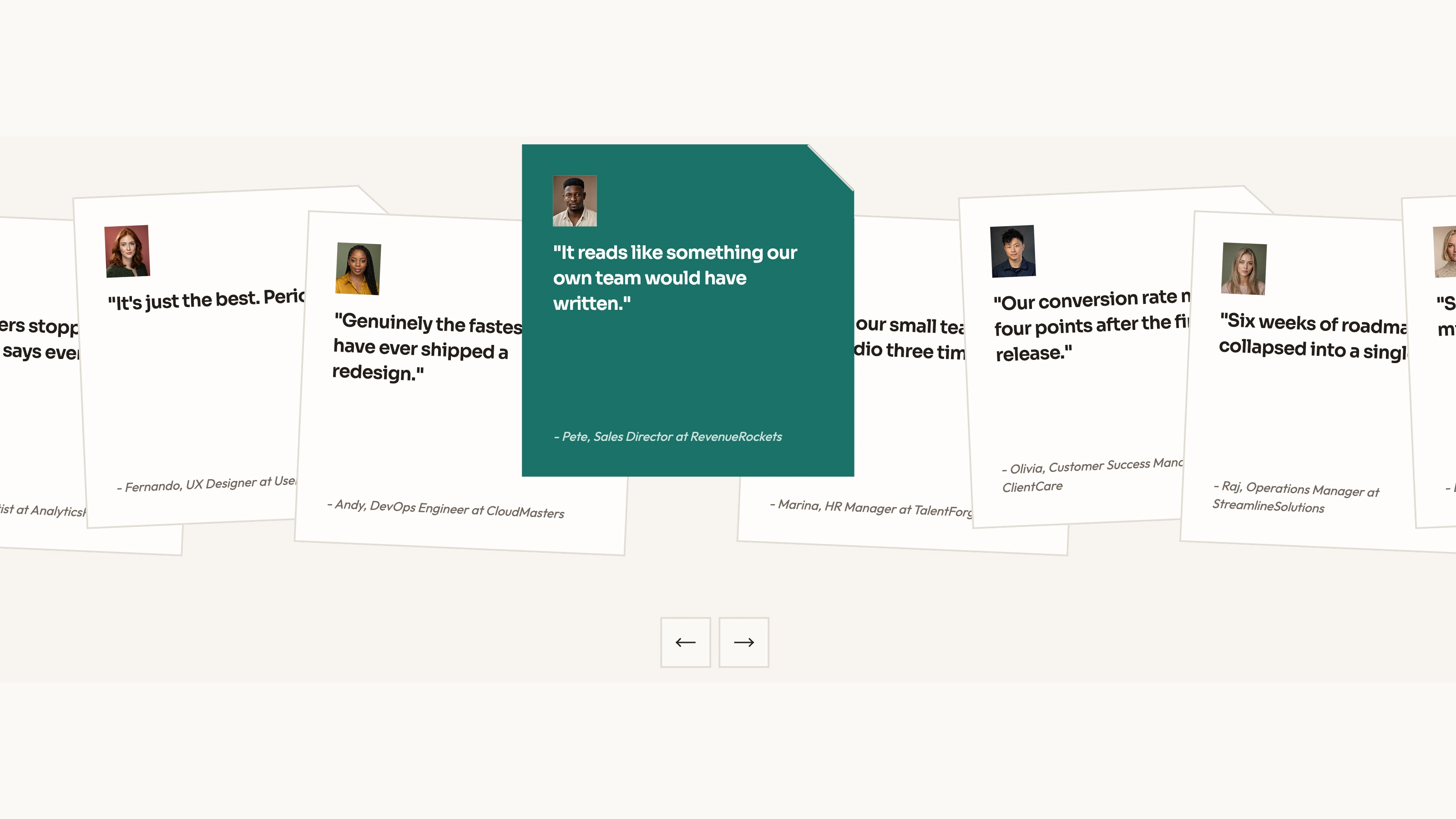
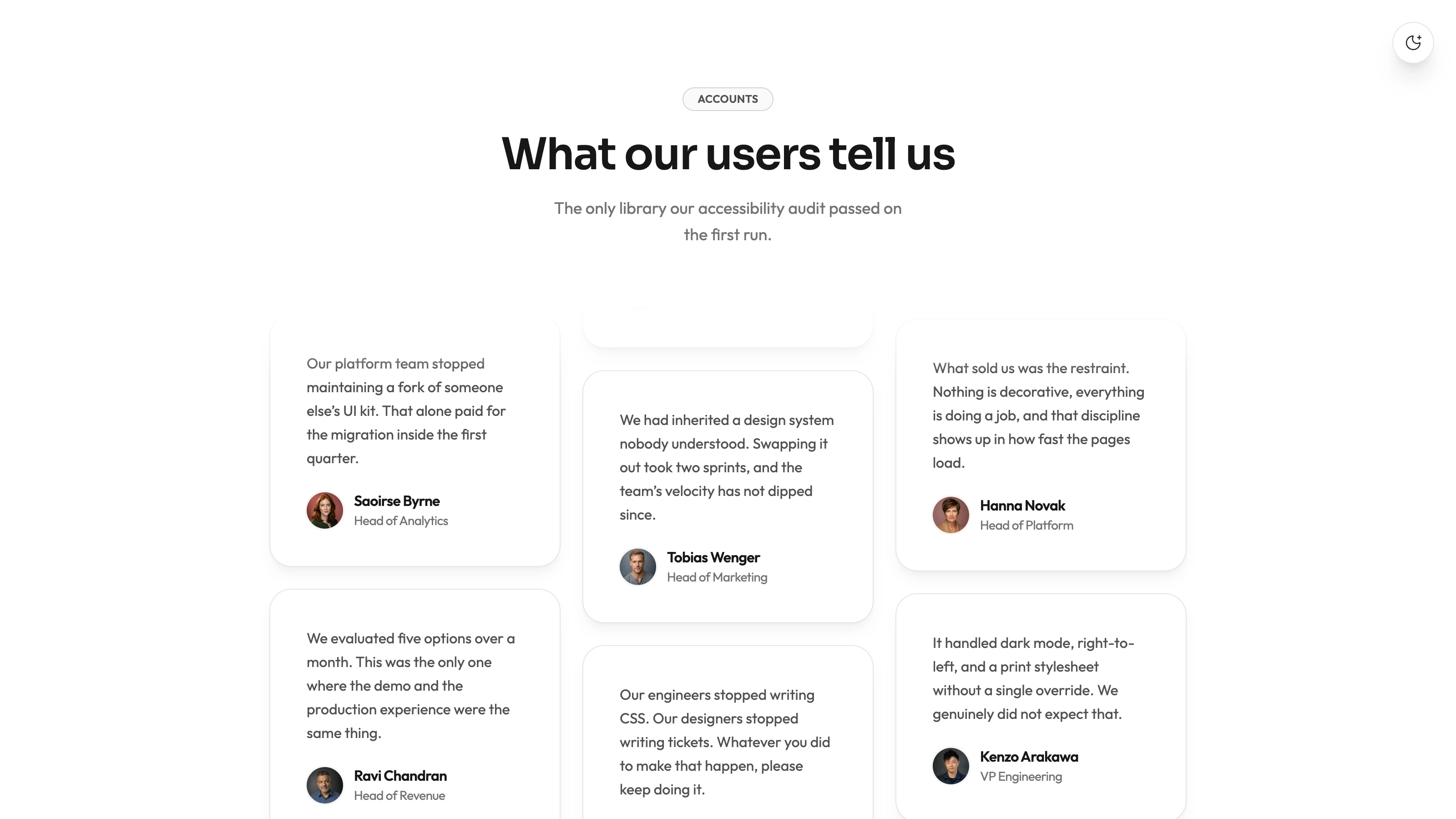
A full home sequence including wordmarks, a planning journey, customer story, testimonial grid, security facts, pricing, FAQ and sign-up band. Companion pages cover pricing with a seat calculator and comparison, the customer story, searchable changelog, about, contact, sign-in, sign-up, privacy, terms and missing-page recovery.
An offline HTML file with embedded fonts and photographs by default. An existing Next.js, React, Vue, Svelte or Astro project can instead receive native sections, routes, data and stateful product components. Supplied references cover the visual system, photo roles, motion and checks; they do not provide a CMS, translations or a working account backend.
Before you choose
Choose one request that visitors can follow from arrival to a planned slot, then show how they can undo it. That small, coherent story is more convincing than adding disconnected assistant claims or several unrelated example workspaces.
Good fit
A task, scheduling, planning or AI-assistant product needs to demonstrate what changes when a request arrives and how a user stays in control.
A product's value is easier to understand by switching views and trying a planning action than by reading a list of abstract capabilities.
A team wants a standalone marketing preview first, or a design that can be adapted into its existing application stack without flattening product panels into screenshots.
Not for
A working AI planner, calendar integration or shared task database. The included assistant follows prepared actions and local state; real automation requires your services.
A site with live accounts, sign-in, mail delivery, CMS publishing or multiple languages already connected. The forms and content structure need those integrations.
Publishing fictional customers, portraits, performance statistics or security credentials as proof. The sample's brands, people and quotations must be replaced or clearly marked as placeholders.
How to use
You say/taskmuse-ai-landing Build the Taskmuse site for an AI assistant that triages requests and books focus time on your calendar.
Provide the product name and one-line promise, assistant name and its three jobs, work objects and available views, calendar/integration behavior, plans and limits, confirmed security facts and your main action: sign-up, waitlist or demo. Add company facts, approved customer evidence and photography where available. List uncertain claims for confirmation.
Build one believable sample workspace and project in your terminology. Keep task IDs, dates, owners, statuses and counts consistent across board, triage, calendar, timeline and story. A support product can use tickets and routing; a CRM can use deal stages. Without AI, describe the accent panel as rules or automation rather than inventing an assistant.
Choose the amount of content you can substantiate. The design can accommodate two to four plans and three to five board columns with corresponding layout updates. Keep comparison values and seat-calculator choices aligned with the plans. A waitlist product can replace sign-up and remove sign-in links; unsupported security or customer sections should be reduced.
Use coded interfaces for every product view. Photography belongs in the customer story, founder/team scenes and small portraits. The included detail image and eighteen fictional avatars can serve as neutral placeholders; the specific studio, founder and team scenes need replacement for a real business. Your agent's image generation may carry usage charges, or you can supply photos.
Prepare the output in the appropriate format. A default standalone build needs Node.js 18 or newer and internet during font embedding, then can be viewed offline. A framework adaptation uses real components and routes in the existing stack. Review the complete dark theme as well as the light version; theme persistence depends on browser storage being available.
Try board/list/timeline switching, search with no matches, list sorting, assistant plan and Undo, then the remaining requests. Review each scheduling, range and integration control separately. Match what the demonstration visibly does to your real product, and do not imply that a local move has held time on a customer's calendar.
Check pricing totals for different seats and billing periods, changelog filters, menus, routes and every form on desktop and phone. Forms currently complete locally; some sample messages claim a link was sent or a workspace is opening. Replace those with honest preview wording until authentication and email are connected. Confirm all drafted customer, number, security and company claims before publishing.
Requirements and costs
You bring
Product name, one-line promise, the assistant's name and the three jobs it does · Plans and limits, the security facts you can confirm, and the CTA (sign-up, waitlist or demo)
Dependencies
Node.js 18 or newer on your agent's machine, to run the bundled script that builds the single offline file · Internet access while the file is built, so the fonts can be downloaded once and embedded · Optional: an image generation tool in your agent for the customer story, founder, team and avatar photos
Outside costs
Photos for the customer story, founders, team and avatars are generated with your agent's own image tool, which may incur that tool's usage charges. The bundled portraits and neutral detail photo can stay as placeholders.
Publisher testing
v1.0.4 — Claude Code / Claude Desktop / Cowork / Codex / ChatGPT
FAQ
No. The default deliverable is an HTML file with embedded fonts and photos that can be opened from disk. If a project exists or you request a stack, the design can be ported into Next.js, React, Vue, Svelte or Astro with native routes and stateful panels. Those are alternative delivery formats, not a promise that the standalone file contains an application backend.
The board, triage, planner, calendar, charts and integration controls are built in code around configured data. Photos are used for people and company/story material. Included avatars and a neutral detail photo can remain as placeholders; real customer and team representations need your images or reviewed replacements. Image generation uses your agent's own tool and may cost extra.
Yes. The header control switches the page and product panels to a coordinated dark palette, including charts, surfaces and code-like details. The choice is remembered when storage is permitted, with a nonpersistent fallback for restricted previews. Check contrast and selected states in both modes after changing brand tokens.
User reviews
—0 reviews
Select a star to share your experience.
No reviews yet. Ratings appear once readers share real experiences.