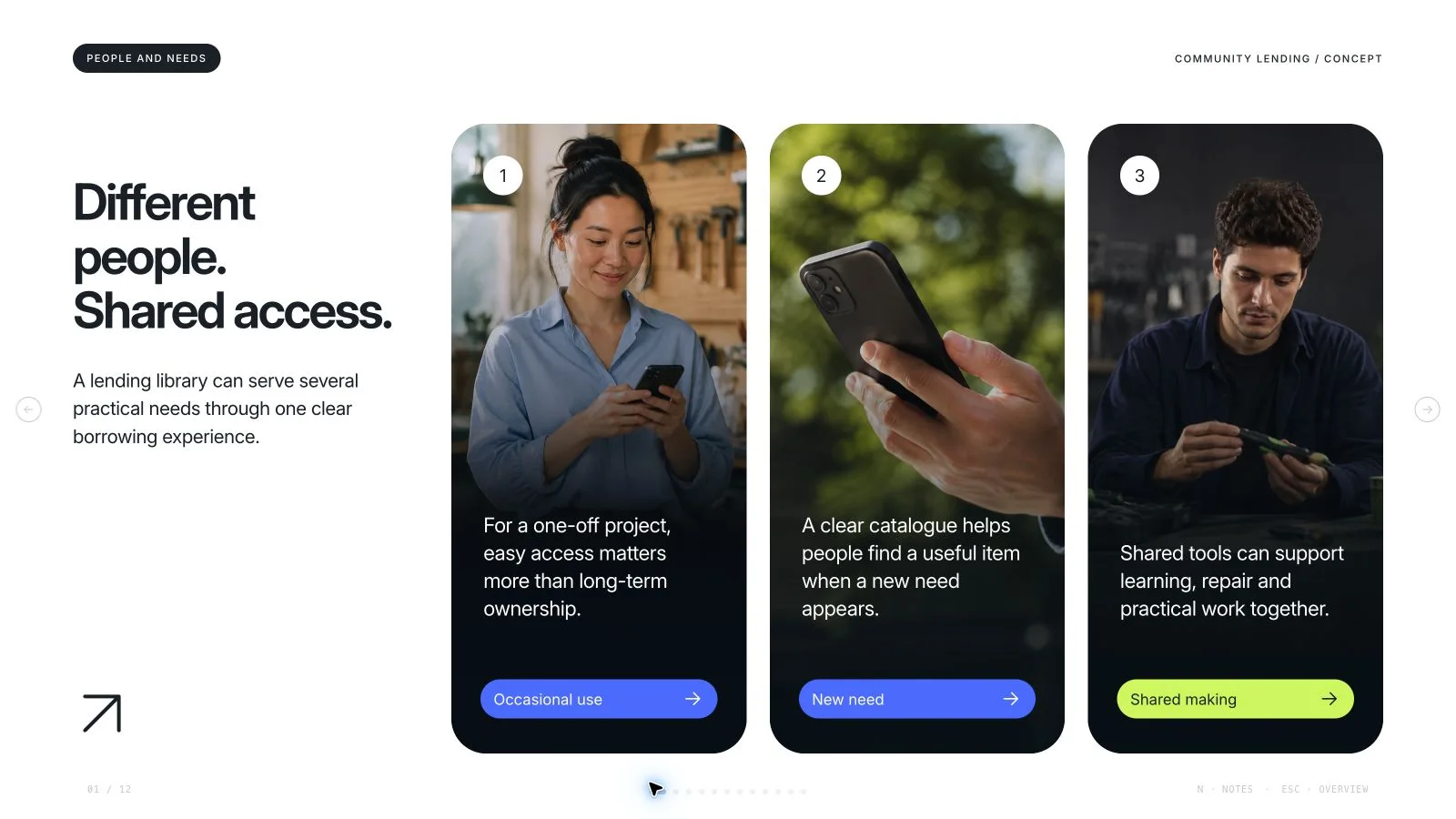
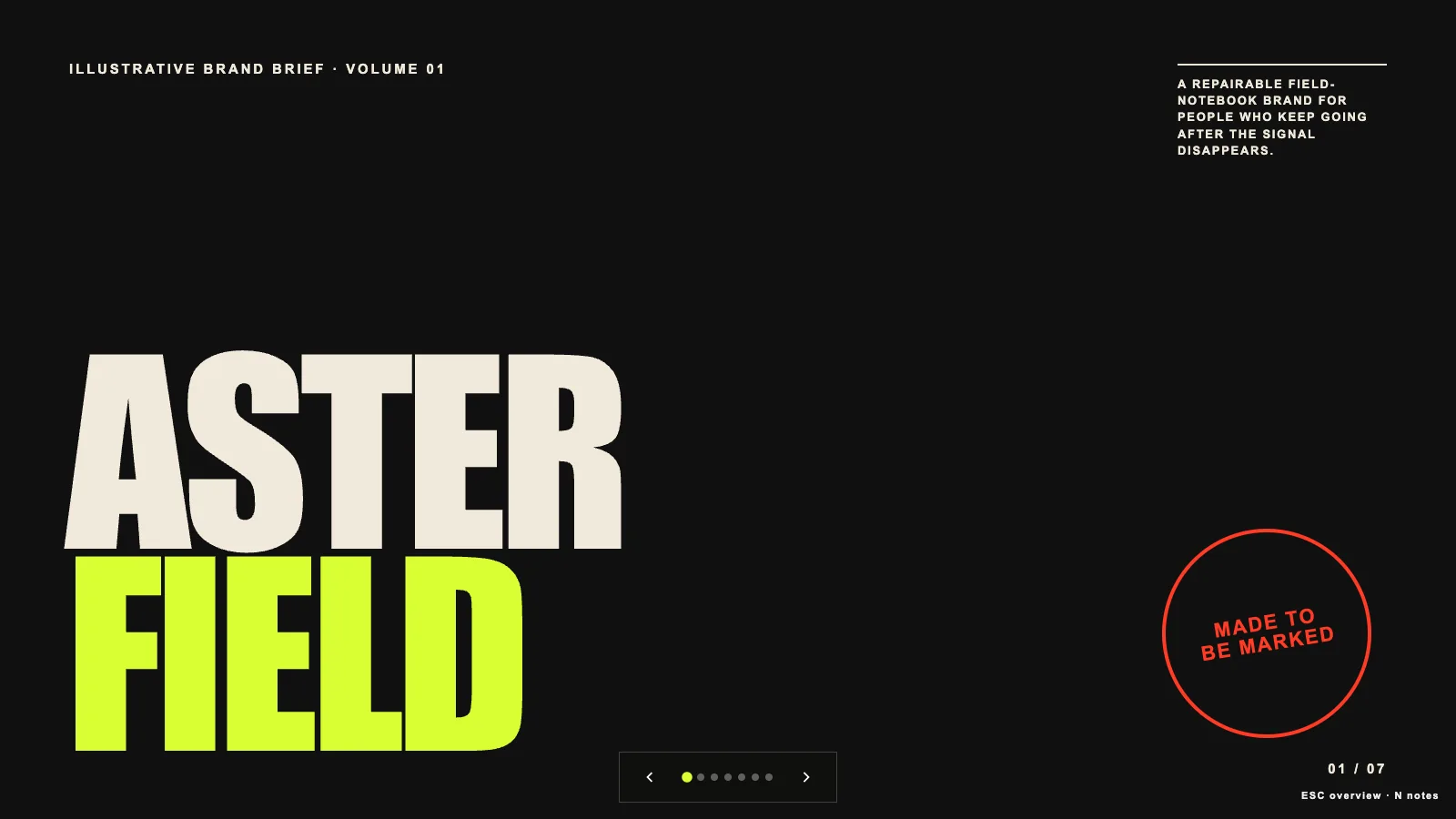
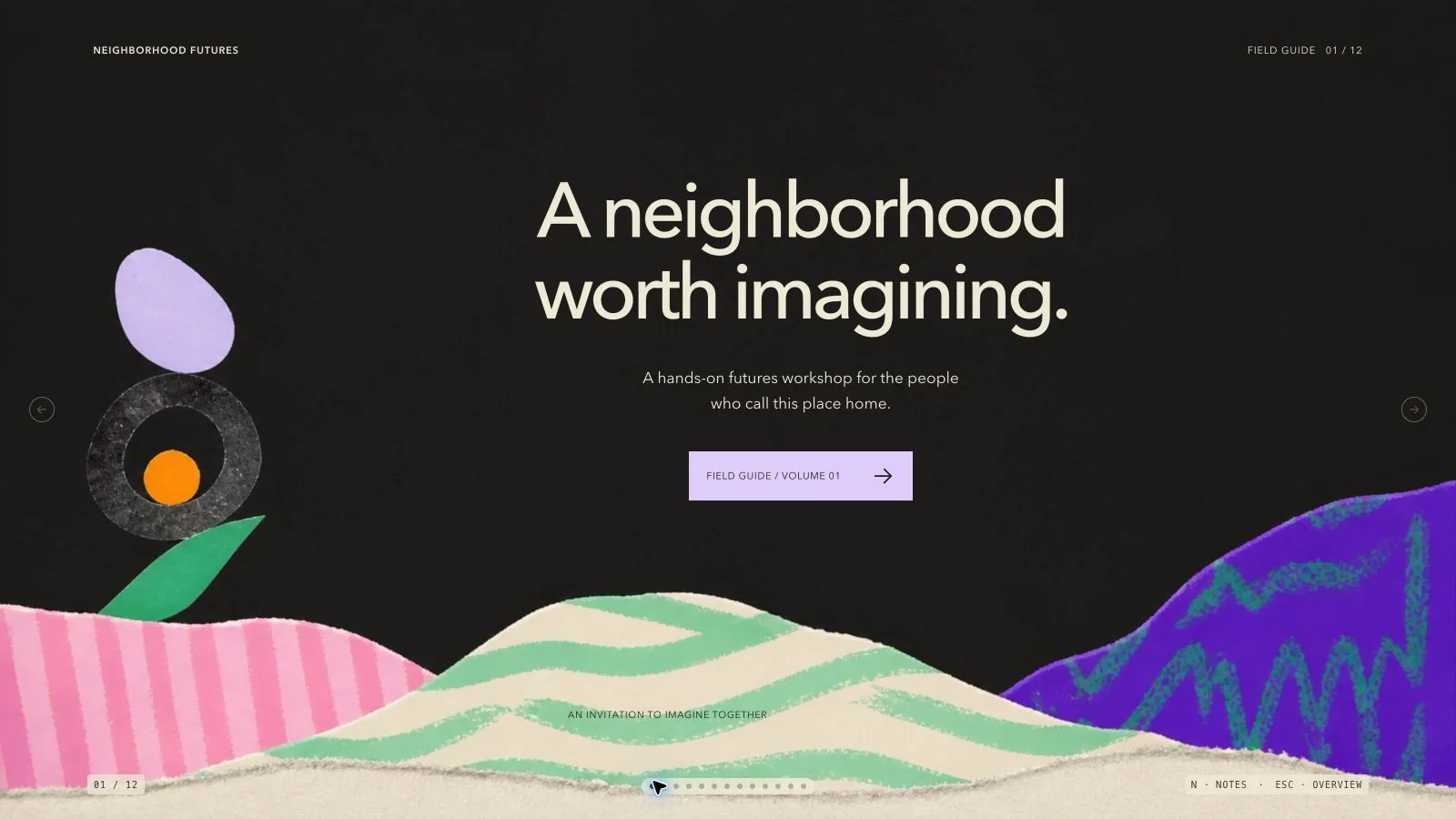
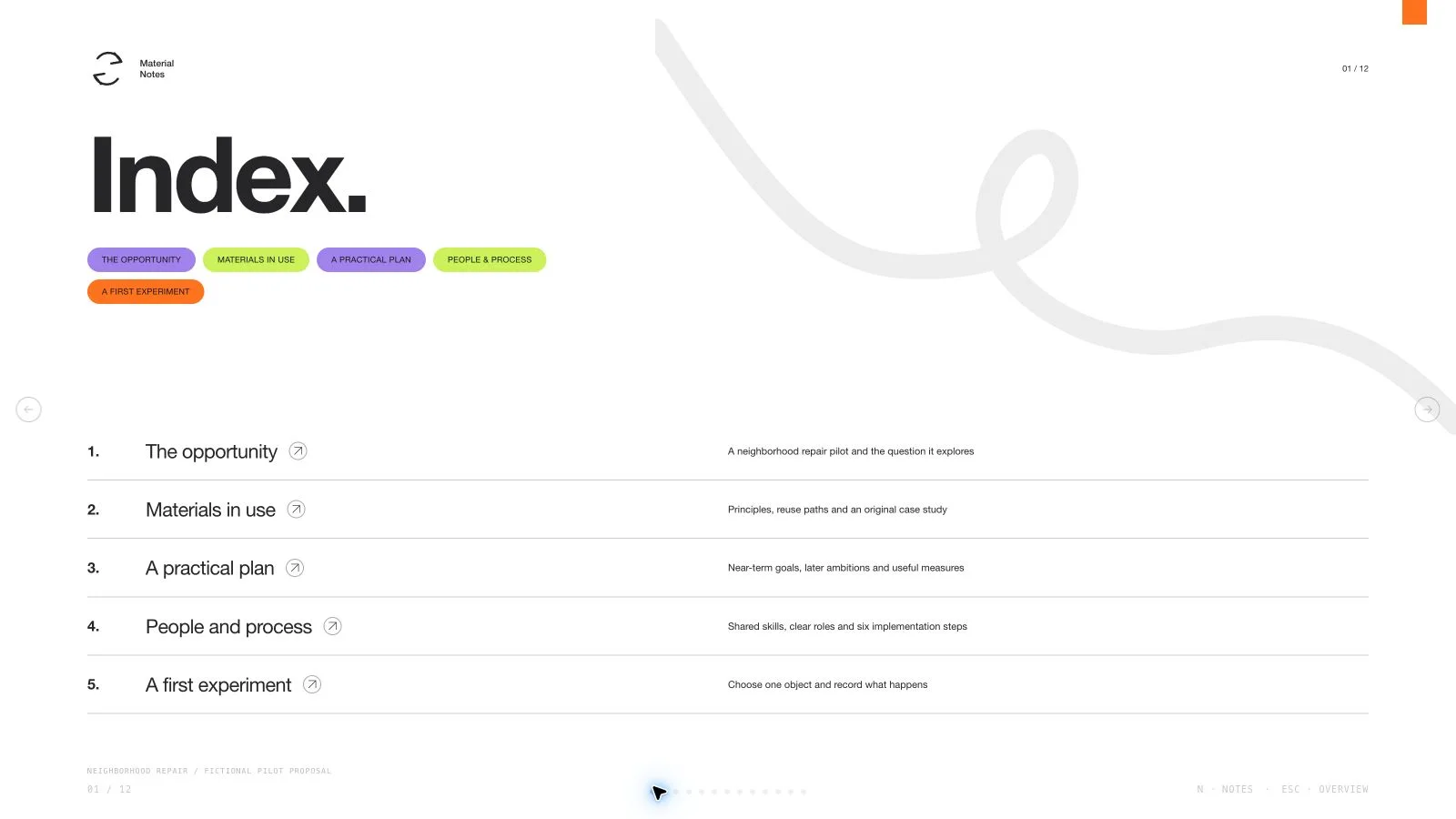
Article Brief Deck

Brief an audience on one verified article without blurring its evidence and your interpretation. Article Brief Deck builds an opening thesis, a small number of argument beats, evidence pages and a discussion close. Quotes, figures and labels stay tied to approved source material, unresolved points remain visibly pending, and speaker notes provide the context that does not fit on the slide.

What you get

  • A fixed 16:9 briefing sequence, generally six to ten pages, introducing the article’s thesis, tracing its argument, showing approved evidence and closing with a discussion or review decision. Seven reusable recipes cover the opening, argument spine, evidence, process, perspective, comparison and close rather than imposing a seven-slide output.
  • A source ledger separating supplied facts, assumptions, rights and unresolved questions. On-screen quotations, numbers and labels must match the approved material; unconfirmed inputs stay marked pending. Three to five talking points per page support delivery without making the slides a substitute for the original article.
  • Three content presets: cream/ink-blue/clay Field Note, dark Night Review and white High Contrast. The shared browser editor remains monochrome and offers individual content-color editing rather than a three-preset switcher. Inline icons accompany visible labels, and images support the approved point without implying new evidence.
  • A style kit with three 16:9 picture slots and a bundled three-picture library for library renovation/interior fit-out only. Those pictures are marked topic-specific, not universal editorial illustrations. The installation also includes composition/build/check tools, a checksum-verifying image embedder and an optional FAL generation helper. It does not include three finished preview files merely because the older summary describes them.
  • An editable standalone HTML deck with notes and presentation mode, plus requested PowerPoint or PDF exports. PPTX preserves native text and notes, separate pictures and rendered graphics/background layers; PDF has one slide per page. Subject-matter, image-rights and accessibility sign-off remains with the named human reviewer.

Before you choose

Review the briefing once without its images. Every assertion should still be traceable to the article or clearly marked as an assumption or open question. Then put the pictures back and check that they have not introduced a misleading place, event or outcome that the source never established.

Good fit

  • A teacher or course creator is using one article to lead a class through its argument and end with an informed discussion.
  • A team needs a briefing on an article or report before a decision, review or meeting, with the source’s claims separated from open questions.
  • The presenter needs every quote, number and image on screen to be traceable to material cleared for this specific use.

Not for

  • An article that has not been verified or cleared for the intended use. A clean briefing layout does not settle factual reliability or rights.
  • Adding statistics, quotations or claims that the approved material does not supply. Unknowns remain pending rather than being filled for narrative convenience.
  • Automatic final approval. A named reviewer must still assess the subject matter, disclosure requirements, image rights and accessibility of the finished deck.
  • Treating a fictional demonstration measure or a topic-specific library photograph as proof of the article’s real-world claim.

How to use

You say/article-brief-deck Turn the verified article I provide into a horizontally paged briefing deck with an argument spine, evidence slides and discussion prompts.
  1. Provide the approved article and reference links, audience, learning/decision goal, speaking duration and target slide count. Identify approved claims, data, quotations and images, the requested preset, disclosure rules, note requirements and review owner. Build the source ledger before drafting so a supplied fact, an assumption and a rights question cannot merge into one confident sentence.

  2. Outline the thesis, a few argument beats, selected evidence and the closing discussion. Compose six to ten pages unless the agreed brief calls for a deliberate adjustment; give every page one job and three to five useful talking points. Keep unresolved evidence visibly pending and preserve the article’s qualifications when shortening a quotation or explanation.

  3. Select Field Note, Night Review or High Contrast and populate the style-kit recipes. Replace the fictional demonstration value and all example claims, sources, notes, labels and disclosure text. Complete the argument using built-in treatments first; an attractive photograph must not imply a finding missing from the article.

  4. Choose an image path: reuse suitable library pictures, reuse and generate only gaps, or regenerate the set. Supplied approved images take priority in every path; default to reuse when no preference is available. The three shipped images are all topic-specific to library renovation/interior fit-out, so use them only when that topic fits and do not repeat one on multiple pages. Otherwise keep a labeled frame or use approved new imagery rather than silently inserting unrelated library scenes.

  5. Use Node.js 20+ to list/embed library IDs with scripts/embed-library-images.mjs; the helper verifies each picture against its catalog hash and inlines it into project.json. Optional generation follows the image brief at the slot’s 16:9 aspect: FAL uses a paid submit/status/fetch task with FAL_KEY and no automatic failure retries; a built-in image tool is another supported path. If generation is unavailable, return to suitable existing pictures or list unfilled frames. New pictures should remain illustrative, distinct and free of embedded slide text.

  6. Compose the plan, fill required images and inspect leftover-example reports, then build and check with Python 3 and the style kit. Keep the shared editor unchanged, final assets embedded and interface language independent of content language. The build uses bundled runtime assets; Node is needed for the image-helper paths rather than the core Python assembly.

  7. Open over local HTTP and verify claims, quote attribution, pending labels, contrast, crops, page bounds and notes. Use Edit or E to revise wording, replace pictures and reorder or duplicate pages; test Save, undo/redo and reopening the saved HTML. Export PPTX/PDF from the standalone file, run check-pptx.py and compare in the target presentation application before human factual, rights and accessibility sign-off.

Requirements and costs

You bring
Approved article and source links · Audience, objective, duration, and target slide count · Claims, data, quotes, and images approved for use · Theme preset, disclosure rules, and required speaker notes
Dependencies
FAL account — optional for generated imagery · Node.js 20 or newer — required · Chrome, Chromium or Edge plus Node.js 20 or newer — required only for PowerPoint export
Outside costs
The deck works with built-in treatments. Optional image generation uses one paid FAL task; its request ID is saved and a failure is never retried automatically.
Publisher testing
v1.0.4 — Claude Code / Claude Desktop / Cowork / Codex / ChatGPT

FAQ

User reviews

—0 reviews

Select a star to share your experience.

No reviews yet. Ratings appear once readers share real experiences.

Similar Skills

View all skills