Provide show name, host(s), promise, schedule, feed/site addresses and recurring topics. For each episode include number, season, date, actual duration, title, guest, business/place and summary; add approved chapters, three key ideas, a quote, transcript excerpt, mentioned items, guest photos and audio URL where available. List missing copy for review, and never invent listener/download totals, chart positions, ratings, awards, quotes or sponsorship evidence.
With no existing project, adapt the standalone template. In an existing/requested React, Next.js, Vue, Svelte or Astro project, use real archive/detail routes and mount one player store/context in the shared layout so route changes do not recreate it. Use typed episode collections, local fonts/images and stack-appropriate icons. Navigation persistence is a design requirement to test in the completed port, not a backend service included by the Skill.
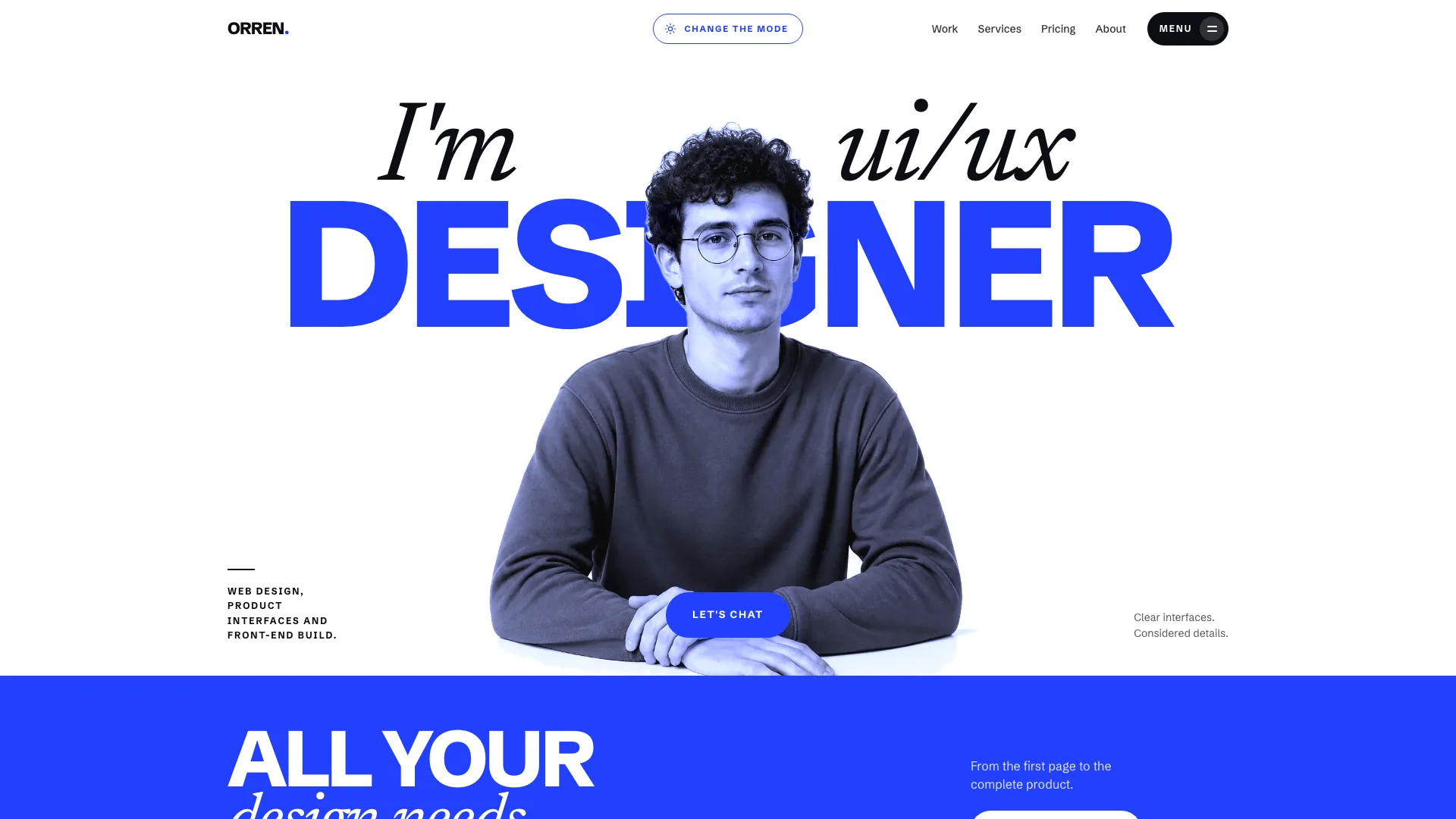
Keep the home sequence and signature composition: cobalt-lit rounded hero with a short heavy three-line heading, one serif italic accent, one play action, recent-guest faces, four neutral follow marks and a compact audio card. Use Newsreader headings below it, natural-color portraits when describing people and duotone crops when showing episode artwork. Keep the featured episode consistent across static hero controls, durations, cover, footer link and player notes link.
Populate show, topic, episode, theme-playlist, quote-moment and mosaic data together. Removing an episode also removes its references from playlists, quote moments and the mosaic. Theme sections take two to five tabs of two to four episodes; moments need at least two quoted episodes. Adjust the guest mosaic for three photographed guests or use a typographic list with fewer; keep two to four recent-guest faces only when appropriate material exists.
Adapt the structure to the show: solo/co-hosted work can replace guests with recurring topics and omit the directory/mosaic; a company show can use “Pitch a story” and remove sponsorship; a seasonal narrative can make seasons and scene chapters prominent. With fewer than roughly ten episodes, reconsider the season selector and retain topic chips only where each category has enough material. Remove unused routes and their links together.
Use permissioned actual host/guest photographs for a real show. The ten guest portraits, host portrait and four face crops portray fictional people and must be replaced; only the unbranded studio scene can serve as a disclosed neutral stand-in. Missing episode portraits fall back to the CSS show artwork. Image generation is appropriate for fictional demo portraits or non-person artwork and may incur the agent tool’s charges; it must not fabricate photographs of real guests.
Connect approved audio URLs and check that catalog duration, chapter/transcript offsets and real recording length agree. Without a URL, controls advance a silent simulated clock. The helper embeds fonts and supported image assets, not MP3 recordings, so real-audio offline delivery needs separate work. Inspect media loading, play rejection, seeking after metadata, network errors and mixed simulated/real episodes: the inspected engine catches a rejected play promise but has no explicit metadata/error recovery handlers.
Test play/pause, seek preview and dragging, keyboard sliders, skip limits, every speed, chapter/transcript jumps, quote playback, theme playlist queuing, queue removal and auto-advance. Keep the bar clear of page content and check the phone sheet. Reload to verify resume only where storage is available; sandbox/privacy restrictions may reduce it to the current page session. Decorative wave peaks should not be described as audio-derived amplitudes.
Check sharing against the actual deployed routes. The template builds a site URL ending in /episodes/<number> with optional ?t=<seconds>, whereas the standalone detail router uses #/episode/<number> and does not consume that start-time query. A copied timestamp link is therefore not an end-to-end working deep link by default. Adapt its destination and receiver together, then open the copied link in a fresh tab and verify the intended episode/time.
Exercise search via slash or Ctrl/Cmd K, arrows/Enter, highlighted matches and no-results states; combine archive query/topic/season/sort and grid/list controls. Test neutral follow/feed-copy controls, mobile focus trap and Escape, and form errors/loading. Newsletter and suggestion handlers are timers that display subscribed/sent wording; keep them explicitly local in a demo and connect confirmed service responses before promising subscription or delivery.
Use Node.js 18+ and initial internet access for the four font downloads to build the default file with the bundled inliner. Target at most 5 MB, with an 8 MB hard cap, then run the supplied validator. Check exit status: an output may exist even if missing assets caused failure. Files mode supports locally hosted assets. The validator checks structure, routes, controls and identity leftovers but does not prove media availability, truthful form delivery or timestamp-link round trips; remote audio assigned by script is outside its resource-attribute checks.
Review all routes at 1440, 1024, 768, 390 and 360px, with two screenshot/critique/fix passes and a restricted-iframe pass for the standalone preview. Inspect crops, portrait repetition, content hierarchy, keyboard focus, reduced motion, overflow and player overlap. Deliver the path, checks actually performed and every drafted fact or stand-in image; then play an actual episode, browse during playback and request content/layout changes in ordinary language.