Provide product name, audience, promise, supported assets/networks, payout currencies/timing, available payment surfaces, plan tiers/fees and primary CTA. Add confirmed custody/security facts, developer interfaces, sales details, offices and approved customer material. Draft gaps can support review but must be listed as “needs your real data”; do not invent licences, audits, insurance, reserve attestations, custody arrangements or uptime.
Choose output from the project. Without one, adapt the standalone template and local photos into one offline HTML file. In an existing/requested framework, inspect its conventions and build real routes, reusable sections and typed data without pasting a whole HTML page into the application. Use local Instrument Sans/IBM Plex Mono, SVG coin components and suitable image handling; preserve the same visual and interaction structure.
Map the product to the demonstration before rewriting copy. Merchant payments can use checkout/invoices/links/sweeps; payroll may need batch uploads, recipient onboarding and payout runs; treasury may need balances/approvals/allowlists/reports. These are adaptation directions, not extra production systems supplied. Use the product’s actual objects and states consistently across dashboard, flow, directory, code examples and fees.
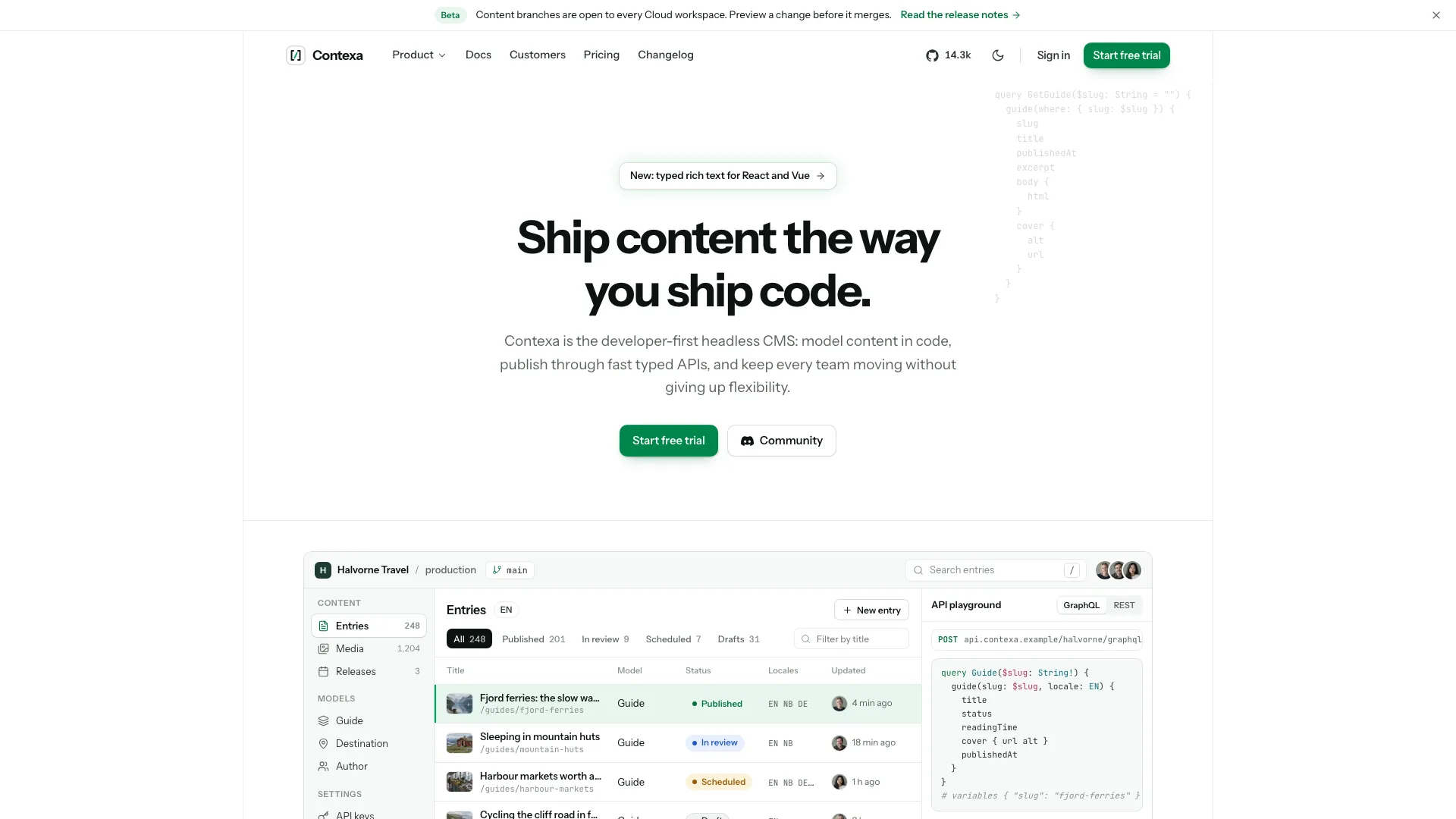
Preserve the quiet hero and section sequence: one medium headline, short subtitle, two consistent actions and the dashboard over a grid. Keep ink primary actions, deep cyan for data/selection, rounded white surfaces and complete dark styling. Product panels stay in code; photography belongs to people, company and editorial context. Inspect the scaled fixed-size hero at phone widths instead of assuming the desktop controls remain comfortably usable.
Replace all fictional asset names/tickers together with rates, network fees, holdings, allocation colors, sprite symbols and directory copy. Generated geometric marks are illustrative, not official token or bank logos. Use authorized official marks only in appropriate contexts. Verify that holdings sum to balance, allocation widths match, and each ledger’s gross less fees equals net; local numeric consistency is necessary but does not establish a real transaction.
Keep count-dependent content aligned: plan grid and comparison values for two to four tiers, asset/network totals throughout copy, job filters from departments, article index/related entries and testimonial layouts. A recurring-fee product can keep yearly pricing only with approved rates/discounts; pure usage pricing needs an explicitly named estimate view or removal of billing controls, not an invented subscription saving.
Rewrite and test the fee logic with the business’s actual rules. The reference calculator separately hard-codes Starter at 1% of volume, Growth at a 249/199 platform figure plus 0.5%, Scale at 0.2% and fixed recommendation thresholds, plus a 2.9% card-cost comparison. Changing PLANS alone does not update those assumptions. Totals remain monthly estimates under both cadence selections. Confirm network fees, exclusions, currency and comparison claims rather than presenting sample numbers as market facts.
Treat transaction widgets as examples. Checkout changes quote labels from fixed rates and shows a timer, then a local “paid” state; the invoice lifecycle advances on a timer, and settlement/payout controls animate predetermined states. The QR-like graphic is a seeded decorative pattern, not an encoded payment destination. Replace it with a tested payload only when real links/payments are integrated. No display state proves receipt, screening, conversion, custody or release of funds.
Plan photographs by role with one natural documentary direction. Nine avatars/team/finance-desk/port pictures may be disclosed stand-ins where relevant; replace the amplifier-workshop story and any changed-topic studio/vault covers. Real customers/team members need approved photographs. New image-tool work may cost extra; without a tool, use supplied photos or sized labelled gaps and identify what is missing. A portrait or vault photo cannot substantiate customer or custody claims.
Replace the full sample identity: metadata, company/workspace/merchant, holdings, invoice reminder, payment URL, sweep bank, approvers, customer story, offices, contact/legal text, announcement and developer snippets. Keep the illustrative-customer disclosure until actual names, quotes and figures are approved. Remove or qualify all sample attestation, licence, custodian, audit, insurance and SLA wording; the validator only warns about selected phrases.
Exercise all navigation, chart ranges and readouts, asset keyboard selection, invoice/flow replay, copy controls, directory no-results, approval state, code tabs, billing/calculator synchronization, comparison, FAQ, journal articles, changelog and career filters. Test form errors, loading, success and reset. Signup/sign-in/contact/newsletter handlers use timers that claim sent links or subscriptions, while passkey only simulates an unavailable path; make demos explicit until real services confirm results.
Use Node.js 18+ and initial internet access to embed Instrument Sans plus two IBM Plex Mono weights with local images. Target at most 5 MB and stay below 8 MB, checking the inliner’s exit status because a file can be written before missing assets trigger failure. Latin font subsets may need ISO currency codes or additional glyph files for new copy. Validate the HTML, hosted-local-assets variant or framework source directory as appropriate, then run the project’s build/type/lint checks where relevant.
Review every page and key flow at 390, 768, 1024, 1440 and 1920px in both themes, also checking 360px overflow. Test focus/Escape, reduced motion, route back/forward, empty states and the standalone scripts-only sandbox. Directory validation scans text/style markers; it does not prove route rendering, calculation correctness, settlement or authentication. Deliver the output path, actual checks and every unresolved fact, image or service connection, then request changes in ordinary language.