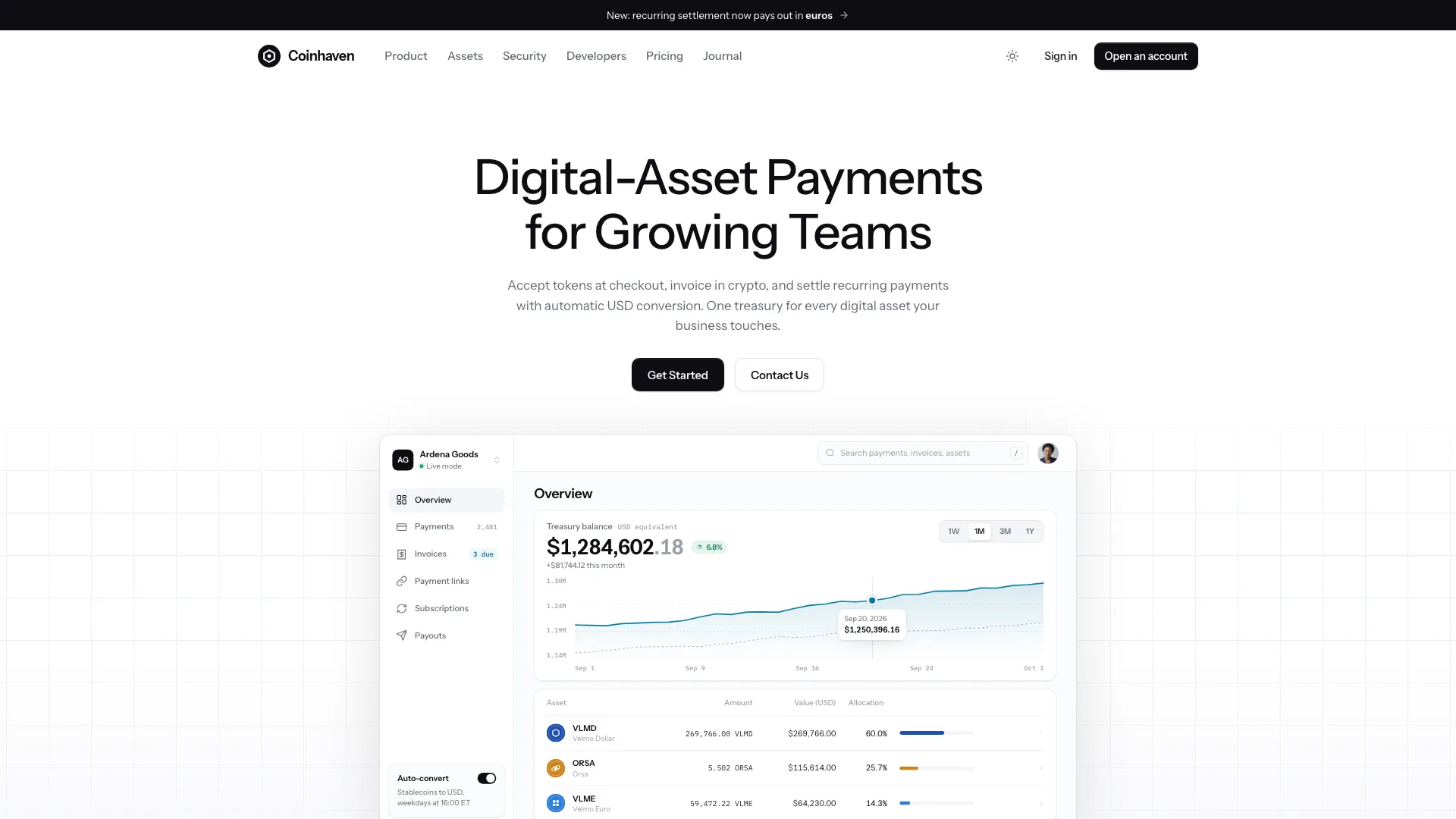
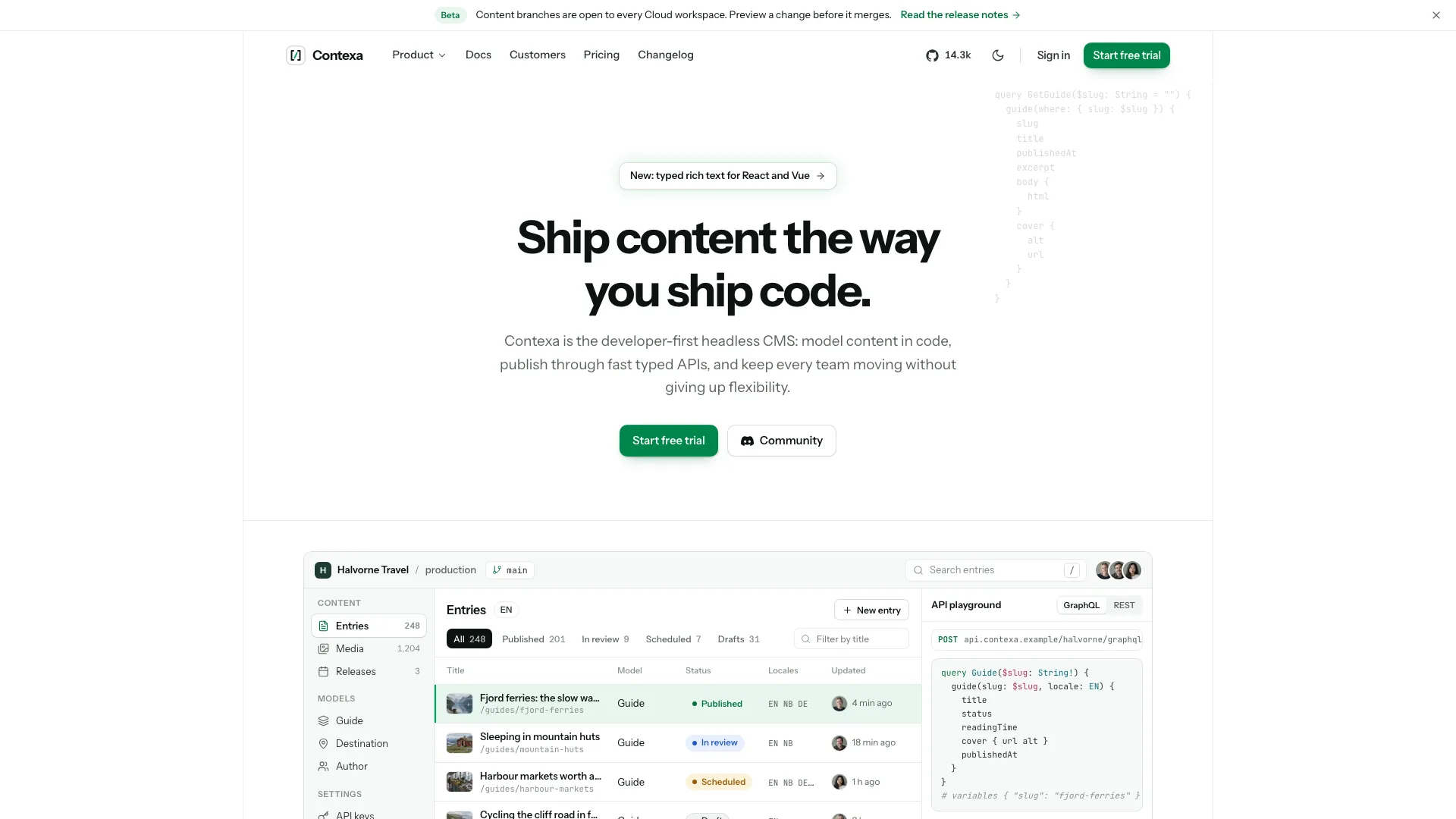
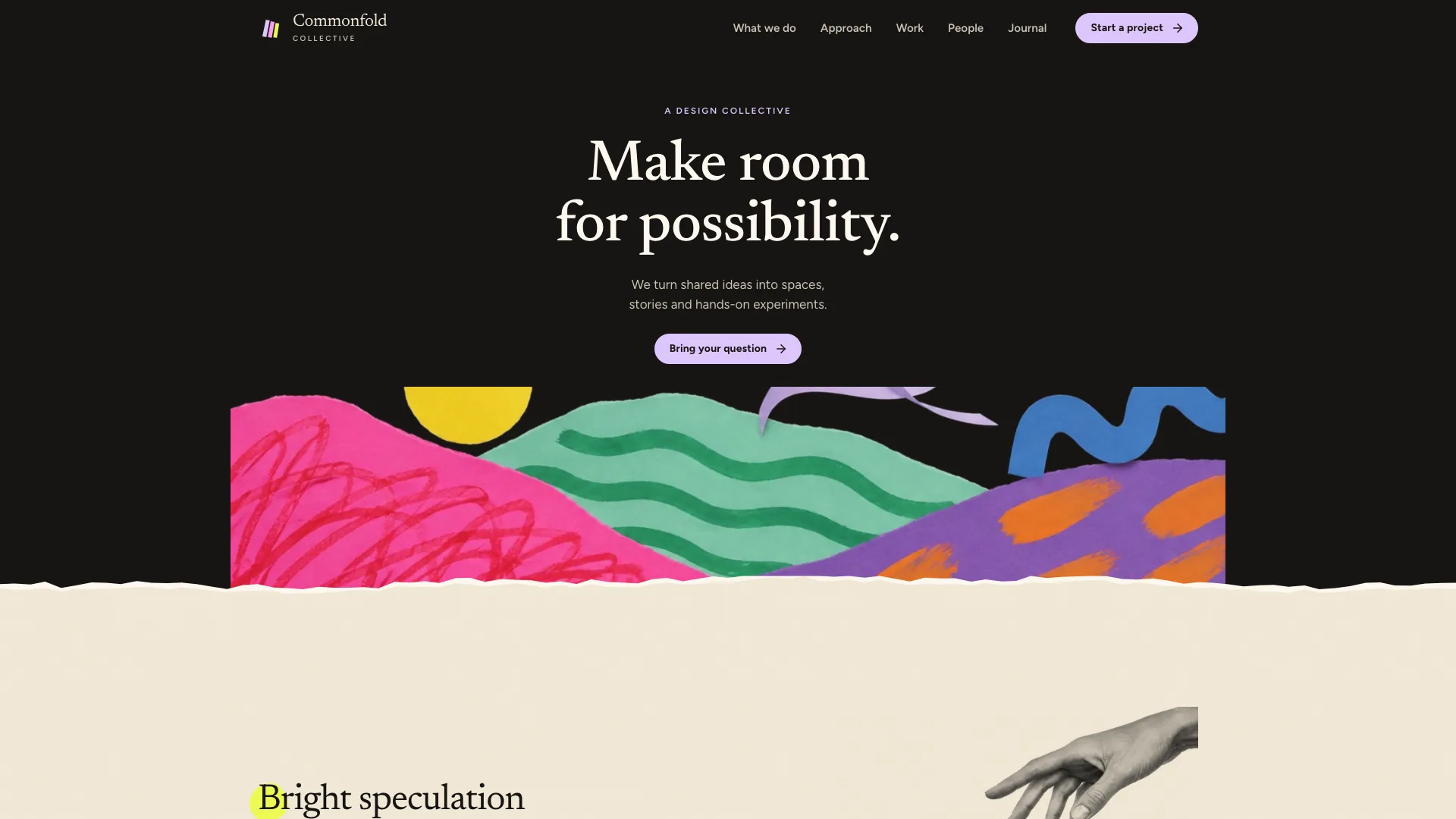
Provide your name, one-word wordmark, discipline, two short italic hero words and a cobalt word, ideally at most eight letters. Add six to twelve services with prices/scope/duration, two to four plans with price unit, timeline and inclusions, and at least two real projects with client, role, problem, three decisions and outcome. Include contact details, availability, bio/process/CV and approved imagery. Draft gaps must be listed for confirmation rather than presented as credentials or client evidence.
Choose delivery around the repository. With no existing project, adapt one self-contained HTML file. In an existing/requested framework, preserve unrelated work and port the design to real components/routes; an unspecified framework request defaults in the guide to Next.js App Router with TypeScript. React generic controls use separately installed ReUI primitives, while Vue/Svelte require accessible equivalents. The hero, filters, pile and device/screen artwork remain bespoke.
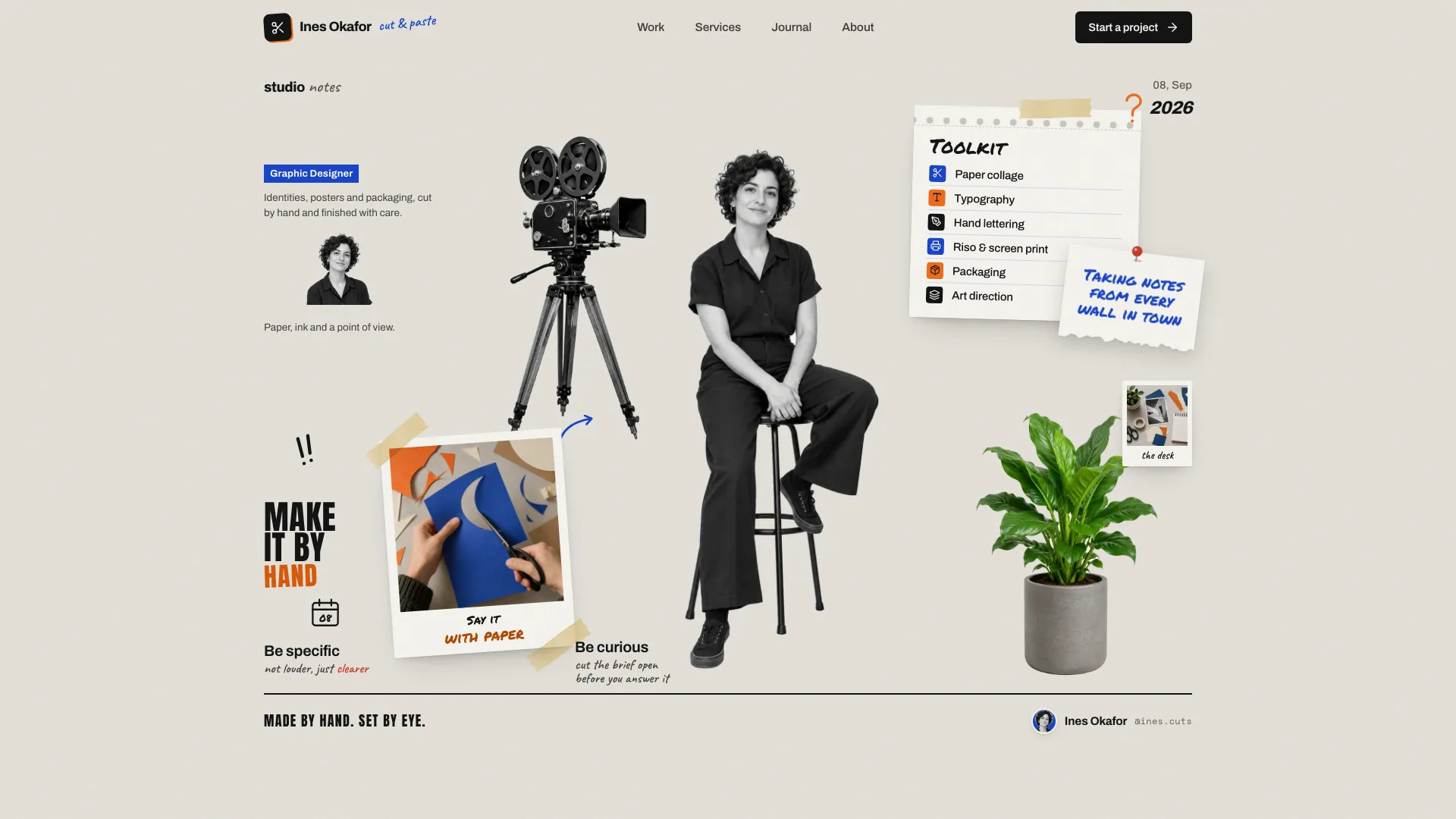
Keep the portrait and headline composition coherent at every width: two serif words, one uppercase cobalt word, light blue-grey portrait treatment, caption, one action and a short note. Preserve Schibsted Grotesk and Newsreader Italic, the 1320px container, paired headings and the band edge where the cutout ends. A longer hero word needs scaled type rather than squeezing or wrapping the portrait. Review the actual client portrait rather than assuming it fits the example’s silhouette.
Plan each page to answer a buying question. Services explain what a starting price covers; plans make scope, schedule, fit/exclusions and deliverables comparable; cases explain the problem, choices and output. Use delivered quantities such as screens/components as factual descriptions of work, not invented performance gains. About should describe a real person and process; legal terms and availability must match the actual offer.
Keep repeated counts and routes aligned. Two to four plans need one featured plan, matching comparison cells and a detail-page shell for each ID. Project IDs need their own detail shells, image keys and optional screen definitions. The home grid uses four selected projects; adjust an uneven three-project selection deliberately. Service pills link to actual rows; process/fact grids follow their counts. Remove quotes and the related section if no approved testimonials exist.
Plan the eighteen reference-image roles before replacing them: transparent main portrait, project-specific material/place identities, physical-product photos only where needed inside screens, studio/process/contact scenes and client headshots. The four neutral studio/desk/wall/door images may remain honestly captioned placeholders; main/client portraits are generated stand-ins and need approved replacements or removal where suitable. Replace all ten project-specific scenes for new projects. Image-tool usage may cost extra; supplied approved photographs can avoid generation.
Build case-study screens in HTML/CSS inside the provided device anatomy, not as AI-generated UI pictures. A project without a screen definition can use image-only portfolio treatment, appropriate for illustration, photography or consulting. A local range demo needs matching labels/data, and must not imply live client metrics. Keep screen palettes separate from the website’s single cobalt accent; reuse each identity image only for its own project/card/detail/next link.
Retain the service-pile behavior thoughtfully. The bundled Matter.js simulates measured capsule bodies after fonts are ready, records their positions and plays one drop when visible; resize recalculates a settled layout. Reduced motion skips playback, and missing physics leaves wrapped links. Check real service labels for width, clipping and readable settled angles rather than assuming the tuned nine-example layout works for every six-to-twelve-item brief.
Replace sample identity in metadata, wordmarks, menus, About background name, CV, availability, direct contacts, plan/footer prices, case screens and their CSS keys, quotes, terms and static date/time text. Generated portraits cannot identify you or your customers. Keep each real quote permissioned and attached to the correct case. Do not inherit example awards, certifications, results or sample project IDs as if they were yours.
Test plan comparison/FAQs and contact preselection. Only offer quarterly billing where an approved rate exists; the helper treats that rate as a monthly equivalent, displaying three times it as the quarterly charge and calculating savings. These are display calculations, not a billing integration. Verify price, unit, payment note and fine print together after changing plans.
Exercise the brief through empty/invalid input, needs selection, loading, summary and reset. The inspected form explicitly says nothing was sent. Newsletter is also local; call days/times and unavailable slots are hard-coded examples, and “held” only displays a confirmation without reserving a calendar or sending an invite. Replace dates/time zone and connect real services before making a live availability or delivery promise. Check repeat clicks and copy fallbacks as part of the browser review.
Build the offline file with Node.js 18+ and initial internet access for the two fonts. Keep the required local vendor library next to the source so the inliner can include it with images; default output needs no remote physics/font script. Target at most 5 MB and stay below 8 MB. A written output alone is insufficient if the helper reports missing files. Run the supplied validator; files mode permits local references but does not check they exist. Framework output also needs build/lint/type checks.
Review every page at 1440, 1280, 1024, 768 and 390px in both themes, with overflow checks across 360–1920px. Inspect portrait proportions/band alignment, font loading, pile fallback/resize, filters and empty results, menu focus/Escape, FAQs, billing, form/slot states, back/forward, unknown routes and reduced motion. Test the standalone scripts-only iframe. Static checks confirm records and structural markers, not visual quality, client truth or a working service connection. Deliver the path, actual validation performed and outstanding placeholders, then request revisions in ordinary language.