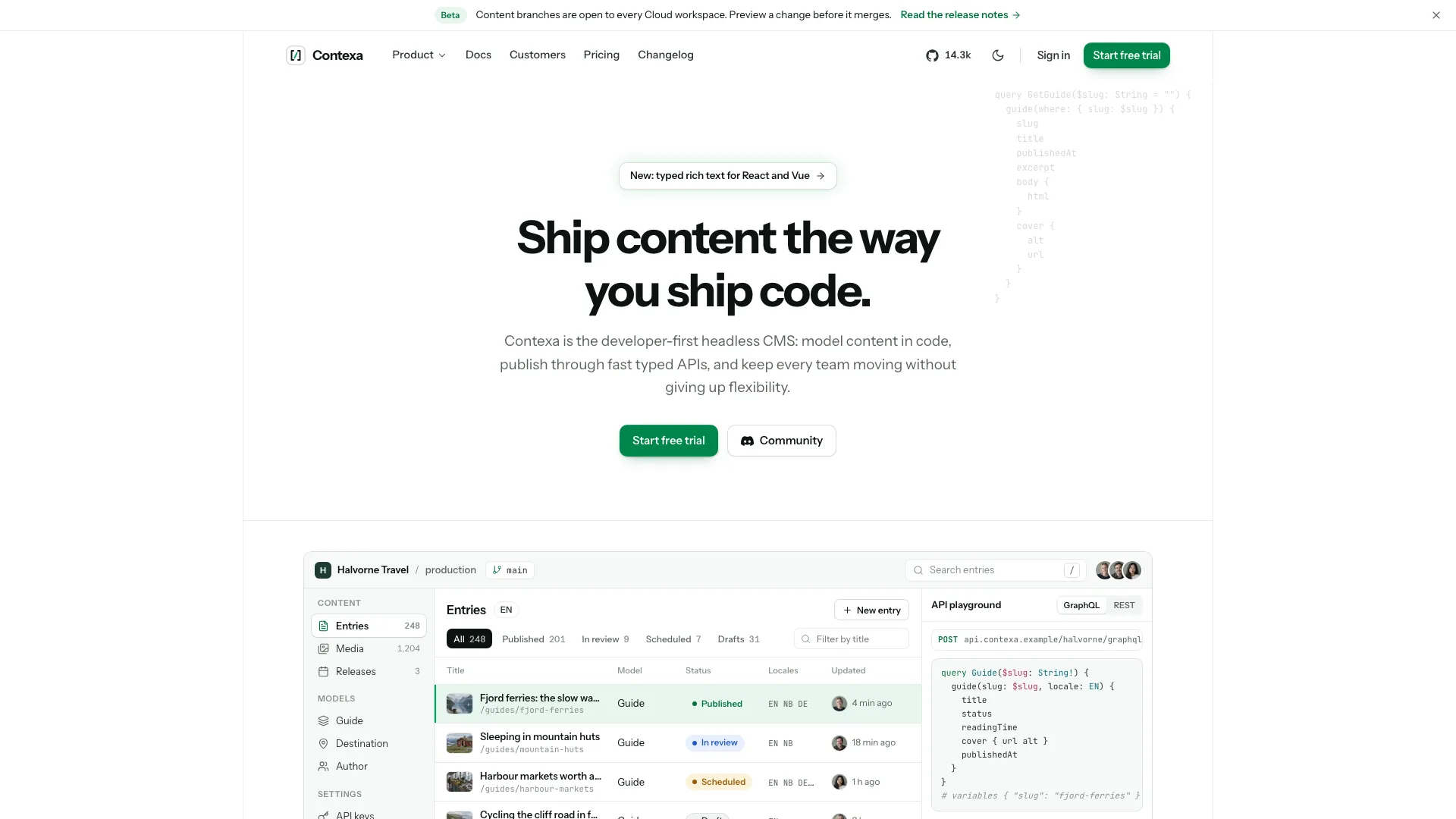
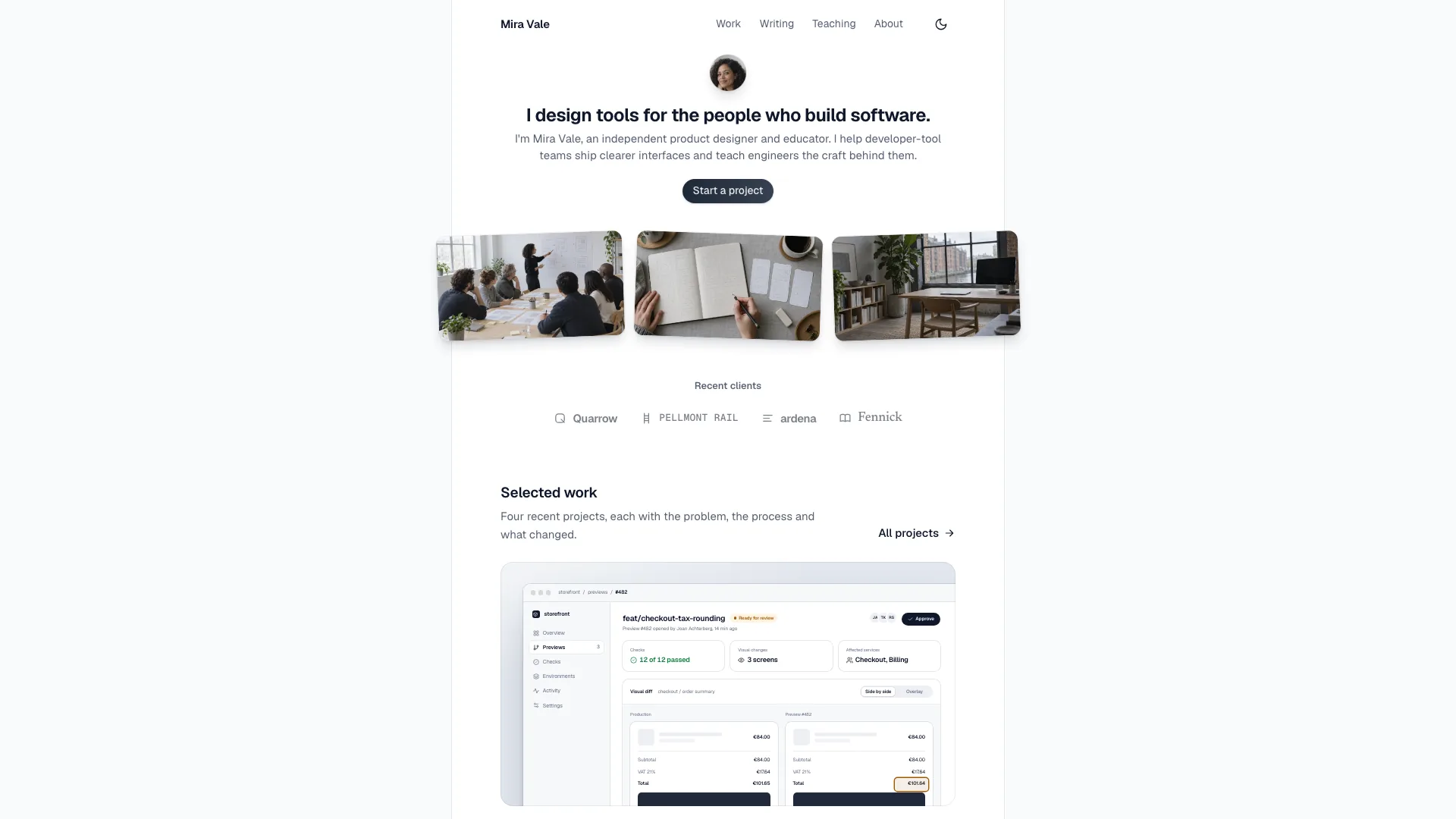
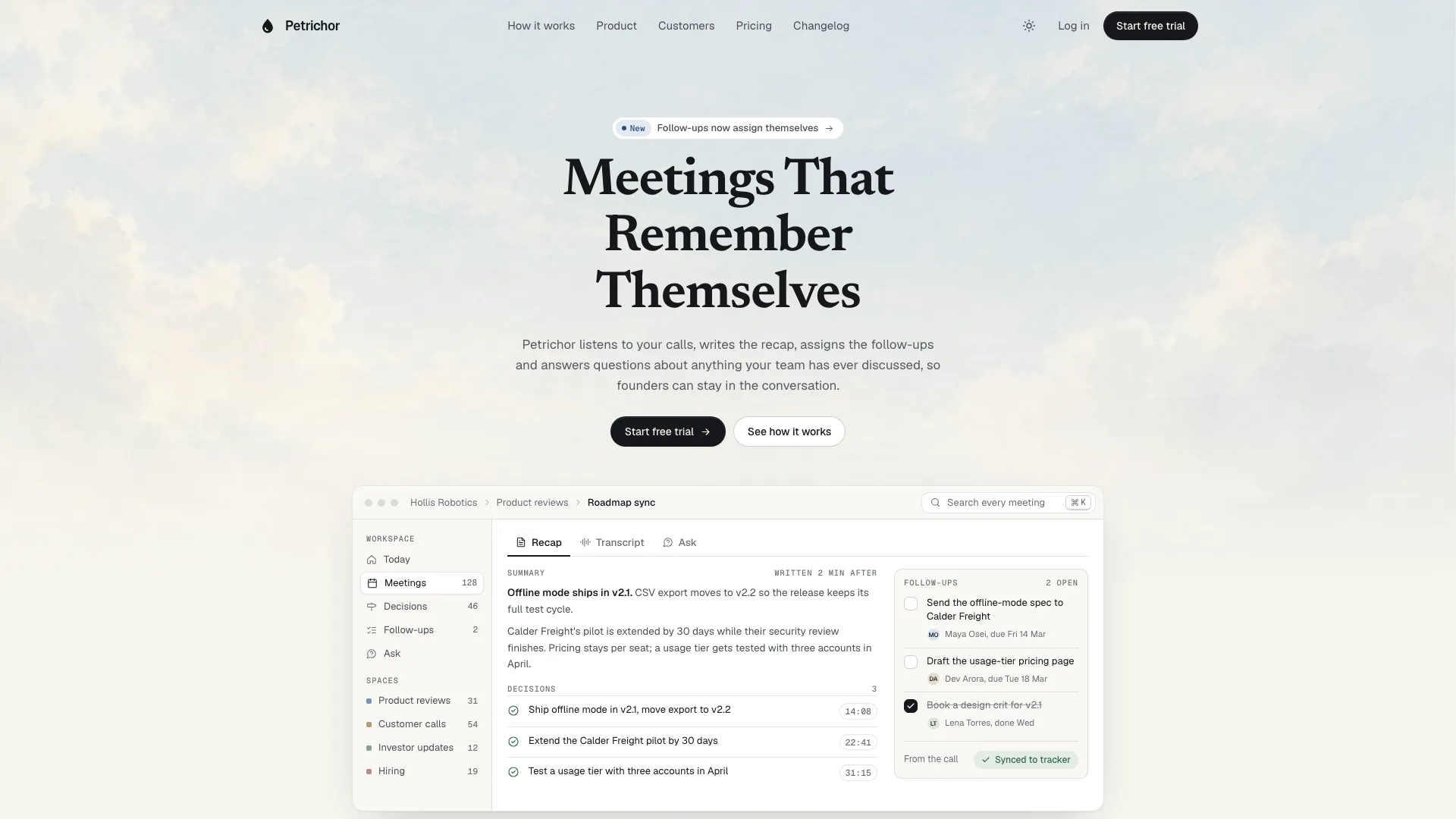
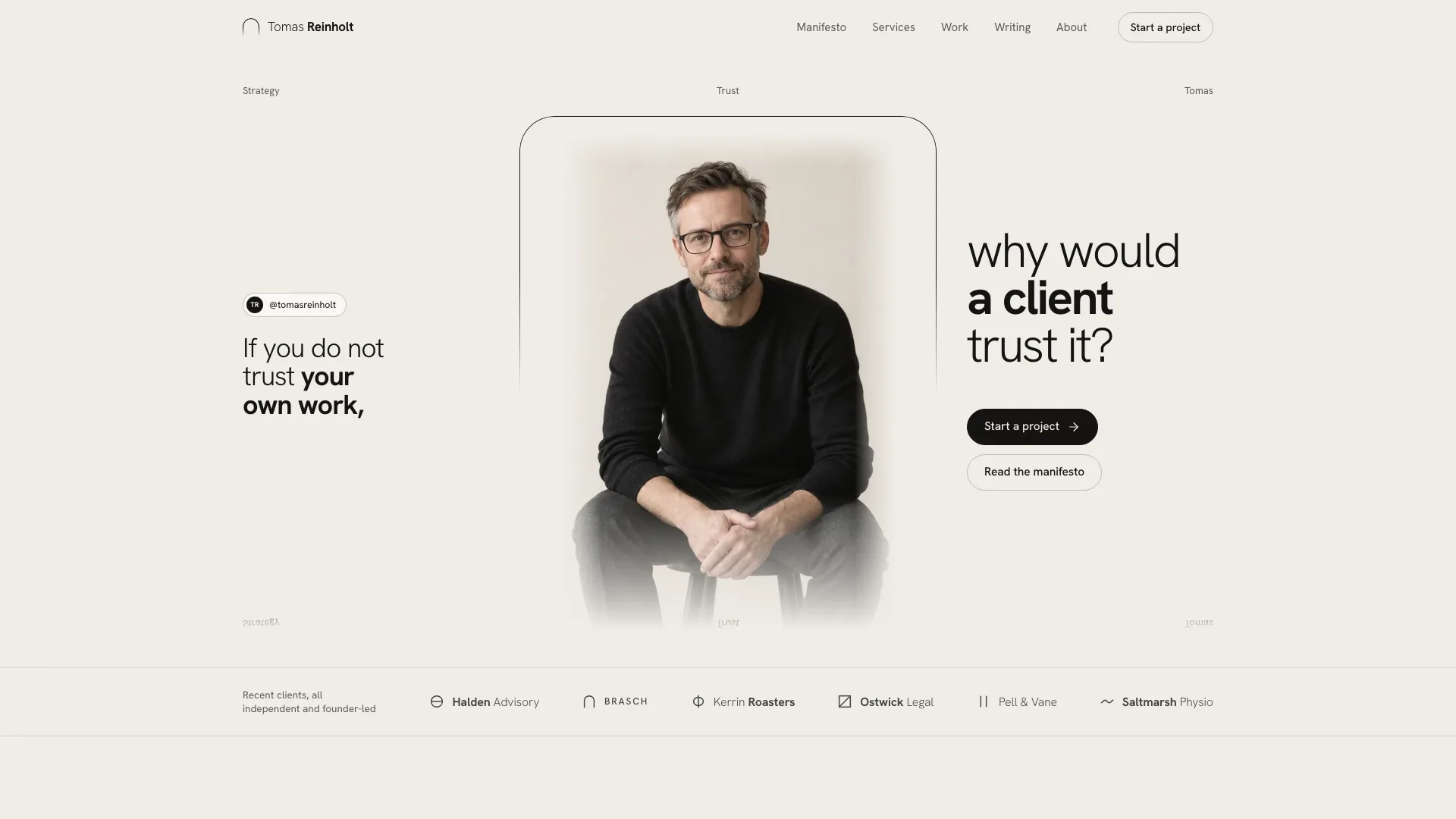
Provide the product name, audience and one-line value, an announcement, three supportable proof points, core capabilities, plan tiers/prices and a collection to browse. Templates, recipes, integrations or use cases can fill that role. Add approved testimonials/customer story, article ideas and photos where available. Draft missing copy in a consistent voice and list every unconfirmed metric, quote, person, price, region, date or policy for review.
With no existing project, adapt the self-contained template. In an existing/requested React, Next.js, Vue, Svelte or Astro project, inspect its conventions and build components, typed data and real routes, preserving unrelated files. Use local fonts/packages and stack-appropriate motion; do not wrap the original HTML in an iframe as the framework implementation.
Choose sections in canonical order. Header, calm hero and footer remain; retain signup, sign-in and at least one legal page, with changelog/contact where linked. A shorter waitlist page can omit middle sections and pricing, but remove their navigation and FAQ references together. Developer tools can map the library to integrations/starters and the map to regions; consumer products can use routines or recipes.
Preserve the framed hero and restrained copy scale: announcement pill, two deliberate heading lines capped at 60px desktop/about 27px phone, short lead and one action. Keep six edge stickers clear of text and controls, with simpler phone treatment. Use dotted grids within panels rather than behind the whole page, emerald for interface emphasis and pastels only for paper/avatars/tags. Maintain the three font roles and sparse handwritten notes.
Rewrite all product-window labels, people, feed rows, chart captions, stickers, collection items and map pins to fit the actual product. Keep product UI and data graphics in code instead of generating screenshots. The two timed feed entries are predefined examples, not incoming server events; reactions change local counts and decoration. Inspect the preview’s information on phones instead of treating the desktop mockup as automatically usable at every scale.
Populate collection IDs, categories and article slugs together, then check search/filter counts and no-results recovery. Six to nine collection items with three or four categories is the guide’s starting point, not an obligation to invent material. The first article is featured and the next two fill the side list; further entries need valid detail content. Rebalance three testimonial columns and remove the stat card if no verified figure exists. Use four to eight FAQs tailored to actual objections.
Treat the map as a visual explanation. Its arcs/pins and weekly counts come from local arrays; time is calculated when the map builds from fixed numeric offsets, not a live time-zone/DST service or continuously refreshed clock. Replace sample people/locations/activity and confirm any availability or usage-counter claim. Test pin cards by keyboard, pointer and touch, and review whether a map is useful for the brief before keeping it.
Set two to four plan cards and matching price entries/grid columns, with one featured plan. Verify per-seat monthly/annual rates, team totals, annual charge and free-tier boundary/upgrade hint together. Keep the sample annual-discount badge only if approved pricing supports it. The slider estimates a team price but does not create a checkout or save a purchase. For no pricing, remove the related controls and their assumptions rather than leaving dead links.
Plan photo roles: four testimonial portraits, one customer-story scene and three article covers. The desk and walking-colleagues photos can be disclosed workplace placeholders; high-five imagery fits team/culture topics only. Replace and rename the sample customer-story photo. Generated portraits are stand-ins, never photos of named real customers; request permissioned material for real people. An available agent image tool may charge; otherwise use supplied photos or fixed-ratio labelled gaps and identify what is missing.
Replace sample metadata, favicon, wordmarks, fake product URL, signup defaults, quotes, article bylines/slugs, contact promises, newsletter, addresses and legal text. Keep story, collection names and signup’s initial selection aligned. Security-review, hosting and encryption wording are sample claims that need actual confirmation; neither a green badge nor a successful validator proves them.
Exercise signup/sign-in/contact/CTA/newsletter forms through required-field errors, loading, summary and reset. Their handlers use timers while some markup claims sent workspace or sign-in links; keep those states explicitly demonstrative until real services confirm delivery. SSO is an informational UI path, not a configured identity provider. Local collection selections, reactions and form states are not durable user data and reset with the page.
Build the default file with Node.js 18+ and initial internet access to download/embed Bricolage Grotesque, Figtree and Gochi Hand alongside local pictures. Aim below 5 MB and remain under 8 MB; a written file alone does not prove success if missing assets caused a failing exit. Validate the finished HTML or documented local-files variant, noting that files mode does not verify referenced file existence. Framework output needs its own build/type/lint checks.
Review every route and section twice at 1440, 1024, 768 and 390px, plus overflow across 360–1920px and the standalone scripts-only iframe. Check drawer focus/Escape, billing/team size, library empty state, feed filter/reactions, chart and map tooltips, FAQ, article/changelog navigation, unknown routes and all form states. Reduced motion skips feed insertions, bursts, map drawing and count-ups. Deliver the path, checks actually performed and remaining fact/photo/service gaps, then request changes in plain language.