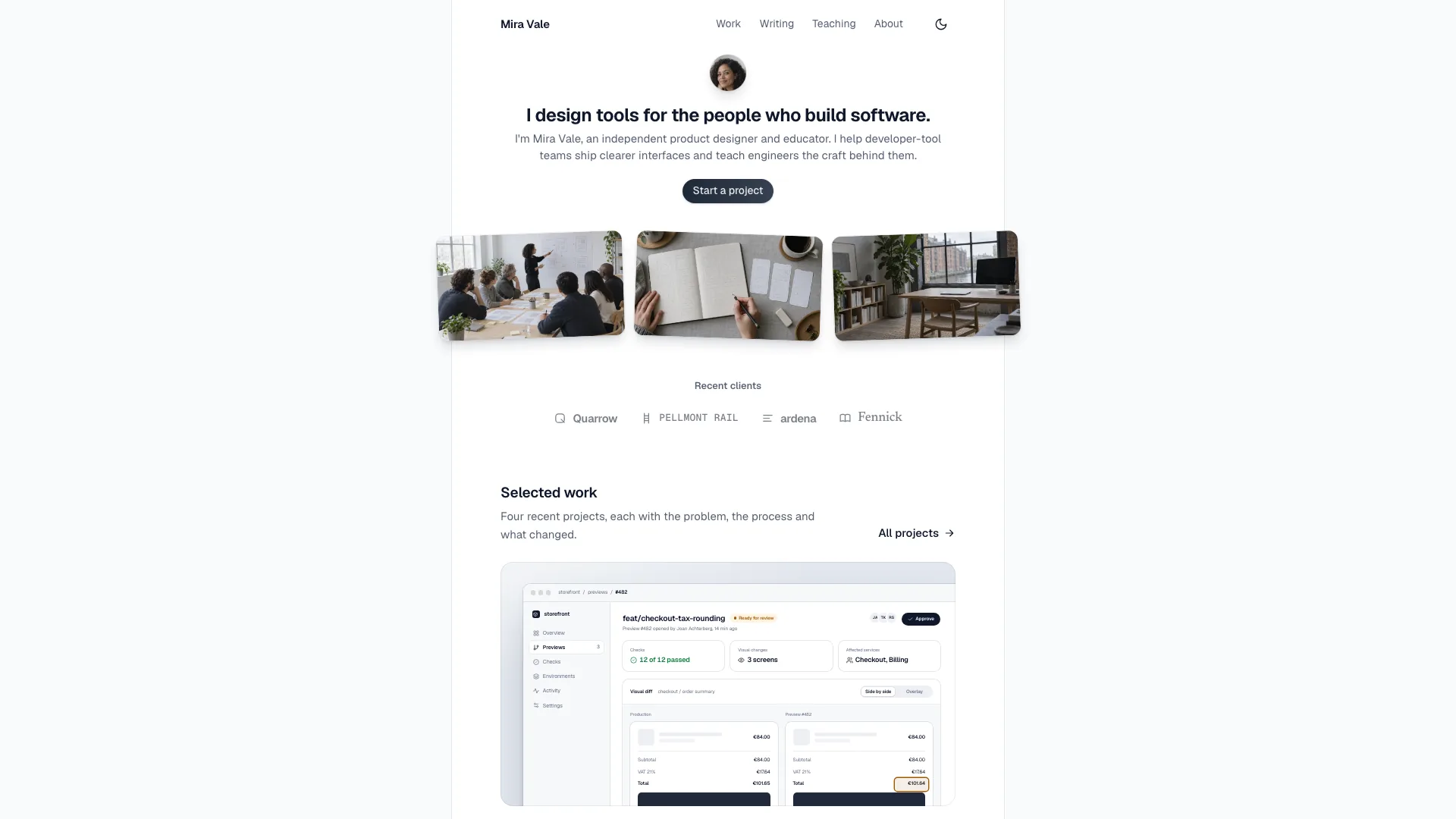
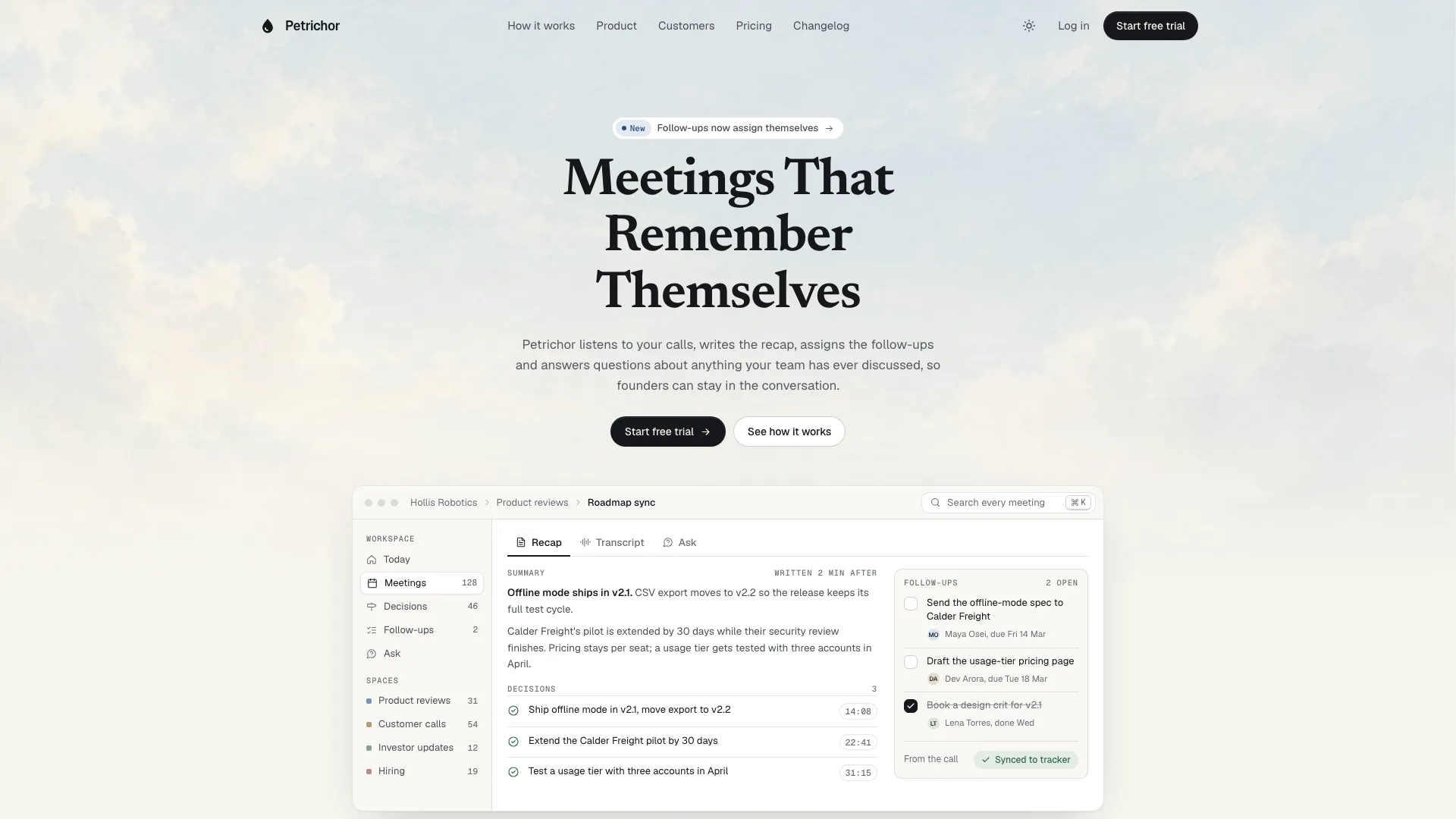
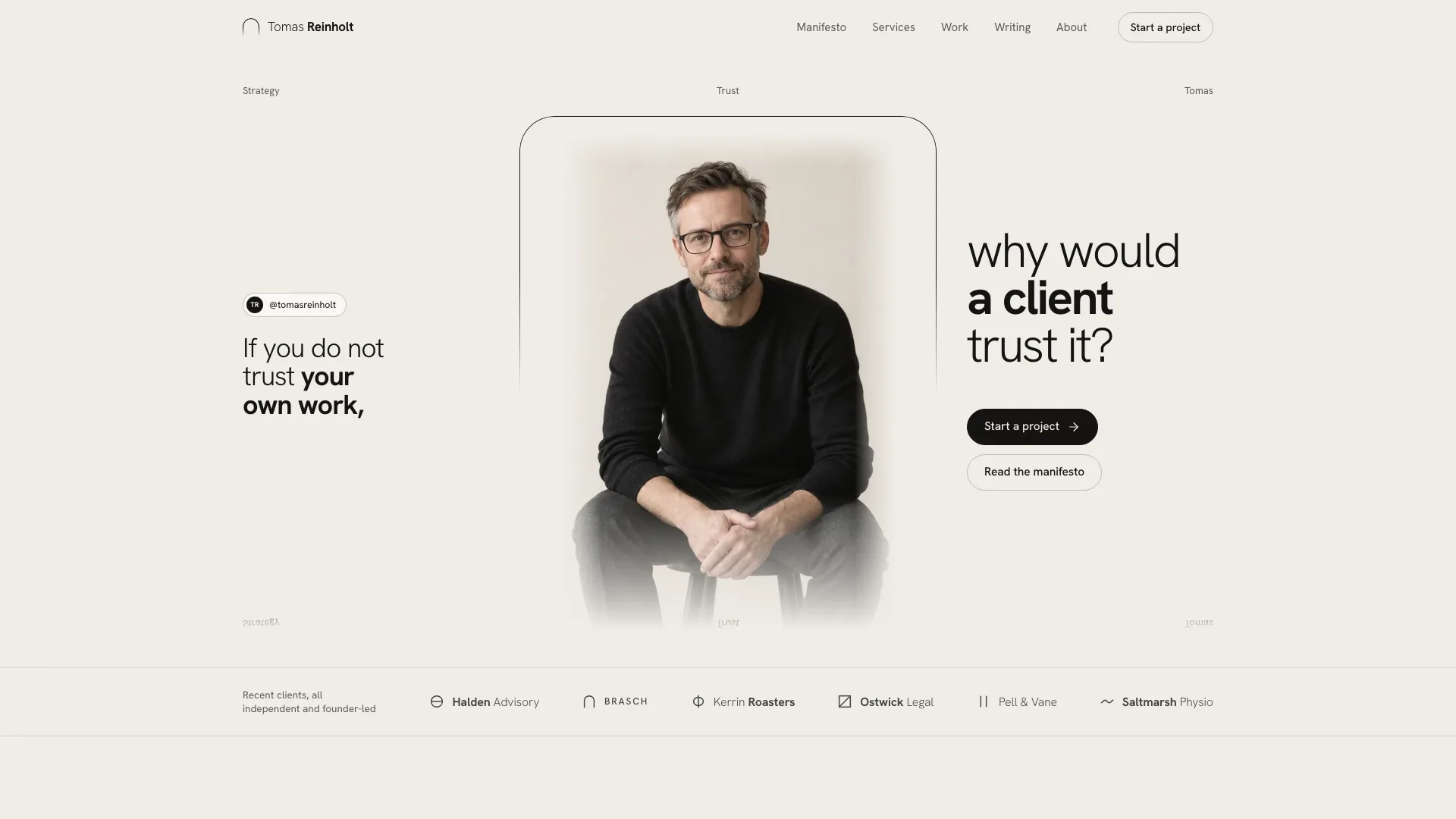
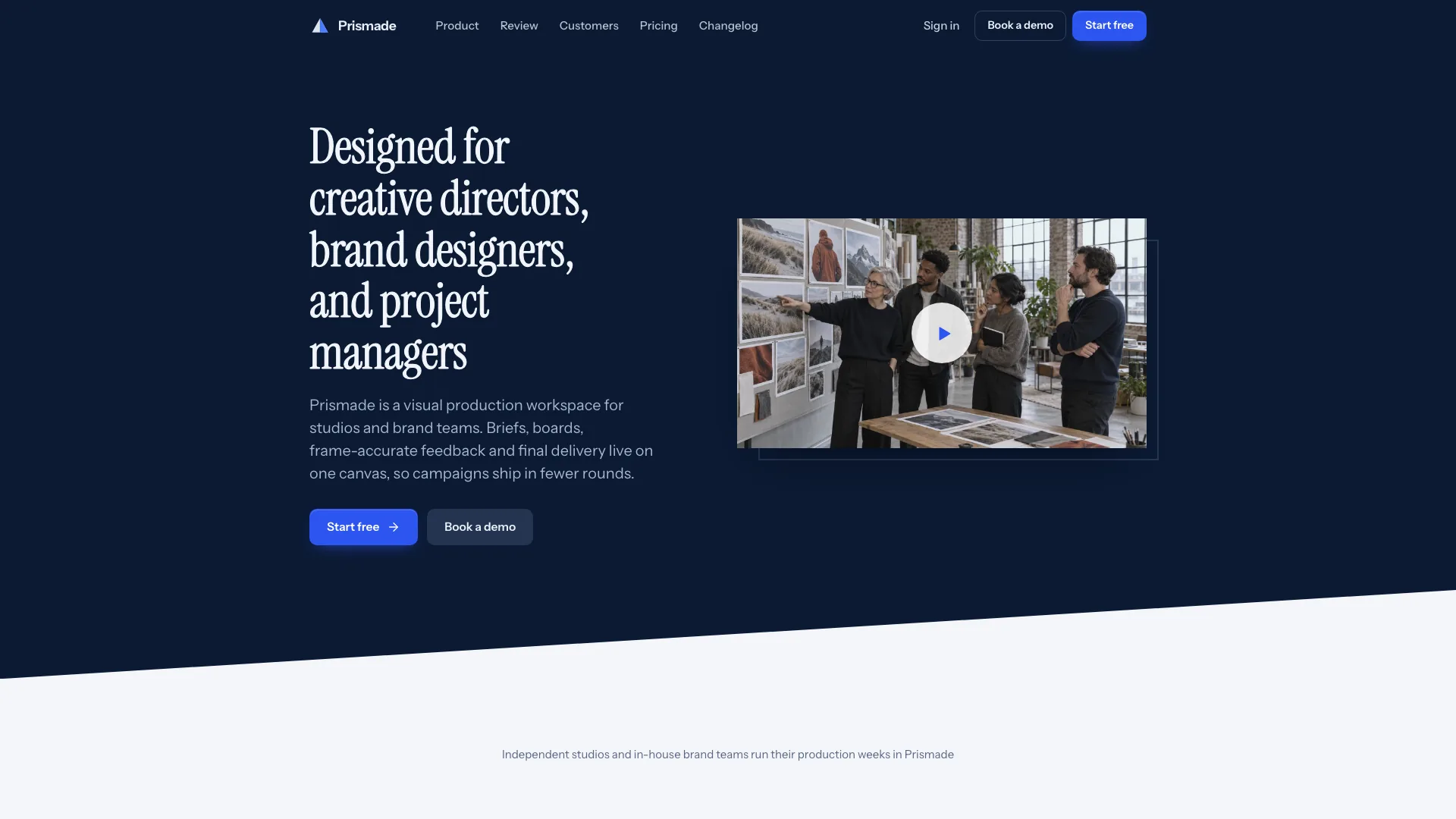
Provide the name, purpose and outcome-first headline, one customer workspace and one flagship request to follow. Add four or five capabilities, three or four workflow steps, rough plan tiers, six to ten FAQs and available changelog material. Approved customer quotes, three attributed story figures, integrations and security facts are valuable; missing information stays on a confirmation list rather than becoming evidence.
Choose output from the existing project. Without a framework request, adapt the standalone template and its local images. In an existing/requested React/Next, Vue/Nuxt, Svelte, Astro or plain-HTML project, preserve unrelated files and implement stack-appropriate components, data, real routes, fonts and motion utilities. Product screens are constructed UI, so screenshots are not a prerequisite.
Plan a continuous story before styling the sections. Map the hero’s primary list, its selected item and detail panel into the same domain as the bento, workflow, roadmap/digest and laptop screen. Alerting might follow a detected incident through escalation; invoicing might follow an unmatched receipt through approval. These are adaptation directions, not extra engines included in the package.
Preserve the canonical product/proof/action rhythm and hero anatomy: two-line gradient heading, short lead, proof row, one action and the tilt card. Keep cyan as page emphasis, neutral semantic colors inside product UI and fine diagonal light shafts rather than additional color washes. Vary the marquee, bento, sticky split, spotlight, pricing and FAQ compositions. Do not place unverified customer counts or ratings in the proof row merely because the example has them.
Adapt counts and responsive layouts together: four or five bento cards, three or four workflow steps with matching screens/tabs, two or three spotlight entries with matching portrait pills, four to eight wall quotes, six to eight wordmarks, six to ten FAQs and two to four price tiers. Remove unused routes with their navigation links. Keep at least a relevant changelog or story when the brief has that content; blog/pricing-detail/contact routes are additional requested adaptations, not all prebuilt pages.
Choose photographs only for customer portraits, a story scene/detail and five small proof-row headshots. Keep one graphite/cyan cinematic direction and inspect crops and faces. The eight supplied portraits/headshots may be disclosed generated stand-ins with new names; they cannot identify real customers. Replace the two feedback-card story scenes for another business. For real people use approved photos; no image tool means initials and clearly listed photo gaps, not completed photographic proof.
If generation is available, prioritize the two product-specific story photos, then spotlight portraits, then proof-row headshots. Image-tool usage may cost extra; no Skill-specific API key is required for the local interface. Keep the hero and every product mockup as HTML/CSS/SVG, with no text or fake screens baked into photographs. Repeated picture slots can share embedded image data without additional generations.
Replace every sample name and fact in metadata, navigation, footer, workspace/users, list data, code/webhook snippets, digest, spotlight, story, laptop and legal material. Give real quotes and results their actual sources, and flag drafted bylines, prices, dates, company marks, regions and subprocessors. Never invent certification, security, compliance, uptime, customer or award evidence. The visual validator’s leftover-name scan does not verify these claims.
Set confirmed monthly/yearly prices and comparison values together, updating the tier count and table columns. If only monthly rates exist, the guide suggests a ten-month annual illustration to match its discount badge; treat that as an unapproved proposal until the business confirms it, or remove yearly pricing entirely. The supplied signup remembers the clicked plan label in memory, not a complete purchased plan/cadence record. Verify any real checkout handoff separately.
Inspect the signature movement: load-time hero entrance, card tilting upright, example inbox arrivals, visible-only vignettes, desktop workflow screen changes and mobile tabs, rotating spotlight with pause/hover/focus behavior, one-time story count-ups and opening laptop lid. Ensure the key highlighted card is not in a mobile-hidden lane/column. Reduced motion should stop loops and arrivals, show devices upright and keep all material readable.
Test every CTA, comparison, FAQ, menu/dialog and form through empty, invalid, loading, success and reset states. The inspected signup/sign-in handlers use timers while claiming sent links or SSO redirection; subscription and sales handlers similarly show local acknowledgements. Make demos explicit until a real provider confirms delivery/authentication. Billing changes are display logic, incoming rows are predefined examples and integration code tabs do not establish a connection.
Build the offline file using Node.js 18+ and initial internet access to download/embed Geist and Geist Mono with local images. Target at most 5 MB and remain below 8 MB. Check the inliner’s exit status, not just file existence. Use the source validator mode before embedding, strict mode after building, and files mode for hosted local assets. Files mode does not verify those referenced files exist. Framework output needs its own build/lint/type checks and an actual route walkthrough.
Review twice at 1440, 1024, 768 and 390px, extending overflow inspection to 360–1920px. Load each route cold, inspect keyboard focus/Escape, test the single file in the documented scripts-only iframe, and verify reduced motion and no console errors. Use screenshots to assess typography, story continuity and missing content. Deliver the path, checks actually run and outstanding photo/fact/service gaps; then request copy or section changes in ordinary language.