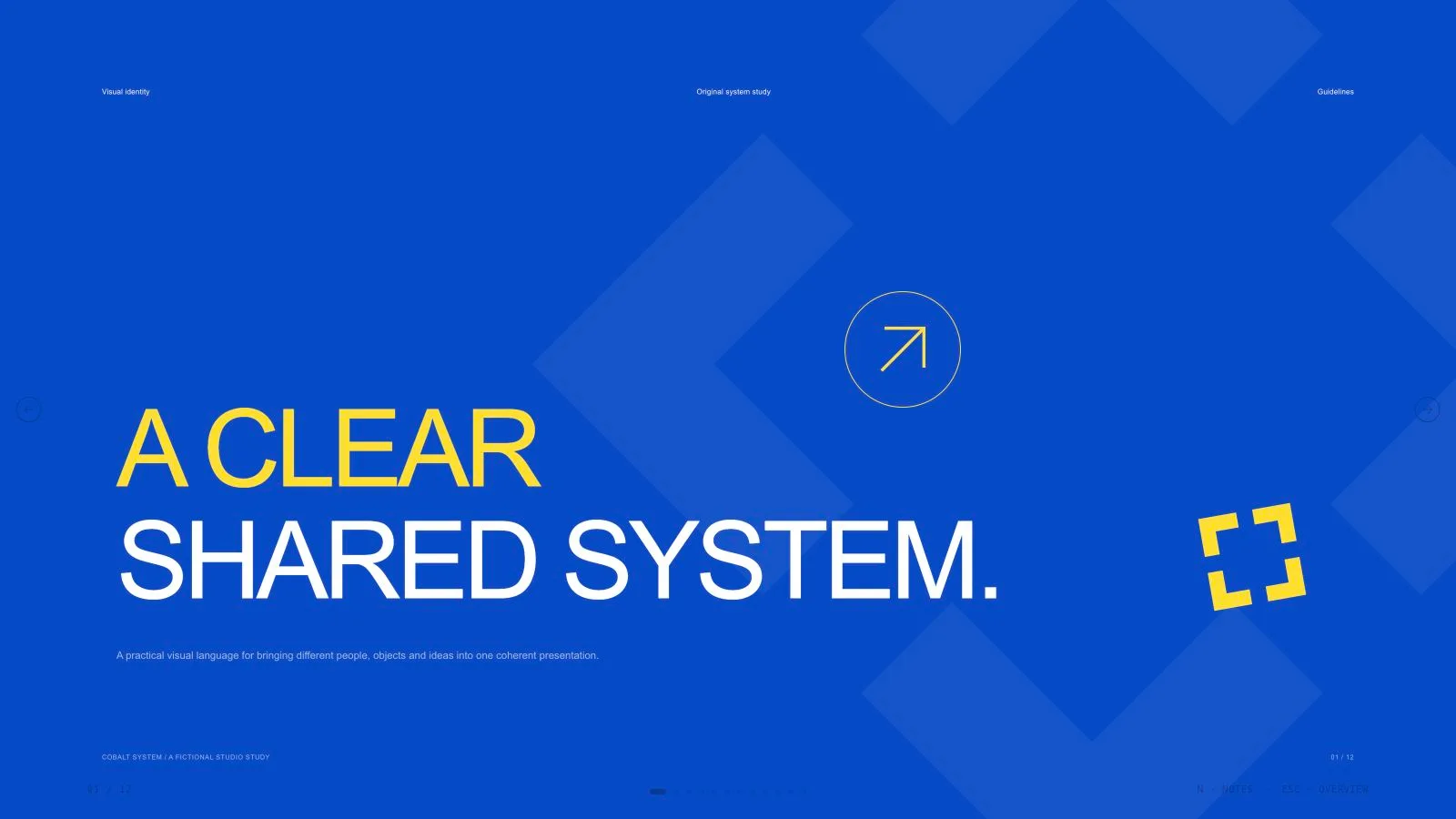
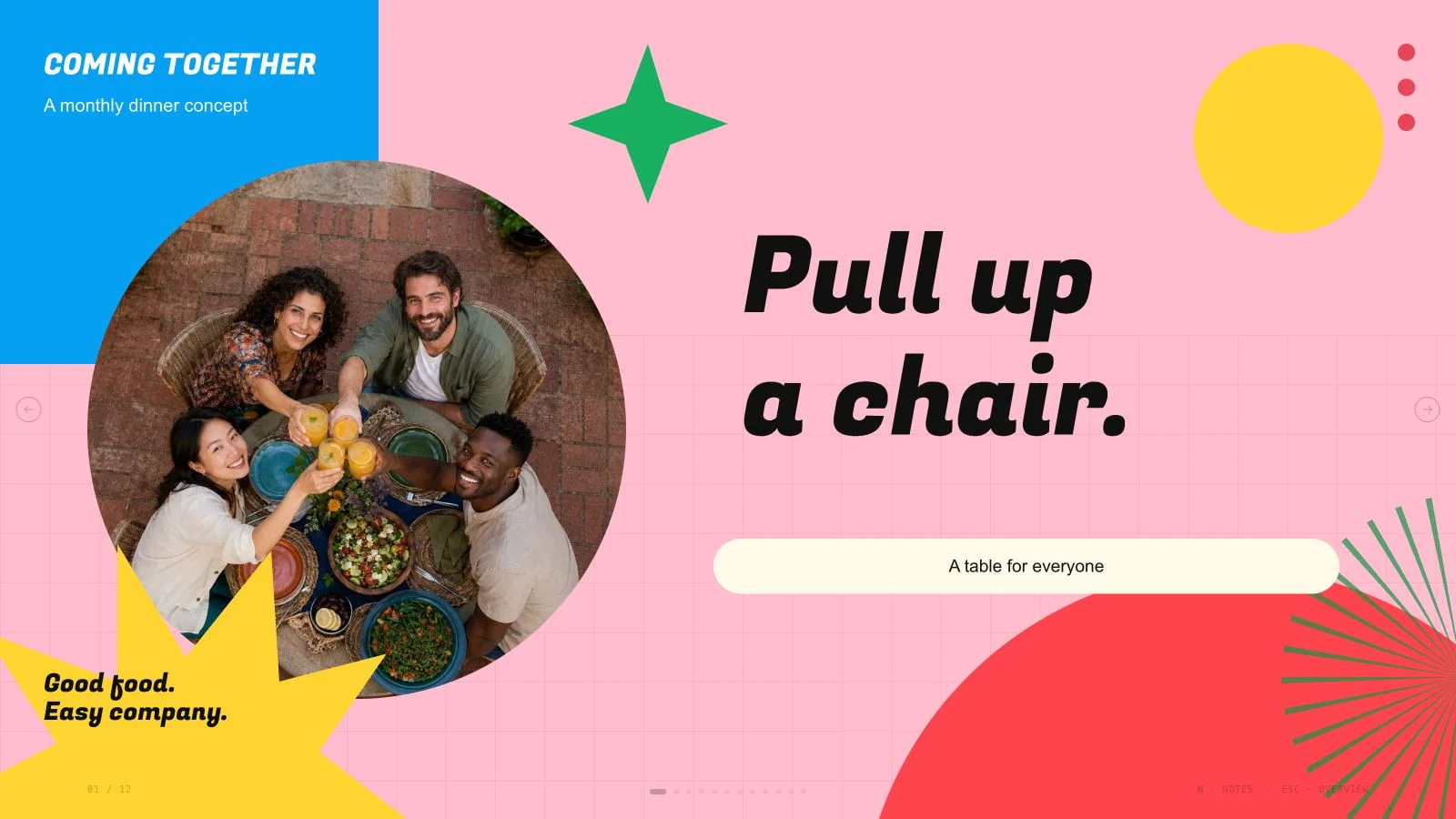
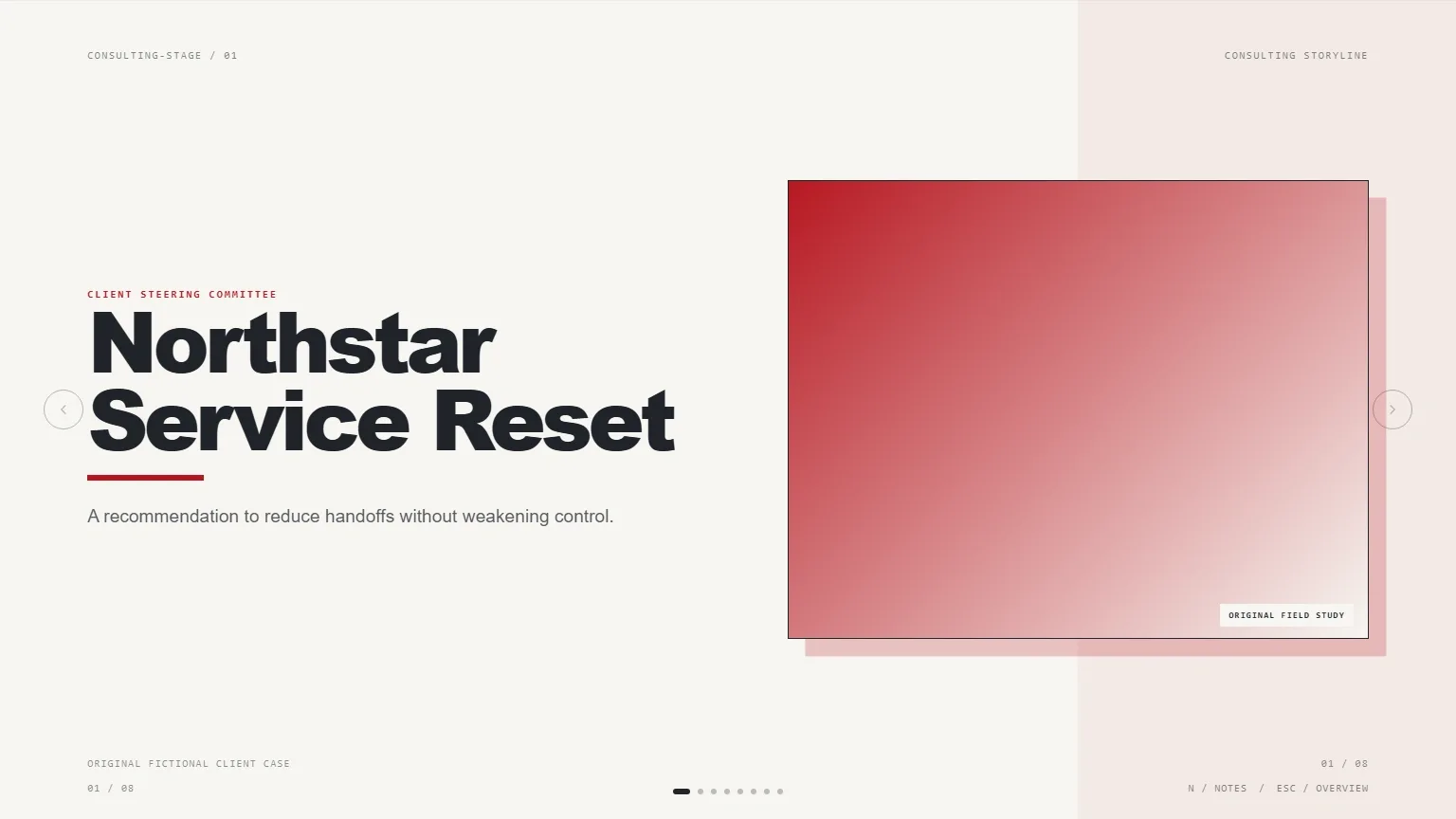
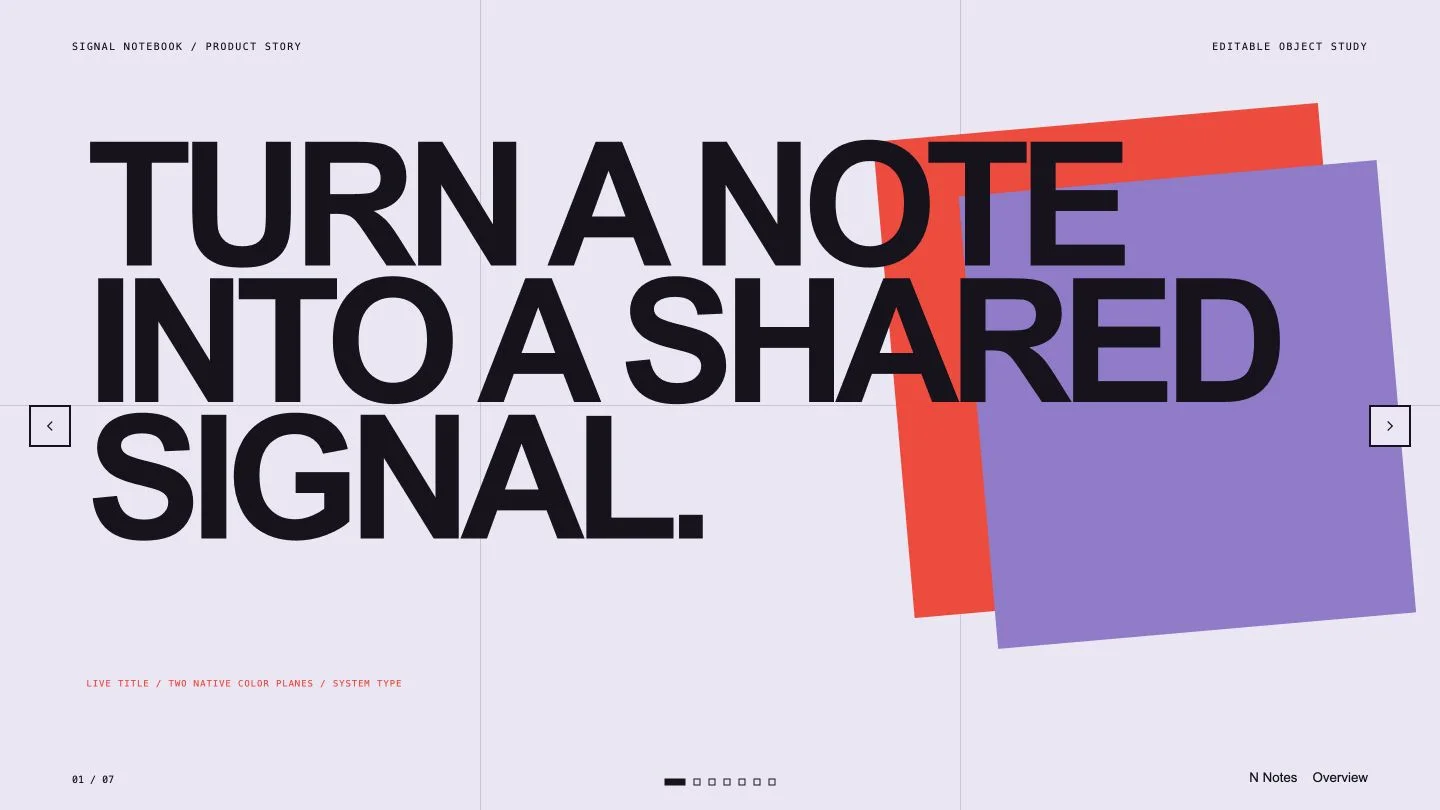
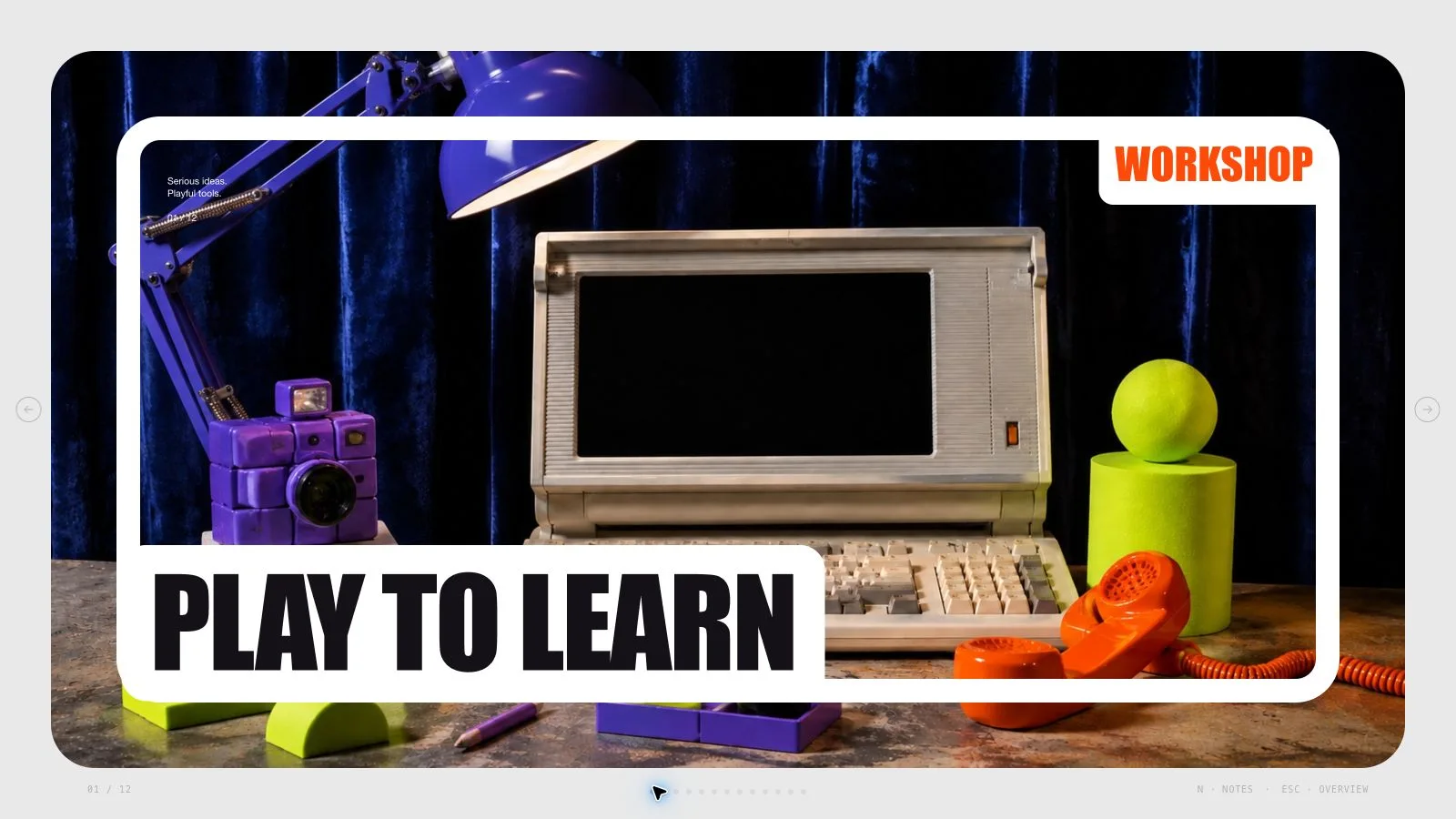
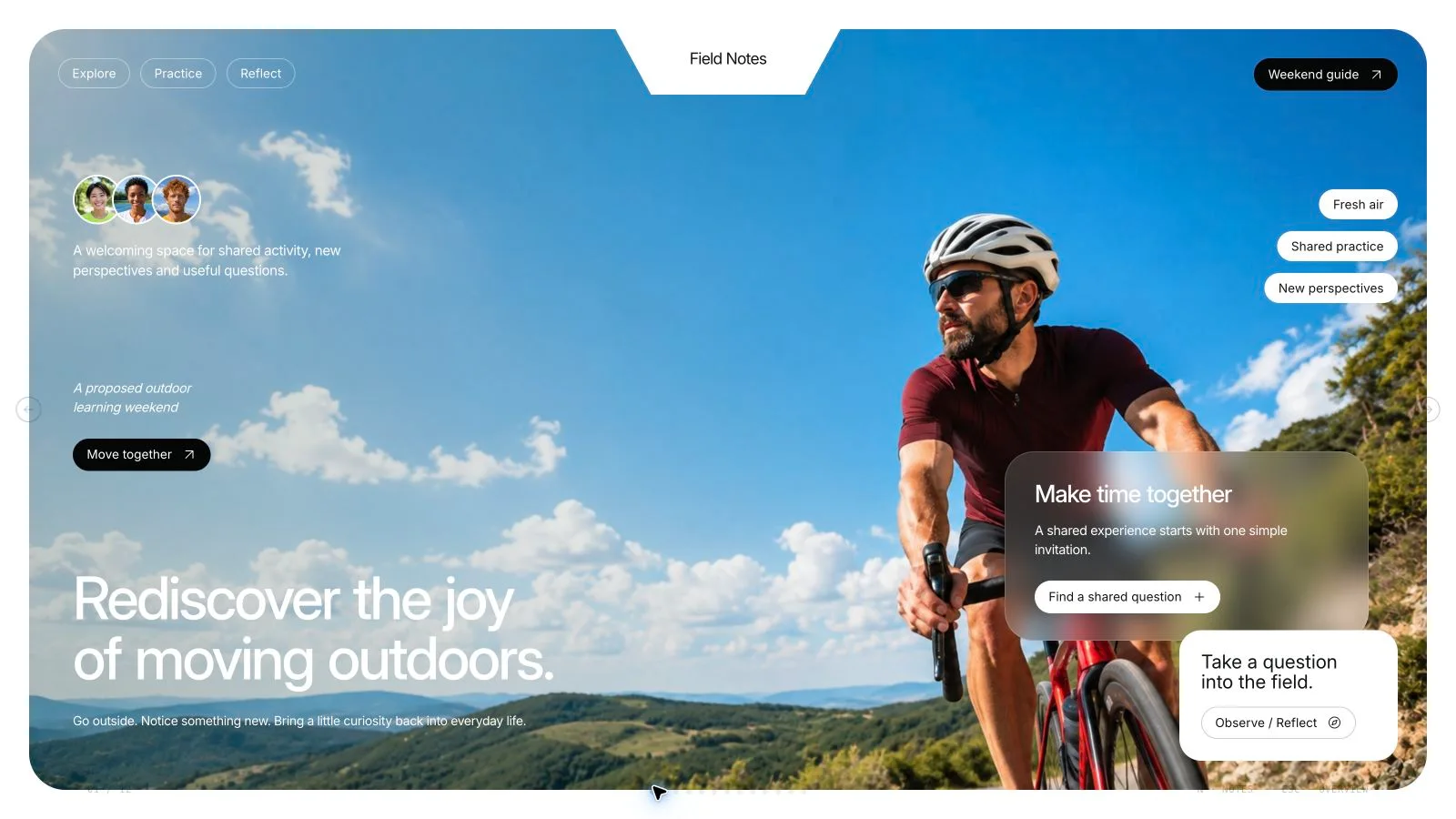
Introduce a company through what it does, how work flows and which action a partner should take next. Cobalt Ribbon Profile Deck pairs angled title bands and architectural crops with white analytical pages, compact goals and readable operating measures. Its logistics example demonstrates the visual system; the actual profile is built from your approved outline and facts.
What you get
A company-profile sequence with ten reusable roles: cover, contents, introduction, mission, services, key figures, process, performance chart, review table and closing contacts. Alternate picture-led and structured pages to fit the agreed count rather than turning every section into the same goal card.
A single cobalt cover followed by light content pages, angled title ribbons, diagonal photo edges and a bottom chevron band. Square corners, a consistent grid and concise text preserve the crisp identity. Schibsted Grotesk display and Instrument Sans body are embedded in the style kit.
Four coordinated content palettes—Cobalt Ribbon Profile, Evergreen White, Plum White and Slate White—chosen during generation. Seven local library photographs fill seven example slots; six are cataloged specifically for logistics/distribution/dispatch/delivery, with one general office scene. These assets illustrate a fictional company, not real operating locations or customer proof.
A standalone editable HTML presentation with speaker notes, page viewing and presentation mode. The installation provides recipes, shared runtime, Python composition/build/check tools and Node media helpers. The small schema fixture is not the finished Fieldpath Logistics example or an approved profile for your business.
Requested PPTX with editable text/notes and separate picture objects, while background geometry, charts and complex diagrams render as layers; PDF has one 16:9 page per slide. Font substitution and native layout need inspection in the receiving application.
Before you choose
Review the performance page beside the review-cadence table: every claimed result should have an intelligible measure, responsible owner and reporting period. Keep the closing pilot request within what those facts support, even when the logistics photography makes the operation feel established.
Good fit
A company introduction or partner update needs a concise operating story, headline figures and a specific next action.
A team wants to explain its services, process ownership and review cadence in a coordinated visual language.
Training or shared operational standards can be expressed through short steps, key measures and a small responsibility/cadence table.
Not for
Arbitrary colors or styling unrelated to the coordinated light-page/ribbon system, or a dark slide run beyond the cover.
Automatic verification of business figures, policies, service standards or reported performance.
A PowerPoint file in which every ribbon, angled crop, chart and decorative band is a native editable shape.
Treating logistics library photographs, fictional Fieldpath names or the sample on-time performance as real proof of your company.
How to use
You say/cobalt-ribbon-profile-deck Make a 10-slide company profile for a fictional operations business.
Supply topic/approved outline, audience, desired count, closing action and verified figures, standards and dates. Add approved pictures and real contact details. Specify another slide language if needed; English is the default. Keep any demonstration measure labeled illustrative rather than inheriting sample performance.
Build the requested sequence from the ten archetypes, alternating photos and structured pages. A shorter plan can omit contents or a table when appropriate. Keep the cover as the single cobalt page and the rest light, with one takeaway per page and a closing action that matches the intended partner decision.
Choose one of the four coordinated presets during generation and preserve Schibsted Grotesk/Instrument Sans. Use the 12-column grid with 77px margins and 26px gutters, content roughly y79–634 on the 1280×720 frame. Headlines stay within seven words (cover five), page copy around forty-five words, at most three blocks and at least thirty percent empty. Body stays at least 17px; detail moves to notes.
Keep photo/card corners square, anchor pictures to an edge or column and avoid overlapping photos or floating cards over them. Use three compact contents groups, three service rows or figure cards, and the small signal/owner/cadence table where useful. Preserve clear chart units, labels and source meaning instead of reproducing the fictional quarterly values.
Choose suitable library reuse, reuse with generated gaps or regenerate-all, using approved supplied pictures first. The seven bundled images are largely logistics-specific, so inspect topic fit before adapting to another industry. Each semantic page gets a distinct photo, with 16:9/3:2 source aspects and deliberate diagonal/tall frame crops. List unmatched frames rather than insert an irrelevant warehouse scene.
Embed catalog IDs with the checksum-verifying Node helper. Optional authorized generation uses a built-in tool or paid FAL route with FAL_KEY; retain returned task IDs and use status/fetch without automatic failure resubmission. Account limits/charges may apply. Keep slide text outside artwork, record fictional imagery honestly and preserve relevant font/icon notices.
Replace all sample company names, performance, dates, claims, notes and contacts. Compose/build/check with Python 3 and the expected count/style kit; Node is for media helpers. Embed final assets, stay below 20 MB and inspect every page over local HTTP for readable ribbon titles, crops, grid alignment, numbers and bounds.
Test Edit/E, pictures/order/notes/object changes, undo/redo, Save and reopening the HTML. The four presets are generation choices, not an editor theme menu. Export requested PPTX/PDF, run the PPTX check and inspect text/notes/fonts/rendered layers in PowerPoint, Keynote or WPS, explicitly reporting whether native inspection was performed.
Requirements and costs
You bring
A topic or approved outline and the audience. · The desired slide count and the action the presentation should support. · Verified figures, standards, dates, and any supplied imagery.
Dependencies
Modern browser — required for presentation and browser editing · Built-in image generation in your agent (GPT Image class) — only needed to create new pictures; no separate API key · Chrome, Chromium or Edge plus Node.js 20 or newer — required only for PowerPoint export · Internet access — optional, to download this Skill's picture library while building a deck
Outside costs
Decks can reuse this Skill's own picture library at no image cost: you choose up front whether to reuse it or generate every picture new. New pictures use your agent's built-in image generation tool (GPT Image class) with no separate API key, and availability follows your agent account.
Publisher testing
v1.0.3 — Claude Code / Claude Desktop / Cowork / Codex / ChatGPT
FAQ
Use Edit or E in the standalone HTML to revise wording, pictures, order and notes, then Save the file. Named palettes apply during generation while individual colors remain editable. PowerPoint keeps text/notes editable and pictures separate, with complex geometry/charts rendered as layers.
Not for suitable reuse of the seven local library images. Six are specifically logistics-related, so approve the topic fit and use supplied pictures first. New images may use an available built-in tool without a FAL key or the optional paid FAL helper with its own key. Availability and charges follow the selected provider/account.
Yes. Provide the approved outline, accurate figures/standards/dates, permitted images and real contact details. Replace Fieldpath’s fictional identities and example performance rather than treating the case as a factual starting point. Review claims before sharing; the Skill does not independently verify them.
The browser HTML embeds its font pair, but native presentation software needs matching installed fonts or may substitute them. Check wrapping, weights and figures in the actual application and report differences rather than infer fidelity from the browser preview.
User reviews
—0 reviews
Select a star to share your experience.
No reviews yet. Ratings appear once readers share real experiences.