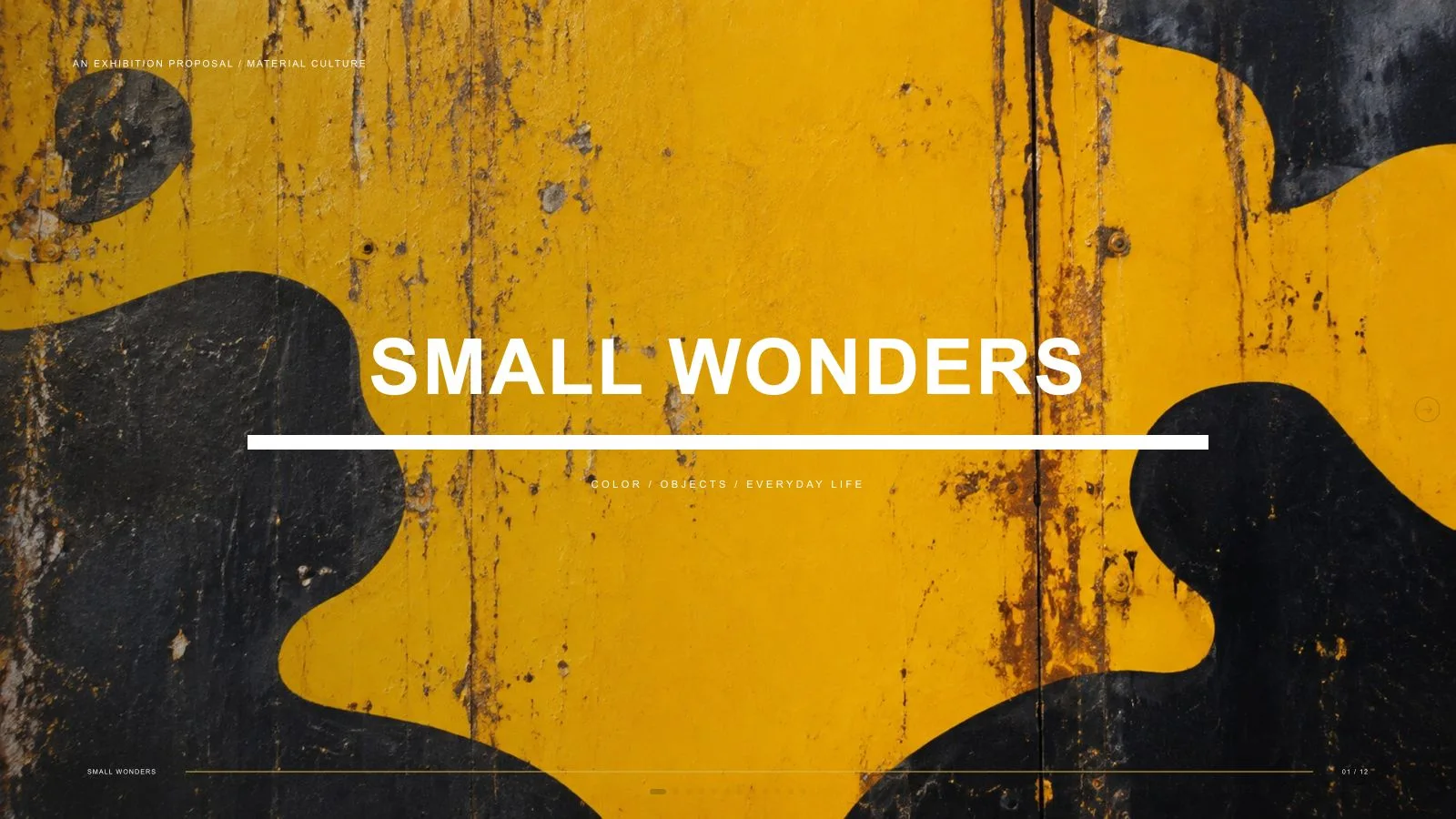
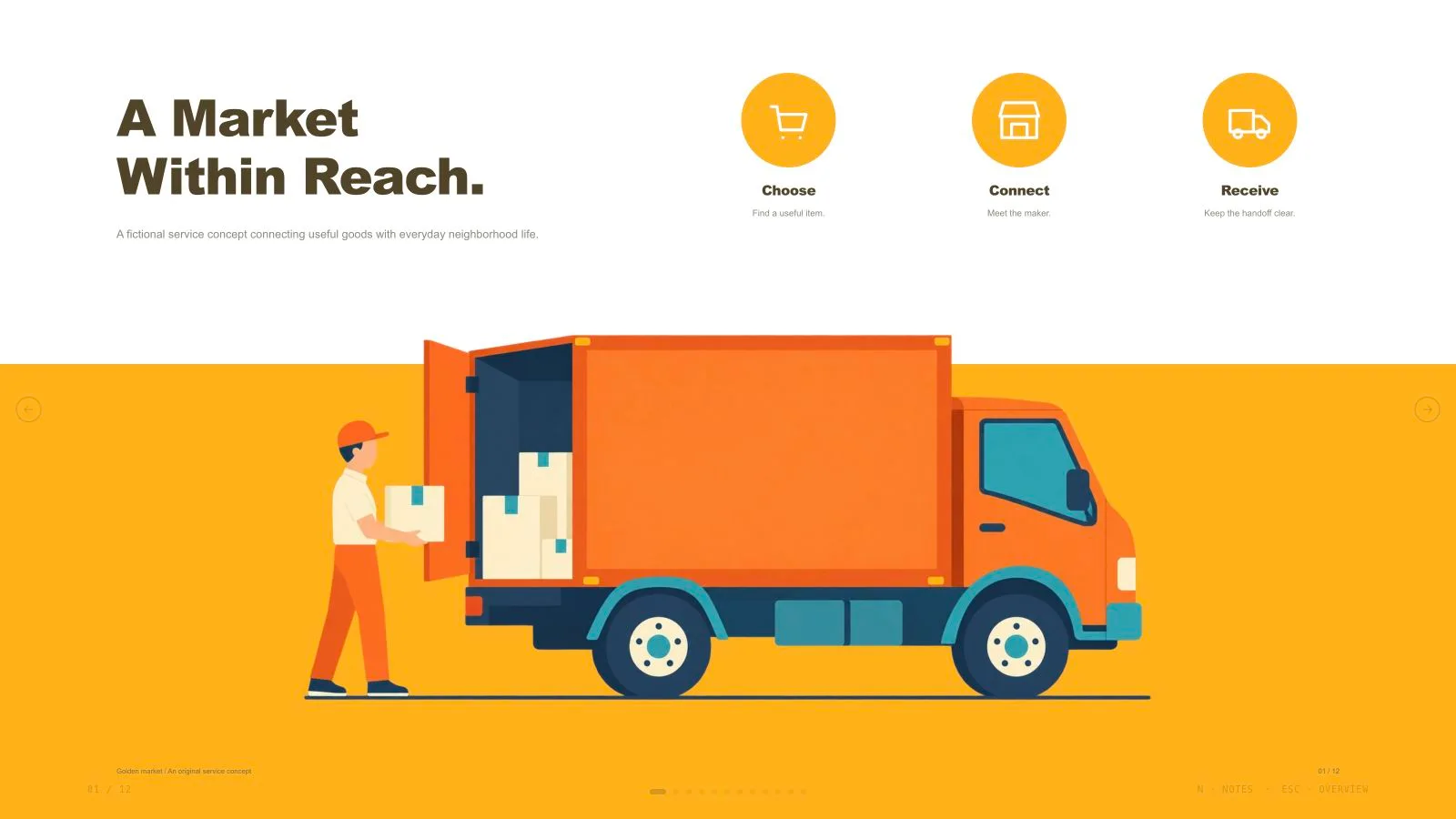
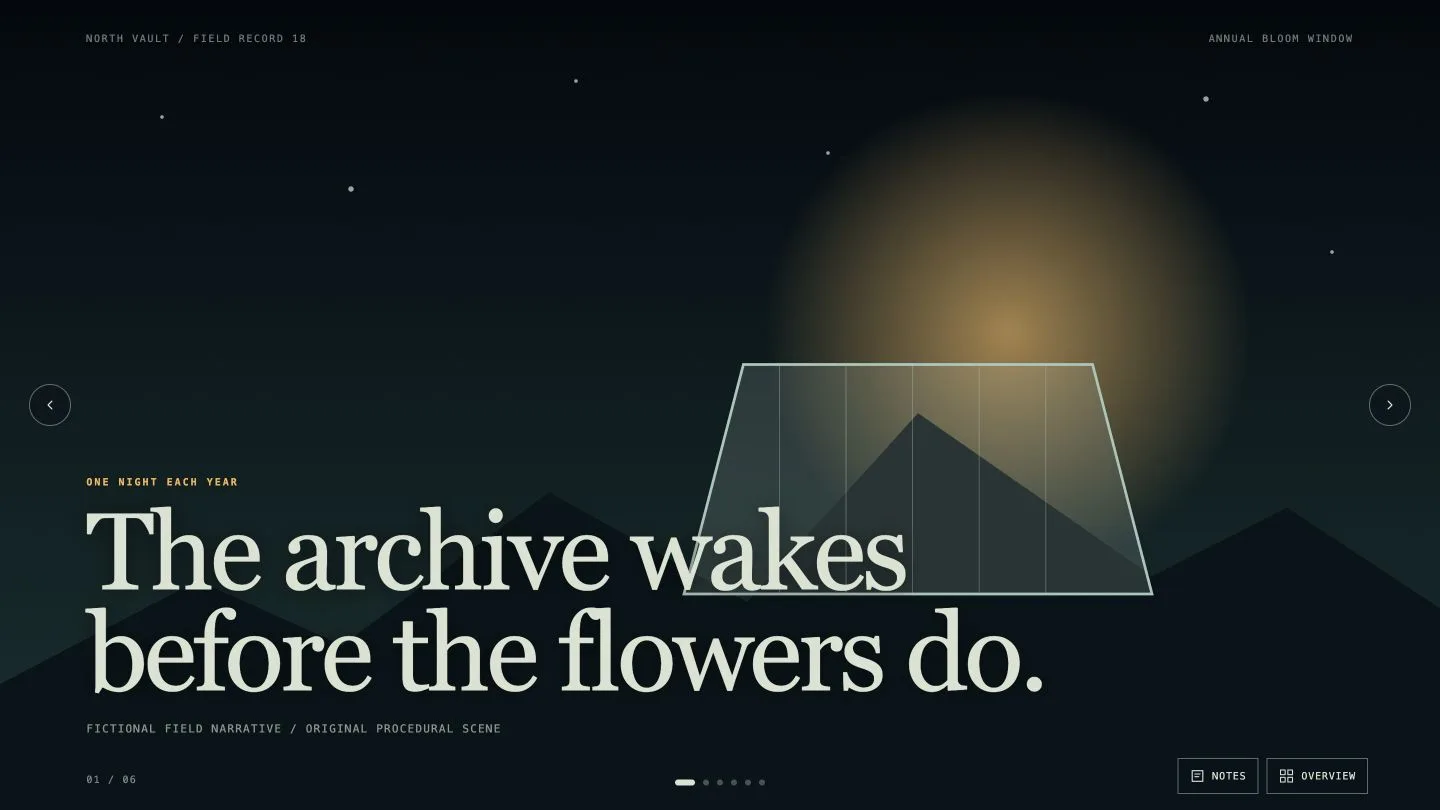
Confetti Gathering Deck

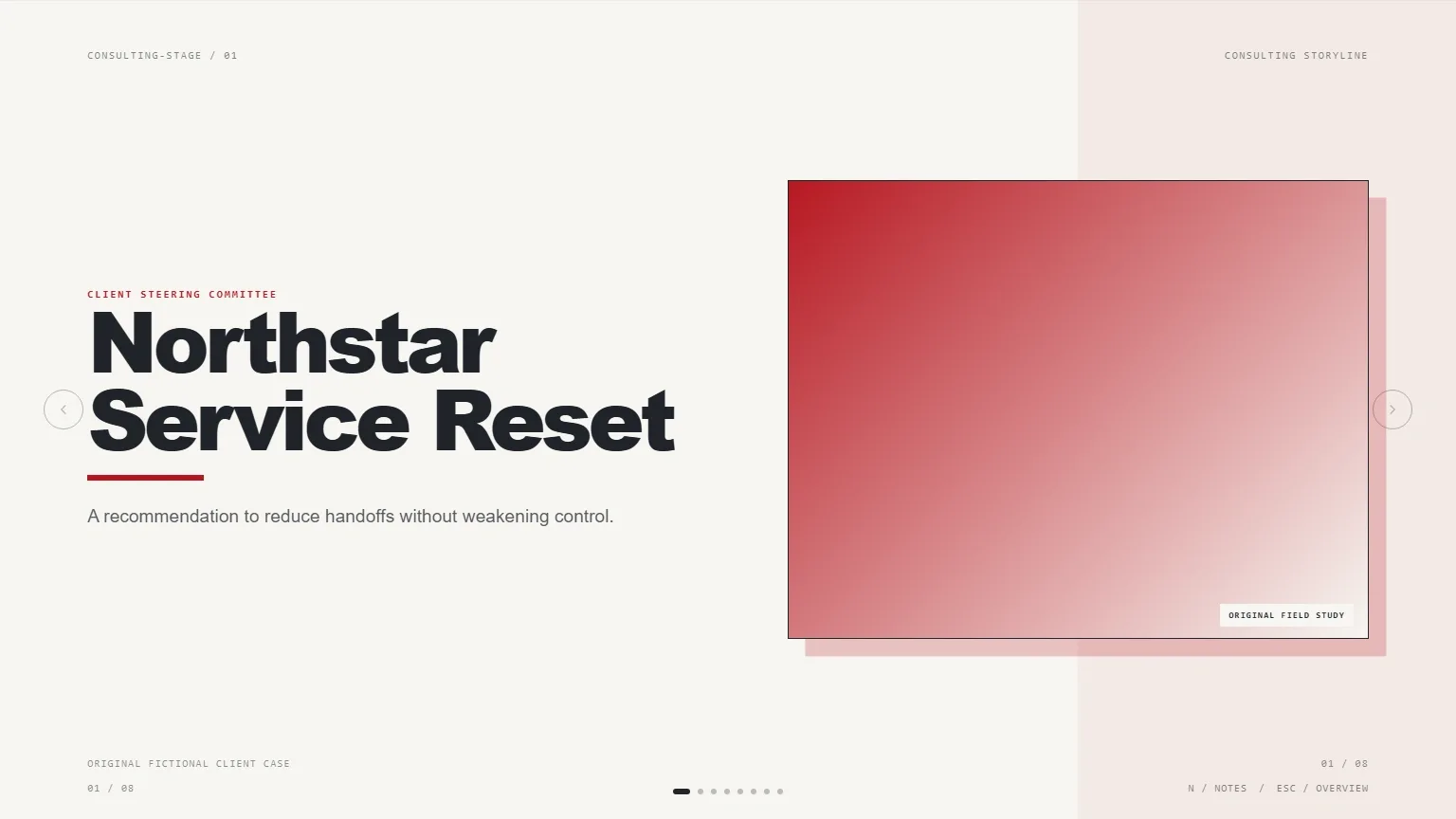
Plan a gathering people can picture joining: introduce the invitation, show the evening’s rhythm and explain how hosts make it work. Confetti Gathering Deck pairs bright color fields and heavy slanted titles with candid photographs, cream cards and editable festive shapes. Its neighborhood dinner is a fictional example; your audience, arrangements and agreed page count shape the actual presentation.

What you get

  • Twelve adaptable compositions cover a toast-led invitation, four-part contents, four-icon agenda, cream-card divider, shared-table welcome, four-step process, preparation/dinner photo pair, three hosting objects, four-part hosting loop, three-group photo spread, two-portrait memory page and festive closing. Select, reorder or extend them for the requested length rather than filling every recipe.
  • A vivid graphic system: pink, yellow, green, blue, cyan and red fields with cream/black accents, fine low-contrast grids, large slanted display type and small plain sans-serif copy. Circular photographs, wide pairs and tall rounded windows alternate with stars, bursts, edge circles, dotted triples, radial fans and squiggles. Preserve the embedded display font and its technical license notice.
  • Twelve bundled catalog pictures include shared meals, home cooking, garden/rooftop dinners, hosting objects and portraits. Most scenes have topic-specific restrictions. Treat these as fictional illustration, not photographs of your event or evidence that named people attended. Text- and diagram-led pages remain useful without adding redundant photography.
  • A generated standalone 1280×720 HTML deck with navigation, overview/thumbnails, speaker notes, editing, presentation mode and print styling. Words and diagrams remain editable. The installation supplies the style recipes, references, library and build/media tools; its small generic schema fixture is not a completed dinner presentation.
  • Optional checked PPTX and PDF outputs: text and notes export natively, pictures separately, while backgrounds/SVG decoration and complex effects become rendered layers. PDF printing places one 16:9 slide on each page. Target-app font availability and wrapping still need inspection.

Before you choose

Check the invitation as practical communication before judging the confetti. A reader should understand who the gathering is for, what happens, what hosts prepare and what remains undecided. Keep decorative photographs separate from claims about real guests, and give the agenda, process and follow-up their own clear jobs.

Good fit

  • A dinner-club or community host has a real audience, invitation, agenda and preparation plan to communicate.
  • A team wants a coherent visual sequence for welcome, participation, practical steps and follow-up rather than twelve unrelated slides.
  • A presenter can supply the message, source facts, language and desired length, then review full-size pages and photograph crops.
Not for

  • Copying an existing identity, artwork, logo, protected character or recognizable source face.
  • Automated research or claims that the fictional dinner, participants, memories or attendance document a real gathering.
  • An all-native-shape PowerPoint deliverable: exported decorative backgrounds and effects are pictures, even though text and notes remain editable.

How to use

You say/confetti-gathering-deck Create a twelve-page deck for a fictional neighborhood dinner with bright paper colors and original gathering photographs.
  1. Provide topic, audience, source facts, key messages, content language and exact slide count including the opening/closing unless agreed otherwise. If the count is undecided, agree a page plan from the material and presentation time. Identify what is confirmed, proposed or still to be arranged.

  2. Plan the audience journey from invitation to agenda, welcome, host preparation, participation and follow-up. Use the bright gathering palette with role-specific layouts; do not force all twelve recipes, four agenda items or four hosting stages into a brief that does not need them. Replace fictional examples with approved content.

  3. Choose supplied images first, then suitable library reuse, generation for gaps or entirely new art. Reuse is the fallback if no choice/tool is available. Keep an image ledger with page, subject, ratio, placement, palette, prompt and saved result. There is no image quota; each pictorial source is used once, with crops/rotations/recolors counting as the same asset. Functional SVG icons may repeat.

  4. Check catalog subjects before reuse and keep whole faces/hands inside circular or portrait masks. Use the kit slot ratios rather than ratios mentioned only in example prompts. Missing or unsuitable assets remain disclosed frames. New art can use built-in generation or the FAL helper with FAL_KEY; paid FAL submissions are made once and then polled/fetched, without automatic replacement after failure. New generation may cost separately.

  5. Compose the approved plan from the kit, replace text, alt descriptions, images, labels and data by node ID and remove unused objects. Python 3 performs composition/build/static checks; Node supports optional media helpers. Resolve unfilled images and leftover example strings, check the exact count and keep resources/fonts inline under the package’s 20 MB limit.

  6. Inspect every 1280×720 page over local HTTP: color-area balance, slanted-title legibility, face crops, image uniqueness, contrast, bounds, grid spacing and actual page labels/notes. Exercise text and block edits, layout/color changes, notes, undo/redo, Save/reopen and presentation mode. Presentation mode should disable editing and hide idle controls. Correct the page and inspect again where needed.

  7. Deliver the single HTML in page view, explaining Edit/E and Save (Cmd/Ctrl+S). Browser recovery is local; Save writes portable edits into the file. Set interface and content languages separately, using framework CJK/RTL support. Export/check/inspect PPTX or PDF when requested; do not promise exported files before producing them or a per-style theme chooser the shared editor does not have.

Requirements and costs

You bring
Presentation topic and audience · Key messages or source material · Desired slide count and language
Dependencies
A browser for presentation and verified print export · Node.js for local validation · A host image generation tool for fresh artwork · Chrome, Chromium or Edge plus Node.js 20 or newer — required only for PowerPoint export
Outside costs
Generating new artwork may incur a separate provider charge. The included original example can be viewed without image generation.
Publisher testing
v1.0.5 — Claude Code / Claude Desktop / Cowork / Codex / ChatGPT

FAQ

User reviews

—0 reviews

Select a star to share your experience.

No reviews yet. Ratings appear once readers share real experiences.

Similar Skills

View all skills