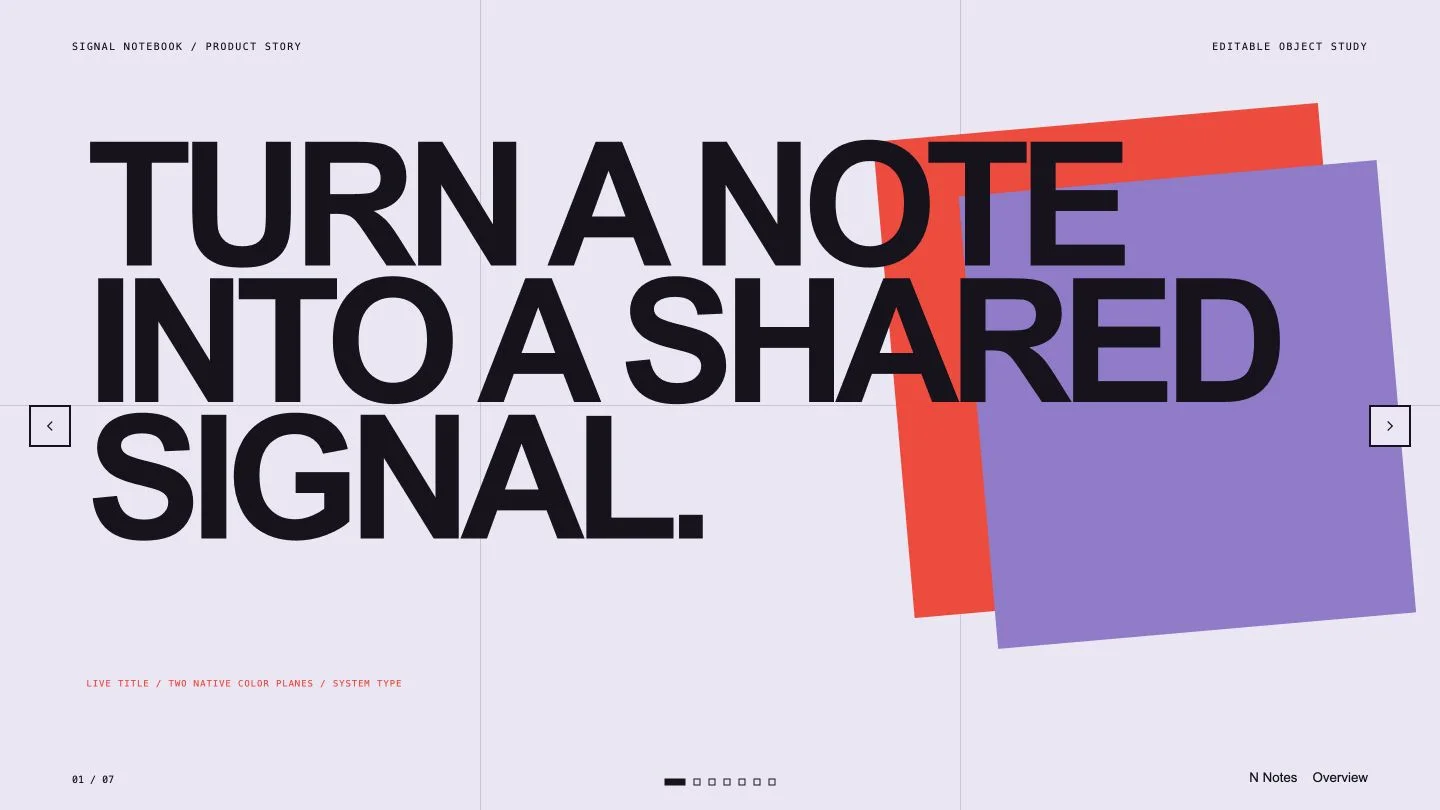
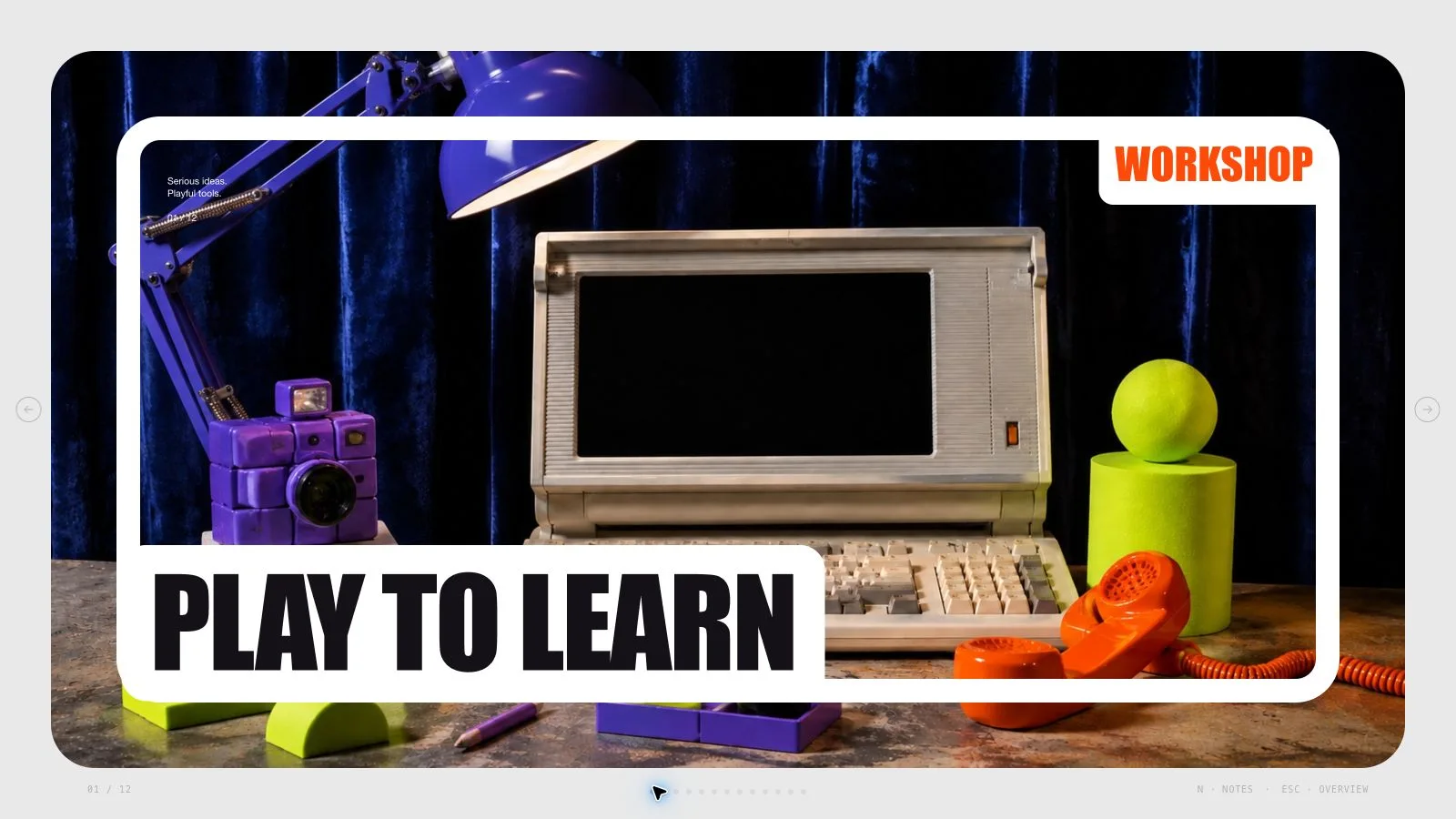
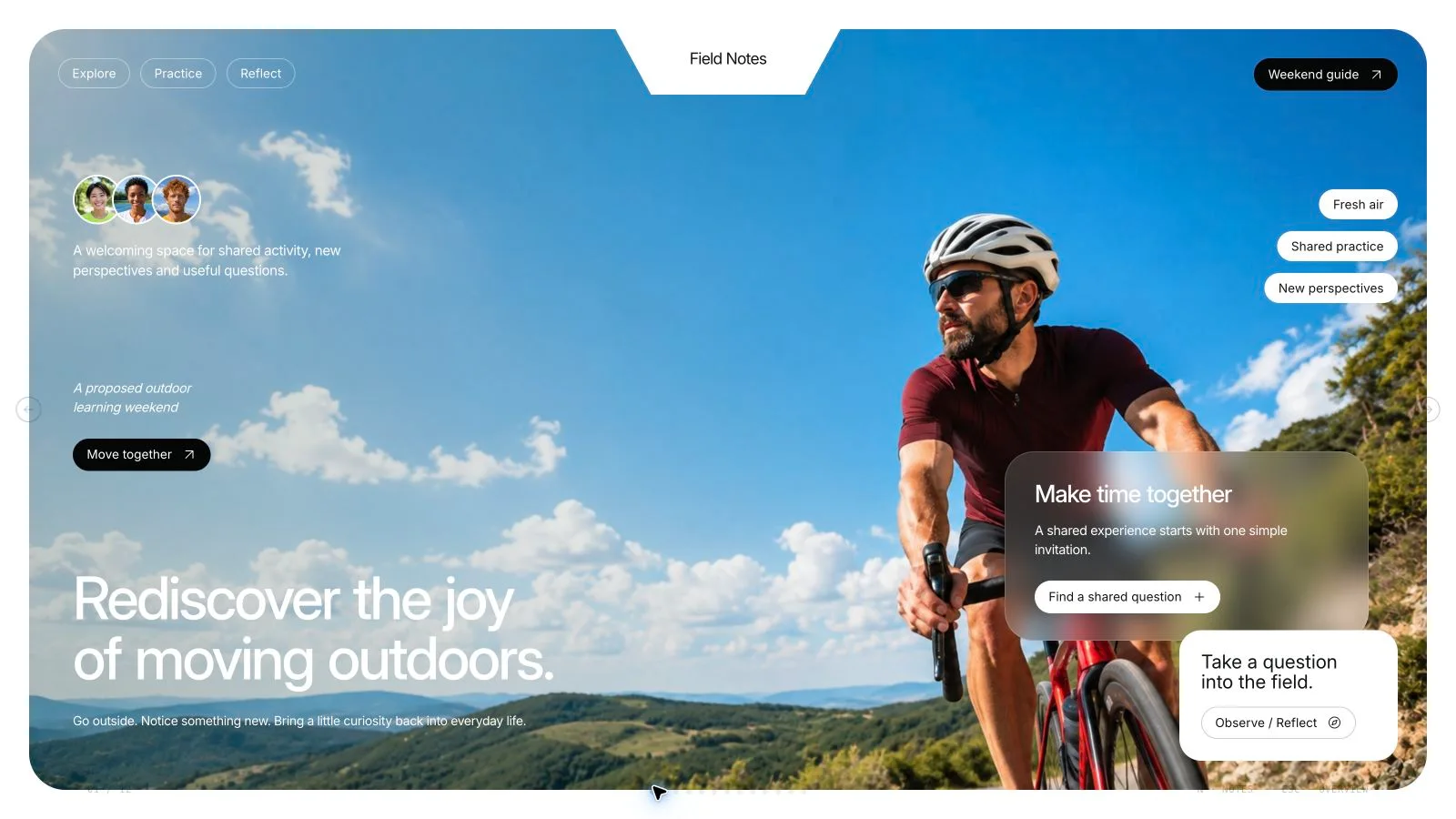
Move from an approved analysis to a specific client decision. Consulting Storyline Deck gives each slide an action title, organizes the supporting metrics and assumptions, and connects the recommendation to owners, an implementation sequence and decision gates. Its restrained advisory style uses light neutral pages, dark emphasis frames and a limited accent, with editable browser content and PowerPoint speaker-note export.
What you get
A consulting storyline that starts with the executive finding, explains the supporting evidence and reaches a bounded recommendation. Implementation and steering-decision pages make scope, accountable owners, review timing and approval gates visible instead of ending at an abstract strategy statement.
Evidence blocks with headline metrics and their source notes and assumptions, plus three to five talking points per slide. Audience/owner cards distinguish what the sponsor, operating team and risk reviewer need to decide. The diagnostic and roadmap structures can show how a change is mapped, tested and expanded only after the relevant gates hold.
A 16:9 deck normally composed as six to ten pages from eight recipe types: cover, executive case, decision owners, diagnostic method, evidence, roadmap, decision and recommendation close. Redline Advisory is the restrained red reference; Blueproof and Green Value provide coordinated alternatives for operations/technology or sustainability/portfolio work. Presets are generation choices, not a theme-switching editor control.
A standalone HTML presentation with browser editing, notes and presentation mode. The installation contains the style kit, shared runtime, Python composition/build/check scripts and an optional Node FAL helper. Its built-in visual panels require no photos; sample Northstar client details, projections and pilot values illustrate a fictional case and must be replaced with verified client material.
PPTX export with native editable text and notes, separate picture objects and rendered background/diagram layers; PDF gives one 16:9 page per slide. Font availability, wrapping and visual fidelity require checking in the actual meeting application. A successful file export does not verify the business analysis.
Before you choose
Read the decision page beside the evidence page. A projected benefit should still be labeled as a projection, a retained control should be named, and the proposed owner should have the scope needed to act. Correct those links before polishing the red accent or the cover.
Good fit
A consultant or strategy team has completed its analysis and needs to present a recommendation to a client steering committee.
An analyst wants to show how verified findings, source measures and explicit assumptions support one decision rather than recite a report.
A leader is seeking approval for a defined pilot or implementation stage and can name owners, boundaries, review dates and success/risk gates.
Not for
Performing or validating the underlying business analysis. The Skill organizes the approved material you provide; it cannot create evidence by presenting a number confidently.
A long scrolling report or document intended to explain every calculation without a speaker. The generated deck has fixed pages and can be presented one slide at a time, with detail in notes.
A flashy image-heavy pitch. Visual emphasis stays controlled and supports the decision; optional artwork should clarify a concept rather than decorate missing analysis.
Approving a recommendation, removing a required control or treating a sample projection as a measured result.
How to use
You say/consulting-storyline-deck Turn my approved operations analysis into an eight-slide client recommendation.
Provide the approved client brief, decision objective, audience and meeting context, target slide count, verified metrics and their source notes. Add charts cleared for use and specify assumptions, forecast status, retained controls, accountable owners and gate criteria. Distinguish an observed measure from a proposed outcome before writing the headline.
Write the action-title sequence from finding to evidence, recommendation, implementation and steering request. Use the six-to-ten-page composition range as a planning reference, reconciling it with the requested count. Make the final decision specific enough to say who approves what, within which scope and by which review point.
Choose Redline Advisory, Blueproof or Green Value and populate the relevant style-kit recipes. Replace the fictional client identity, metrics, pilot dates and statements of verification throughout text, notes and labels. Keep diagram/metric treatments in the presentation model; labeled inline SVG icons remain secondary to the argument.
Finish the deck with its built-in panels first. Use supplied approved pictures before considering new art. If an illustration is necessary, define a separate frame and aspect (16:9 by default), keep important text live and record which scenes are illustrative. Optional FAL tasks require FAL_KEY and Node.js: submit once, keep the returned task ID, then check status and fetch that task. Failed operations are not automatically retried by the helper. An available built-in image tool is another documented option; if neither is available, omit the image or label the empty frame.
Compose the plan, resolve example leftovers and unfilled slots, and build/check with Python 3 and the bundled style kit. The Python build does not require Node packages; Node is relevant to the optional FAL path. Keep the shared editor and final embedded assets intact. Set communication/UI language separately from slide language, which defaults to English unless requested otherwise.
Open over local HTTP and inspect every page for evidence labels, readable assumptions, actual gate criteria, crops, spacing and bounds. Use Edit or E to tighten titles, replace pictures, reorder/duplicate/remove pages and revise notes. Test undo/redo and Save (Cmd/Ctrl+S), then reopen the saved HTML; browser-local recovery does not replace a portable file.
Export the requested meeting formats from the standalone deck. Run the packaged PPTX check, inspect text/notes and rendered chart layers in PowerPoint, Keynote or WPS, and review PDF pagination separately. Re-read the storyline after editing to confirm every action title is still supported and the roadmap ends at the decision actually requested.
Requirements and costs
You bring
Approved client brief and decision objective · Verified analysis, metrics, and source notes · Meeting context and target slide count · Rights-cleared charts or optional generated-image brief
Dependencies
FAL account — optional for generated imagery · Node.js 20 or newer — required · Chrome, Chromium or Edge plus Node.js 20 or newer — required only for PowerPoint export
Outside costs
The deck works with built-in treatments. Optional image generation uses paid FAL tasks; each request ID is saved and failures are never retried automatically.
Publisher testing
v1.0.4 — Claude Code / Claude Desktop / Cowork / Codex / ChatGPT
FAQ
Bring the approved brief, requested steering decision, verified analysis/metrics and source notes, meeting context and slide count. Include cleared charts and any assumptions or controls that constrain the recommendation. The deck can organize those inputs, but it does not conduct the analysis or turn a hypothetical pilot outcome into a verified measure.
No. This style has no required picture slots and works with its built-in panels, metrics and diagrams. Supplied pictures come first. Optional FAL generation is paid and needs a FAL key; the helper records a returned request ID and separates submit/status/fetch without automatic failure retries. A supported built-in image tool needs no FAL key. Optional artwork is not evidence for the recommendation.
Open the HTML, choose Edit or press E, then revise wording, pictures, order and speaker notes. The named presets apply during generation; individual colors can be edited, but there is no preset theme picker. Save writes the current HTML. PPTX keeps text and notes editable, pictures as separate objects and artwork/backgrounds as rendered layers; missing fonts can be substituted by the recipient application. PDF provides one slide per page.
State the scope, owner, relevant controls or risk threshold, review timing and the gate for continuing, changing or stopping. Those details come from the client’s approved proposal. A bounded pilot request should not silently become authorization for a full rollout.
User reviews
—0 reviews
Select a star to share your experience.
No reviews yet. Ratings appear once readers share real experiences.