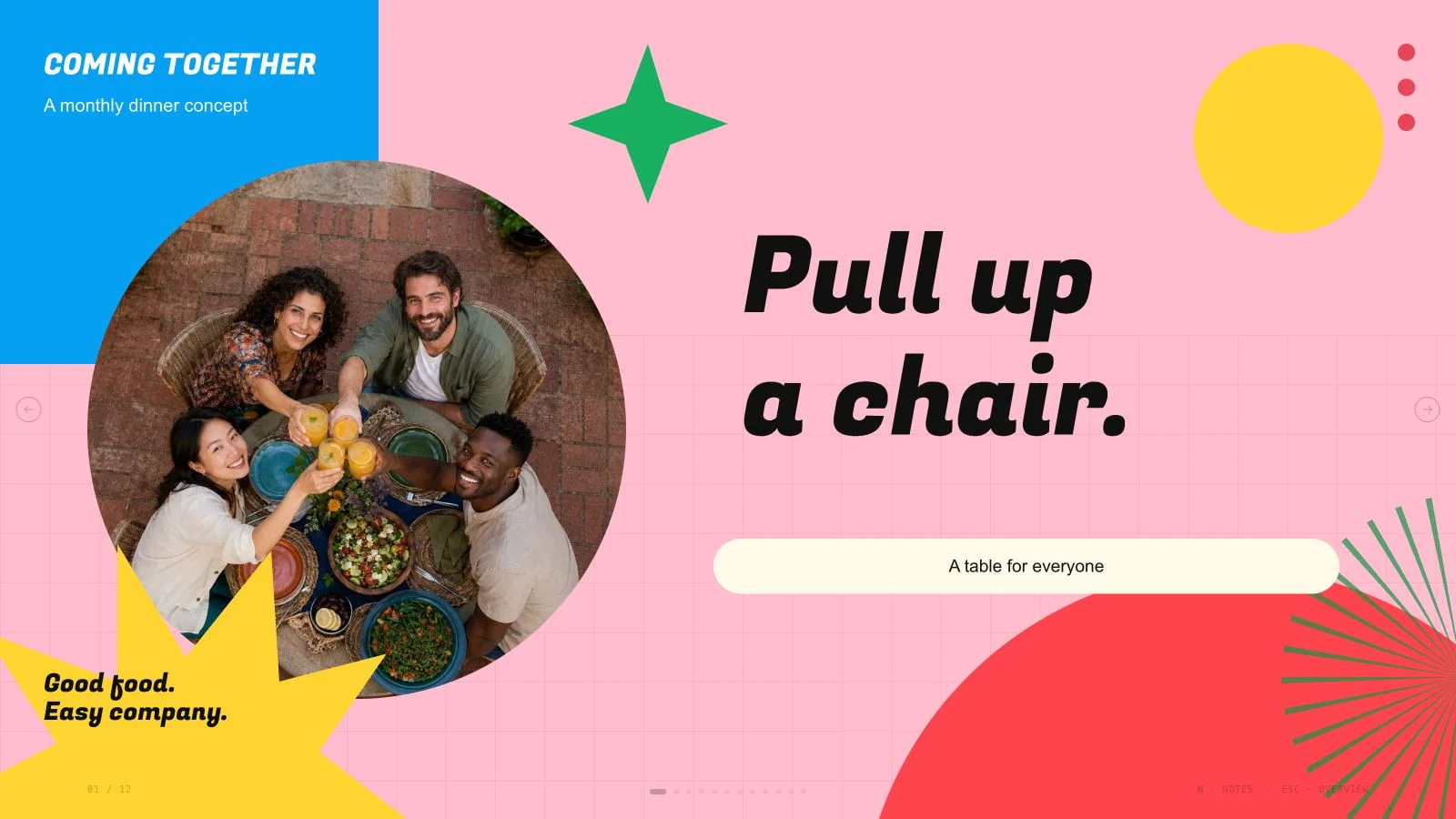
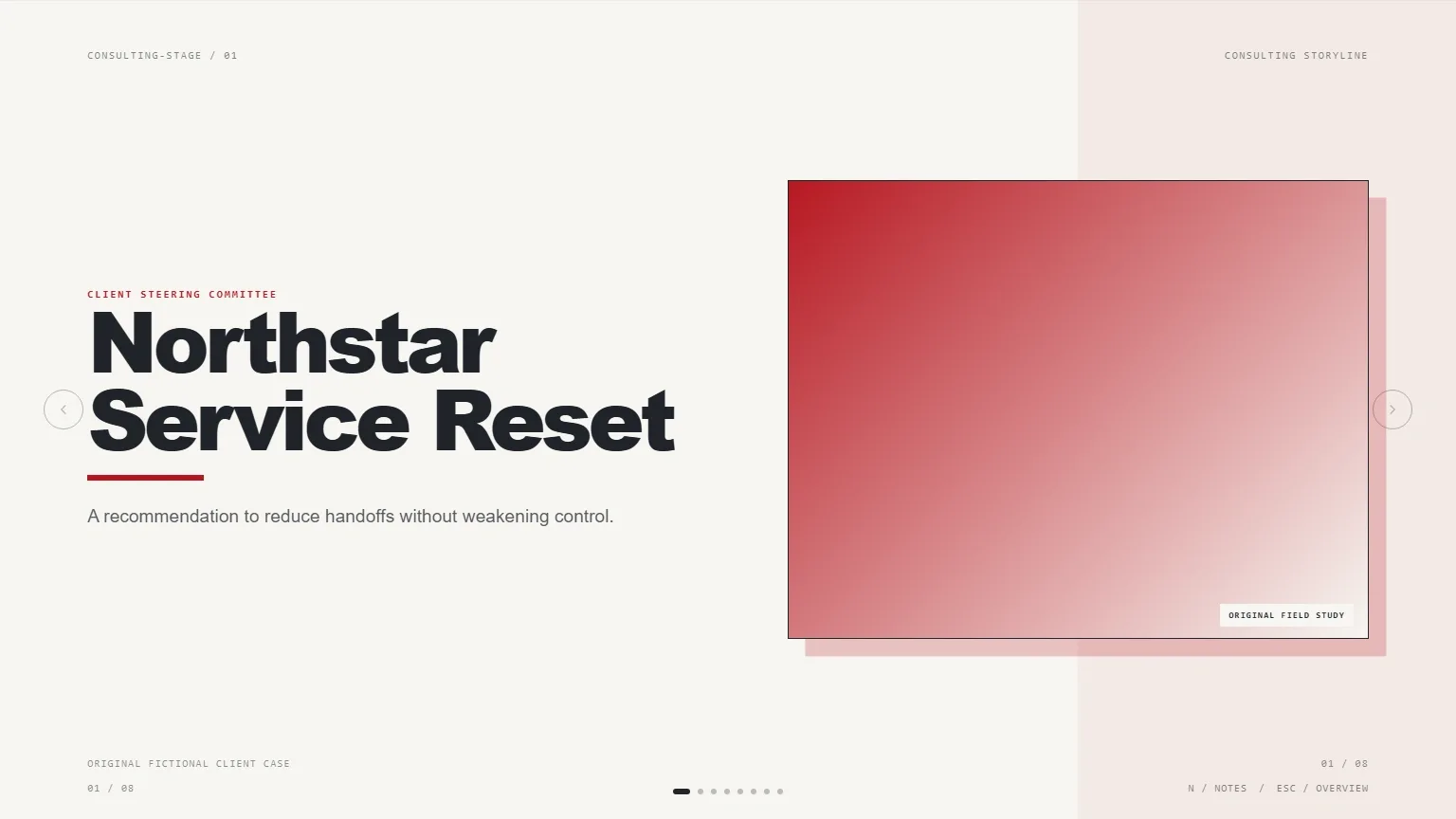
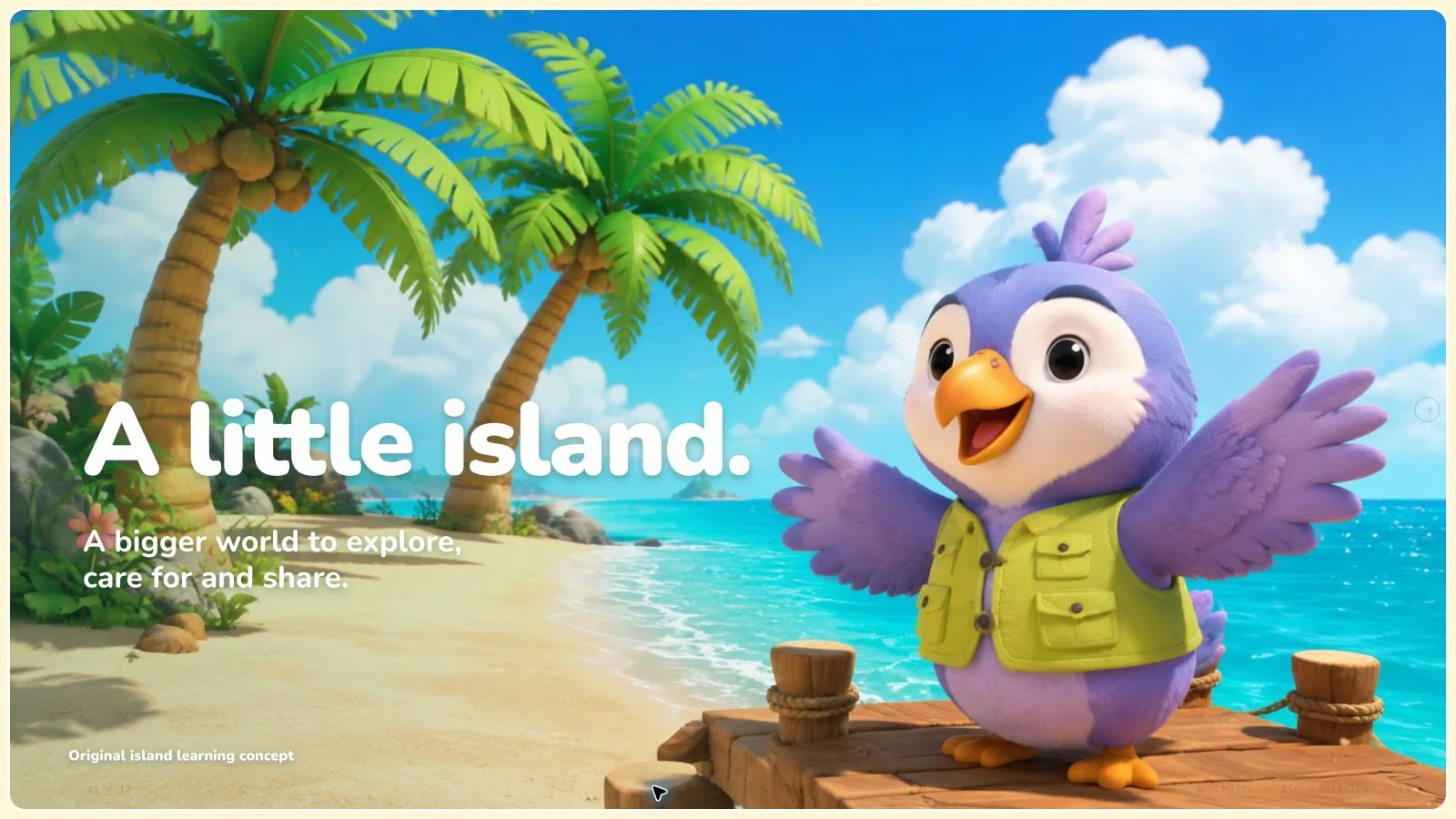
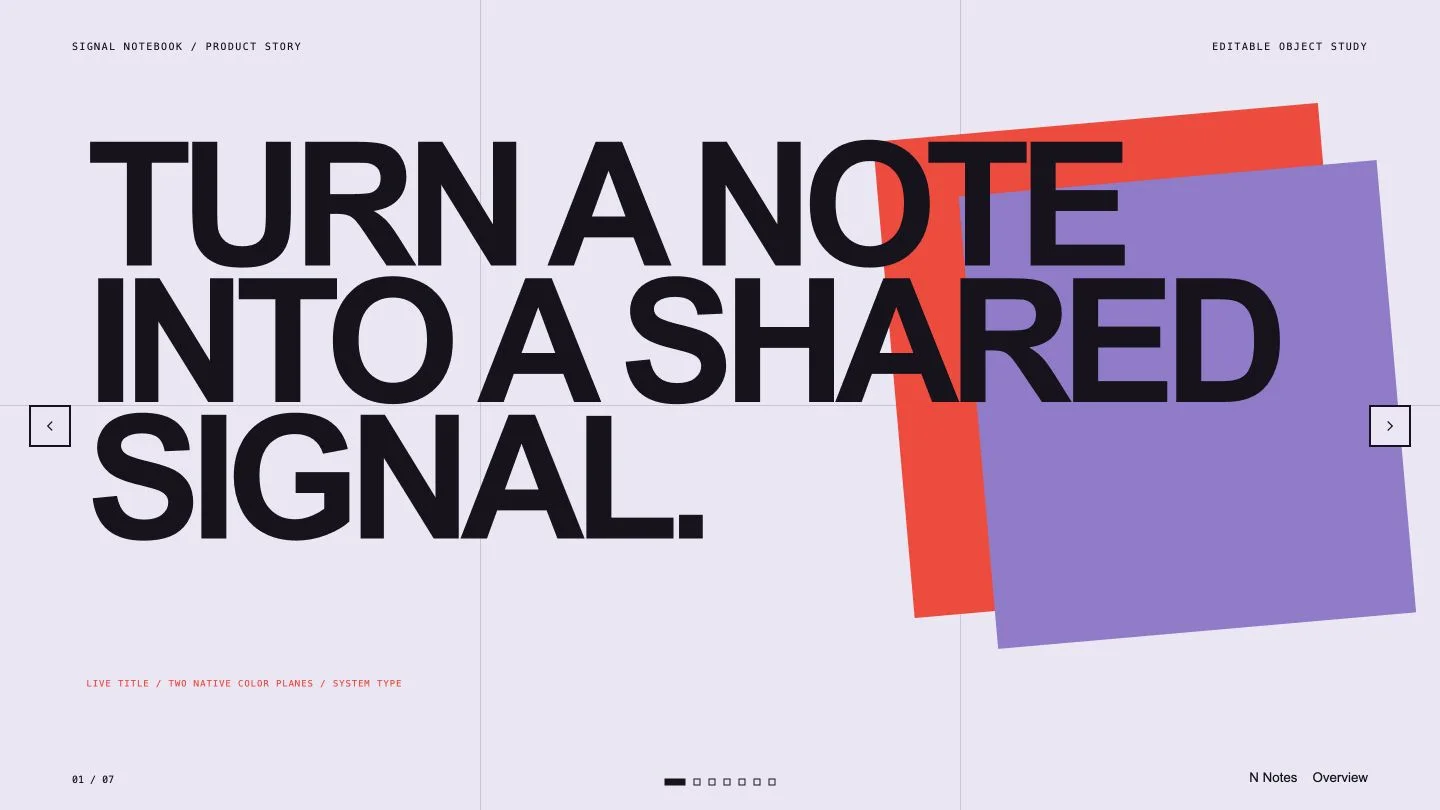
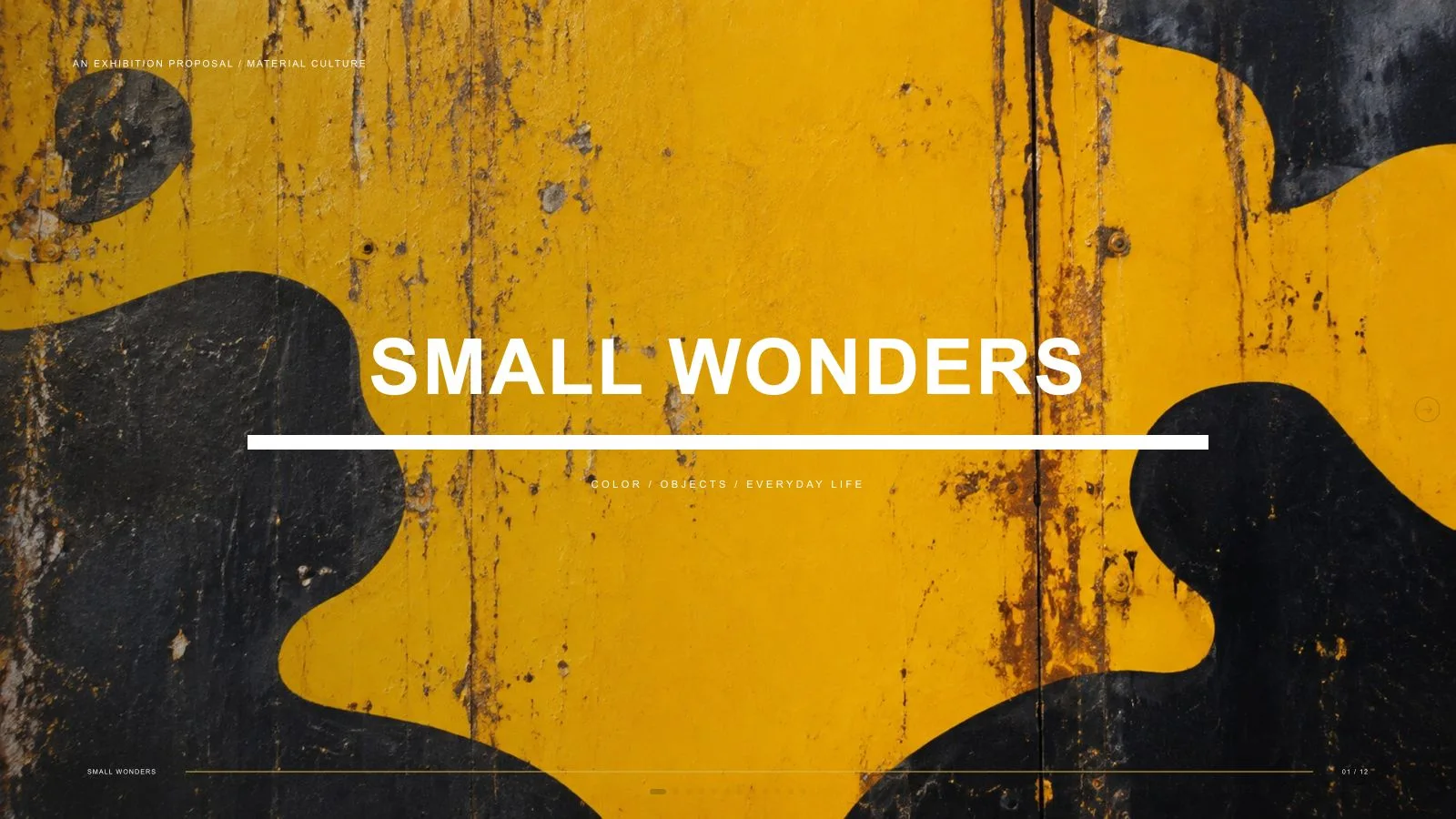
Shape a marketing plan into a sequence of goals, audience choices, launch timing, budget and accountable next actions. Cobalt Serif Marketing Deck uses Newsreader headlines on charcoal pages, cobalt crescent/disc motifs and restrained planning charts, with browser-editable text and a clear PowerPoint export boundary.
What you get
Ten reusable page patterns for cover, three goals, audience/need split, roadmap, budget, team, channel split, scorecard, contact and closing ask. The ten-page example demonstrates a fictional maker-studio launch; use the agreed outline and length rather than inheriting its business claims.
A consistently dark visual system with embedded Newsreader for headlines/numbers and Geist for body. Cobalt discs/crescents frame the opening and close, while a single accent highlights a card, roadmap dot, bar or target. Authored, Teal and Clay are coordinated generation-time presets; photographs retain their original colors.
Quiet analytical structures: a three-phase roadmap, four-or-five-bar budget comparison, circular team portraits and a three-row scorecard with measure, current state, target and owner. Bar widths must follow supplied values relative to the largest value; the chart’s appearance does not establish the budget or result.
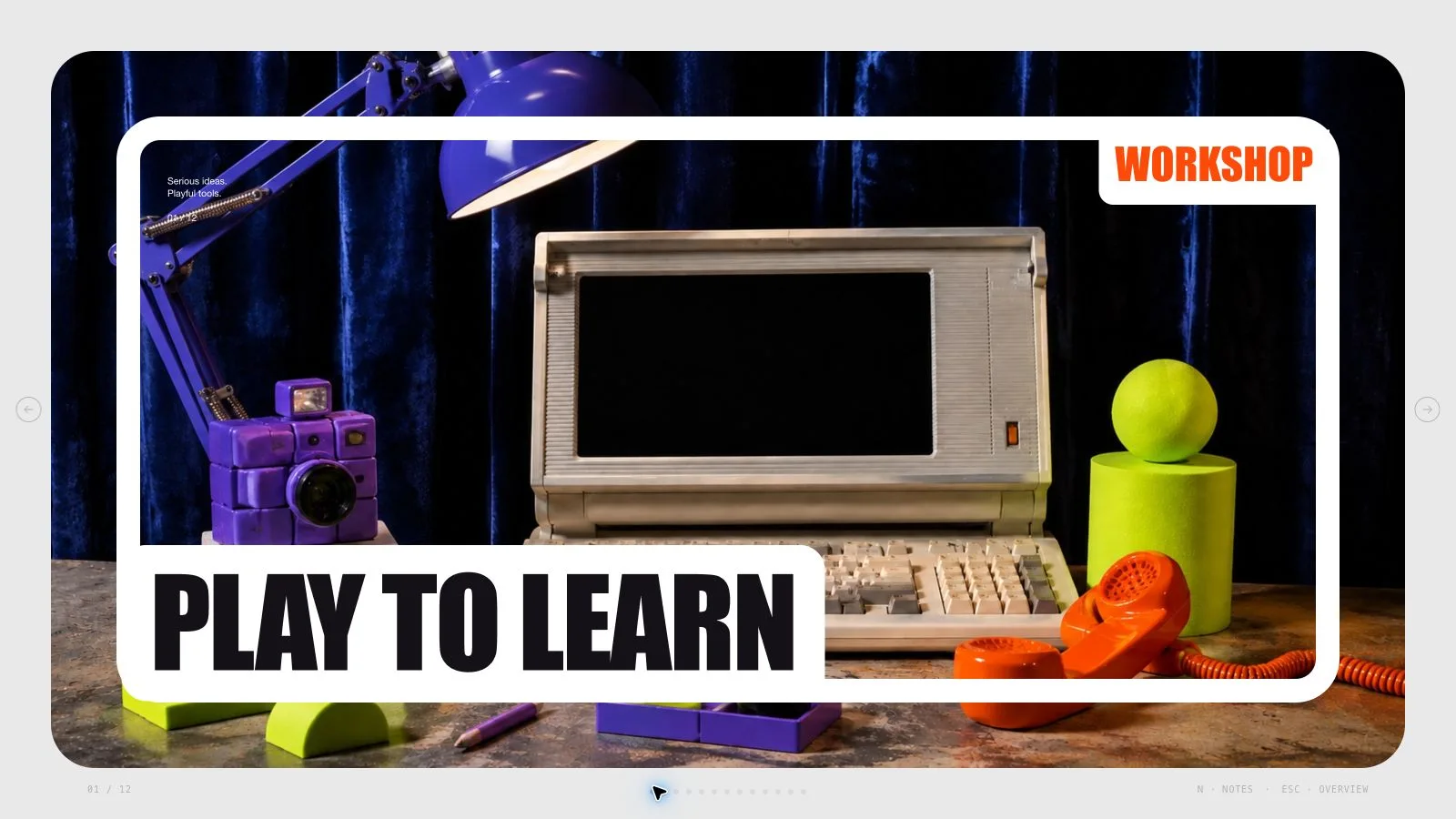
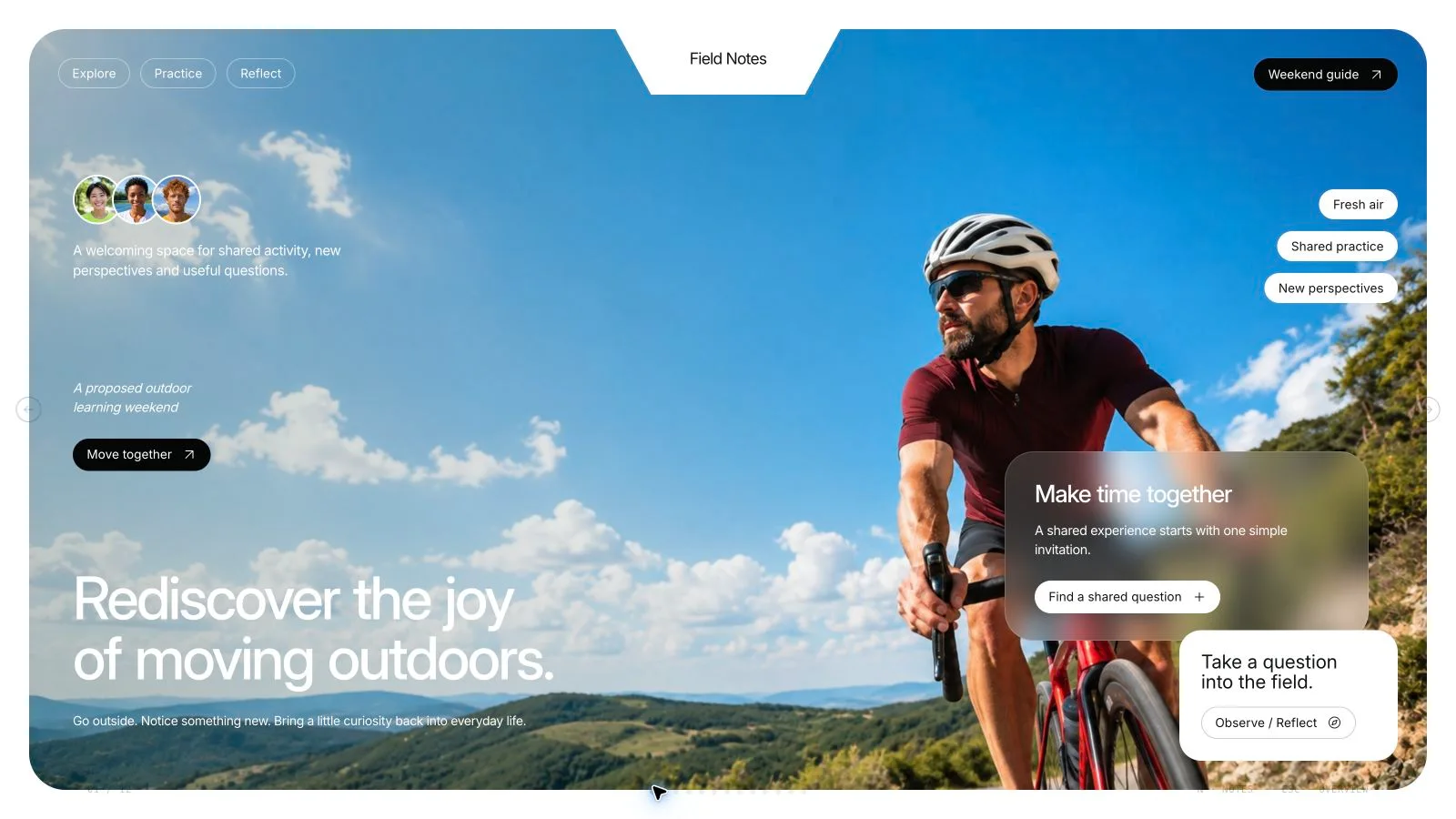
A standalone HTML presentation with notes, editing and presentation mode. Seven local library pictures include four fictional headshots and three topic-specific craft/maker scenes, while the example layouts contain six image slots. The installation supplies style recipes/runtime, Python build/check and Node media tools, not a finished marketing plan for your team.
Requested PPTX export with editable text and notes, separate pictures and rendered chart/background/decoration layers, or PDF with one 16:9 page per slide. Keep a record of actual font/line-break differences and any unverified output rather than promise every shape stays native.
Before you choose
Trace one launch goal through its channel, budget allocation, scorecard measure and owner. If the links do not support a clear next action, fix the plan before polishing crescent motifs. A coherent visual sequence should expose a planning gap rather than hide it.
Good fit
A marketer is preparing a plan, launch roadmap or budget decision with a clear audience and next action.
A team wants to keep revising language, owners and figures directly in a browser before the meeting.
A presenter needs one coherent serif/charcoal visual rhythm across the entire planning sequence.
Not for
Exact reproduction of another template, protected artwork or identity. The reference informs composition rather than supplying a brand to copy.
A PowerPoint deliverable with every bar, disc, card and complex chart preserved as a native shape or chart.
Automatic publication or paid image generation without authorization. Optional media tasks are separate from composing approved content.
Using craft-workshop example imagery or a fictional portrait as evidence of an unrelated business, real staff member or actual campaign result.
How to use
You say/cobalt-serif-marketing-deck Make a ten-slide deck for a neighborhood learning studio launch.
Supply topic, audience, intended decision/learning goal, source outline and approximate count, plus verified figures and rights-cleared images. State the next audience action and responsible owners. Use English unless another slide language is requested, and keep illustrative measures distinguishable from actual budgets/results.
Plan the sequence using the ten archetypes and preserve dark pages throughout. Choose Authored, Teal or Clay at generation time, keeping Newsreader/Geist and the crescent-disc logic. The shared editor permits individual color edits, not a three-theme picker.
Keep headline copy within seven words (cover five), one supporting line within eighteen words, at most three short items/blocks and about forty-five visible words per page. Use the 12-column grid with 77px margins and roughly a third of the canvas empty. Body stays at least 17px; split or move detail to notes instead of shrinking it.
Build roadmap, budget and scorecard from approved values, labels and owners. Keep the budget to four or five bars with widths proportional to the maximum and one accented bar. Photos bleed from an edge or sit in portrait circles, never overlap each other, and each photo appears on only one page. Use the inset accent card/photo signature on at most two pages.
Choose suitable library reuse, reuse with generated gaps or all-new pictures, using approved supplied assets first. The seven local pictures include craft-studio conversations, paper-folding and a maker doorway that are topic-specific; do not insert them into unrelated business narratives. Use the Node helper for catalog/checksum embedding and list unmatched slots.
For authorized new pictures, use an available built-in tool or the documented optional paid FAL path with FAL_KEY, recording a returned task ID for status/fetch without automatic failure resubmission. Separate provider/account charges may apply. Match 16:9 scene, square portrait and 2:3 contact-image source aspects, and keep chart text/discs in the live slide model.
Replace fictional maker-studio claims, names, budget values, targets and contact details. Compose/build/check with Python 3 and the expected count/style kit; Node is for media helpers. Preserve font/icon notices, embed all final media and keep under 20 MB. Resolve leftovers and placeholders before calling the deck complete.
Open over local HTTP to inspect type, contrast, chart scale, crop, owner labels and page bounds. Test Edit/E, notes/order/object changes, undo/redo and Save/reopen, then rehearse with the notes. Export requested PPTX/PDF, run the PPTX check and inspect text/notes/fonts/rendered chart layers in the target application before sharing.
Requirements and costs
You bring
Topic, audience, and the decision or learning goal. · Approximate page count and a source outline. · Verified figures and image rights for any supplied material.
Dependencies
Modern browser — required for presentation and browser editing · Chrome, Chromium or Edge plus Node.js 20 or newer — required only for PowerPoint export · Built-in image generation in your agent (GPT Image class) — only needed to create new pictures; no separate API key · Internet access — optional, to download this Skill's picture library while building a deck
Outside costs
Decks can reuse this Skill's own picture library at no image cost: you choose up front whether to reuse it or generate every picture new. New pictures use your agent's built-in image generation tool (GPT Image class) with no separate API key, and availability follows your agent account.
Publisher testing
v1.0.3 — Claude Code / Claude Desktop / Cowork / Codex / ChatGPT
FAQ
Yes. Use Edit or E in the standalone HTML to revise text, pictures, page order and notes, then Save the updated file. Named palettes apply during generation, with individual color changes available in the editor. PPTX keeps text/notes editable while complex artwork/charts are rendered and photo nodes stay separate.
No account is needed for suitable reuse of the seven local library images. Approved user images come first. The three craft/maker scenes have topic restrictions; unsuitable frames should be listed or replaced. New pictures may use an available built-in tool or optional paid FAL route, subject to the selected provider/account limits.
Choose Authored, Teal or Clay during generation while retaining the dark pages, serif/sans pairing, hierarchy and restrained accents. Photos retain their authored colors. The current shared editor has no preset theme chooser, so a preset change is an authoring choice rather than a one-click theme menu.
Check actual totals, units, bar proportions, target dates and accountable owners against the supplied plan. A budget chart compares values relative to its largest bar; it does not verify the spending decision. Distinguish a target from an observed result and keep the same meaning in the notes and closing ask.
User reviews
—0 reviews
Select a star to share your experience.
No reviews yet. Ratings appear once readers share real experiences.