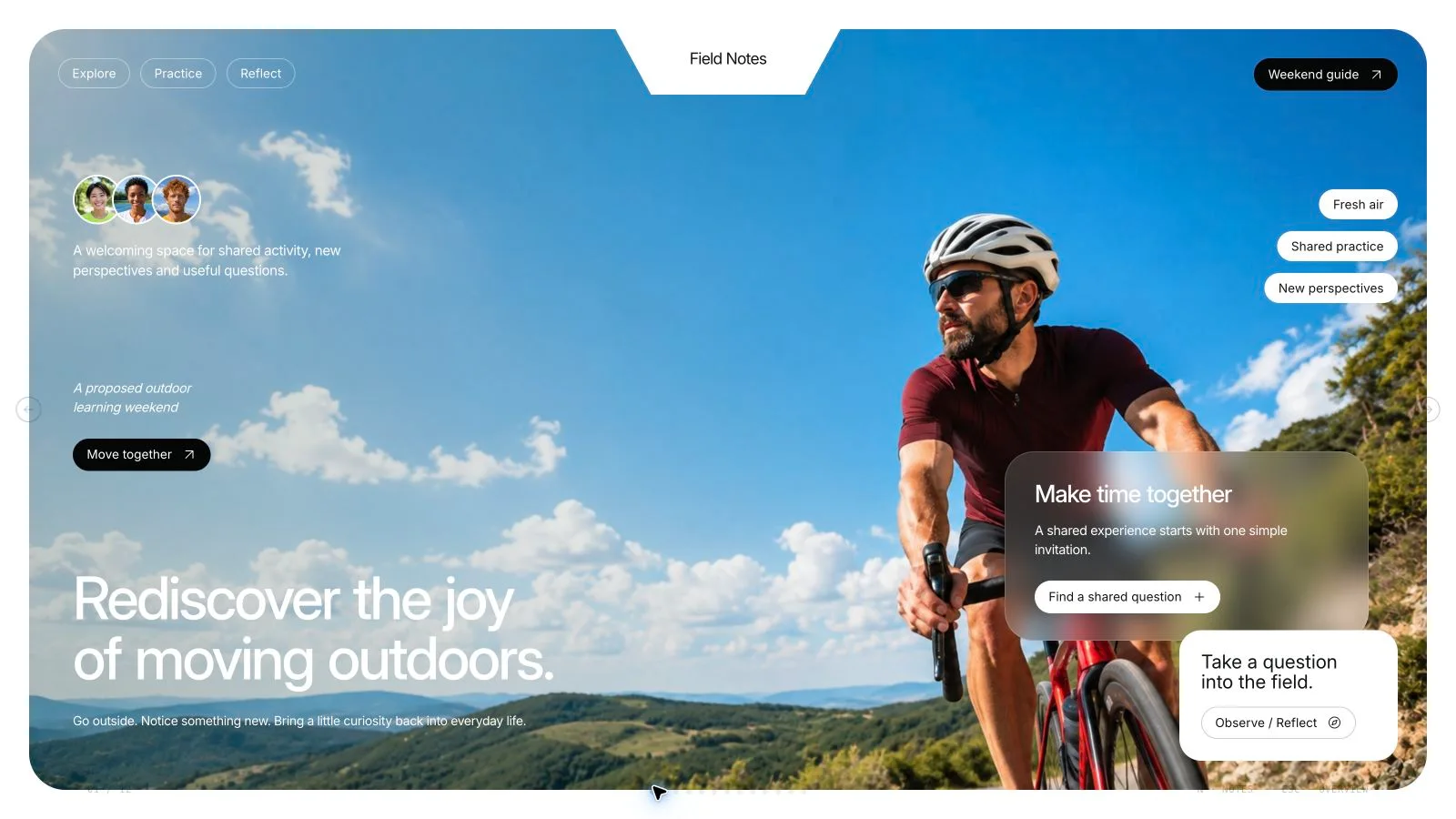
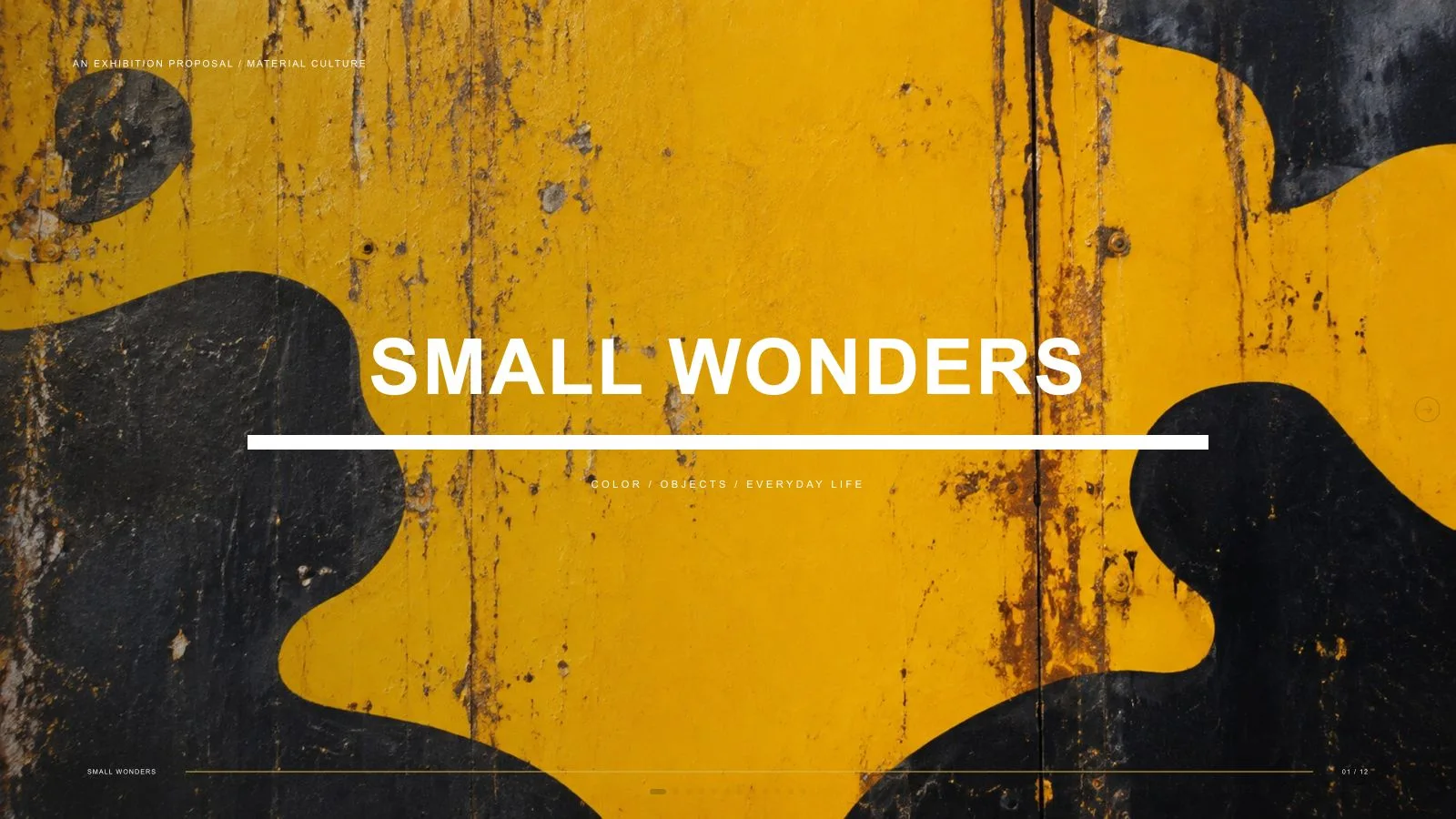
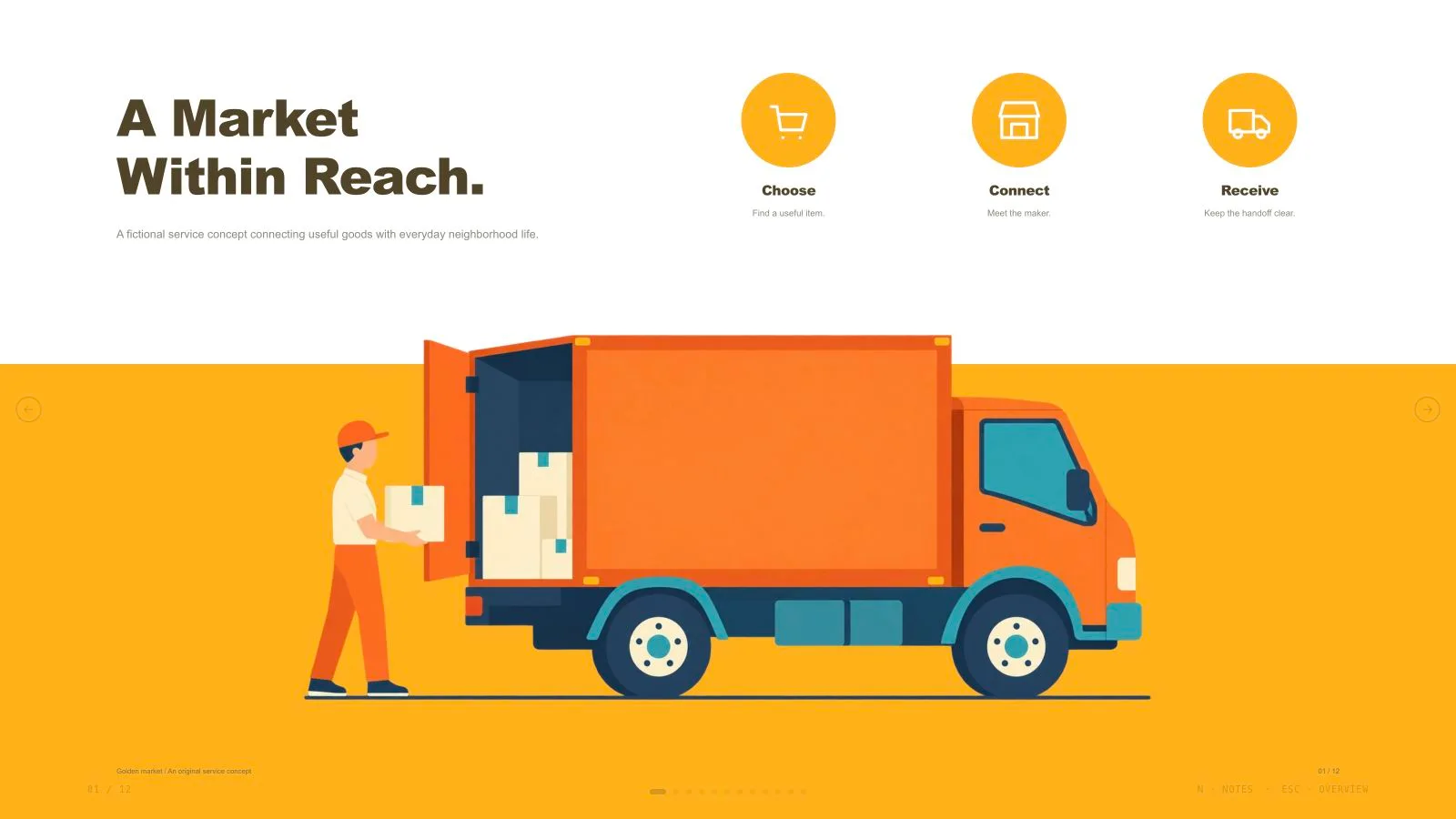
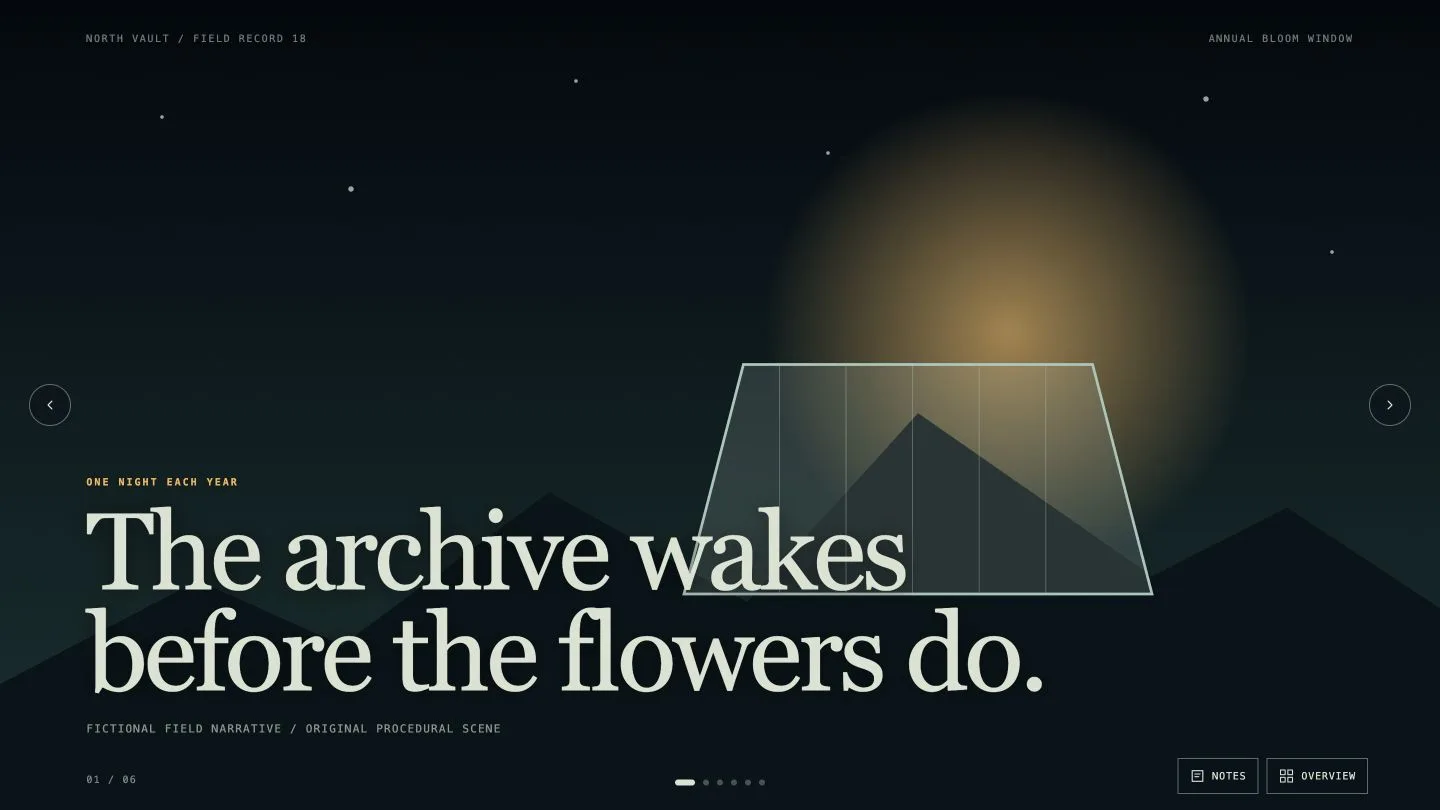
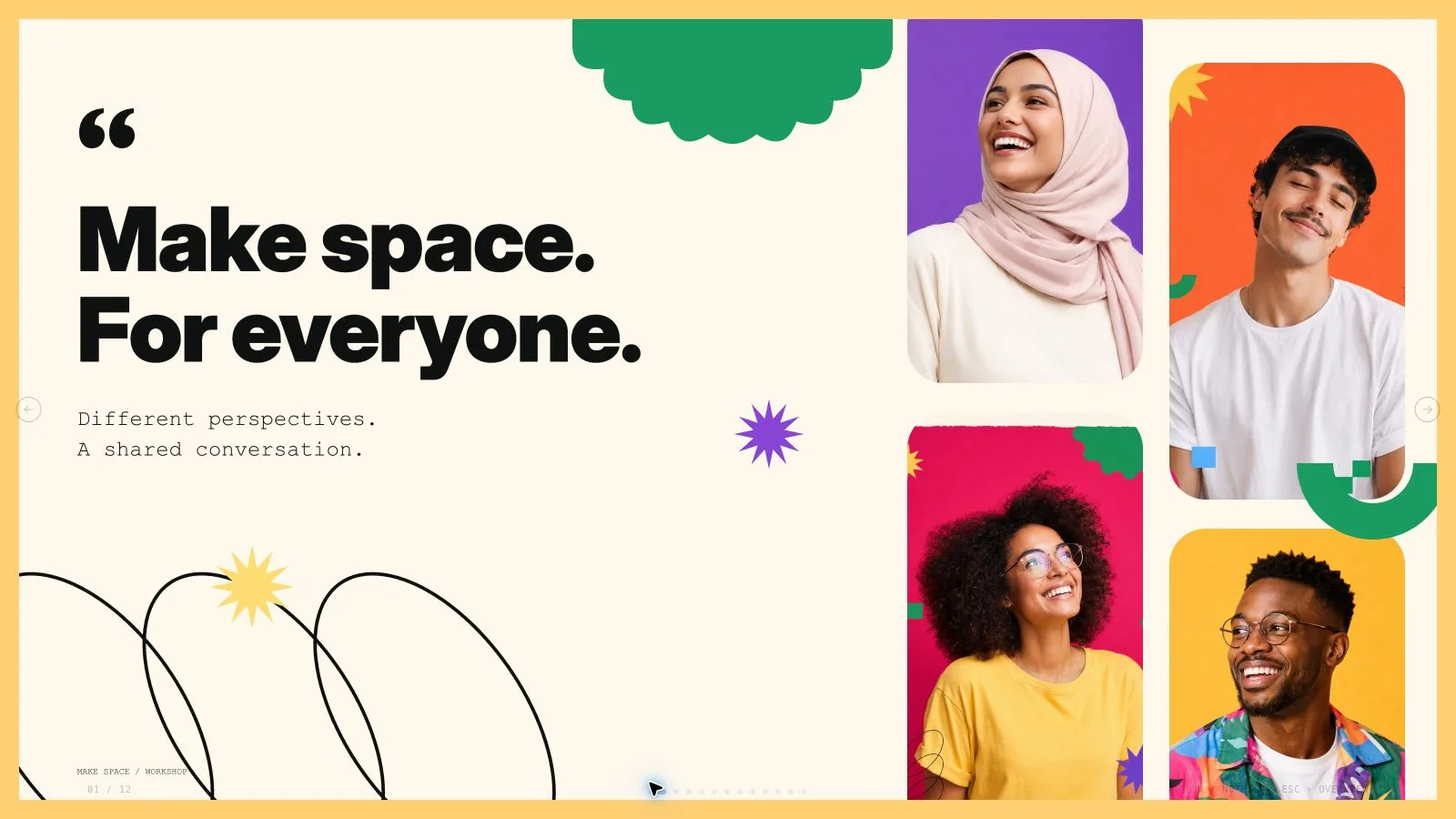
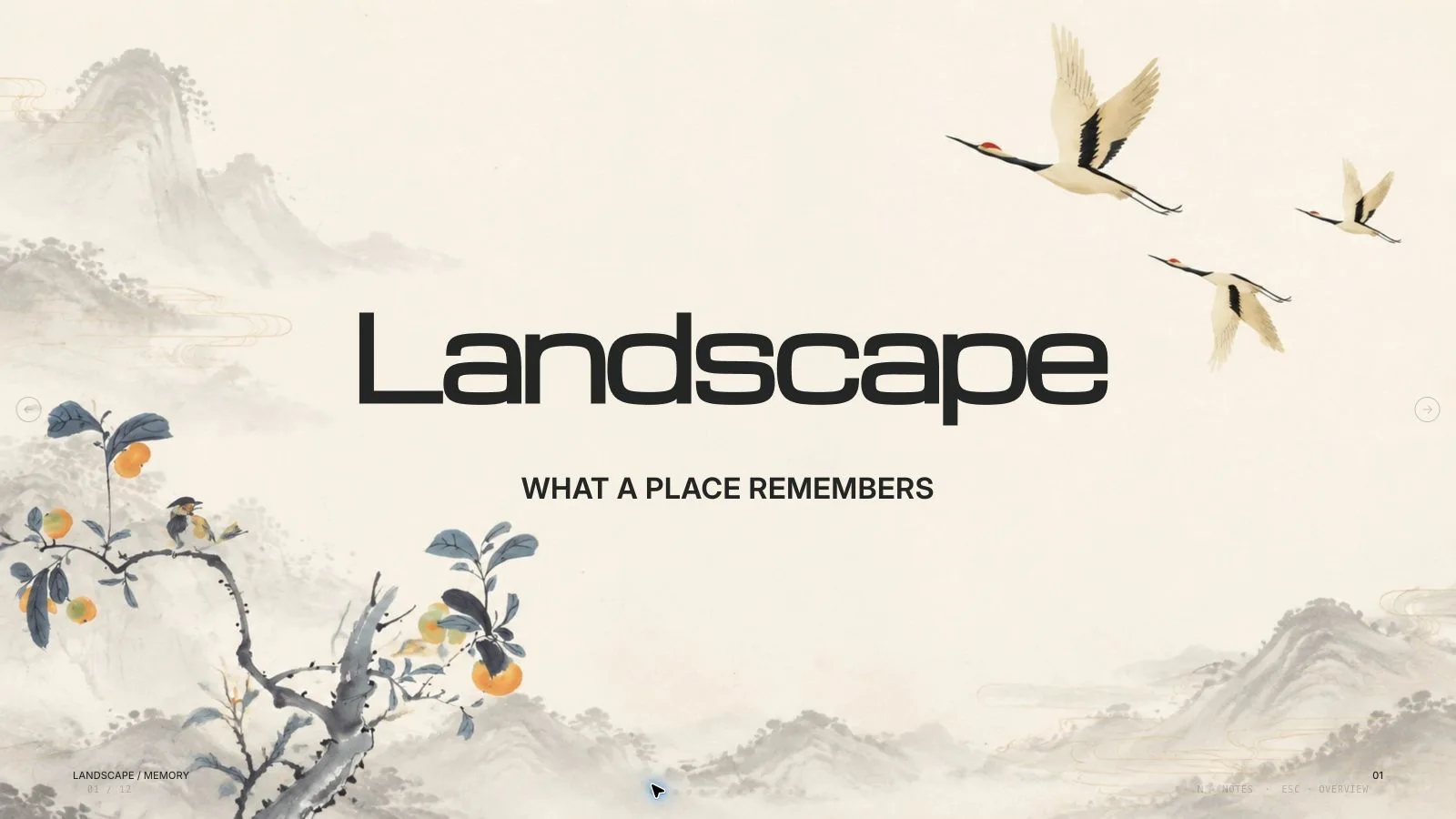
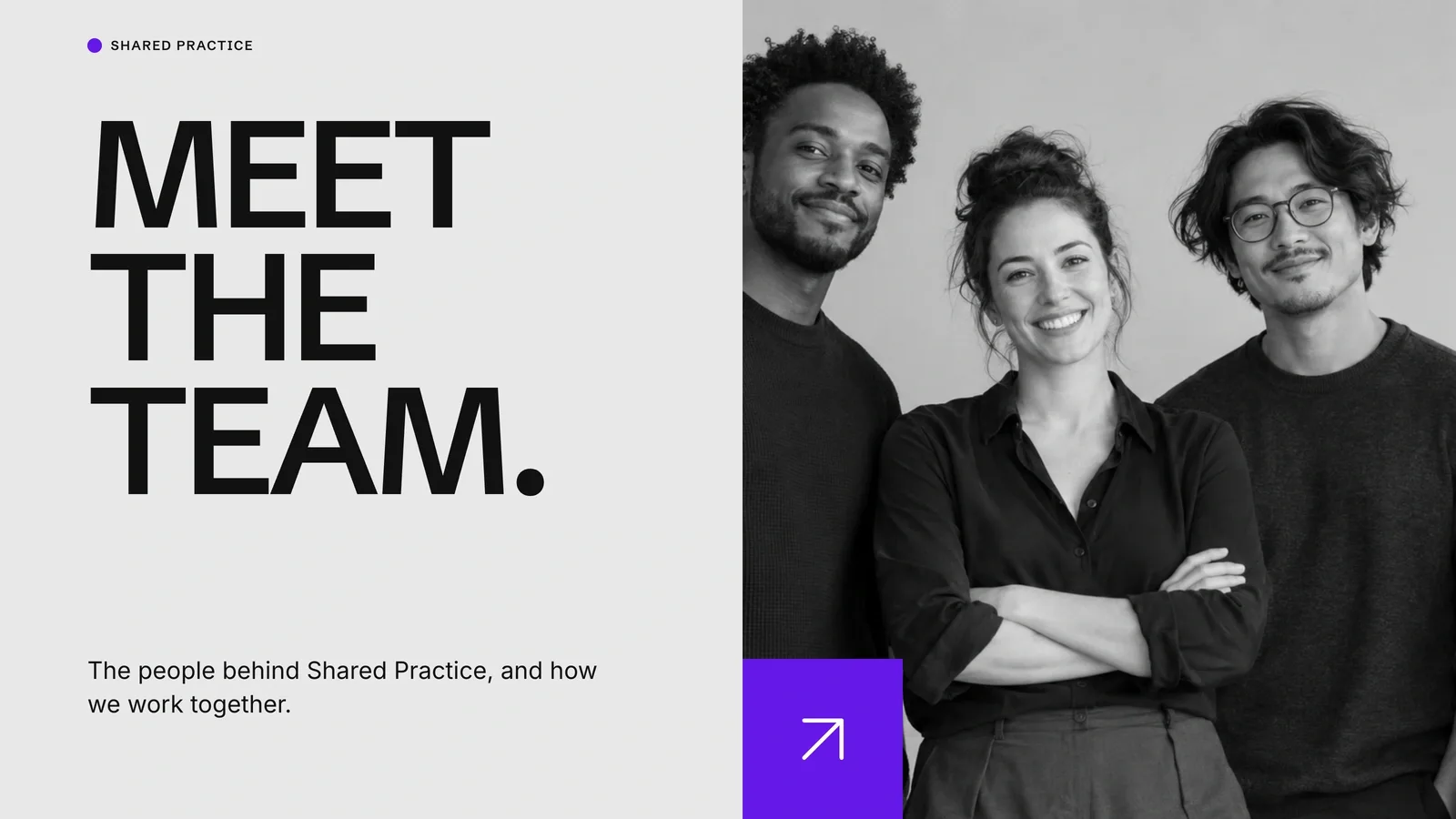
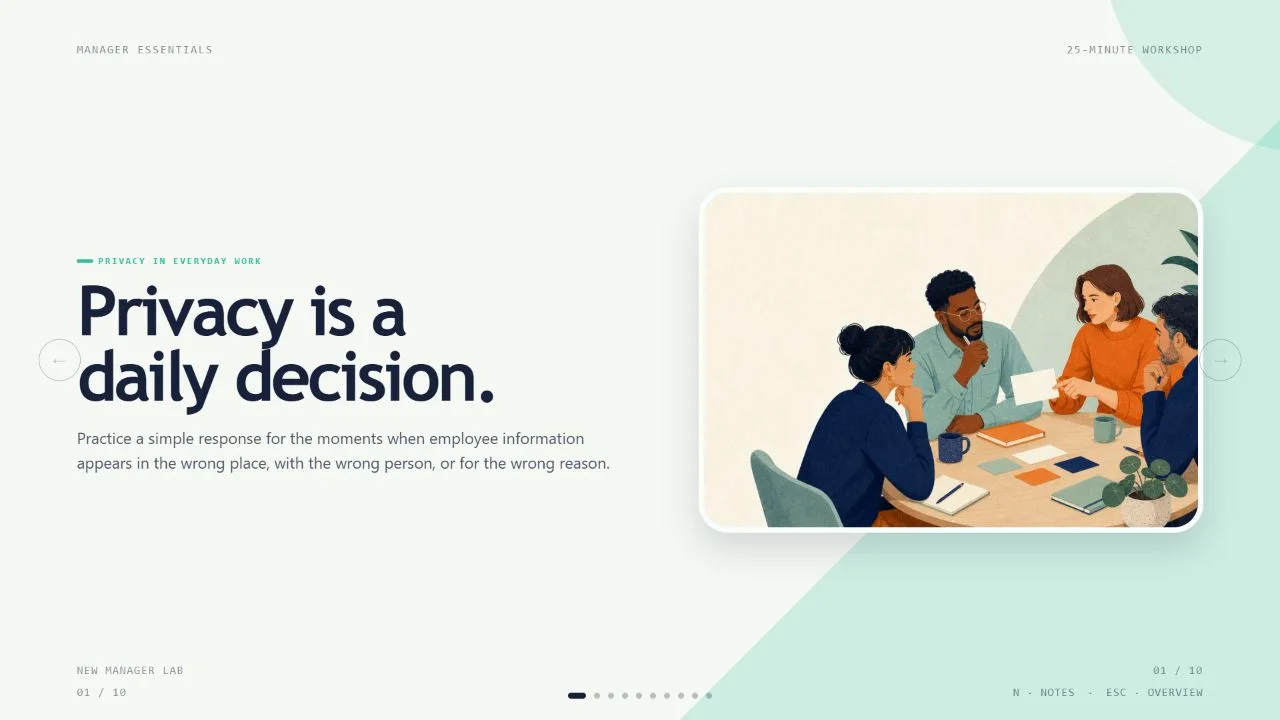
Present a workshop as a sequence of questions, prototypes, iterations and decisions. Electric Studio Deck combines oversized condensed headlines, thick rounded frames and tactile workbench photography with violet, orange and lime panels. The example workshop is fictional; your evidence determines the story and exact slide count, not the number of bundled layouts.
What you get
Twelve reusable roles: framed workbench cover, cutout-photo introduction, three-capability panel, statement, asymmetric prototype evidence, iteration ledger, paper-sculpture feature, time-allocation bars, three-role portraits, three-project prototypes, workshop-process photograph and framed close. Add, remove, reorder or extend compositions to match the actual brief.
A light-gray outer canvas with rounded white/saturated panels, Impact-style compressed uppercase headings and compact Helvetica Neue/Arial body text. Stepped cover labels, tilted lime/violet word chips, asymmetric information cards and a three-bar violet chart alternate with hard-lit physical materials. Electric Workshop, Printroom Pop and Night Prototype are generation-time palette choices.
Seventeen local catalog photographs/objects cover retro desk props, foam/paper models, hinge joints, furniture, origami, portraits, electronics and a shared worktable. Several are topic-specific. Use a different pictorial source per page and keep illustrative models, people and bars separate from evidence of your actual project.
A self-contained 1280×720 browser presentation with page navigation, overview/thumbnails, notes, editing, presentation mode and print styling. Text and diagrams stay live around photographs. The ZIP supplies recipes, references and build/media tools; the included generic schema fixture is not a finished custom workshop deck.
PPTX on request keeps native text/notes and separate pictures; backgrounds, SVG decoration and complex visual effects are rendered layers. PDF printing produces one 16:9 page per slide. Check actual exports and recipient fonts instead of promising identical wrapping or all-native shapes.
Before you choose
A physical prototype should make a decision easier to understand. Explain the question, what a model can demonstrate, what was observed and what happens next. Retain uncertainty in the iteration ledger and label time allocations as plans unless measured; energetic photography should not masquerade as evidence of a completed workshop.
Good fit
A design facilitator has a workshop question, planned activities and a tangible way to show how decisions will be explored.
A studio needs consistent pages for capabilities, prototype evidence, iteration notes, roles and next steps.
A presenter can supply source material, audience, language and a desired length, then review the visual story at presentation size.
Not for
Reproducing another studio’s identity, artwork, protected characters, recognizable faces or branded product photography.
Automatic research or invented workshop outcomes, validated prototypes, time-allocation measurements or proof metrics.
A requirement for every PowerPoint background and decoration to be a native shape; some export layers are rasterized.
How to use
You say/electric-studio-deck Create a twelve-page design-workshop pitch with retro prototypes and vivid purple, lime and orange panels.
Supply topic, audience, key messages, source facts, content language and exact slide count, including opening/closing unless stated otherwise. If the count is unspecified, agree a proposal based on the material and duration. Separate planned activities, observed results and proposed decisions.
Choose one palette and map a distinct job to each page: question, capability, prototype, iteration, role or next decision. Select/extend the twelve optional compositions rather than repeating one bento layout. Replace example numbers, people, prototypes and chart labels; use actual evidence or explicitly labelled proposals, never fabricated proof.
Choose supplied pictures first, then suitable library reuse, generation for missing slots or all-new art; reuse is the fallback if no route/tool is available. Log page, subject, ratio, placement, palette, prompt and result. No fixed artwork quota applies. Use each pictorial source once; crop, recolor and rotation do not create independent artwork. Functional SVG primitives may repeat.
Check library restrictions for model making, furniture, origami, maker portraits, robotics, electronics and lighting. Keep each asset relevant rather than presenting an illustrative model/person as a real case. Use slot ratios from the kit, disclose unresolved frames and generate only through the supported built-in route or FAL helper/FAL_KEY. Paid FAL tasks are submitted once then checked/fetched, with no automatic failed-task replacement and separate generation costs.
Compose from the style kit with new copy, alt descriptions, pictures, icons and data by node ID; remove unused nodes and preserve scoped content styling. Use Python 3 to compose/build/check, with Node for optional media helpers. Resolve unfilled-image and leftover-example reports, verify the count and inline assets/fonts under the 20 MB ceiling.
Inspect all 1280×720 pages over local HTTP for condensed-title fit, frame thickness, chip rotation, photo crops, image uniqueness, chart labels, contrast, spacing and page/notes consistency. Test edits, block moves/additions/removals, layout/color changes, notes, undo/redo, Save/reopen and presentation mode. Static validation does not establish visual quality or support for the workshop claims.
Deliver the standalone HTML in page view and explain Edit/E and Save (Cmd/Ctrl+S). Browser recovery is local; Save writes a portable updated file. Set interface/content locales independently with framework CJK/RTL support. Export/check/inspect requested PPTX/PDF and qualify font substitution and rendered effects. Named presets are not switchable themes in the shared editor.
Requirements and costs
You bring
Presentation topic and audience · Key messages or source material · Desired slide count and language
Dependencies
A browser for presentation and verified print export · Node.js for local validation · A host image generation tool for fresh artwork · Chrome, Chromium or Edge plus Node.js 20 or newer — required only for PowerPoint export
Outside costs
Generating new artwork may incur a separate provider charge. The included original example can be viewed without image generation.
Publisher testing
v1.0.5 — Claude Code / Claude Desktop / Cowork / Codex / ChatGPT
FAQ
Yes. Preserve the strong type, rounded panels and tactile-image grammar while adding, removing or reordering layouts for the exact agreed count. Discuss a count from the material and duration if needed. Twelve recipe roles are options, and the fictional workshop is not evidence for your project.
Only when suitable supplied or bundled images cannot cover the plan. The catalog contains seventeen assets, several limited by subject. Use each pictorial source on one page, with no fixed image quota. Fresh art can incur provider/host costs; any unresolved frames should be identified before the deck is treated as complete.
Edit words, pictures, order, colors, layouts and notes in the HTML and Save. Palette presets guide generation; the shared editor has no per-style theme chooser. Its embedded PPTX export replaces the old mandatory Node/Chromium export chain. Python handles source building/checking and optional media helpers use Node. PPTX text/notes and pictures remain separate, while decorative layers are rendered. Inspect fonts/wrapping in PowerPoint, Keynote or WPS and check PDF separately.
User reviews
—0 reviews
Select a star to share your experience.
No reviews yet. Ratings appear once readers share real experiences.