Image Narrative Deck

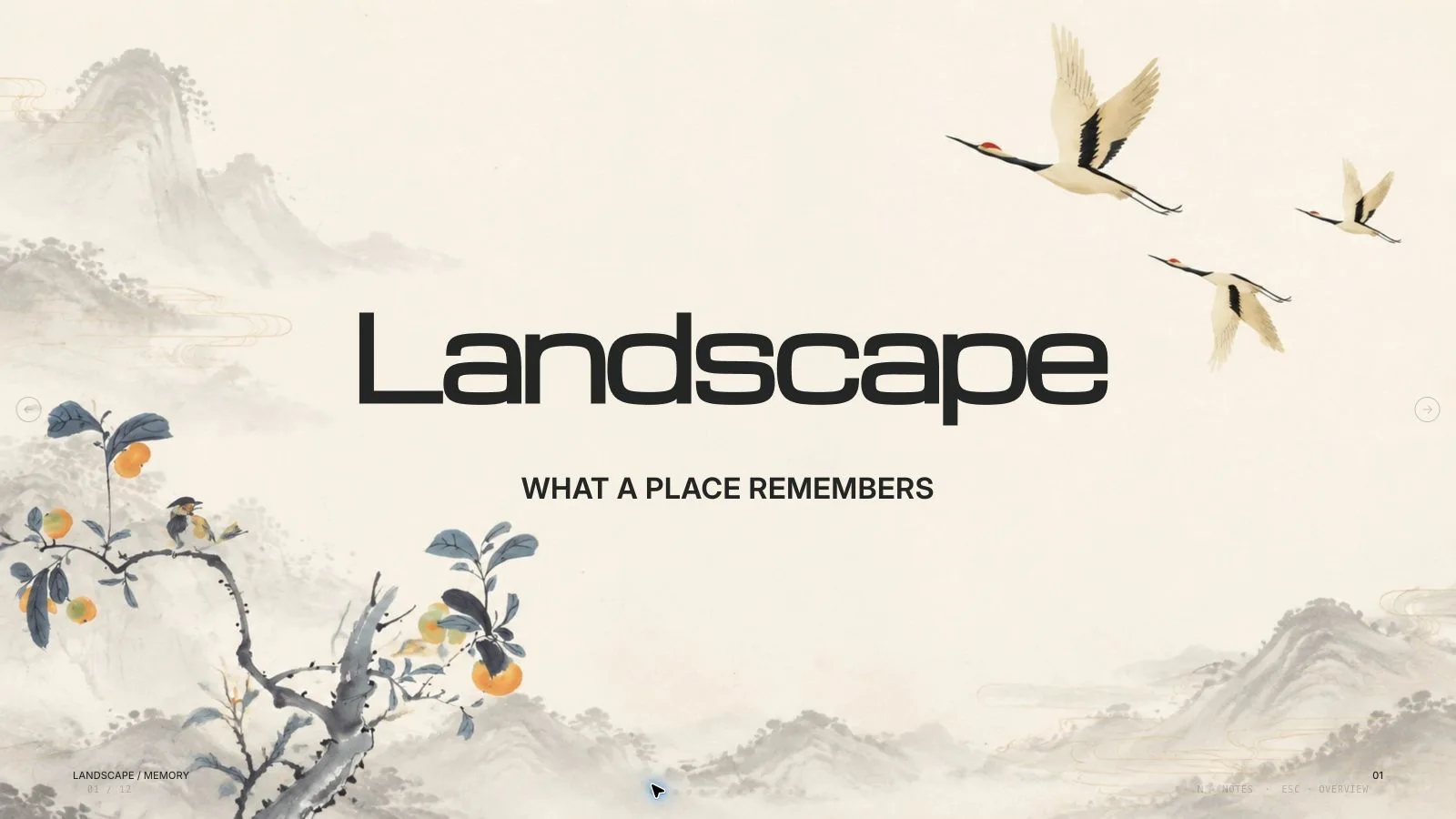
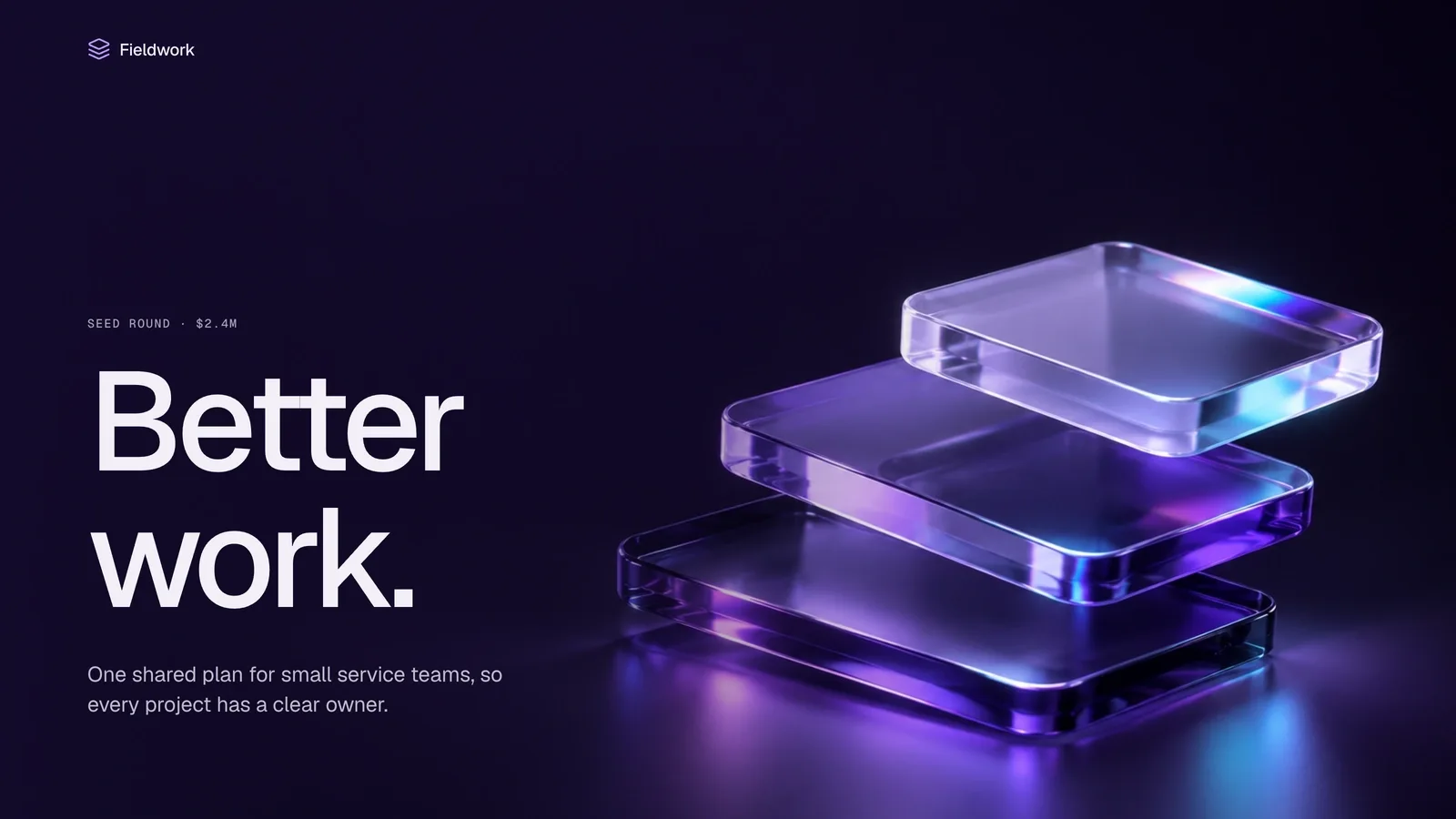
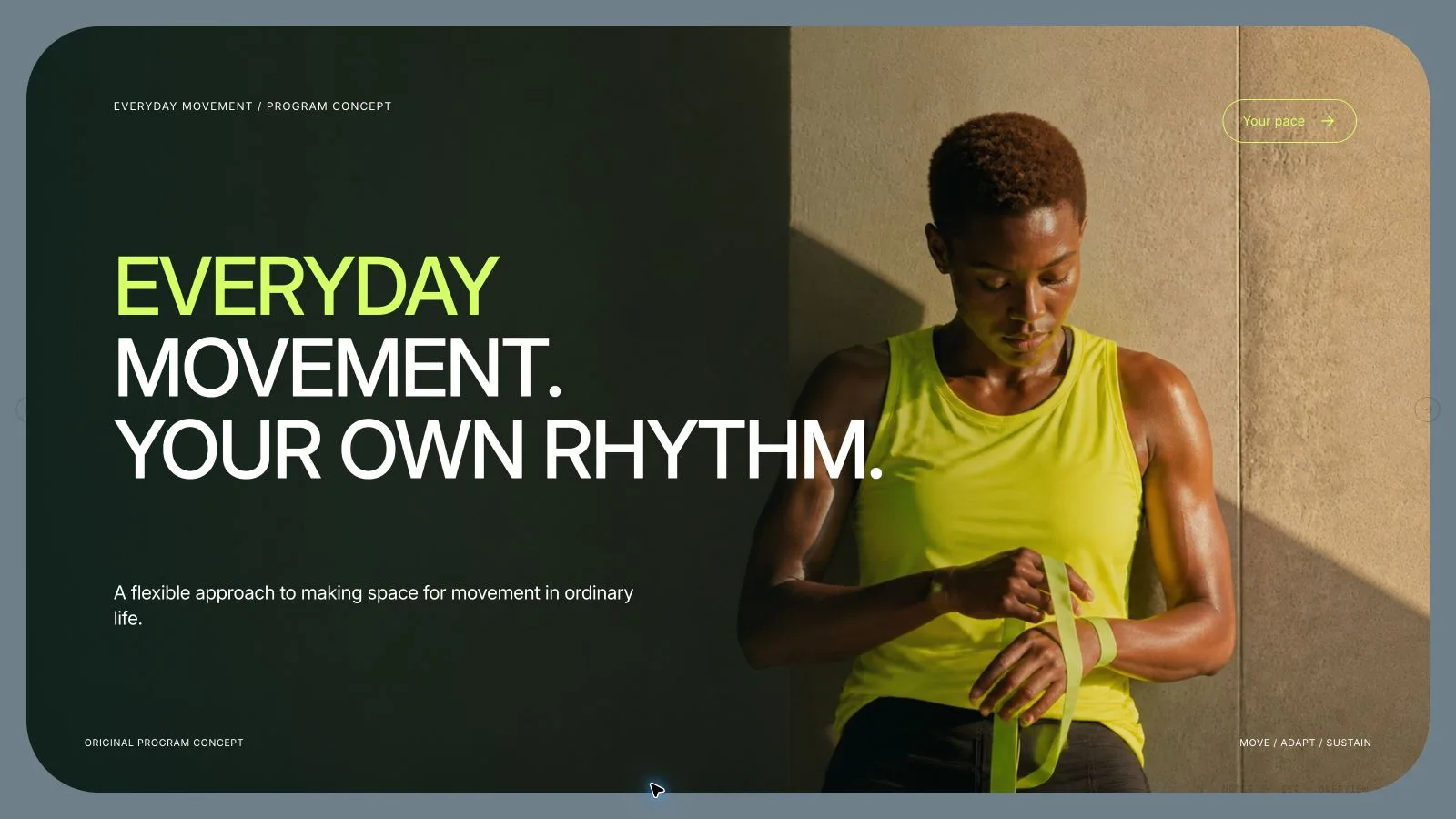
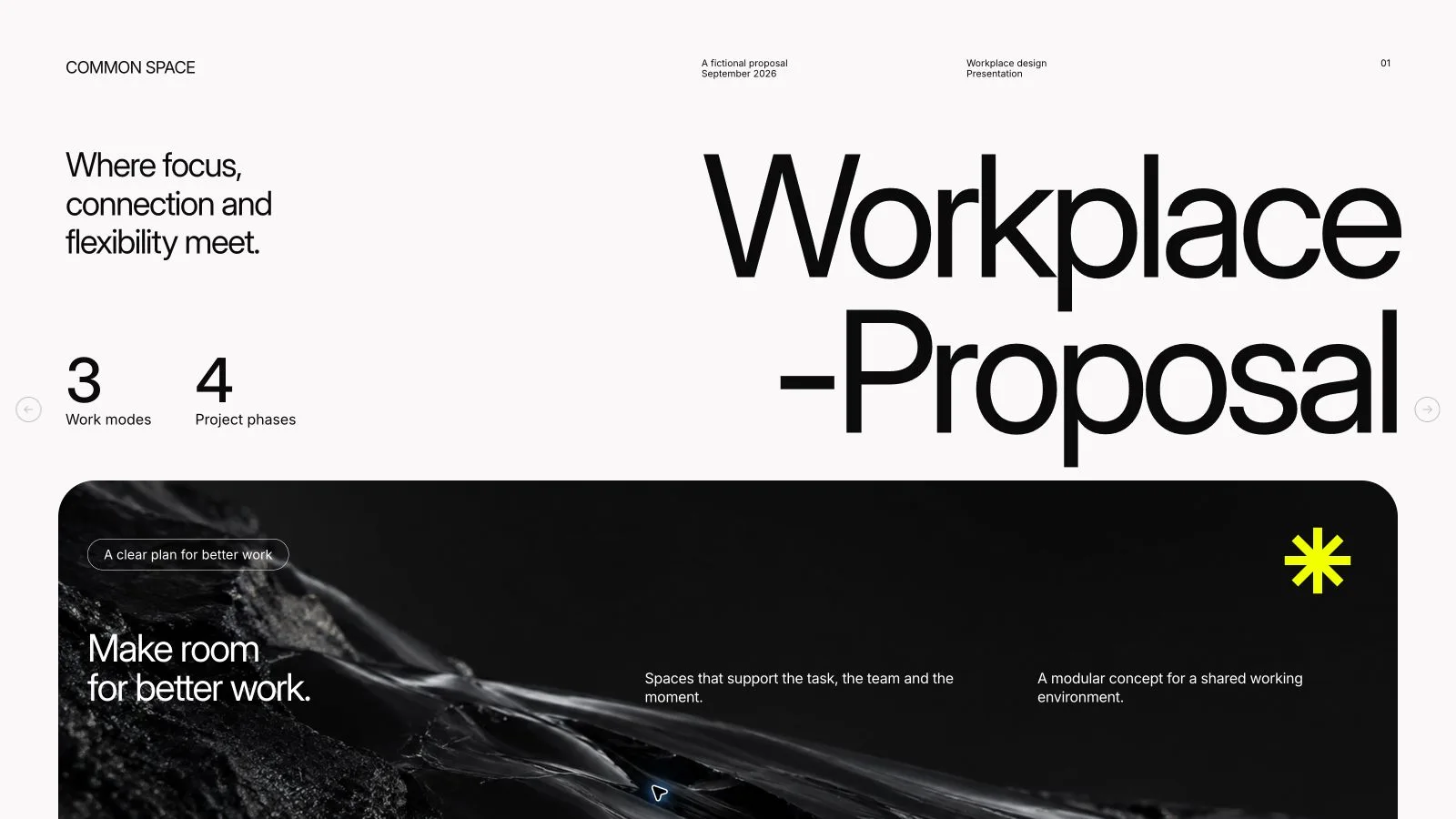
Tell a verified story through a sequence of scenes rather than a page of explanation. Image Narrative Deck places one dominant visual beside a short live caption, changing scale and negative space as the story moves from its opening through a complication and turning point to the audience’s next action. Speaker notes carry the context; the editable 16:9 HTML remains readable without animation.

What you get

  • A scene-led narrative with an opening image, complication, turning point, consequence and closing audience action. Wide establishing views, details, split horizons and quiet pauses vary the visual pace instead of repeating one layout. The six supplied scene recipes are reusable structures, not a compulsory six-slide storyline.
  • One dominant scene per slide, with captions normally under twenty-four words and occupying less than a quarter of the canvas. A pause can use eight words or fewer. Caption positions should not repeat across three consecutive pages, and essential words remain live text rather than becoming part of the artwork.
  • Three to five speaker talking points on every slide that add context, qualifications and transitions instead of reading back the caption. The final scene and its action must make sense as a still frame, with no dependence on a timed animation to explain the story.
  • Original procedural scenes drawn with the kit’s inline SVG and CSS, so the deck can be composed without supplied photographs or paid image generation. Rights-cleared pictures supplied by the user can be used when appropriate. Night Archive, Ember Field and Polar Cinema are generation-time palettes for a coherent visual world; they are not an editor theme picker.
  • A self-contained editable HTML presentation with page viewing, editing, presentation mode and notes, plus requested PPTX/PDF exports. Captions become native PowerPoint text boxes and notes remain in the notes pane; scenes/artwork are rendered picture layers, with supplied picture nodes exported separately. The installation contains style recipes/runtime/build tools, not a completed documentary or verified account of its fictional archive story.

Before you choose

Ask what a viewer would believe from each image even if the caption were hidden. A scene can imply a real event, place or measurement more strongly than the text does. Keep factual evidence distinct from illustration, and use the notes to add meaning rather than defend an image that the approved story cannot support.

Good fit

  • A documentary pitch, product launch story or cultural explainer benefits from a cinematic visual sequence and a clear emotional arc.
  • The speaker will carry the context aloud and wants the audience to look at a scene rather than read paragraphs from the screen.
  • A narrative report has confirmed facts, a clear sequence of events and permission to use any supplied photographs or references.

Not for

  • A dense analytical deck where tables, detailed evidence and separately editable chart components are the main requirement.
  • A story whose crucial facts remain unresolved or whose requested scene would misrepresent evidence. Resolve those gaps before making a persuasive image.
  • Images with unclear usage rights. The scene treatment does not turn an unapproved reference photograph into cleared material.
  • A movie/video export, a fully editable collection of native PowerPoint illustration shapes, or a replacement for the speaker’s full narrative.

How to use

You say/image-narrative-deck Turn these field notes into a cinematic deck about a seed archive preparing for one bloom window.
  1. Provide the topic, audience, purpose, intended emotional arc and confirmed facts or quotations. Identify the required narrative beats, slide count, venue constraints and note requirements, plus any rights-cleared reference pictures. Pause to resolve missing facts, uncertain rights or a scene that implies an unsupported event.

  2. Outline the opening image, complication, turning point, consequence and final audience action. Assign one visual beat and one meaning to each slide. Plan changes in camera distance, scale and empty space, using full-frame views, details, split horizons, a negative-space pause, evidence constellation or final tableau where the story warrants them.

  3. Choose Night Archive for nocturnal/memory/conservation stories, Ember Field for human journeys/craft/origin stories or Polar Cinema for exploration/climate/infrastructure. Keep captions high contrast and accent color scarce. Aim for fewer than twenty-four live words per slide, under one-quarter of the canvas, and avoid the same caption placement on three successive scenes.

  4. Compose from the six procedural SVG/CSS recipes and replace their fictional archive/bloom narrative, times, sample evidence labels and scene-specific details with the approved story. Adjust the visual itself where a different subject requires it; changing a caption alone does not make the archive scene true for another topic. Use supplied approved photos when available, retain essential copy as live type and do not require paid image generation to complete the deck.

  5. Write three to five talking points per slide that explain the context, transition and caveat omitted from the short caption. Check the sequence as still images: it should communicate the intended arc without animation. Meaningful visual annotations use labeled inline SVG, not decorative brand marks or text-glyph icons.

  6. Compose/build/check through the bundled Python 3 path, resolving sample leftovers and unfilled slots with the style kit. Keep final assets embedded and the shared editor unchanged. Open over local HTTP and inspect every scene, caption contrast, crop and page boundary; UI language and story language can differ, with English copy the default unless requested otherwise.

  7. Use Edit or E to change captions, replace pictures, reorder/duplicate/remove scenes and edit notes. Test undo/redo, Save (Cmd/Ctrl+S) and reopening the saved file. Recheck visual rhythm after reordering. Export requested PPTX/PDF from the standalone deck, run the PPTX checker and inspect notes, editable captions, rendered artwork and font substitution in the target application. Deliver the preset, count, source/rights notes and actual QA findings with the HTML.

Requirements and costs

You bring
Topic, audience, and intended emotional arc · Approved source facts and required narrative beats · Optional rights-cleared visual references
Dependencies
Modern browser — required · Chrome, Chromium or Edge plus Node.js 20 or newer — required only for PowerPoint export
Outside costs
Not collected yet
Publisher testing
v1.0.5 — Claude Code / Claude Desktop / Cowork / Codex / ChatGPT

FAQ

User reviews

—0 reviews

Select a star to share your experience.

No reviews yet. Ratings appear once readers share real experiences.

Similar Skills

View all skills