Inclusive Cutpaper Deck

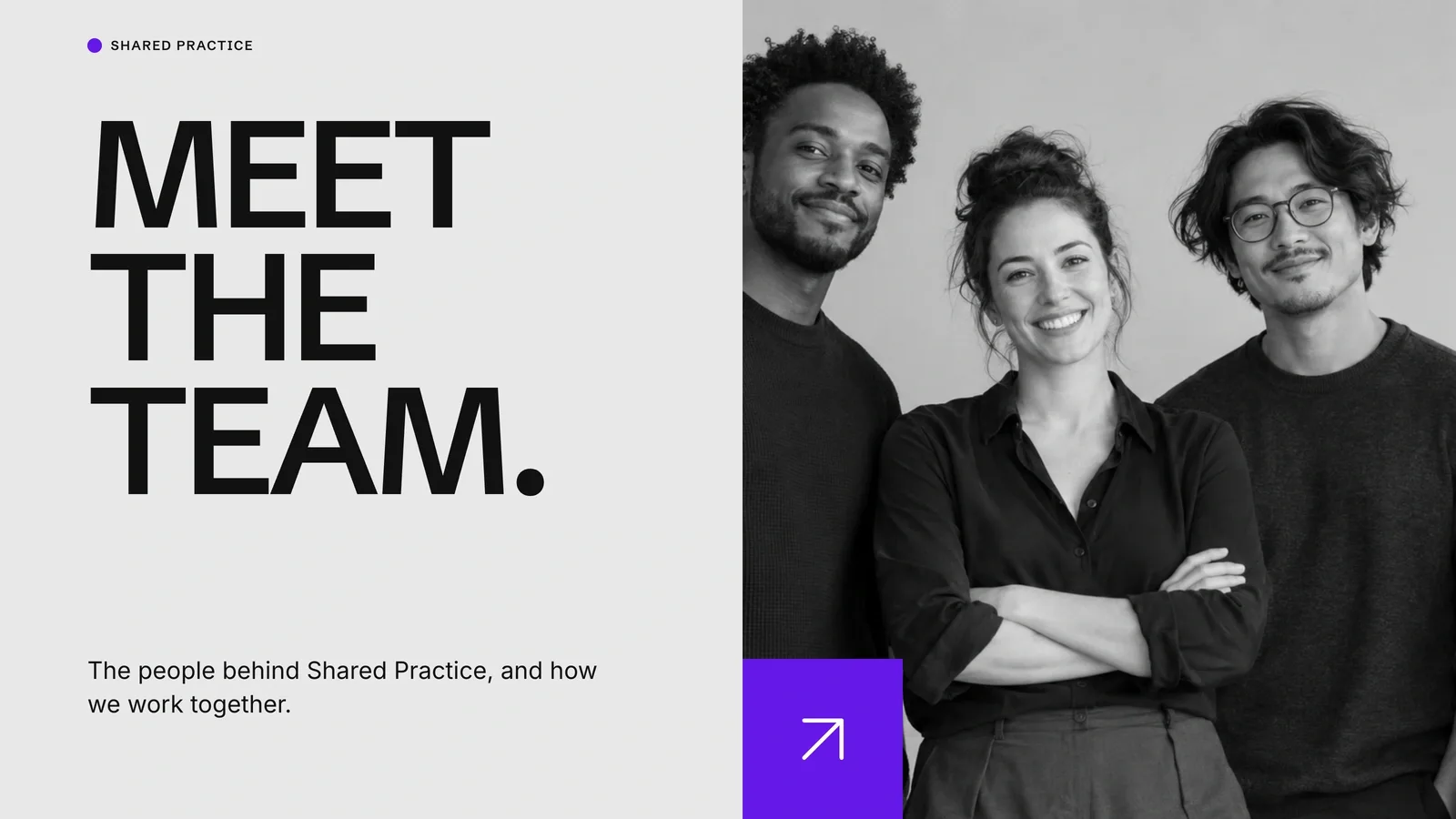
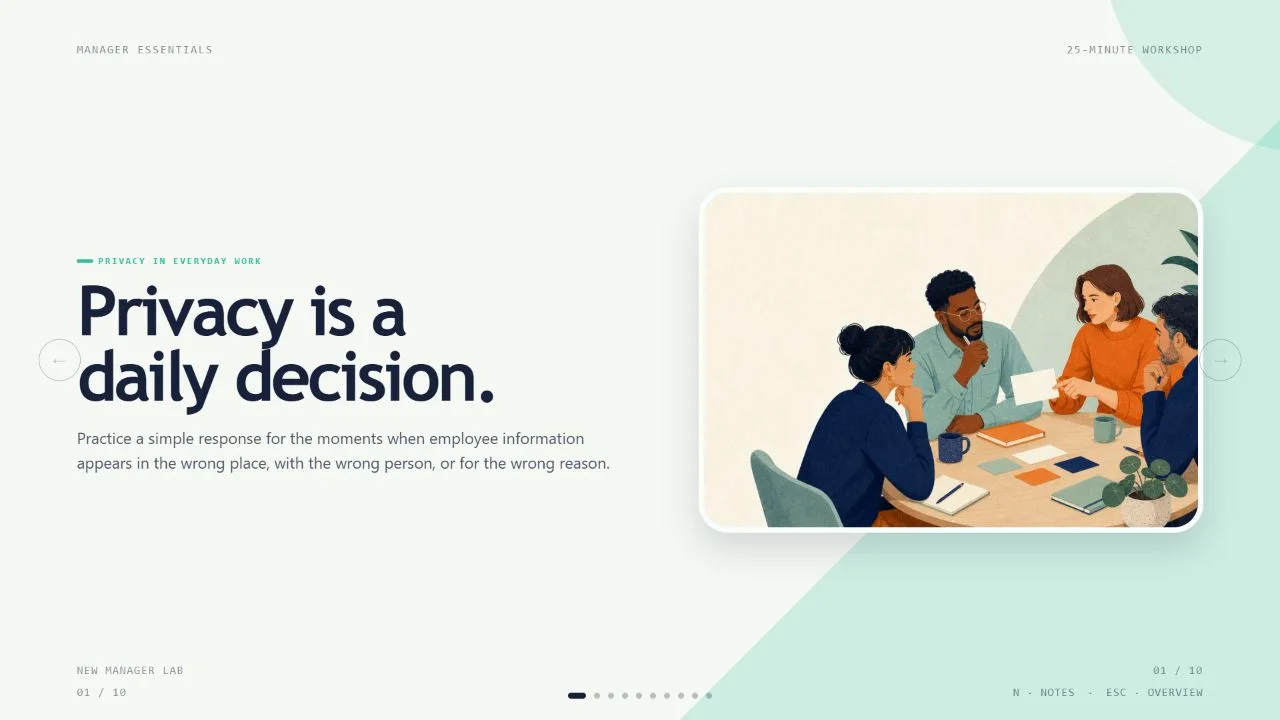
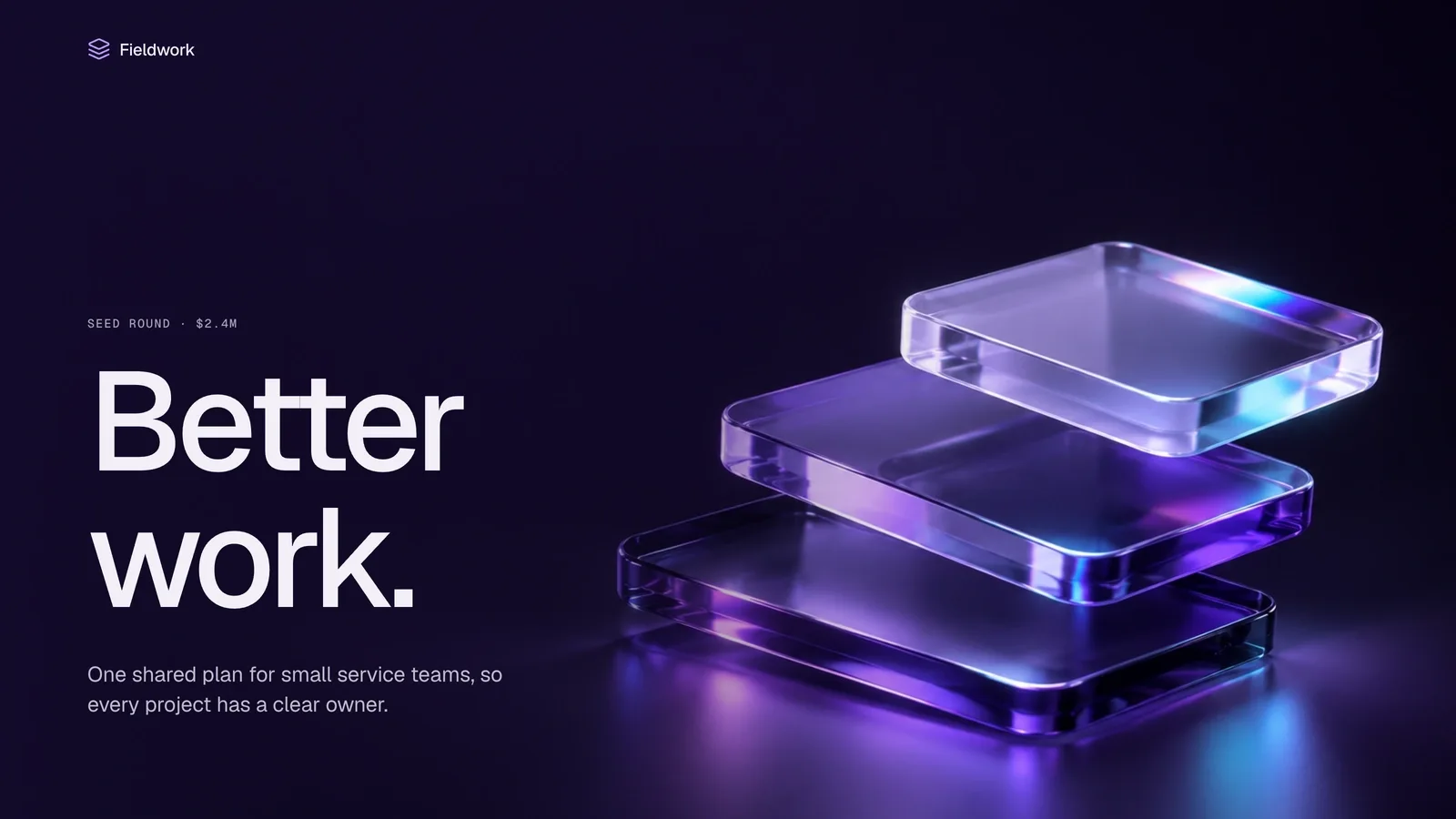
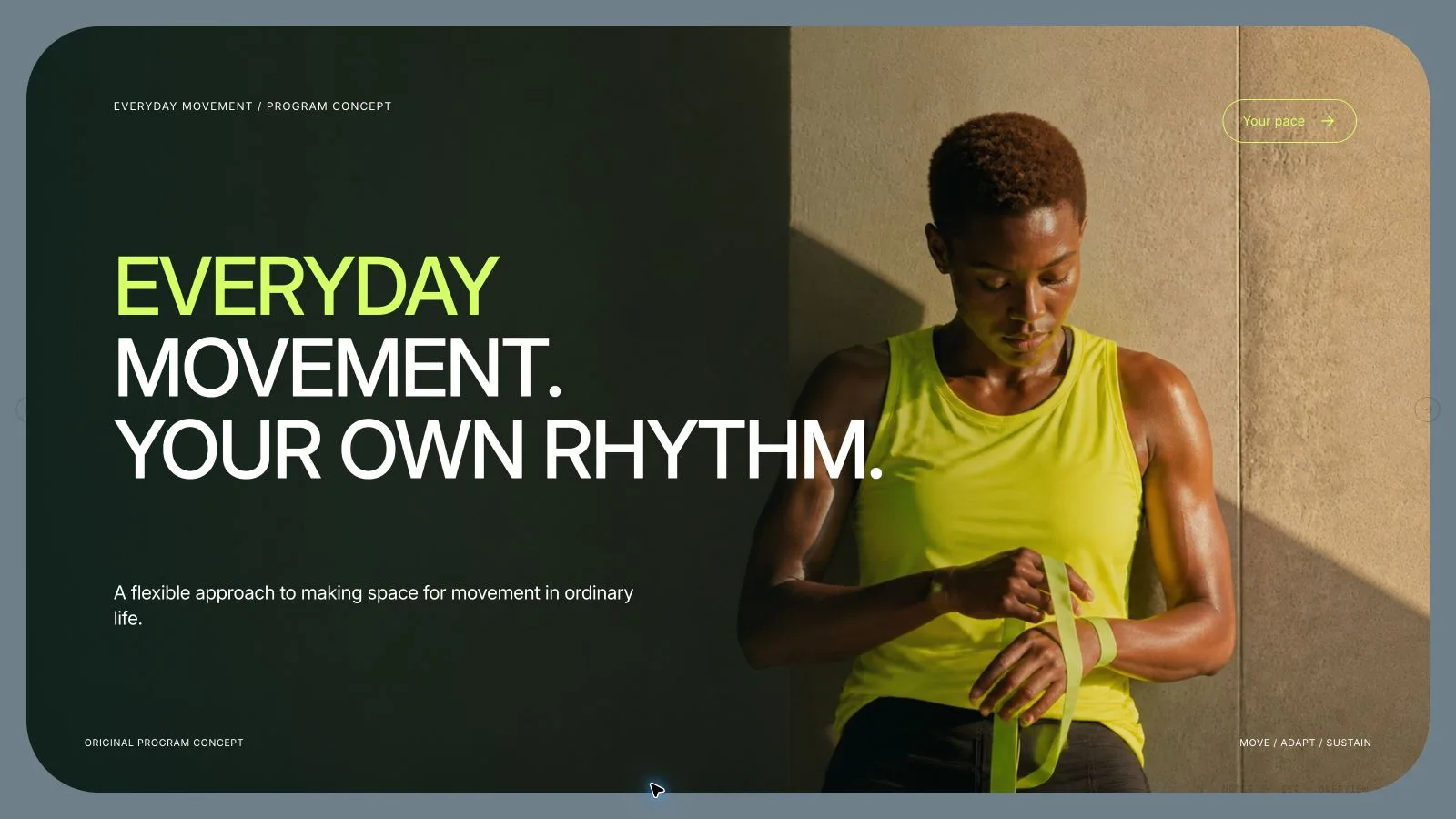
Give a collaboration workshop a clear path from invitation to listening, participation and a shared next step. Inclusive Cutpaper Deck combines cream paper, heavy black headings, highlighted monospace copy and vivid portrait collages. The example is fictional workshop material; its friendly imagery does not establish that an activity is inclusive or that a team achieved a measured result.

What you get

  • Twelve adaptable page roles: staggered-portrait opening, centered invitation, three-card introduction, highlighted two-column explanation, group-table invitation, listening reflection, three-step participation round, quiet contribution prompt, paired group views, three takeaway questions, connected-ribbon reflection and celebratory close. Choose, reorder, combine or extend these to the agreed slide count.
  • A cream-paper/warm-yellow frame with heavy Inter-style grotesk headings and restrained Courier New body text. Purple, magenta, coral, cyan and green portrait collages sit beside editable starbursts, oversized quotation marks, half-rings, squares, pills and looping black ellipses. Four staggered tall portraits and three-panel collages alternate with quiet type-led pages.
  • Eighteen local catalog artworks show fictional portraits, paper speech shapes, people arranging notes, group-table scenes, a paper flower and connected rings. Reuse only when relevant, without presenting these figures as actual participants, testimonials or evidence of participation outcomes. Keep copy and functional diagram geometry editable outside the pictures.
  • A generated standalone 1280×720 HTML deck with navigation, overview/thumbnails, speaker notes, editing, presentation mode and print styling. The installation includes recipes, style references, catalog images and build/media tools; its generic schema fixture is not a completed custom workshop presentation.
  • Optional verified PPTX/PDF outputs. PowerPoint preserves native text/notes and separate pictures; backgrounds, SVG decoration and complex effects are rendered layers. PDF printing gives one 16:9 page per slide. Inspect recipient fonts and exported pages rather than promising all-native shapes or identical wrapping.

Before you choose

Make the participation mechanism concrete. Explain how someone is invited to contribute, how quieter input can be heard and what the group will do with different views. Keep those proposed practices distinct from demonstrated outcomes, so cheerful collage does not become unsupported evidence of inclusion.

Good fit

  • A facilitator has a defined audience, discussion purpose, participation activities and an intended next action.
  • A team needs a consistent sequence for invitation, listening, reflection, workshop steps and shared questions.
  • A creator can provide source facts, messages, language and desired length, then review both the wording and visual treatment at full size.
Not for

  • Copying source portraits, names, identities, logos, artwork or protected characters.
  • Automated research or claims of measured inclusion, psychological safety or organizational improvement based on fictional imagery.
  • An export where every decorative object must remain a native PowerPoint shape; rendered background/effect layers remain pictures.

How to use

You say/inclusive-cutpaper-deck Create a twelve-page collaboration workshop deck with cream paper, colorful portrait collages and bold black headings.
  1. Provide topic, audience, key points/source facts, content language, desired slide count and presentation duration when relevant. Count opening/closing within the total unless agreed otherwise. If unspecified, agree the length from the material and duration before composing; the twelve recipes are neither default nor limit.

  2. Write a page plan that distinguishes the invitation, ways to contribute, listening activity, reflection and next decision. Select or extend the layouts without inventing three steps or questions just to fill cards. Replace fictional workshop wording and keep proposals separate from observed outcomes; give every page a useful job.

  3. Choose supplied images first, then relevant catalog reuse, generation for gaps or all-new artwork. Reuse is the fallback without a choice/tool. Record page, subject, ratio, placement, palette, prompt and saved result. Use each pictorial source on one page only; crops, rotations and recolors are not new artwork. Functional SVG icons may repeat and there is no image quota.

  4. Check that faces, paper edges and gesture crops support the activity without turning fictional people into real participants. Generate at the kit slot ratios, which override example prompt ratios, using built-in generation or the FAL helper/FAL_KEY. FAL tasks cost separately: submit once, then check/fetch rather than automatically retrying a paid request. Disclose missing or unsuitable frames.

  5. Compose from the style kit with new text, alt descriptions, images, icons and data by node ID; remove unused objects. Python 3 handles compose/build/static checks, while optional media helpers use Node. Resolve unfilled-image and leftover-example reports and verify the exact count. Embed assets/fonts and retain useful resolution below the package’s 20 MB ceiling.

  6. Inspect every 1280×720 page over local HTTP for title fit, monospace legibility, highlighted-text contrast, collage crops, image uniqueness, bounds, spacing and numbering/notes. Check language does not promise outcomes the workshop has not demonstrated. Exercise text/block/layout/color edits, notes, undo/redo, Save/reopen and presentation mode; fix and inspect failures.

  7. Deliver the self-contained HTML in page view and explain Edit/E and Save (Cmd/Ctrl+S). Browser recovery is local; Save writes portable changes into the file. Set interface/content languages independently with framework CJK/RTL support. Export/check/inspect requested PPTX/PDF separately. Palette guidance is applied during generation; the shared editor has no style-theme chooser.

Requirements and costs

You bring
Presentation topic and audience · Key messages or source material · Desired slide count and language
Dependencies
A browser for presentation and verified print export · Node.js for local validation · A host image generation tool for fresh artwork · Chrome, Chromium or Edge plus Node.js 20 or newer — required only for PowerPoint export
Outside costs
Generating new artwork may incur a separate provider charge. The included original example can be viewed without image generation.
Publisher testing
v1.0.5 — Claude Code / Claude Desktop / Cowork / Codex / ChatGPT

FAQ

User reviews

—0 reviews

Select a star to share your experience.

No reviews yet. Ratings appear once readers share real experiences.

Similar Skills

View all skills