Build a visual explanation one beat at a time. CreatorMotion brings 122 motion effects into one package, letting your agent select a chart, diagram, presenter layout or other sequence according to what the viewer needs to understand. It generates separate editable segments in a shared visual style; assembling those segments into the finished film remains an editing step.
What you get
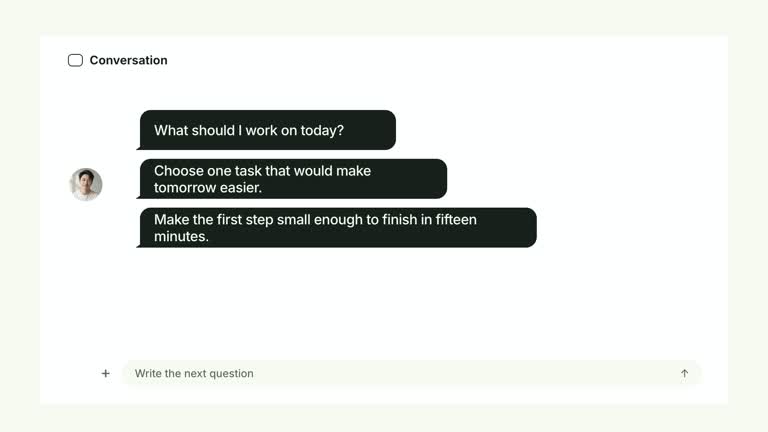
One library containing the same effect code offered by the standalone CreatorMotion Skills. Its catalog organizes 122 effects into ten groups: presenter/split layouts, picture-in-picture demonstrations, kinetic typography, chapter navigation, transitions, focus/evidence, comparison, diagrams, cards and collages. Each effect has its own input and motion instructions.
A local generator that creates one editable HyperFrames project per run, authored at 1920×1080 and 30 fps. Output includes the composition, local assets, build and image records, project configuration and design reference; MP4 segments are produced in a separate render step.
Four coordinated palettes, locally bundled fonts and 30 generated default images used across 55 effects. Chinese content automatically selects Smiley Sans, with Noto Sans SC as an alternative. You can replace image slots, embed your own font and override semantic style tokens.
Presenter-media handling for the effects that need it, including automatic background removal for six cutout effects when a suitable cutout is not supplied. The workflow records the source of a cutout, but its edge quality still needs visual review.
Before you choose
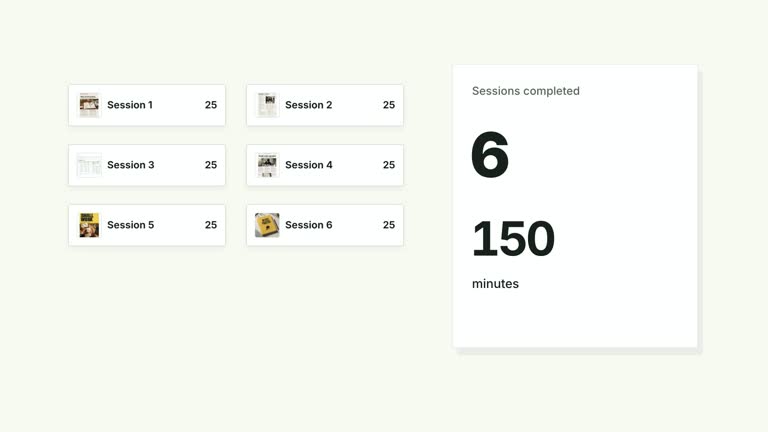
Start with the explanation, then choose the motion. A rising counter, a changing comparison and a camera move to evidence communicate different relationships even if all end in cards. Plan a small set of purposeful segments and verify each against the script before adding more effects.
Good fit
Creators and educators combining an on-camera explanation with consistent motion across multiple lessons or episodes.
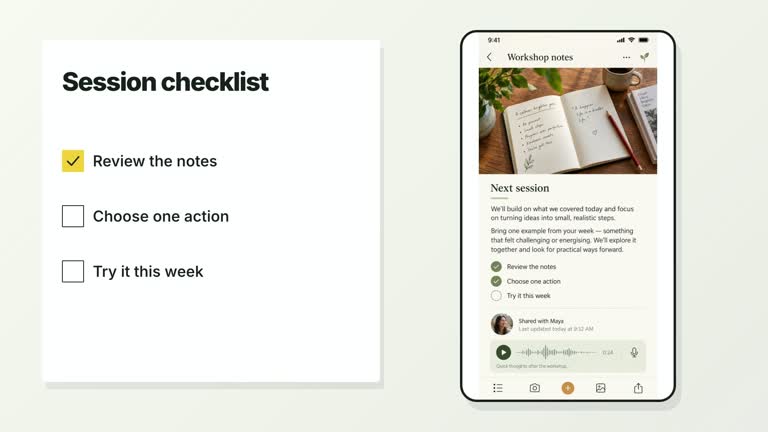
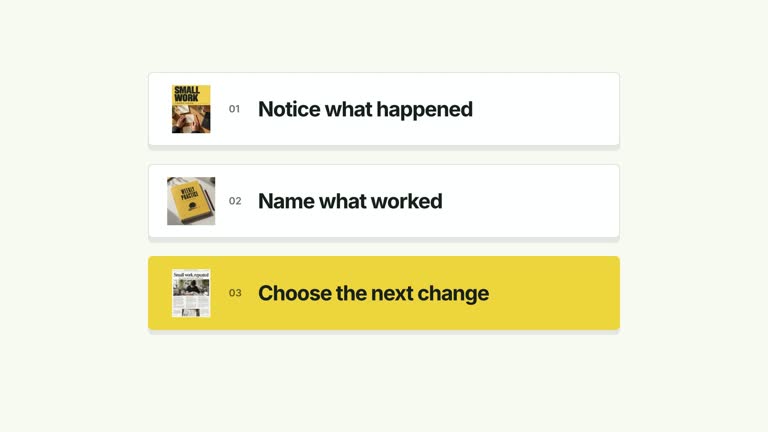
A script or storyboard that can be split into distinct visual beats: comparing quantities, connecting ideas, completing tasks or moving into a new chapter.
A channel that needs both presenter-led scenes and full-frame graphic passages without installing each effect separately.
Not for
Native vertical or square delivery. These are 16:9 compositions; a 4K render enlarges the landscape composition rather than redesigning it for another aspect ratio.
An automatically finished film. Generate and render each segment separately, then assemble it with your other shots, narration and music.
Generating a presenter performance, voiceover or soundtrack. Supply the necessary footage and audio, and replace illustrative imagery when the explanation depends on real evidence.
How to use
You say/creatormotion Turn my 60-second script on building a weekly writing habit into B-roll, one effect per key beat.
Break the script into beats and name what changes in each: a total grows, an alternative replaces another, parts connect, attention moves or a chapter starts. Compare catalog movement signatures rather than choosing from a similar-looking final frame. Some lines need only the presenter, with no added effect.
For each selected effect, read its individual instructions and prepare the content JSON, timing cues and required materials. Keep the script’s actual facts and numbers. Use a named effect directly when appropriate; each run takes its full creatormotion-* name or short category-effect alias. Keep one palette and font choice across the series.
Prepare the required local media. Twenty-four effects need a continuous presenter take covering the full visible interval; do not loop a shorter clip. Wall Checklist Reveal can use a take or ready cutout, while Quote Underline Portrait accepts a cutout or portrait still. Seven effects can optionally use a presenter, and 89 use no footage. Use the individual effect’s instructions to determine which applies.
With Node.js 22+, FFmpeg/ffprobe and the documented HyperFrames CLI 0.8.30 available, run node scripts/create.mjs --skill EFFECT --out PROJECT --data CONTENT.json from the package. Use a separate output folder per beat. Add --media, --images or --matte only as needed; omitting content JSON uses an illustrative example, not your own script.
Choose white-yellow, charcoal-lime, paper-orange or midnight-ice (Black & White). Use --images to replace named slots, with paths relative to that JSON file; unlisted slots keep defaults. Local fonts include Inter, IBM Plex Mono, Smiley Sans and Noto Sans SC. --zh-font noto-sans-sc changes the Chinese treatment and --font supplies your own face. Review text wrapping and contrast after font or semantic style overrides; dark palettes retain a fine grid.
Lint, validate, inspect and render each project with the pinned CLI. The normal render is 1080p at 30 fps; --resolution landscape-4k produces 3840×2160 from the same composition, so use suitable presenter footage. Review the opening, main change, reading hold and exit for clipped text, media seams and cutout edges. Deliver the selected effect names, editable projects and requested rendered segments, then assemble the film separately.
Requirements and costs
You bring
Script, storyboard or points to explain: the agent picks one effect per beat; any effect can also run on its sample content. · Presenter footage: a continuous local take, required by 24 effects; two cutout effects accept a ready cutout or a portrait still instead. · Your own images: optional; bundled generated images are used until you replace them.
Dependencies
HyperFrames CLI 0.8.30 or compatible — required · Node.js 22 or newer — required · FFmpeg — required · HyperFrames background-removal model (downloaded on first use) — used when no presenter cutout is supplied
Outside costs
Not collected yet
Tools used
HyperFrames
Publisher testing
v1.0.0 — Claude Code / Claude Desktop / Cowork / Codex / ChatGPT
FAQ
Only for effects that use a presenter. The 24 required-take effects comprise all four picture-in-picture effects, seven split layouts, nine kinetic-type effects, three chapter effects and Tile Scene Dissolve. Two additional effects offer cutout/still alternatives, seven allow optional footage and 89 are graphics-only. Follow the selected effect’s exact media contract.
The documented workflow uses Node.js 22+, HyperFrames CLI 0.8.30 through npx, and FFmpeg including ffprobe. Generation and rendering are local and require no paid API or API key. Automatic presenter removal downloads a local model on first use; supplied cutouts can avoid that step. This does not include creating your missing footage, narration or other production materials.
Each run makes an editable 16:9 project for a 1920×1080, 30 fps MP4 render, with a landscape 4K render option. There is no native vertical or square output. The four palettes share motion and type metrics; replace images, fonts and semantic tokens to adapt the look, then recheck readability.
For the six cutout effects, the generator first looks for an explicit --matte file, a presenter-matte image-map entry or alpha-channel footage. With --matte auto it can otherwise remove the background locally and cache the result. --matte off disables that automatic step; required-cutout effects then need another cutout source, while optional effects use their documented fallback. Inspect hair, hands and fast movement rather than assuming the generated edge is clean.
It contains their effect code, so you do not need a separate install of every effect. The catalog and individual motion guides still matter: input shapes, footage needs and meaningful movement differ from effect to effect. A shared palette does not make those effects interchangeable.
No. They demonstrate composition and motion. Replace them with your own appropriate materials and actual figures when explaining a real product or result. Build records help identify assets and settings, but do not verify the truth of the content.
User reviews
—0 reviews
Select a star to share your experience.
No reviews yet. Ratings appear once readers share real experiences.