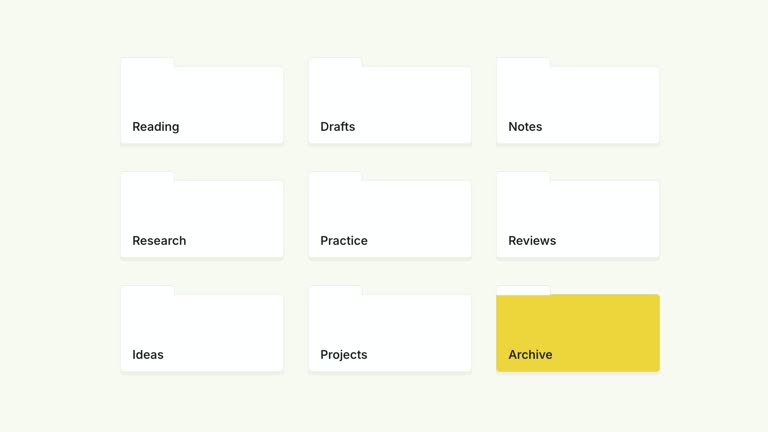
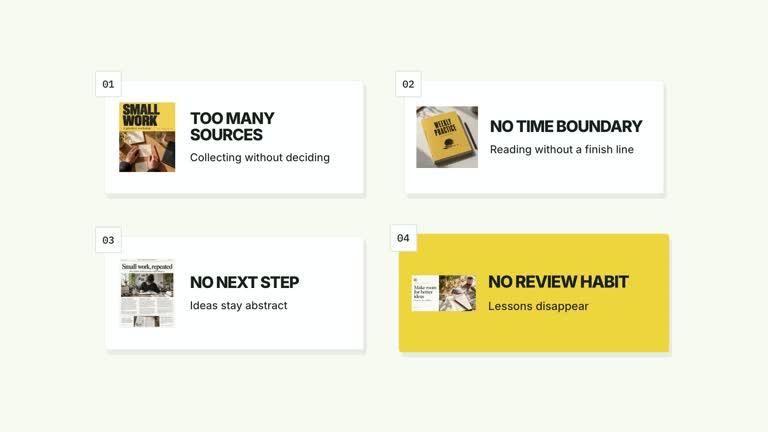
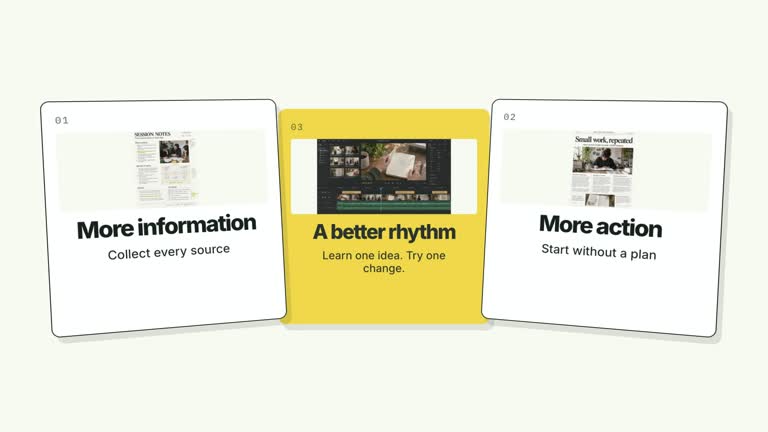
Move from a chapter announcement into the detail that follows. A large background numeral and title establish the section, then a direct cut reveals three vertically arranged explanation cards. An upward push brings the lower part of the stack closer, giving a short lesson a clear shift from introduction to detail.
What you get
A local effect package with generator, editable HyperFrames output workflow, motion specification and review instructions. The generated project can be rendered as a seven-second, 1920×1080, 30 fps segment; it is not an assembled course video.
Editable chapter, title and up to three card labels, with image slots cardImage1 through cardImage3. focusIndex selects the highlighted card using a zero-based index; the default 2 highlights the third.
A chapter opening followed by a hard scene replacement at 1.92 seconds, card entries from 1.94 seconds and an upward stack move beginning at 3.20 seconds. The final composition holds for reading.
Choose White & Yellow (white-yellow), Charcoal & Lime (charcoal-lime), Paper & Orange (paper-orange), or Black & White (midnight-ice). The palette changes the treatment while keeping the sequence consistent; semantic overrides need a fresh contrast check. Fonts are local: Inter for ordinary copy, IBM Plex Mono for measurements and ordinals, and Smiley Sans automatically for Chinese content, with Noto Sans SC available through --zh-font noto-sans-sc. Use --font for a supplied font; inspect wrapping again after any font change. Dark palettes include a fine static grid.
Before you choose
Pick this for a topic-to-detail handoff. Write the chapter title as the subject and the cards as the actual explanation; repeating the same phrase in both wastes the visual transition. Keep the focus consistent with what the narration discusses.
Good fit
A course or tutorial that needs a chapter marker before introducing three concise points.
A creator explanation that moves from a broad topic to one selected detail, using short labels instead of dense paragraphs.
A multi-part series that benefits from repeated chapter typography and consistent motion across episodes.
Not for
A three-column roadmap or simultaneous comparison of independent alternatives: this composition is built around a chapter-to-vertical-stack transition.
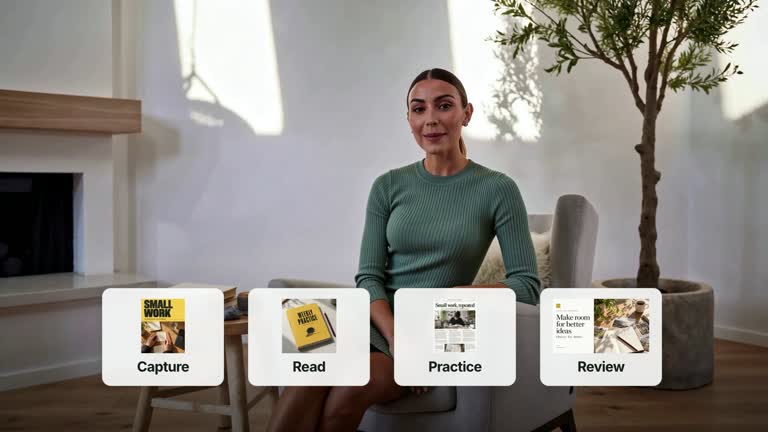
Automatic long-form editing, presenter generation, narration or soundtrack creation. This effect itself does not require or display a presenter take.
A camera that automatically follows any selected card. focusIndex changes the highlight; the current upward camera movement remains fixed. Do not copy a reference creator’s identity or materials.
How to use
You say/creatormotion-cards-chapter-stack Turn my supplied explanation into a white-yellow B-roll scene using the Chapter to Stacked Detail effect. Use the text, data and media I provide, and ask for any required input that is missing.
Prepare chapter, title and three concise cards in your content JSON. Set focusIndex to 0, 1 or 2 to highlight an existing card. Extra cards are ignored by this layout; fewer cards may leave the fixed camera movement poorly matched to the content.
Choose or replace cardImage1–cardImage3 through --images. The default images are generated illustrations, not evidence of a result or a person. Follow the image policy and keep the card text editable.
Review the motion specification before adapting the sequence. The large numeral is intentionally faint and overlapped by the title strip; this decorative overlap is different from clipping an important title or detail label.
Prepare Node.js 22+, FFmpeg and the documented HyperFrames CLI 0.8.30. From the installed package, run node scripts/create.mjs with --out for a new project directory and --data for your content JSON. Add --style for the palette, --images for chosen replacements, and --overrides for semantic styling. Image paths resolve relative to the image-map file; slots not replaced retain the bundled defaults.
Inspect the editable project, then use the pinned HyperFrames CLI to lint, validate and render at 1920×1080 and 30 fps. Watch the main transitions and the final reading hold in the rendered video; passing a structural check alone does not establish readable text or correct content. Assemble narration, music and other shots separately. Check the chapter title, the cut into the stack, all three labels and the closing camera position. If you highlight another card, inspect whether the fixed push still directs attention appropriately.
Requirements and costs
You bring
chapter: provide your own content or retain the illustrative default. · title: provide your own content or retain the illustrative default. · cards: provide your own content or retain the illustrative default. · focusIndex: provide your own content or retain the illustrative default.
Dependencies
HyperFrames CLI 0.8.30 or compatible — required · Node.js 22 or newer — required · FFmpeg — required
Outside costs
Not collected yet
Tools used
HyperFrames
Publisher testing
v1.0.1 — Claude Code / Claude Desktop / Cowork / Codex / ChatGPT
FAQ
Yes. Edit chapter, title, cards and focusIndex in JSON, then choose a palette or semantic overrides. Titles and card text have finite space; inspect the rendered text after changing wording or fonts.
No. This composition uses chapter text, card imagery and editable shapes rather than presenter footage. Use the bundled illustrative images or replace the three card image slots with authorized local files.
Yes, through the editable project. Keep the chapter opening, direct replacement and vertical stack focus if you want to preserve this effect’s purpose. Re-render after adjustments rather than judging a still frame alone.
No. The implementation uses it to assign the highlighted card style. The upward translation and scale are fixed; a different camera target requires an implementation adjustment.
Make sure the title establishes the topic before the cut, the three detail labels remain readable and the final framing emphasizes the point you intend. Intentional overlap of the faint background numeral does not justify hiding foreground text.
User reviews
—0 reviews
Select a star to share your experience.
No reviews yet. Ratings appear once readers share real experiences.