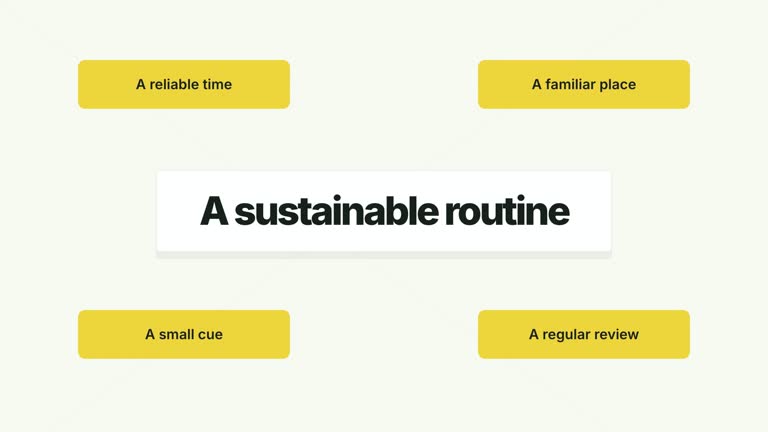
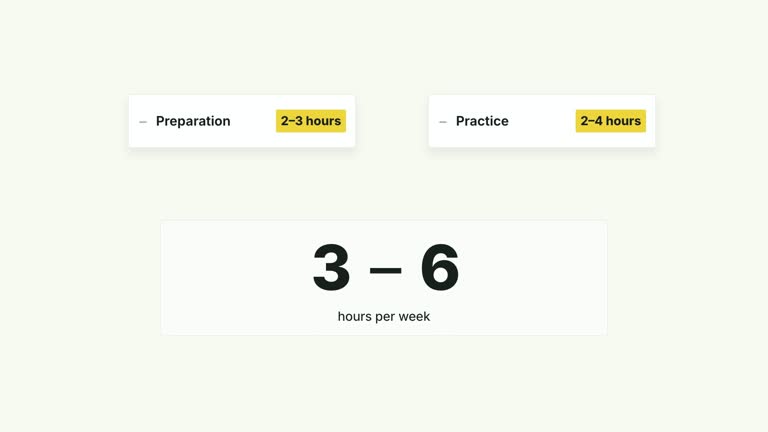
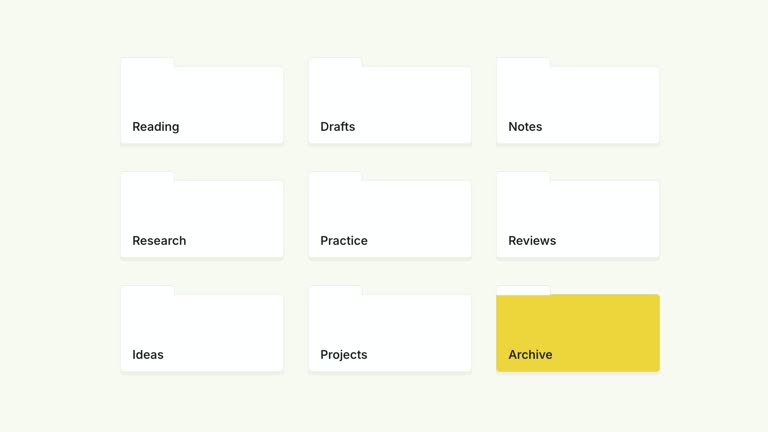
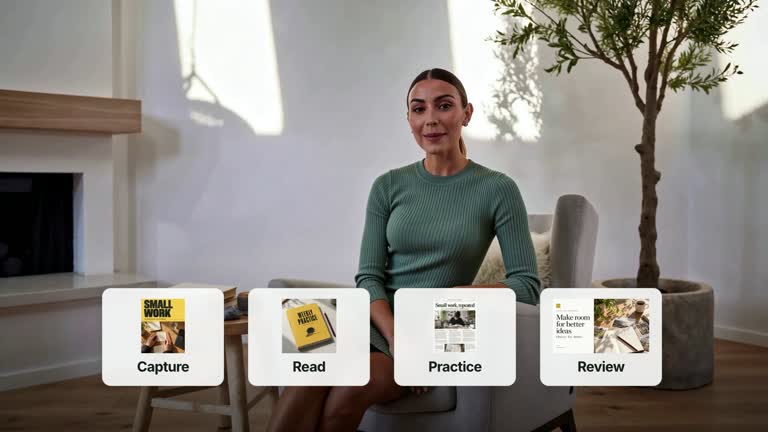
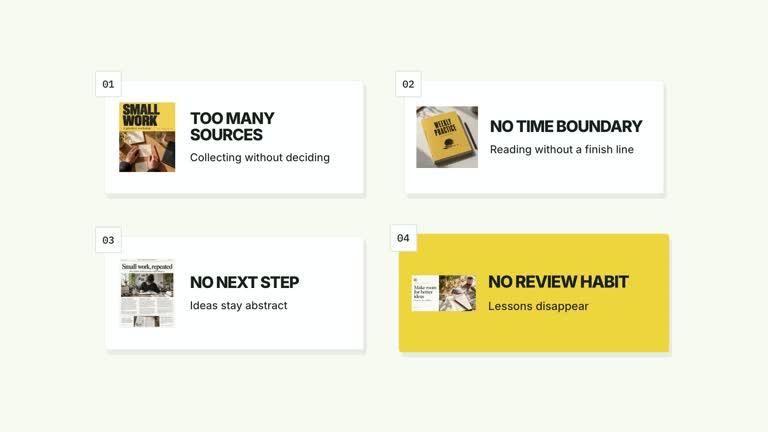
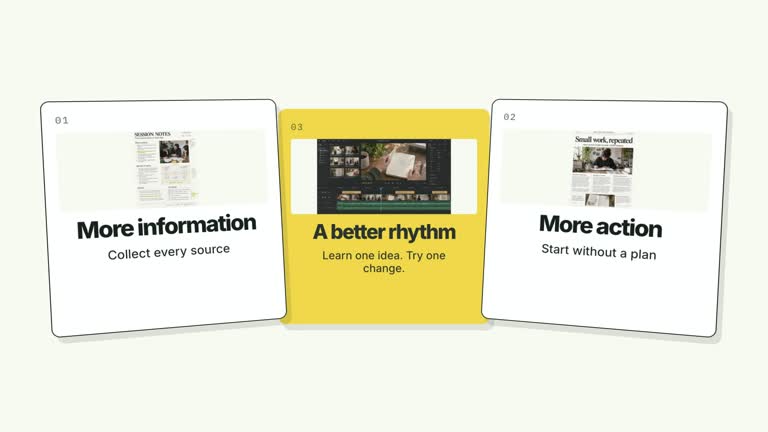
Explain why combining separate contexts can create a problem. Three source cards remain visible above a shared sheet; its content fills in, then a warning appears inside the combined output. This seven-second animation makes an unwanted overlap understandable, but it does not inspect data, detect a conflict or resolve it automatically.
What you get
An editable local HyperFrames effect, its generator, motion specification and review instructions. Generate the composition from your JSON and render a 1920×1080, 30 fps segment for a larger video edit.
Up to three roles with corresponding content images, a contextTitle, three lines in the shared sheet and a final warning. The upper sources remain visible so the combined output can be understood in context.
Connectors that begin drawing at 0.30 seconds, a shared sheet appearing at 0.75 seconds, content lines at 1.35, 1.85 and 2.35 seconds, and a warning reveal at 3.35 seconds. It holds on the warning rather than showing an automatic repair.
Four palettes share the same sequence: White & Yellow (white-yellow), Charcoal & Lime (charcoal-lime), Paper & Orange (paper-orange) and Black & White (midnight-ice). Semantic overrides can adapt the colors; check contrast after changes. Dark canvases carry a fine static grid. Bundled local fonts include Inter, IBM Plex Mono for measurements and ordinals, and the Chinese faces Smiley Sans and Noto Sans SC. Chinese content automatically uses Smiley Sans, including Latin text in the same composition; --zh-font noto-sans-sc selects the plainer alternative, while --font supplies your own font. Recheck wrapping after changing typography.
Before you choose
Use it when separation is the lesson. A generic caution pasted under unrelated cards adds little; define the actual unwanted overlap first, then make the role labels, shared lines and warning explain the same issue.
Good fit
An educational explanation of mixing personal, study and client notes, or another example where source boundaries matter.
A short creator passage that needs viewers to see both the separate inputs and the unwanted result, with concise labels.
A series explaining context choices with consistent document imagery, motion and typography.
Not for
Automatic privacy analysis, permission enforcement, conflict detection or actual separation of data. The warning text is supplied by you.
A resolved before/after workflow or a neutral success diagram: this version ends on the problem and needs a separate segment to explain the remedy.
An automatically finished long-form video, generated presenter performance or soundtrack, or copying another creator’s identity and source materials.
How to use
You say/creatormotion-cards-context-conflict Turn my supplied explanation into a white-yellow B-roll scene using the Shared Context Conflict effect. Use the text, data and media I provide, and ask for any required input that is missing.
Choose three source roles and describe the shared context in contextTitle. Write up to three lines showing what the combined output contains, then state the specific conflict in warning. Use an illustrative scenario or material you can explain accurately.
Keep the role names and output lines short enough for the fixed document layout. roles and lines are each limited to three visible entries. Align their meaning rather than adding a generic warning unrelated to the source cards.
Use the bundled illustrative images or replace context1, context2, context3 and contextImage through --images. These are raster document/content images; the editable labels and warning communicate your explanation. No presenter take or alpha matte is used.
Use Node.js 22+, FFmpeg and the documented HyperFrames CLI 0.8.30. From the extracted package, run node scripts/create.mjs --out PROJECT --data CONTENT.json, adding --style and optional --overrides for styling. An --images JSON map replaces named local image slots; relative paths resolve beside that map and unlisted slots retain defaults. Read the image policy before changing visual materials.
Inspect the generated project, then render with npx --yes hyperframes@0.8.30 render PROJECT --output VIDEO.mp4 --fps 30 --quality high --strict. Review the actual opening, each change and final reading hold for wrapping, cropping and overlap. This produces one segment; assemble narration, music and surrounding shots separately. Watch the warning’s arrival inside the shared sheet and check that all source labels remain visible. Verify connector endpoints and text bounds; the final warning must remain readable without covering the material it refers to.
Requirements and costs
You bring
roles: provide your own content or retain the illustrative default. · contextTitle: provide your own content or retain the illustrative default. · lines: provide your own content or retain the illustrative default. · warning: provide your own content or retain the illustrative default.
Dependencies
HyperFrames CLI 0.8.30 or compatible — required · Node.js 22 or newer — required · FFmpeg — required
Outside costs
Not collected yet
Tools used
HyperFrames
Publisher testing
v1.0.1 — Claude Code / Claude Desktop / Cowork / Codex / ChatGPT
FAQ
Yes. Supply roles, contextTitle, lines and warning in JSON. Use a named palette or semantic overrides for styling. Keep the three source roles and three output lines within the available space.
No. The current effect uses source and shared-context images rather than presenter video. Generated defaults are included; replace the four named slots when the example needs your own material.
Yes. Preserve separate sources, shared output, content fill and the later warning. Their order is what explains the conflict; replacing them with unrelated badge entrances loses that relationship.
No. This is a visual explanation using supplied content, not a data-analysis tool. It ends on the warning. Any resolution or evidence that the issue occurred must come from your own work and materials.
The warning should name a consequence visible in the combined content, while the upper cards show where that content came from. Use representative material clearly as an example, and check the full reading hold after the warning appears.
User reviews
—0 reviews
Select a star to share your experience.
No reviews yet. Ratings appear once readers share real experiences.