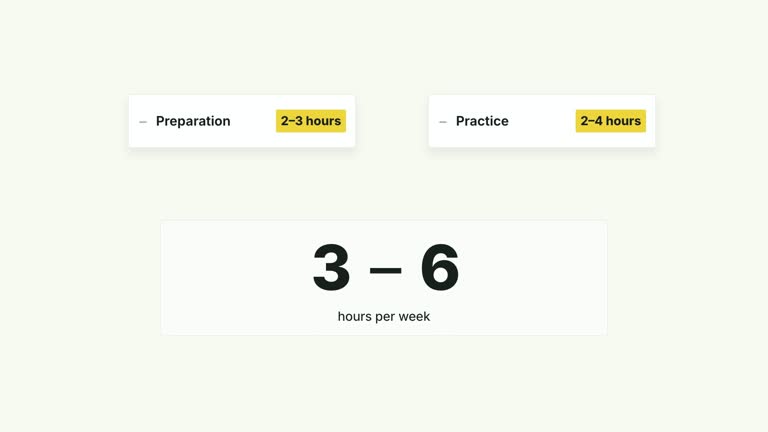
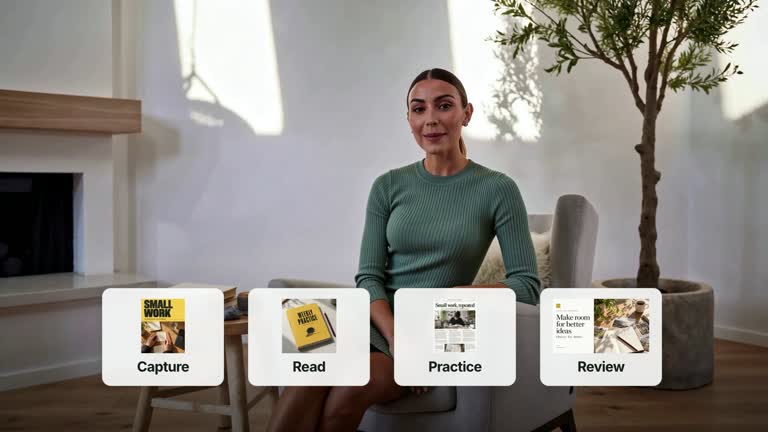
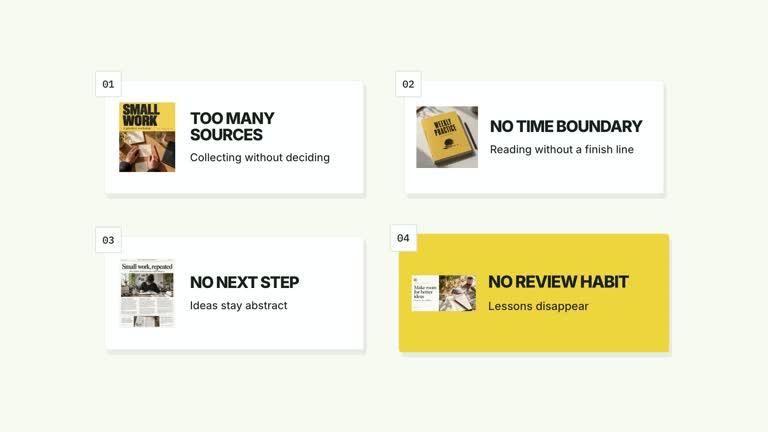
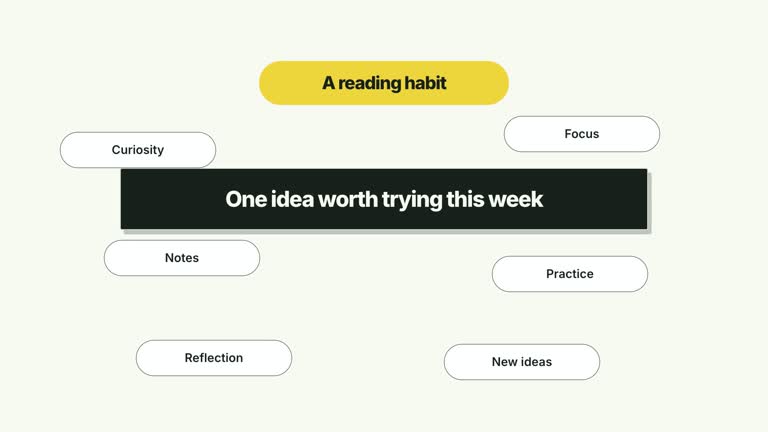
Keep one idea in view while four supporting points build around it. A large central statement stays fixed as smaller accent labels enter the corners, leaving the middle as the visual anchor. This seven-second composition is suited to a compact framework or recap; it stays on the completed arrangement instead of changing into another scene.
What you get
A local effect implementation, generator and motion/review instructions for an editable HyperFrames project. Render the generated composition as a 1920×1080, 30 fps segment and incorporate it into your own edit.
An editable center statement and up to four tags, placed top-left, top-right, bottom-left and bottom-right. The large center plaque remains stable while the corner labels appear at 0.30, 1.02, 1.74 and 2.46 seconds.
A faint geometric background plane and compact accent statements that remain subordinate to the center. The final layout holds; it contains no subsequent transformation into evidence or another scene.
Four palettes share the same sequence: White & Yellow (white-yellow), Charcoal & Lime (charcoal-lime), Paper & Orange (paper-orange) and Black & White (midnight-ice). Semantic overrides can adapt the colors; check contrast after changes. Dark canvases carry a fine static grid. Bundled local fonts include Inter, IBM Plex Mono for measurements and ordinals, and the Chinese faces Smiley Sans and Noto Sans SC. Chinese content automatically uses Smiley Sans, including Latin text in the same composition; --zh-font noto-sans-sc selects the plainer alternative, while --font supplies your own font. Recheck wrapping after changing typography.
Before you choose
Choose this for a principle with a small set of supporting points. If viewers need to understand what causes what or how a sequence unfolds, use a process or relationship effect rather than relying on four corners to imply a connection.
Good fit
A creator explanation of one principle supported by four conditions, habits or reminders.
A brief teaching passage where each point can fit in a short label and the center names the overall idea.
A recurring series needing the same hierarchy, motion and visual palette across several concepts.
Not for
A chronological process, a measured comparison or a diagram that needs connectors to prove relationships. Corner placement alone does not express those meanings.
A large set of notes, long paragraphs or more than four supporting points. The fixed arrangement has no automatic pagination or layout expansion.
Automatic long-form editing, generated presenter performances or music, or copying a reference creator’s identity or source footage.
How to use
You say/creatormotion-cards-corner-tags Turn my supplied explanation into a white-yellow B-roll scene using the Center and Corner Tags effect. Use the text, data and media I provide, and ask for any required input that is missing.
Write center as one clear idea and tags as four supporting points. The default illustrates a sustainable routine through time, place, cue and review; replace that example with your actual subject rather than treating it as a required framework.
Arrange tags in the intended reading order: top-left, top-right, bottom-left, bottom-right. Keep each concise and give them comparable emphasis. The code shows only the first four; fewer entries leave their positions empty rather than redistributing the layout.
Read the motion specification before changing the hierarchy. The center stays fixed, with smaller tags entering from their respective upper/lower edges. This version uses editable type and geometry; it does not require image replacements, presenter footage or a matte.
Use Node.js 22+, FFmpeg and the documented HyperFrames CLI 0.8.30. From the extracted package, run node scripts/create.mjs --out PROJECT --data CONTENT.json, adding --style and optional --overrides for styling. An --images JSON map replaces named local image slots; relative paths resolve beside that map and unlisted slots retain defaults. Read the image policy before changing visual materials.
Inspect the generated project, then render with npx --yes hyperframes@0.8.30 render PROJECT --output VIDEO.mp4 --fps 30 --quality high --strict. Review the actual opening, each change and final reading hold for wrapping, cropping and overlap. This produces one segment; assemble narration, music and surrounding shots separately. Check the central statement and every tag at full size and playback speed. Preserve the open space between them; shorten copy or edit the layout if text wraps into the margins.
Requirements and costs
You bring
center: provide your own content or retain the illustrative default. · tags: provide your own content or retain the illustrative default.
Dependencies
HyperFrames CLI 0.8.30 or compatible — required · Node.js 22 or newer — required · FFmpeg — required
Outside costs
Not collected yet
Tools used
HyperFrames
Publisher testing
v1.0.1 — Claude Code / Claude Desktop / Cowork / Codex / ChatGPT
FAQ
Yes. Supply center and tags in JSON, select a palette or use semantic style overrides. Font changes can alter wrapping, so inspect the completed composition after choosing typography.
No. This effect uses text and geometry, with no active presenter or image slot in its composition. Generic package instructions for footage and raster replacements apply to effects that actually use those materials.
Yes. Keep the central statement stable, reveal the four corners in order and hold the result. Adding a later dissolve into proof would turn it into a different visual sequence.
Only four are displayed by the current implementation. Extra JSON entries are ignored. A larger set requires a deliberate layout and timing revision rather than expecting the generator to create more positions.
Let the center name the idea and each corner contribute a distinct supporting point. Avoid repeating the center in every tag or implying that the order is a causal process when the composition simply groups supporting statements.
User reviews
—0 reviews
Select a star to share your experience.
No reviews yet. Ratings appear once readers share real experiences.