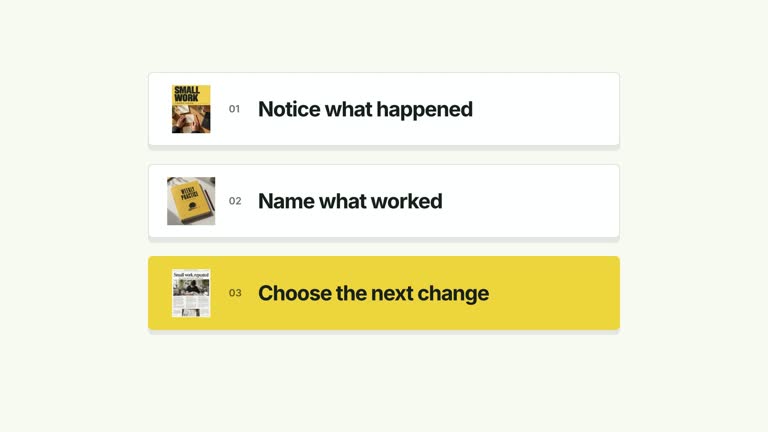
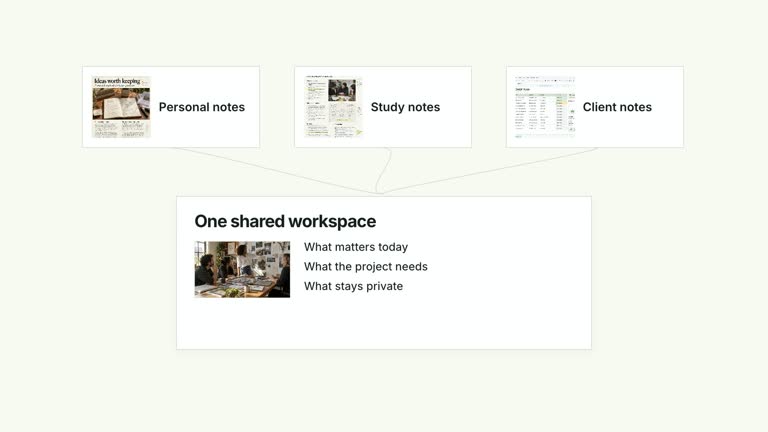
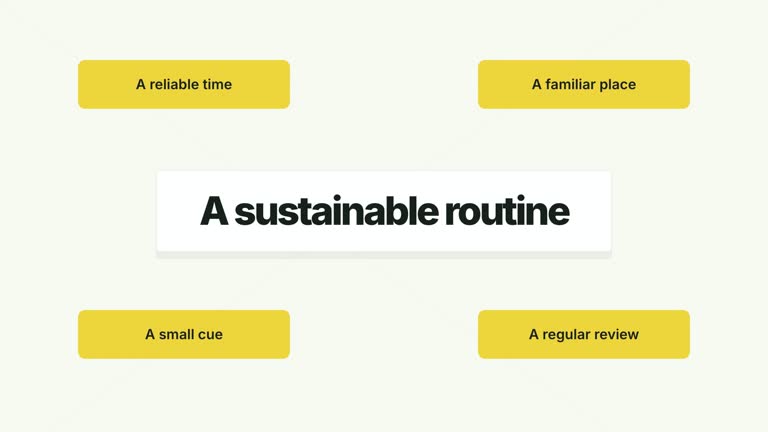
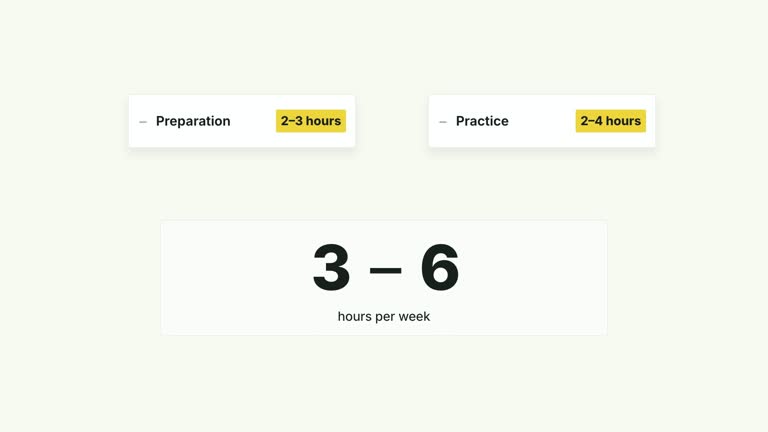
Show how repeated contributions add up. Receipt-like item cards enter one at a time while a neighboring sheet updates both the item count and aggregate value. A closing line gives the accumulation meaning. This is a seven-second visual explanation of equal-sized contributions, not an automatically connected analytics counter.
What you get
An editable local HyperFrames composition generated from the supplied effect code, plus its generator and motion/review instructions. Render the project to obtain a landscape MP4 segment for a larger edit.
Up to eight image-bearing receipt cards with editable labels, one shared valuePerItem, a unit label and a final summary. The default uses six sessions at 25 minutes each; those values are illustrative.
Separate count and total displays that update with each arriving card. Entries start at 0.4 seconds, spaced 0.43 seconds apart; the summary arrives at 4.25 seconds in the seven-second sequence.
Choose White & Yellow (white-yellow), Charcoal & Lime (charcoal-lime), Paper & Orange (paper-orange), or Black & White (midnight-ice). The palette changes the treatment while keeping the sequence consistent; semantic overrides need a fresh contrast check. Fonts are local: Inter for ordinary copy, IBM Plex Mono for measurements and ordinals, and Smiley Sans automatically for Chinese content, with Noto Sans SC available through --zh-font noto-sans-sc. Use --font for a supplied font; inspect wrapping again after any font change. Dark palettes include a fine static grid.
Before you choose
Use this when a total is built from equal contributions. For changing rates, unequal amounts or a comparison between two fixed endpoints, choose a different visual relationship rather than forcing the numbers into this counter.
Good fit
A concise teaching example about repeated practice sessions or other contributions with the same value per item.
An explanation where seeing objects accumulate makes a total easier to understand than showing the final number alone.
A recurring video series that needs the same motion, typography and visual treatment across several examples.
Not for
Items with different individual amounts: the current calculation multiplies one valuePerItem by the visible count rather than summing a list of separate amounts.
An automatically assembled long-form production or a source-connected live dashboard. It does not generate presenter performances, narration or music.
Copying another creator’s identity, imagery or footage. Use your own authorized materials and distinguish illustrative default images from supporting evidence.
How to use
You say/creatormotion-cards-card-counter Turn my supplied explanation into a white-yellow B-roll scene using the Accumulating Cards and Counter effect. Use the text, data and media I provide, and ask for any required input that is missing.
Write up to eight items, the shared valuePerItem, unit and summary in the content JSON. Calculate the expected final total yourself. The rendered counter rounds to whole numbers, so fractional accounting needs a code change or a different display.
Decide whether the existing Sessions completed label fits your subject. It is hard-coded in this version, not a JSON field; change the project if you are counting another kind of object. The summary is free text, so update it when the number or meaning of the items changes.
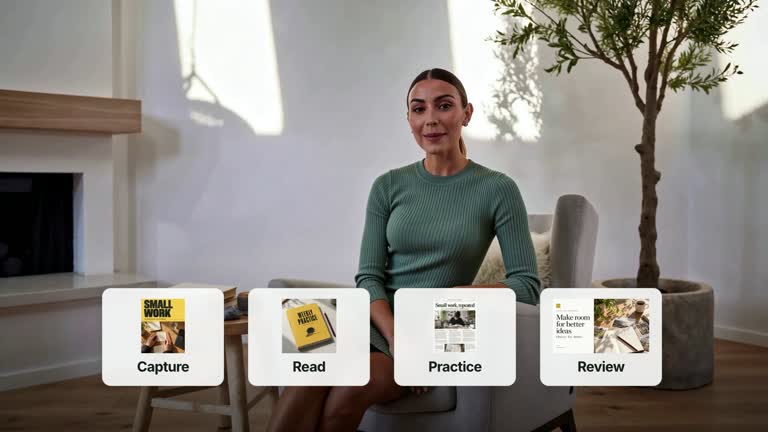
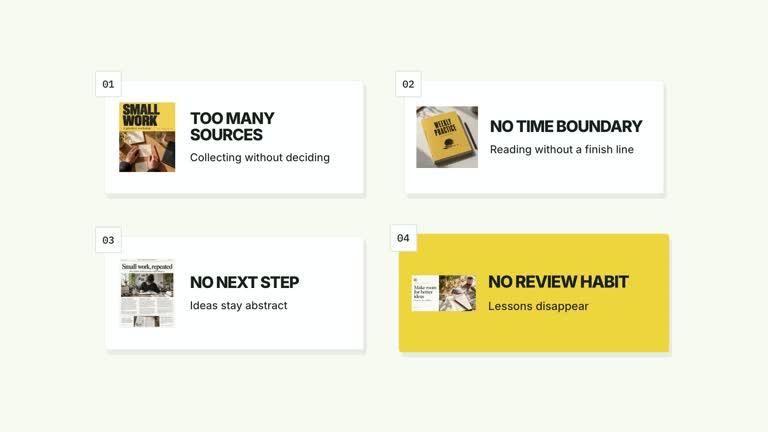
Keep the bundled illustrative images or replace selected itemImage1 through itemImage8 slots with your own files. Six slots are used by the default content. Match each image to its item label and follow the included image policy.
Prepare Node.js 22+, FFmpeg and the documented HyperFrames CLI 0.8.30. From the installed package, run node scripts/create.mjs with --out for a new project directory and --data for your content JSON. Add --style for the palette, --images for chosen replacements, and --overrides for semantic styling. Image paths resolve relative to the image-map file; slots not replaced retain the bundled defaults.
Inspect the editable project, then use the pinned HyperFrames CLI to lint, validate and render at 1920×1080 and 30 fps. Watch the main transitions and the final reading hold in the rendered video; passing a structural check alone does not establish readable text or correct content. Assemble narration, music and other shots separately. At every arrival, compare the count and total with the cards visible on screen. Check the last receipt, unit label and final summary together, not just the opening frame.
Requirements and costs
You bring
items: provide your own content or retain the illustrative default. · valuePerItem: provide your own content or retain the illustrative default. · unit: provide your own content or retain the illustrative default. · summary: provide your own content or retain the illustrative default.
Dependencies
HyperFrames CLI 0.8.30 or compatible — required · Node.js 22 or newer — required · FFmpeg — required
Outside costs
Not collected yet
Tools used
HyperFrames
Publisher testing
v1.0.1 — Claude Code / Claude Desktop / Cowork / Codex / ChatGPT
FAQ
Yes. The JSON exposes items, valuePerItem, unit and summary, while palettes and semantic overrides control styling. The separate Sessions completed heading requires an implementation edit if your topic is not sessions.
No presenter take is used by this effect. Bundled generated item images provide an illustrative starting point; replace only the slots you need through --images. General instructions about presenter cutouts apply to other CreatorMotion effects.
Yes. Keep card arrivals linked to the count and aggregate updates so the total remains explained by the accumulating objects. Re-render and check synchronization after changing the timing.
Not through the current input schema. Every card uses valuePerItem. Also note that count and value displays are rounded to integers; do not present the default as a precise mixed-value financial calculation.
Count the visible cards and multiply by the supplied valuePerItem, then compare the displayed unit and summary. The Skill animates your inputs; it does not verify that the underlying figures are true.
User reviews
—0 reviews
Select a star to share your experience.
No reviews yet. Ratings appear once readers share real experiences.