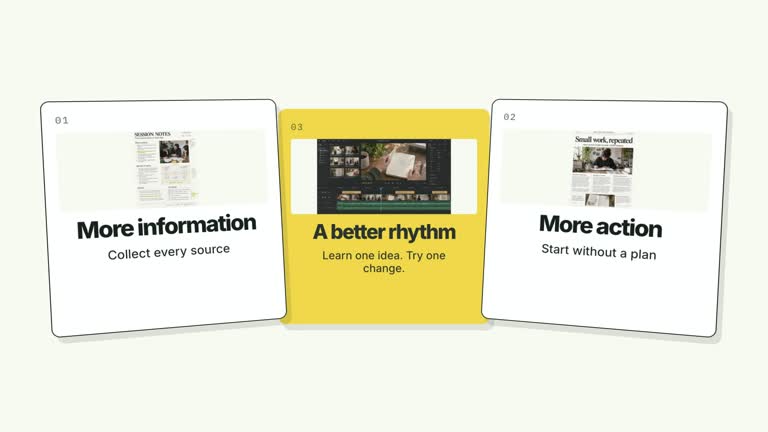
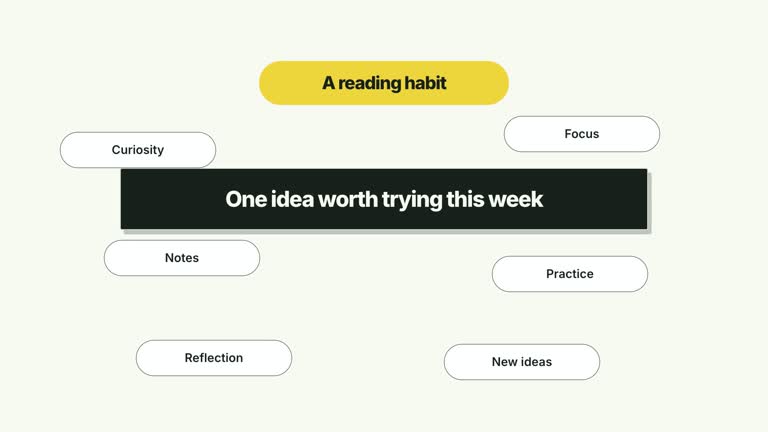
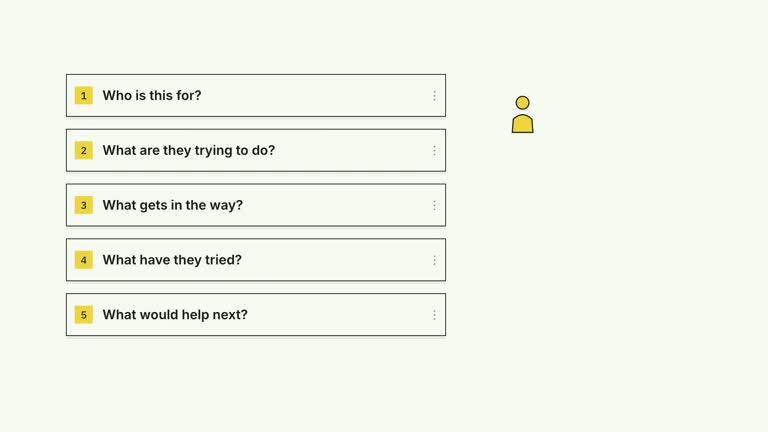
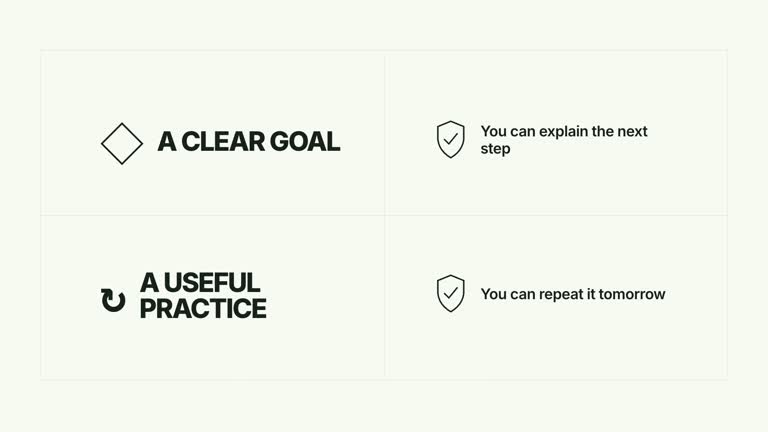
Build a four-part explanation, then make one item the takeaway. A partly established two-by-two grid gains its missing priority card while the surrounding cards stay in place. The seven-second sequence gives a selected issue extra emphasis; it does not rank the content or decide what deserves priority.
What you get
A local effect implementation, generator and motion/review instructions for an editable HyperFrames project. Render the generated composition as a 1920×1080, 30 fps segment for use in a larger edit.
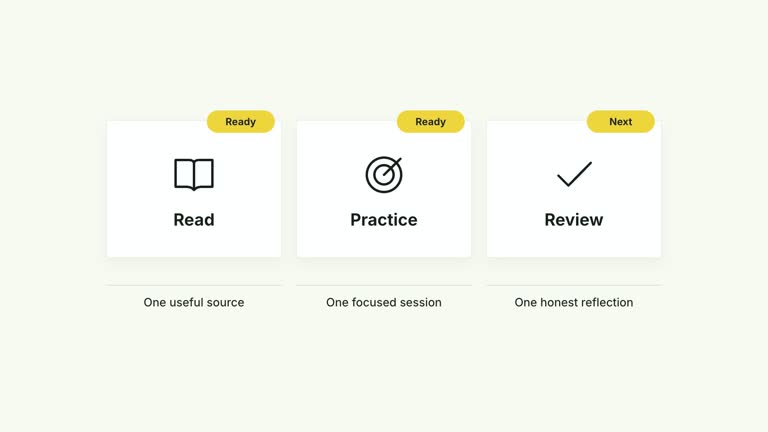
Four image-bearing cards with editable title/detail pairs and compact corner indexes. priorityIndex selects the accent card and the card revealed later; the default 3 selects the fourth, lower-right card.
A staged text completion on the second card, followed by the chosen priority card at 2.15 seconds and a scale settle by 2.75 seconds. The completed grid holds without rearranging the established cards.
Choose White & Yellow (white-yellow), Charcoal & Lime (charcoal-lime), Paper & Orange (paper-orange) or Black & White (midnight-ice). Palettes keep content and movement consistent; semantic overrides need a fresh contrast check. The dark styles include a fine static grid. Fonts are bundled locally: Inter, IBM Plex Mono for measurements/ordinals, Smiley Sans and Noto Sans SC. Chinese copy automatically uses Smiley Sans, including Latin text in the same composition; --zh-font noto-sans-sc selects Noto Sans SC and --font embeds your own face. Check line breaks after changing fonts.
Before you choose
Use the late reveal to land a conclusion. Four unrelated cards with one colored differently will not explain priority on their own; write the selected card and its supporting sentence around the actual takeaway.
Good fit
A creator explanation of four issues or considerations where one deserves the final emphasis.
A short lesson with concise headings and one supporting sentence per card, rather than long prose.
A recurring series using consistent grid structure, palette and typography for different topics.
Not for
Automatic ranking, scoring or evidence that one issue is objectively most important. You supply the selection and its justification.
A variable-length dashboard or a label/evidence table. The current layout has four independent card positions and does not expand for additional entries.
Automatic long-form editing, generation of presenter footage or music, or reuse of a reference creator’s identity and materials.
How to use
You say/creatormotion-cards-grid-priority Turn my supplied explanation into a white-yellow B-roll scene using the Grid with Priority Reveal effect. Use the text, data and media I provide, and ask for any required input that is missing.
Prepare four cards as title/detail objects. Pick the item you want the audience to remember and set priorityIndex to its zero-based integer position, 0–3. Use your actual reasons and examples; the default learning-habit issues are illustrative.
Check the reveal order against your narration. The selected card gets the later entrance, but the separate title/detail animation still targets the second card. If you choose that card as the priority, inspect its combined timing rather than assuming all selections read identically.
Keep the bundled images or replace cardImage1–cardImage4 with appropriate local assets. The image should support its heading; generated defaults do not prove a claim. No presenter take or alpha matte is required by this effect.
With Node.js 22+, FFmpeg and the documented HyperFrames CLI 0.8.30 available, run node scripts/create.mjs --out PROJECT --data CONTENT.json from the extracted package. Add --style or --overrides for styling and --images for named local image replacements. Paths resolve beside the image-map JSON; unlisted slots keep their illustrative defaults. Read the image policy before adapting visual materials.
Inspect the editable composition, then render with npx --yes hyperframes@0.8.30 render PROJECT --output VIDEO.mp4 --fps 30 --quality high --strict. Review the actual opening, main relationship changes and final hold for text bounds, contrast and overlap. Narration, music and assembly with other scenes remain separate editing work. Verify all four labels, the selected index and the enlarged priority card. Check that the scaling and the deliberately protruding number tabs do not hide adjacent content.
Requirements and costs
You bring
cards: provide your own content or retain the illustrative default. · priorityIndex: provide your own content or retain the illustrative default.
Dependencies
HyperFrames CLI 0.8.30 or compatible — required · Node.js 22 or newer — required · FFmpeg — required
Outside costs
Not collected yet
Tools used
HyperFrames
Publisher testing
v1.0.1 — Claude Code / Claude Desktop / Cowork / Codex / ChatGPT
FAQ
Yes. Supply cards and priorityIndex in JSON, choose a palette or use semantic overrides. Each visible card needs a title and detail. Extra entries beyond four are ignored.
No. This effect uses card images and editable text. Bundled generated images are included; replace their four named slots when your example needs different material. Generic presenter/matte instructions apply to other effects.
Yes. Preserve the partial grid, text completion and later priority-card reveal if you want this visual relationship. Re-render after changing selection, timing, wording or layout.
Yes. The implementation uses it for both accent styling and the later whole-card entrance. Use an integer from 0 to 3 and confirm that the corresponding card exists.
Choose it from the explanation, not from the animation. Give the audience a reason for the emphasis, and make the final narration and card detail support that reason.
User reviews
—0 reviews
Select a star to share your experience.
No reviews yet. Ratings appear once readers share real experiences.