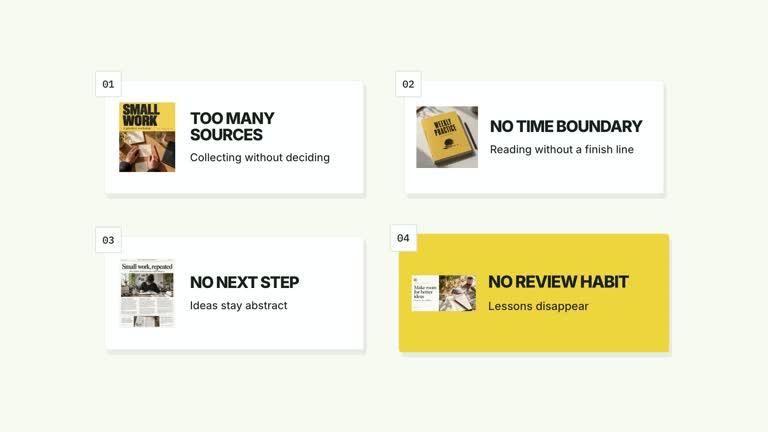
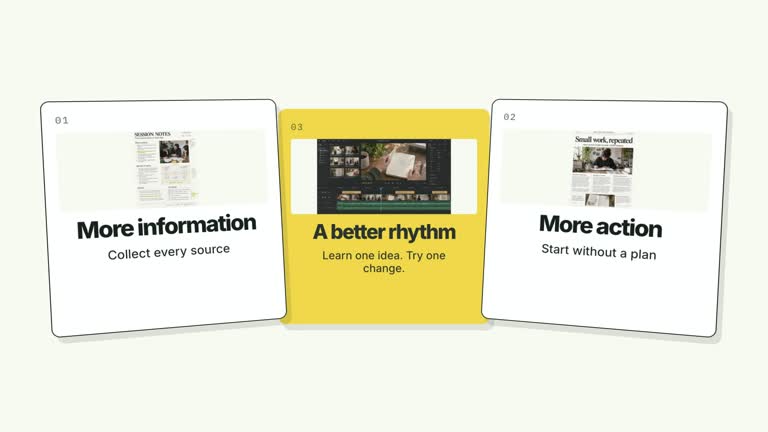
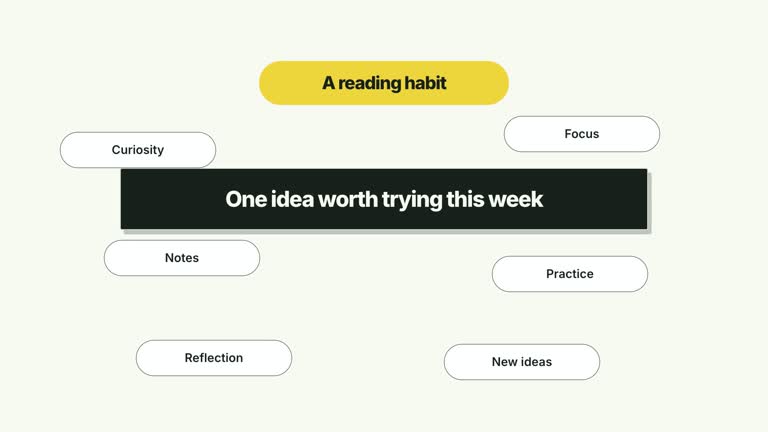
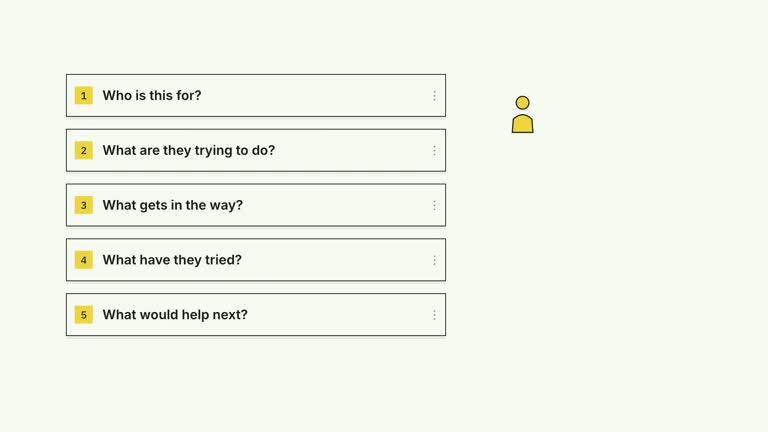
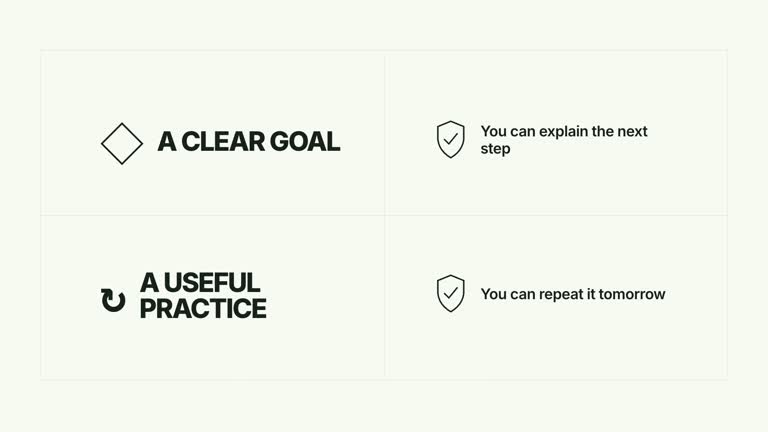
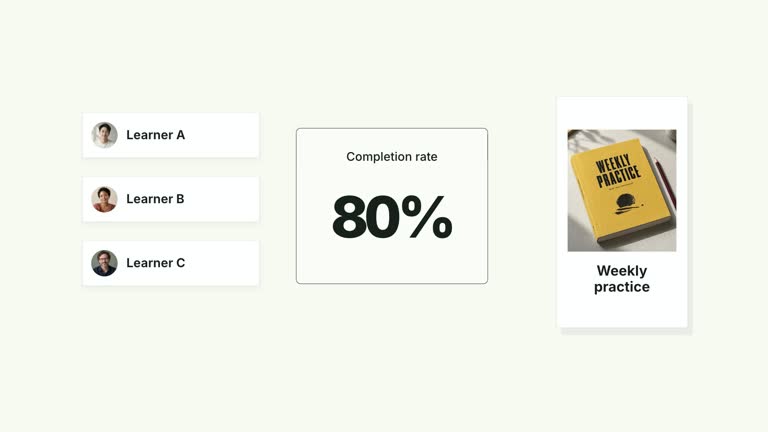
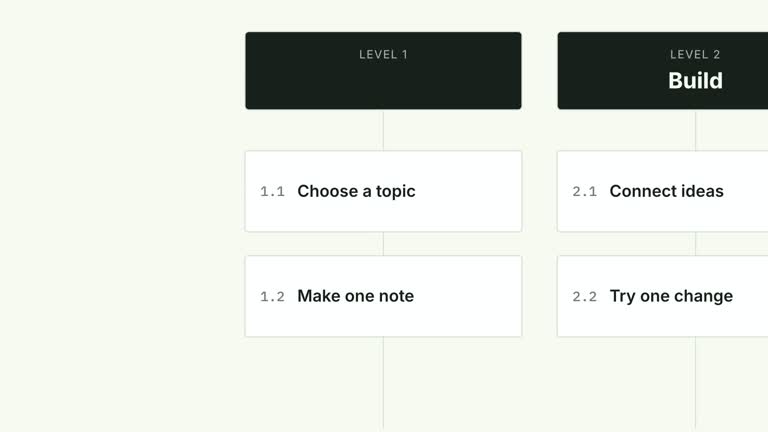
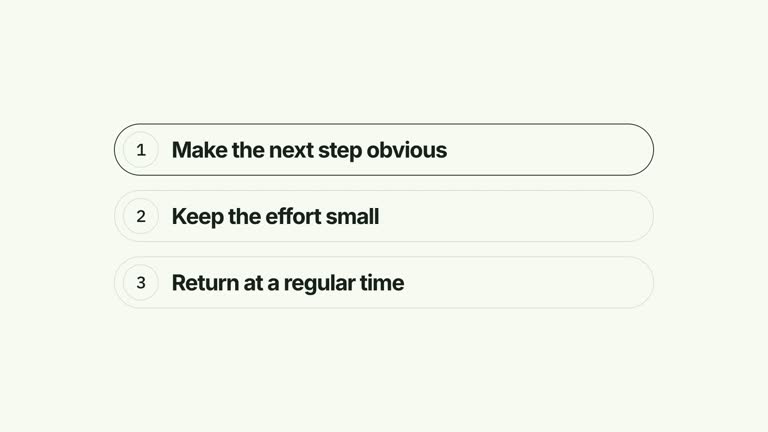
Keep the speaker in the shot while four visual points arrive in front of them. Image-bearing cards settle into an even row near the bottom of the frame, followed by a short caption. This seven-second layout supports a presenter-led explanation, but you must frame and review your own footage so the cards do not cover the face.
What you get
A local generator, editable HyperFrames composition workflow, effect code and motion/review instructions. Render the generated 1920×1080, 30 fps project as a segment, then combine it with your other production assets.
Up to four editable cards and a rowLabel caption. cardImage1 through cardImage4 supply their raster imagery, with illustrative defaults included. A translucent foreground treatment helps separate the cards from the shot.
Whole-card arrivals at 0.45, 1.00, 1.55 and 2.10 seconds, with the row caption appearing at 3.05 seconds. The row holds its even spacing rather than updating status badges on already-established cards.
Four palettes keep the motion consistent: White & Yellow (white-yellow), Charcoal & Lime (charcoal-lime), Paper & Orange (paper-orange) and Black & White (midnight-ice). Semantic overrides adapt the treatment; check contrast after changes. Dark palettes include a fine static grid. Fonts are bundled locally: Inter, IBM Plex Mono for measurements and ordinals, and Smiley Sans/Noto Sans SC for Chinese. Chinese copy automatically uses Smiley Sans, including Latin text in the composition; --zh-font noto-sans-sc selects the plainer alternative and --font embeds your supplied face. Inspect wrapping after a font change.
Before you choose
Choose the presenter shot before finalizing the card layout. A row that leaves one speaker’s face clear may cover another framing; assess the moving arrivals, gestures and bottom caption with your actual footage rather than assuming the sample placement guarantees clearance.
Good fit
A creator introducing a small set of resources, habits or examples while remaining visible behind the visual aid.
A short teaching passage whose card labels can be read without distracting from the speaker’s face.
A recurring on-camera series needing a consistent lower-row treatment and typography.
Not for
Automatic face detection or tracking. Card positions are fixed and must be checked against your actual presenter framing.
A long list, detailed screenshots or dense text: the layout has four fixed card positions and brief captions.
Automatic assembly of a complete film, generation of a missing presenter performance or music, or copying a reference creator’s identity and footage.
How to use
You say/creatormotion-cards-foreground-row Turn my supplied explanation into a white-yellow B-roll scene using the Presenter Foreground Card Row effect. Use the text, data and media I provide, and ask for any required input that is missing.
Prepare up to four short cards and one rowLabel in JSON. Choose images that support the labels instead of relying on tiny detail; they will be displayed inside compact foreground cards.
Supply a continuous local presenter take through --media if you want the on-camera composition. The code can omit the presenter when no take is supplied, but then the result is a card sequence rather than the intended speaker-and-cards explanation. This effect does not require a separate alpha matte.
Frame the speaker with enough clear space above the lower row. The code places cards at y=720 on the 1080px canvas and the caption close to the bottom. Replace cardImage1–cardImage4 through --images as needed; generated defaults are illustrative, not proof of a person or result.
Prepare Node.js 22+, FFmpeg and the documented HyperFrames CLI 0.8.30. Run node scripts/create.mjs --out PROJECT --data CONTENT.json from the extracted Skill directory. Add --style and optional --overrides for styling. An --images JSON map replaces named local slots; relative paths resolve beside that map and unlisted slots retain defaults. Read the image policy before replacing visual materials. Include --media with the chosen take.
Inspect the editable composition and render with npx --yes hyperframes@0.8.30 render PROJECT --output VIDEO.mp4 --fps 30 --quality high --strict. Review real rendered frames at the opening, each main change and the final hold for cropping, overlap and readability. Assemble voiceover, music and other scenes separately. Check the face during card entrances, each caption, the bottom row label and the final media frames. The shared media helper declares a 6.8-second window within a seven-second composition, so inspect the end carefully before delivery.
Requirements and costs
You bring
cards: provide your own content or retain the illustrative default. · rowLabel: provide your own content or retain the illustrative default.
Dependencies
HyperFrames CLI 0.8.30 or compatible — required · Node.js 22 or newer — required · FFmpeg — required
Outside costs
Not collected yet
Tools used
HyperFrames
Publisher testing
v1.0.1 — Claude Code / Claude Desktop / Cowork / Codex / ChatGPT
FAQ
Yes. Supply cards and rowLabel through JSON and use a palette or semantic overrides. Image slots are replaced separately. Check the lower captions and their contrast over your actual footage, not just over the default background.
For a real presenter-led result, yes: provide your own continuous take through --media. The code allows a no-video version, but it does not generate a speaker. Card images have bundled defaults; this effect does not require an aligned cutout matte.
Yes. Preserve the arrival of whole cards into an even foreground row while keeping the speaker visible. After changing position or timing, render again and check the moving cards against the face and gestures.
No. The lower-row placement is fixed rather than face-tracked. Choose appropriate footage or edit the layout, and review every entrance and settled state before using the segment.
A suitable take for the presenter-led version, any replacement card images and the desired palette. Voiceover alignment, music and assembly with the rest of the film remain separate production tasks.
User reviews
—0 reviews
Select a star to share your experience.
No reviews yet. Ratings appear once readers share real experiences.