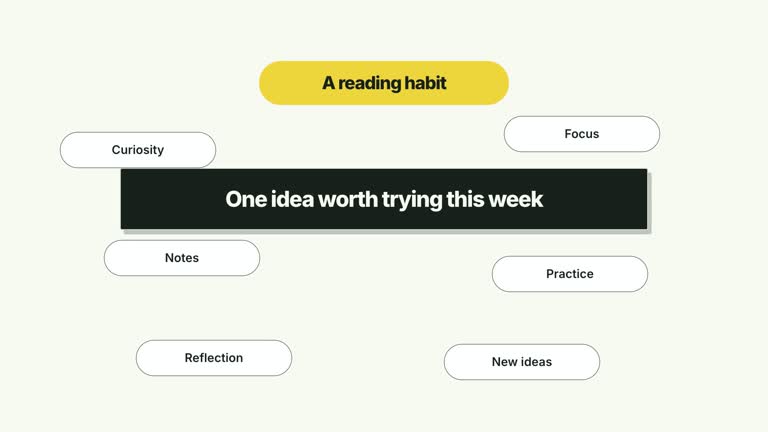
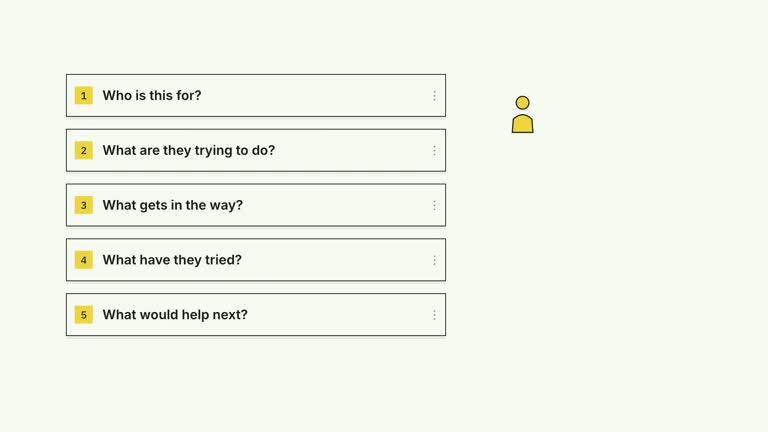
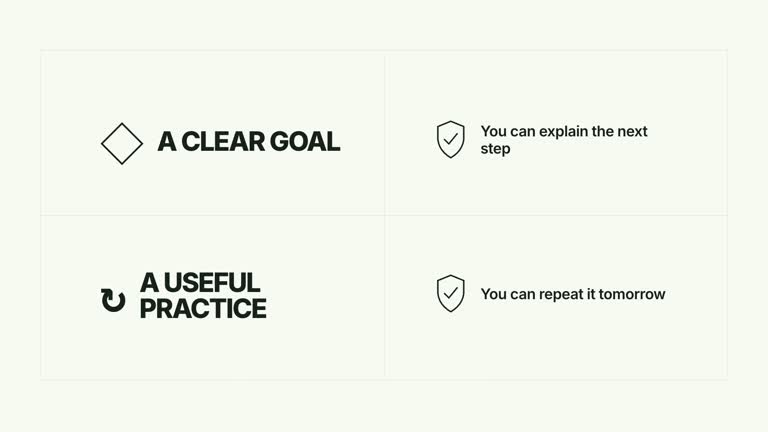
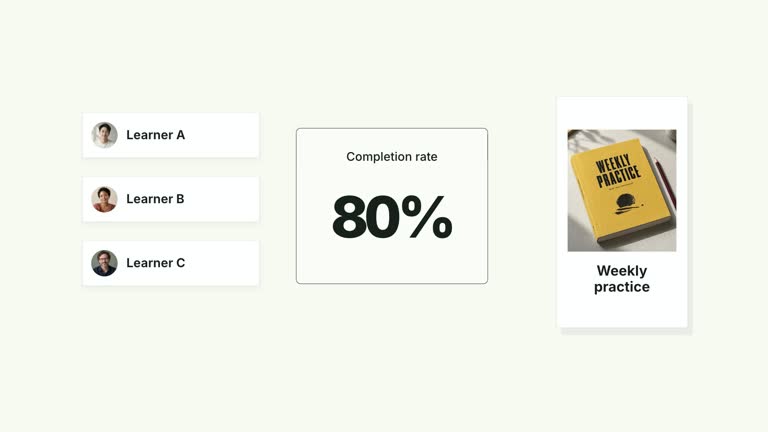
Turn a two-part comparison into a reveal. An animated lens moves across two illustrated cards, the cards separate and tilt, and a previously covered result advances into the center. This seven-second composition gives a prepared conclusion a deliberate reveal; the lens is a visual device, not an image-analysis tool.
What you get
A local generator, effect code, motion specification and review workflow. Generate an editable 1920×1080 HyperFrames project and render it at 30 fps as a segment for your own production.
Editable leftTitle/leftDetail, rightTitle/rightDetail and resultTitle/resultDetail, with image slots leftImage, rightImage and resultImage. Numbered headings, photographs and offset card depth remain part of the treatment.
A two-position lens pass before the opposed split at 2.50 seconds, a result entrance starting at 2.80 seconds and a final push from 4.15–4.75 seconds. The result holds as the new focus rather than filling a grid cell.
Choose White & Yellow (white-yellow), Charcoal & Lime (charcoal-lime), Paper & Orange (paper-orange) or Black & White (midnight-ice). Palettes keep content and movement consistent; semantic overrides need a fresh contrast check. The dark styles include a fine static grid. Fonts are bundled locally: Inter, IBM Plex Mono for measurements/ordinals, Smiley Sans and Noto Sans SC. Chinese copy automatically uses Smiley Sans, including Latin text in the same composition; --zh-font noto-sans-sc selects Noto Sans SC and --font embeds your own face. Check line breaks after changing fonts.
Before you choose
Choose this when a result deserves to emerge from two considered ideas. If the audience needs continuous access to both sources or a detailed numeric comparison, a stable comparison layout may explain more than a dramatic reveal.
Good fit
An educational explanation that examines two approaches before introducing a third option or a synthesis.
A short creator passage with concise titles, brief supporting lines and images that can be understood quickly.
A series requiring consistent comparison/reveal motion, palettes and typography across examples.
Not for
Automatic inspection of image contents, fact checking or generation of the central conclusion. You provide all wording and material.
A neutral side-by-side table that must keep both sources equally prominent throughout. The motion deliberately shifts attention to the result.
Automatic editing of an entire film, generated presenter performances or soundtrack, or copying another creator’s identity and footage.
How to use
You say/creatormotion-cards-inspect-split Turn my supplied explanation into a white-yellow B-roll scene using the Inspect Split Reveal effect. Use the text, data and media I provide, and ask for any required input that is missing.
Write the two source ideas and the central result using the six title/detail fields. Make the conclusion explain the relationship between the two sides; do not rely on the lens animation to establish an argument that the text does not support.
Choose or replace leftImage, rightImage and resultImage through the image map. The package includes illustrative photographs. Use appropriate real material if you are describing an actual product, and keep the headings and details editable rather than baking them into screenshots.
Read the motion specification and keep copy short enough for the compact result card. No presenter take or aligned cutout is used. The lens passes across the image-rich cards but does not magnify their pixels or analyze their contents.
With Node.js 22+, FFmpeg and the documented HyperFrames CLI 0.8.30 available, run node scripts/create.mjs --out PROJECT --data CONTENT.json from the extracted package. Add --style or --overrides for styling and --images for named local image replacements. Paths resolve beside the image-map JSON; unlisted slots keep their illustrative defaults. Read the image policy before adapting visual materials.
Inspect the editable composition, then render with npx --yes hyperframes@0.8.30 render PROJECT --output VIDEO.mp4 --fps 30 --quality high --strict. Review the actual opening, main relationship changes and final hold for text bounds, contrast and overlap. Narration, music and assembly with other scenes remain separate editing work. Check both side cards before and during separation, then read the central result after its push. Look for clipped text, photograph cropping and collisions while the three cards overlap.
Requirements and costs
You bring
leftTitle: provide your own content or retain the illustrative default. · leftDetail: provide your own content or retain the illustrative default. · rightTitle: provide your own content or retain the illustrative default. · rightDetail: provide your own content or retain the illustrative default. · resultTitle: provide your own content or retain the illustrative default. · resultDetail: provide your own content or retain the illustrative default.
Dependencies
HyperFrames CLI 0.8.30 or compatible — required · Node.js 22 or newer — required · FFmpeg — required
Outside costs
Not collected yet
Tools used
HyperFrames
Publisher testing
v1.0.1 — Claude Code / Claude Desktop / Cowork / Codex / ChatGPT
FAQ
Yes. The six title/detail fields supply the copy; choose a palette or semantic overrides for styling. Replace the three images separately through their named slots. Recheck text after a font change.
No. This is an image-and-type effect with bundled illustrative pictures. You only need to provide replacements if those defaults do not fit your subject. General presenter/matte instructions are not requirements for this scene.
Yes. Preserve the inspection pass before the split, the opposed translations/tilts, the hidden center reveal and the final push. Otherwise it becomes a different card entrance rather than this comparison-to-result sequence.
No. It is an animated lens graphic moving over the cards. The central result and its rationale must already be supplied; there is no computer-vision analysis or automatic synthesis.
Read the titles and details at playback speed, confirm the images support those ideas and inspect the overlap during the reveal. The final result should make sense as a conclusion even without the visual flourish.
User reviews
—0 reviews
Select a star to share your experience.
No reviews yet. Ratings appear once readers share real experiences.