Move from a field of related ideas to one concrete takeaway. The main phrase shifts upward, keywords spread around it, then a conclusion strip takes over as the cloud clears and a supporting document rises into view. This seven-second effect gives supplied ideas a two-stage narrative; it does not research the topic or create evidence.
What you get
An editable local HyperFrames effect, generator, motion specification and review guidance. Generate the project and render a 1920×1080, 30 fps segment for a separate video edit.
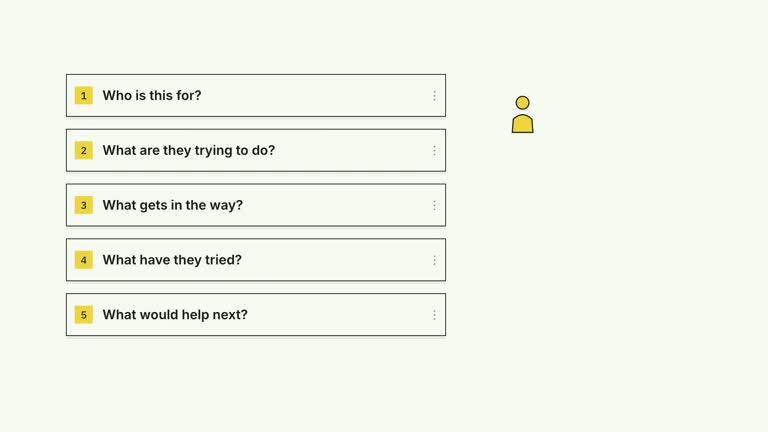
Editable main, up to six keywords, a conclusion, evidenceTitle and up to three evidenceLines. evidenceImage supplies the document visual, with an illustrative generated default available.
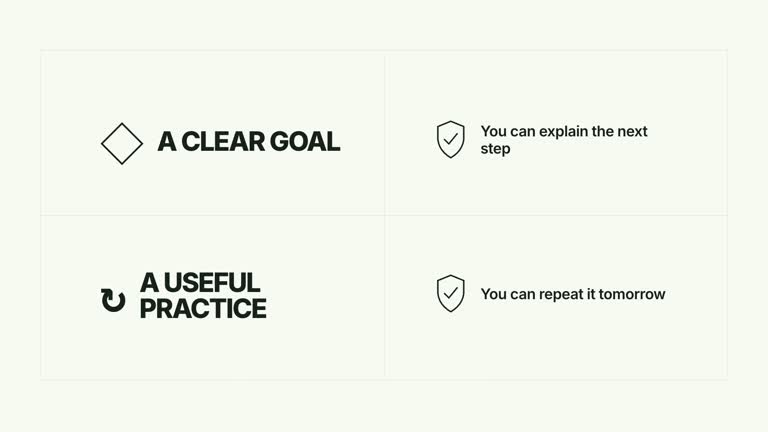
A main-phrase move at 0.45 seconds, keyword entrances beginning at 0.95 seconds and conclusion at 2.70 seconds. The cloud fades completely before the evidence sheet rises at 3.60 seconds, leaving the conclusion and supporting material as the final composition.
Choose White & Yellow (white-yellow), Charcoal & Lime (charcoal-lime), Paper & Orange (paper-orange) or Black & White (midnight-ice). Palettes keep content and movement consistent; semantic overrides need a fresh contrast check. The dark styles include a fine static grid. Fonts are bundled locally: Inter, IBM Plex Mono for measurements/ordinals, Smiley Sans and Noto Sans SC. Chinese copy automatically uses Smiley Sans, including Latin text in the same composition; --zh-font noto-sans-sc selects Noto Sans SC and --font embeds your own face. Check line breaks after changing fonts.
Before you choose
Choose the final point first, then select only the keywords that lead toward it. If the last card is a plan rather than proof, describe it that way; a document-shaped visual should not turn an illustrative example into an implied factual claim.
Good fit
A teaching passage that begins with broad associations and ends with a specific point, commitment or supporting example.
A creator explanation using short keywords and a concise conclusion instead of a dense slide of text.
A series needing a repeated idea-to-takeaway rhythm with consistent motion and typography.
Not for
Automatic keyword extraction, research, citation checking or creation of factual evidence. All content and the supporting visual come from supplied inputs or illustrative defaults.
A static center-and-corners summary. This effect clears the keywords and changes to a document-backed conclusion.
Automatic long-form editing, generated presenter performances or music, or copying a reference creator’s identity and materials.
How to use
You say/creatormotion-cards-keyword-resolve Turn my supplied explanation into a white-yellow B-roll scene using the Keyword Cloud to Conclusion effect. Use the text, data and media I provide, and ask for any required input that is missing.
Write main and up to six keywords, then decide what the conclusion should add. Supply evidenceTitle and up to three evidenceLines that make the takeaway concrete. Keep both stages concise enough to read within the short sequence.
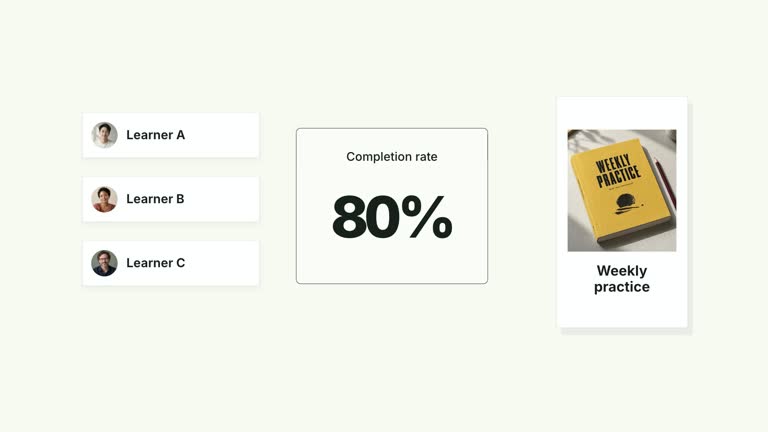
Decide whether the document is an illustrative example, an action plan or factual support. Replace evidenceImage with your own appropriate visual when you are making an evidential claim; the generated default does not establish that a result occurred.
Read the motion specification before changing timing. The keyword cloud must clear before the document arrives, so leftover text does not remain faintly visible underneath it. No presenter take or alpha matte is used by this composition.
With Node.js 22+, FFmpeg and the documented HyperFrames CLI 0.8.30 available, run node scripts/create.mjs --out PROJECT --data CONTENT.json from the extracted package. Add --style or --overrides for styling and --images for named local image replacements. Paths resolve beside the image-map JSON; unlisted slots keep their illustrative defaults. Read the image policy before adapting visual materials.
Inspect the editable composition, then render with npx --yes hyperframes@0.8.30 render PROJECT --output VIDEO.mp4 --fps 30 --quality high --strict. Review the actual opening, main relationship changes and final hold for text bounds, contrast and overlap. Narration, music and assembly with other scenes remain separate editing work. Watch the cloud-to-document handoff, the conclusion strip over the sheet and the final evidence lines. Confirm that important parts of the document are not obscured by the overlay and that the actual supporting information remains readable.
Requirements and costs
You bring
main: provide your own content or retain the illustrative default. · keywords: provide your own content or retain the illustrative default. · conclusion: provide your own content or retain the illustrative default. · evidenceTitle: provide your own content or retain the illustrative default. · evidenceLines: provide your own content or retain the illustrative default.
Dependencies
HyperFrames CLI 0.8.30 or compatible — required · Node.js 22 or newer — required · FFmpeg — required
Outside costs
Not collected yet
Tools used
HyperFrames
Publisher testing
v1.0.1 — Claude Code / Claude Desktop / Cowork / Codex / ChatGPT
FAQ
Yes. The content fields control the main phrase, keywords, conclusion and document wording. Choose a palette or semantic overrides for styling; font changes need another wrapping and contrast check.
No. The effect uses editable typography, geometry and an evidence-page image. Generated imagery is included; replace evidenceImage when your example needs your own document or factual support. Generic presenter requirements do not apply here.
Yes. Keep the main phrase repositioning, spatial keyword spread and cloud clearance before the document arrives. That change of composition distinguishes it from a static set of surrounding tags.
No. The Skill only presents the material you provide. A default generated page is illustrative, and the evidenceLines are supplied copy. Establish the claim and select appropriate support before animating it.
The implementation shows at most six keywords and three evidence lines in fixed positions. Additional entries do not create more space. Shorten the copy or deliberately edit the layout if the final document and overlay become crowded.
User reviews
—0 reviews
Select a star to share your experience.
No reviews yet. Ratings appear once readers share real experiences.