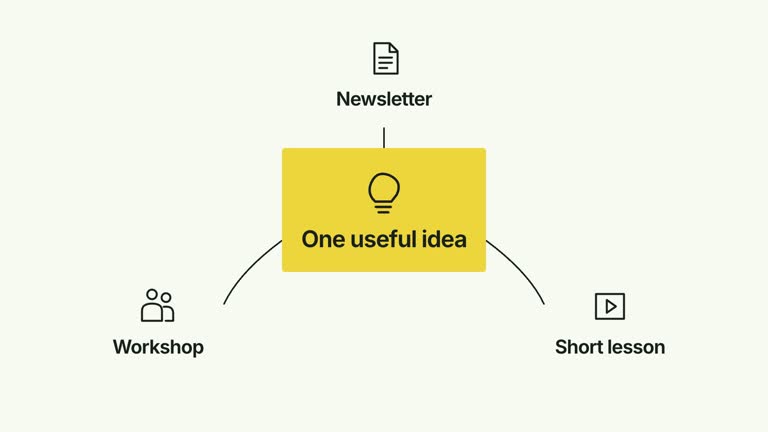
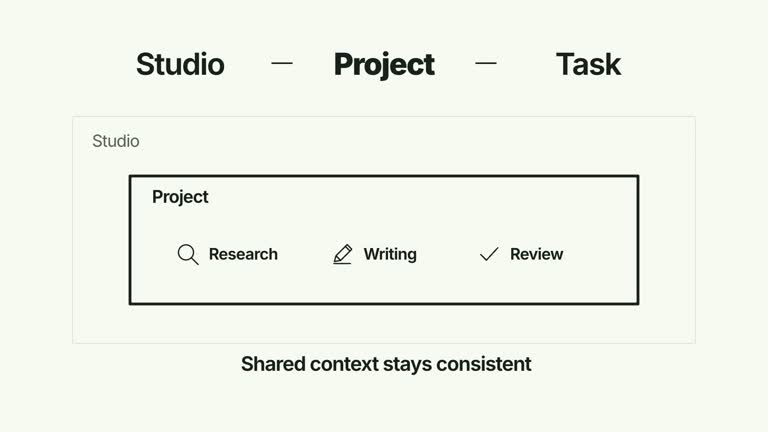
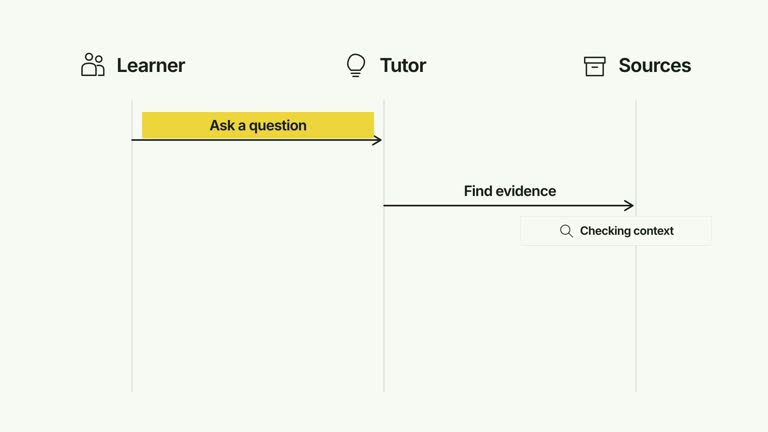
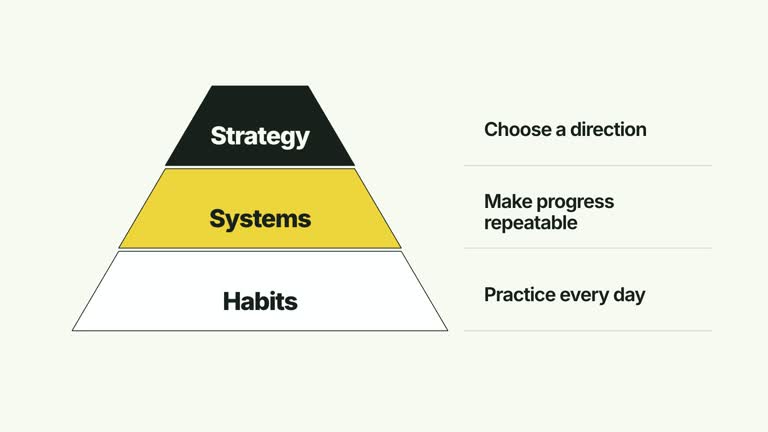
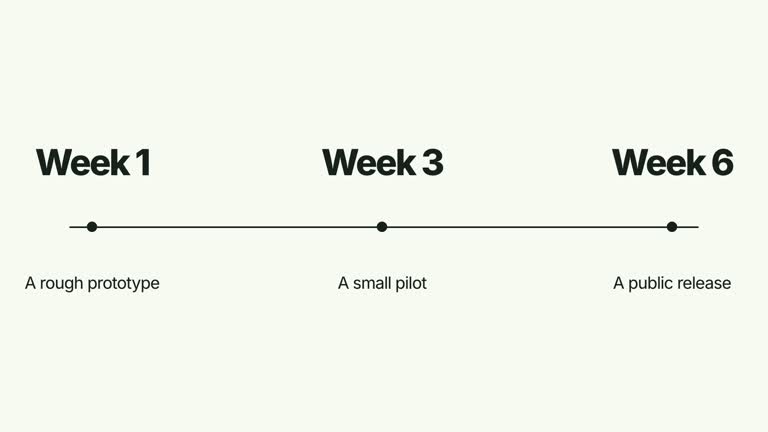
Explain how a small work area sits within a larger context, then populate it with a few related activities. A parent heading and scope label establish the levels; child columns arrive with their own glyph, title and supporting line before an enclosing stroke emphasizes the group. This 6.2-second scene illustrates organization rather than creating a functioning workspace.
What you get
A local generator, editable HyperFrames composition and motion/review instructions for a 1920×1080, 30 fps segment. Generate the scene from prepared labels and render the organized workspace explanation.
parent, scope and up to four cards, each with title and detail. Children share the available horizontal space, with position-based search, pen, check and archive glyphs.
Parent/scope labels from 0.16 and 0.35 seconds, child entrances from 0.40 seconds at 0.25-second intervals, and a scope-emphasis frame traced from 1.35 to 2.15 seconds. The completed context and content hold together without floating or repeated animation.
Four styles keep the same data and choreography: White & Yellow (white-yellow), Charcoal & Lime (charcoal-lime), Paper & Orange (paper-orange), and Black & White (midnight-ice). Semantic style overrides are supported; check contrast after changing them. Dark canvases use a fine grid. Local fonts include Inter, IBM Plex Mono for measurements and ordinals, Smiley Sans and Noto Sans SC. Chinese text selects Smiley Sans automatically, including accompanying Latin text; --zh-font noto-sans-sc selects Noto Sans SC, while --font takes precedence for a supplied font.
Before you choose
Name the enclosing scope so it explains why the child activities belong together. Use the hierarchy to clarify ownership or context, while keeping any claim about an actual workspace separate from the illustrative animation.
Good fit
A creator explaining how a few activities belong to one named workspace or bounded scope.
A teaching passage needing readable parent/scope/child distinctions rather than a free-form network.
A series using consistent child columns, contextual headings and a calm final workspace view.
Not for
Creating a live project workspace, importing tasks or enforcing an organizational hierarchy in software.
Arbitrary nested levels, more than four visible children or assuming the glyphs are selected automatically from card meanings.
Automatic full-film editing, generated presenter footage or music, or copying another creator’s identity and materials.
How to use
You say/creatormotion-diagram-nested-workspace Turn my supplied explanation into a white-yellow B-roll scene using the Nested Workspace Build effect. Use the text, data and media I provide, and ask for any required input that is missing.
Write a concise parent context and scope, then a nonempty cards array with title and detail for each child. The implementation shows at most four cards; extra items are not displayed. Make the parent/scope distinction meaningful before using the enclosing geometry to emphasize it.
Keep card titles brief and supporting copy to short lines. Column width depends on the displayed card count; four children leave less room for long text. Glyphs follow position, not an analysis of the card label, so review whether their associations fit your content.
Preserve the enclosing levels as the child content arrives. This is a fixed parent/scope/child composition, not a renderer for arbitrary nested JSON structures. No presenter, raster image or matte is used.
From the extracted package, prepare Node.js 22+, FFmpeg and HyperFrames CLI 0.8.30. Run node scripts/create.mjs --out PROJECT --data CONTENT.json --style white-yellow, substituting another documented palette if wanted. Read the motion specification and image policy before adapting the scene; use semantic --overrides for deliberate style changes.
Inspect the editable project at entry, each motion handoff and final hold, then render with the command printed by the generator. Check the resulting frames for text collisions, correct numbers and readable contrast. Keep at least 1.2 seconds for the final reading when editing, and compare all four palettes with identical content after structural changes. Narration, music and assembly into a longer film remain separate work. Inspect all child columns and the drawn scope frame in actual MP4 frames. Check boundaries, title/detail wrapping and the distinct heading levels, with supporting text at least 24 px. Keep content population central to the explanation instead of adding unrelated positive/negative annotations or perpetual motion.
Requirements and costs
You bring
parent: provide your own content or retain the illustrative default. · scope: provide your own content or retain the illustrative default. · cards: provide your own content or retain the illustrative default.
Dependencies
HyperFrames CLI 0.8.30 or compatible — required · Node.js 22 or newer — required · FFmpeg — required
Outside costs
Not collected yet
Tools used
HyperFrames
Publisher testing
v1.0.1 — Claude Code / Claude Desktop / Cowork / Codex / ChatGPT
FAQ
Yes. parent, scope and card title/detail fields are JSON inputs, with four palettes and semantic overrides. Child glyphs and the fixed levels are implemented by the scene.
No. Editable text, glyphs and enclosing geometry construct the scene. Generic package image/presenter instructions do not add media requirements here.
Yes. Preserve parent/scope context, ordered child population and the later enclosing emphasis. Re-render after text or card-count changes and inspect the final hierarchy.
Not through the supplied fields alone. The shot has a fixed context, scope and child-column structure; additional nested levels require implementation and layout changes.
No. It produces a visual explanation from your labels. No live workspace, task import or external application integration is implemented.
User reviews
—0 reviews
Select a star to share your experience.
No reviews yet. Ratings appear once readers share real experiences.