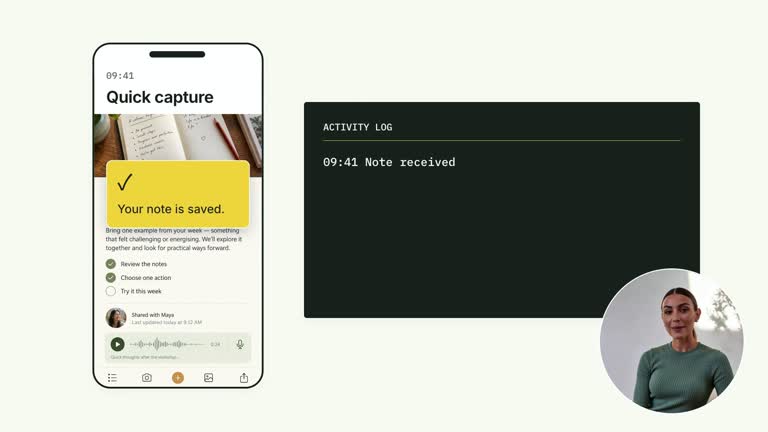
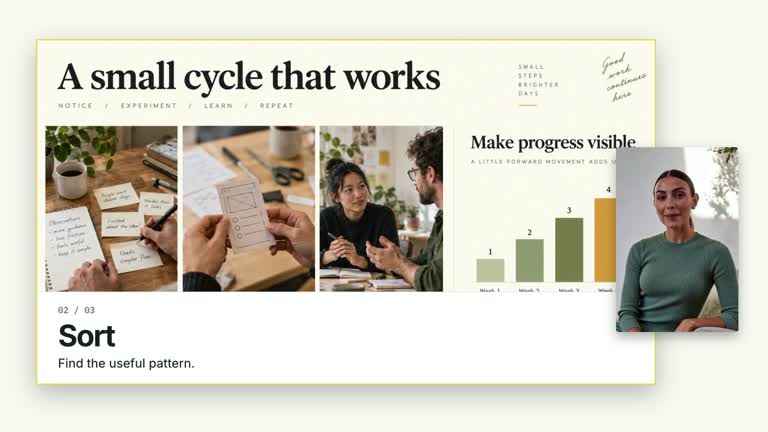
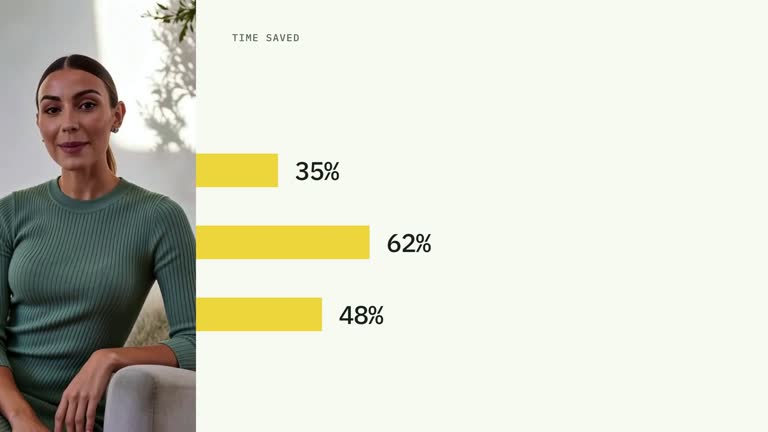
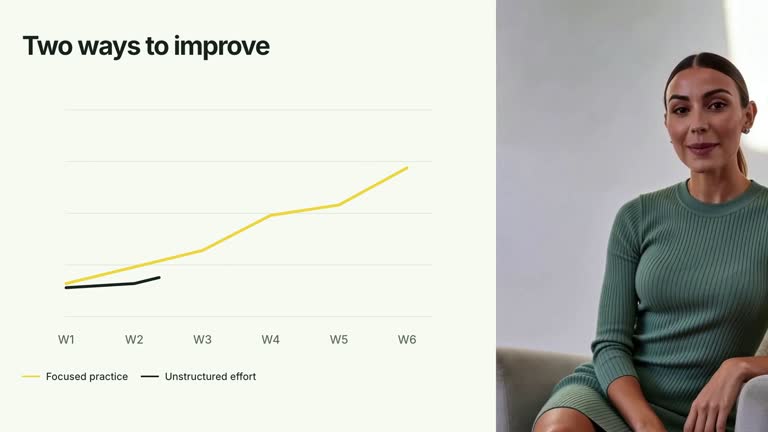
Explain an exchange by tracing messages between participants as time moves down the screen. Vertical lanes keep identities stable while request arrows, a visible wait and returning messages build the sequence. This 7.3-second shot animates a conversation or service model you provide; it does not send messages, call services or measure response time.
What you get
A local generator, editable HyperFrames message-sequence shot and motion/review instructions for a 1920×1080, 30 fps segment. Generate and render the visual exchange from your participant and message data.
Up to three participants, four messages with from/to/label, and waitLabel. Participant indices are zero-based and refer to fixed lane positions; the first message receives the accent treatment.
Lane/header establishment, message routes introduced in array order and a wait label from 2.15 seconds that fades from 3.10 seconds. A built-in pause before the third message separates the request side from the continuation, while the complete sequence remains visible at the end.
Four styles keep the same data and choreography: White & Yellow (white-yellow), Charcoal & Lime (charcoal-lime), Paper & Orange (paper-orange), and Black & White (midnight-ice). Semantic style overrides are supported; check contrast after changing them. Dark canvases use a fine grid. Local fonts include Inter, IBM Plex Mono for measurements and ordinals, Smiley Sans and Noto Sans SC. Chinese text selects Smiley Sans automatically, including accompanying Latin text; --zh-font noto-sans-sc selects Noto Sans SC, while --font takes precedence for a supplied font.
Before you choose
Check who is speaking to whom before judging the animation. Use the waiting beat to explain a dependency, and keep a simulated sequence distinct from logs or timing evidence collected from a real system.
Good fit
A creator explaining a short request/response flow among people, tools or services.
A teaching passage where sender, receiver and order matter more than a circular process diagram.
A series with consistent participant lanes, inline message labels and an explicit waiting beat.
Not for
Sending real messages, calling APIs, observing a conversation or benchmarking service latency.
Self-messages on the same lane, unbounded exchanges or assuming arrow spacing is a calibrated time scale.
Automatic full-film editing, generated presenter performances or music, or copying another creator’s identity and materials.
How to use
You say/creatormotion-diagram-sequence-lanes Turn my supplied explanation into a white-yellow B-roll scene using the Message Sequence Lanes effect. Use the text, data and media I provide, and ask for any required input that is missing.
Prepare up to three participants and four messages in the intended order. Each message needs from, to and a concise label. Use valid zero-based indices for visible participants and different sender/receiver lanes; the current horizontal label-width calculation is not designed for self-messages.
Write waitLabel to explain the pause in your model. The wait and later messages use a fixed schedule rather than runtime events. If your exchange differs from the default two requests followed by two returns, revise the timing deliberately so the wait occurs at a meaningful point.
Keep participant names and inline message text short enough for lane spacing. Fewer participants do not automatically recenter the three preset lane positions. Position-based glyphs are illustrative. No presenter, raster image or matte is required.
From the extracted package, prepare Node.js 22+, FFmpeg and HyperFrames CLI 0.8.30. Run node scripts/create.mjs --out PROJECT --data CONTENT.json --style white-yellow, substituting another documented palette if wanted. Read the motion specification and image policy before adapting the scene; use semantic --overrides for deliberate style changes.
Inspect the editable project at entry, each motion handoff and final hold, then render with the command printed by the generator. Check the resulting frames for text collisions, correct numbers and readable contrast. Keep at least 1.2 seconds for the final reading when editing, and compare all four palettes with identical content after structural changes. Narration, music and assembly into a longer film remain separate work. Follow each arrow from the correct sender to receiver in actual MP4 frames, and check label fit in both directions. Verify the wait-to-return handoff, preserve earlier messages as history and keep supporting text at least 24 px. Do not describe animation duration or vertical distance as measured service latency.
Requirements and costs
You bring
participants: provide your own content or retain the illustrative default. · messages: provide your own content or retain the illustrative default. · waitLabel: provide your own content or retain the illustrative default.
Dependencies
HyperFrames CLI 0.8.30 or compatible — required · Node.js 22 or newer — required · FFmpeg — required
Outside costs
Not collected yet
Tools used
HyperFrames
Publisher testing
v1.0.1 — Claude Code / Claude Desktop / Cowork / Codex / ChatGPT
FAQ
Yes. participants, messages and waitLabel are JSON inputs, with four palettes and semantic overrides. Message order follows the array; timing and lane positions are implemented in the scene.
No. Editable headers, lanes, arrows and text create the exchange. Generic package media instructions do not require images or presenter footage here.
Yes. Preserve participant identity, descending message order and a clear wait/return sequence. Re-render after message changes and check that the fixed pause still matches the story.
No. All content and timing are supplied or preset. The shot illustrates an exchange without external calls, event monitoring or latency measurement.
Not safely through the current horizontal-route layout. Label width is derived from the distance between two lanes, which becomes invalid for a self-message; that case needs a dedicated route and layout change.
User reviews
—0 reviews
Select a star to share your experience.
No reviews yet. Ratings appear once readers share real experiences.