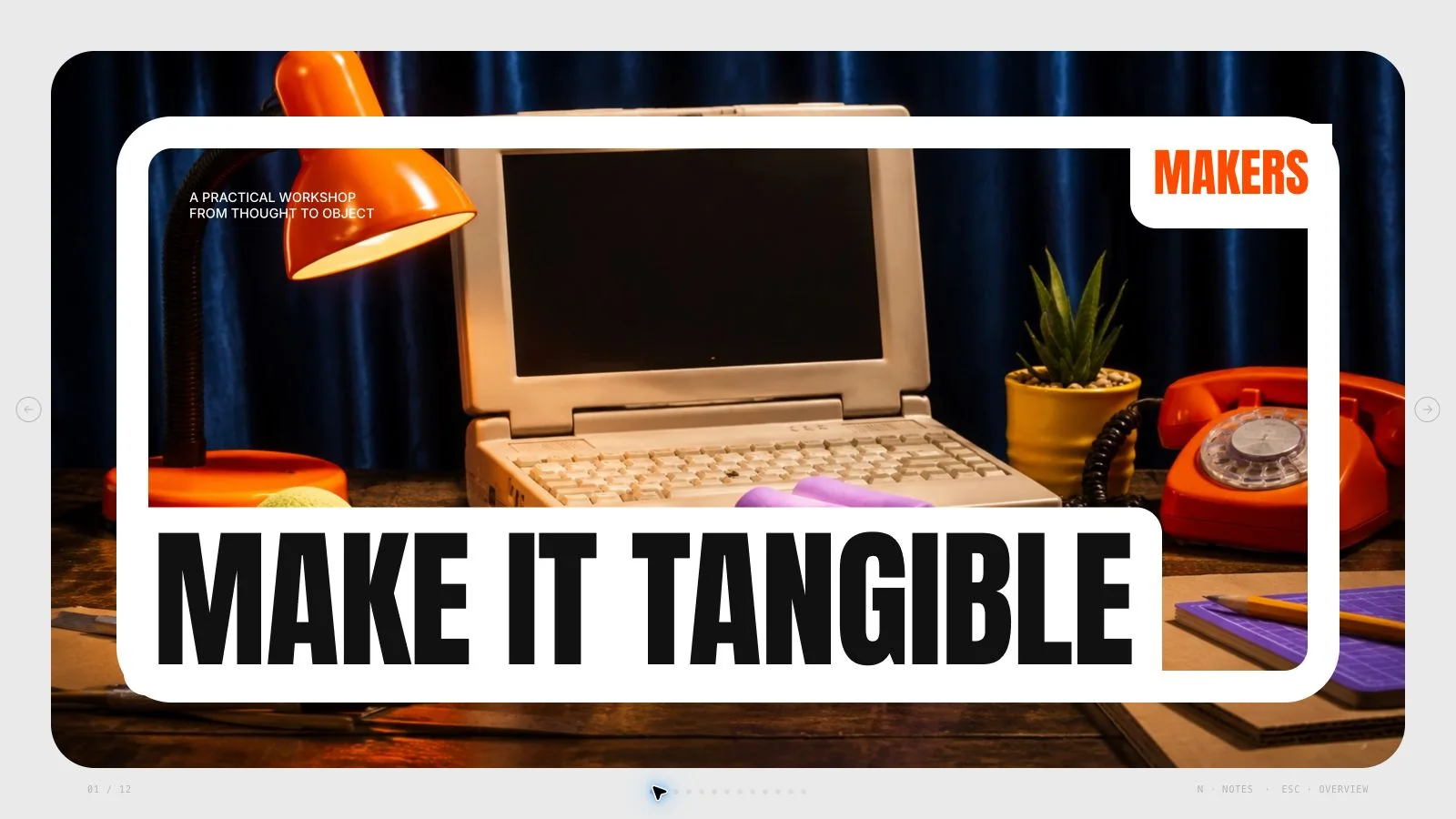
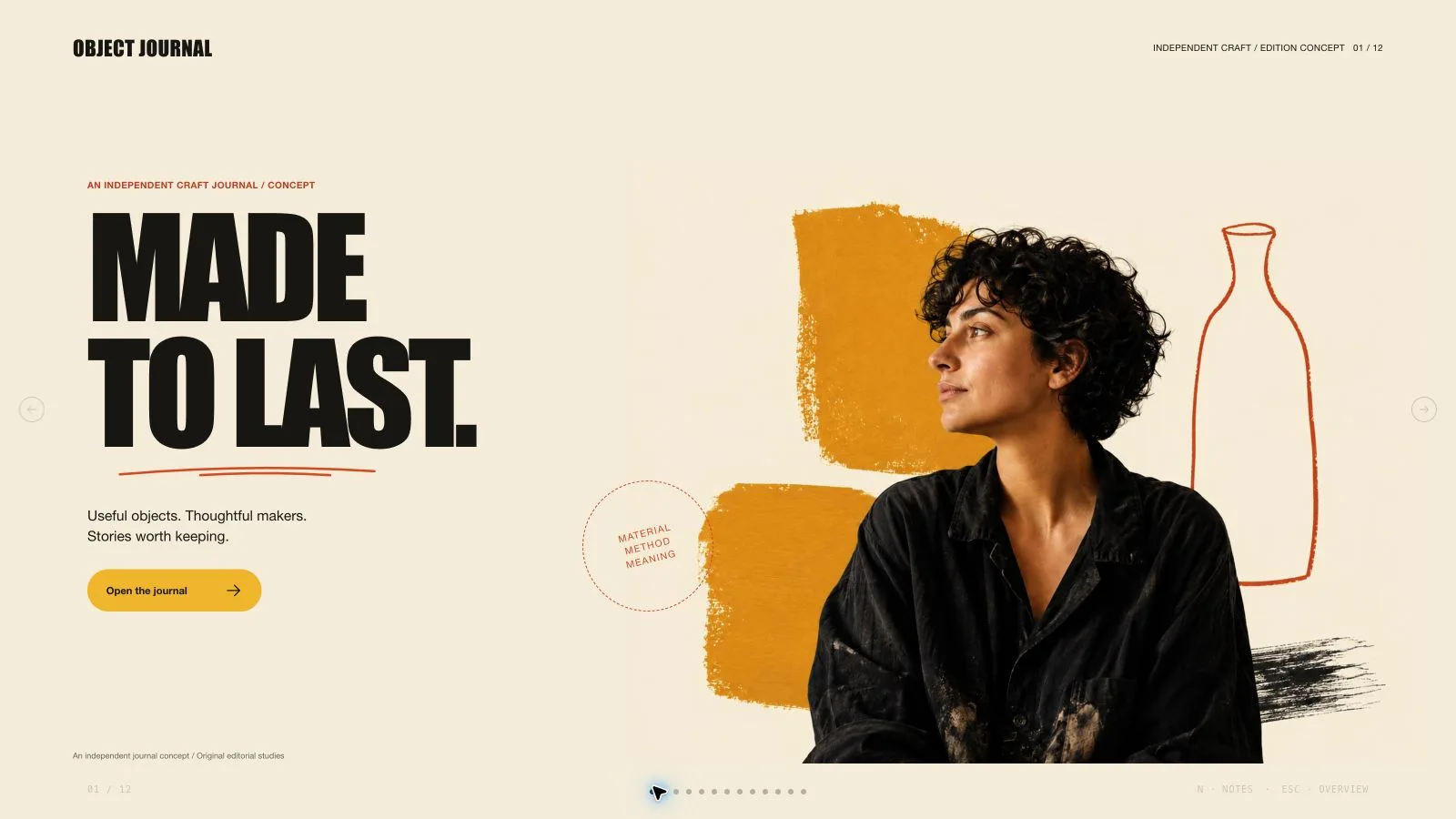
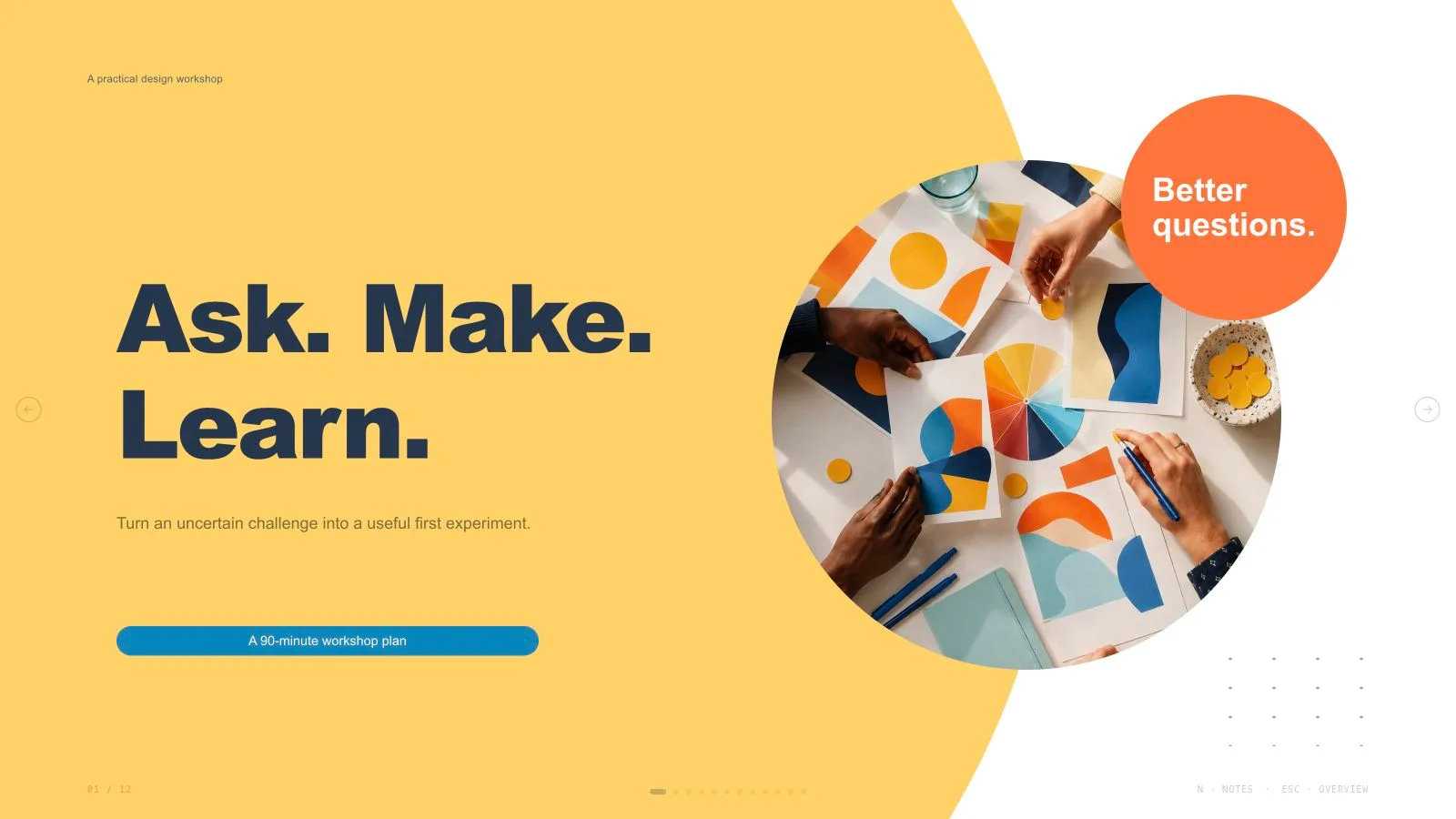
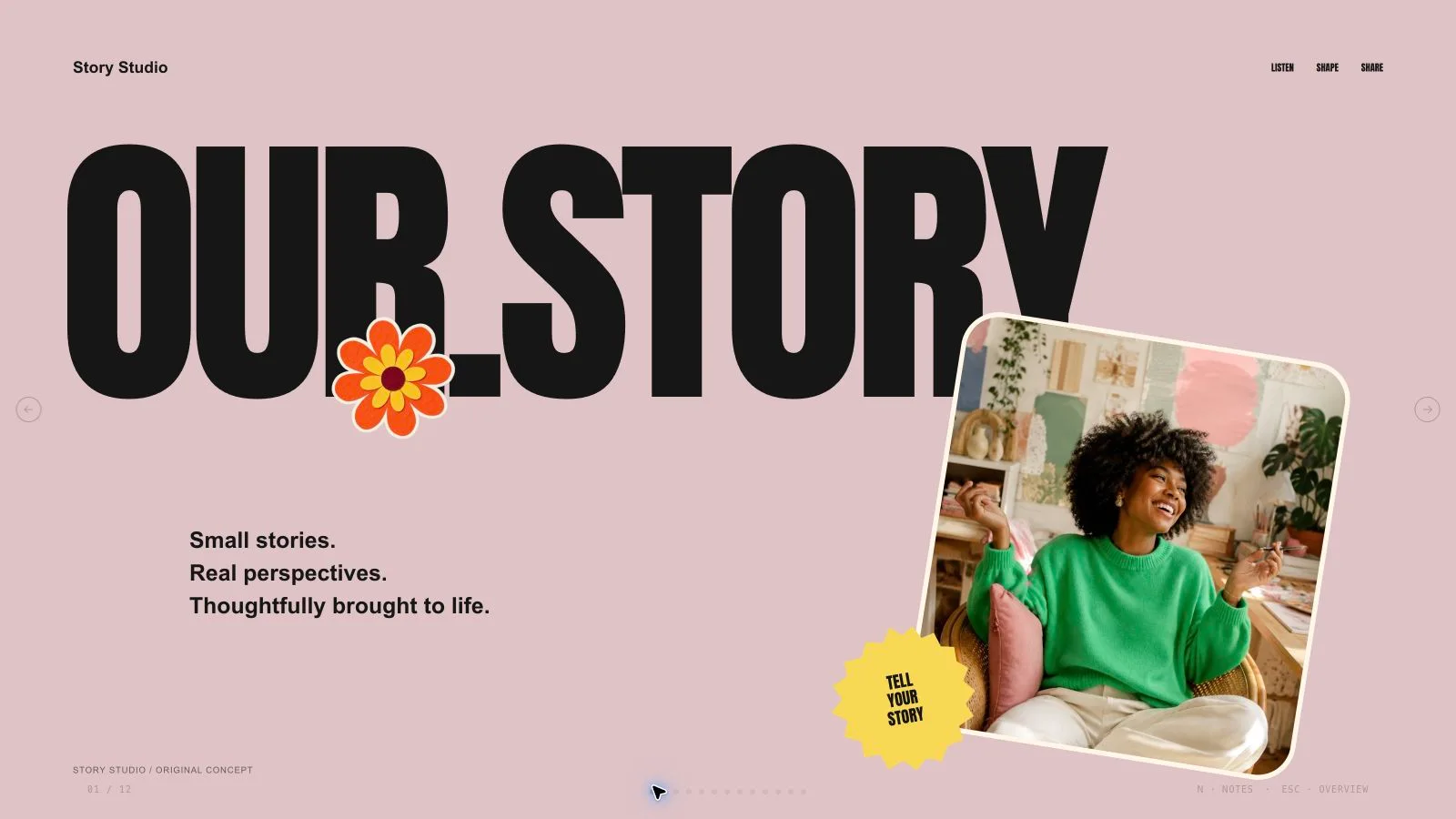
Build a training session around what learners should do differently, not how much material a slide can hold. Learning Loop Deck connects two to four observable outcomes with short explanation, decision practice, feedback and an action commitment. It produces a bright, editable browser presentation for workshops, onboarding or enablement; the facilitator still supplies accurate sources and evaluates what learners can actually do.
What you get
A learning design linking audience/prior knowledge, current behavior, desired behavior, barriers and evidence of improvement. Two to four outcomes use observable actions such as choose, classify, draft, demonstrate, diagnose or revise rather than unsupported promises of understanding.
Ten adaptable layout roles: learning-promise cover, outcome cards, scenario decision, model/process, timeboxed activity, comparison feedback, quick check, action commitment, original principle and recap. Arrange Frame–Try–Reflect loops across one to three slides, with a participant action at least every three slides. The agreed length follows the session, not a mandatory ten-page sequence.
Facilitator notes with orientation and three to five contextual prompts per page. Activities specify a visible participant action, group format, output/artifact and timebox; feedback can use model reasoning, a rubric or debrief. A transfer commitment identifies an action, when it happens and a success signal, without equating an in-session poll with later performance.
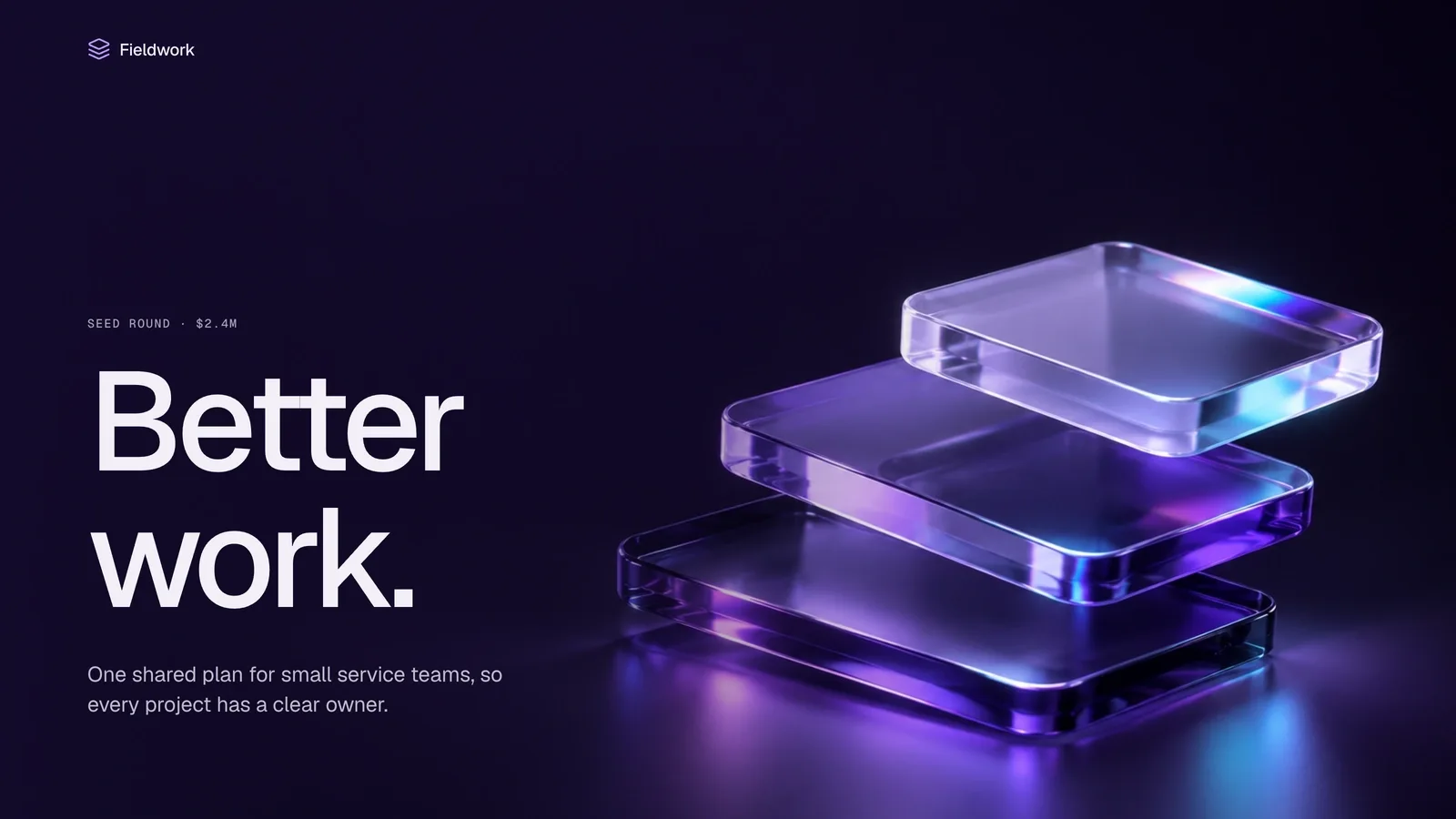
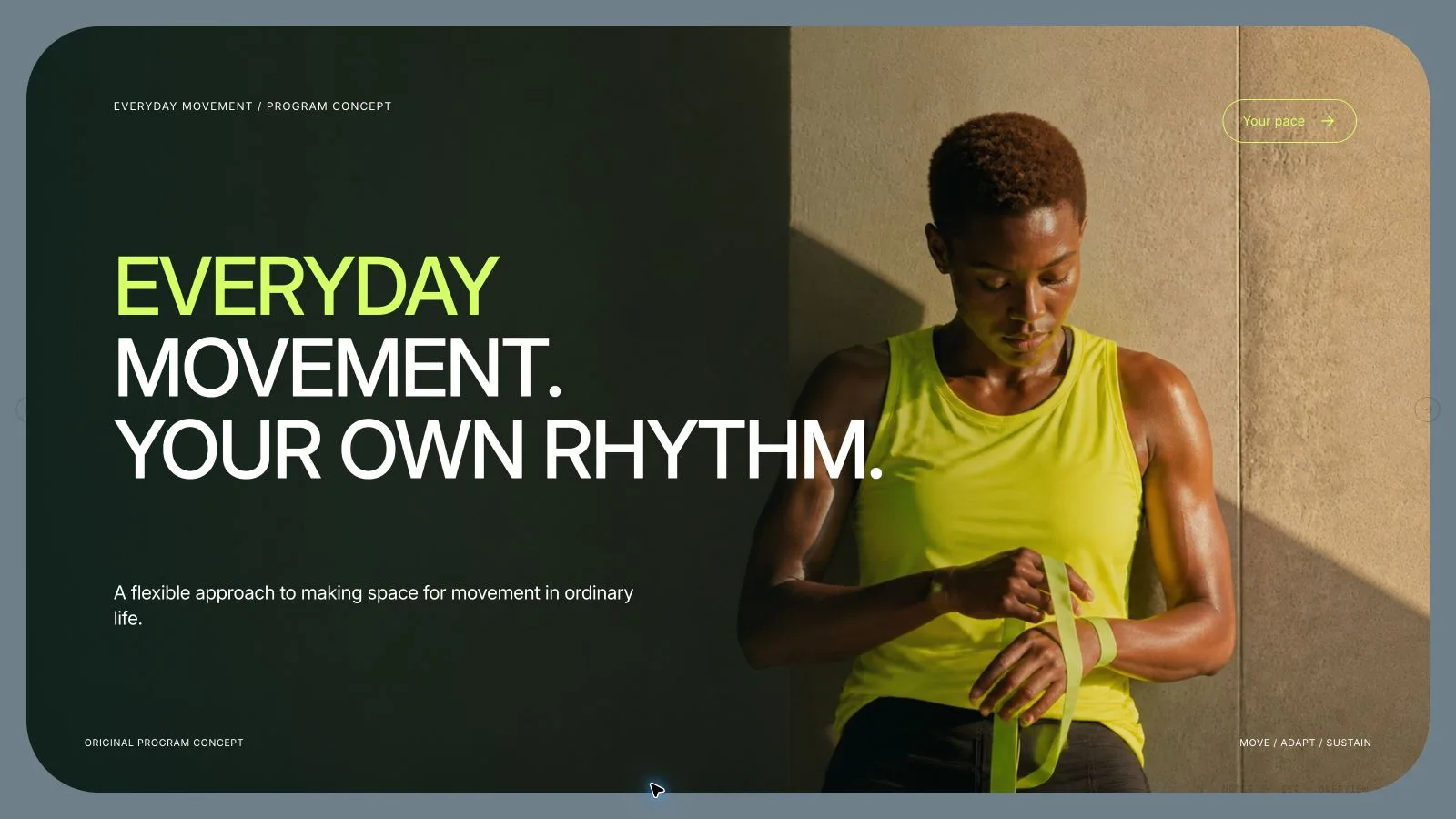
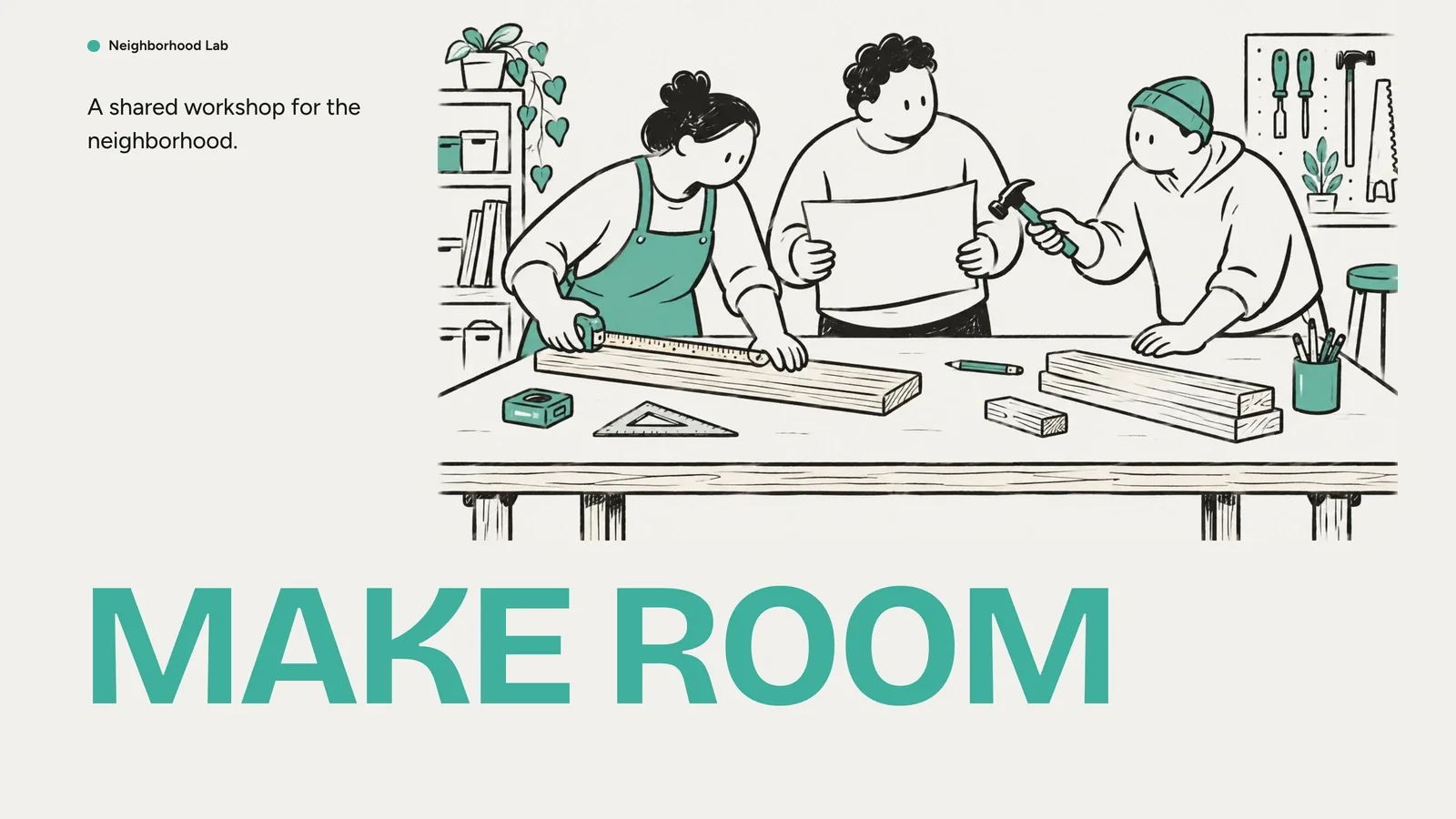
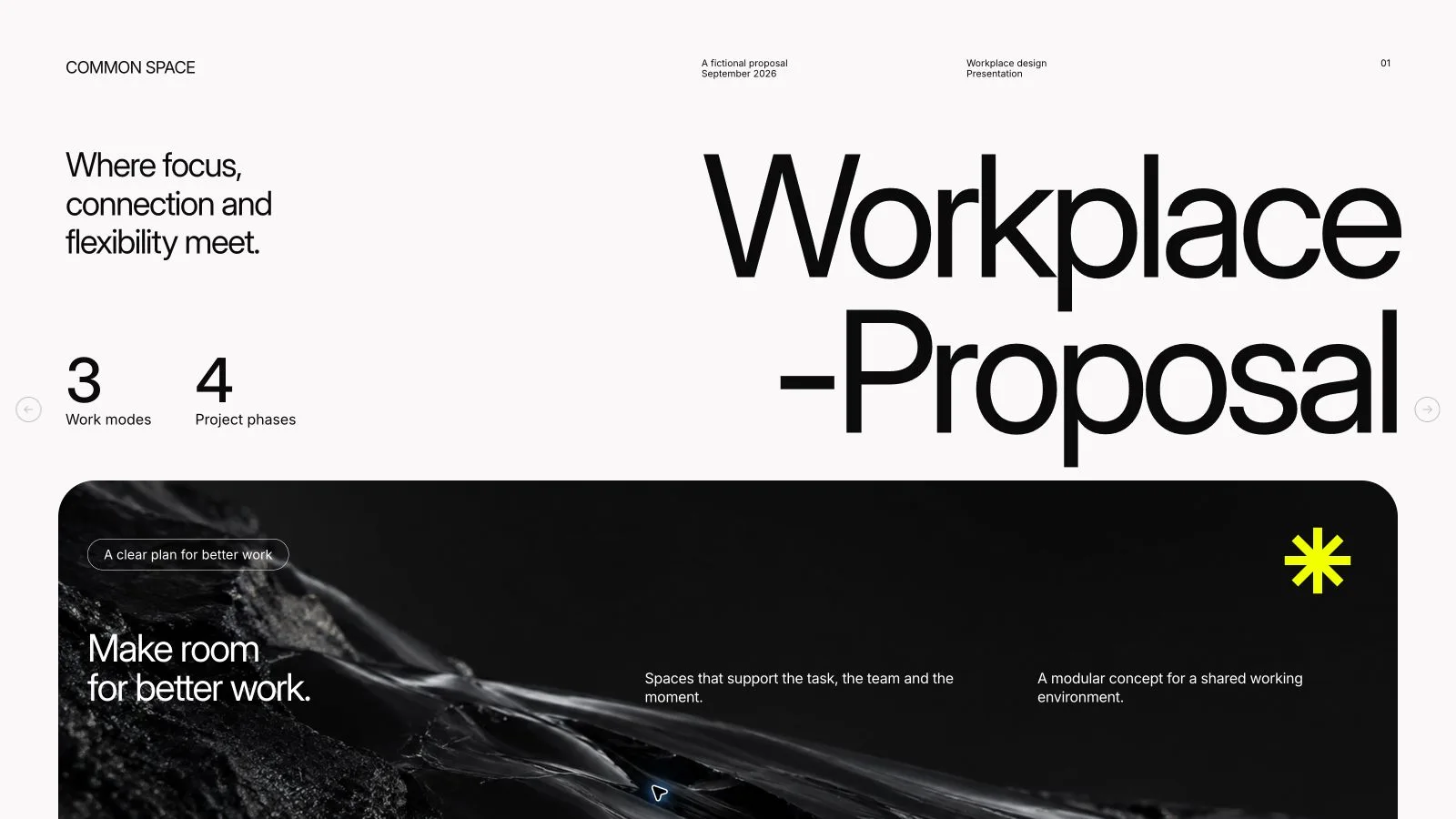
A rounded-card visual system with strong indigo structure, mint learning cues, warm prompts, editorial illustration and readable typography. Choose one documented palette—Signal Mint, Tangerine Lab, Cobalt Studio or Plum Reflection. Three bundled learning/planning illustrations can be used where relevant; the deck must remain useful with shapes/placeholders and no generated imagery.
A self-contained 1280×720 HTML deck with viewing, overview, navigation, speaker notes, editing, presentation mode and print styling. The installation includes recipes, instructional guidance and build/media tools, not a completed custom course. Optional checked PPTX keeps native text/notes and separate pictures, with decorative/effect layers rendered; PDF printing yields one slide per page.
Before you choose
Start with the practice artifact: what will participants choose, produce or demonstrate, and what makes that response useful? Work backward to the minimum explanation they need and forward to a realistic follow-up signal. This keeps an attractive activity from becoming a substitute for evidence that someone can perform the behavior.
Good fit
An onboarding, workshop or enablement session where participants need to practice a defined behavior.
A facilitator who wants concise explanations interleaved with choices, discussion, drafting, rehearsal and feedback.
A training owner with trustworthy source material, a performance goal and a way to observe follow-through after the session.
Not for
A dense report whose main purpose is displaying information rather than practicing a decision or action.
Unrestricted custom styling outside the documented palette system; a new preset needs explicit design/documentation rather than arbitrary mixed colors.
A session without a defined audience, observable goal or trustworthy material, or a claim of learning transfer based only on attendance, confidence or a reaction poll.
How to use
You say/learning-loop-deck Turn this privacy training brief into a 25-minute workshop for new managers, with one decision practice and a seven-day action commitment.
Provide audience/prior knowledge, current and desired behavior, source material/topic boundaries, session length/setting, accurate policies/examples, accessibility constraints and whether new imagery is allowed. Agree the page count from the learning need and duration. Copy/notes default to English unless another language is requested. State material assumptions without inventing evidence.
Diagnose the barrier—knowledge, skill, confidence, tools or incentives—and write two to four measurable outcomes. Use analyze/design/develop/deliver/evaluate as a planning check, not mandatory slide headings. Decide what evidence will show a learner can perform the target action.
Plan relevance, outcomes, a useful model, worked example, choice, practice, feedback and transfer. Alternate Frame–Try–Reflect within one to three slides and ask for an audience action at least every three. Each activity names a visible task, group format, artifact and timebox, with instructions remaining visible while people work. Distinguish reaction, learning, later behavior and results.
Choose one preset and the layouts needed for the approved count; six to twelve is only package guidance, not a fixed limit. Use at least 15 px body copy on the 1280×720 canvas, avoid color-only meaning, provide useful content-image alt text and empty decorative alt text, and keep one decision per page. Put facilitator orientation and three to five contextual prompts in notes.
Keep the session structurally complete before adding images. Prioritize supplied pictures, then library reuse, generation for gaps or all-new imagery; reuse is the fallback. Record each slot/prompt/result, use each pictorial source once and generate at kit slot ratios. Built-in generation uses host availability; optional FAL/FAL_KEY incurs provider charges, with each paid task submitted once and then polled/fetched. Do not expose credentials; disclose unresolved frames.
Compose from the kit with approved copy, alt text, images and data, removing example nodes. Python 3 handles current compose/build/static checks; optional Node media helpers replace the old blanket Node.js 22 core requirement. Resolve unfilled-image/example reports, verify the count and inline resources below 20 MB. Static checks do not establish factual correctness, accessible facilitation or learning effectiveness.
Inspect all pages over local HTTP for readable back-of-room type, contrast, crops, bounds, activity timing, feedback and note/page consistency. Test navigation, overview, editing, notes, layout/color changes, undo/redo, Save/reopen and presentation mode. Deliver page-view HTML with Edit/E and Save (Cmd/Ctrl+S) instructions: browser recovery is local, while Save writes portable changes. Set interface/content locales separately with framework CJK/RTL support.
Present with notes or print a slide-per-page handout. Export/check/inspect requested PPTX/PDF separately in the receiving application, including font wrapping and rendered decoration. The shared editor has no per-style theme chooser and its embedded PPTX menu does not require the retired mandatory Node/Chromium export chain. Plan follow-up observation/artifacts or operational measures when claiming transfer.
Requirements and costs
You bring
Audience and prior-knowledge summary · Observable post-session performance goal · Source material or approved topic brief · Delivery duration and setting
Dependencies
Node.js 22 or newer — required · Modern web browser — required · FAL account and FAL_KEY — optional for generated imagery · Chrome, Chromium or Edge plus Node.js 20 or newer — required only for PowerPoint export
Outside costs
Optional imagery uses fal.ai GPT Image 2 and incurs provider usage charges. Each request is submitted once, saved by request id, and never retried automatically.
Publisher testing
v1.0.5 — Claude Code / Claude Desktop / Cowork / Codex / ChatGPT
FAQ
Workshops, onboarding and enablement built around a behavior learners can practice. The output is a horizontal, standalone browser deck with facilitator notes, navigation and print/export routes. It is not a learning-management system, course enrollment service or automatic proof that training changed performance.
Facilitated choices, timed tasks, discussion, sorting, drafting, rehearsal and reflection—not automatically scored quizzes or stored learner analytics. Each short explanation leads into action and feedback. Use an artifact, observation or follow-up check to evaluate performance; participation and confidence alone do not demonstrate transfer.
No. The session must work with its layouts, CSS shapes and disclosed placeholders, and three bundled illustrations can support relevant pages. New art is optional through the available built-in route or FAL helper/FAL_KEY, subject to account limits or separate provider charges. Paid tasks are submitted once, then checked/fetched without automatic paid replacement.
Yes. Enter Edit to change text, images, order, colors, layouts and notes, then Save. Named palettes are generation choices, not an editor theme switcher. Current Python build/check tools and optional Node media helpers replace old blanket Node.js 22 requirements; the embedded PPTX export replaces the old mandatory Node/Chromium export chain. PPTX text/notes and pictures remain separate, while decoration/effects are rendered. Check recipient fonts and actual PPTX/PDF output.
User reviews
—0 reviews
Select a star to share your experience.
No reviews yet. Ratings appear once readers share real experiences.