Provide the actual brand, product names, prices, pack sizes, story and contact details, plus currency, units, delivery/shipping coverage and schedule. Supply approved product/team photos or authorize an available image tool. Identify real deposit, return, subscription and pickup rules; list missing copy for confirmation. Never fill gaps with invented nutrition, organic certification, health benefits, grower credentials or customer proof.
Choose the output from the project context. With no codebase, adapt the supplied HTML and local assets before embedding them. In an existing or requested Next.js, React, Vue, Svelte or Astro project, inspect its conventions, preserve unrelated files and split the same design into reusable components, data and real routes. Framework delivery still needs its own build and route checks; an HTML validator cannot establish those.
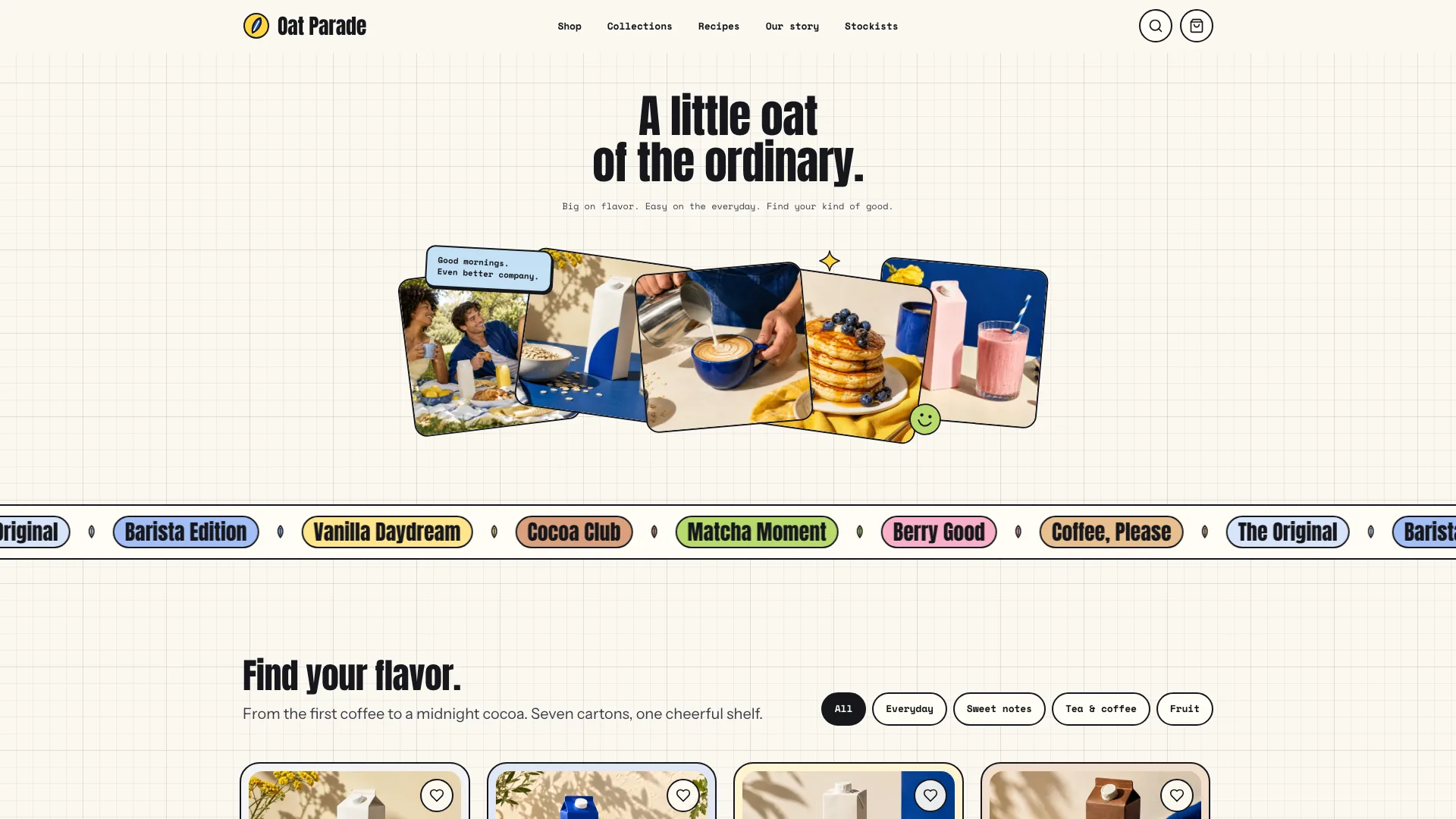
Keep the hero’s hierarchy small over a strong photograph: cream brand mark, compact menu/sun/bag controls, tiny two-line headline, ribbons, short lower note, sun-shaped action and small flavor card. Avoid a large headline, statistics row or extra navigation covering the subject. Refit both curved ribbon paths after changing the image so text clears face and hands; desktop composition cannot simply be scaled down for phones.
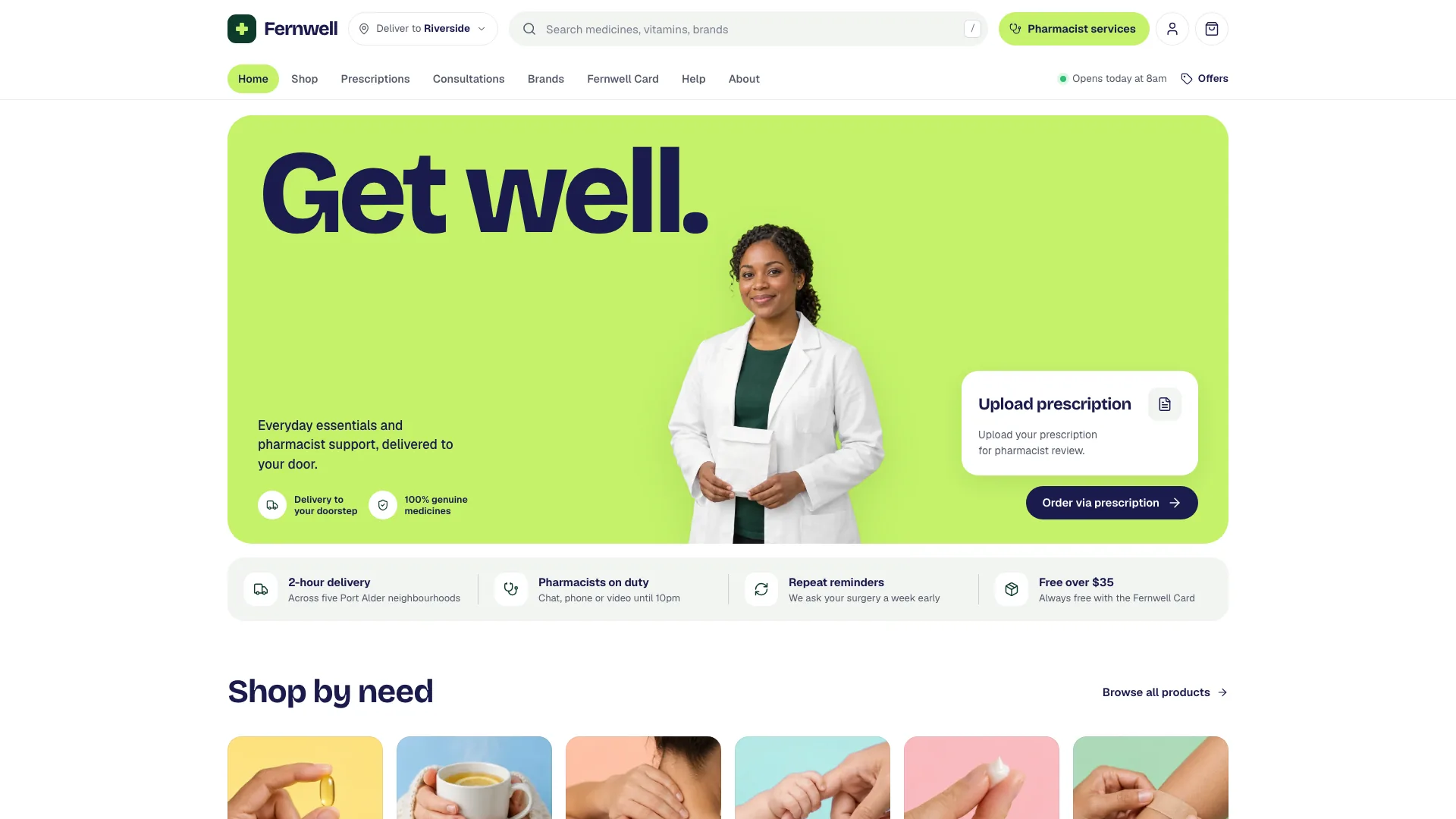
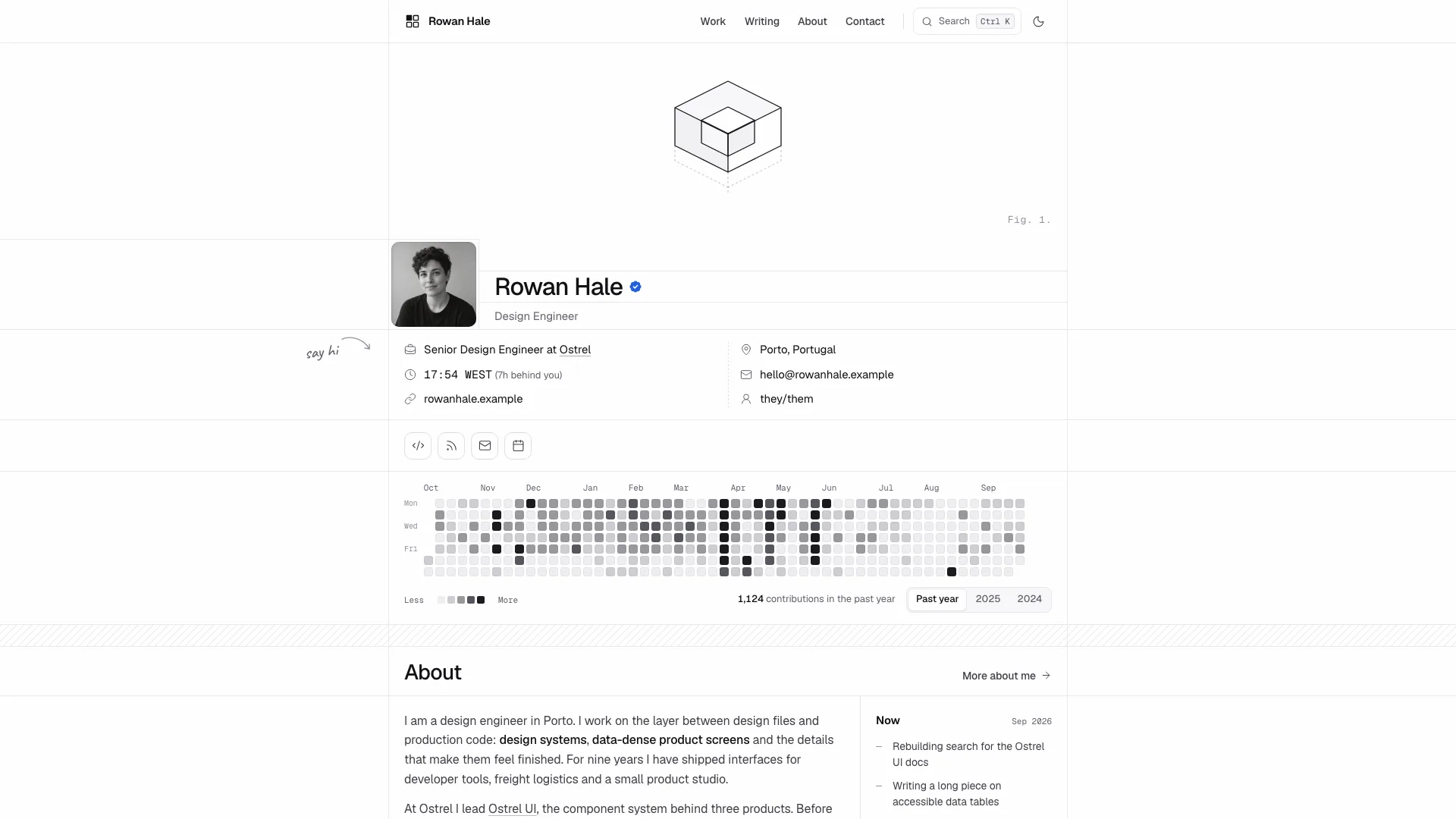
Carry Bricolage Grotesk display/UI, Figtree body and italic DM Serif Display wordmark roles across the site. Preserve cream/plum contrast, a single sun-yellow action accent, warm campaign gradients, arched product fields and waves. Use the 1320px container, responsive 18–48px gutters and 80–140px section spacing as the reference rhythm; pills, 28px cards, 40px photo tiles and 16px inputs have distinct roles. Phone hero uses a separate photo band with note/card below, while wide layouts feather the photograph into its surrounding gradient.
Plan images by purpose before generating. Replace the labeled hero and six product still lifes for the actual brand, then the delivery crate, people and business locations. Keep matching packaging, scale, cap, lighting and colored sets across products. Neutral breakfast and spritz scenes may remain if relevant; picnic, portrait, lineup and grove scenes depend on compatible glass-bottle packaging. Do not count a crop of one picture as a new product or identity.
Use approved real portraits for real founders, growers or customers. Generated people remain stand-ins. The hero is the specific exception permitting the actual brand name on the bottle; other campaign imagery should avoid stray text or unrelated logos. An available agent image tool may charge, or supplied photos can replace generation. Omit an unsupported tile instead of displaying another brand’s product. Review image suitability and rights separately from whether an asset embeds.
Adapt catalog data and layouts together. The reference has six flavors; three-column grids fit three/six/nine items, four columns fit four/eight and two columns fit two, while five/seven need an intentional short row. Collections can be two to four, home stories show three from at least three entries and quotations can be two to five. Product pack options occur in both price data and rendering; changing only the shared pack map leaves the original 1/6/12 choices behind.
Review the mixed-crate arithmetic whenever products or sizes change. Add is disabled until the selected total fills the crate, changing size trims excess selections and even-fill distributes across flavors. The reference divides size by flavor count directly, so a new count that does not divide six or twelve needs whole-bottle distribution logic. Frequency labels do not alter the sample size price. The cart key excludes the chosen first-delivery day; test adding the same mix for another date rather than assuming it creates a distinct scheduled order.
Keep prices, discounts, deposit and shipping rules consistent. In the sample, deposit is per bottle, delivery is waived for a crate or when the discounted goods subtotal reaches the threshold, and promo reduces goods rather than deposit. Bag badge quantity represents line quantities rather than total bottles. Replace the fictional code, discounts, thresholds and fees together, then check single packs, multiple quantities, crates, removed lines and invalid codes. These local calculations are a demonstration of rules, not tax or billing integration.
Localize more than the currency formatter. Change postal/phone validation, region/state fields, measurement units, bottle capacity, storage temperatures, language/date labels and schedule assumptions. Delivery lookup matches supplied ZIPs/prefixes. The date generator uses visitor-local time and sample weekday/cutoff rules; it has no business-timezone, holiday or capacity service. Check the offered date against the actual zone and cutoff requirements before connecting real checkout.
Adapt packaging throughout the interface. Cans, jars or boxes require corresponding artwork, capacity, deposit/return text, bottle counts, crate illustration, small icons and 404 details. A coffee brand can use origins, bags and farms while removing bottle deposits; a single cafe can replace crates/zones with menu, pickup and visit information. National shipping needs a shipping table and postcode coverage rather than a fictional local-delivery promise.
Give the supporting pages real depth: founders and timeline, monthly ingredients/growers with confirmed safety facts, journal recipes/checklists/products, delivery schedules/cutoffs/cold-chain/returns, contact topics and optional order reference, newsletter issues/preferences and actual policies. If wholesale is needed, compose it as an extension with case/RRP/minimum/payment/delivery terms, business inquiry or sample request and honest next steps. It is not automatically an existing route.
Replace stockists and the whole map setting together: coordinates, coast/roads/city names, accessible label and contact/hours. The supplied projection helper turns provided latitude/longitude and optional outline into fitted SVG positions; it does not geocode, locate the visitor or fetch a live map. Check overlapping pins and nudge deliberately. Search/type filtering dims nonmatches, but a prior selection can remain in the map card and dimmed pins can still receive clicks; verify selection/filter consistency during implementation.
Check form outcomes against what is connected. The sample checkout validates fields, waits and creates a local order number/summary before clearing bag and promo; it never charges or dispatches an order. Replace hardcoded sample-order product IDs when adapting the catalog. Contact validation includes a minimum message length, while newsletter/preferences remain a local demonstration. Do not promise a sent message, scheduled delivery or subscription unless the relevant service and error handling exist.
Prepare the offline file with Node.js 18+ and internet access for the initial font download. Embed the three font files and local WebP assets, aim below 5 MB and stay under the 8 MB cap. The inliner can write output before reporting missing assets, so inspect its exit result. The static HTML validator checks structure/assets heuristically; adjacent-file mode does not prove every asset exists, and template markers do not prove every route or interaction works.
Review every route at desktop and phone sizes, then exercise shop search/sort/empty states, each product pack and tab, collection links, crate size/mix/frequency/date, bag quantities/promo/totals and valid/invalid delivery checkout. Check month switch, all journal articles, stockist filters/map selection, FAQ search/topics, form errors, newsletter preferences and 404 exits. Verify menu/focus/Escape/back navigation, keyboard controls and reduced motion; ribbon drift should stop appropriately and background loops should pause offscreen. Recheck offline loading in the intended browser and report actual tests, remaining photo/data gaps and service connections.