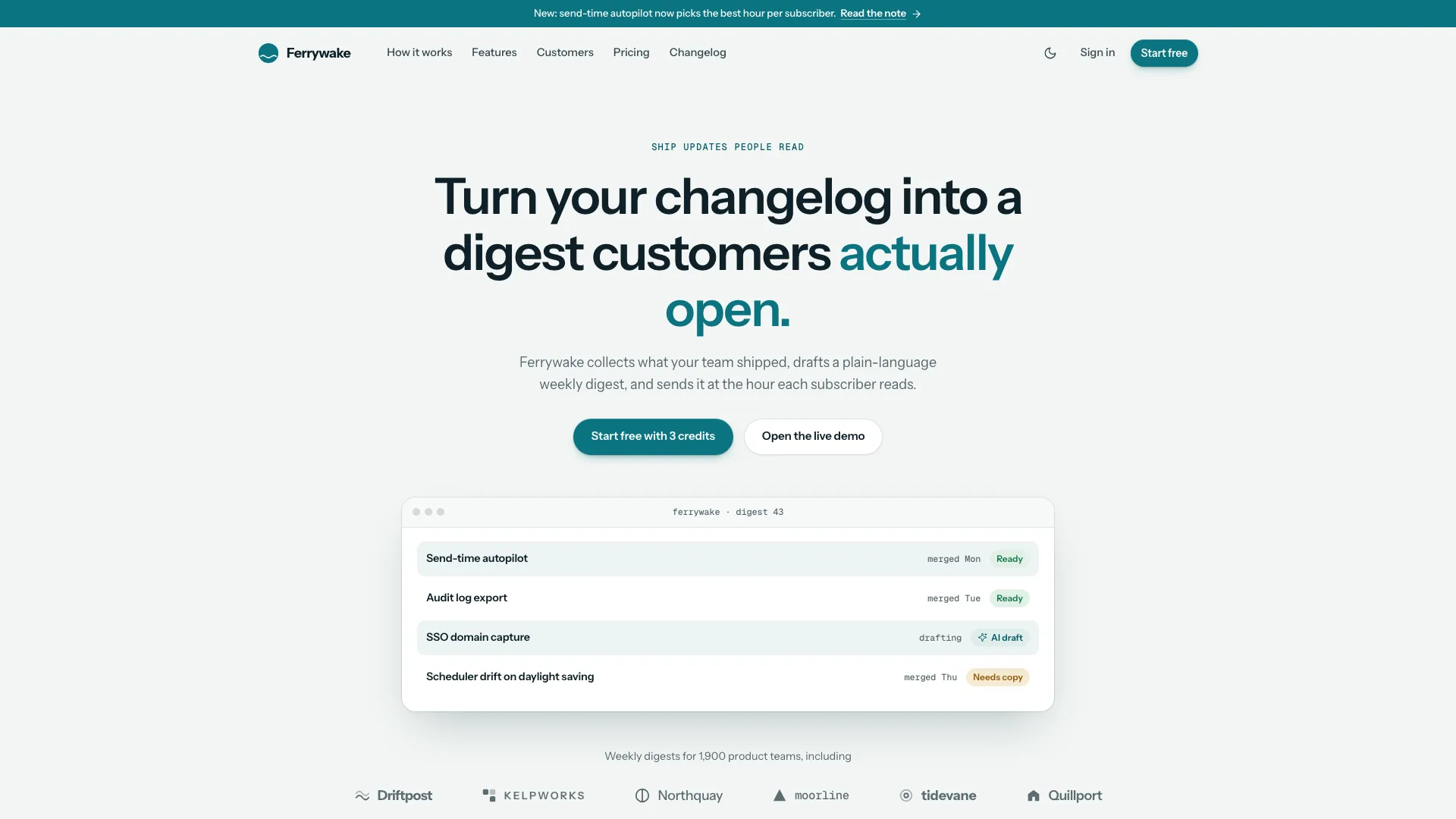
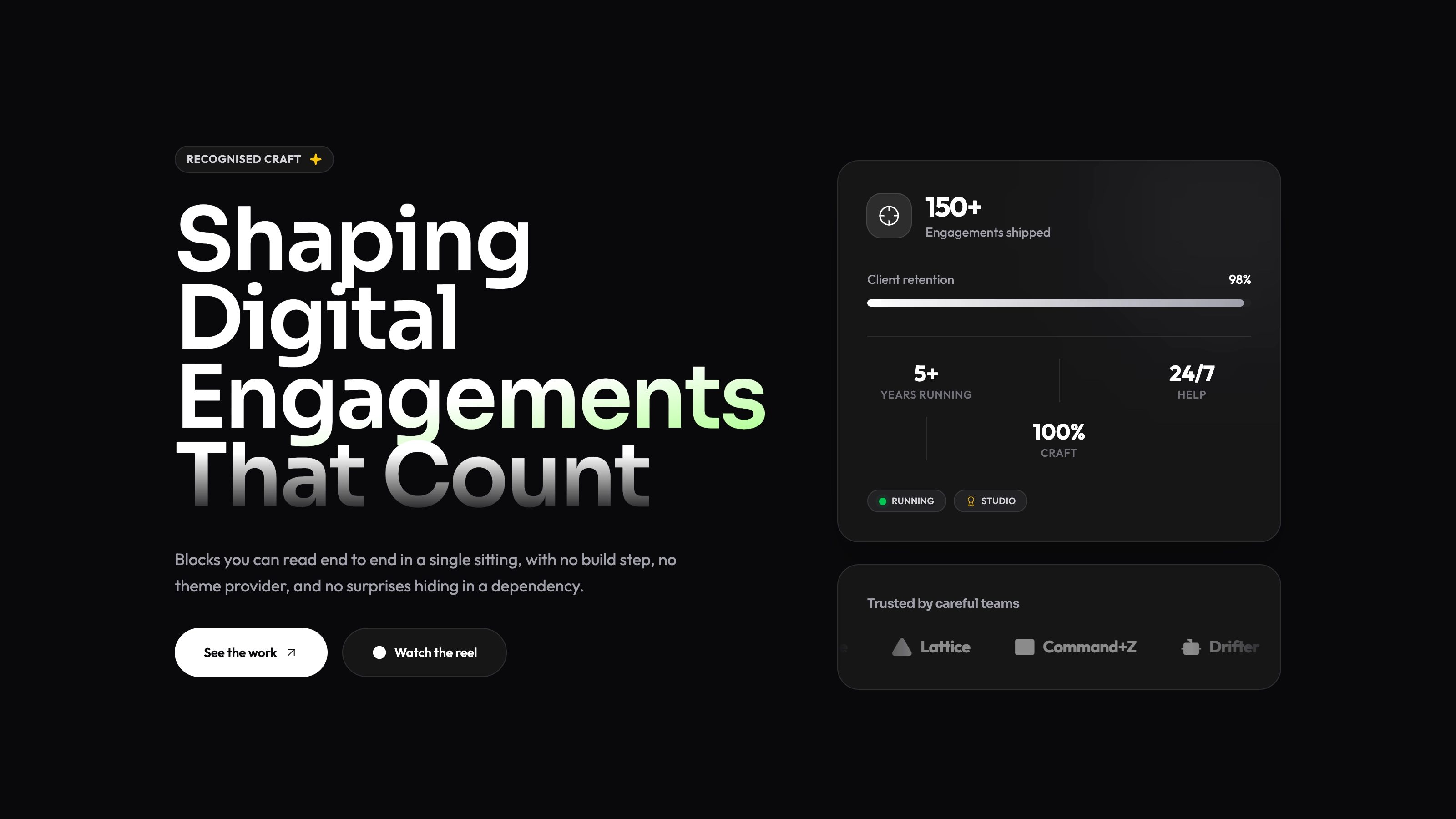
Build a personal site that rewards reading as much as browsing. Hairline Grid uses a compact profile, fine rules and monochrome zinc surfaces to connect work, experience and essays. Its project pages explain decisions and outcomes, while the writing section holds complete articles rather than only links to an outside publication.
What you get
A connected portfolio with a work index, full case studies, archive, writing and article pages, About, Contact and a designed missing-page state. The fictional reference has four cases and fifteen routes; the documented work structure accommodates two to six selected cases.
A quiet home-page sequence with an isometric Fig. 1, portrait and rotating role line, overview facts, activity heatmap, selected work, experience, stack, writing and speaking. Full-width hairline rules and stripe bands provide structure without a large promotional hero.
Case pages covering problem, process, gallery, results and credits. Essays include a reading-progress treatment and table of contents. Project covers are drawn as live product interfaces, while the photographic direction stays black and white.
Command-menu navigation, light/dark controls, work and writing search/filtering, heatmap-range tabs, mobile navigation and copy controls, plus a contact form with local errors, loading and success states.
A default self-contained file with Geist, Geist Mono and Caveat embedded alongside image assets, with a style reference and local checks. A framework port uses real components and routes rather than a wrapper around the HTML demo.
Before you choose
Choose this over a highly expressive portfolio when projects and long-form explanation should do most of the work. Read one case and one essay in full before judging the home page: the restrained shell is most valuable when the underlying material is substantial and genuinely yours.
Good fit
Design engineers and developers want to present projects and technical writing in a precise, understated identity.
A job seeker has complete case studies and essays and wants them readable across both light and dark presentations and smaller screens.
You like monospace labels, hairline structure and compact profile information more than colorful illustrations or a photographic campaign.
Not for
A colorful, image-dominated personal brand; the authored interface stays largely monochrome with a restrained blue accent.
A CMS-powered publication. Essays and cases are provided as site data rather than managed by an included publishing backend.
Live message delivery from the contact form or verified activity history inferred from the heatmap.
Leaving drafted employers, outcomes, quotations or generated portrait stand-ins in place as factual personal history.
How to use
You say/hairline-grid-portfolio Build Rowan Hale's site: a design engineer in Porto, with four case studies, essays and a contact form.
Provide your name, three to five short role phrases, city and availability, contact details and an approved portrait. Collect two to six project briefs with role, team, process and supported outcomes, plus actual experience, complete essays and any speaking material.
Choose the standalone default or the existing/requested framework target. The single-file build downloads font files once and embeds assets; an actual framework adaptation maps pages, lists and styles into the project rather than replacing its stack or using an iframe.
Write the cases and essays before treating the home page as finished. Build each project cover from the real product context, keep credits and your contribution explicit and update linked cover keys, routes and filters when slugs or sections change.
Use your portrait in the monochrome photographic direction and provide or optionally generate supporting workspace/process/place images. New photos can incur tool charges; the code-drawn project covers need no image generation. List generated people as stand-ins and keep missing facts for confirmation.
Run the packaged checks and inspect the complete result in both themes. Try command navigation, work and writing filters, heatmap ranges, article contents, copy controls and form validation on desktop and phone. Remove an unused section’s links as well as its visible panel, and connect message delivery separately.
Requirements and costs
You bring
Name, three to five short role phrases, city, email and availability · Two to six projects with role, process steps and measurable results, plus experience and essays · A portrait photo, or permission to generate a stand-in
Dependencies
Node.js 18 or newer on your agent's machine, to run the bundled script that builds the single offline file · Internet access while the file is built, so the fonts can be downloaded once and embedded · Optional: an image generation tool in your agent for workspace or place photos
Outside costs
Photos generated with your agent's image tool may incur that tool's usage charges. Your own photos and the drawn project covers cost nothing extra.
Publisher testing
v1.0.4 — Claude Code / Claude Desktop / Cowork / Codex / ChatGPT
FAQ
A self-contained HTML site with images and fonts embedded for offline opening. With an existing or requested framework project, the same design becomes real components and routes. When a framework is requested but not specified, the package names Next.js App Router with TypeScript as its fallback.
Your own portrait is preferred and is converted to black and white. Supporting workspace or place images can be supplied or optionally generated with a tool that may charge for use. Project covers are drawn as live interface content and do not require an image-generation call.
The authored site defines both themes, follows the system preference and exposes a header toggle. Check both modes with your replacement imagery and content; the package’s specification is not a new runtime test of your generated site.
The component presents the data supplied to the site and offers range controls. A real activity source requires its own integration; do not describe sample cells as verified work history.
The content collections can change, but update their indexes, filter keys, cover mappings and navigation together. Empty writing or speaking sections should be removed with their route and links, not left as unreachable or empty pages.
User reviews
—0 reviews
Select a star to share your experience.
No reviews yet. Ratings appear once readers share real experiences.