Provide product name, its core object, three to six features, pricing shape, three or four meaningful business metrics and one customer story. Explain what users create/manage and which result should appear elsewhere in the suite. Supply approved people/photos, pricing and proof. For B2B software, the signed-in example workspace should represent a customer using the product rather than the vendor itself. List missing copy/facts for confirmation and distinguish fictional demo rows from actual customer evidence.
Use a standalone file when no project exists. In a requested/existing React/Next, Vue/Nuxt, Svelte, Astro or HTML project, inspect its router/style conventions, preserve unrelated files and create real routed views with local fonts/images and idiomatic state. Reuse the supplied design/interaction engine as the blueprint instead of wrapping it in an iframe or silently changing stacks. The offline hash-router constraints do not replace the host framework’s route and build requirements.
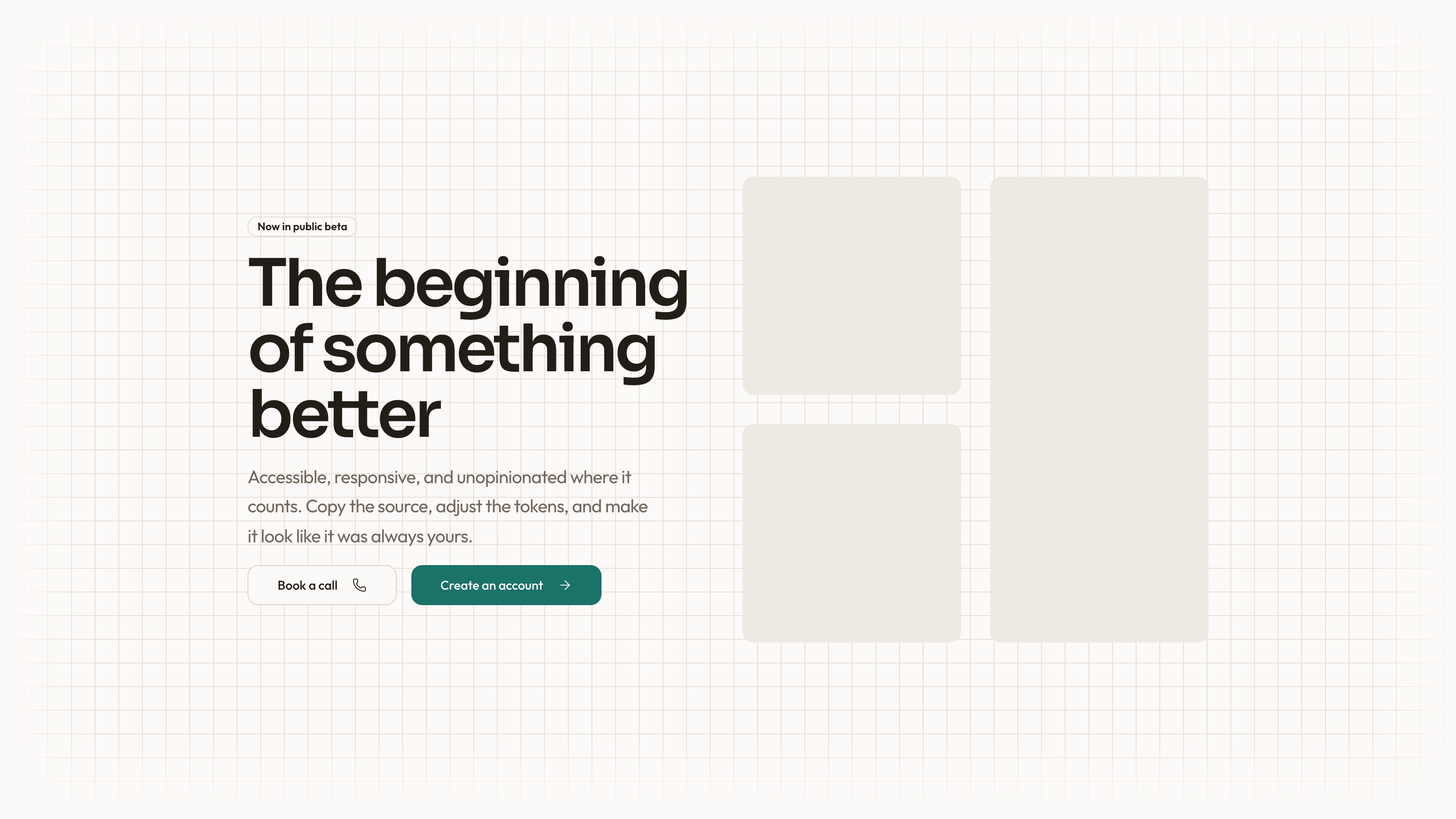
Keep the calm hero proportions: teal announcement bar above the header, small mono kicker, centered Instrument Sans headline at 66px desktop/38px phone with one teal clause, 18px lead, two pill actions and one product window below. Starting-offer text must agree with signup, CTA band and the starter-usage value. Avoid floating cards, stat strips, glow or a split hero. Instrument Sans carries display/UI/body; Geist Mono is reserved for times, code, labels and metadata.
Carry both themes across every view using porcelain/sea-tinted neutrals, teal actions and status colors restricted to notices/pills/deltas. Preserve the 1240px container with 16–32px gutters, 80–132px section rhythm, roughly 40px section headings and pill/10/14/18/24px control-to-photo radius roles. Marketing uses varied compositions, while the app has a 264px sidebar, sticky top bar and smaller task-oriented headings. Phone navigation becomes a focus-trapped drawer and entries/preview can switch instead of squeezing side by side.
Map the workspace to the actual core object. For reports, entry sections and preview can become a report editor; dispatch or bookings need a board/timeline rather than a renamed text list. The guide describes lanes, filters, queue, job cards and an Assign menu as a keyboard alternative to dragging. Preserve the page bar, local state rendering, live count, usage spending, confirmation and feed contracts, removing obsolete composer/preview/delivery markup, script and CSS only after replacement works.
Keep state connections purposeful: inclusion/edit/reorder/add changes preview and ready count, metered draft changes usage displays, plan/pack actions change settings/pricing/credits and activity, scheduling adds history/public preview/feed state, subscriber additions update audience, and a renamed digest updates sender/sidebar/breadcrumb. Test each link rather than assuming the presence of a shared state object proves synchronization. Reload resets this in-memory demonstration; it is not persistent multi-user data.
Explain drafting as a controlled simulation. Batch draft consumes one local credit, waits and inserts prepared product-themed entries from a finite pool; per-entry draft uses a stored suggestion or deterministic sentence fallback. There is an out-of-credits action and a no-new-work state. It does not inspect a repository, call a language model or require an API key. Adapt suggestions, tags and copy to the product, keeping their illustrative status clear.
Preserve the composer’s useful controls: All/In digest/Needs copy filtering, include checkboxes, section tags, edit validation, up/down moves, removal with Undo, add validation, live subject/preheader/section preview, audience and autopilot. Scheduling warns when included entries lack copy and blocks an entirely unready digest. The example’s Friday/Helsinki date and expected-reader percentage are fixed assumptions; confirming sets local scheduled state and public/history previews, not a background job or sent campaign. Unscheduling returns it to draft.
Keep subscriber and settings depth while replacing sample semantics. Segment chips, name/email/company search, open-history dots and duplicate-email validation make a useful demo table. Added rows update audience counts but do not confirm email ownership; the toast saying an email is on its way needs qualification. Settings names/reply-to/day/data-region/autopilot and example API key require real product meaning. Region selectors and copied sample keys do not provision a region or authorize API access.
Adapt two to four plan cards and the comparison table together, with one featured tier. A third subscription tier can move a one-time pack into pricing notes; with no pack remove its card, constants and links. For non-credit products, replace the meter with the actual unit or remove it and change all starting-offer text. When only monthly pricing is supplied, remove yearly billing or explicitly seek confirmation of any derived discount. A displayed yearly total must agree with its monthly equivalent.
Check purchase-state copy against actual behavior. Local pack confirmation immediately adds credits; plan confirmation immediately changes the state’s plan even though sample wording promises a future renewal date and receipt. Signup can also set selected plan intent directly. No payment, renewal, expiry or receipt is executed. Reconcile immediate-versus-future wording and qualify the simulation before presenting a walkthrough as real billing behavior.
Populate admin with the metrics the business actually watches. The reference generates seeded current/prior chart series and pairs them with fixed range-specific stats/deltas; daily labels are anchored to October 2026. These are example revenue data rather than values derived from the new account actions. Keep three/four stat cards with matching range keys, meaningful tooltip/previous-period labels and a coherent plan bar. Local feed events do reflect UI actions, but do not make the revenue chart live analytics.
Preserve table usefulness: status counts/chips, owner/name search, sortable columns, eight-row pages, page selection/indeterminate select-all, bulk clear and empty-state recovery. The overview and bulk Export handlers only show CSV-export toasts without creating a file. Billing reminders add local feed/toast text for selected past-due teams and skip others; no email is sent. Either label these demonstration actions or implement actual output/services later.
Keep supporting views complete: an attributed customer story with results/article/aside, searchable changelog with highlighted results and section filters, scheduled content as a preview, and legal/security/privacy/terms/DPA content with indexes/subprocessor roles. Replace sample security, encryption, SSO, audit-log, residency and compliance text with confirmed facts or omissions. Code snippets and legal prose do not establish implemented security features.
Plan seven photographic roles in one quiet documentary set: sign-in place image, customer team at work, three testimonial portraits, user avatar and teal-water CTA texture. Keep product UI built in code. Water texture may remain neutral; replace sample ferry/harbor and printed-digest customer scene for a different story. Generated portraits remain renamed stand-ins; approved real photos are needed for actual people. An available agent image tool may charge, or supplied photos can be used; prioritize place/story/featured portrait with a limited budget.
Rebrand metadata/view titles, shell marks, workspace customer, sender/unit/starter/pack settings, plan keys, entries/draft pool/subscribers/archive/public records, team accounts/feed/ranges, command routes, how-it-works titles and example API code. Remove every replacement marker and update route keys, links, panel/sidebar labels and admin table route together. Fixed renewal dates, locations, quoted people and customer logos require deliberate replacement rather than a broad brand-name search.
Use Node.js 18+ and initial font-download access to prepare offline HTML. Embed local fonts/photos, target 5MB or less and remain below 8MB. The inliner deduplicates repeated image tags through a small startup script; inspect missing-file/download failures even if output was written. The validator checks static views/routes/panels, selected accessibility patterns, resources, sample identities and size; files mode does not verify every local asset exists, and it does not establish business logic, chart truth or service execution.
Walk the suite at 1440/1024/768/390px in both themes: landing tabs/FAQ, pricing/billing, invalid/valid/demo/SSO sign-in, pending-plan intent, editing/drafting/credit exhaustion, schedule/unschedule and all connected displays, subscribers/settings, chart range/hover, table search/filter/sort/pages/selection and command palette keys/empty state. Check dialogs/menu/drawer focus/Escape, route/back navigation, reduced motion, clipboard results and honest form confirmations. Repeat key offline paths inside the intended iframe, run framework checks where applicable, fix/recheck and report actual acceptance plus remaining integration/data/photo gaps.