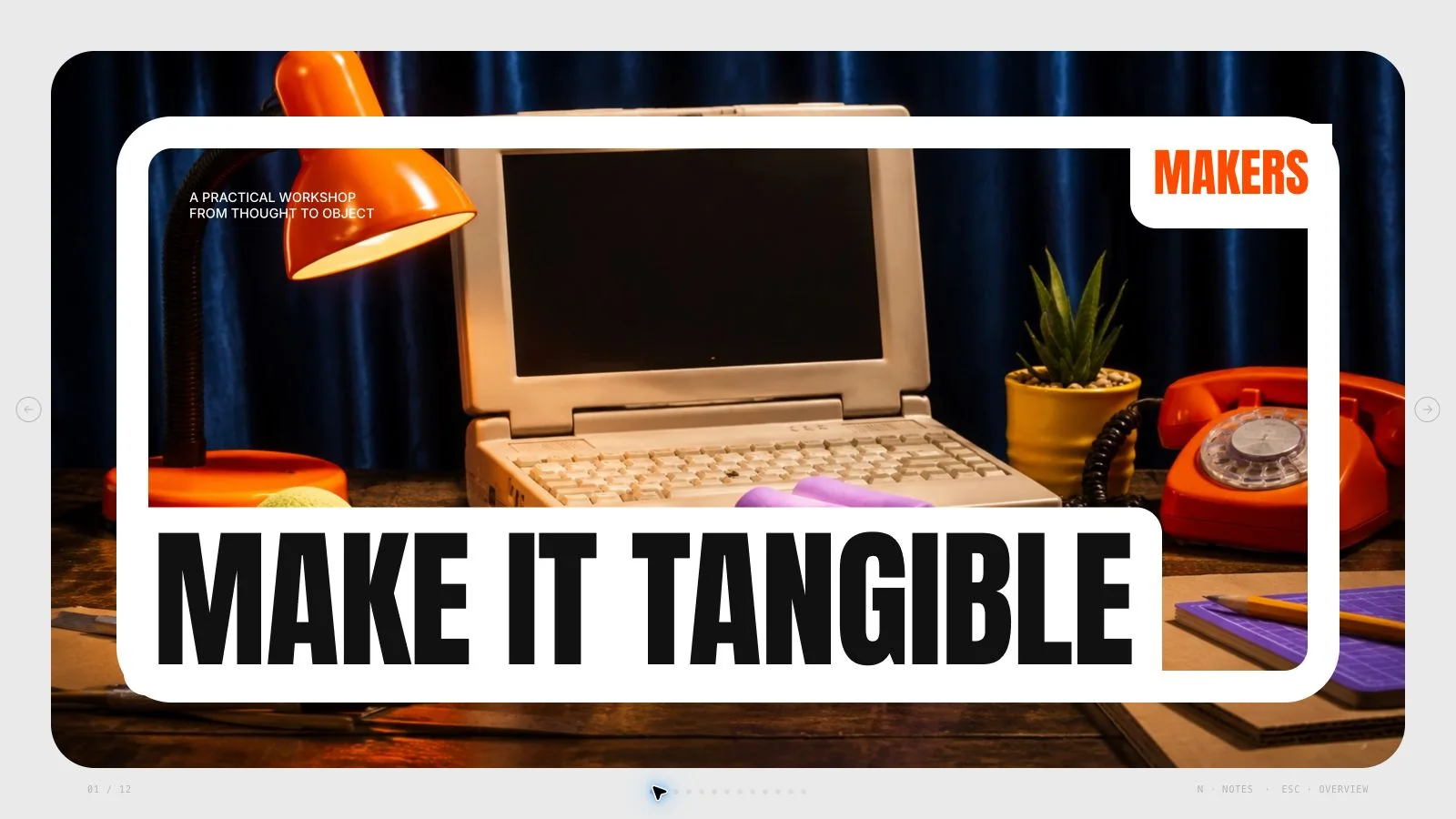
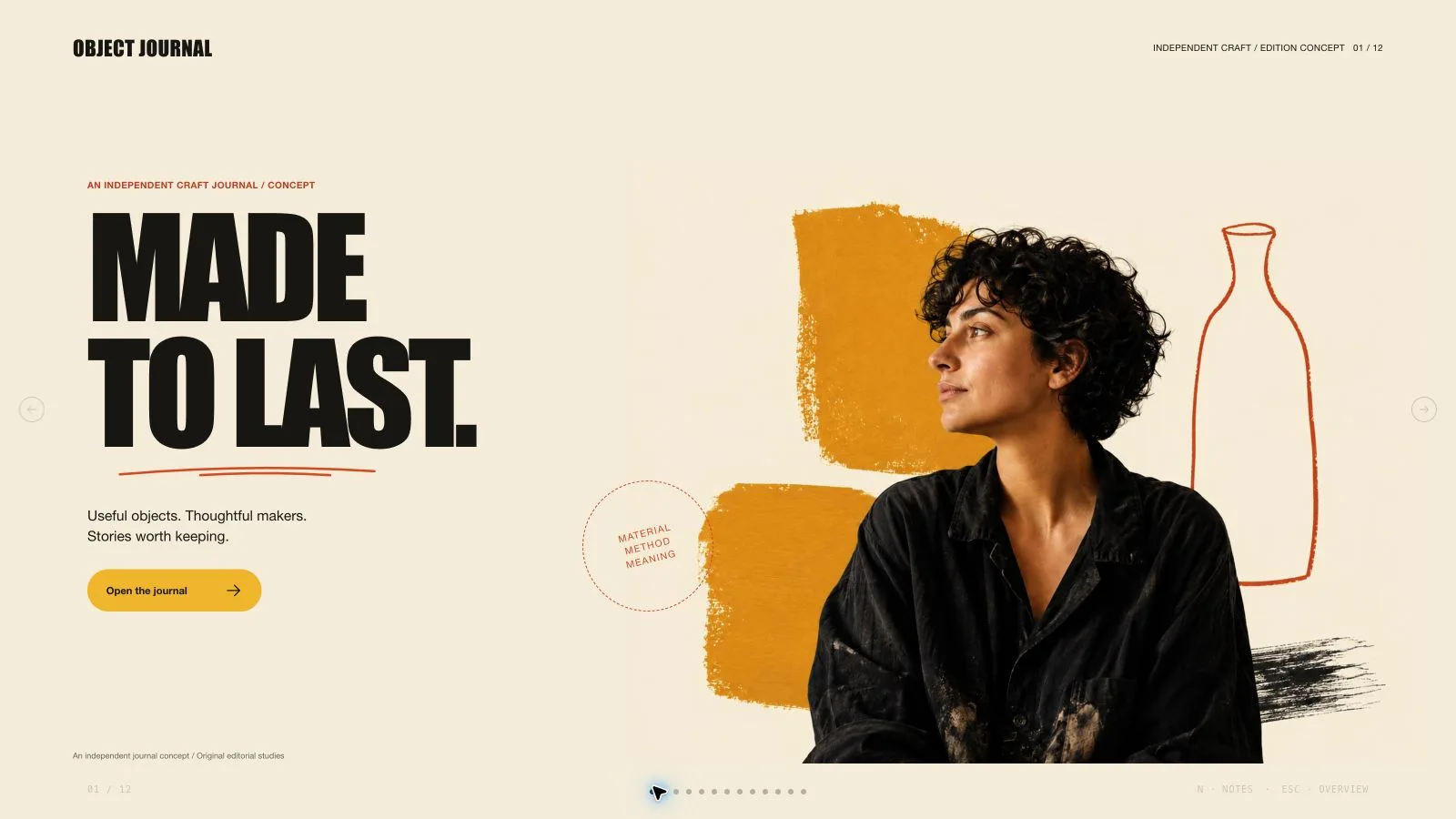
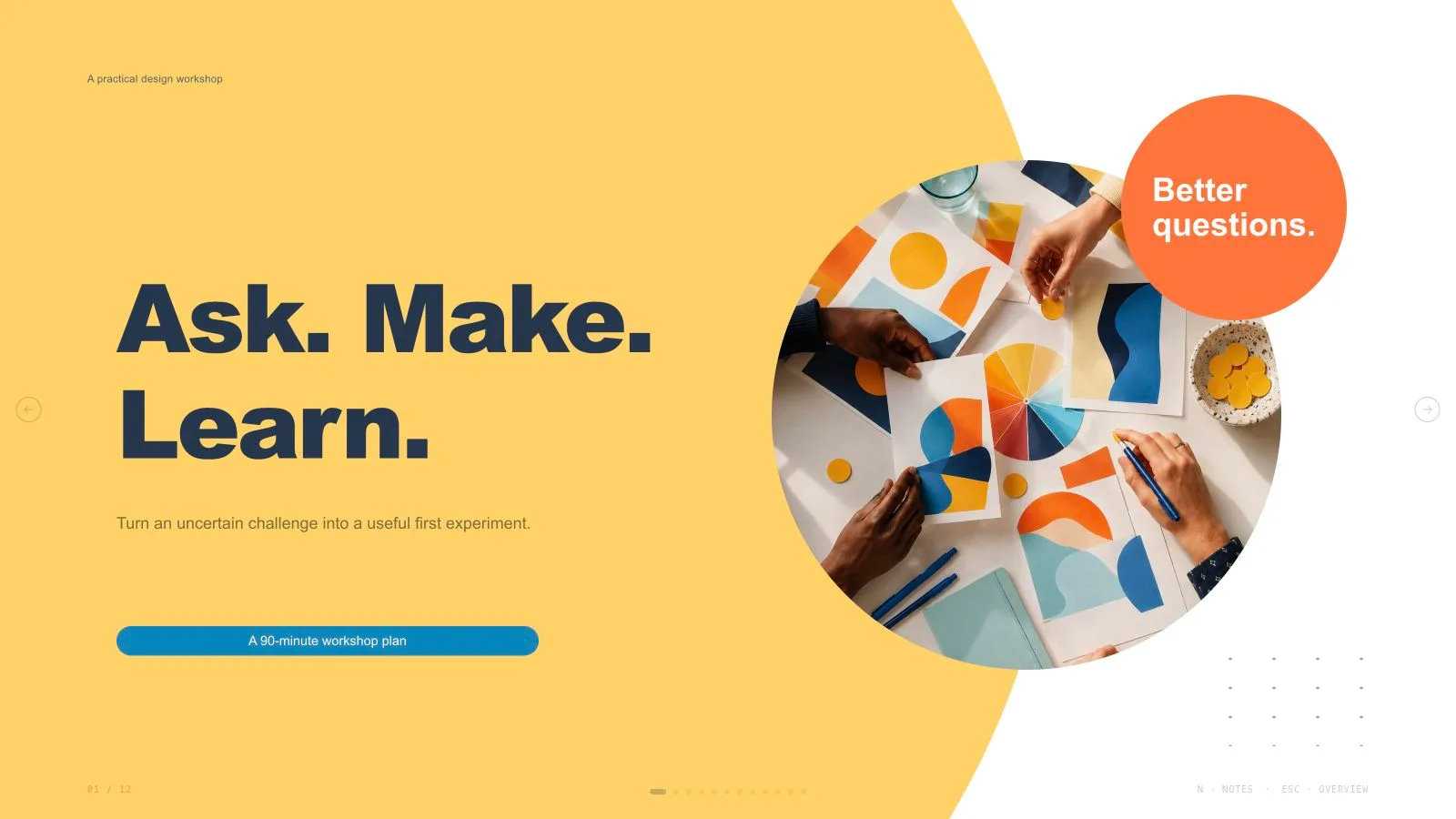
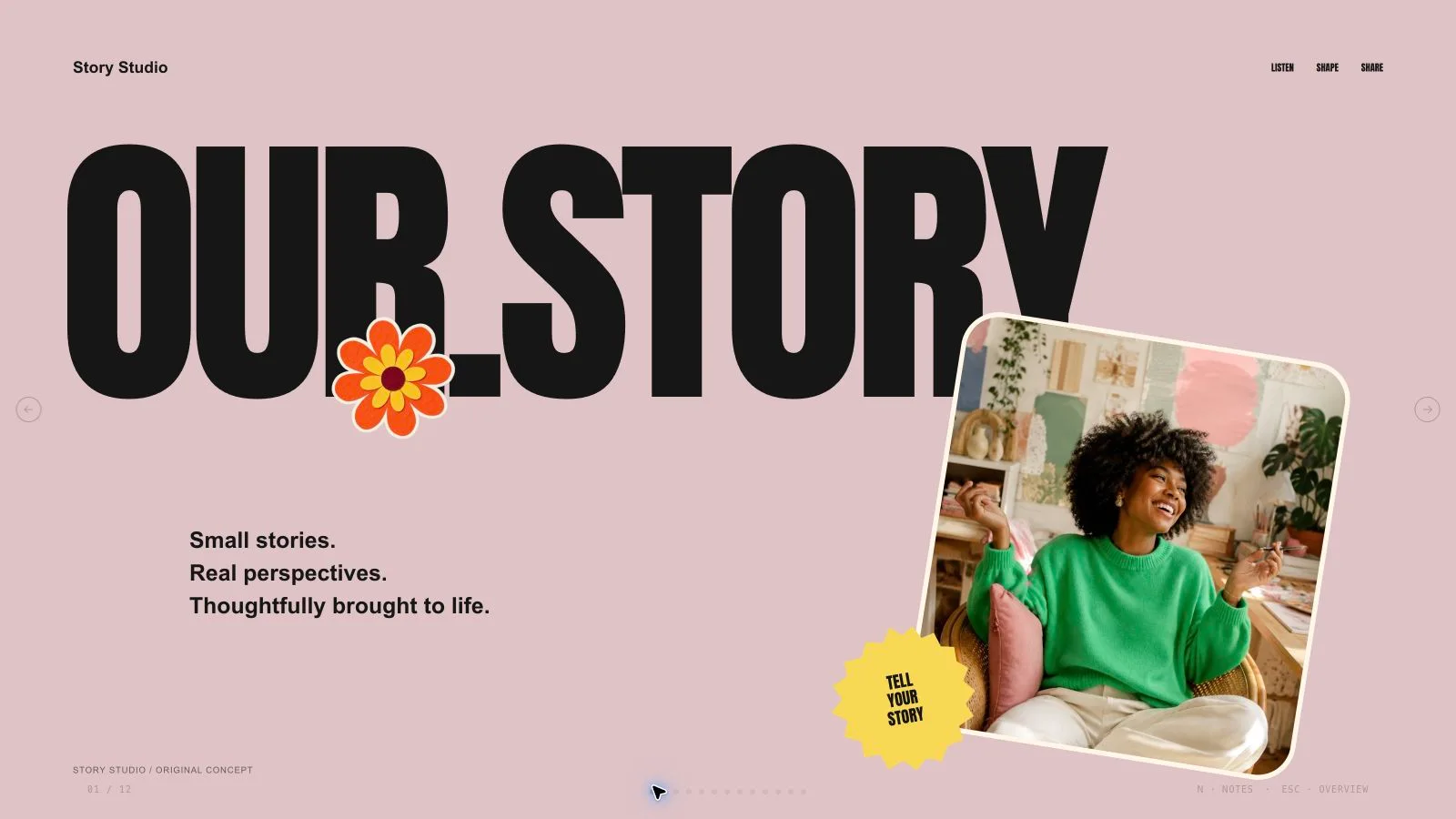
Mint Marker Deck

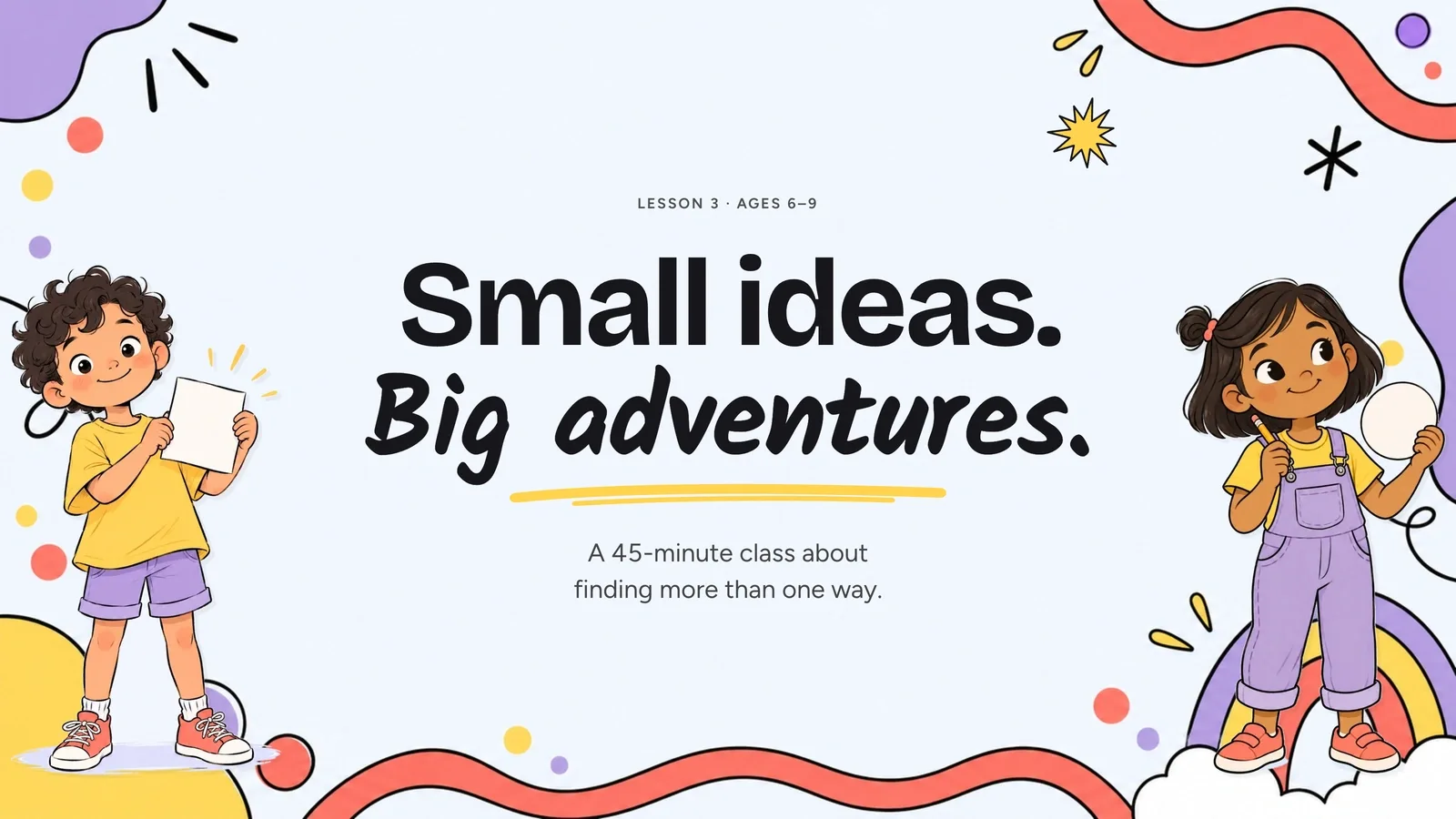
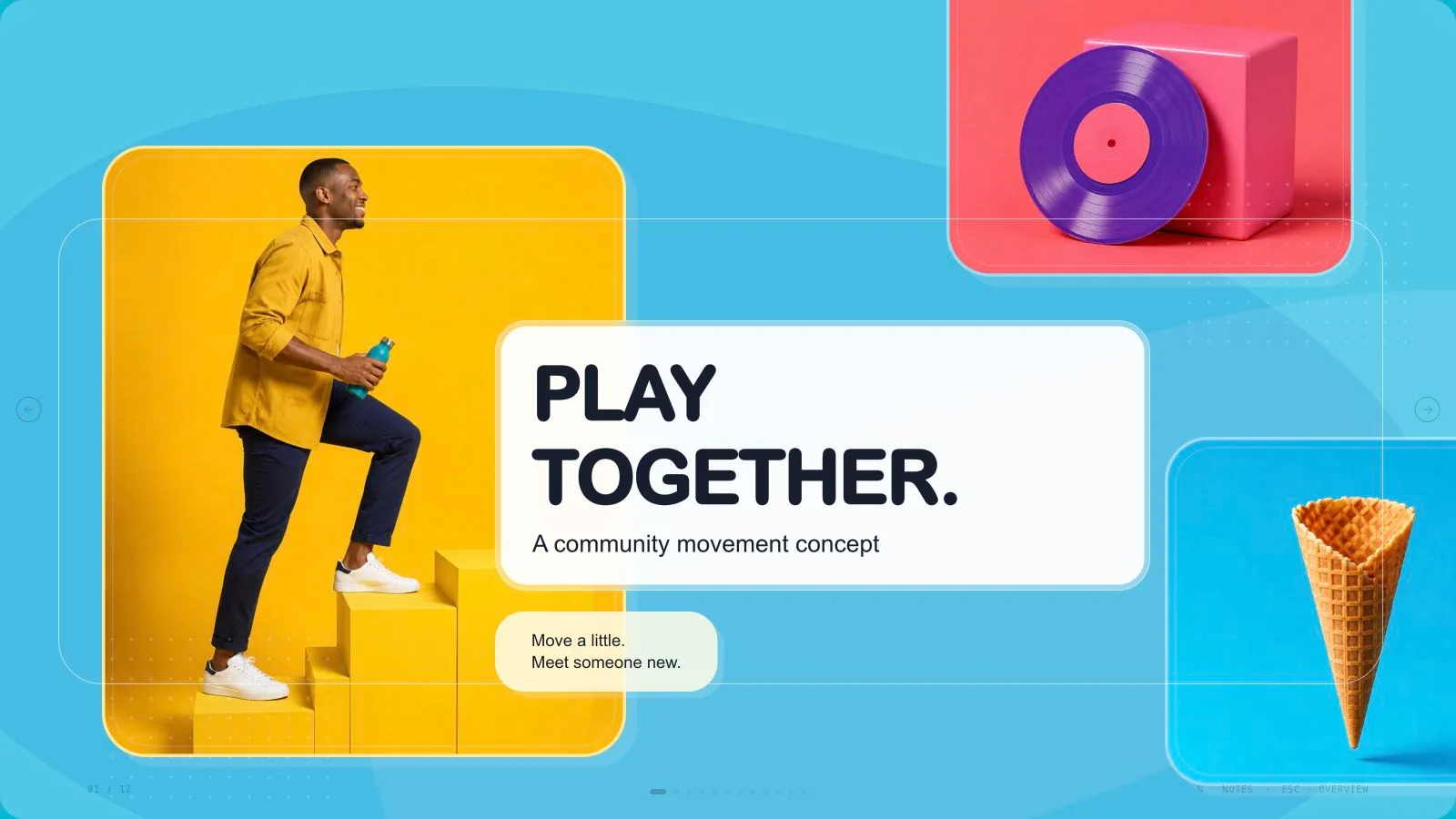
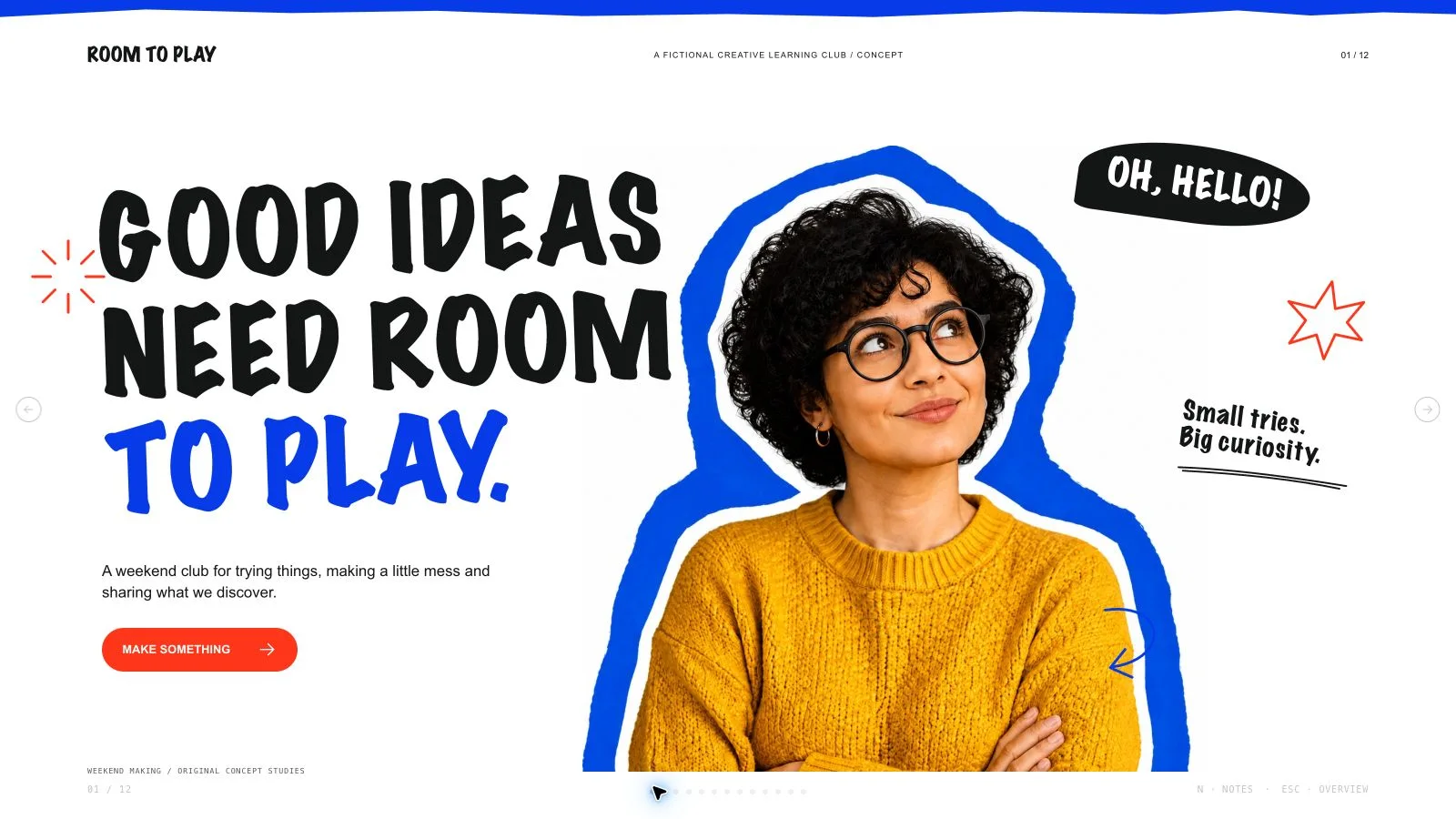
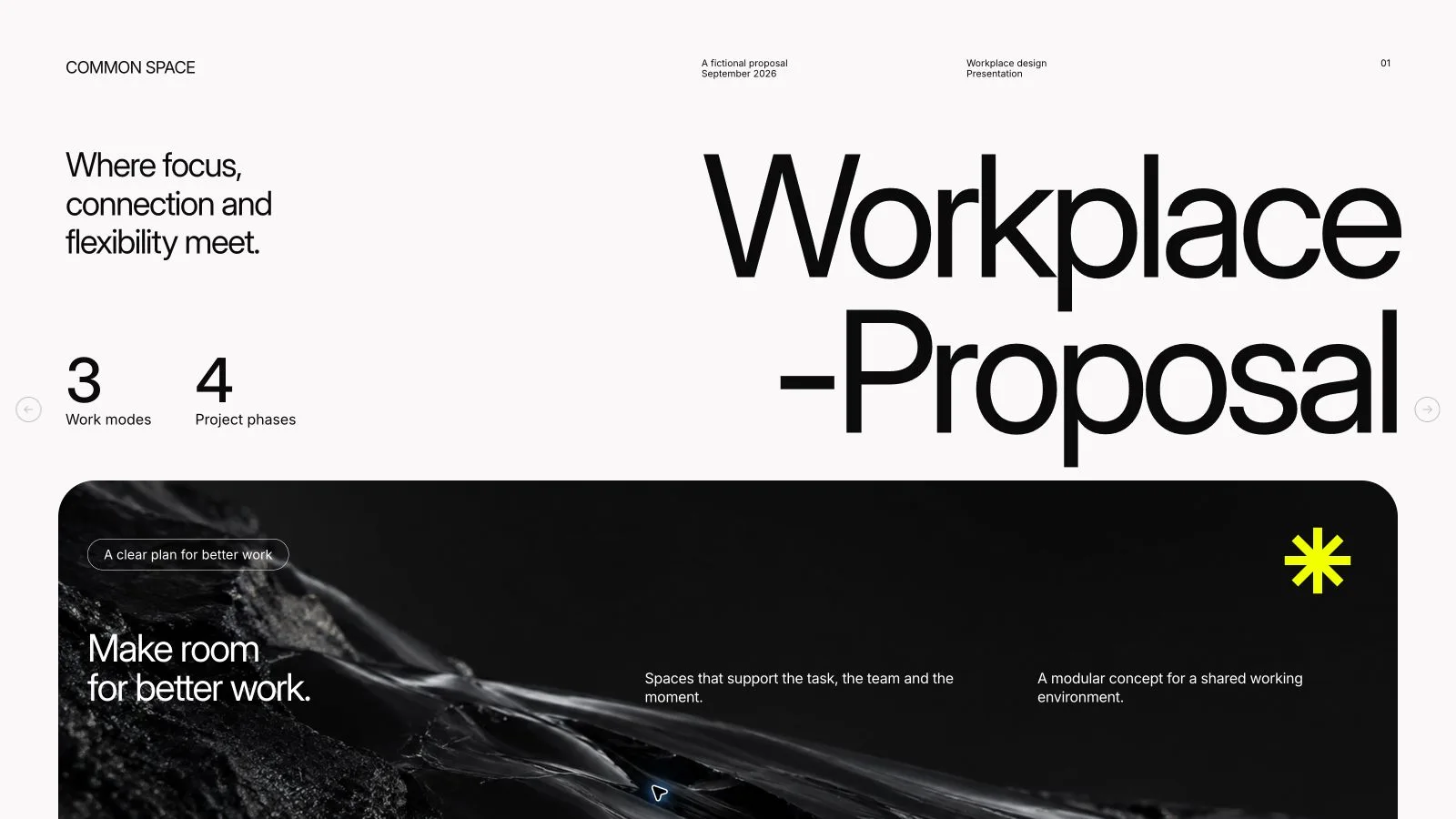
Make a project plan easy to talk through: state the goal, show who contributes, explain the milestones and ask for a next action. Mint Marker Deck pairs oversized accent headings with loose black-marker people and warm paper. Its spare pages keep the spoken detail in notes; fictional workshop pictures and planning targets should not be mistaken for documented events or achieved results.

What you get

  • Ten adaptable archetypes: cover, statement, split goals, strategy, three-phase timeline, photo split, challenge/response, roles, targets and closing. A headline-above cover and mirrored split are additional composition variants. Select or extend recipes for the agreed count rather than squeezing the talk into an example sequence.
  • Embedded Bricolage Grotesque uppercase display type and Figtree body text on warm paper/dark ink. Mint Paper is the default, with Clay Paper, Cobalt Paper and Plum Paper as coordinated accent alternatives chosen during generation. Keep light paper/accent pages, square corners and open space; no dark pages, shadows, gradients or glossy cards.
  • Concrete readability rules: 77 px side margins, content from about 79 to 634 px on a 1280×720 page, body text at least 17 px, at most three content blocks and roughly thirty percent empty space. Headlines allow seven words (cover five), one supporting line eighteen, and a page at most forty-five words excluding numbers. Put detail in notes instead of deleting it.
  • Nine catalog pictures combine marker workshop scenes and a hands-at-work photograph, several restricted to maker/repair subjects. Six inline SVG options—shared plan, folded paper, design board, gathering, greeting and idea bulb—offer a local illustration route without generation. Scale complete viewBoxes proportionally and preserve meaningful gestures/alt descriptions; fictional figures are not real portraits or brand mascots.
  • A generated standalone offline HTML deck with navigation, overview/thumbnails, speaker notes, editing, presentation mode and print styling. The installation supplies recipes, references, artwork and build/media helpers; its small generic schema fixture is not a finished workshop case. Requested PPTX keeps native text/notes and separate pictures, with drawings/charts/decoration rendered where required; PDF printing gives one 16:9 slide per page.

Before you choose

Use the notes to preserve substance while keeping the page spare. A viewer should see the goal, who owns the work, the sequence and the next decision; a facilitator should find the supporting detail in notes. A friendly illustrated workshop and large target numbers are still examples unless actual evidence supports them.

Good fit

  • A workshop host introducing a shared project or hands-on activity with a clear audience and purpose.
  • A team explaining goals, responsibilities, milestones, challenges and the decision or action it needs next.
  • A community organizer or course creator seeking friendly illustration while retaining accurate dates, figures and useful speaker notes.
Not for

  • Dense financial tables or technical reports that require small text and long paragraphs on every slide.
  • An all-native PowerPoint drawing/chart/shape deliverable; some exported visual layers are images.
  • Exact reproduction of a reference artist, organization, logo or existing slide design, or fictional scenes presented as real-event evidence.

How to use

You say/mint-marker-deck Make a 10-slide deck for a neighborhood makerspace pilot, from the idea to the first six weeks.
  1. Provide topic/outline, audience, approximate length, the action or decision the talk supports and figures, dates or permitted photos that must be accurate. Agree the actual count from material and duration. Copy defaults to English unless another language is requested. Label targets and illustrative figures; never invent endorsements, dates or results.

  2. Plan one message and focal point per page, selecting from goals, strategy, timeline, roles, comparison/challenge, targets and close. Use Mint Paper unless another named preset is chosen. Keep one accent highlight per paper page and use accent-filled pages as pacing, not a mandatory quota. Retain the embedded type and leave long context in notes.

  3. Apply the grid and word limits: title ≤7 words (cover ≤5), supporting line ≤18, up to three short items and ≤45 words excluding numbers. Keep body ≥17 px, aligned siblings, square frames and no overlapping pictures/cards. Avoid pill/date/folio clutter; a heading may overlap quiet illustration space, but not eyes, hands or body copy.

  4. Choose supplied pictures first, then suitable catalog/SVG reuse, generation for gaps or all-new images; reuse is the fallback without a choice/tool. Check maker/repair subject restrictions. For inline scenes, retain full viewBox, proportions and accessible meaning; do not fetch remote assets or trace source art. Each pictorial source belongs on one page only, with no artwork quota. Crops/recolors do not create a new scene.

  5. For new art, use the marker brief and kit slot ratios, with sparse accent fills and matched flat paper backgrounds. Built-in generation uses the host account without a separate key; the current package also permits its FAL helper/FAL_KEY with separate charges, submitting a paid task once then polling/fetching. Keep an image ledger and disclose unresolved frames. Do not pass prohibited source/reference images to generation.

  6. Compose from recipes with new copy, alt text, images and data and remove unused nodes. Python 3 handles compose/build/static checks; optional media helpers use Node. Resolve unfilled-image and leftover-example reports, verify the count and inline fonts/resources under 20 MB. Library downloads may need internet during building; the finished deck should make no network requests. The Skill produces local files and does not publish/deploy.

  7. Inspect every 1280×720 page over local HTTP for title fit, paper-background seams, marker gestures, photo crops, unique images, bounds, contrast, note usefulness and accurate targets/dates. Exercise navigation, text/image/order/layout/color edits, notes, undo/redo, Save/reopen and presentation mode. Deliver page-view HTML with Edit/E and Save (Cmd/Ctrl+S) instructions: browser recovery is local, Save writes portable edits.

  8. Set interface/content languages independently with framework CJK/RTL support. Export/check/inspect requested PPTX or PDF before sharing, including fonts and rendered visual layers. The shared editor does not have a style-theme chooser, and the embedded PPTX menu replaces the retired mandatory Node/Chromium export chain.

Requirements and costs

You bring
A topic or source outline and the audience. · The approximate slide count and the decision or action the presentation should support. · Any figures, dates, and supplied photographs that must be used accurately.
Dependencies
Modern browser — required for presentation and browser editing · Built-in image generation in your agent (GPT Image class) — only needed to create new pictures; no separate API key · Chrome, Chromium or Edge plus Node.js 20 or newer — required only for PowerPoint export · Internet access — optional, to download this Skill's picture library while building a deck
Outside costs
Decks can reuse this Skill's own picture library at no image cost: you choose up front whether to reuse it or generate every picture new. New pictures use your agent's built-in image generation tool (GPT Image class) with no separate API key, and availability follows your agent account.
Publisher testing
v1.0.3 — Claude Code / Claude Desktop / Cowork / Codex / ChatGPT

FAQ

User reviews

—0 reviews

Select a star to share your experience.

No reviews yet. Ratings appear once readers share real experiences.

Similar Skills

View all skills