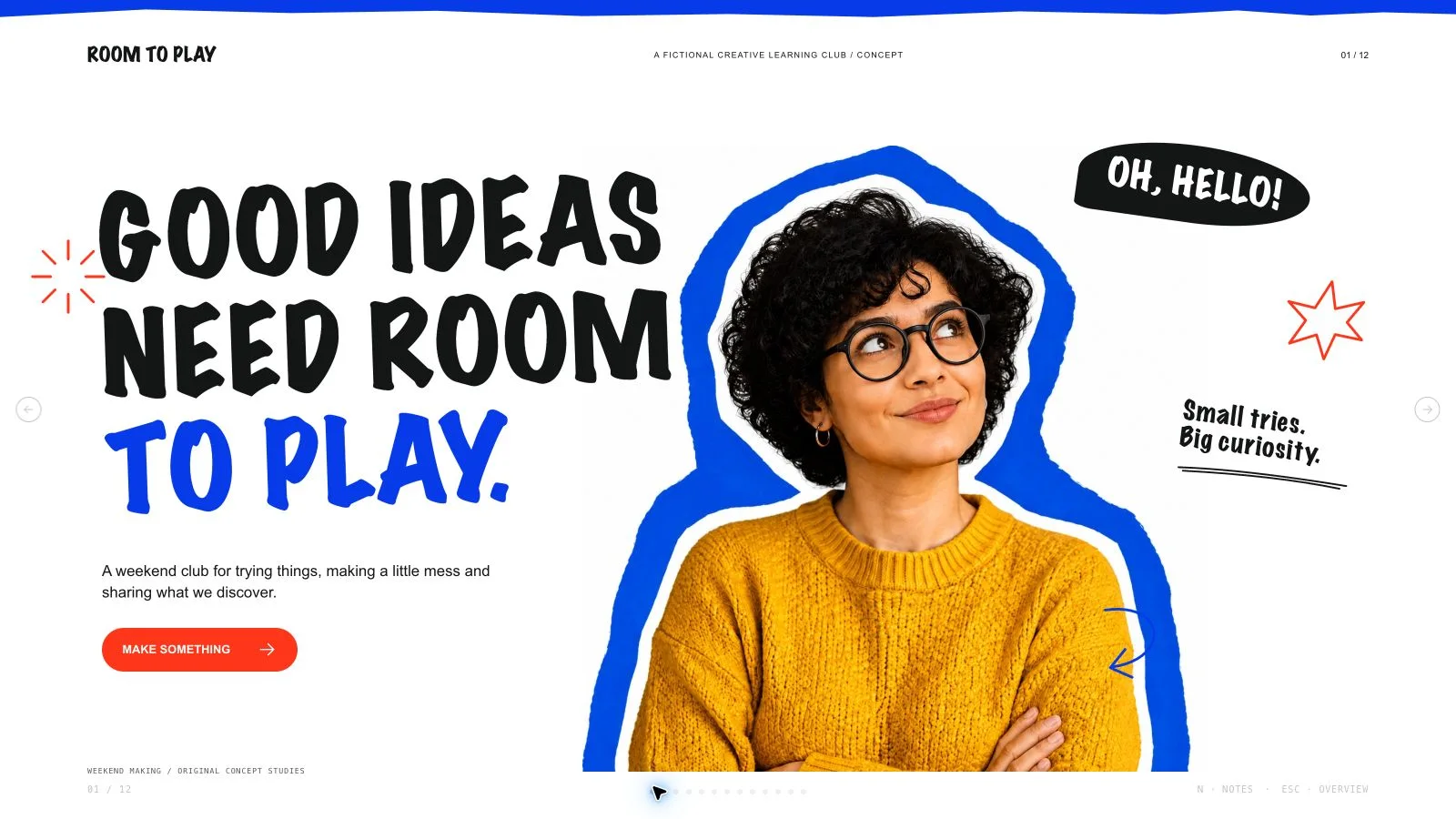
Mono Acid Deck

Make a workspace proposal readable as a set of choices: context, proposed solution, trade-offs, components and rollout. Mono Acid Deck pairs monumental neutral type with monochrome stone/glass/metal studies and acid-yellow cards. The fictional workspace story illustrates the visual system; it does not supply occupancy, productivity or implementation evidence for a real project.

What you get

  • Twelve optional compositions: cover above a black texture banner, four tall index cards, paired obsidian introduction, editorial summary/landscape, narrow sphere strip with stacked cards, ribbed sculpture/two cards, overlapping context cards, device frame/acid badge, material-led comparison, three component studies, four-phase rollout and fresh sculptural close. Select, combine, reorder or extend them for the exact agreed count.
  • A near-white #faf8f9 canvas, near-black #0b0b0c ink, gray #ebe9e9 rounded cards and acid-yellow #f1ff00 emphasis. Inter-style regular headings use tight tracking, compact editorial annotations and underlined oversized numerals. Asymmetric columns, black lower banners, small pills and editable eight-spoke asterisks balance the large material imagery.
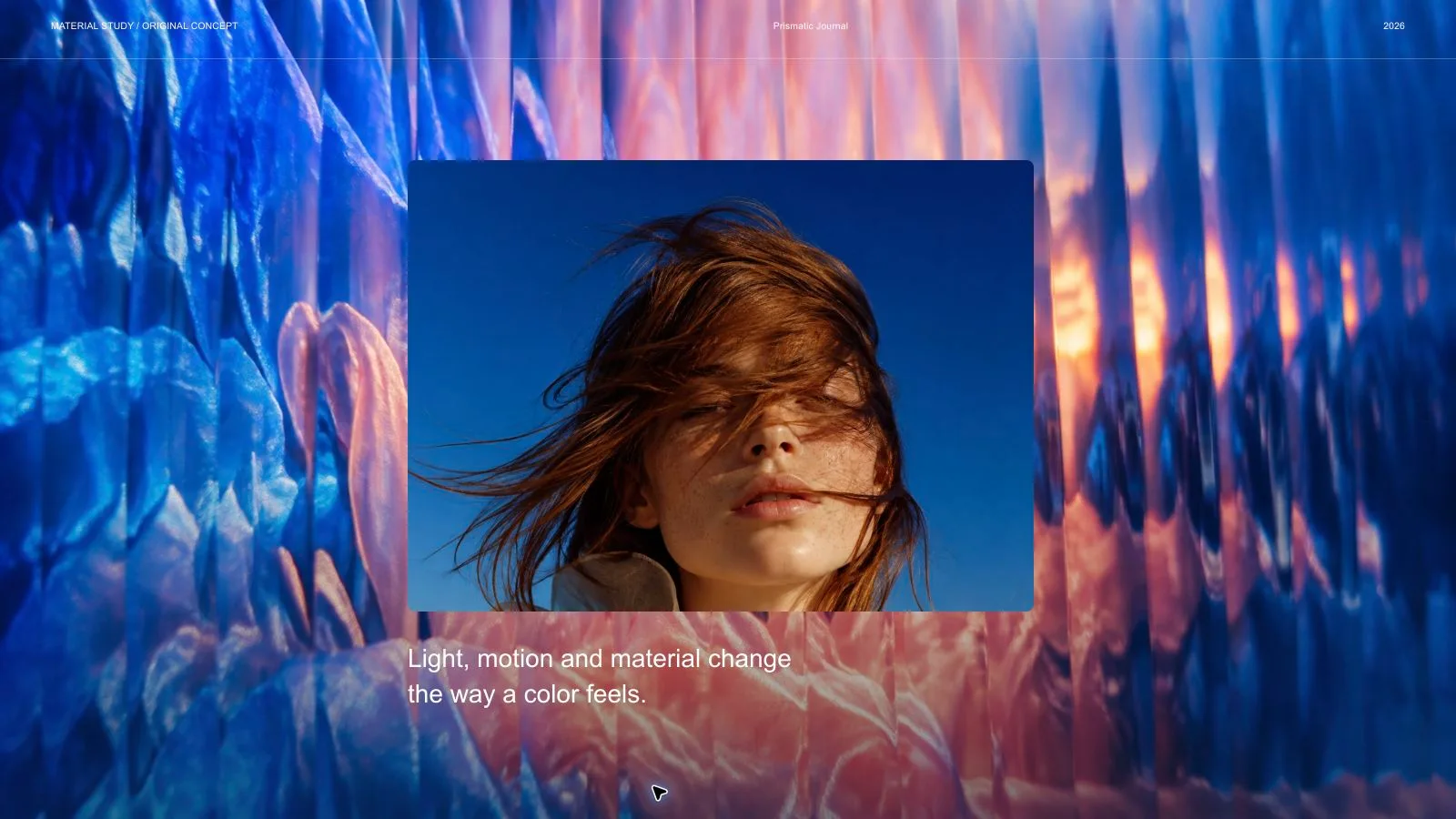
  • Sixteen local catalog artworks cover glossy black rock, glass/silver spheres, obsidian stacks, surreal landscapes, stone discs, liquid metal, brushed aluminum, folded sheets, glass cubes and floating slabs. They provide material-led illustration, not architectural drawings, real workspace photography or engineering proof. Use each pictorial source on one page only.
  • A generated self-contained 1280×720 HTML deck with viewing, navigation, overview/thumbnails, notes, editing, presentation mode and print styling. Text, numbers, frames and functional diagrams remain editable. The installation contains recipes, references, catalog and build/media helpers; its generic schema fixture is not the completed custom proposal.
  • Optional checked PPTX/PDF and separately requested full-page WebP previews. PPTX retains native text/notes and separate pictures, with backgrounds, SVG decoration and complex effects rendered. PDF printing yields one 16:9 page per slide. Inspect actual recipient fonts/crops/output rather than promising every layer as a native shape.

Before you choose

Read the proposal without its sculpture first. Can a decision-maker identify the need, options, chosen approach, assumptions and rollout evidence? Restore the material metaphors to establish rhythm, while keeping actual claims and numbers traceable to the brief rather than letting a polished surface imply a validated design.

Good fit

  • A team has a shared-workspace proposal with defined needs, options, constraints and next decisions.
  • A presenter wants a consistent visual language across summary, comparison, components and phased rollout.
  • A creator can supply a clear audience, message, accurate source material, language and desired length, then review full-size pages.
Not for

  • Copying source artwork, brand identities, recognizable people, logos or protected characters.
  • Automatic research, architectural/engineering validation or unsupported claims of workspace performance and adoption.
  • An all-native-shape PowerPoint deliverable; decorative/material/effect layers export as pictures.

How to use

You say/mono-acid-deck Create a twelve-page proposal for a fictional shared workspace with monochrome sculptures and acid-yellow modular layouts.
  1. Provide topic, audience, key points/source facts, language, exact slide count and relevant presentation duration. Count opening/closing within the total unless agreed otherwise; if unspecified, agree the length from the material and time. Keep the proposed scope, assumptions and actual observations distinct.

  2. Plan the argument from context and friction to alternatives, solution/components and rollout. Select/extend the twelve layouts without inventing four phases, three components or metrics to fill a recipe. Replace fictional wording/numbers and treat the tall device frame as a presentation element rather than a working product.

  3. Choose supplied images first, then suitable catalog reuse, generation for gaps or all-new artwork. Reuse is the fallback without a choice/tool. Log page, subject, ratio, placement, palette, prompt and saved result. Each pictorial source is used once; crops, rotations and recolors are not independent assets. Functional SVG primitives may repeat and no image quota applies.

  4. Use tactile monochrome material studies rather than generic flat geometric substitutes. Keep text/numbers outside the imagery and use kit slot ratios instead of ratios only mentioned in prompt examples. Generate through built-in tools or the FAL helper/FAL_KEY; FAL submissions cost separately and are made once then polled/fetched, without automatic paid replacement. Record missing or unsuitable frames as unresolved.

  5. Compose from recipes with approved text, alt descriptions, images, icons, labels and data, removing unused objects. Python 3 handles compose/build/static checks; optional media helpers use Node. Resolve unfilled-image and leftover-example reports, verify the exact count, preserve useful image resolution and inline all resources/fonts below 20 MB.

  6. Inspect every 1280×720 page over local HTTP for large-title fit, asymmetric spacing, card proportions, material texture/crops, image uniqueness, contrast and notes/page consistency. Check that visual metaphors and example numbers do not masquerade as evidence. Exercise text/block/order/layout/color changes, notes, undo/redo, Save/reopen and presentation mode; correct failures and inspect again.

  7. Deliver page-view HTML with Edit/E and Save (Cmd/Ctrl+S) instructions. Browser recovery is local; Save writes portable edits. Set interface/content languages independently with framework CJK/RTL support. Create/check/inspect requested previews/PPTX/PDF separately. Palette guidance is applied during generation, not an editor theme picker; embedded PPTX export replaces the retired mandatory Node/Chromium chain.

Requirements and costs

You bring
Presentation topic and audience · Key messages or source material · Desired slide count and language
Dependencies
A browser for presentation and verified print export · Node.js for local validation · A host image generation tool for fresh artwork · Chrome, Chromium or Edge plus Node.js 20 or newer — required only for PowerPoint export
Outside costs
Generating new artwork may incur a separate provider charge. The included original example can be viewed without image generation.
Publisher testing
v1.0.5 — Claude Code / Claude Desktop / Cowork / Codex / ChatGPT

FAQ

User reviews

—0 reviews

Select a star to share your experience.

No reviews yet. Ratings appear once readers share real experiences.

Similar Skills

View all skills