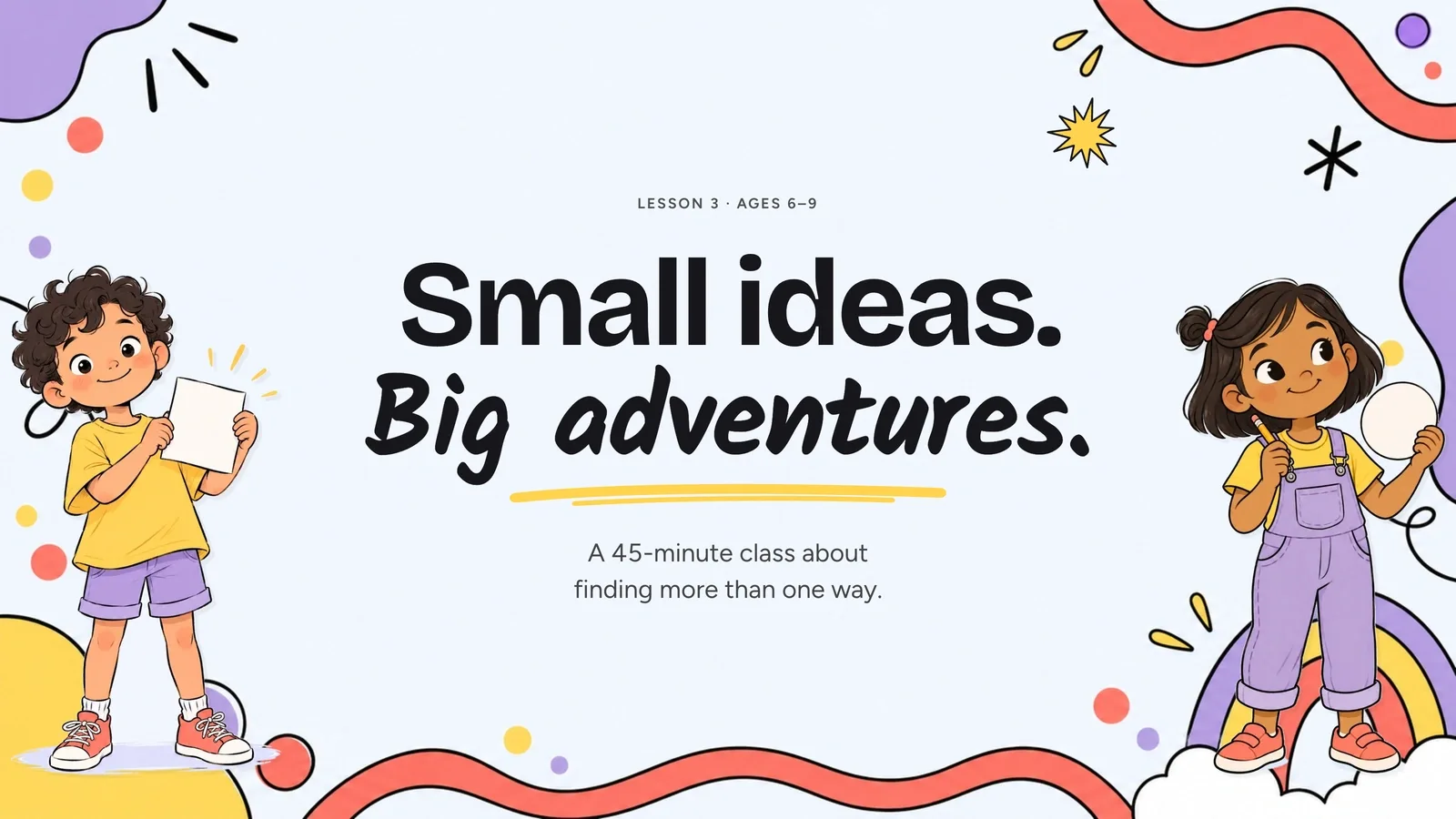
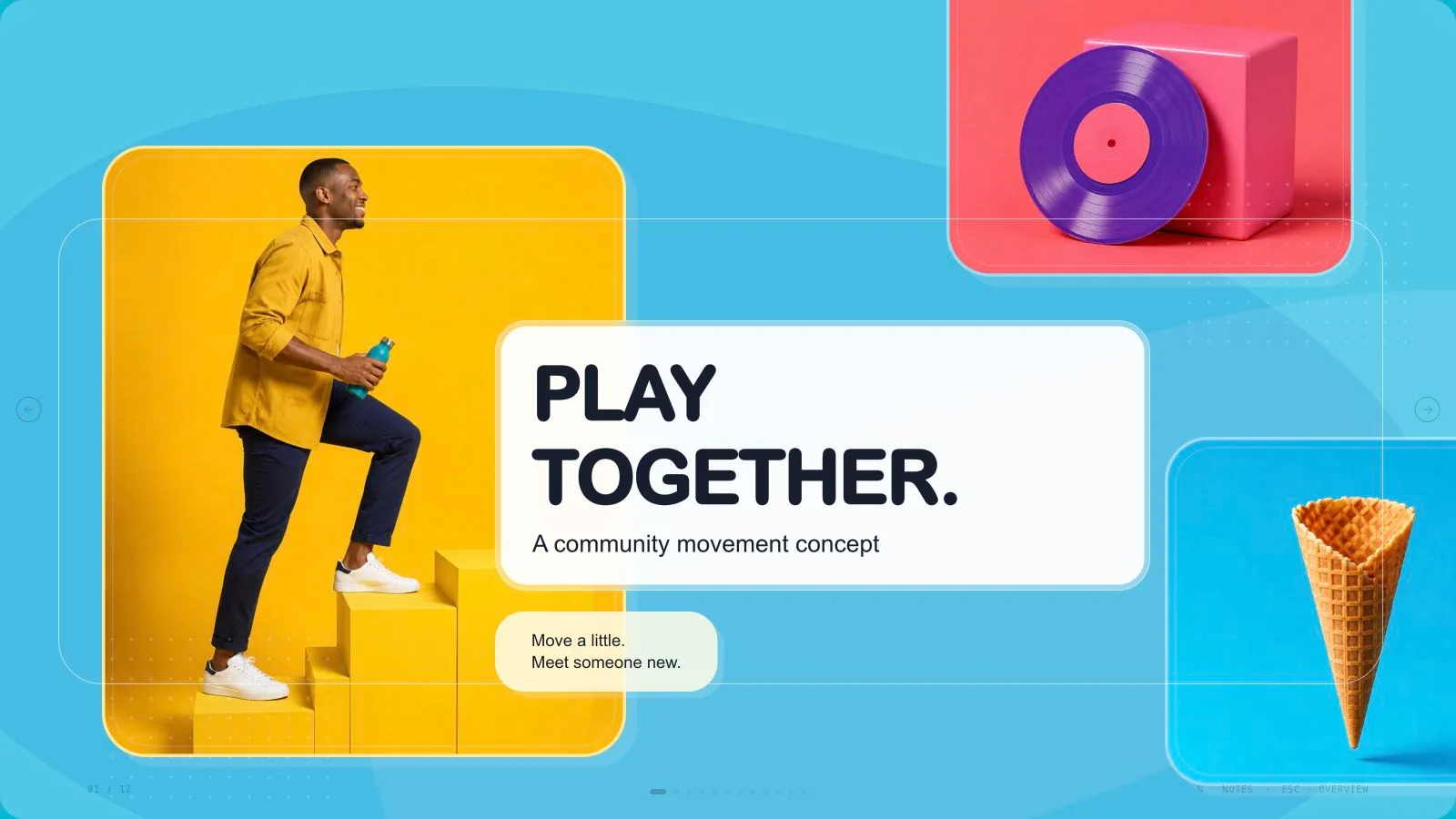
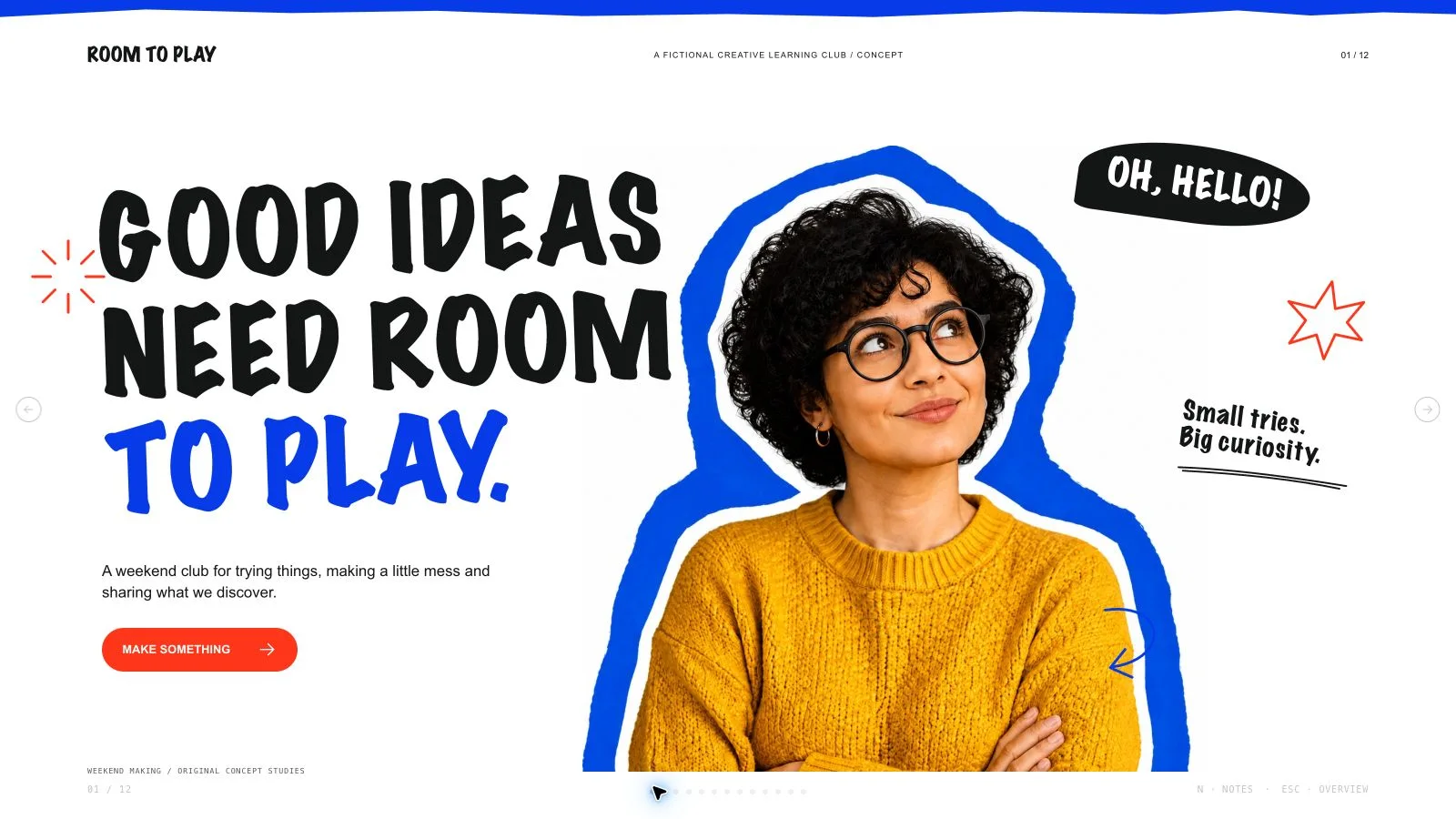
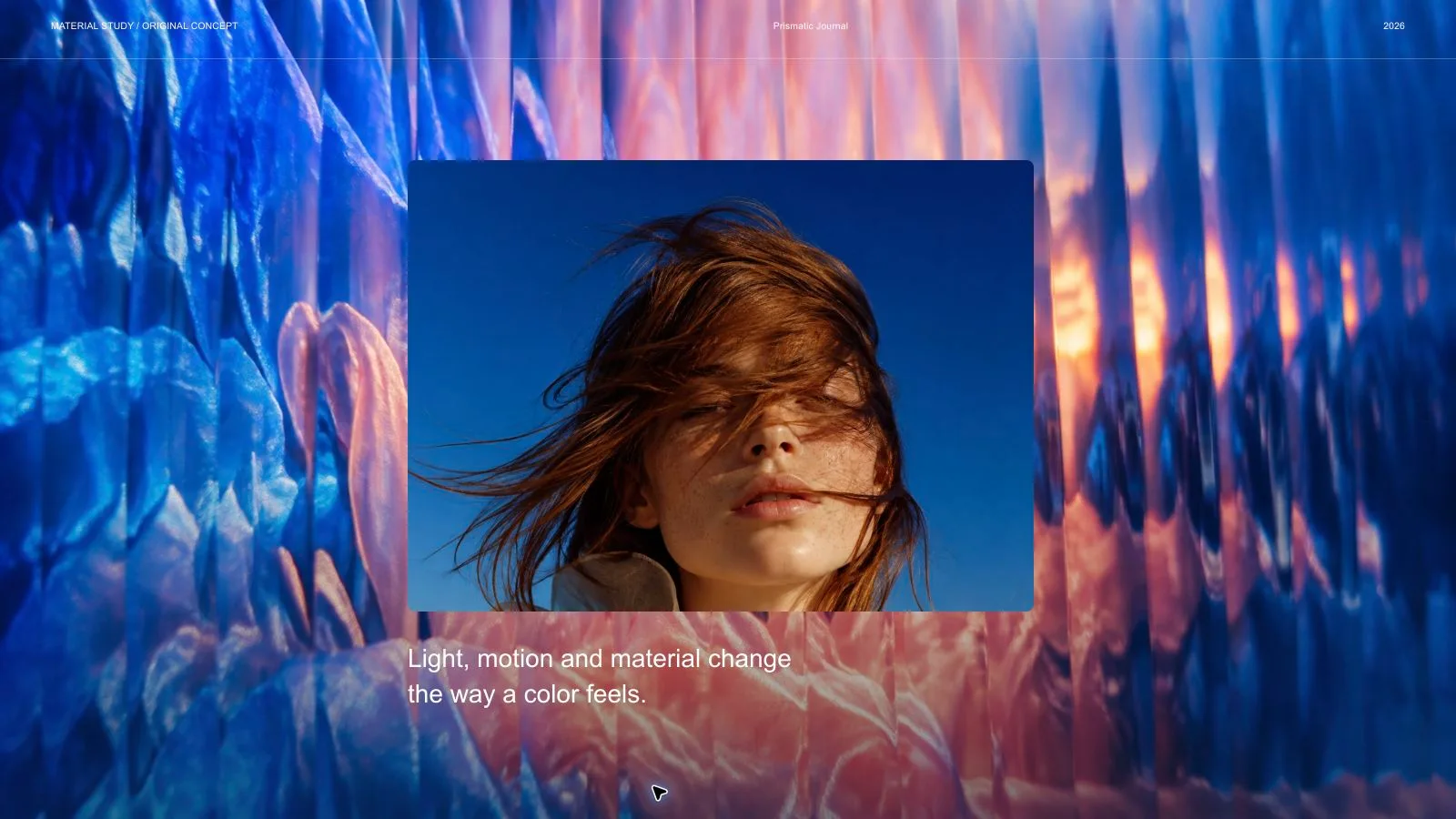
Present a storytelling studio or project through listening, services, selected work and the way people collaborate. Pastel Cutout Deck combines huge condensed headings with tilted portraits, floating labels, paper stickers and pastel fields anchored by burgundy panels. Its fictional studio and portfolio imagery are visual examples, not evidence of real clients, commissioned work or business results.
What you get
Twelve adaptable roles: oversized portrait opening, listening page, four-service panel, portrait/cutout story, packaging portfolio, food-editorial portfolio, origin story, tab-and-number panel, communication statement, workflow panel, three-image editorial spread and closing invitation. Choose, reorder, combine or extend layouts to the requested length rather than following a fixed studio story.
An embedded ultra-condensed heavy display face with compact plain sans-serif copy. Dusty pink, pale blue, soft pink, cream yellow and lavender fields contrast with burgundy and black. Rounded white card islands, split-color backgrounds, white-bordered tilted portraits, outline circles, overlapping labels and serrated paper stamps create the cutout language. Preserve the display font’s technical license notice.
Eighteen local catalog assets include fictional studio portraits, collaboration scenes, packaging/food pictures, notebook/wireframe scenes and transparent paper flowers/ribbons/shapes. Packaging and food images have subject restrictions. Use each portrait or sticker once, preserve the paper edge/alpha when available and keep meaningful words and icons editable outside the pictures.
A generated standalone 1280×720 HTML presentation with page navigation, overview/thumbnails, notes, editing, presentation mode and print styling. The installation provides recipes, references, catalog and build/media tools, while the small generic schema fixture is not a completed storytelling case. This is a landscape deck, not the long scrolling website referenced by its design vocabulary.
Optional verified PPTX and PDF, with full-page WebP previews created separately when requested. PPTX keeps native text/notes and separate pictures; backgrounds, SVG decoration and complex effects become rendered layers. PDF printing gives one 16:9 page per slide. Check actual exports/fonts rather than promising every sticker or decoration as a native shape.
Before you choose
Treat the portfolio captions as evidence-bearing copy. State what the studio actually did, what the picture illustrates and which parts are only a proposal. Keep the approachable collage rhythm, while ensuring a tilted portrait, attractive package or confident headline cannot quietly create a client relationship or authorship claim.
Good fit
A storytelling studio or local project has approved services, process, origin and work samples to explain.
A team wants a consistent sequence across introduction, selected work, workflow and invitation pages.
A creator can provide an audience, message, evidence, language and desired length and review imagery and layout at presentation size.
Not for
Reproducing source identities, photos, logos, protected characters or another studio’s presentation exactly.
Automatic research or invented interviews, real-client relationships, portfolio authorship and unsupported business metrics.
A fully native PowerPoint object deliverable, a deployed portfolio website or a claim that fictional catalog pictures document your work.
How to use
You say/pastel-cutout-deck Create a twelve-page local storytelling studio deck with pastel cutouts, playful photo collages and original illustrations.
Provide topic, audience, key messages/source facts, language and exact slide count, counting opening/closing unless agreed otherwise. Agree length from material and duration if unspecified. Separate actual studio/project facts, proposed services and fictional examples before selecting portfolio imagery.
Plan a narrative from listening and origin through services, selected work, collaboration and invitation. Select/extend the twelve layouts without inventing four services or three projects to fill cards. Translate the design’s long-page vocabulary into discrete 16:9 pages and replace every fictional name, claim, number and attribution.
Choose supplied images first, then relevant catalog reuse, generation for gaps or all-new assets; reuse is the fallback without a choice/tool. Keep a ledger with page, subject, ratio, placement, palette, prompt and saved result. Use each pictorial source once, including stickers; crop/rotation/recolor is not independent artwork. Functional SVG icons may repeat, and no image quota applies.
Check packaging/food subject restrictions and avoid presenting a fictional portrait or package as your client work. Preserve transparent sticker edges and keep labels outside artwork. Generate at kit slot ratios through built-in tools or the FAL helper/FAL_KEY. FAL submissions cost separately and are made once then polled/fetched, without automatic failed-task replacement. Disclose missing or unsuitable frames.
Compose from recipes with approved text, alt descriptions, images, icons and data, removing unused nodes. Python 3 handles compose/build/static checks; optional media helpers use Node. Resolve unfilled-image and leftover-example reports, verify the count and inline fonts/resources under 20 MB. Preserve useful image resolution and font license references.
Inspect every 1280×720 page over local HTTP for condensed-title fit, pastel/burgundy contrast, rotated-photo crops, label collisions, sticker alpha/edges, image uniqueness, bounds, spacing and notes/page consistency. Check portfolio captions and authorship against supplied evidence. Exercise text/block/order/layout/color edits, notes, undo/redo, Save/reopen and presentation mode, then fix and inspect failures.
Deliver page-view HTML with Edit/E and Save (Cmd/Ctrl+S) instructions. Browser recovery is local; Save writes portable edits. Set interface/content languages independently with framework CJK/RTL support. Create/check/inspect requested previews/PPTX/PDF separately, including recipient font wrapping and rendered effects. Palette guidance is applied during generation, not through an editor theme chooser; embedded PPTX export replaces the retired mandatory Node/Chromium export chain.
Requirements and costs
You bring
Presentation topic and audience · Key messages or source material · Desired slide count and language
Dependencies
A browser for presentation and verified print export · Node.js for local validation · A host image generation tool for fresh artwork · Chrome, Chromium or Edge plus Node.js 20 or newer — required only for PowerPoint export
Outside costs
Generating new artwork may incur a separate provider charge. The included original example can be viewed without image generation.
Publisher testing
v1.0.5 — Claude Code / Claude Desktop / Cowork / Codex / ChatGPT
FAQ
Yes. Preserve the condensed type, pastel/burgundy fields and cut-paper language while selecting or extending compositions for the exact agreed count. Agree a count from material and duration if needed. Twelve recipes are options rather than a default or limit; the fictional studio provides no ready-made evidence for your portfolio.
Only for slots not covered by suitable supplied images or the eighteen local catalog assets. Check packaging/food relevance, use each pictorial source once and preserve transparent sticker edges. No fixed artwork quota applies. Optional generation may incur provider/host costs; unresolved frames can be reviewed but are not completed assets.
Enter Edit for text, pictures, order, colors, layouts and notes, then Save. The shared editor has no per-style theme picker. Current embedded PPTX export replaces the retired mandatory Node/Chromium chain; Python builds/checks the source and optional media helpers use Node. Text/notes and pictures remain separate, decorative layers are rendered and recipient fonts/wrapping require inspection. Check requested PDF and WebP previews separately.
User reviews
—0 reviews
Select a star to share your experience.
No reviews yet. Ratings appear once readers share real experiences.