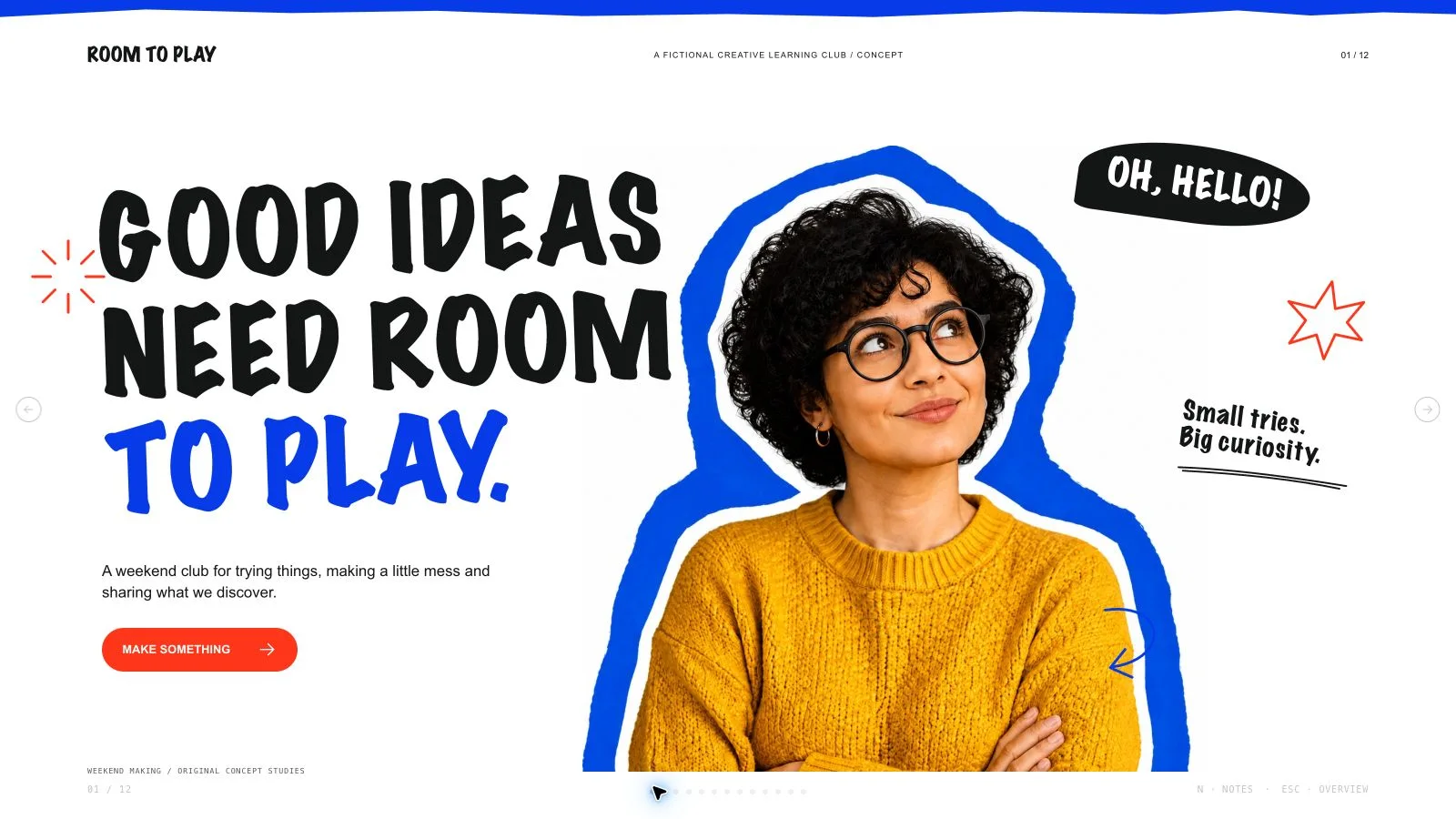
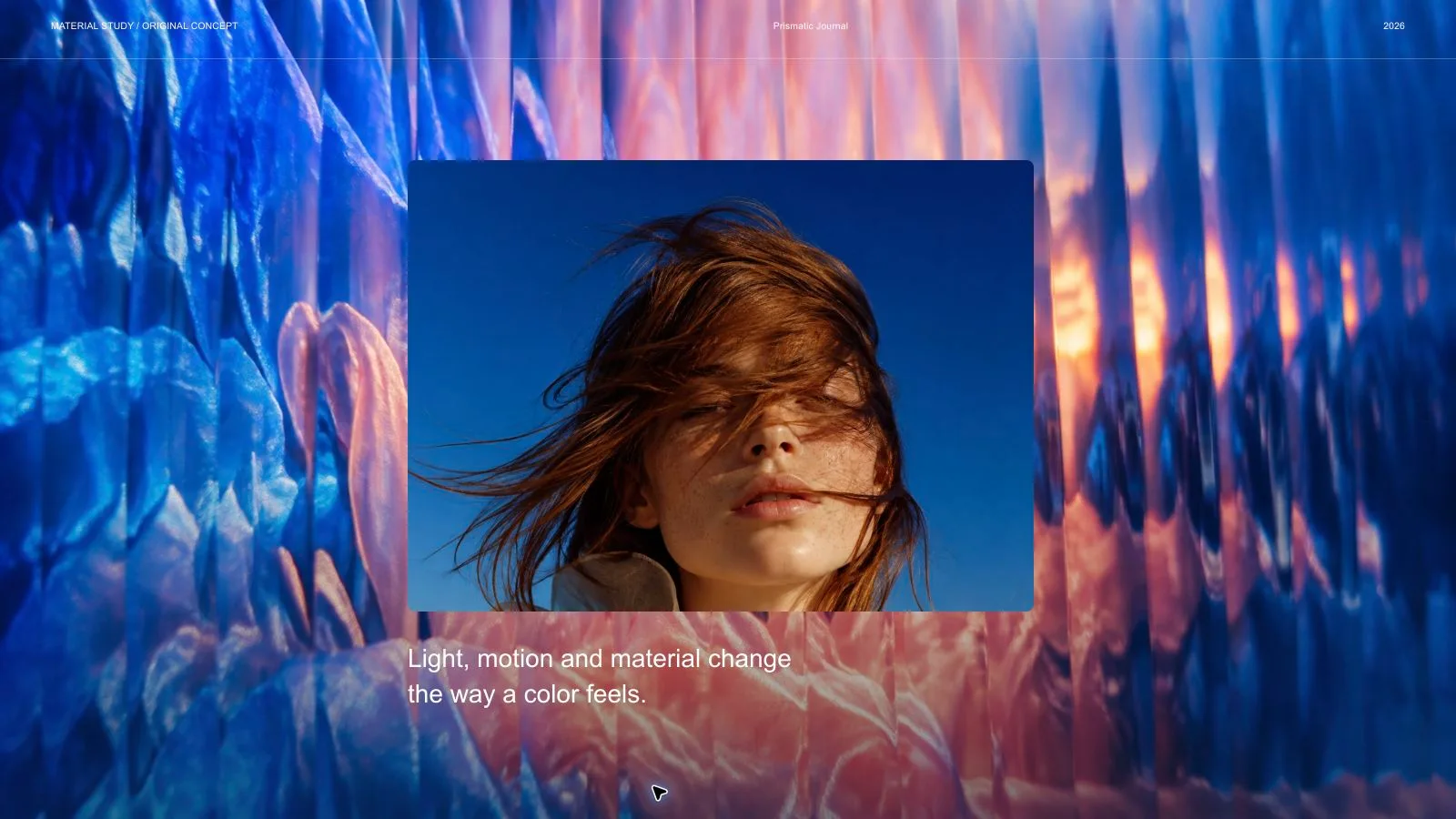
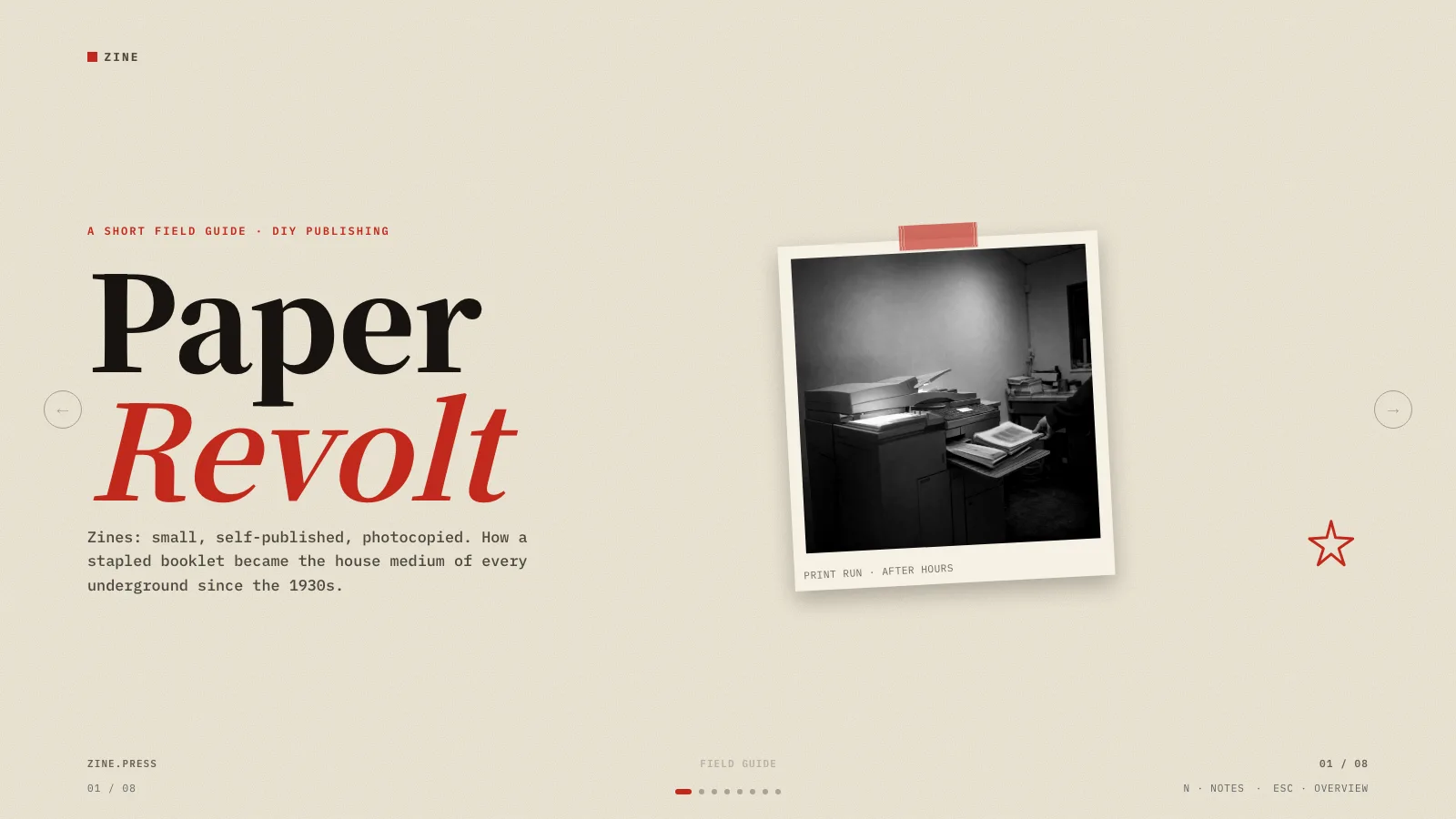
Neon Makers Deck

Explain a prototyping workshop through the question it explores, the materials people use and what they learn from the next version. Neon Makers Deck pairs retro workbench photography with condensed headlines, thick white frames and purple/lime/orange panels. Its toolkit, durations, counts and role portraits are fictional examples; the actual activities and evidence come from your brief.

What you get

  • Twelve adaptable roles: framed retro cover, notched-photo introduction, three-icon toolkit, typographic manifesto, asymmetric counts, three-row material table, sculptural-lamp statement, rising-block agenda, three-role portraits, three prototype stages, two-photo review with prompts and fresh framed close. Select, reorder, combine or extend these to the requested count.
  • A gray #eaeaea outer canvas with rounded white plates and thick inset photo frames, Anton-style uppercase condensed headings and Inter-style supporting text. Electric purple #6020e5, orange #ff4a00 and lime #c0ed00 structure the toolkit, statement, tilted label, corner badge and asymmetric number tiles. Text, counts, icons and chart-like blocks remain editable.
  • Sixteen catalog images cover retro tools, cardboard/foam/clay materials, a sculptural lamp, fictional role portraits, speaker prototypes, controller testing and review notes. Several are specific to prototyping or product design. Illustrative products are not functioning hardware, and depicted testing is not evidence of actual user research.
  • A generated offline 1280×720 HTML presentation with page navigation, overview/thumbnails, speaker notes, editing, presentation mode and print styling. The installation supplies recipes, references, catalog and build/media tools; the generic schema fixture is not a finished workshop case. Full-page WebP previews are separate requested outputs, not already completed deliverables.
  • Optional checked PPTX and PDF. Text/notes export natively and pictures separately; backgrounds, SVG decoration and complex effects become rendered layers. PDF printing gives one 16:9 page per slide. Inspect recipient fonts and actual exports instead of promising every chart-like block or decoration as a native PowerPoint shape.

Before you choose

Keep the prototype question visible throughout the story. Explain what a material or version is meant to reveal, who reviews it and what observation would change the next version. A polished speaker model, testing photograph or large workshop count is still illustrative until project evidence supports it.

Good fit

  • A facilitator has a hands-on workshop question, materials/toolkit and an intended prototype or decision to discuss.
  • A team needs coherent pages for preparation, roles, stages, agenda and what to retain from a review.
  • A creator can provide accurate source facts, a message, audience, language and desired length, then inspect the pages at presentation size.
Not for

  • Reproducing source identities, faces, logos, copied artwork, protected characters or reference slide designs.
  • Automatic research or verification of prototype performance, workshop outcomes, real employees or customer claims.
  • A working hardware prototype, a test-data collection tool or an all-native-shape PowerPoint requirement.

How to use

You say/neon-makers-deck Create a twelve-page practical prototyping workshop deck with vivid retro workbench photographs and thick white frames.
  1. Provide topic, audience, key points/source facts, language, exact slide count and relevant duration. Include opening/closing in that total unless agreed otherwise. If no count is chosen, agree a page plan from the material and time. Separate the proposed workshop, planned duration/counts and observed findings.

  2. Plan a distinct job per page: question, toolkit, material choice, first experiment, agenda, role, prototype stage or review. Select/extend the twelve layouts without inventing three materials, roles or stages to fill a recipe. Replace all fictional copy and numbers; chart-like agenda blocks do not become measured outcomes because they are drawn at scale.

  3. Choose supplied pictures first, then relevant catalog reuse, generation for gaps or all-new artwork. Reuse is the fallback without a choice/tool. Log page, subject, ratio, placement, palette, prompt and saved result. Each pictorial source appears on one page only; altered crops, rotations or colors do not count as independent artwork. Functional SVG icons may repeat, with no fixed image quota.

  4. Check catalog restrictions for product/model making, prototypes, electronics and testing. Keep fictional role portraits distinct from actual staff and reference products from delivered hardware. Use kit slot ratios and tactile photographic briefs for new art through built-in generation or the FAL helper/FAL_KEY. FAL tasks cost separately, are submitted once then polled/fetched and are not automatically replaced after failure. Disclose unresolved frames.

  5. Compose from recipes with new text, alt descriptions, pictures, icons, labels and data by node ID; remove unused objects. Python 3 handles compose/build/static checks; optional media helpers use Node. Resolve unfilled-image and leftover-example reports, verify the count, inline fonts/resources and retain useful resolution below 20 MB.

  6. Inspect every 1280×720 page over local HTTP for condensed-title fit, frame proportions, tilted labels, photo/material detail, unique artwork, contrast, bounds, number accuracy and notes/page consistency. Test text/block/order/layout/color edits, notes, undo/redo, Save/reopen and presentation mode. Correct visual or content problems and inspect again; static checks do not verify workshop effectiveness.

  7. Deliver page-view HTML with Edit/E and Save (Cmd/Ctrl+S) instructions: browser recovery is local, while Save writes portable edits. Set interface/content languages independently with framework CJK/RTL support. Create/check/inspect requested WebP previews, PPTX or PDF separately. Palette guidance is applied during generation, not an editor theme chooser; embedded PPTX export replaces the retired mandatory Node/Chromium export chain.

Requirements and costs

You bring
Presentation topic and audience · Key messages or source material · Desired slide count and language
Dependencies
A browser for presentation and verified print export · Node.js for local validation · A host image generation tool for fresh artwork · Chrome, Chromium or Edge plus Node.js 20 or newer — required only for PowerPoint export
Outside costs
Generating new artwork may incur a separate provider charge. The included original example can be viewed without image generation.
Publisher testing
v1.0.5 — Claude Code / Claude Desktop / Cowork / Codex / ChatGPT

FAQ

User reviews

—0 reviews

Select a star to share your experience.

No reviews yet. Ratings appear once readers share real experiences.

Similar Skills

View all skills